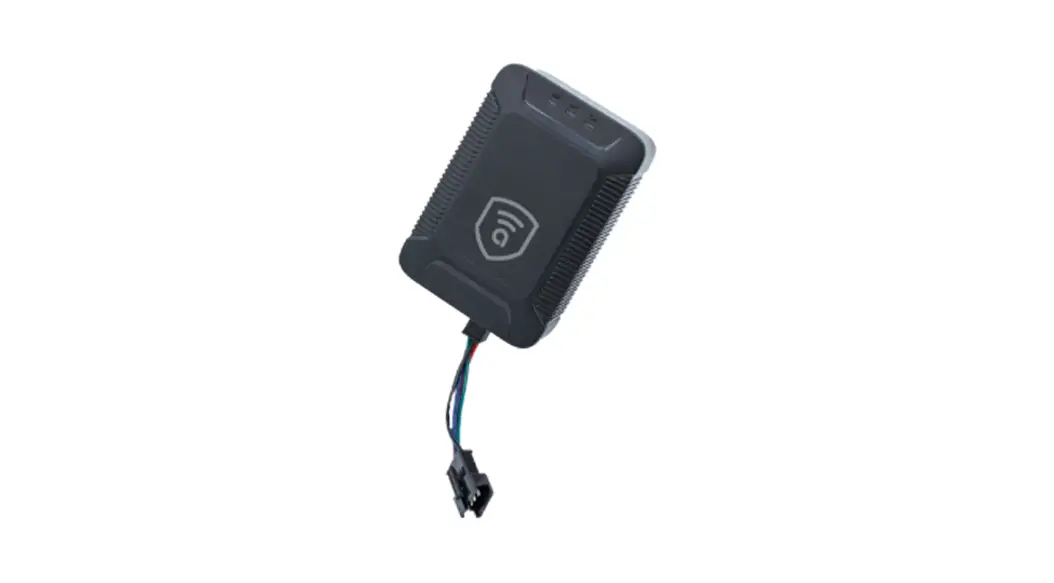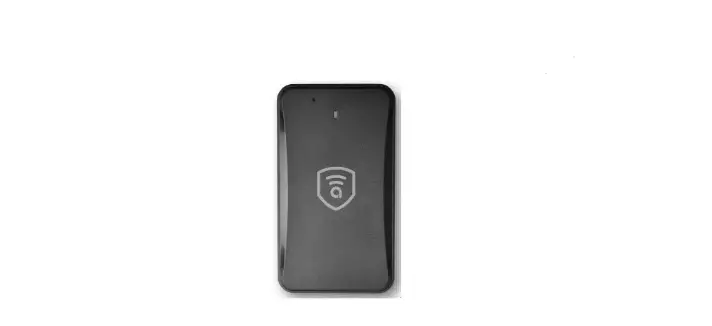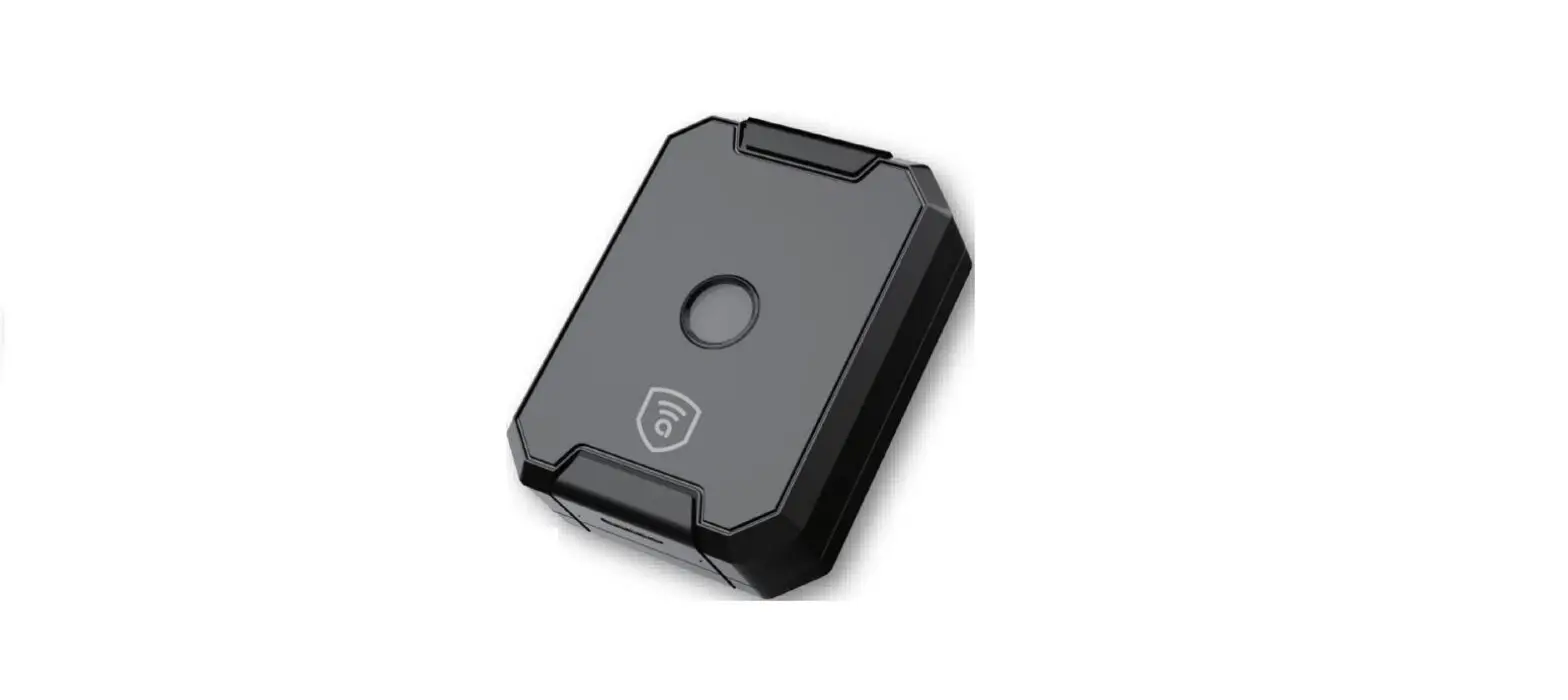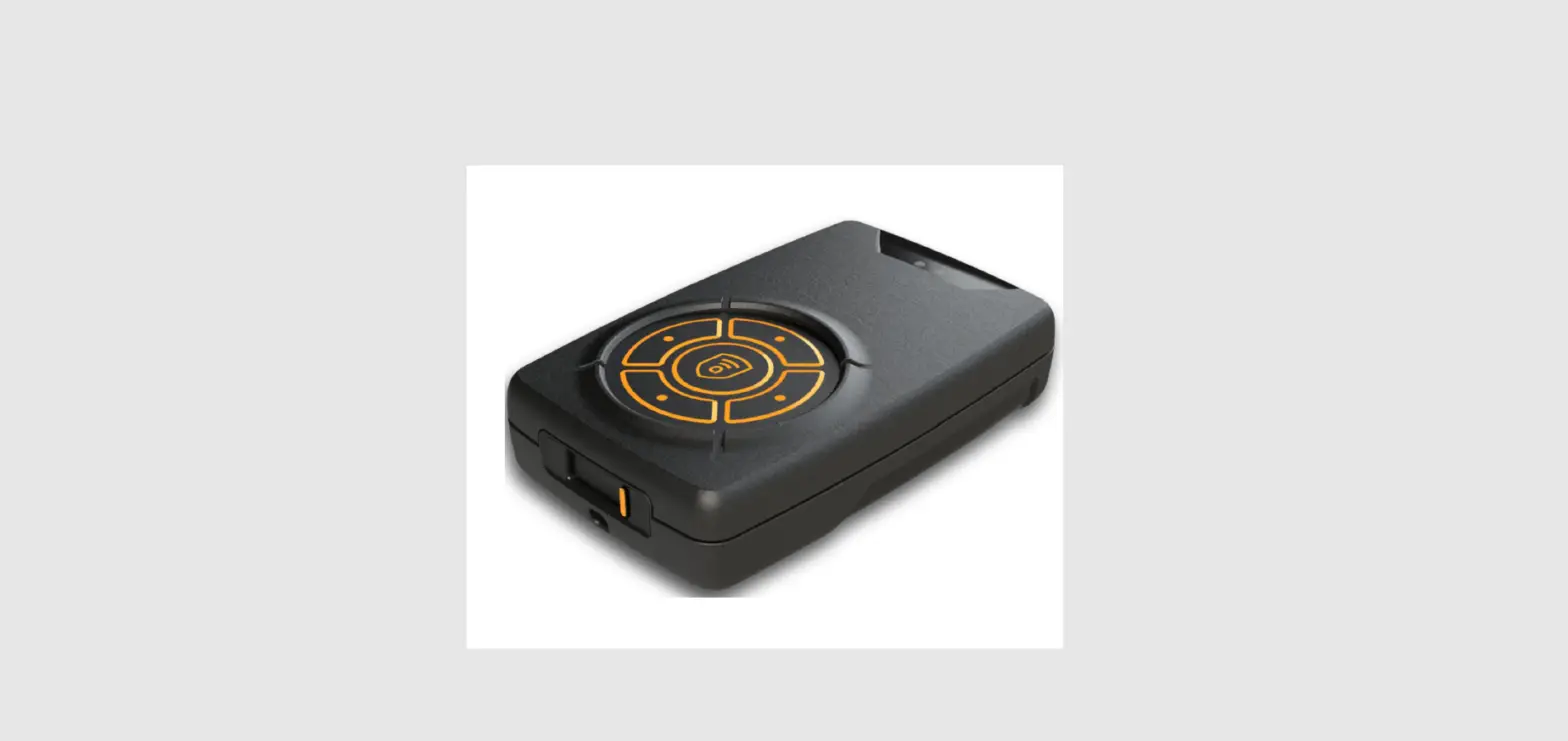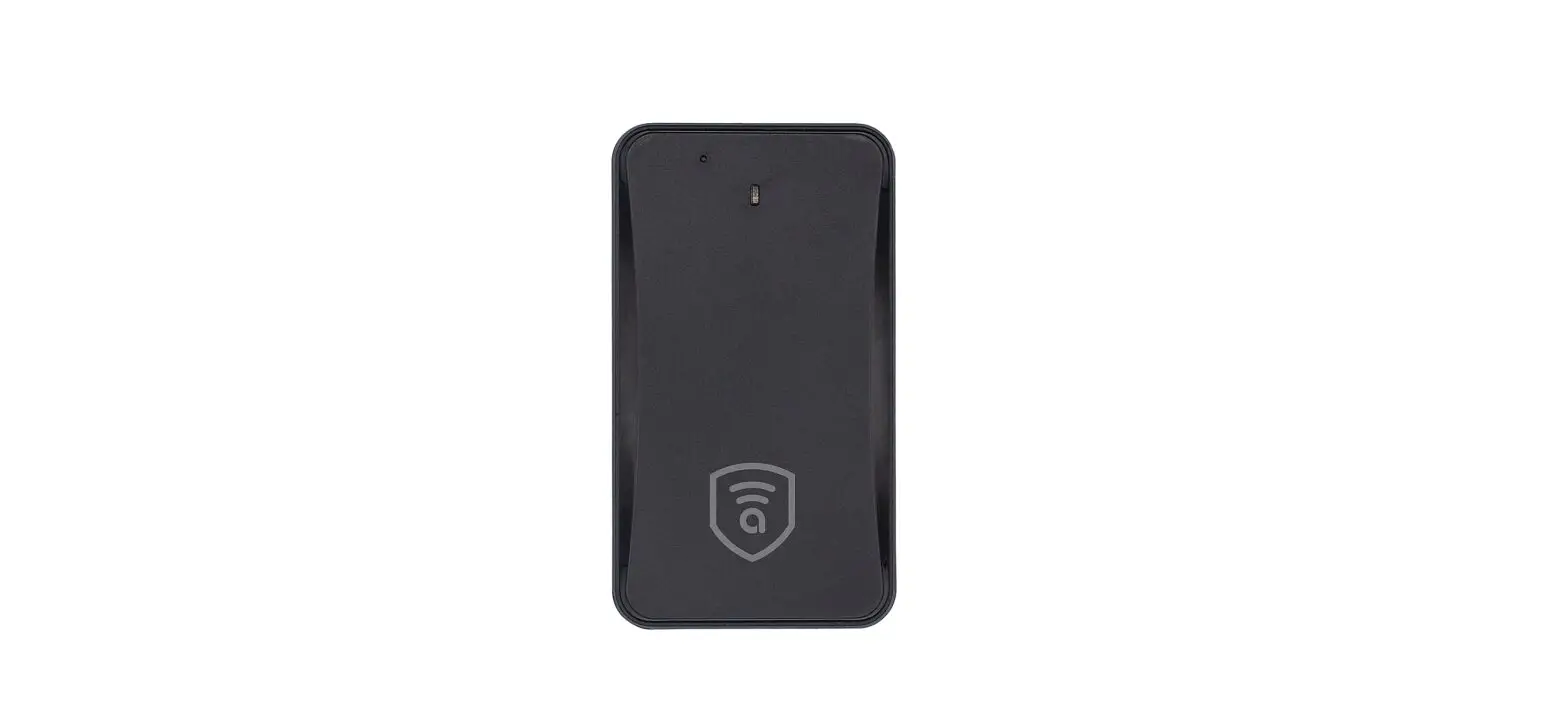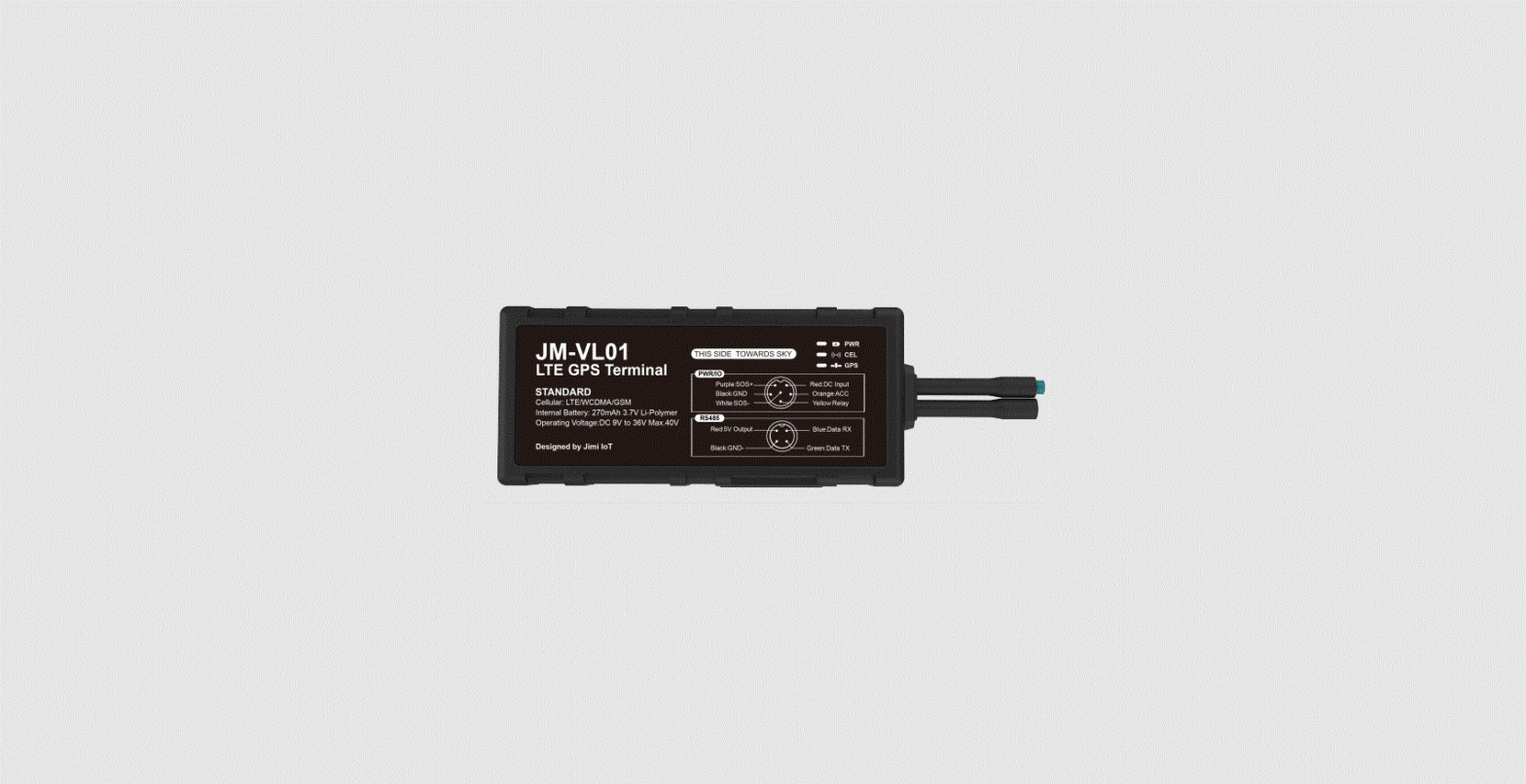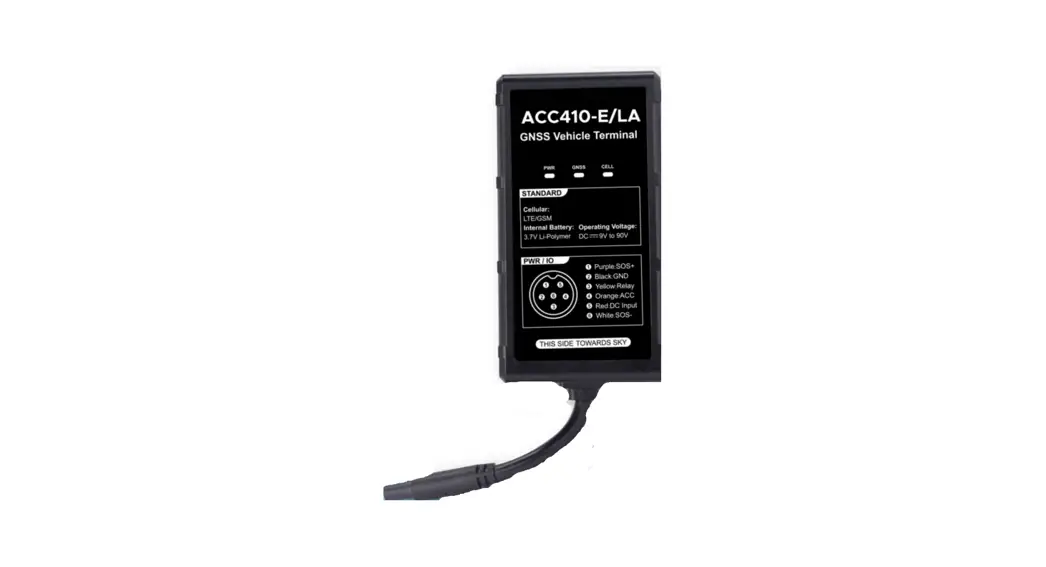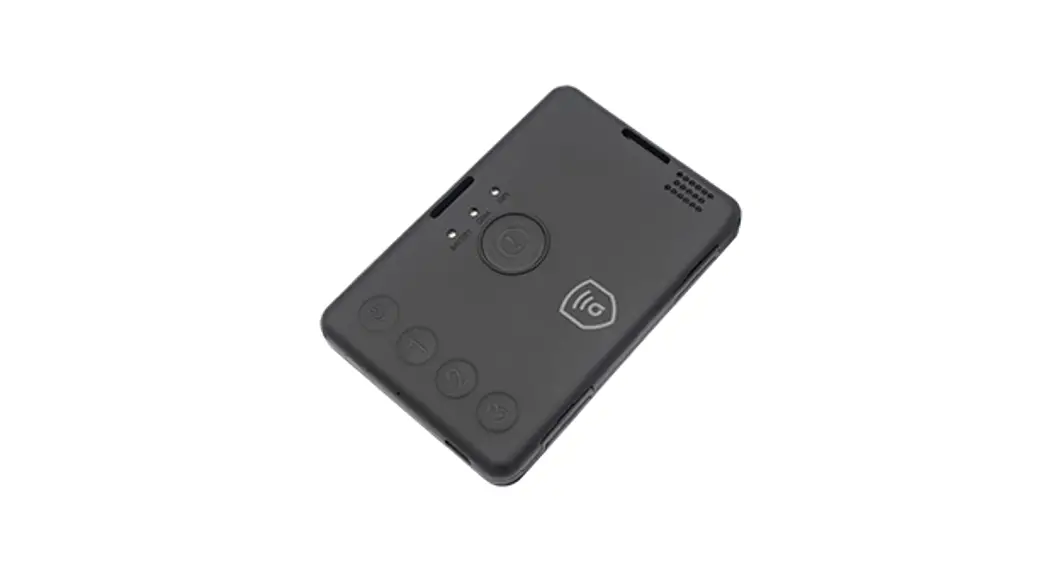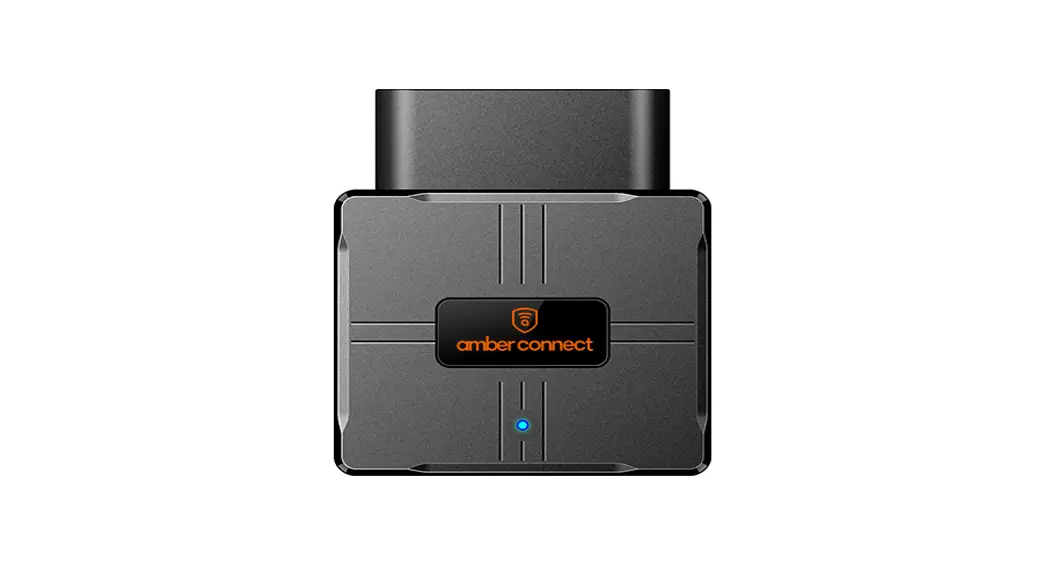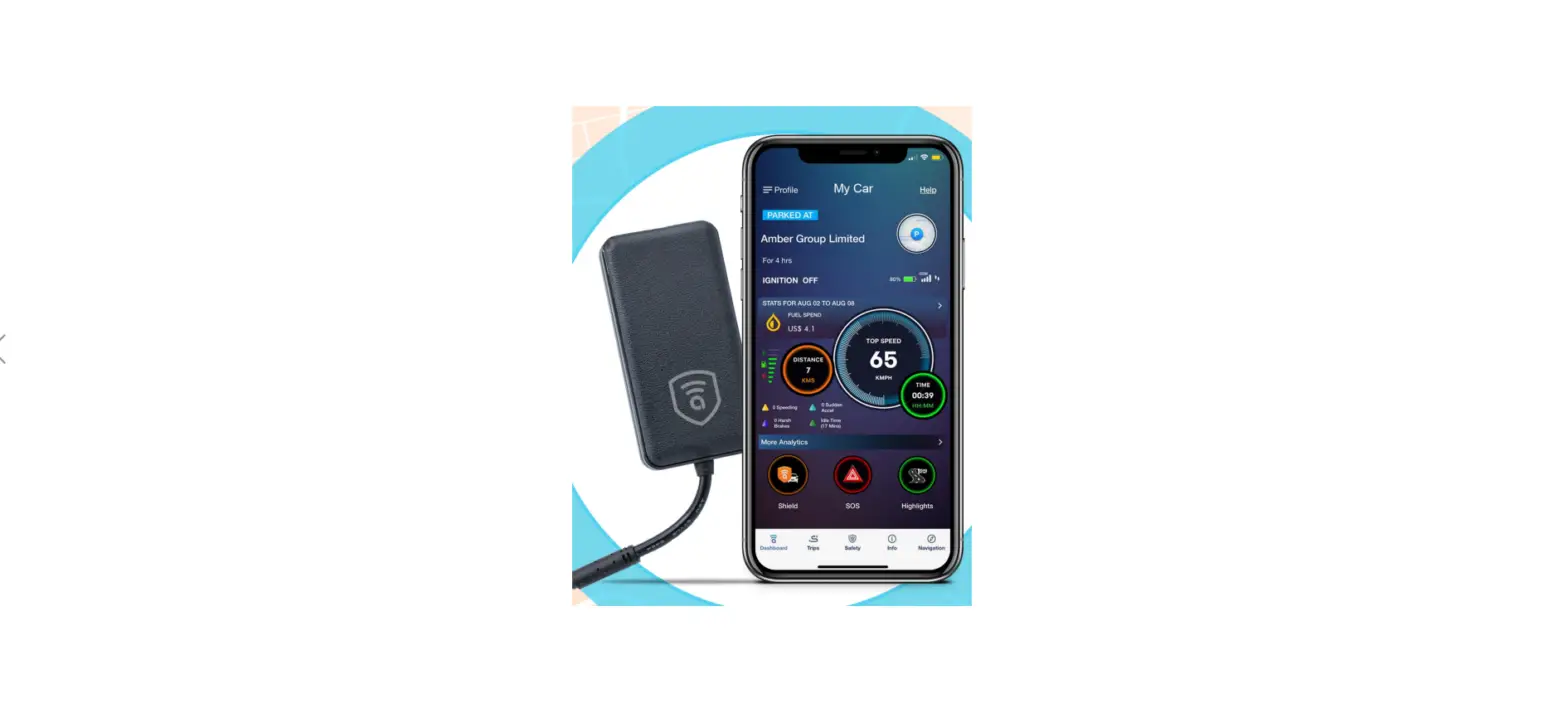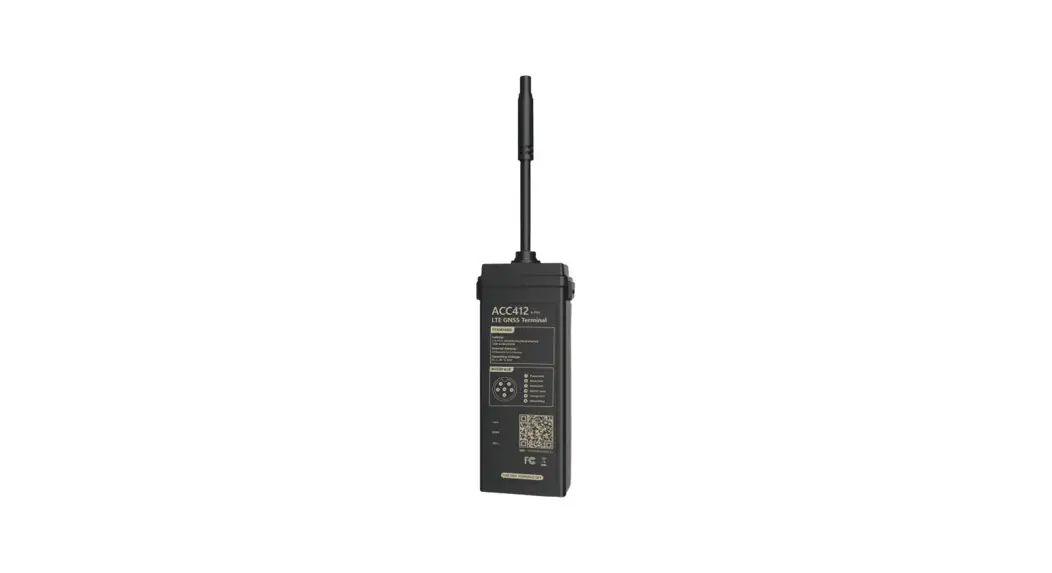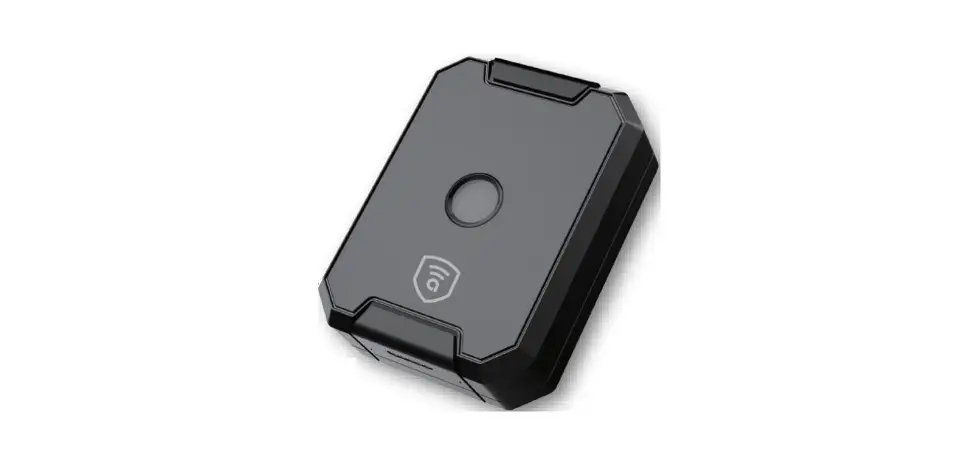

amber connect ANC200 Instant C200 Cigarette Lighter GNSS Tracker
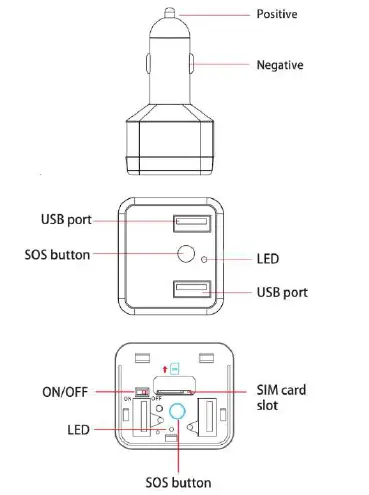
Overview
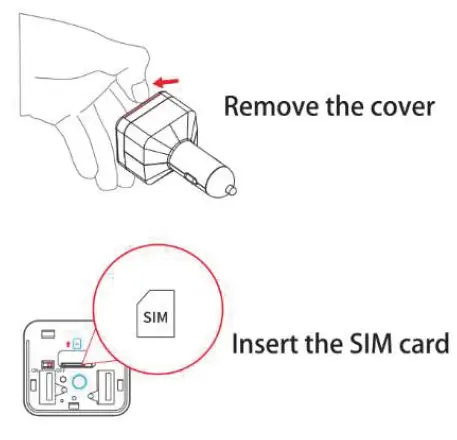
Inserting the SIM card
- Nano SIM card
- The SIM card should have access to SMS and GPRS (2G) service.
Carefully assemble the cover as shown in the following pictures: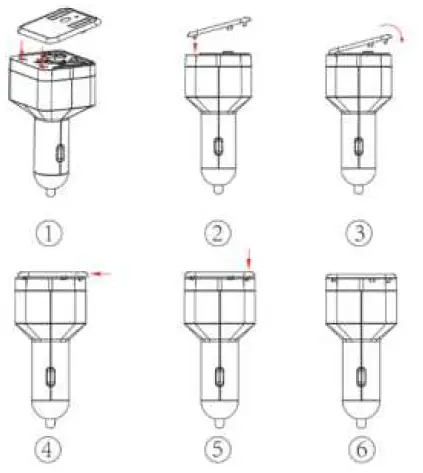
Power On
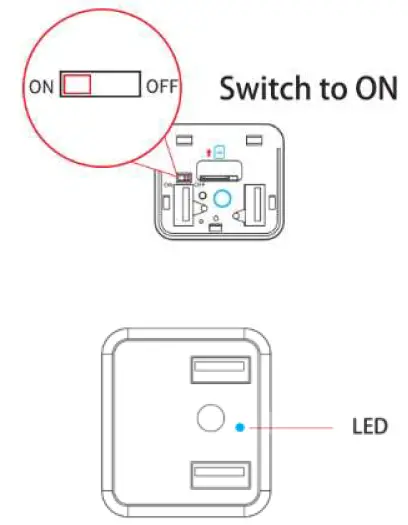
- LED stays ON after inserting the SIM card, and the switch is in the ON position.
- If the SIM card is successfully read, the LED will flicker four times before going off.
- If the SIM card reading fails, the LED will be OFF in 3 minutes.
Power Off
- Plug out the charger and turn the switch to the OFF position to power off the device.
- If the device is plugged out unexpectedly, the alarm will be triggered, and a message will be sent.
SOS Call
Press the SOS button for more than 3 seconds to activate the SOS alarm. The device will send the location information message to the SOS number and platform.
Geo-fence
You can set a maximum of 5 geo-fence areas (in B2C). When the device enters or leaves a geofence area, a text message will be sent to the designated SOS numbers.
Technical specifications
- Battery: 3.7V/130mAh lithium-polymer battery
- Network Type: GSM
- Frequency: GSM 850/900/1800 / 1900MHz
- 5V USB charging port
- Working voltage: 9-15VDC
- Working temperature: -20° ~ 60°
- Humidity range: 5% – 95%non-condensing
- Dimensions: 84.0*44.0*38.0mm
- Weight: 102.8G