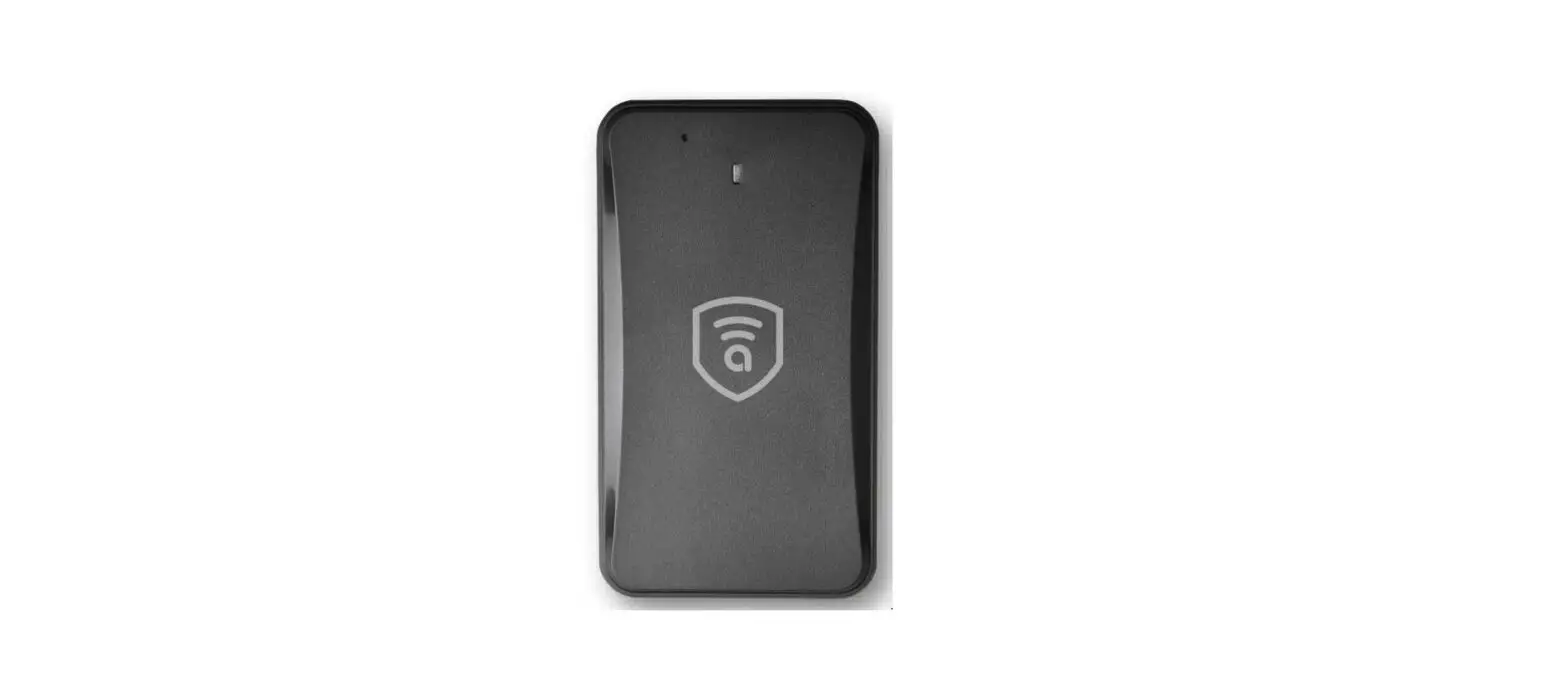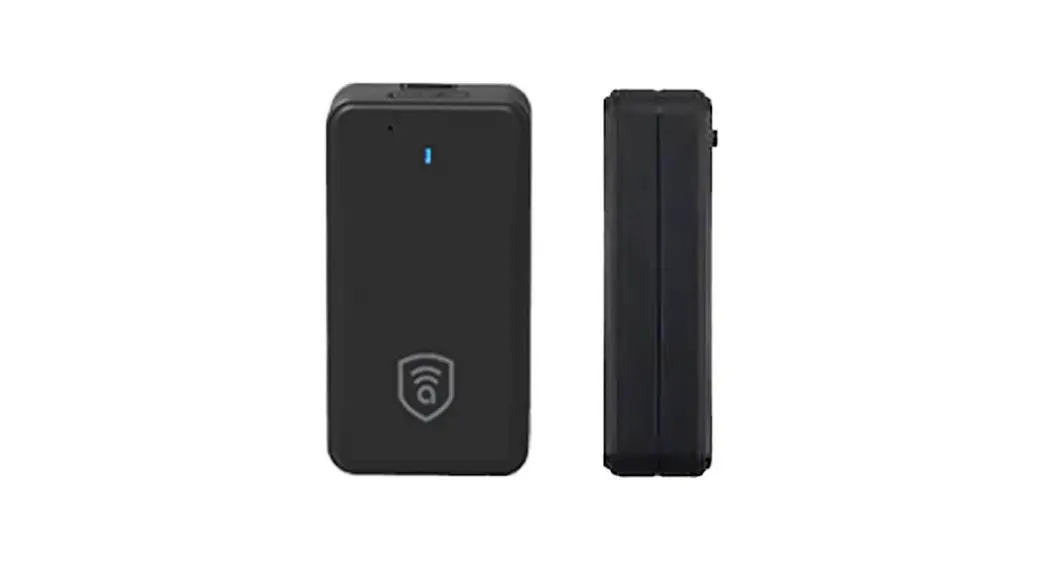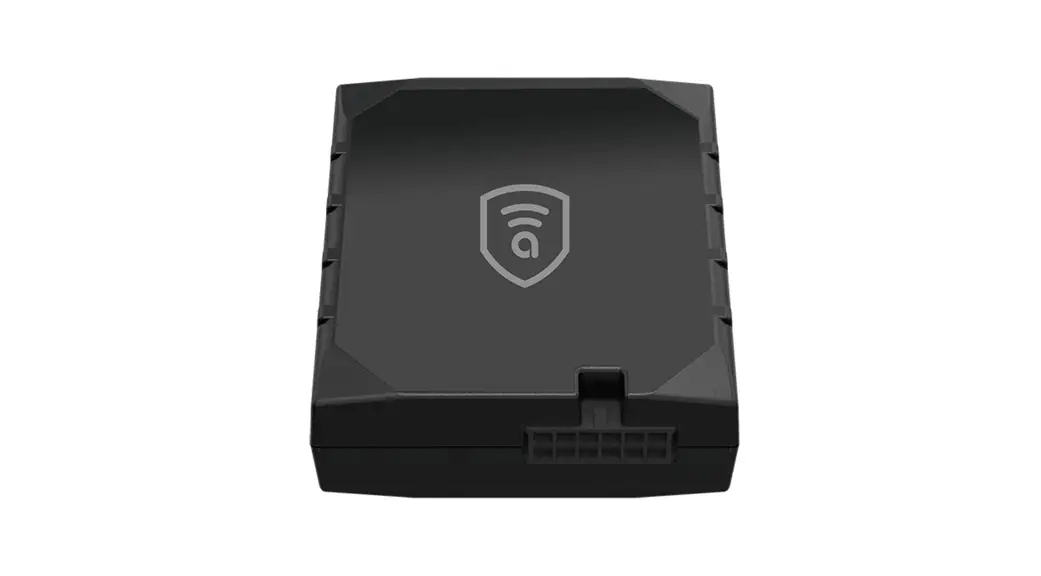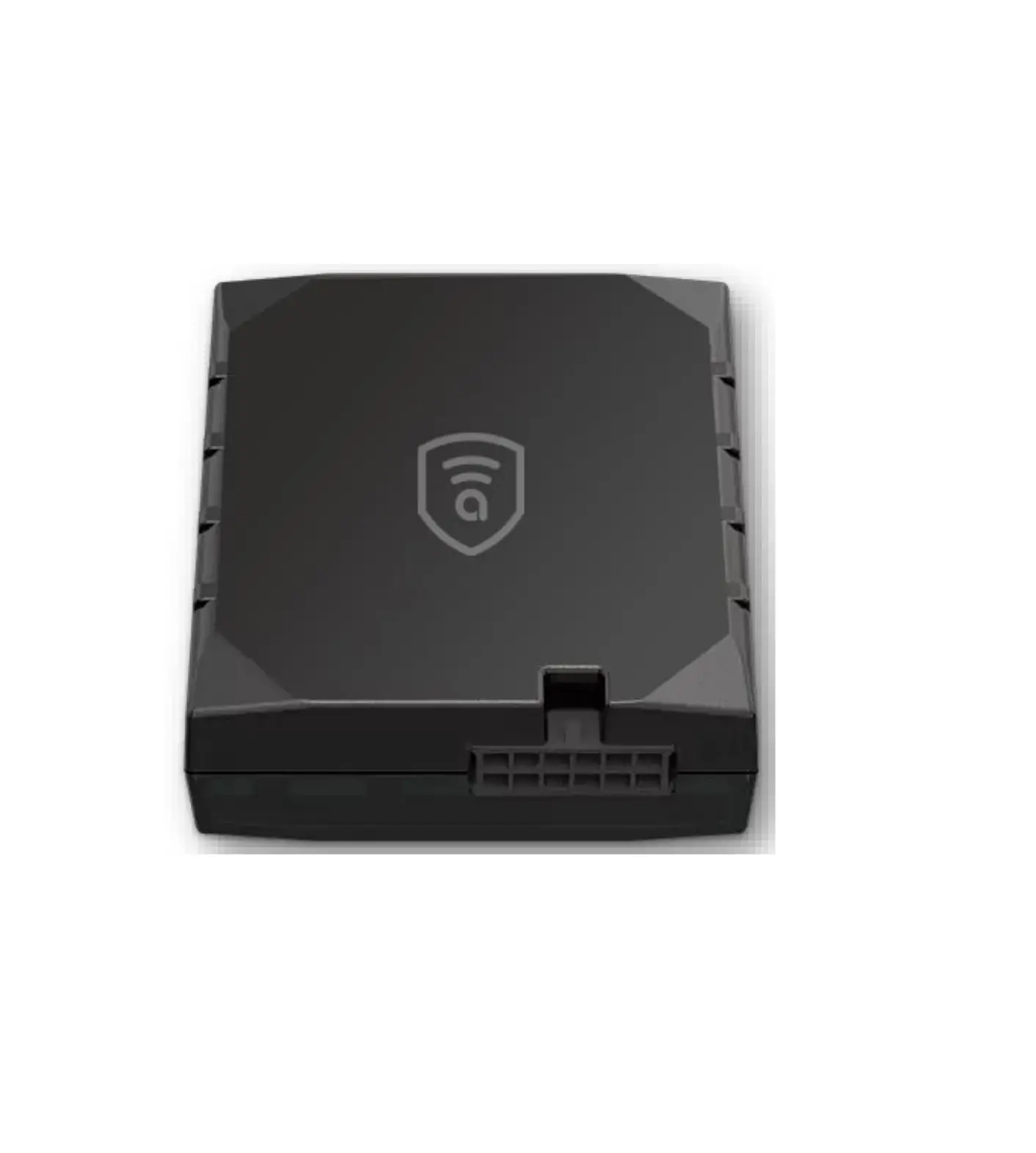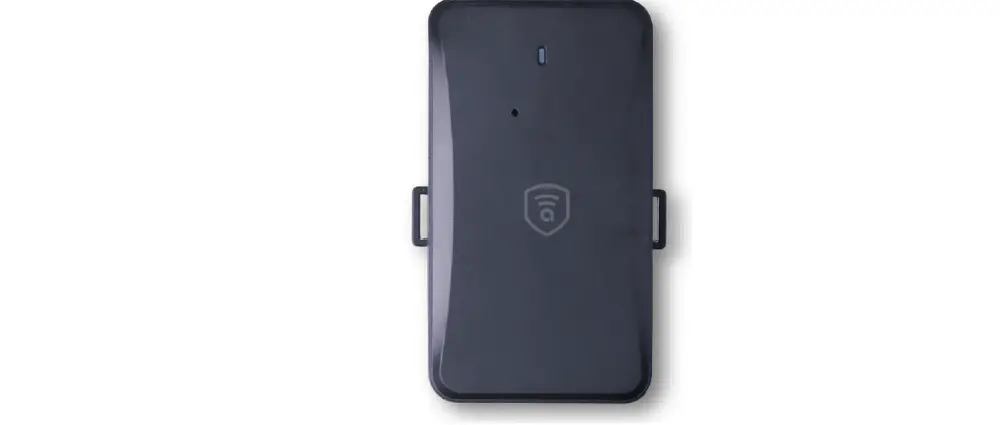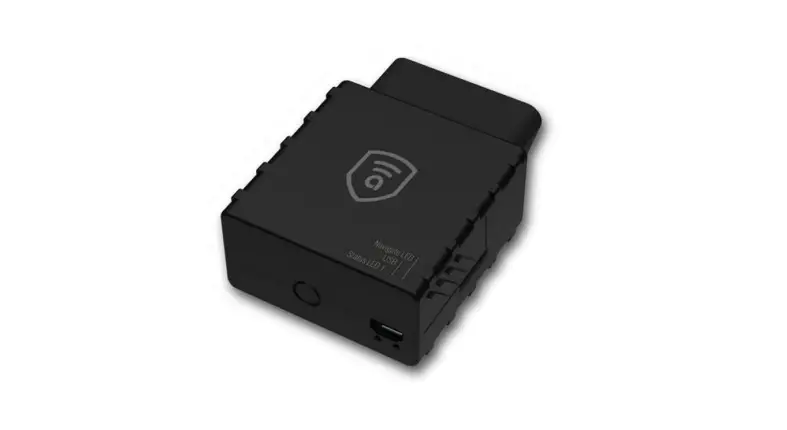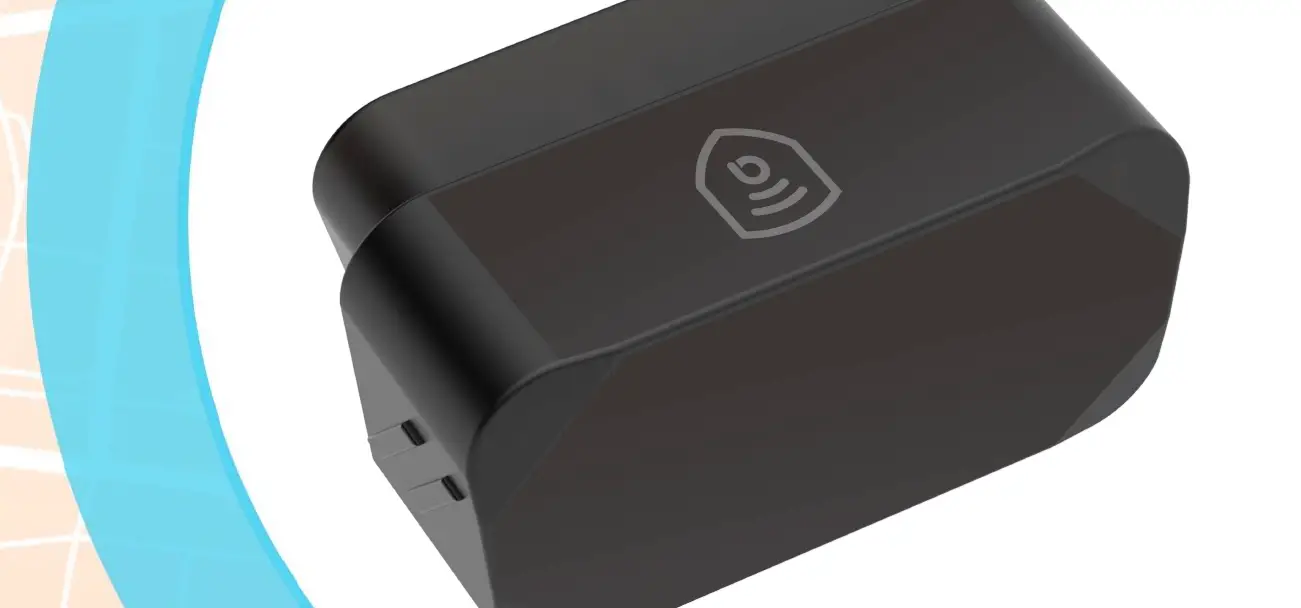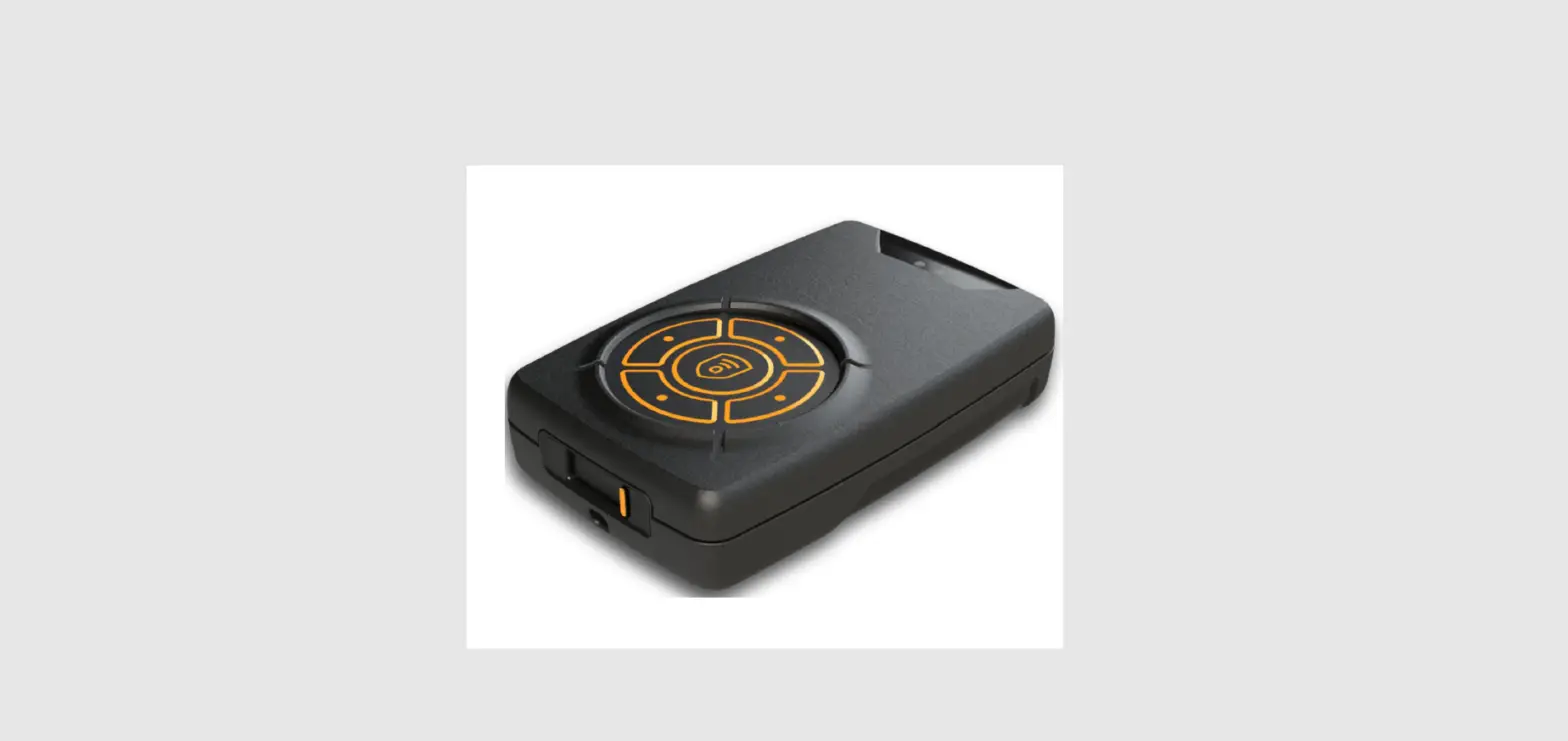
 amber connect Amber Guard A100 Portable GPS Tracker
 amber connect Amber Guard A100 Portable GPS Tracker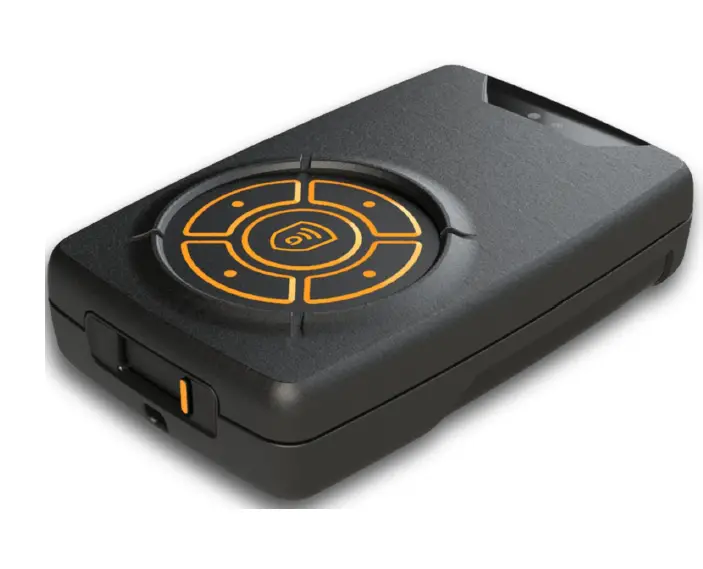
Instructions
Charging
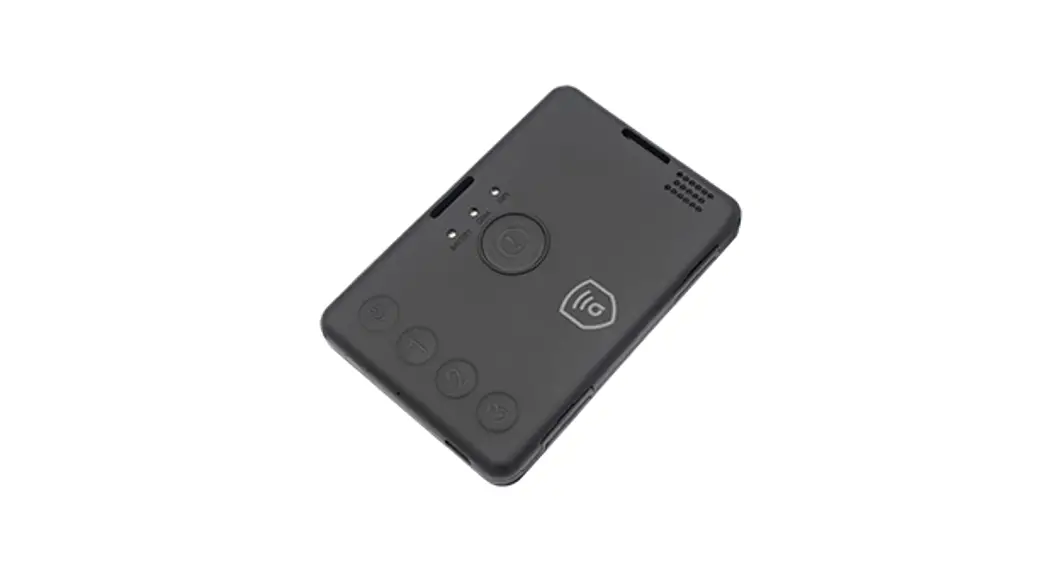
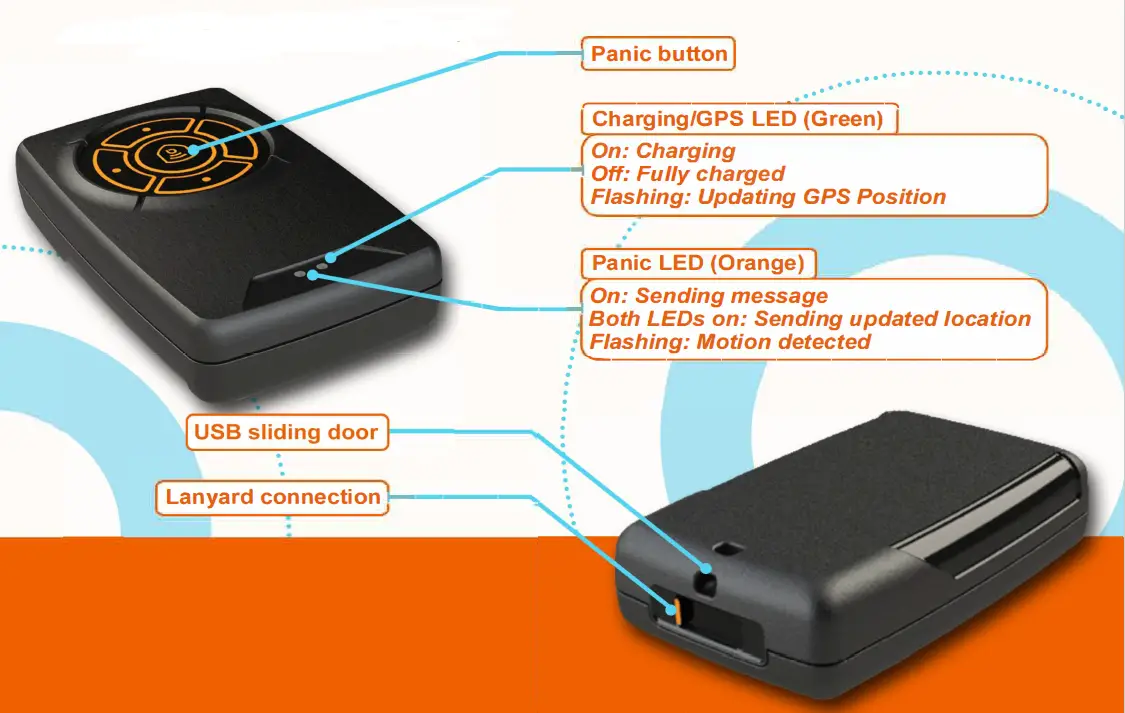
- Slide the USB port door open
- Insert USB Type-C charger
- Ensure the other end is connected to a 5V wall adaptor and switched on
- Monitor LEDs to observe charging progress
- Disconnect cable when charging is complete
- Close the USB port sliding door until it clips in place
Pressing the Panic Button
- Press the centre button for 1 second
- Observe the LEDs
- Release the centre button
Sigfox Specification
| Comunication system | Sigfox |
| Sigfox frequency | 868MHz |
| Certified configured region | RC1 – ETSI |
| RF max power | Class Ou |
| Other RF capabilities | Proprietary RF — 868MHz band |
GNSS Specification
| Supported GNSS constellations | GPS, GLONASS, BeiDou and Galileo |
| Assisted GNSS | AssistNow™ Autonomous |
| Frequency | GPS 1575.42 MHz & GLONASS 1602 MHz |
| Receiver type | 72-channel |
| Horizontal position accuracy | 2.5m |
| Tracking sensitivity | -167dBm |
| Acquisition sensitivity | -148dBm |
| TTFF | Avg. hot start< 1sec Avg. cold start< 26sec Avg. aided start< 2sec |
Motion Specification
| Full scale confi uration
Power consumption | 50nA in power-down mode <1uA in active low-power mode |
| Data rates | Between 1Hz and 1.6kHz |
Other Specifications
| Batte | 1100 mAh Lithium Pol mer, 3.7V |
| Dimensions | 76 mm (I) x 48 mm (w) x 20 mm (h) |
| Weight | 126g |
Lithium Battery Safety Guidelines
Chargers and Charging Practice
- Charge or discharge the battery to approximately 50% of capacity before long-term storage.
- Use chargers designed to safely charge cells or battery packs at the specified parameters.
- Disconnect batteries immediately if, during operation or charging, they emit an unusual smell, develop heat, change shape/geometry, or behave abnormally. Dispose of the batteries.
- Charge and store batteries in a fire-retardant container like a high quality Lipo Sack when practical.
Handling and Use
- Handle the battery-powered device cautiously to not damage the battery casing or connections.
- Keep batteries from contacting conductive materials, water, seawater, strong oxidizers and strong acids.
- Do not place batteries in direct sunlight, on hot surfaces or in hot locations.
- Inspect batteries for signs of damage before use. Never use and promptly dispose of damaged or puffy batteries.
- Keep all flammable materials away from operating area.
Allow time for cooling before charging a battery that is still warm from usage and using a battery that is still warm from charging.
Disposal
- Dispose of damaged cells and cells that no longer hold a substantial charge. To check the general condition of your cells, charge them, let them rest for an hour, then measure the voltage. If your cells are close to 4.2V, the cells are in good condition.
- Dispose of used batteries by taking them to an e.Media bin (if less than five pounds) or by completing an Online Chemical Waste Collection Request.