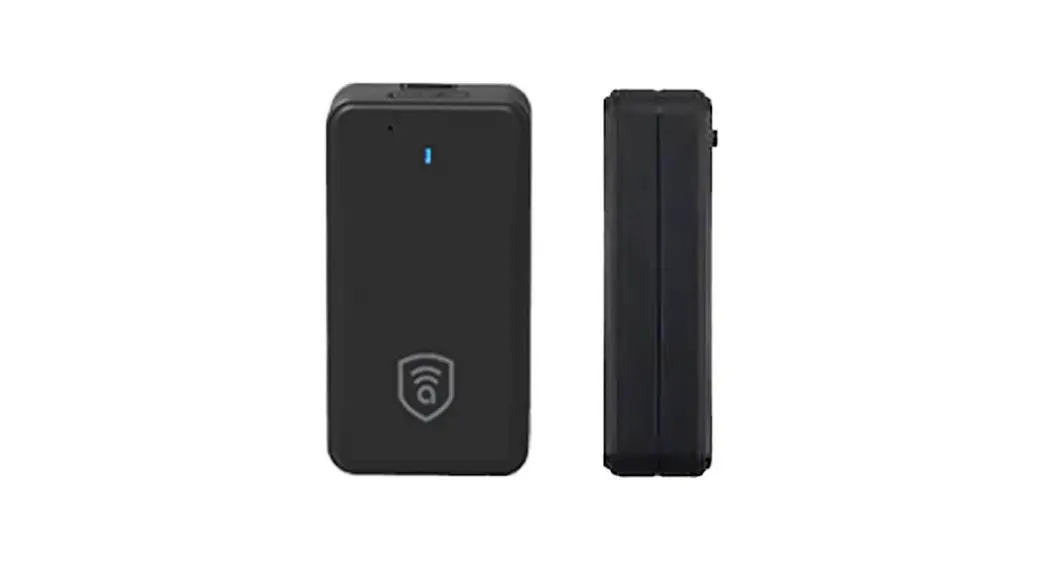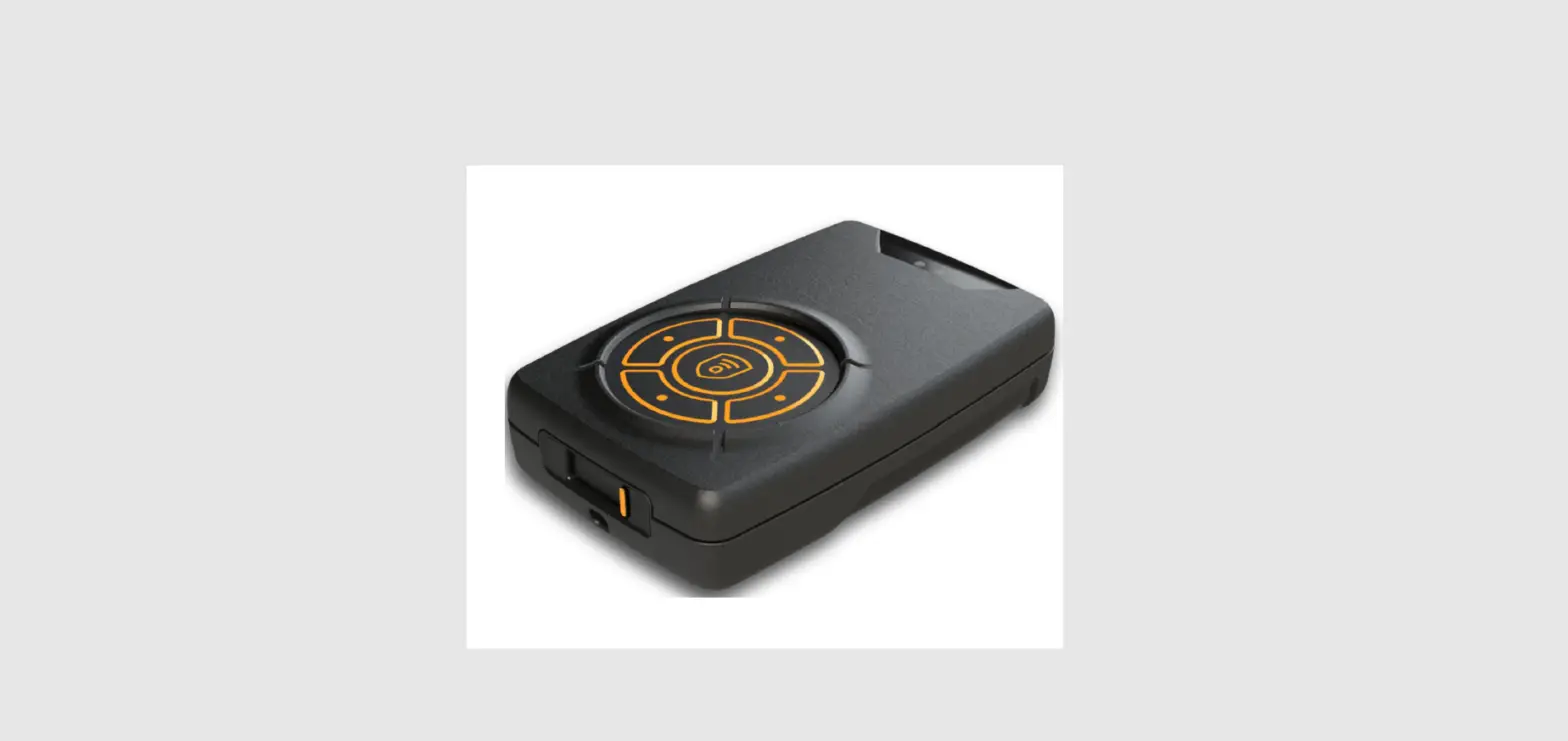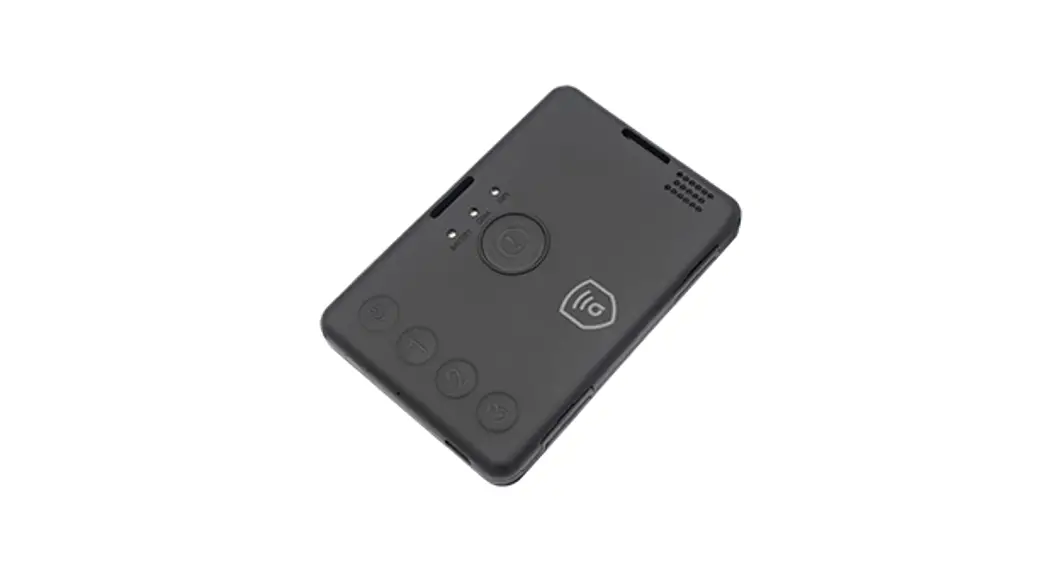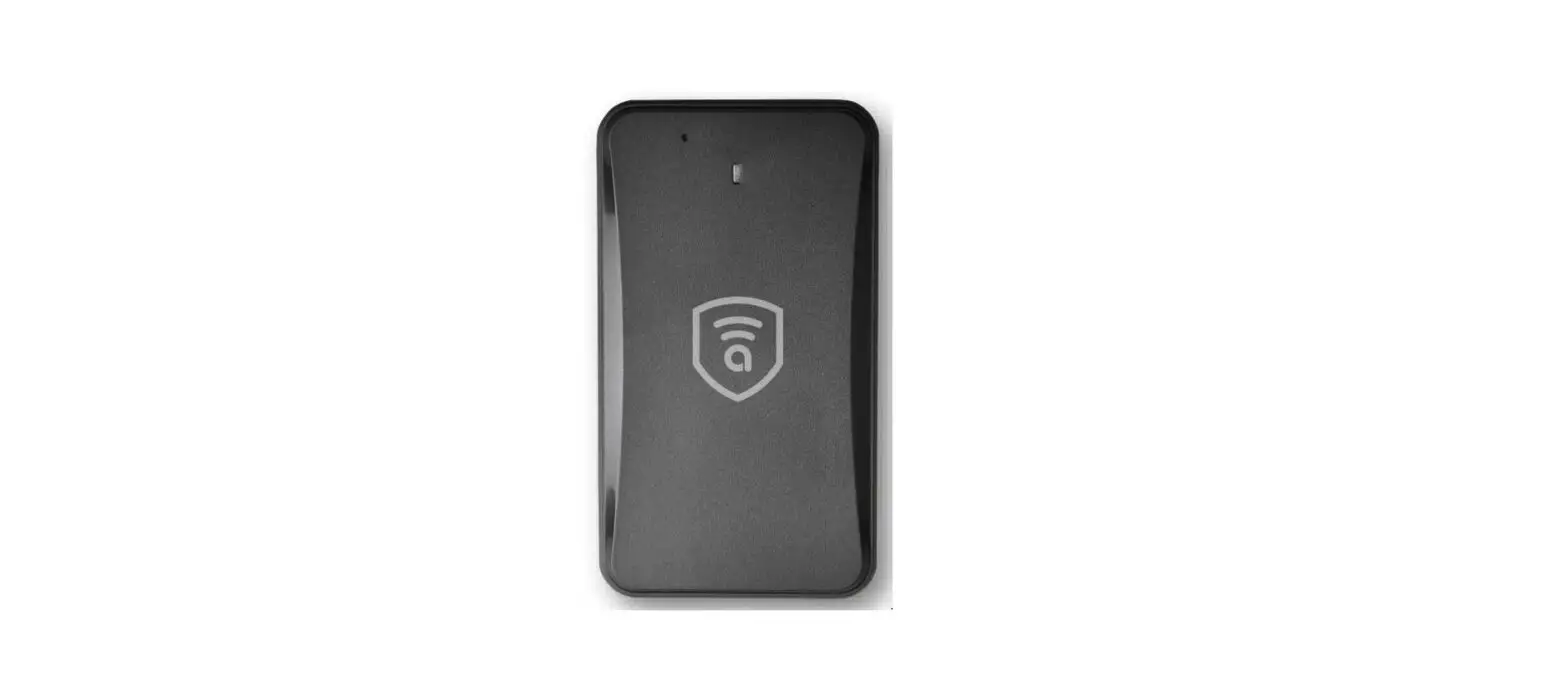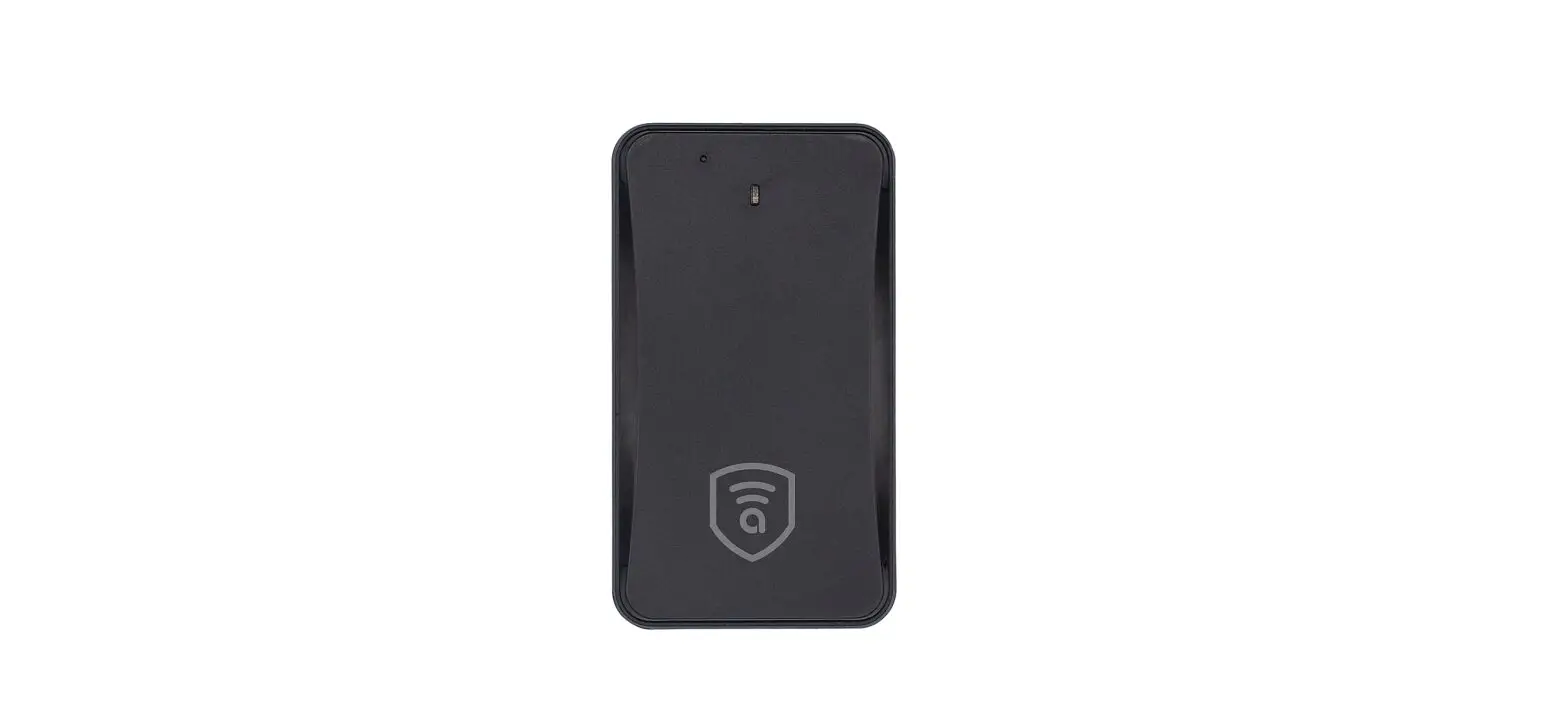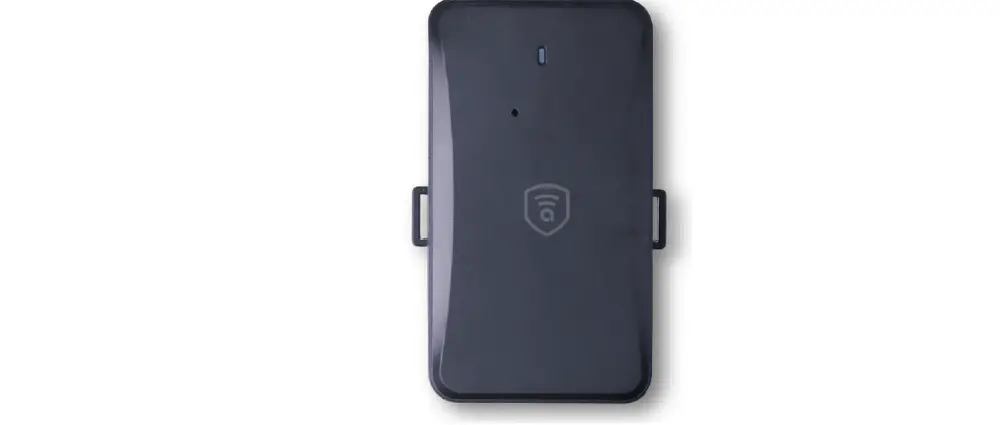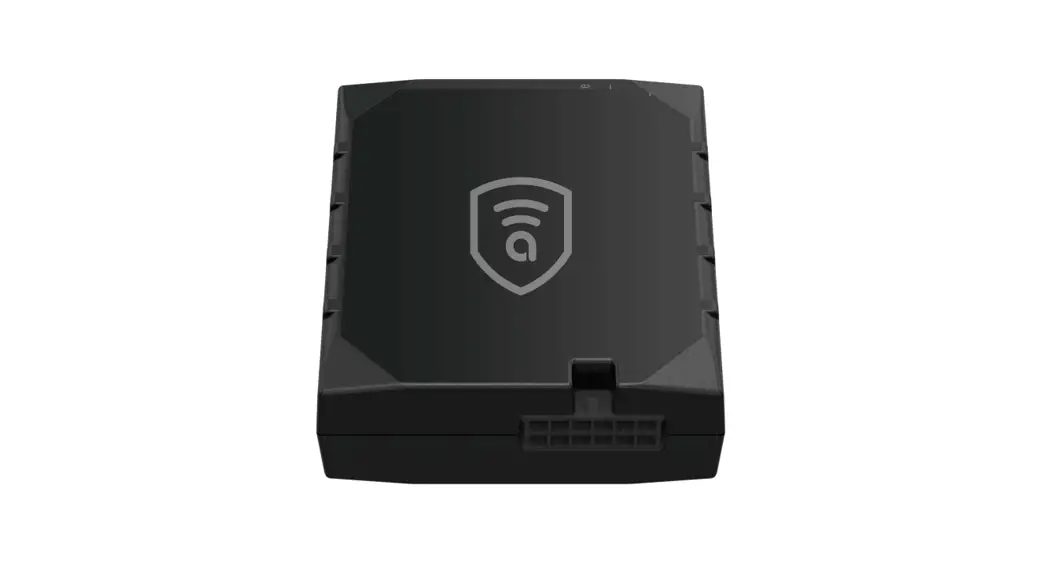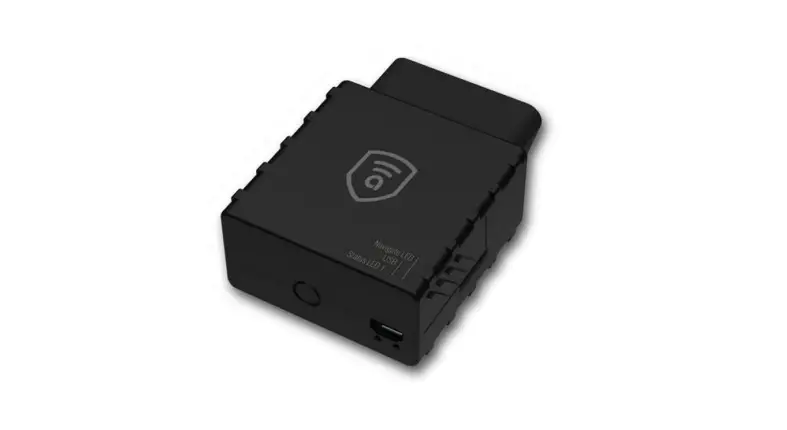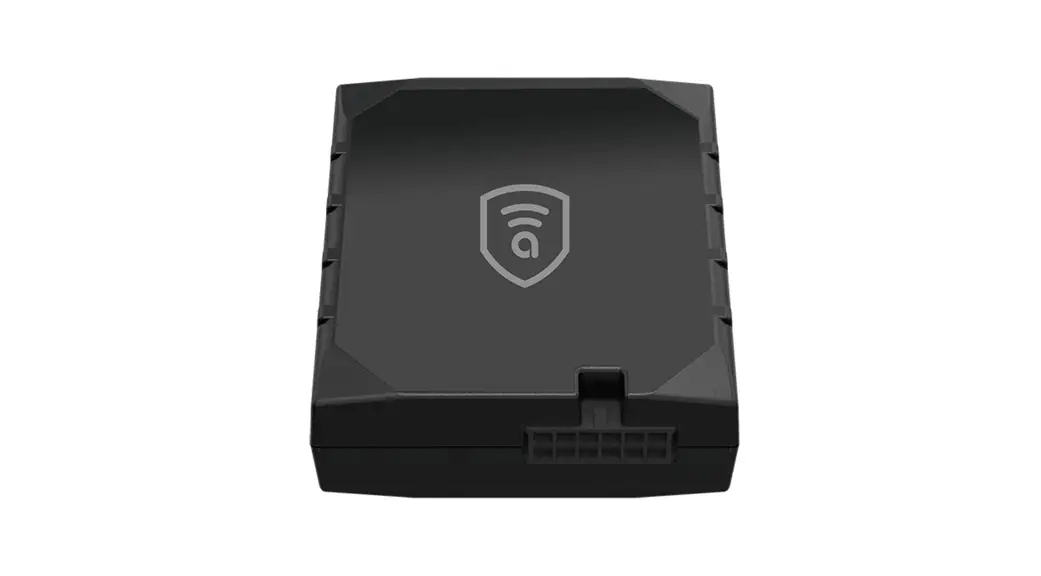

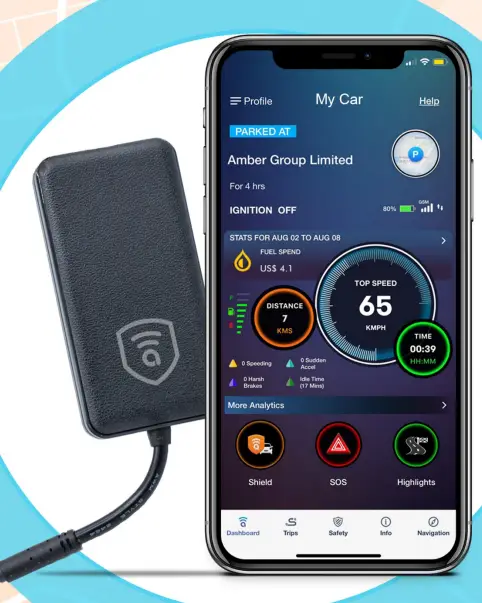
amber connect AMB365G Wireless GPS Tracker Smart Vehicle Security
Accessories
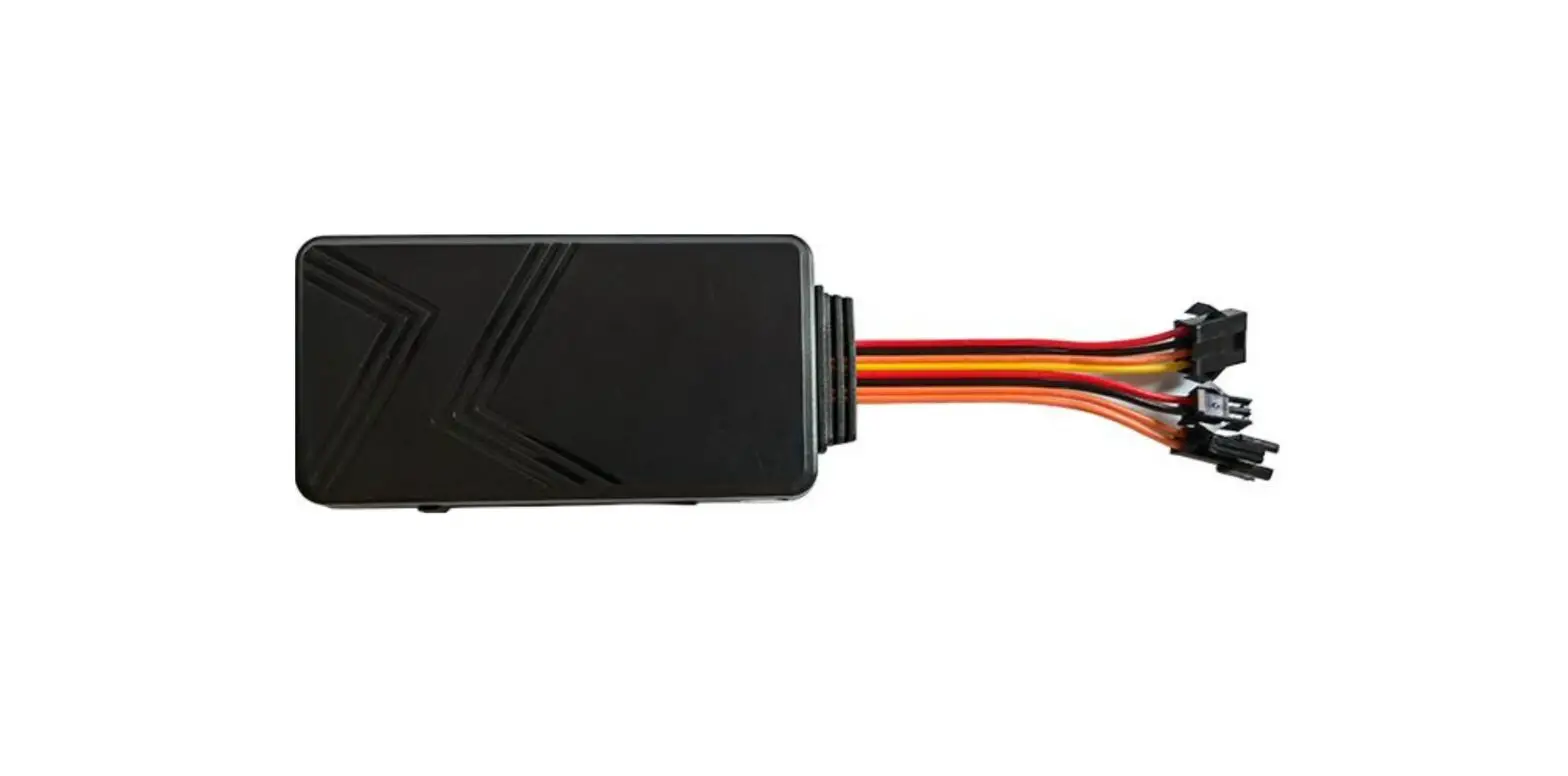
- Device
- Charging cable
- Relay
- User manual
Specification
| Dimension | 78.0*41.0*13.0mm |
| Weight | 38g |
| Voltage Range | 7.5-90V |
| Backup Battery | 270mAh/3.7V |
| Operation Temperature | -20°C to +70 °C |
| Humidity | 20% to 80% |
| Standby Time | 50 hours |
| GSM Frequencies | 850/900/1800/1900 MHz |
| GPRS | Class 12, TCP/IP |
| GPS Channel | 66 |
| GPS Sensitivity | -165dBm |
| Acquisition Sensitivity | -148dBm |
| Position Accuracy | <10m |
| TTFF (Open sky) | Cold start <45s, Hot start <2s |
| GSM/GPS Antenna | Built-in design |
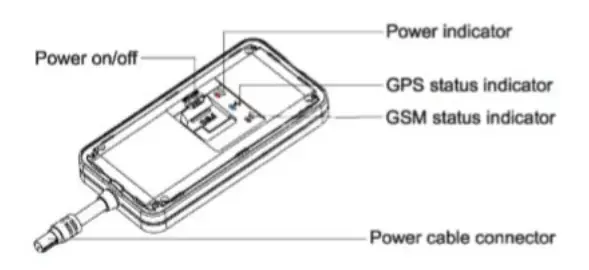
| LED Indicator | GSM-green, GPS-blue, Power-red |
| Data Transmit | TCP, SMS |
| Geo-fence | Alarm activated when the vehicle enters or leaves the specified area |
| Speeding Alarm | Alarm activated when speed goes higher than the pre-set value |
| Low Power Alarm | Alarm activated when backup battery is running out. |
| Non-movement Detection | Movement alarm activated by built-in 3D motion sensor |
| Mileage Report | Track by time/distance interval |
| Remote engine mobilization/immobitization | Mobilize/immobilize engine |
LED Indications
| GPS LED Indicator – RED | |
| Flashing | Low battery |
| Slow flashing | Fully charged/ functioning normally |
| Solid red | Charging |
| Off | Power off or low battery |
| GPS LED Indicator – BLUE | |
| Flashing (interval 0.1s) | Searching for BD/GPS signal |
| Solid blue | BD/GPS positioned |
| Off | GPS asleep or off |
| GPS LED Indicator – GREEN | |
| Quick Flashing | GSM initializing |
| Slow flashing | Receiving GSM signal normally |
| Solid green | Connected to GPRS network |
| Off | No GSM signal or no SIM card |
Getting Started
Please follow the instructions below to ensure safe and correct use of your device. Note: Please ensure that there is enough credit on your SIM card. If you will be using the GPRS function, pay attention to the current SIM card GPRS charge.
- Switch on
Begin by assembling and setting up your device before its first use.- Open the SIM card cover.
- Insert the SIM card.
- Turn the battery switch to ON.
- Close the SIM card cover and connect the device to the external power line, which will be used to charge the terminal and built-in battery.
- Switch off
- Toggle the battery switch to OFF.
- Charge the device
Plug in the device to connect or plug in the charging cable. The charging cable with 2A FUSE for short-circuit over current protection. - Installing the device

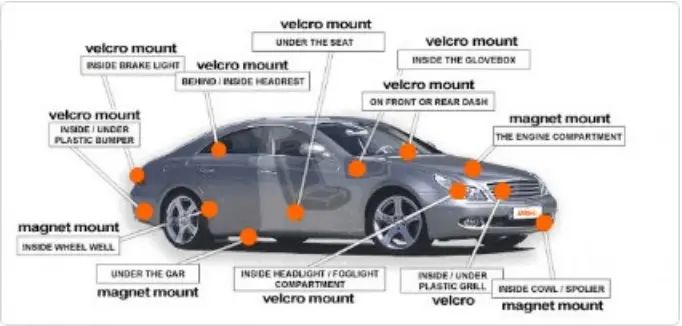
- Find a location inside the vehicle where the device will not be found. Your device has a built-in GSM antenna and a GPS antenna. During installation, please ensure that the device is facing up:

- Under the dashboard below the front windshield.
- In the parcel shelf the rear.
- In the front bumper (non-material face), ensure the device does not get wet.
- Under the wiper version (non-metal), ensure the device does not get wet.
- Noncovert installation: affix the device to the dashboard below the windshield.
- Device wiring
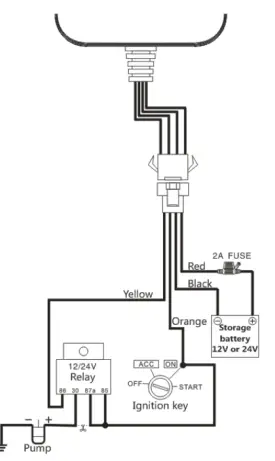
The standard voltage is 9V-90V; the red wire is the positive and the black wire is the negative
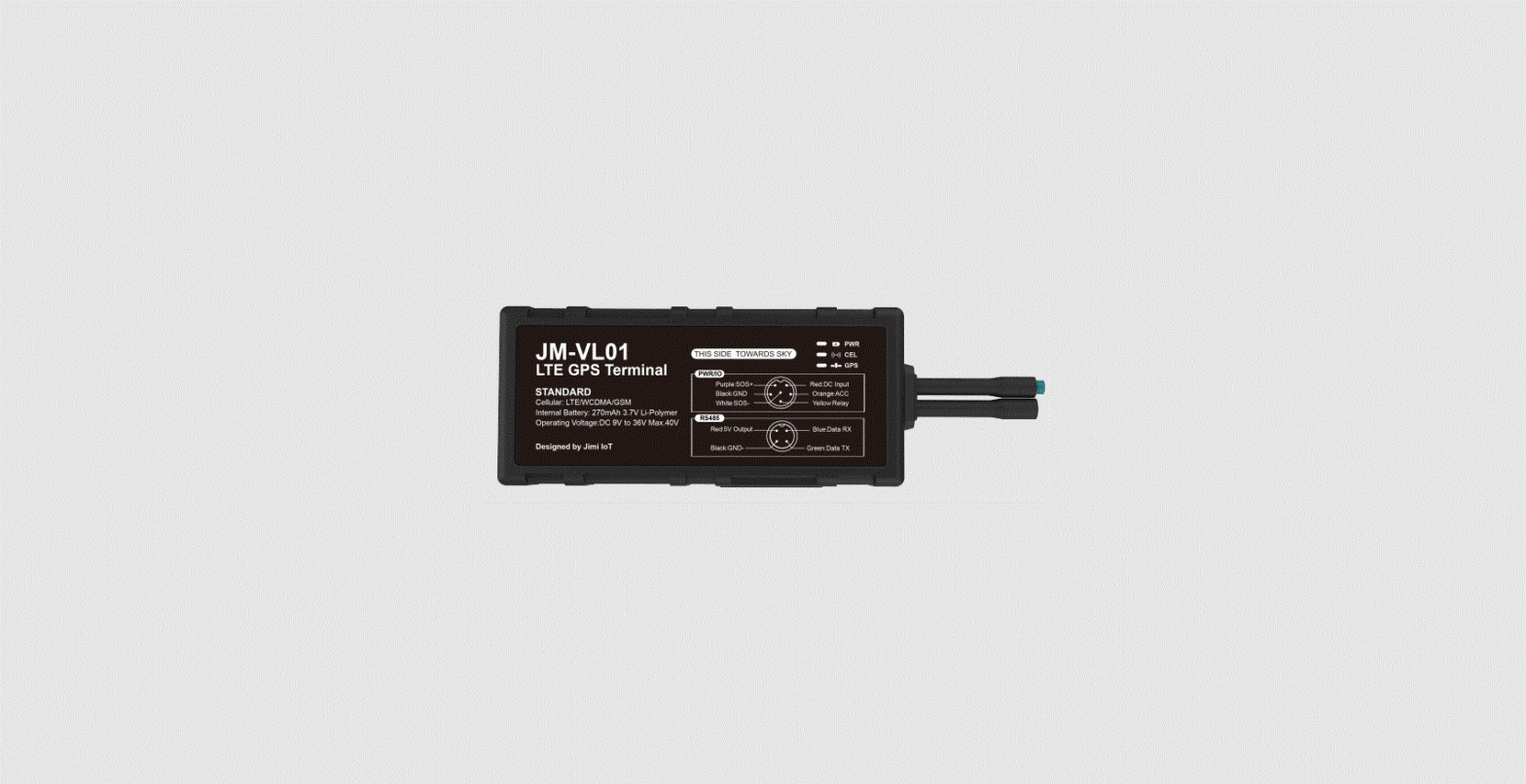
Connect the black wire ground. - Device wiring diagram
Subject to permissible laws in your country. Play close attention to the diagram description; the battery is 9-90V and the relay remains12V/ 24\/.
- Power/ACC/Tele-cut-off (petrol/electricity) control line (4 pin)
- Your device comes with a power cord and is designed to use only manufacturer-specified wiring accessories. The re line is positive while the black is negative (this side should not be connected to the ground wire).
- The ACC line (orange) connects to the ACC switch of the vehicle. Please be sure to connect to the ACC line, otherwise the device will not detect ignition status.
- Engine immobilization (petrol/electricity) control line (yellow) is connected to pin 86 Tele-cutoff (petrol/electricity) relay (equal to the yellow line of the relay socket)
Troubleshooting
| Problem | Causes | Solutions |
| Red LED does not work when power is connected | Replace the fuse | |
| Blown fuse | ||
| Wrong installation of SIM card | Check SIM card installation (install SIM card) | |
| Fail to connect to network | Debris on the Sim card’s iron surface | Clean SIM card surface |
| Nonfunctioning SIM | Contact internet service provides | |
| Beyond GSM service area | Re-locate to GSM service area | |
| Bad signal | Re-try in an area with better signal | |
| Fail to charge | The voltage is unsuitable | Connect to power with suitable voltage |
| Improper connection | Check connection with charger |