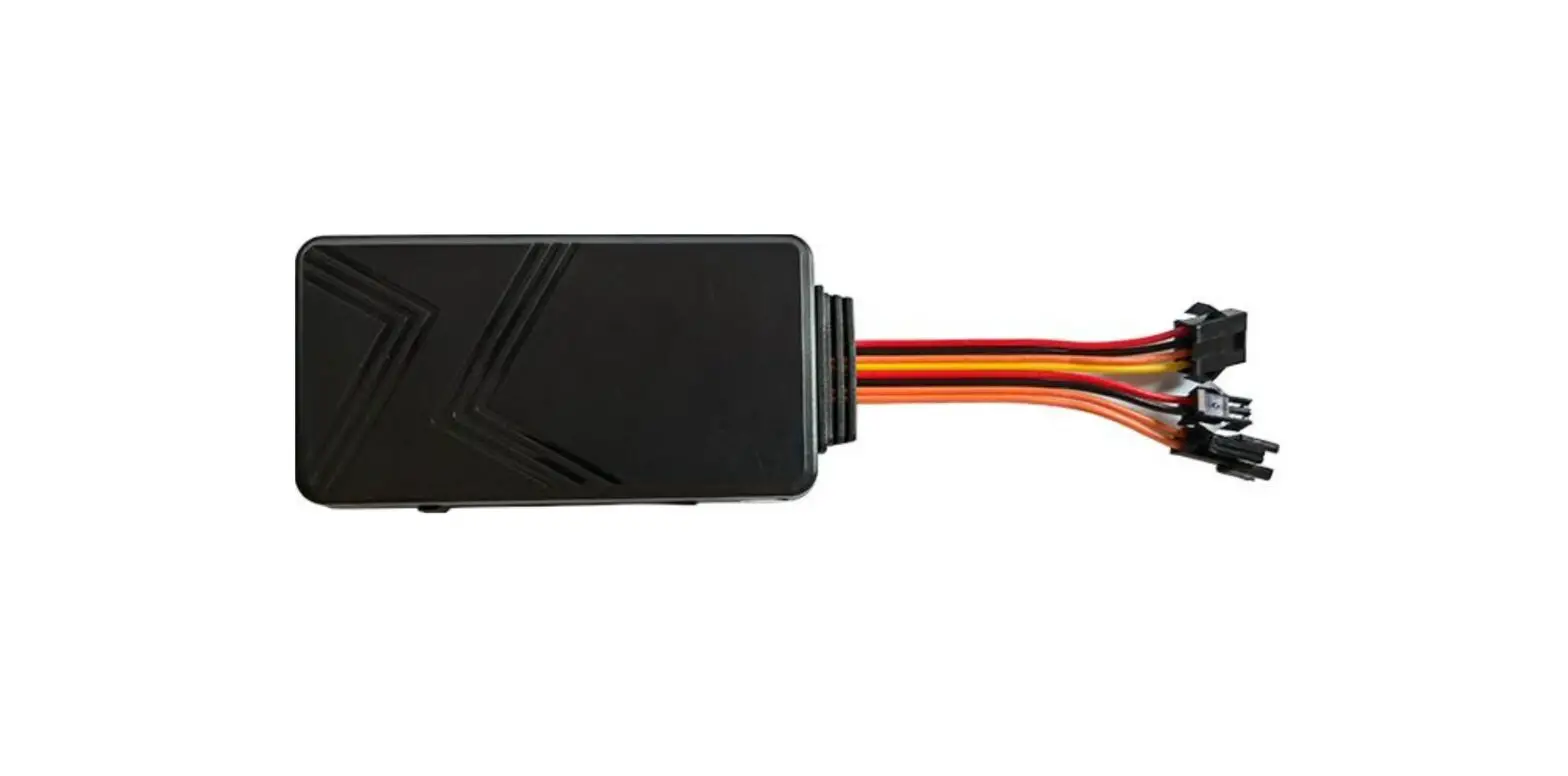
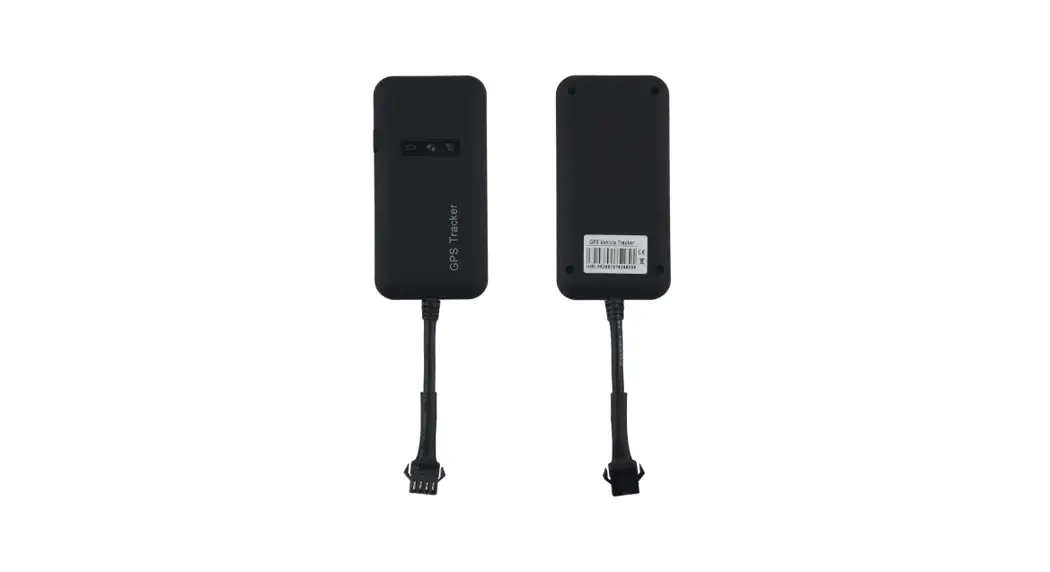
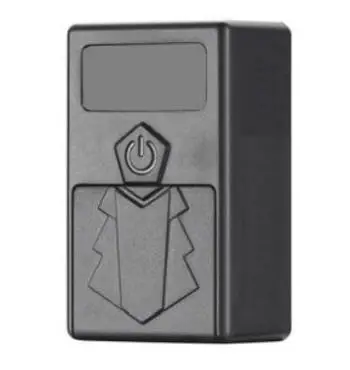
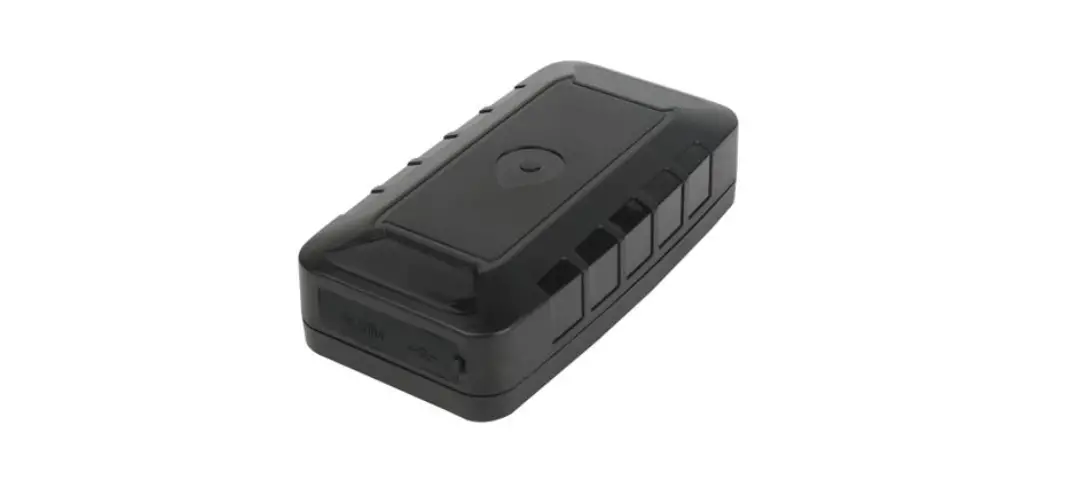
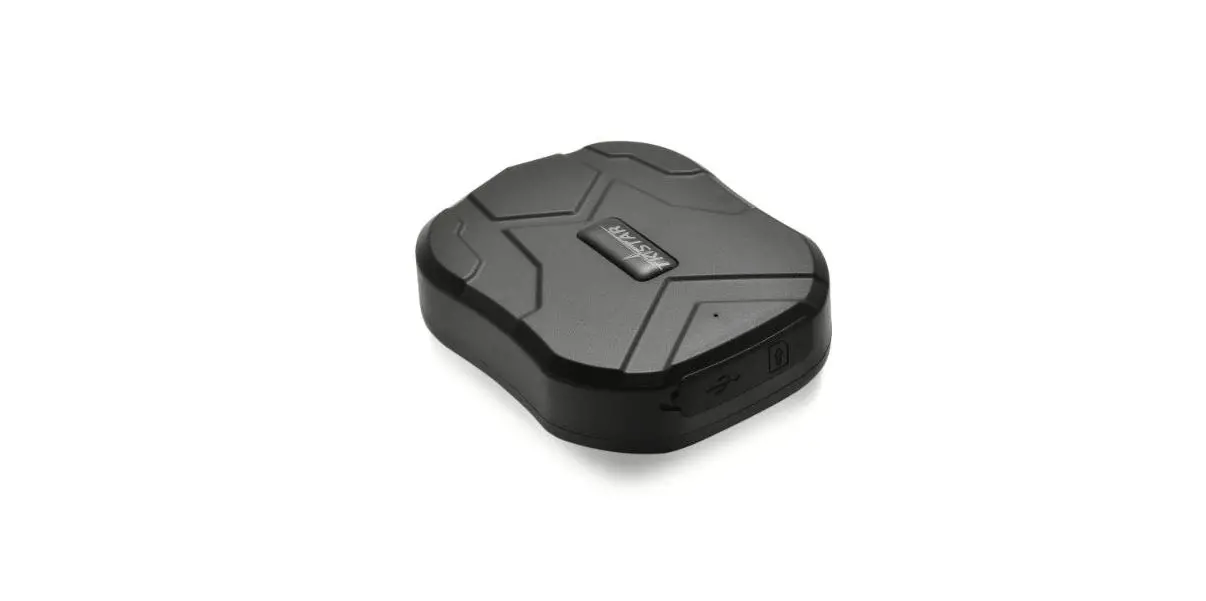
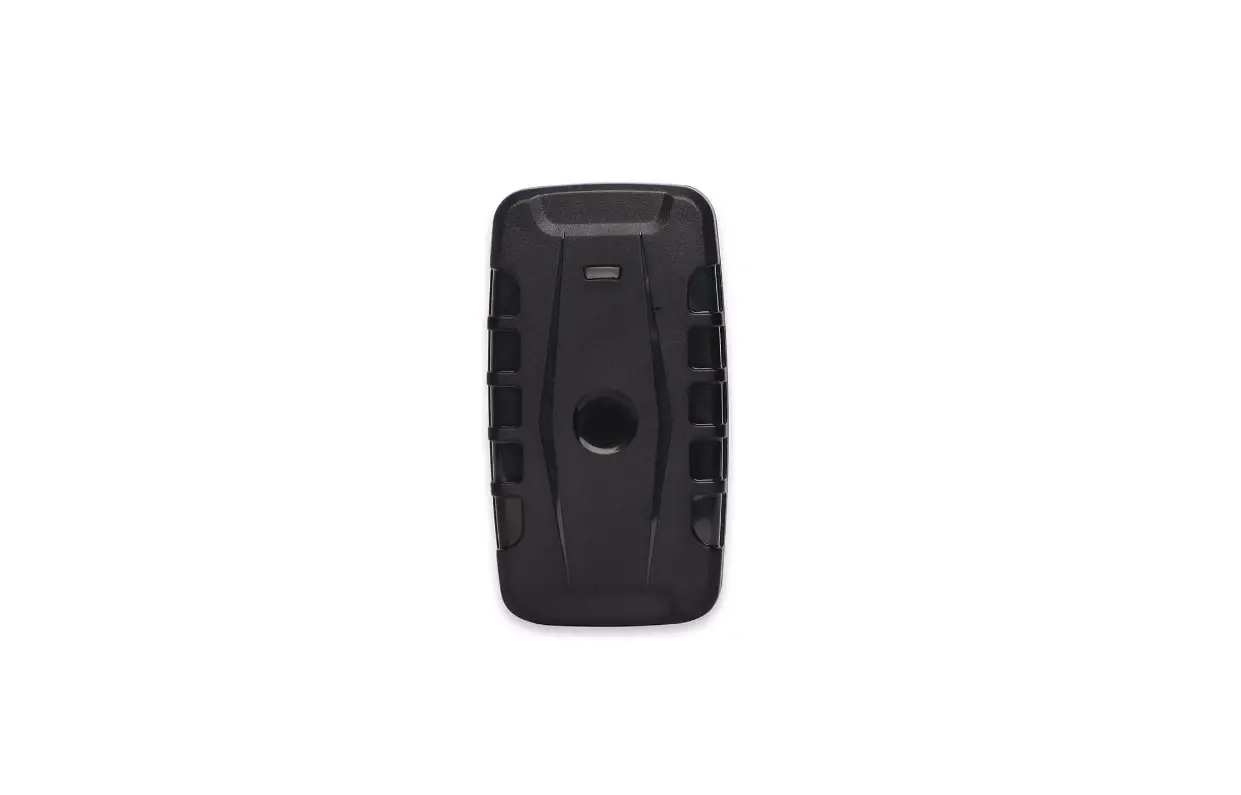
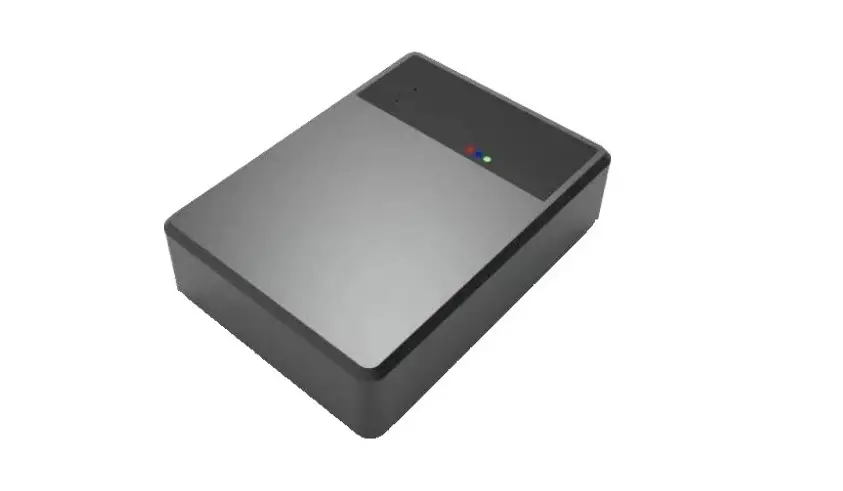
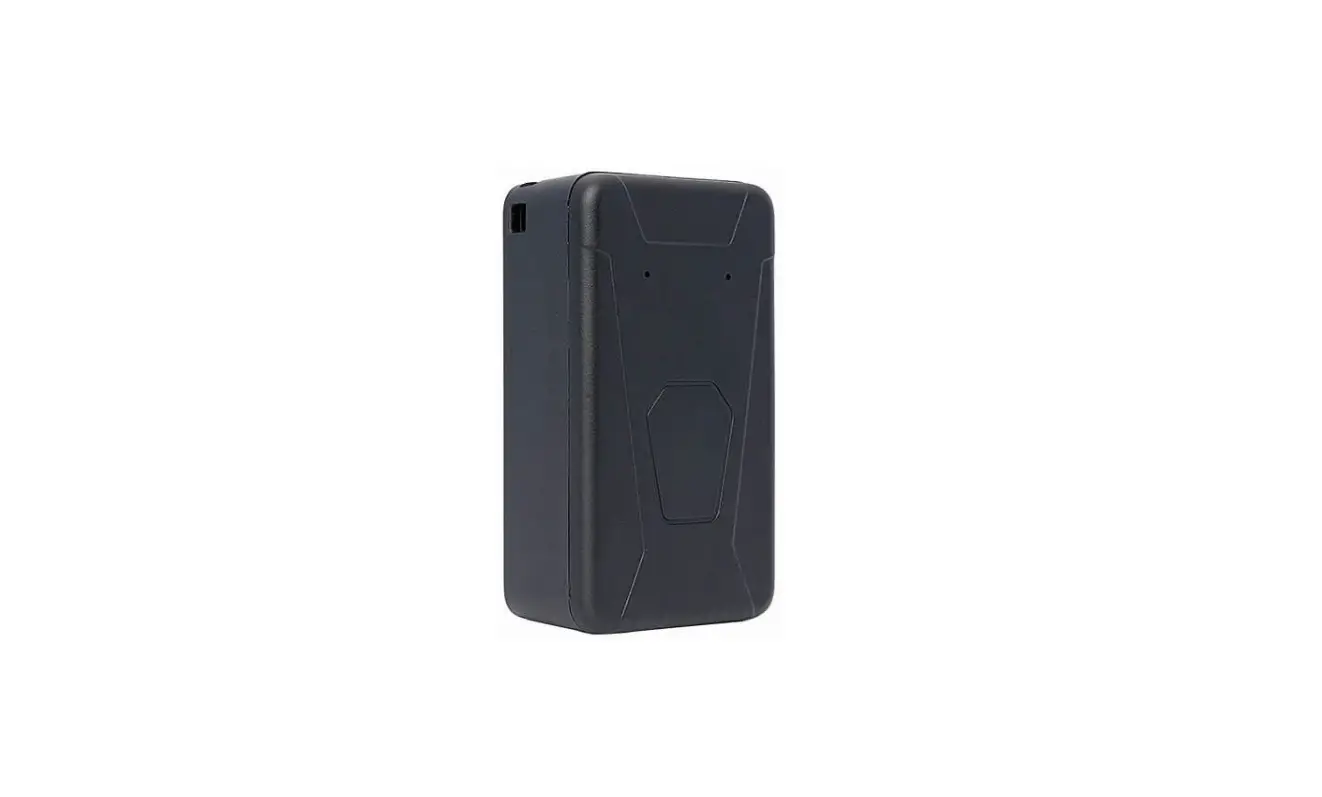
GT09L Vehicle GPS Tracker
Vehicle GPS Tracker (4G LTE+GSM+GPS+SMS) GT09L User Manual
(Version 1.)
Product Description
The GT09L is an IP67 rated 4G LTE/GSM/GPS tracker suitable for
cars, motorcycles, scooters, and e-bikes. It features a superior
receiver sensitivity, fast TTFF, and 4G LTE design. The tracker can
continuously report the current position to a backend server. It
comes with a built-in acceleration sensor that can detect the
moving/static and driving behavior, ignition state, and SOS alarm.
The tracker can also use a microphone for real-time voice
monitoring and R232 for RFID reading and stop engine by remote. The
GT09L is developed using openCPU technology, which brings lower
cost, lower power consumption, and fast response speed advantages.
It is reputed to have industrial level performance but at
economical solution pricing.
Package Contents
| Item | Picture | Remark |
|---|---|---|
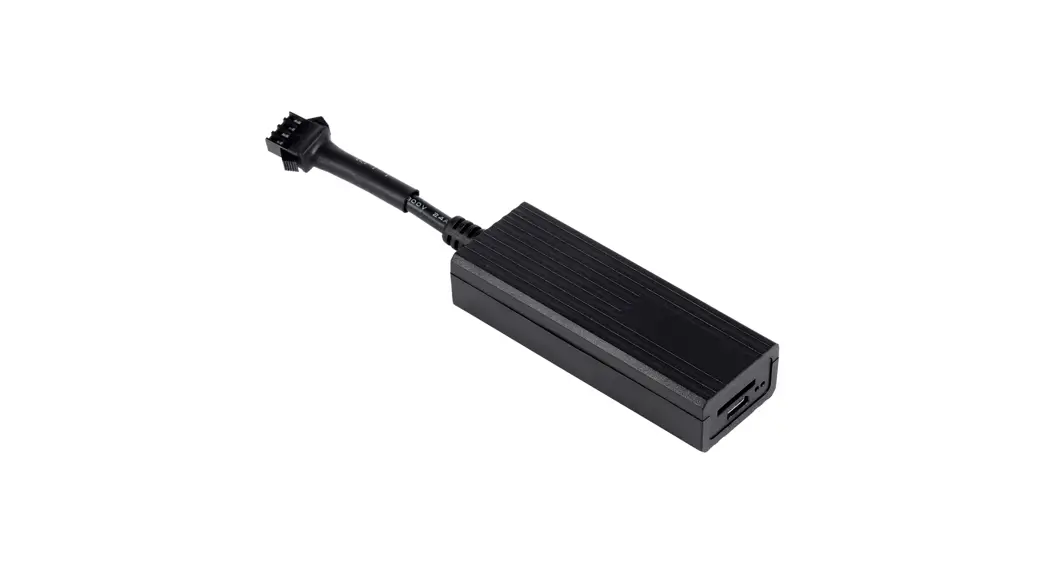
| Tracker | Standard | |
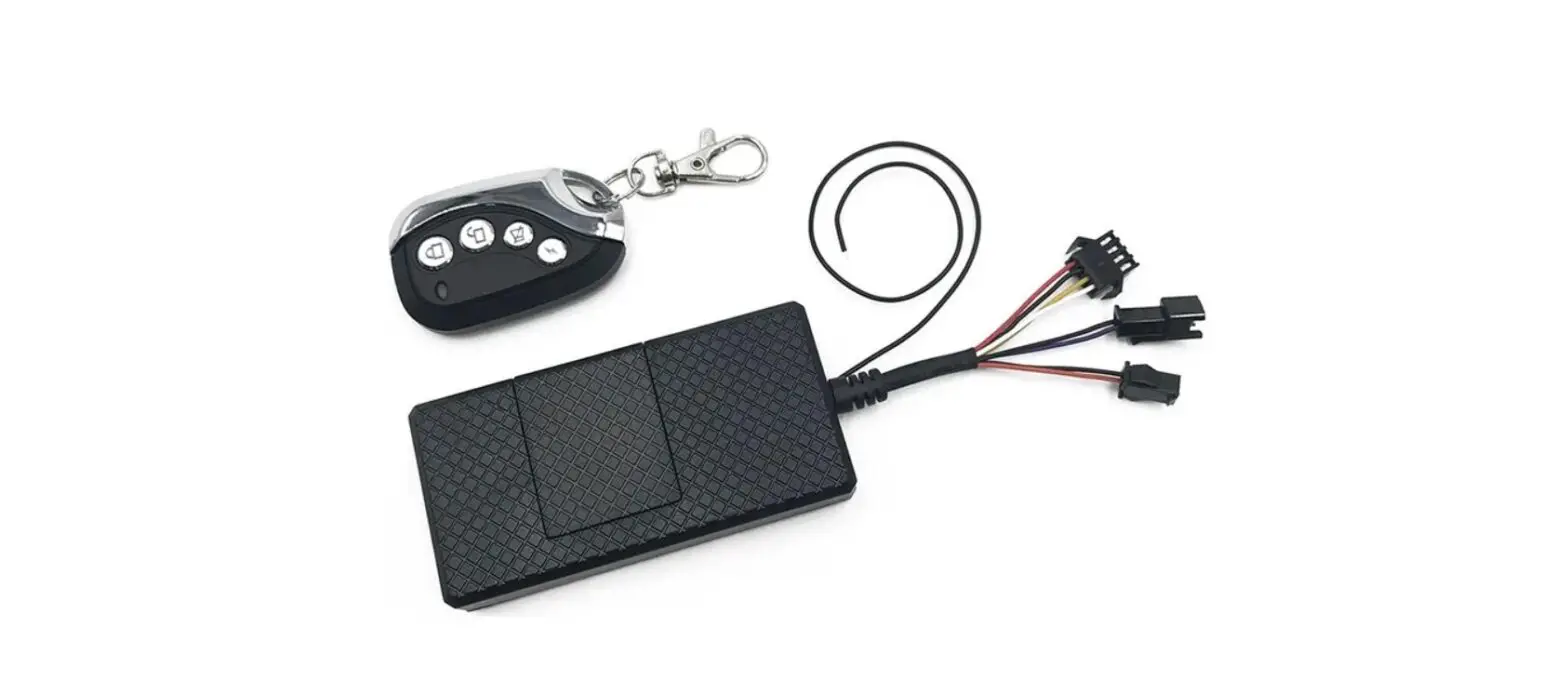
| Wire harness | Optional | |
| Immobilizer relay | Optional | |
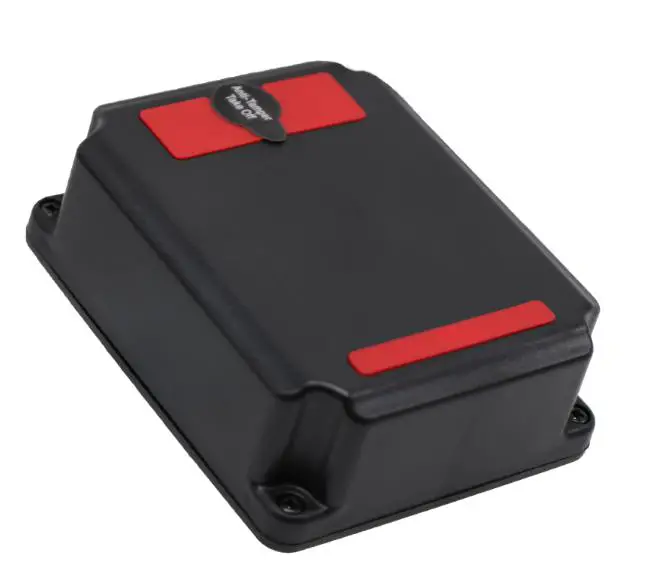
| SOS button | Optional |
Features and Specifications
| Item | Description |
|---|---|
| Dimension | 98*52*18mm |
| Power range | 8-36V DC/1.5A |
| Working humidity | 5%~95% |
| Operating temperature | -30~75 |
| Internal backup battery | 120mAh/4.2V |
| Data transmit | 4G LTE/GSM/SMS Communication |
| LED indicator | 1: Red for network 2: Green for GPS 3: Blue for battery |
| Input | 1: ACC detect 2: SOS detect |
| Output | Immobilizer(cut engine) relay or buzzer |
| AD | One input AD |
| RS232 | One RS232 |
| Microphone | Support Built-in accelerometer |
| 4G chip | FIBOCOM L610 |
| 4G/GSM frequency | L610-CN LTE FDD: B1 B3 B5 B7 LTE TDD: B34 B39 B40 B41 GSM:900MHz/1800MHz L610-LA LTE FDD: B1 B2 B3 B4 B5 B7 B8 B28 B66 GSM:850MHz/900MHz/1800MHz/1900 MHz L610-EU LTE FDD: B1 B3 B7 B8 B20 B8 GSM:850MHz/900MHz/1800MHz/1900 MHz |
| GPS chip | GPS sensitivity GPS position accuracy 4G/GSM Null zone data storage Position report Alarm alerts Configuration OTA ZKMICRO:ATGM332D(BDS+GPS) -160dB 5 Meters 800 Waypoints Time based and distance(mileage) based and angle based GEO Fence, speed over, power tamper and SOS(Panic),idle SMS + computer(USB configurator) + server Support |
Knowledge before Usage
Factory Default Setting
– IP/Port: Empty
– APN, User, and pass: Empty
– Speed Limit: Off=000Km/H
– Position data Update Time Interval: 30Seconds when ignition on,
30seconds when ignition off
– Authorized Phone numbers A/B/C: None
Power Supply and consumption
This device is expected to connect with a DC power source with a
range of 8-36V DC. Working current maximum 2A input. Device working
current < 18mA @24V DC
How to Insert Sim card
Before inserting the sim card, please make sure the sim card 4G
and SMS and GPRS activated. The device will automatically turn on
after inserting the SIM card.
Installation
Wiring Diagram
PIN 1: Red – Power +(8-36V DC)
PIN 2: Black – Power Ground
PIN 3: White – Ignition Detection(ACC)
PIN 4: Yellow – Cut-off, Digital output
PIN 5: Brown – Door status high input
PIN 6: Blue – Panic(SOS) low input
Wire Color:
PIN 1: White
PIN 2: Yellow
PIN 3: Brown
PIN 4: Blue
PIN 5: Black
PIN 6: Red
Wire Color:
PIN 1: Red
PIN 2: Black
PIN 4: White
PIN 3: Yellow
LED working status
| Item | Color |
|---|---|
| Network | Red |
| GPS | Green |
| Battery | Blue |
Product Usage Instructions
1. Connect the tracker to a DC power source with a range of
8-36V DC.
2. Insert a sim card after ensuring that it is 4G and SMS and GPRS
activated.
3. Check the LED working status to ensure network, GPS, and battery
connectivity.
4. Follow the wiring diagram to install the tracker in your
vehicle.
5. Check the factory default settings and modify as per your
requirement.
6. Authorized Phone numbers A/B/C can be added for
notifications.
7. The device will continuously report the current position to a
backend server.
8. The built-in acceleration sensor can detect moving/static and
driving behavior, ignition state, and SOS alarm.
9. The microphone can be used for real-time voice monitoring and
R232 for RFID reading and stop engine by remote.
10. The device comes with a backup battery of 120mAh/4.2V.
11. The device has a support built-in accelerometer and FIBOCOM
L610 4G chip.
12. The device supports GPS sensitivity GPS position accuracy
4G/GSM Null zone data storage Position report Alarm alerts
Configuration OTA.
Vehicle GPS Tracker
(4G LTE+GSM+GPS+SMS)
GT09L User Manual
(Version 1.)
Copyright © 2021 Shenzhen ANB Technology Co., Ltd. All rights reserved.
1
Index Contents
1. Description ……………………………………………………………………………………………………………………..3 2. Package Contents ……………………………………………………………………………………………………………3 3. Features and Specifications ……………………………………………………………………………………………… 4 4. Knowledge before Usage ………………………………………………………………………………………………….5
4.1 Factory Default Setting ……………………………………………………………………………………………5 4.2 Power Supply and consumption ………………………………………………………………………………. 5 4.3 How to Insert Sim card …………………………………………………………………………………………… 5 5. Installation ………………………………………………………………………………………………………………………6 5.1 Wiring Diagram …………………………………………………………………………………………………….. 6 5.2 LED working status ……………………………………………………………………………………………….. 7 6. Device configuration ………………………………………………………………………………………………………. 7 6.1 Device ID ………………………………………………………………………………………………………………7 6.2 Configure data(4G/GPRS) Parameter ………………………………………………………………………. 8 6.3 Configure APN ……………………………………………………………………………………………………… 8 6.4 Remote Cut-engine (Immobilizer) …………………………………………………………………………… 8 6.5 Configure Authorized Phone Numbers for alarm alerts ……………………………………………….8 6.6 Time zone Localization Setting ……………………………………………………………………………….. 9 6.7 Set overspeed alarm ………………………………………………………………………………………………..9 6.8 Reset Mileage report value ……………………………………………………………………………………… 9 6.9 Reset SMS command password …………………………………………………………………………….. 10 6.10 Active sleep mode ……………………………………………………………………………………………….10 6.11 Tracking parameter(location update) setting ………………………………………………………….. 10 6.12 Voice monitor by SMS …………………………………………………………………………………………10 6.13 Query google link ………………………………………………………………………………………………. 10 6.14 Reboot device ……………………………………………………………………………………………………. 11 6.15 Recover factory setting ……………………………………………………………………………………….. 11 6.16 Setup vibration and Arm ……………………………………………………………………………………… 11 6.17 Setup towing alarm …………………………………………………………………………………………….. 11 6.18 Query parameters ………………………………………………………………………………………………..11 6.19 Setup DLT card type …………………………………………………………………………………………… 11 6.20 Setup DLT card ID ………………………………………………………………………………………………12 6.21 Setup DLT buzzer time ……………………………………………………………………………………….. 12 6.22 OTA Operation ……………………………………………………………………………………………………12
Copyright © 2021 Shenzhen ANB Technology Co., Ltd. All rights reserved.
2
1. Description
GT09L is a IP67 Rated 4G LTE/GSM/GPS tracker for car, motorcycle, scooters and e-bikes.
It’s with superior receiver sensitivity, fast TTFF and 4G LTE design. And it can continuously report current position to backend server. It has a built-in acceleration sensor, which can detect the moving/static and driving behavior and detect ignition state and SOS alarm and use microphone for real time voice monitoring and R232 for RFID reading and stop engine by remote.
GT09L is developed by “openCPU” technology which brought lower cost, lower power consumption and fast response speed advantages. It’s reputed with have industrial level performance but on economical solution pricing.
2. Package Contents
Item
Tracker
Picture
Remark Standard
Wire harness Immobilizer relay
SOS button
Standard Optional Optional
Copyright © 2021 Shenzhen ANB Technology Co., Ltd. All rights reserved.
3
3. Features and Specifications
Item Dimension Power range Working humidity Operating temperature Internal backup battery Data transmit
LED indicator
Input Output AD RS232 Microphone Accelerometer 4G chip
4G/GSM frequency
Description
98*52*18mm
8-36V DC/1.5A
5%~95%
-30~75
120mAh/4.2V
4G LTE/GSM/SMS Communication 1: Red for network 2: Green for GPS 3: Bule for battery 1: ACC detect 2: SOS detect Immobilizer(cut engine) relay or buzzer One input AD
One RS232
Support
Built-in accelerometer
FIBOCOM L610
L610-CN
LTE FDD: B1 B3 B5 B7 LTE TDD: B34 B39 B40 B41 GSM:900MHz/1800MHz
L610-LA
LTE FDD: B1 B2 B3 B4 B5 B7 B8 B28 B66 GSM:850MHz/900MHz/1800MHz/1900 MHz
L610-EU
LTE FDD: B1 B3 B7 B8 B20 B8 GSM:850MHz/900MHz/1800MHz/1900 MHz
GPS chip GPS sensitivity GPS position accuracy 4G/GSM Null zone data storage Position report Alarm alerts Configuration OTA
ZKMICRO:ATGM332D(BDS+GPS) -160dB 5 Meters 800 Waypoints Time based and distance(mileage) based and angle based GEO Fence, speed over, power tamper and SOS(Panic),idle SMS + computer(USB configurator) + server Support
Copyright © 2021 Shenzhen ANB Technology Co., Ltd. All rights reserved.
4
4. Knowledge before Usage
4.1 Factory Default Setting
– IP/Port: Empty – APN, User and pass: Empty – Speed Limit: Off=000Km/H – Position data Update Time Interval: 30Seconds when ignition on, 30seconds when ignition off – Authorized Phone numbers A/B/C: None
4.2 Power Supply and consumption
This device is expected to connect with a DC power source with range of 8-36V DC. Working current maximum 2A input. Device working current < 18mA @24V DC
4.3 How to Insert Sim card
Before inserting the sim card, please make sure the sim card 4G and SMS and GPRS activated. The device will automatically turn on after inserting the SIM card.
Copyright © 2021 Shenzhen ANB Technology Co., Ltd. All rights reserved.
5
5. Installation
5.1 Wiring Diagram
PIN 1 4 2 5 6 3
Wire Color Red Black White
Yellow Brown Blue
PIN
Wire Color
1
White d
2
Yellow
3
Brown
4
Blue
PIN
Wire Color
3
Black
1
Brown
4
Red
2
Blue
PIN
Wire Color
1
Red
2
Black
4
White
3
Yellow
Remark Power +(8-36V DC)
Power Ground Ignition Detection(ACC) Cut-off, Digital output
Door status high input Panic(SOS) low input
Remark reserve reserve AD(Fuel and temperature) reserve
Remark 5v
GND RS232-TXD RS232-RXD
Remark SPK+ SPKMIC_N MIC_P
Copyright © 2021 Shenzhen ANB Technology Co., Ltd. All rights reserved.
6
5.2 LED working status
Item
Color
Network
Red
GPS Battery
Green Blue
Working Off On
Fast flashing Slow flashing
Off Fast flashing Slow flashing
On Off
Status Power off Cannot recognize sim card Registering network Successfully registered the network GPS off or no GPS data GPS positioning GPS positioning succeeded Battery on Battery off
6. Device configuration
GT09L allow user to use SMS Commands to configure necessary parameters. Details please check as follows instruction.
6.1 Device ID
GT09L doesn’t need configure device ID. GT09L use 136 + the last 8 digits of IMEI as ID. On the unit case side is with a bar code sticker. please use this code as device ID when you register device tracking platform. Following picture ID is: 13653256836
Copyright © 2021 Shenzhen ANB Technology Co., Ltd. All rights reserved.
7
6.2 Configure data(4G/GPRS) Parameter SMS Setting Command: *SPJLX*P:password*U:IP,port,T#
url: IP or domain name of the tracking server. port: port of the tracking server. T: data transmit mode. T=1 is using TCP mode. T=0 is using UDP mode. Default as 1.
Example: *SPJLX*P:123456*U:198.11.175.123,9016,1#
SMS query Command: *SPJLX*P:password*C:#
6.3 Configure APN SMS setting Command: *SPJLX*P:password*A:APN user name,APN password# Example 1: APN name is cmnet, APN user name is abc, APN password is 123 *SPJLX*P:123456*A:cmnet,abc,123# Example 2: APN name is cmnet, no APN user name and APN password *SPJLX*P:123456*A:cmnet,,#
6.4 Remote Cut-engine (Immobilizer) Wireless cut-off engine SMS command *SPJLX*P:password*D:O21#
Wireless disable engine lock status SMS command *SPJLX*P:password*D:O20#
6.5 Configure Authorized Phone Numbers for alarm alerts After the authorized number is set, only the authorized number calling is accepted, when the device detects an alarm (SOS alarm, power failure alarm), it will send SMS to the authorized number. SMS setting command: *SPJLX*P:password*S:number1,number2,number3,#
Copyright © 2021 Shenzhen ANB Technology Co., Ltd. All rights reserved.
8
Example: *SPJLX*P:123456*S:15000000001,15000000002,15000000003,#
SMS query Command: *SPJLX*P:password*S:?#
SMS clear Authorized Phone Numbers Command: *SPJLX*P:password*S:,#
6.6 Time zone Localization Setting GT09L can configure the timezone of TCP data and SMS data separately, but TCP data uses GMT time by default. SMS setting Command: SPJLX*P:password*TM:-/+hhmm# hh: mm is SMS data timezone hour and minute.
Example: Setup time zone with -4. *SPJLX*P:123456*TM:-0400#
6.7 Set overspeed alarm SMS setting command: *SPJLX*P:123456*s:Overspeed threshold,Overspeed duration#
Example: when overspeed 120km/h and last for 3 seconds trigger over alarm *SPJLX*P:123456*s:120,3#
SMS query Command: *SPJLX*P:123456*s:?#
6.8 Reset Mileage report value In every Position data packet to tracking server, GT09L data package includes the current travel mileage. And the user can by SMS command to reset or adjust the mileage report value.
SMS Command: *SPJLX*P:password*MILE:xxx# xxx: mileage, unit is Meter.
Example: reset mileage to 2000 meters *SPJLX*P:123456*MILE:X#
Copyright © 2021 Shenzhen ANB Technology Co., Ltd. All rights reserved.
9
6.9 Reset SMS command password The GT09L default password is 123456, it can reset the password by SMS, password length is 6. *SPJLX*P:password*P:new password#
Example: *SPJLX*P:123456*P:888888#
6.10 Active sleep mode When sleep GT09L will close GPS module to save power. *SPJLX*P:password*DSL:X# Enter sleep mode when ACC is turned off for more than X seconds. 0 is cancel sleep mode.
Example: *SPJLX*P:123456*DSL:300#
6.11 Tracking parameter(location update) setting GT09L can update location by time interval and direction angle change. Setup time interval: *SPJLX*P:password*E:1,xx,yy# xx is when ACC on update time , yy is when ACC on update time, units is second. Example: *SPJLX*P:123456*E:1,30,60#
Setup direction angle: *SPJLX*P:password*E:3,zz# zz is angle change value. Example: *SPJLX*P:123456*E:3,30#
6.12 Voice monitor by SMS *SPJLX*P:password*I:xxxxxx# xxxxxx is the callback phone number Example: *SPJLX*P:123456*I:1500000150#
6.13 Query google link *SPJLX*P:password*LOCA:#
Copyright © 2021 Shenzhen ANB Technology Co., Ltd. All rights reserved.
10
6.14 Reboot device *SPJLX*P:password*B:#
6.15 Recover factory setting *SPJLX*P:password*F:#
6.16 Setup vibration and Arm If turn on arm mode, after ACC OFF for 3 minutes GT09L will enter the armed state, in the armed state, if vibration or ACC on is detected, alarm will be triggered. *SPJLX*P:password*SF:X,Y# X=0 is Turn off vibration alarm, X=1 is Turn on vibration alarm. Y=0 is arm, Y=1 is disarm
Example: *SPJLX*P:123456*SF:0,1#
6.17 Setup towing alarm Setup towing alarm after ACC OFF. *SPJLX*P:password*TOW:x,y# x is the continuous vibration time, in minutes. y is the towing distance, in meters.
Example: *SPJLX*P:123456*TOW:1,100#
6.18 Query parameters *SPJLX*P:password*V:#
6.19 Setup DLT card type *SPJLX*P:password*DLTY:xx,yy,zz,# `xx,yy,zz,’ are DLT card type Example: *SPJLX*P:123456*DLTY:14,24,#
Query DLT card type: *SPJLX*P:123456*DLTY:?#
Clear DLT card type: *SPJLX*P:123456*DLTY:#
Copyright © 2021 Shenzhen ANB Technology Co., Ltd. All rights reserved.
11
6.20 Setup DLT card ID *SPJLX*P:password*DLID:xxxxxxxxxxxxxxx,yyyyyyyyyyyyyyy,zzzzzzzzzzzzzzz,# `xxxxxxxxxxxxxxx,yyyyyyyyyyyyyyy,zzzzzzzzzzzzzzz,’ are DLT card ID. Example: *SPJLX*P:123456*DLID:141999995800100,241999995800100,#
Query DLT card ID *SPJLX*P:123456*DLID:?#
Clear DLT card ID: *SPJLX*P:123456*DLID:#
6.21 Setup DLT buzzer time *SPJLX*P:password*DLBB:x# X is DLT buzzer time, in minutes.
Example: *SPJLX*P:123456*DLBB:5#
6.22 OTA Operation GT09L allow user to do firmware upgrading via GPRS connection. Details operation command and procedure, please consult with your seller.
Copyright © 2021 Shenzhen ANB Technology Co., Ltd. All rights reserved.
12