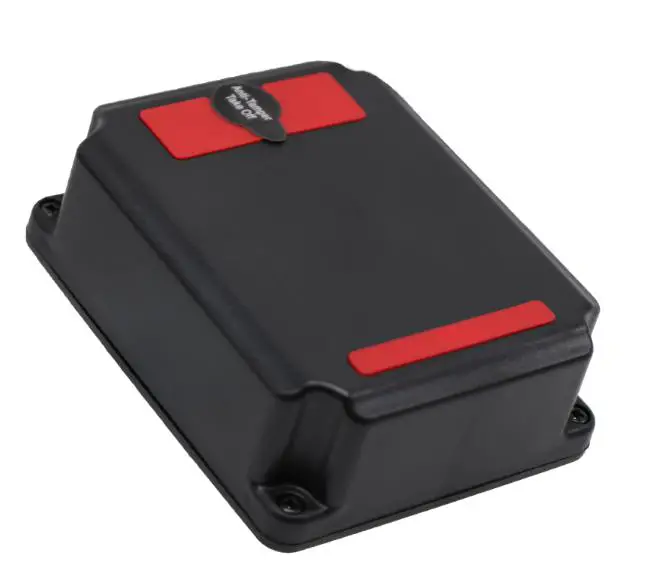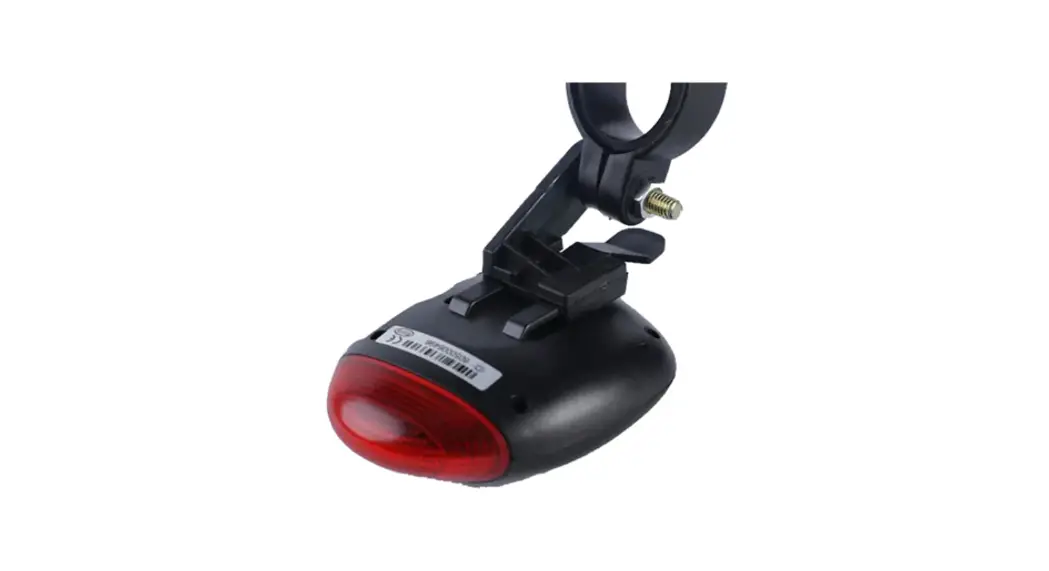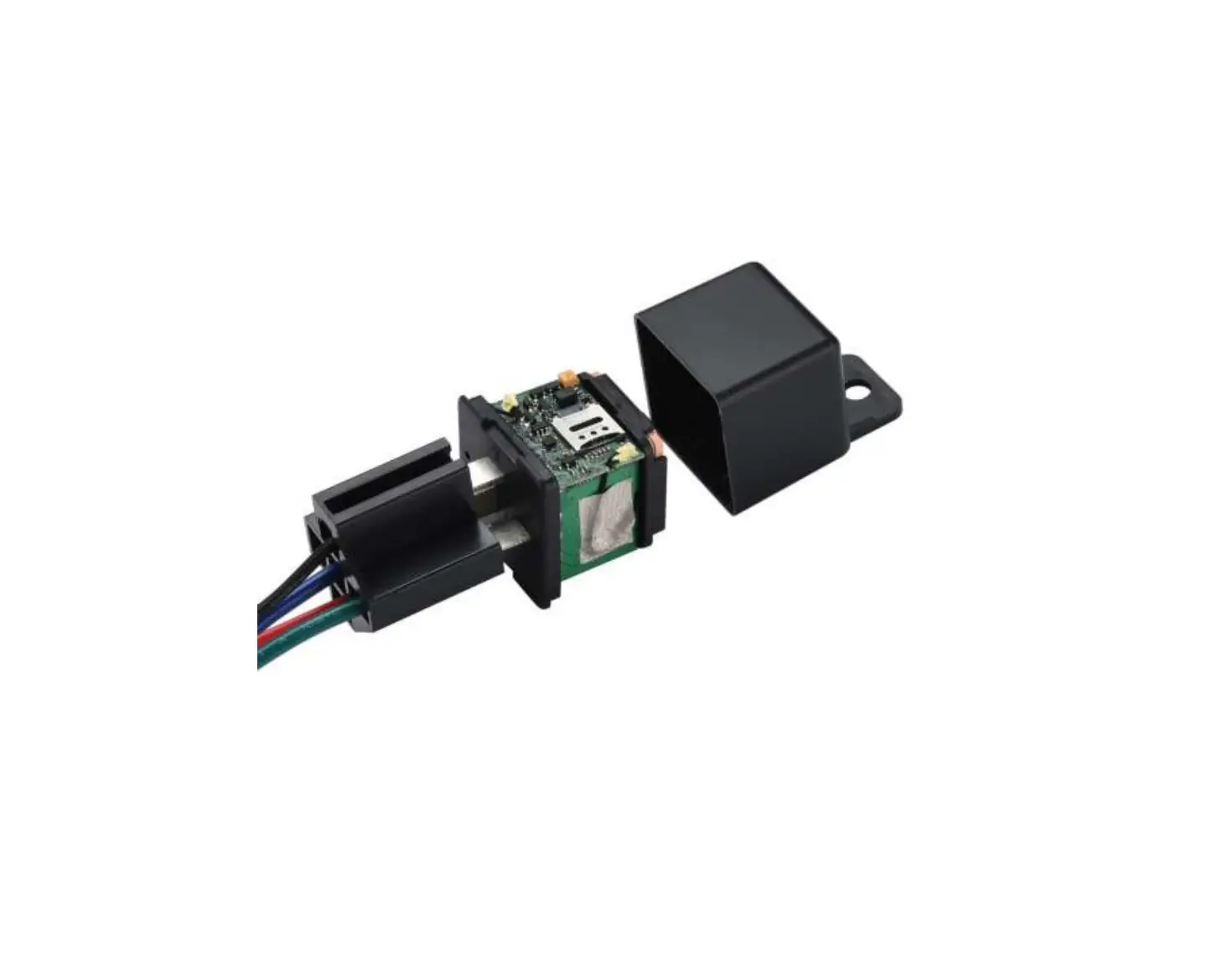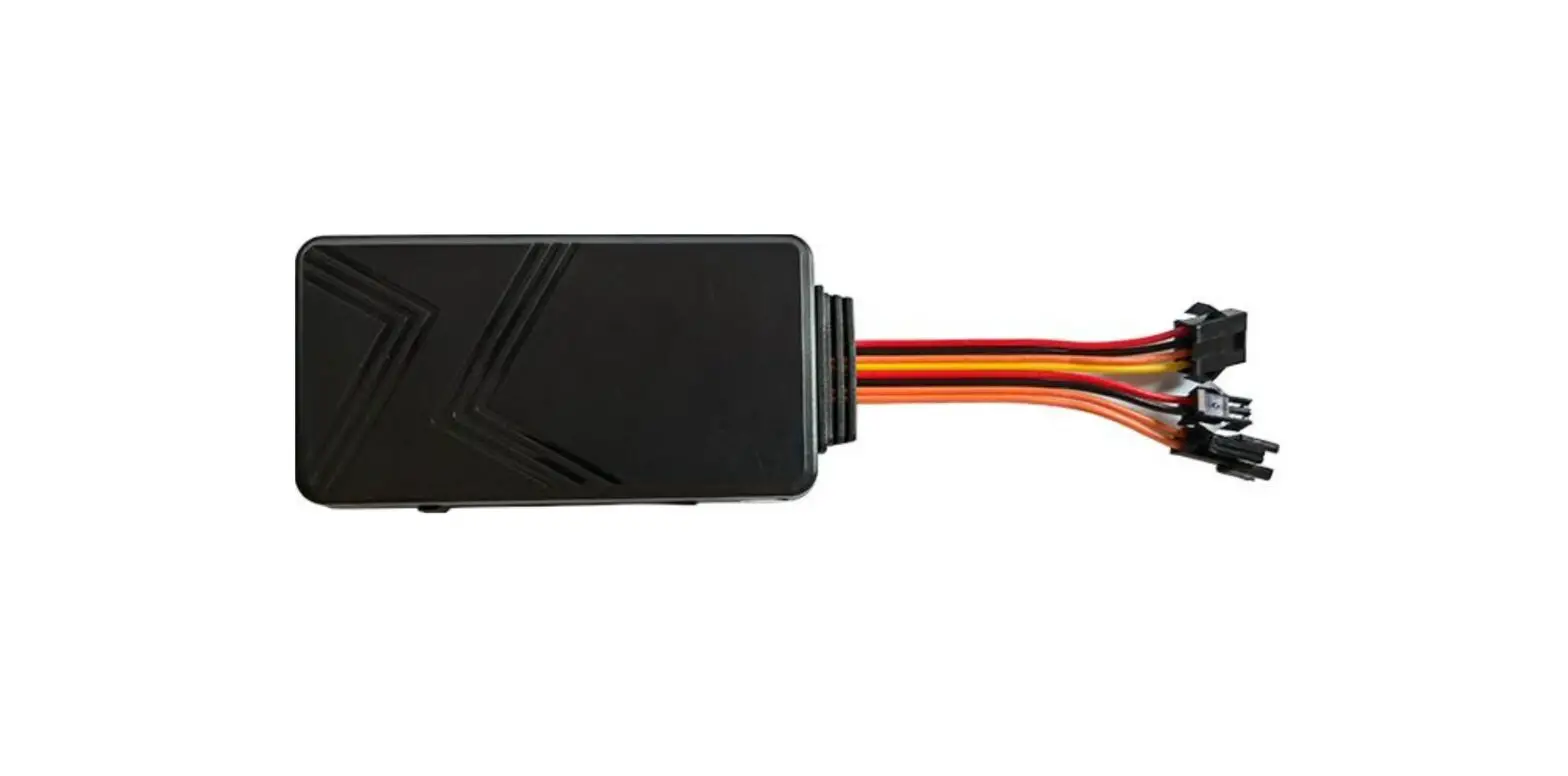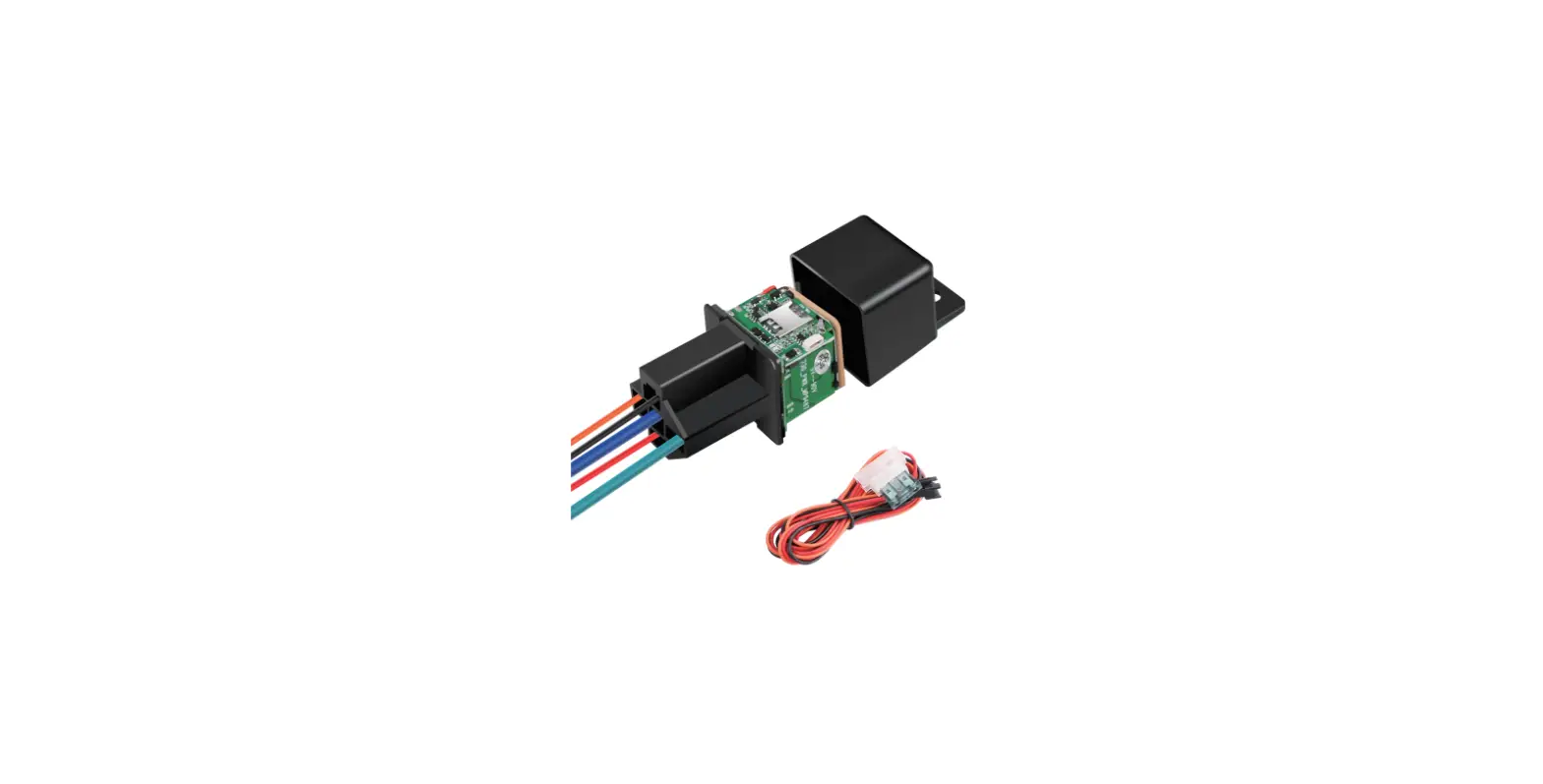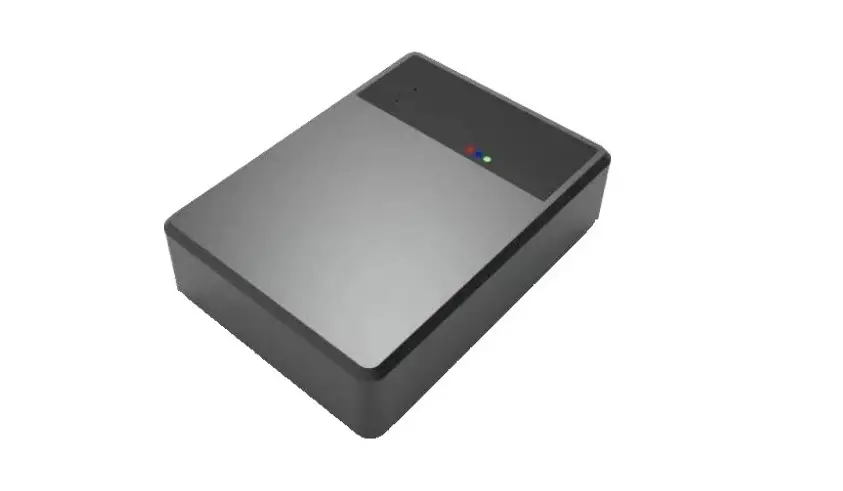
UniGuard GL700 GPS Tracker User Manual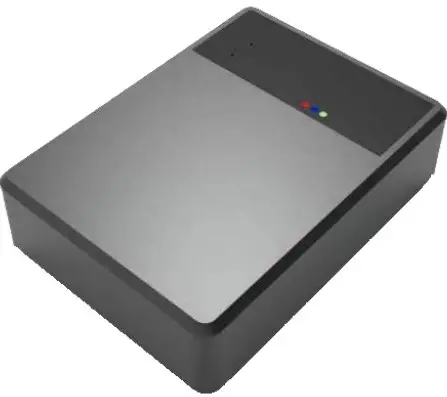
Product functions & Parameters
Product functions
Location inquiry, geo-fence, over-speed alarm, power-off alarm, historical route playback, voice monitoring
Parameters
| Position mode | GPS+BD+LBS+AGPS |
| Location Accuracy | ≤10 |
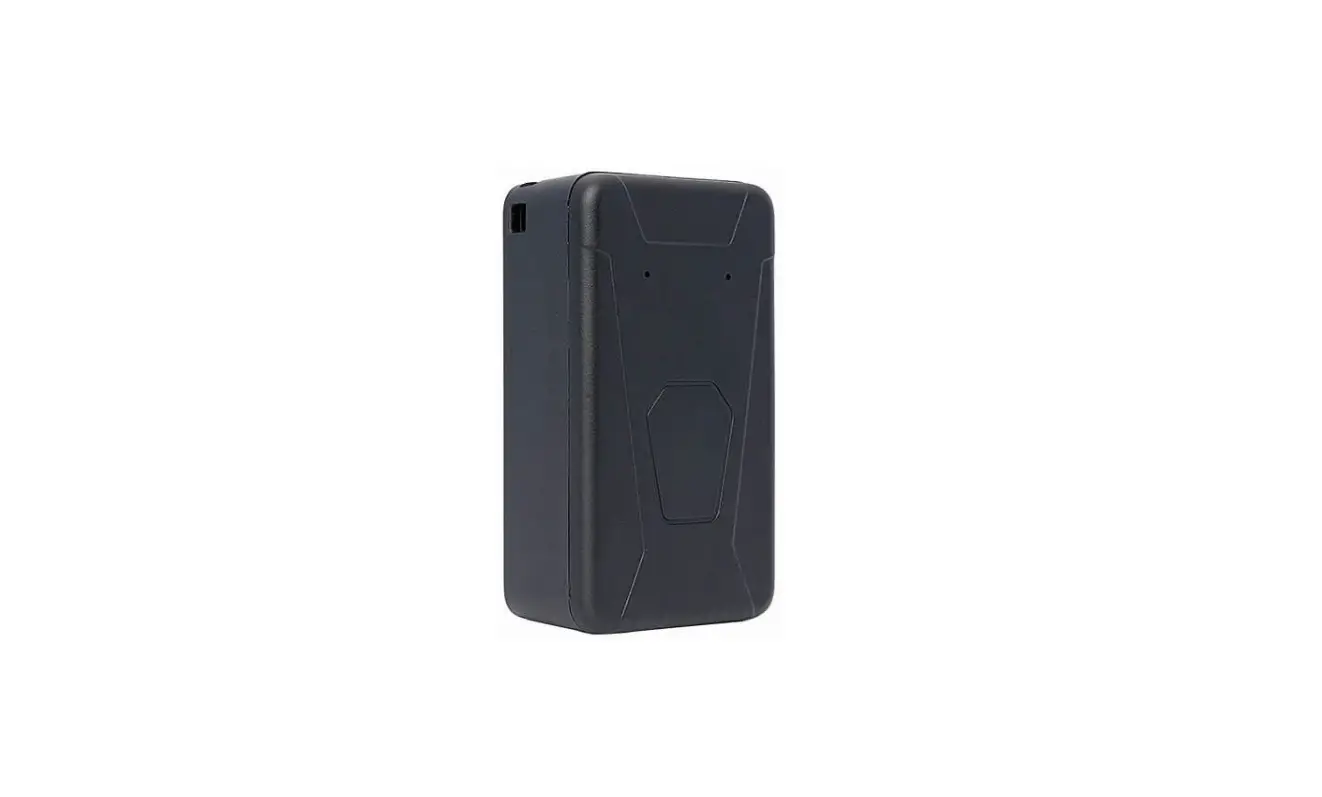
| Size | 101*67*25 mm |
| Battery | 10,000 Mah |
| Standby | 15 to 100 days |
| Charging | USB Type-C 5V |
| Charging current | Max 2A, default 1.5A |
| Working current | GPS ON: 35 mAh, GPS OFF: 5mAh |
| Working temperature | -20 to 70°C |
| Storage temperature and humidity | -40 to 90°C / 5%~95% non condensing |
Product accessories and interface
Accessories: Standard: device, user manual
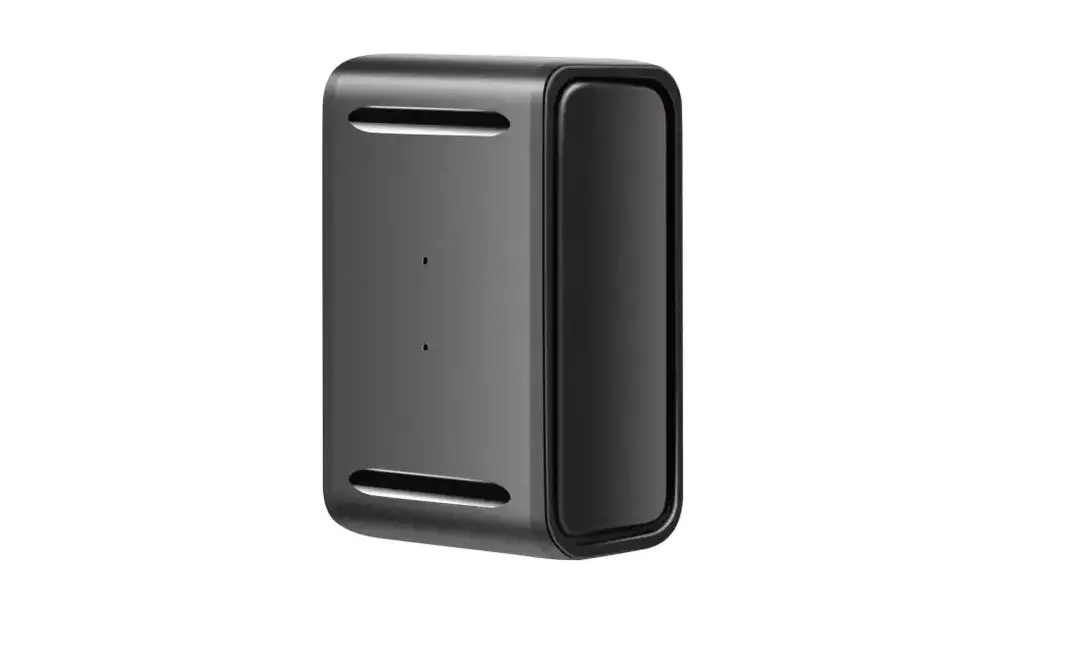
Device interface
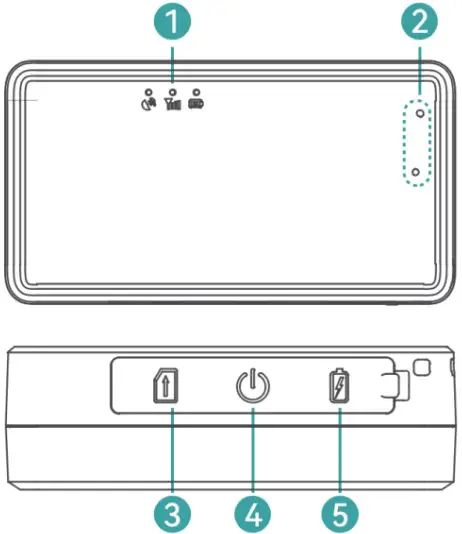
| 1 | LED: GPS singal (Blue) / GSM signal (Green) / Power LED (Red) |
| 2 | MIC for voice monitoring |
| 3 | SIM slot |
| 4 | Power switch |
| 5 | USB Type-C charging port |
SIM Installation
Preparation before installation:
- Open the box and check whether the device and the accessories are complete, otherwise please contact your dealer.
- SIM card selection, the device works with Micro SIM card, and support full Netcom band.
- SIM card installation
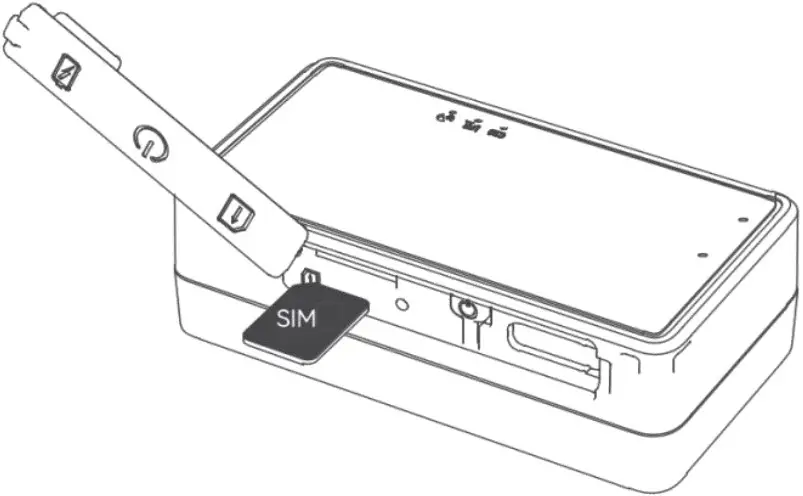
Note:
- Before installing or removing the SIM card, please switch off the device;
- Should activate the GPRS function of the SIM card;
- Should activate the caller ID function; (activate or not according to the functions you chose.)
- If your SIM card required you to input the SIM PIN, please refer to your mobile phone user manual to turn off the SIM PIN function.
- Please ensure that the SIM card is valid.
Device Operation
LED light
Switch on: Long press the switch button till all LEDs turn on Switch off: Press the switch button for 3 seconds, all LEDs turn off Force restart: Press the switch button for 7~8 seconds to force restart the device.
| Status | Flashing every second | ON | OFF | Flashing twice every second |
| GPS (Blue) | Searching GPS | GPS Located | GPS Sleep | |
| GSM (Green) | Searching GSM | GPRS Online | Do not read card | |
| Power (Red) | Charging | Fully charged |
If blue and green LED keeps flashing please put the device out of the house at an open place.
Installation attention
Metal shall shield or weaken GPS signal. Please avoid these areas
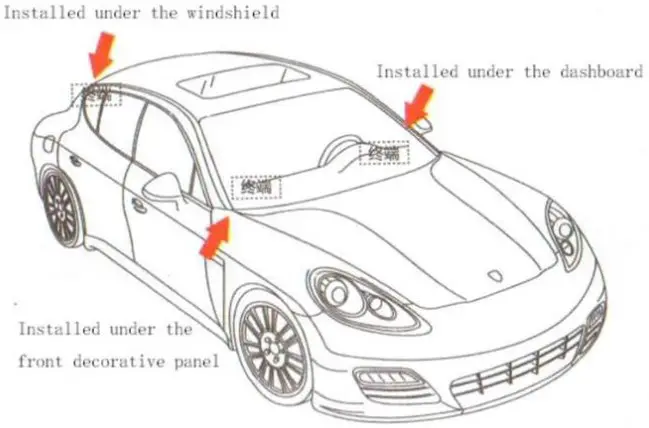
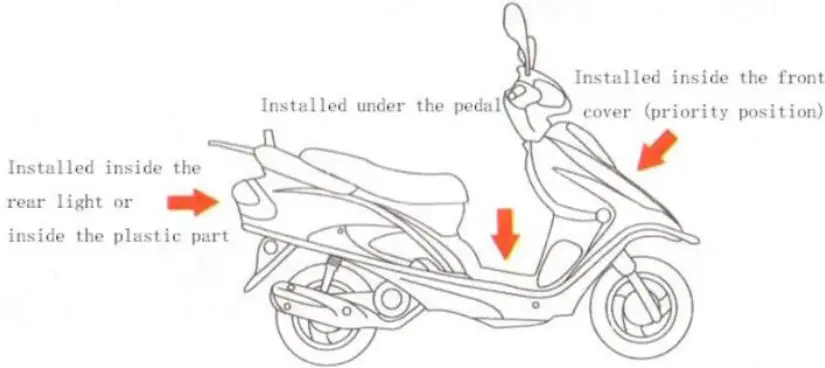
SMS commands and instructions:
Send SMS command from user’s SIM card number to the SIM card number which inside the GPS device. The commands in the following SMS command list are in English input format, and the letters are case-sensitive according to the instruction requirements.
| Common commands | SMS command format | Remark |
| Check parameter | PARAM# | Version, ID, IP, etc… |
| Set IP and Port | IP,www.gpspos.net,8800# | No need send, Preset. |
| Set APN | APN=apn name, user, password# | If no APN user and password, no need set. |
| Device restart | RESET# | Reset Success! |
| Set overspeed value | SPEED,80# | Speed Success! |
| Listen-in | Listen,Tel# | Device will call Tel after receiving command. |
| Smart working mode | MODE,2,180,1,1,1,1# | If there is shock, work 3 mins and then sleep |
| Fixed updating mode | MODE,1,10,1,1,1,1# | Report to server every 10 seconds |
| Power saving mode | MODE,3,60,1,1,1,1# | Report to server every 60 minutes. |
| Mode check | MODE# | |
| Reset device | RESET# |
Web Platform and APP
website: www.gpspos.net
APP:
Search POSGPS to download from Google Play.
Search GPSPOS to download from AppStore.
Guarantee Card
| Name | Phone | ||
| Purchase Date | IMEI | ||
 Loading...
 Car GPS Tracker| Vehicle Fuel Monitoring Solutions| UniGuard China