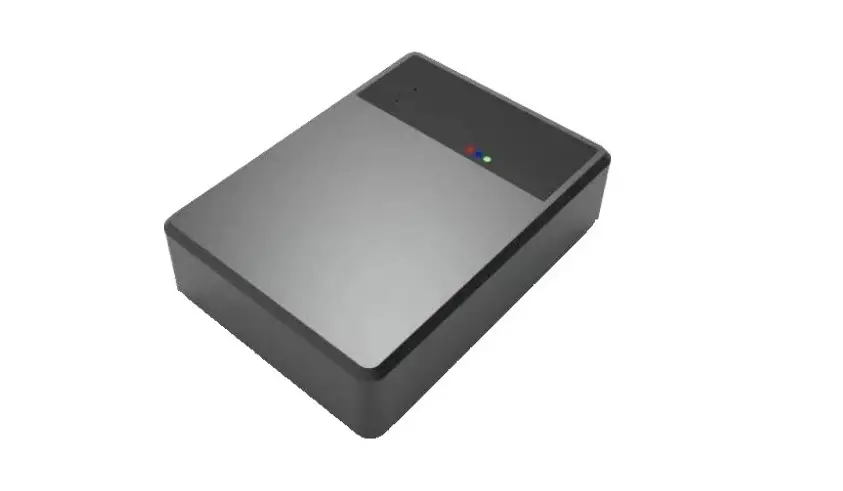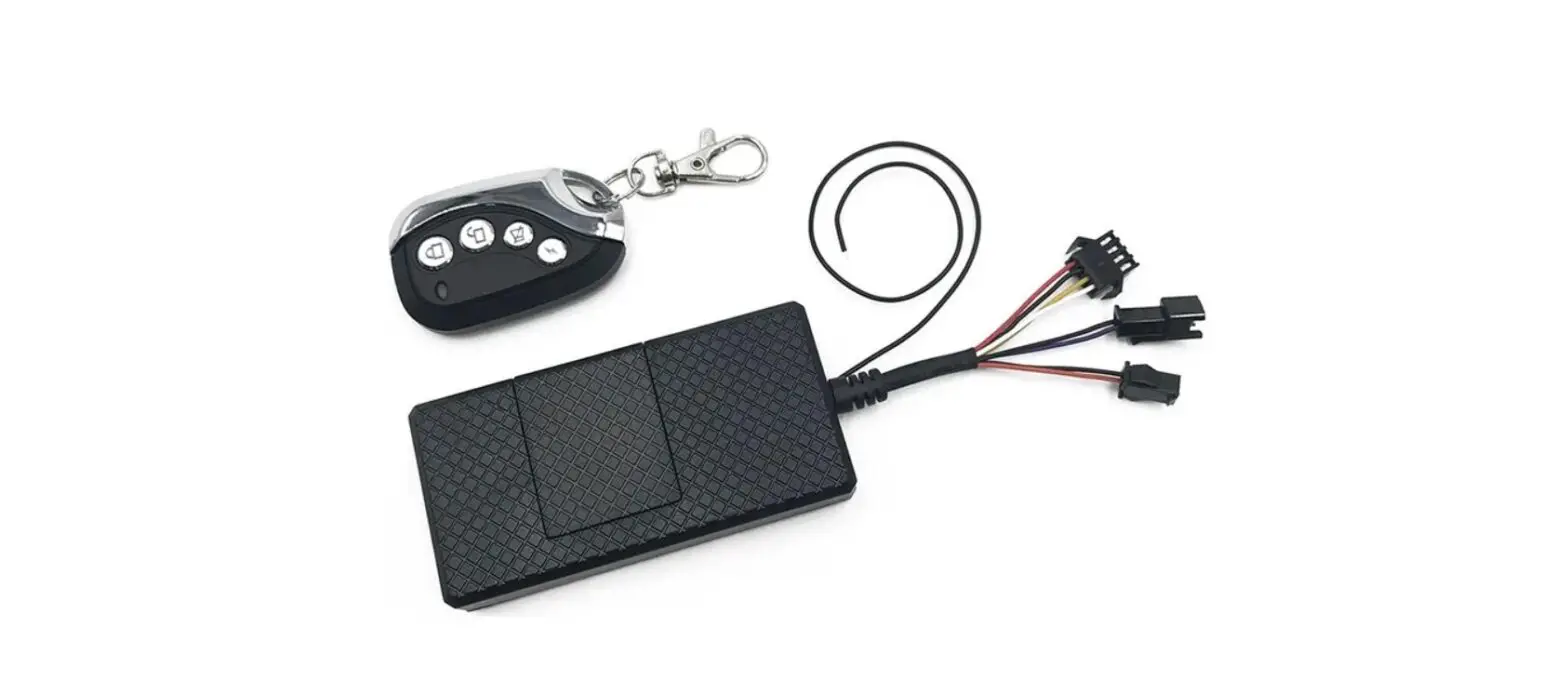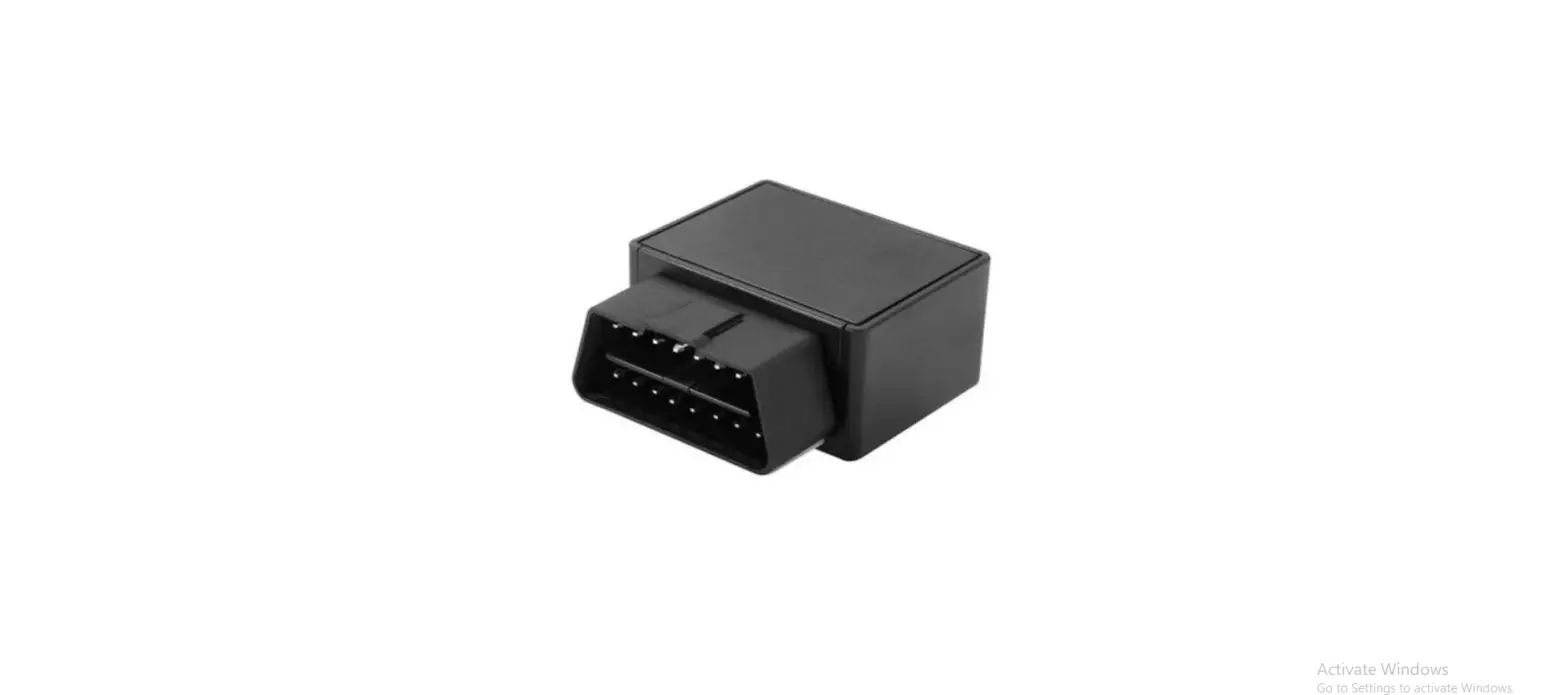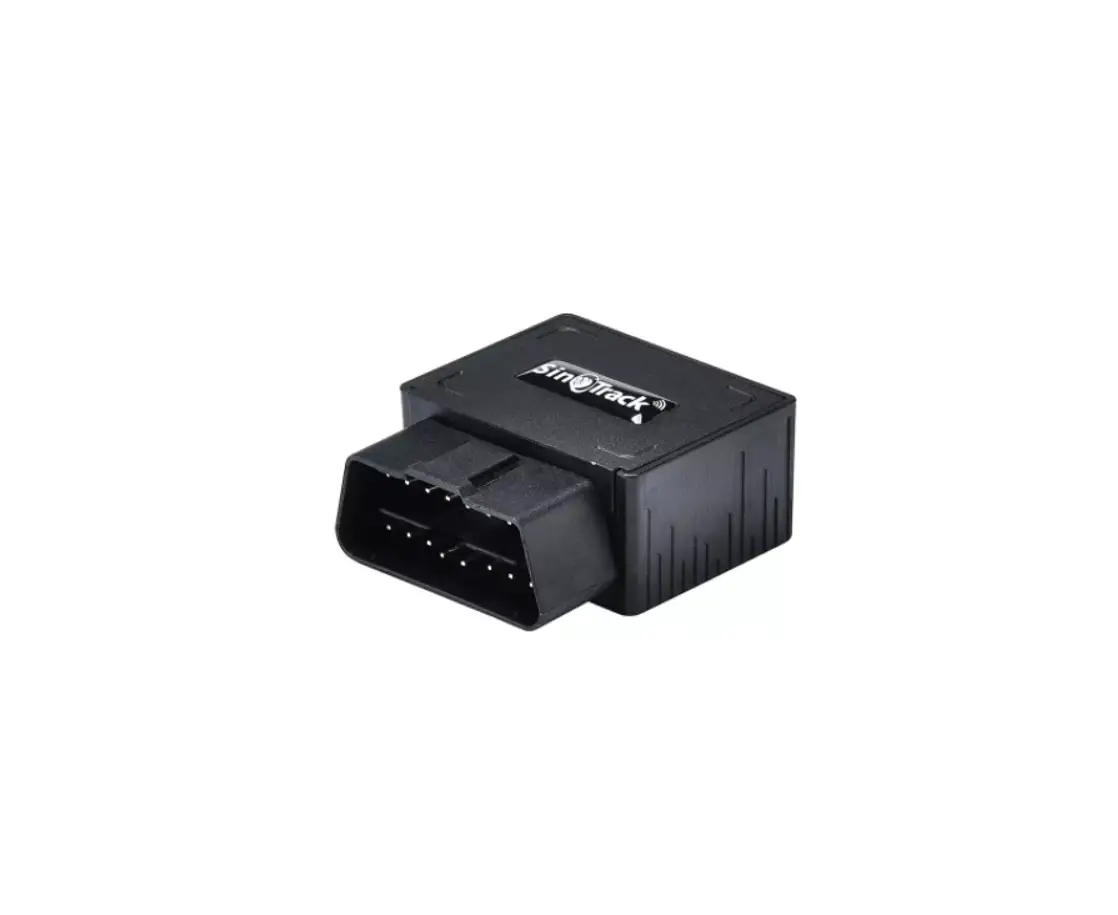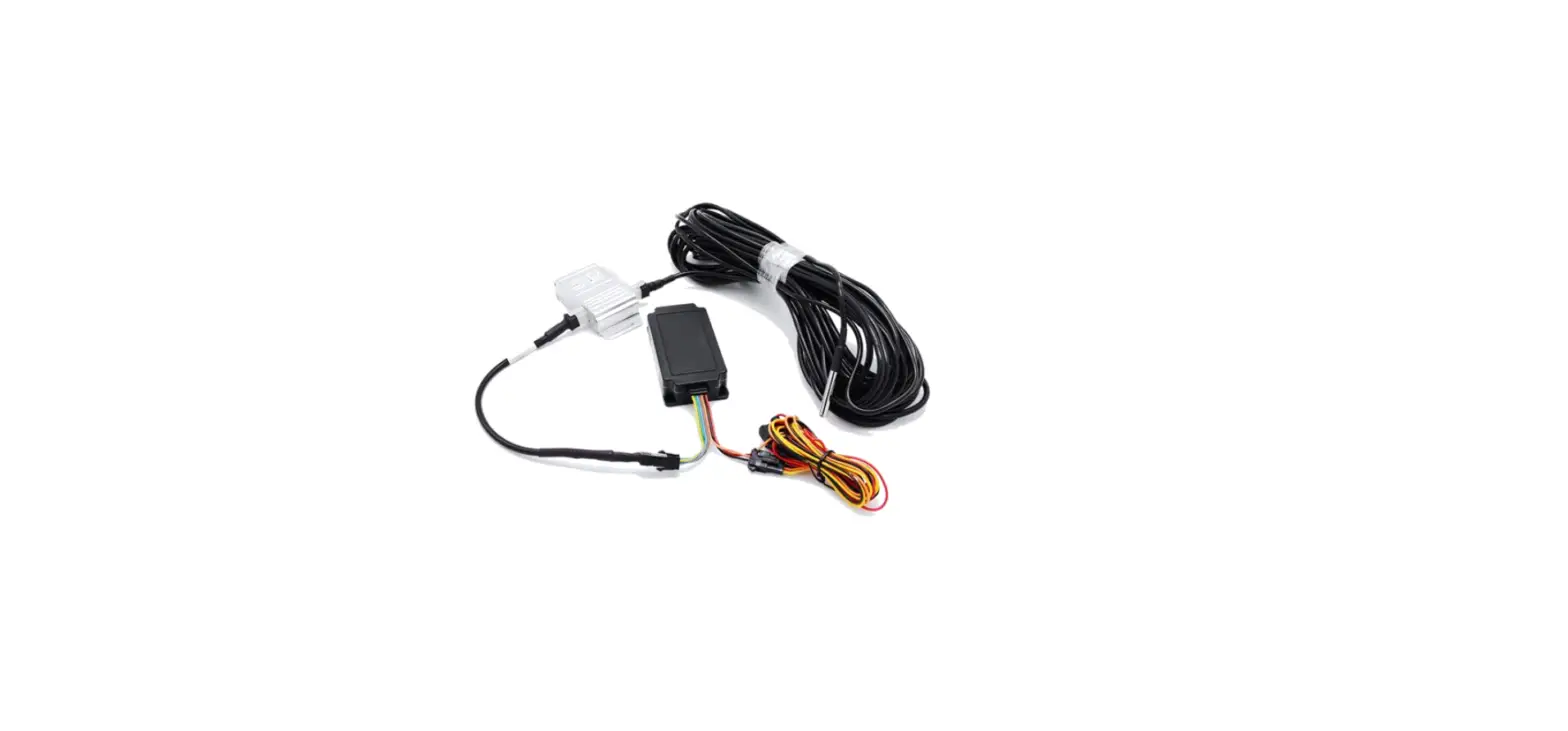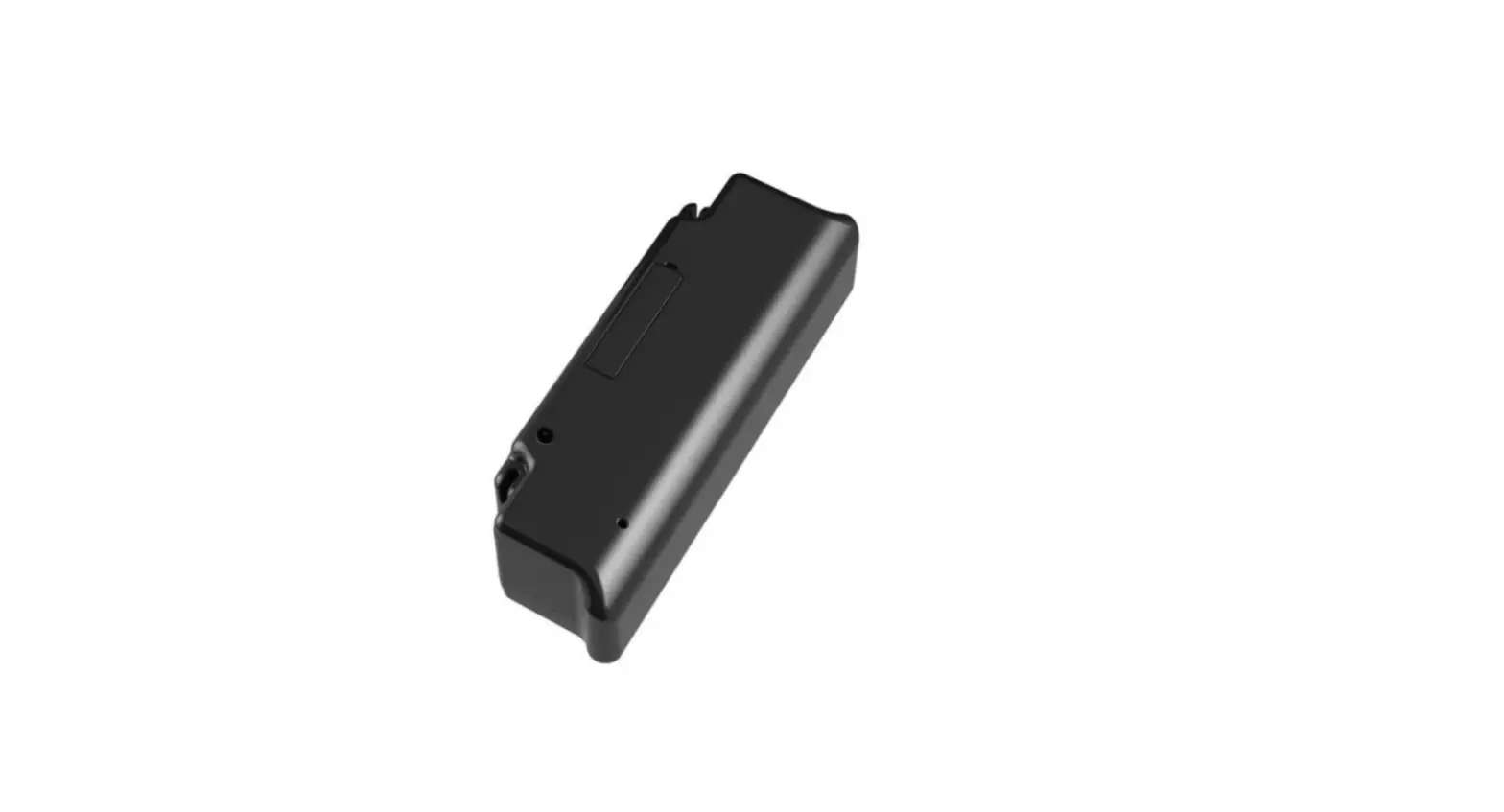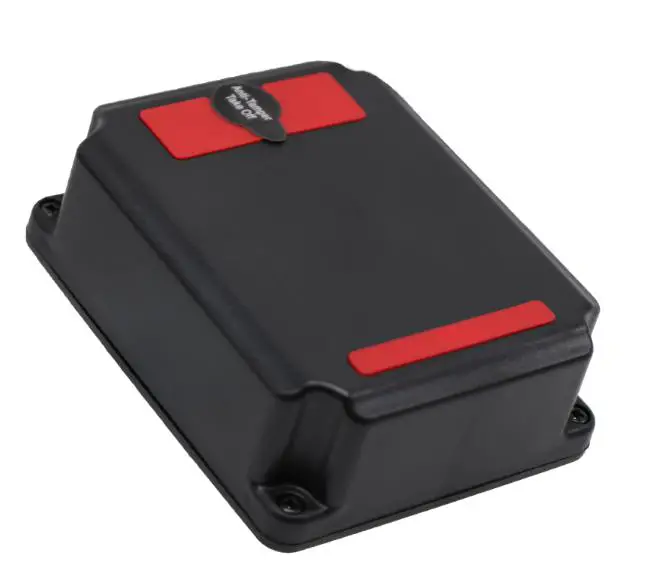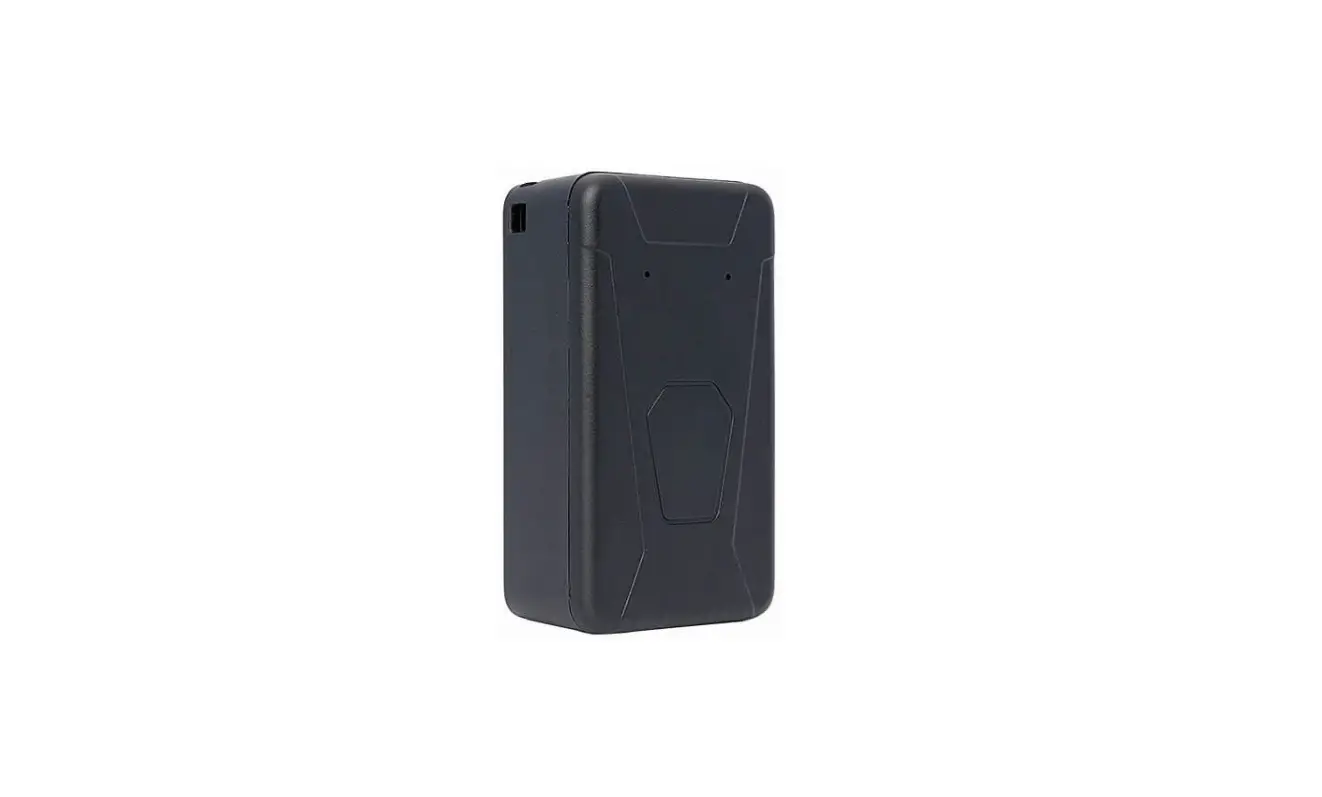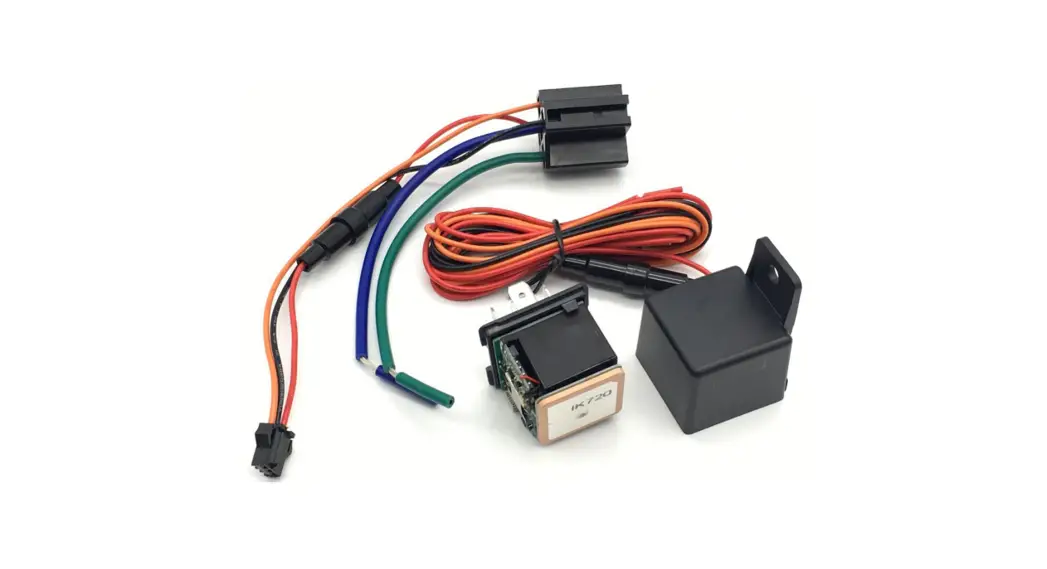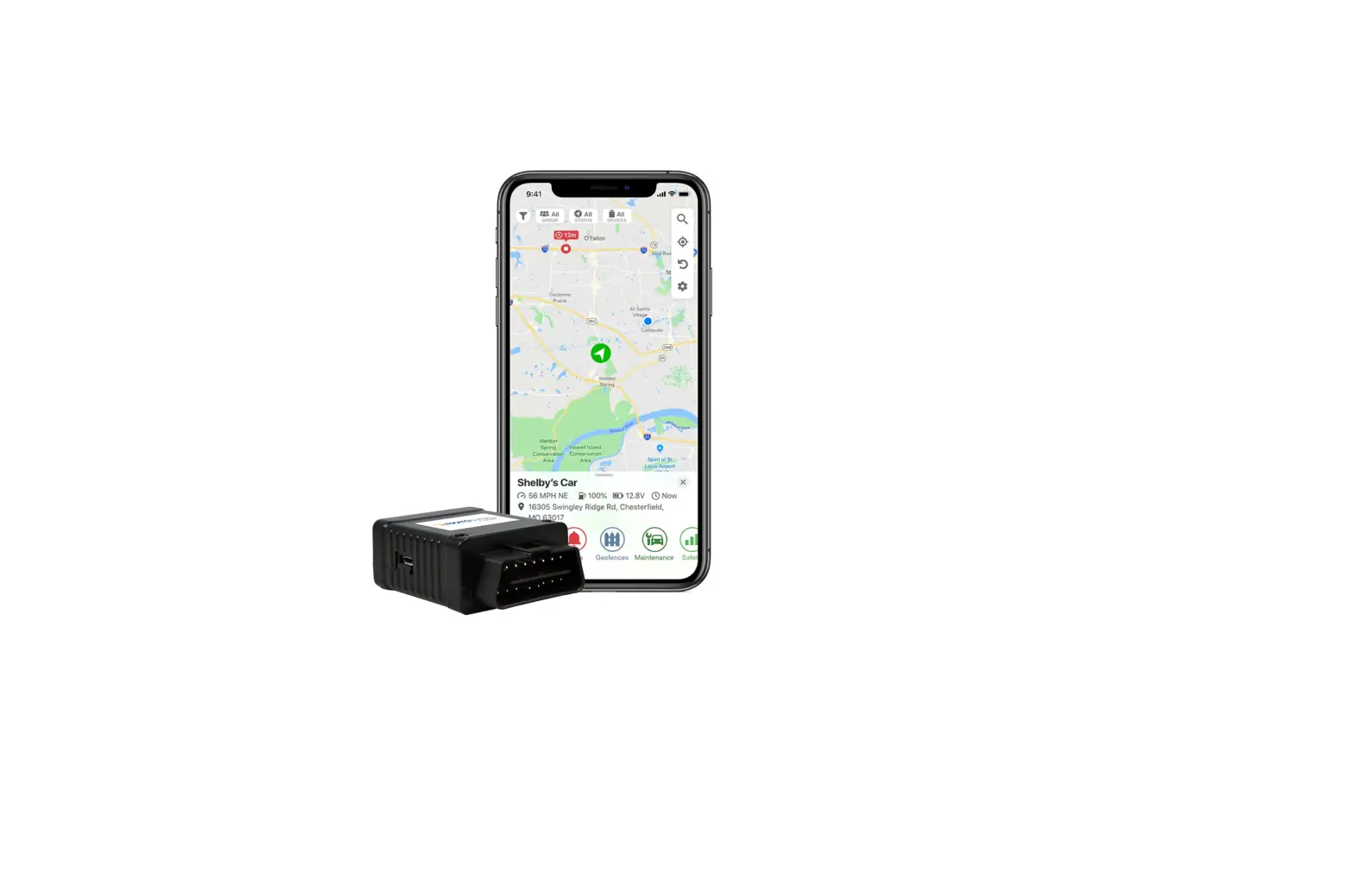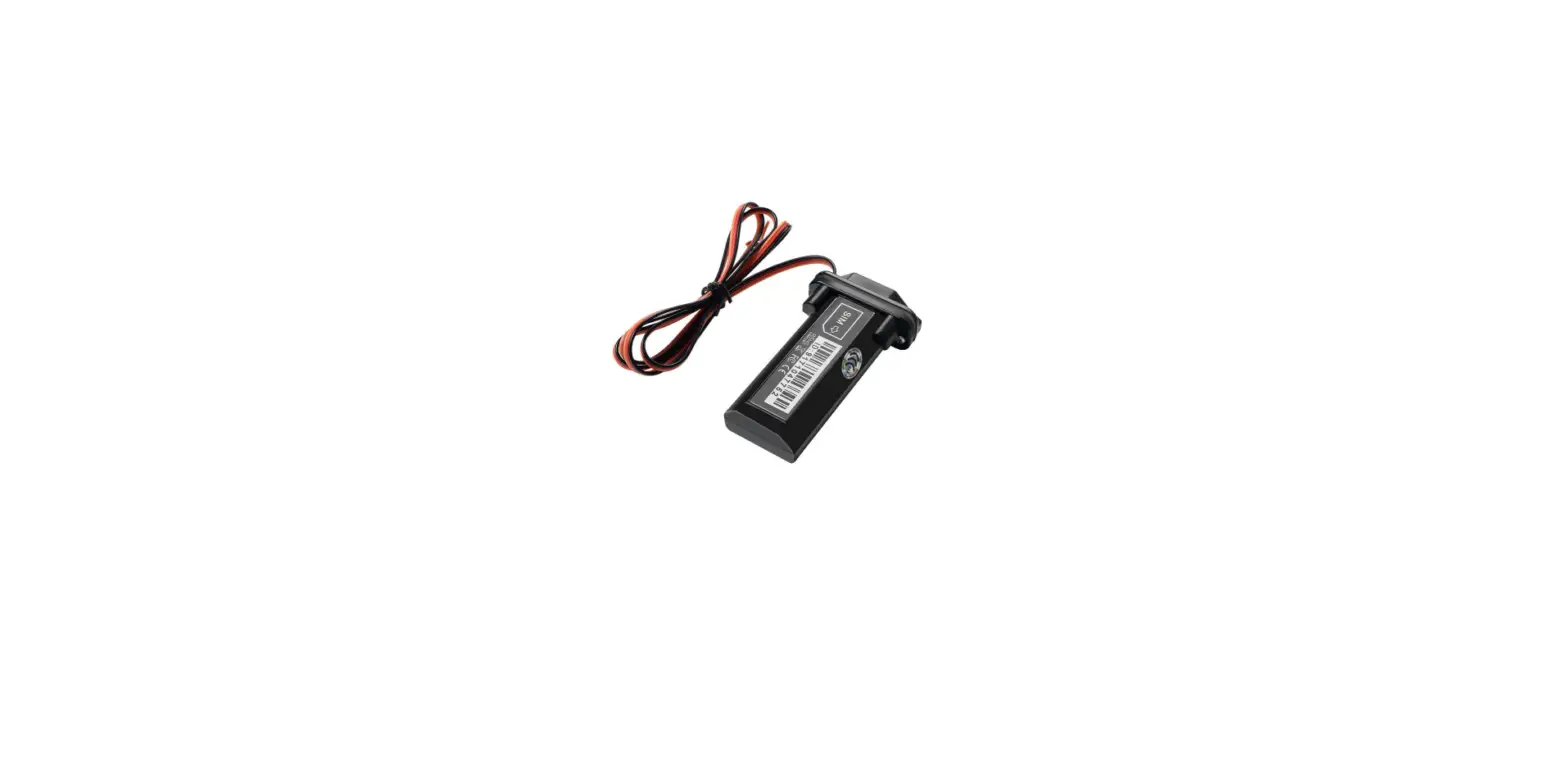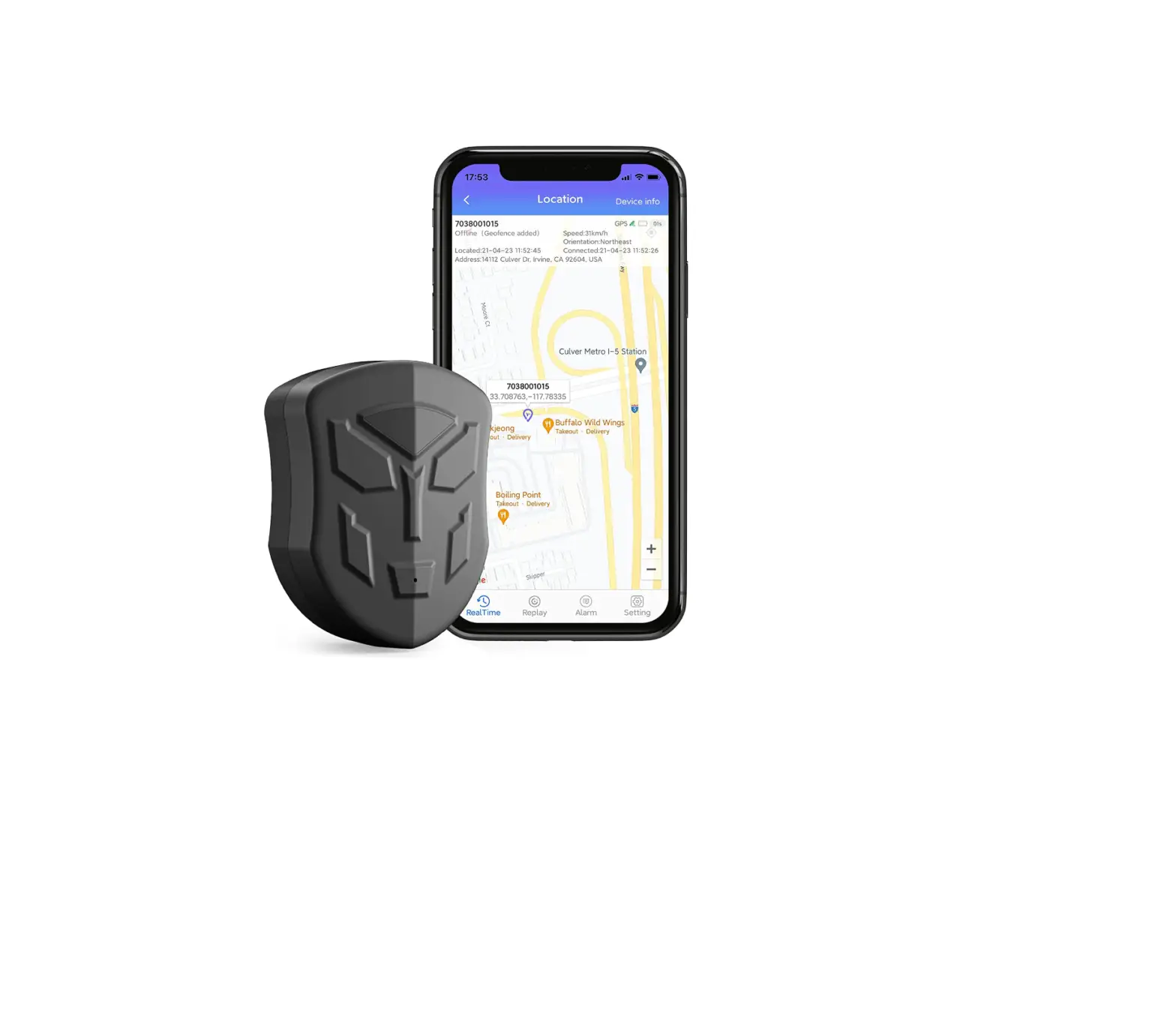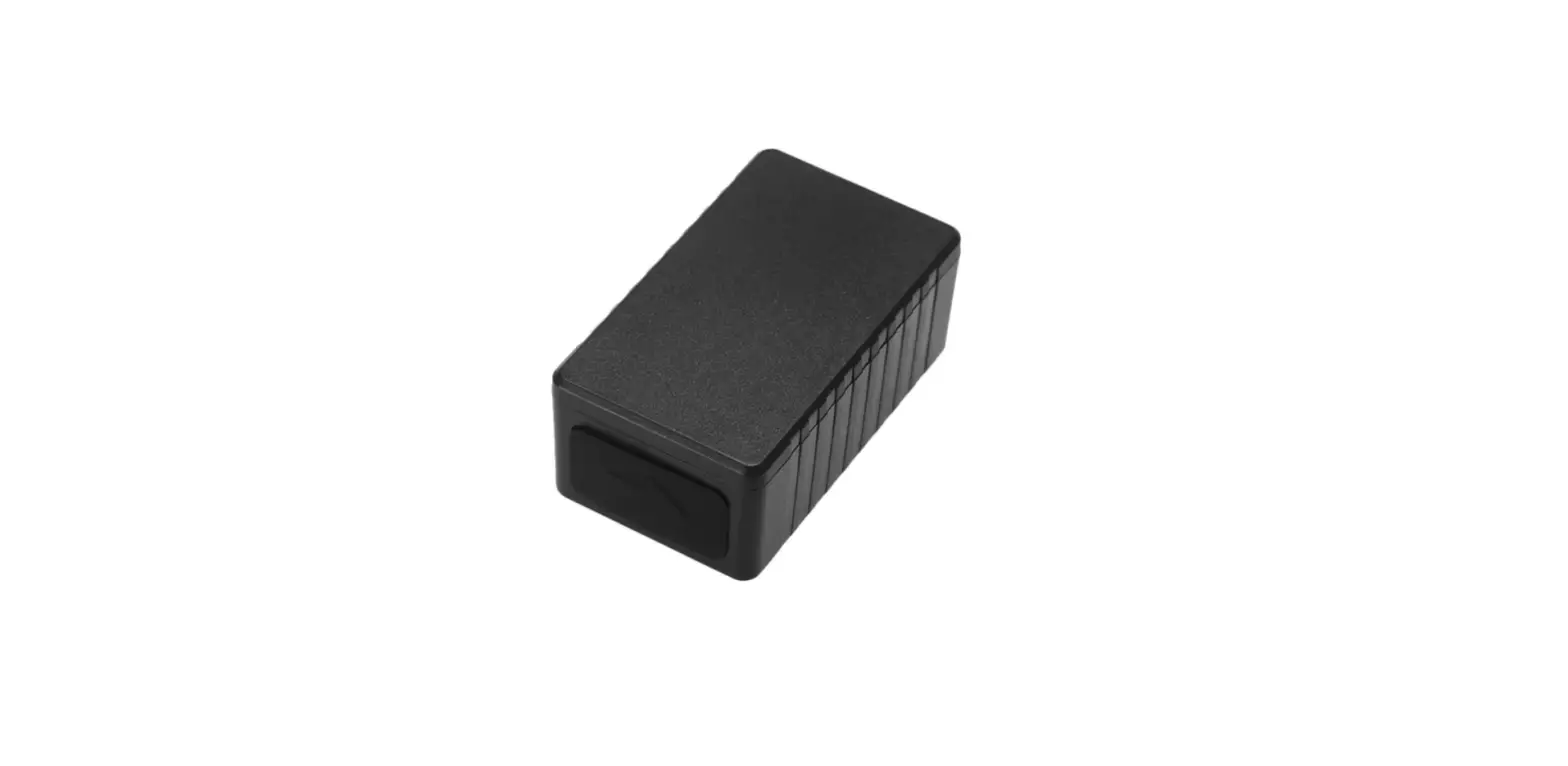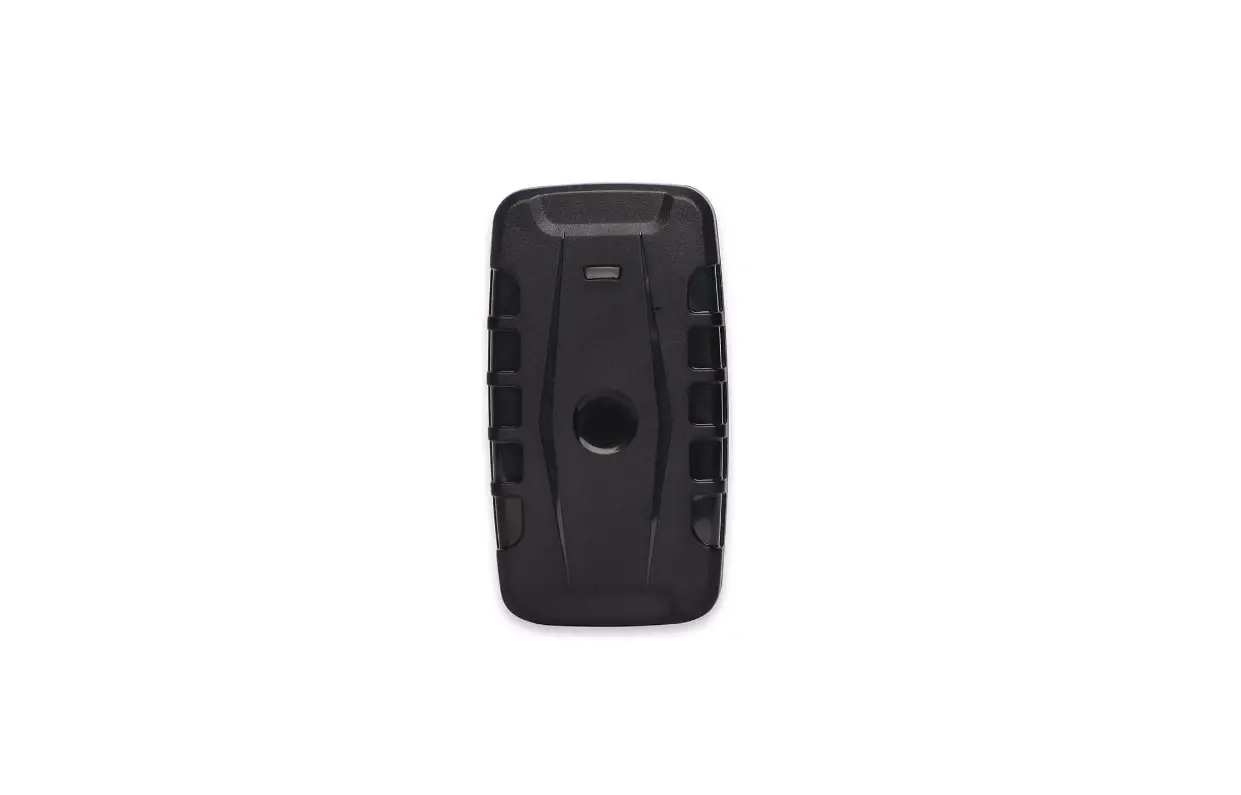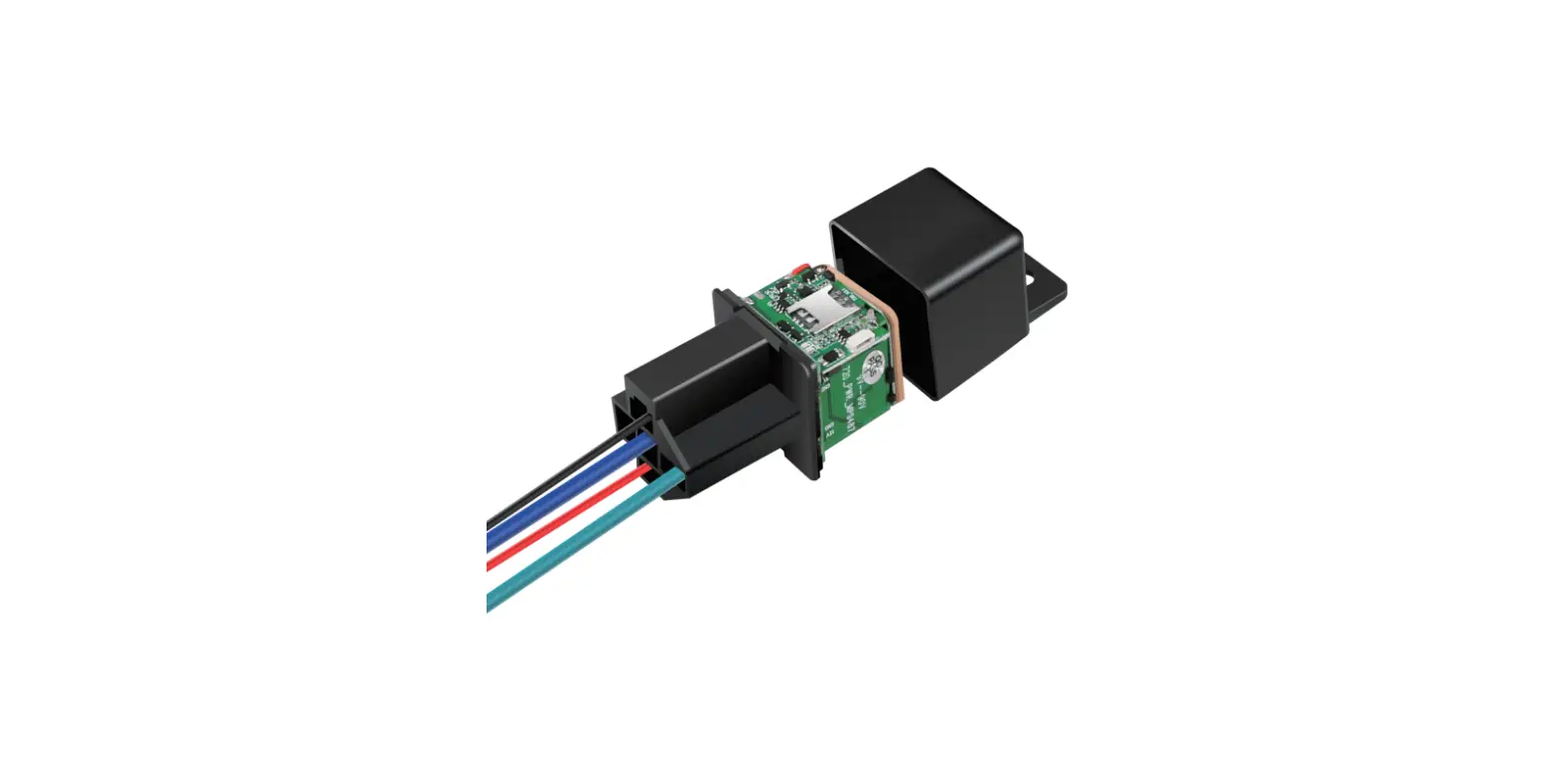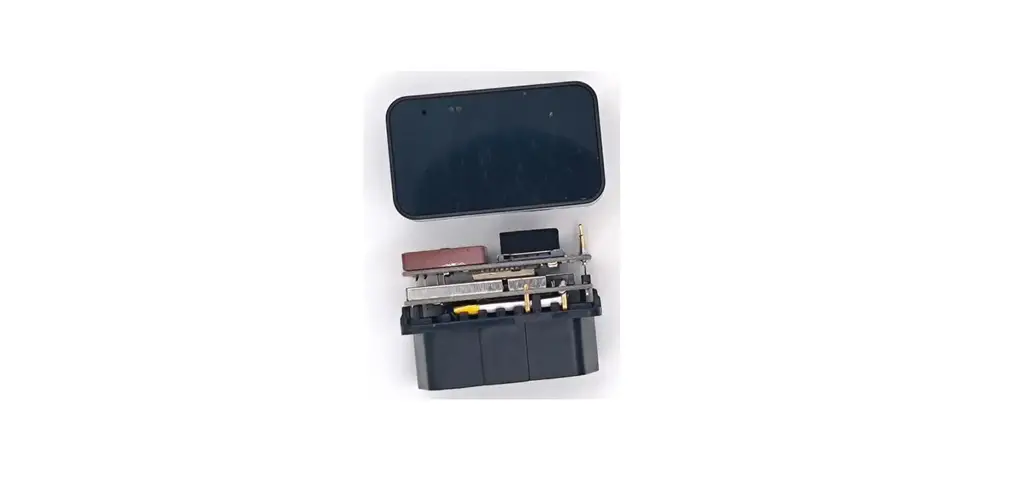

UniGuard UT07 OBD GPS Tracker
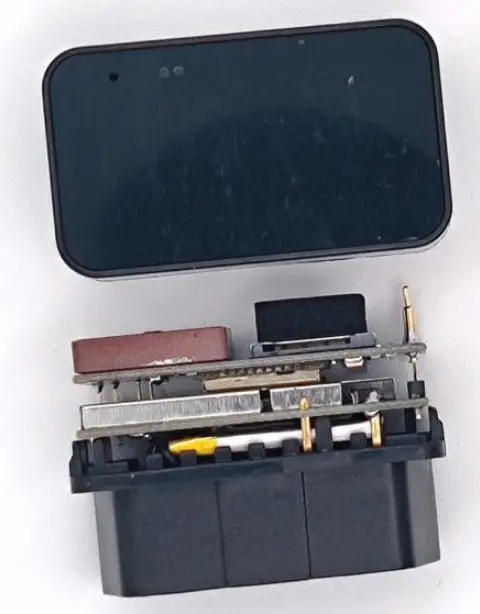
Thank you very much for using GPS TRACKER, the user manual will guide how to operate this product, please read it carefully before using it in order to get the correct method of operation. If the appearance, color and accessories of this product are modified, please refer to the actual product. The manufacturer is not liable for faults and omissions which in the user manual.
Product functions & Parameters
Product functions
Location inquiry, geo-fence, over-speed alarm, power-off alarm, historical route playback, voice monitoring
Parameters
- Frequency: 850/900/1800/1900 Mhz;
- Wide voltage input range: 8 – 24V;
- Location time: average warm start:≤3sec(open sky)
- Average cold start:≤35sec(open sky)
- Device dimensions:42mm × 28mm × 17mm;
- Location accuracy:≤10 meters;
- Working Temp:-20℃ – 75℃
- Backup battery: 200mAh
Product Accessories and LED light status
Accessories:
- Standard: device, user manual
Device LED light status
Yellow LED (GSM signal status)
| Light status | Meaning |
| Flash every 2 seconds | GSM initialization |
| on | GPRS normal communication/online |
| off | GSM sleep/power off |
Blue LED (GPS signal status)
| Light status | Meaning |
| Flash every 2 seconds | GPS signal searching |
| on | GPS location finished |
| off | GPS sleep/power off |
Installation instructions
Preparation before installation:
- Open the box and check whether the device and the accessories are complete, otherwise please contact your dealer.
- SIM card selection, the device works with Micro SIM card, and support full Netcom band.
- SIM card installation, SIM card corner inside, chip face to the side with shrapnel, which can help to hold the card.
Note:
- Before installing or removing the SIM card, please switch off the device;
- Should activate the GPRS function of the SIM card;
- Should activate the caller ID function; (activate or not according to the functions you chose.)
- If your SIM card required you to input the SIM PIN, please refer to your mobile phone user manual to turn off the SIM PIN function.
- Please ensure that the SIM card is valid.
Installation
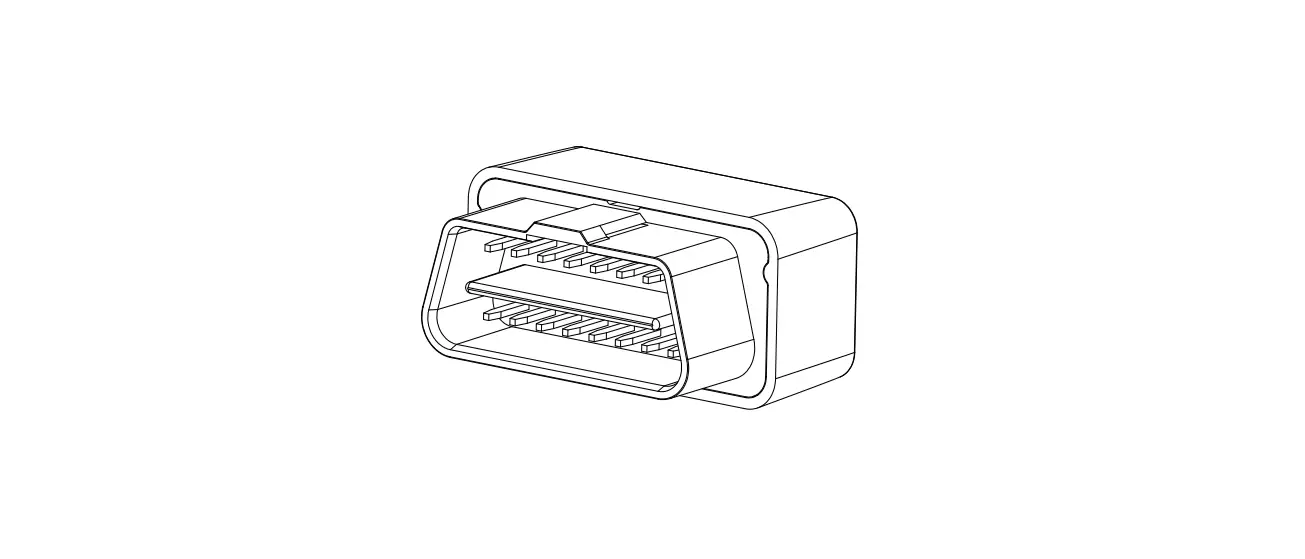
Device with standard OBDII socket 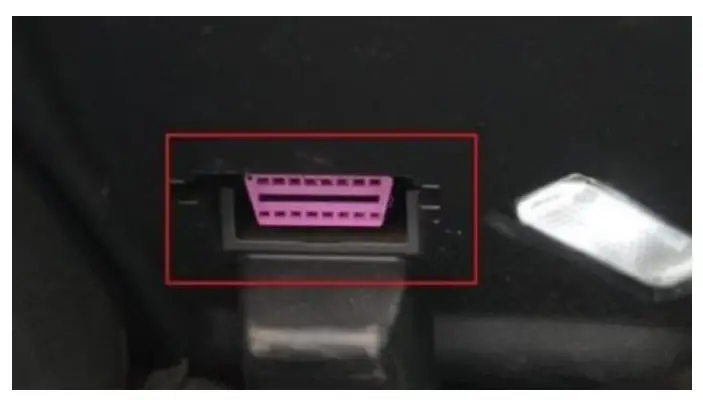
SMS commands and instructions
Send SMS command from user’s SIM card number to the SIM card number which inside the GPS device.
The commands in the following SMS command list are in English input format, and the letters are case-sensitive according to the instruction requirements.
| Common commands | SMS command format | Device reply |
| User parameter query | CXZT | Version, ID, IP, etc… |
| Set admin number | admin123456 15012404563 | Admin ok |
| Set new password | pwd123456 654321 | Password reset okay. |
| Set IP and Port | IP domain port Example: IP www.gpspos.net 8000 | IP OK |
| Device restart | CQ | CQ OK |
| Restore factory settings | FORMAT | FORMAT OK |
| Revise APN | NAPN=cmnet,, | APN OK |
| Over speed alarm | SZCS#SPEED=120 | SETOK:SPEED=90 |
App
- Search GPSPOS at Appstore Search POSGPS at Google Play
- www.uniguardgps.com
 Loading...
 Car GPS Tracker| Vehicle Fuel Monitoring Solutions| UniGuard China