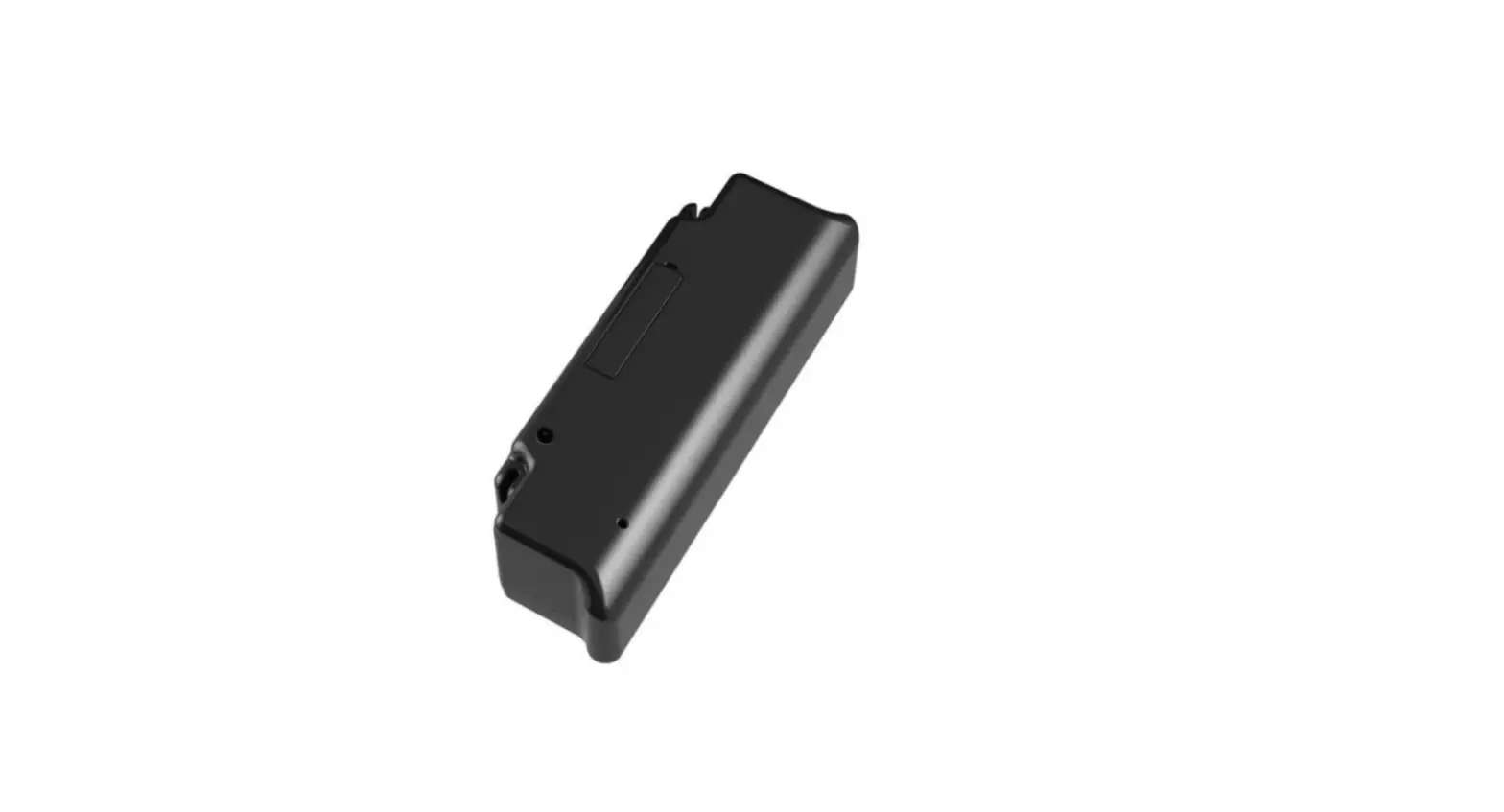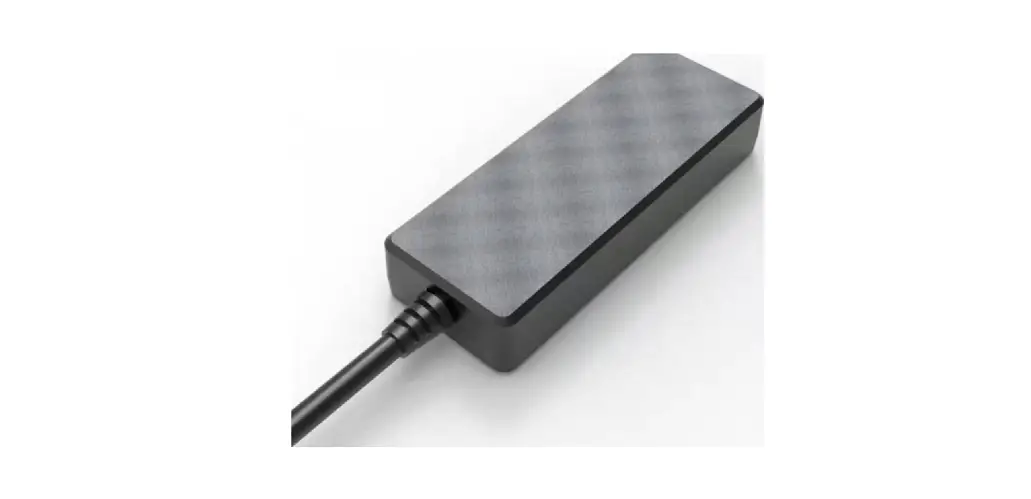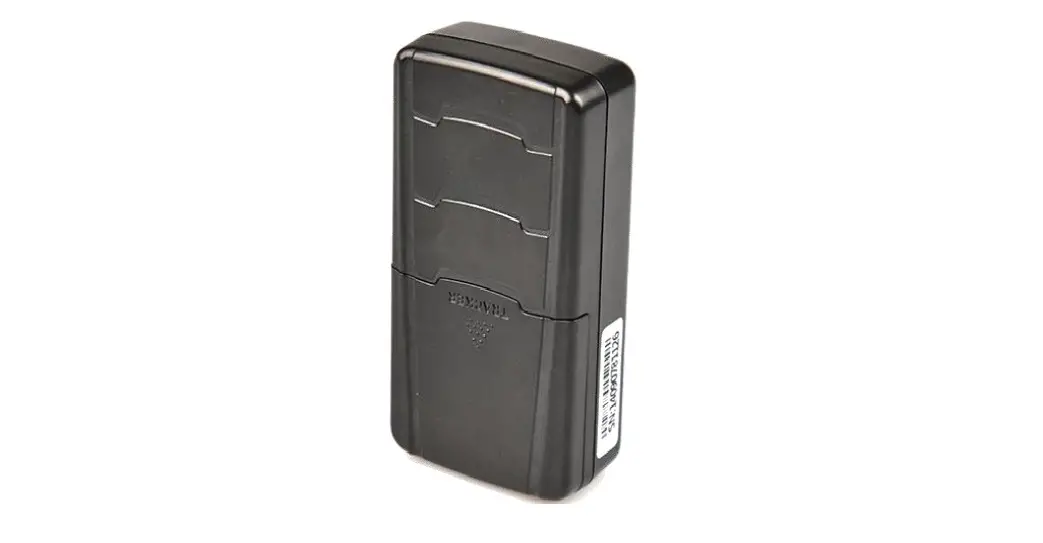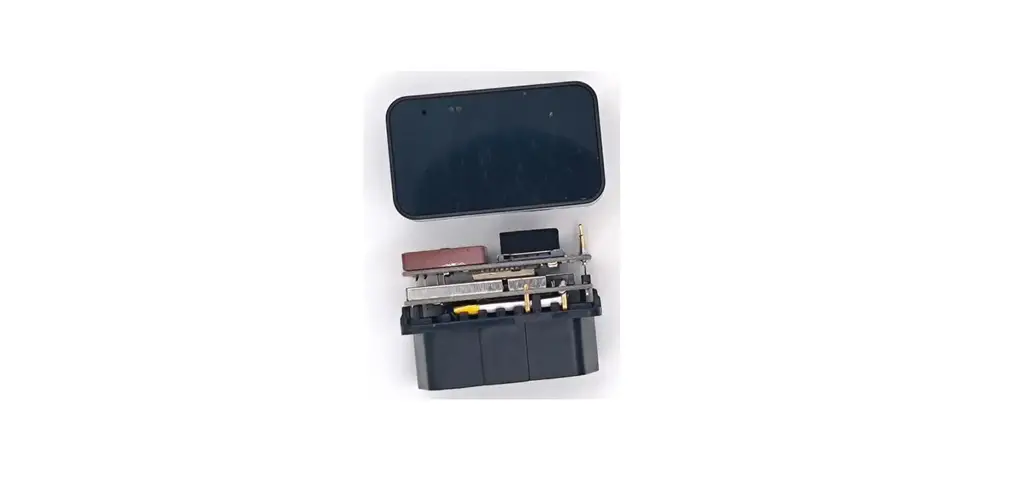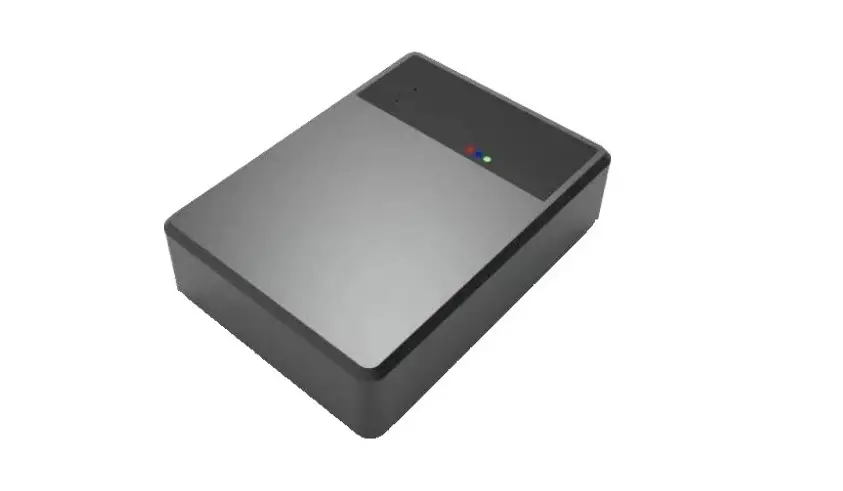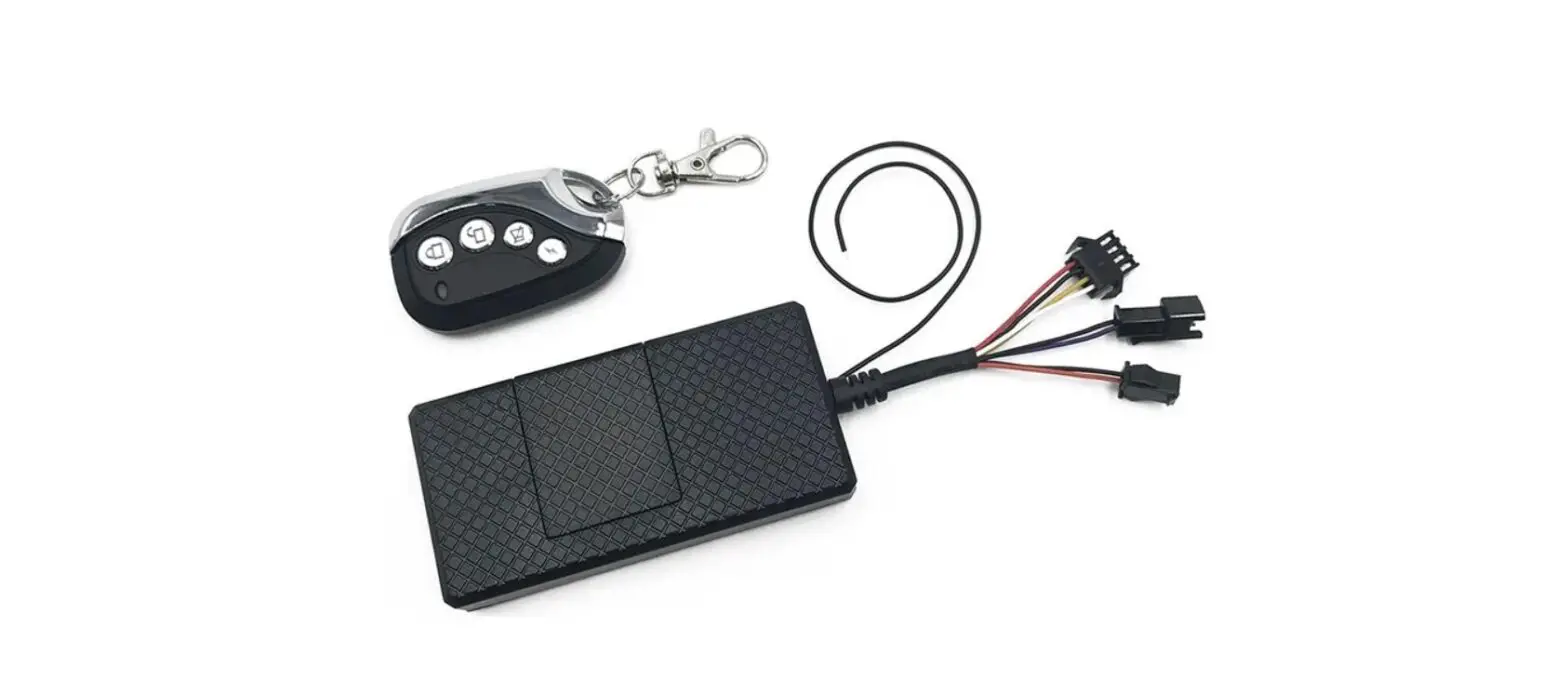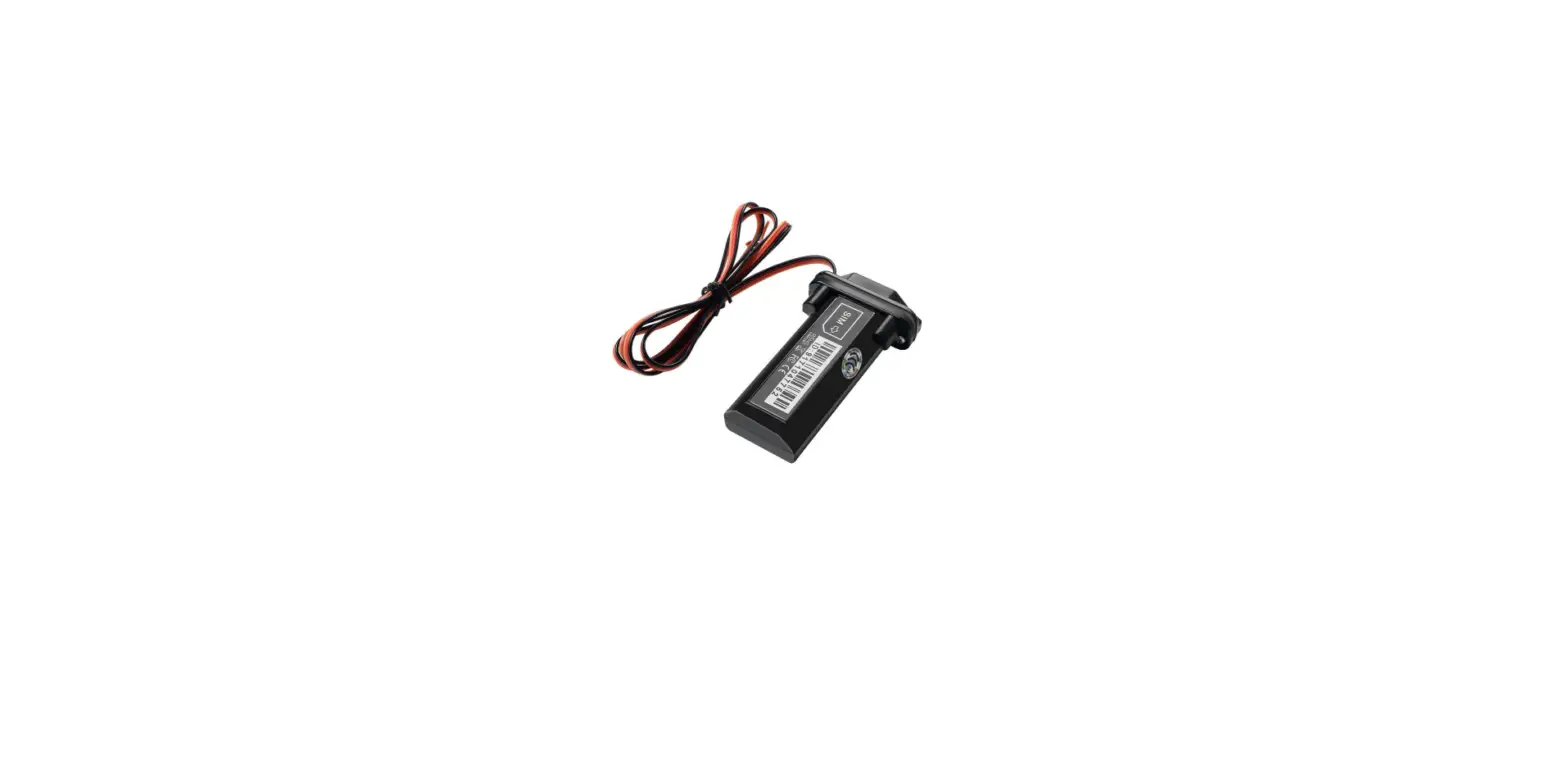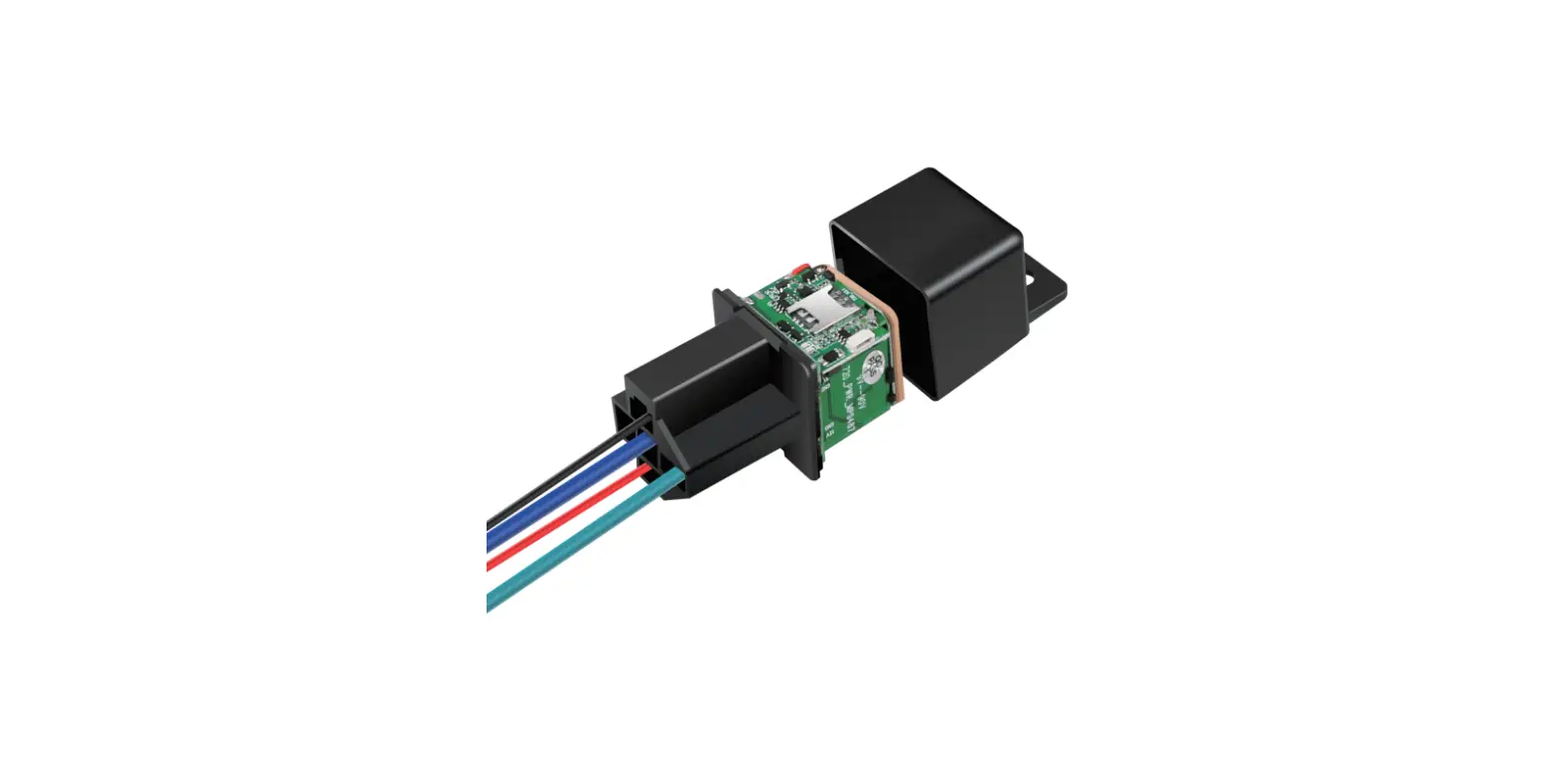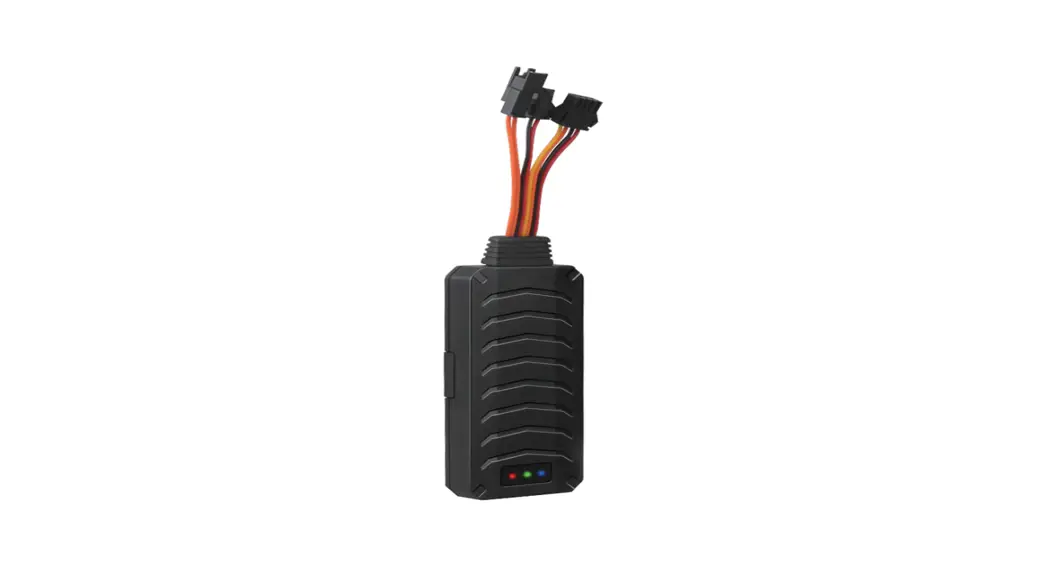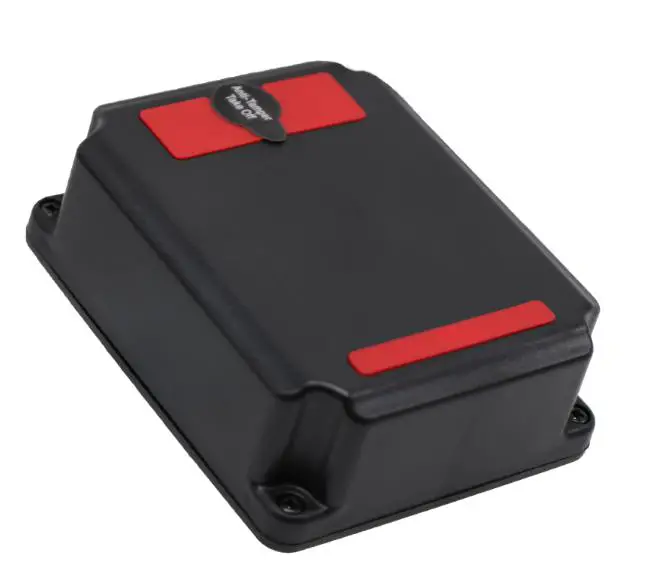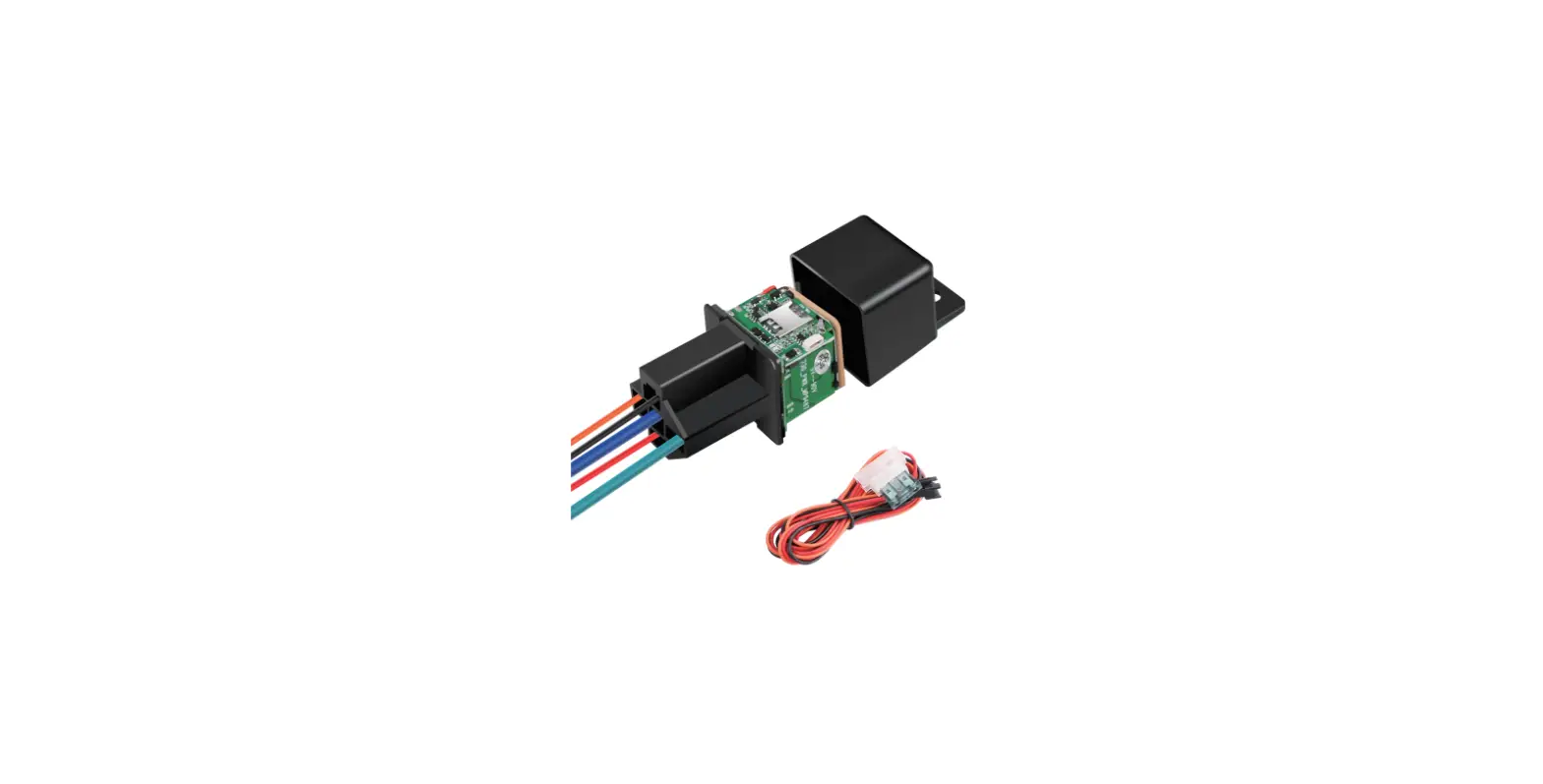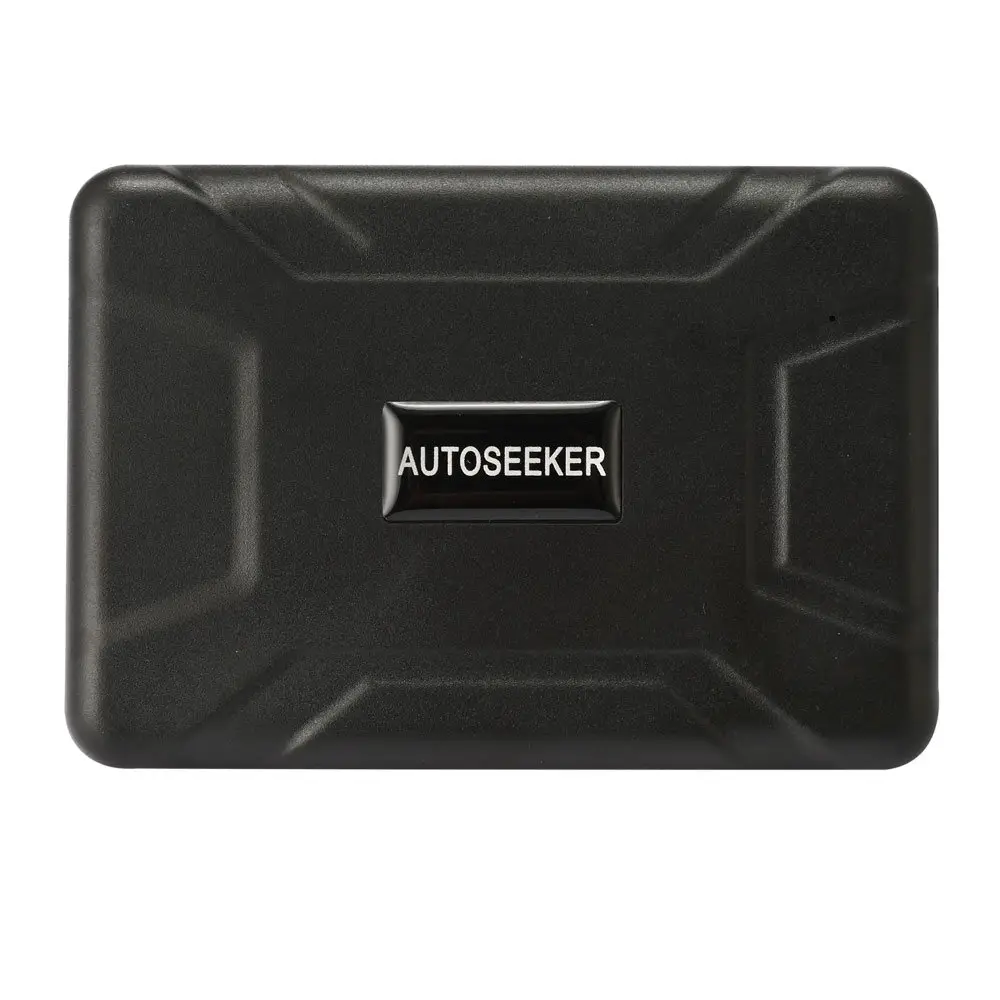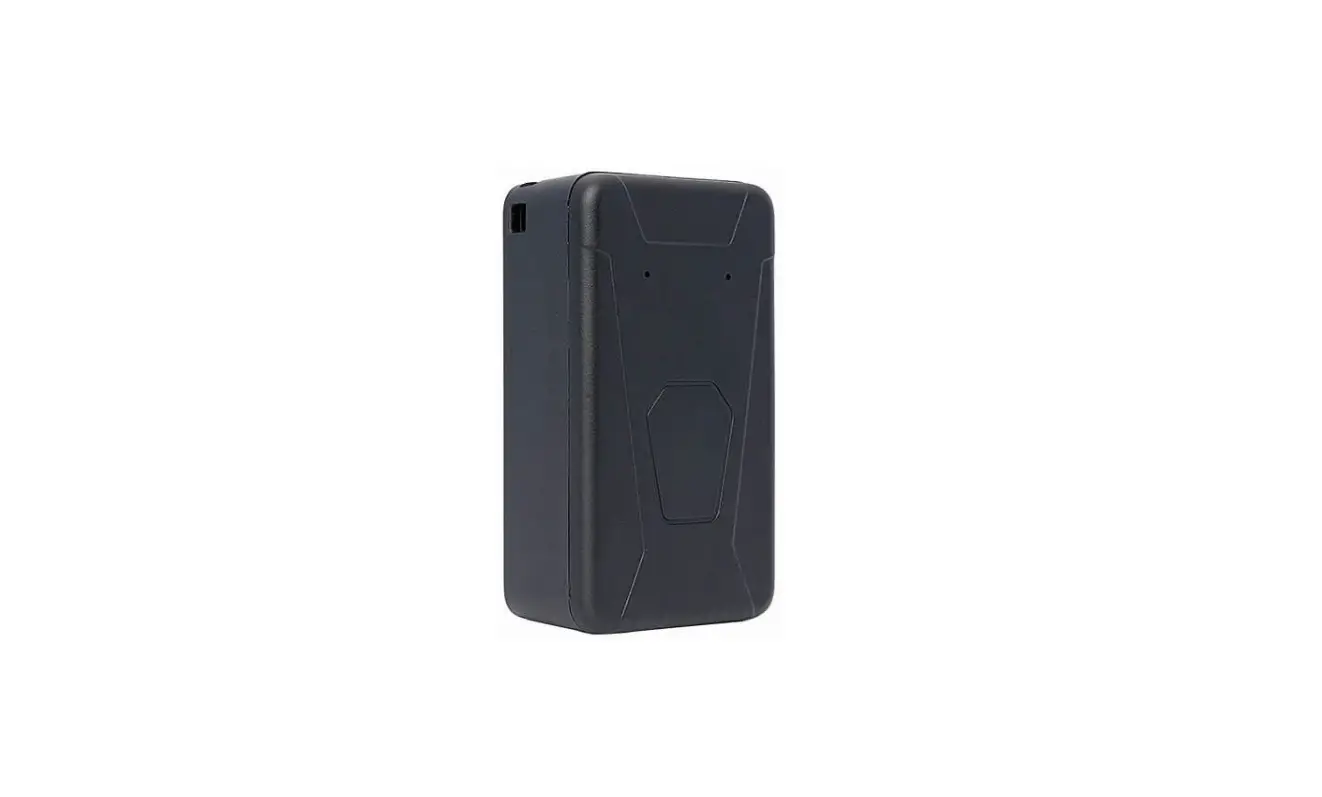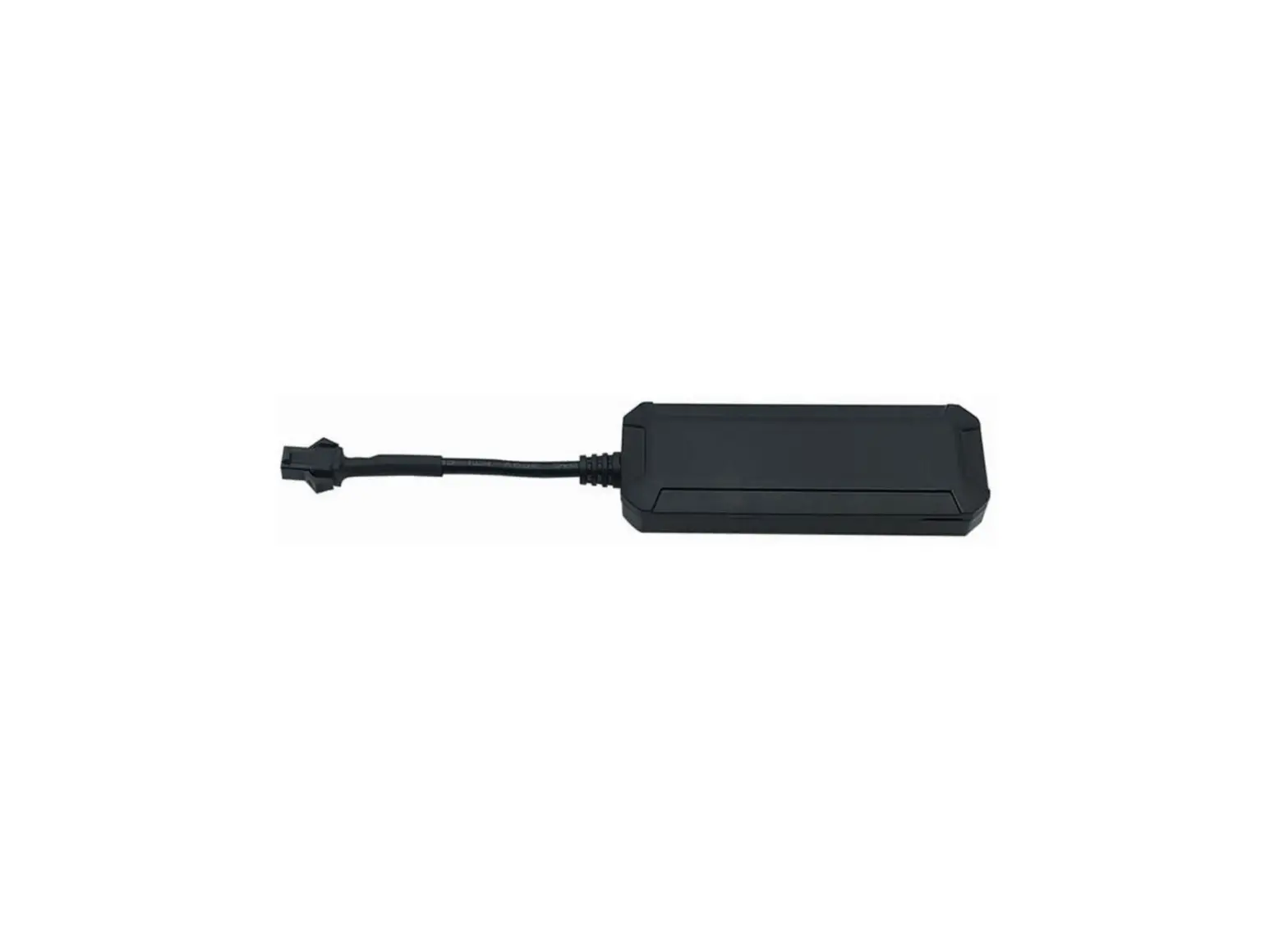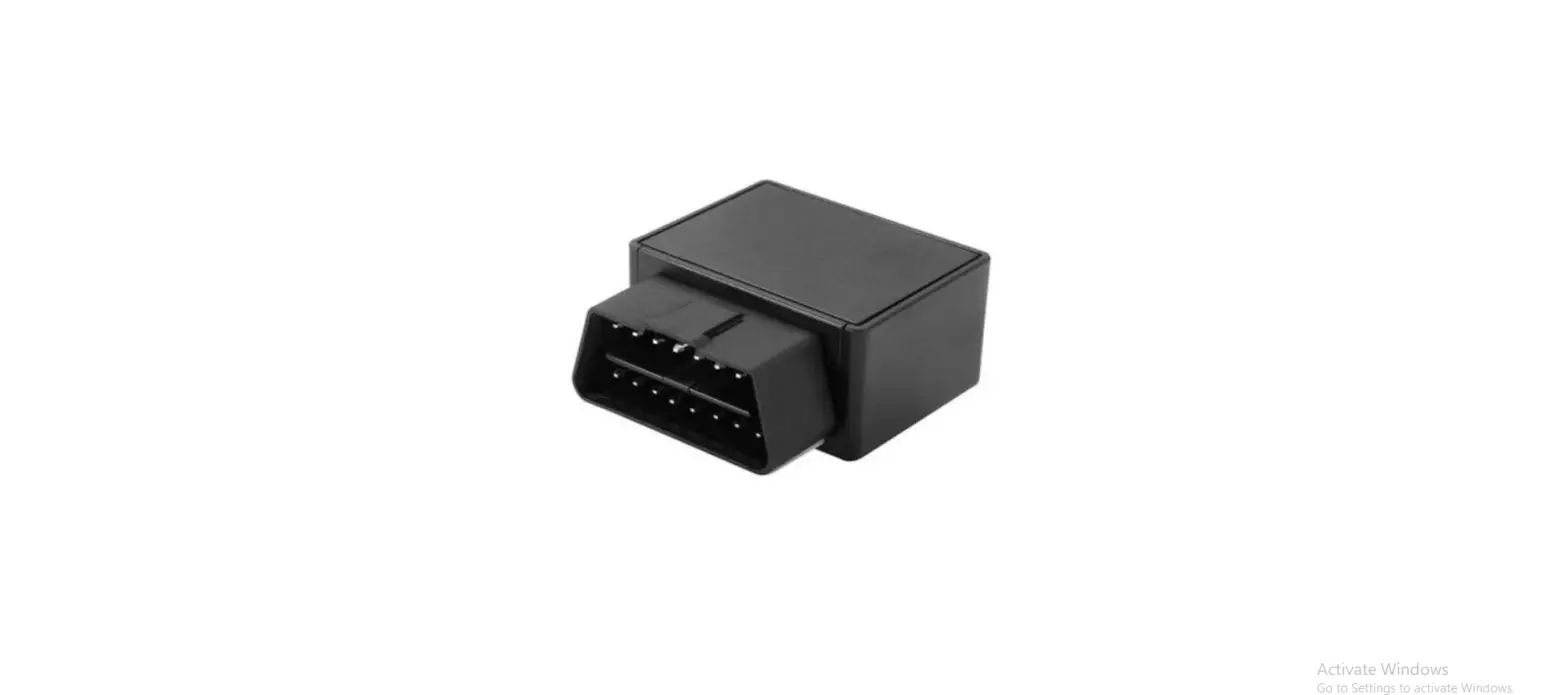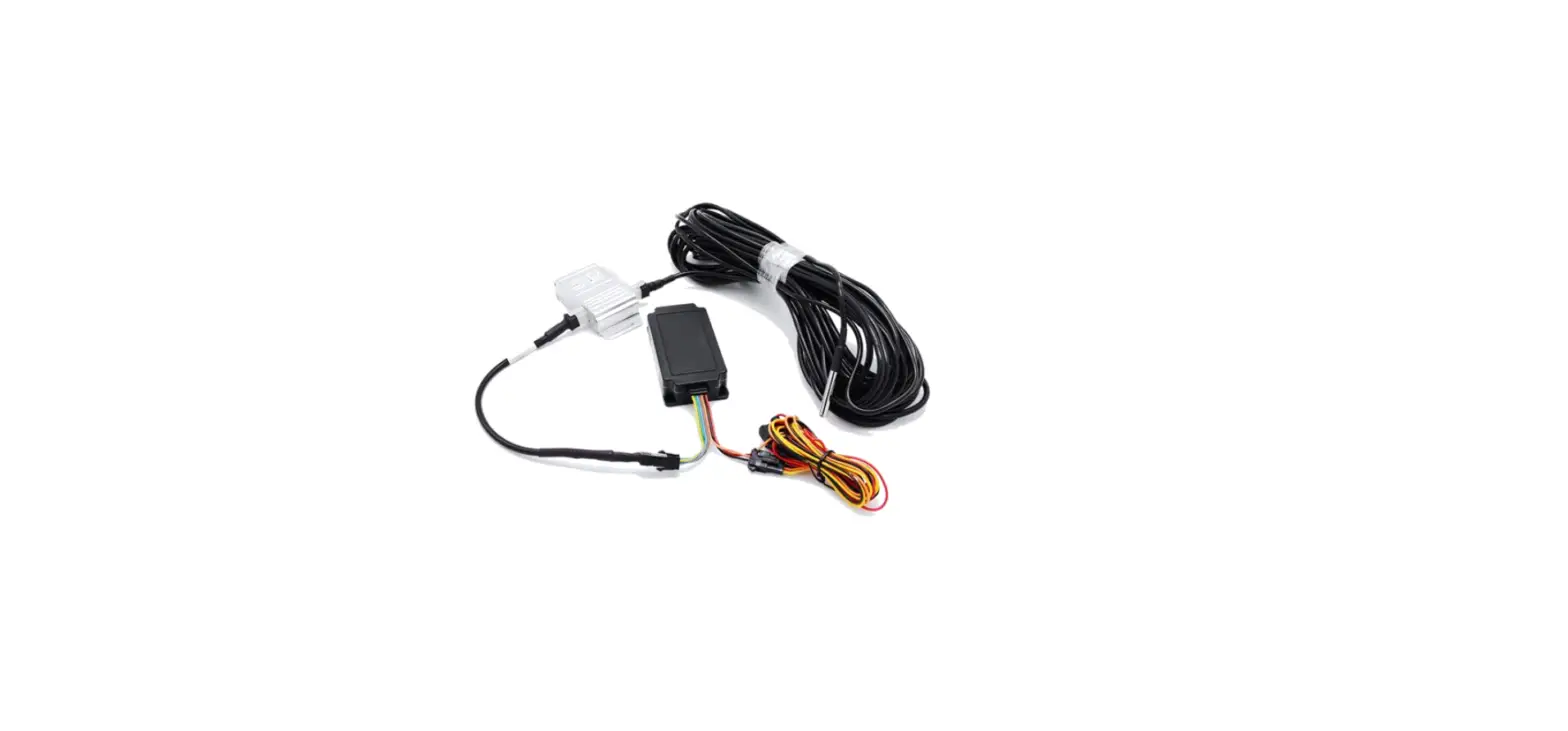

UniGuard UM777 Advanced GPS Tracker
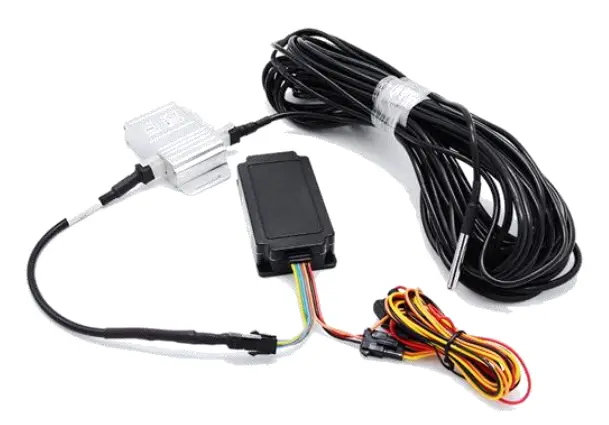
Thanks for your purchase of the UniGuard GPS Tracker. Please read the manual carefully. Any questions, free to contact us.
Specifications
| Model | UM777 |
| Internet | 2G GSM 850/900/1800/1900Mhz |
| Communication Protocol | TCP/IP |
| GNSS details | GPS and BeiDou and GLONASS Location accuracy: 10m Speed accuracy: 0.1m/s Capturing sensitivity: -148dbm Tracking sensitivity: -165dbm Cool start: <32s Hot start: <2s |
| GNSS antenna | 25*25*2 mm Built in. |
| Memory | 32mb + 32mb +128KB |
| Switch | On/Off |
| SIM card | Micro-SIM |
| Signal light | Blue for GPS, Green for GSM, Red for power |
| Battery | 200mAh 3.7V Li-polymer Industry battery |
| Working voltage | 9-100V DC / 24mAh (12VDVC) / 12mA (24VDVC) |
| Interface | 5V output for alarm speaker control Support RS232 or RS485 Support engine immobilize |
| Working temperature | -20 °C to 70 °C |
| Working humidity | 5 -95% RH |
| AGPS | Support |
| Size | 96* 43* 20 mm |
| Weight | 110 g |
SIM Card Installation
Please opens screws and insert Micro SIM card before switching device ON. The SIM card need enable GPRS data service, SMS and Call function. Please make sure SIM card have enough balance.
Signal Light
| Color | Flashing | Stabilized | OFF |
| Blue for GPS | Search GPS | GPS located | Sleep or Switched OFF |
| Green for GSM | GPRS online | Initialize GSM | Sleep or Switched OFF |
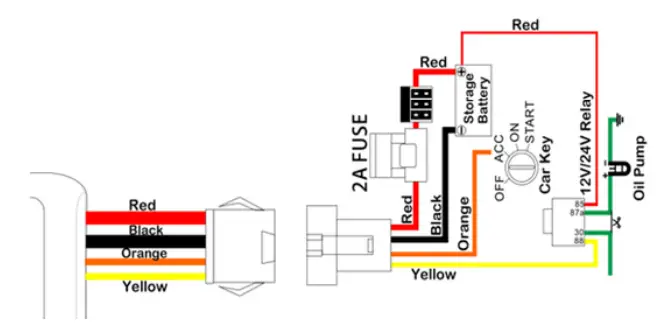
Wire Connection
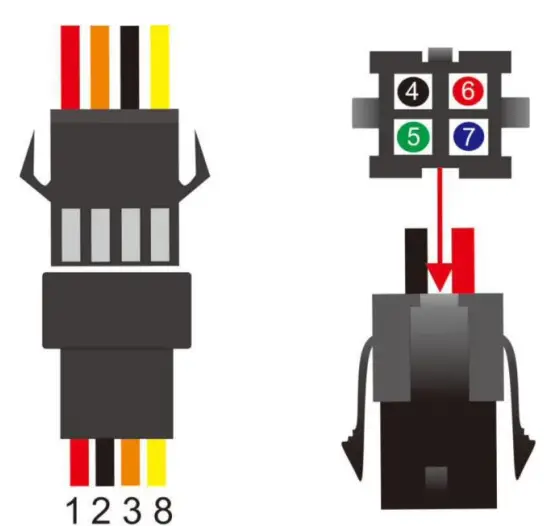
| Number | Function | Connection |
| 1 | DC+ | 9-100V DC positive |
| 2 | GND | Battery negative |
| 3 | ACC | Car key signal line |
| 4 | Output 5V | Connect siren |
| 5 | GND | |
| 6 | RS232-TX | |
| 7 | RS232-TR | |
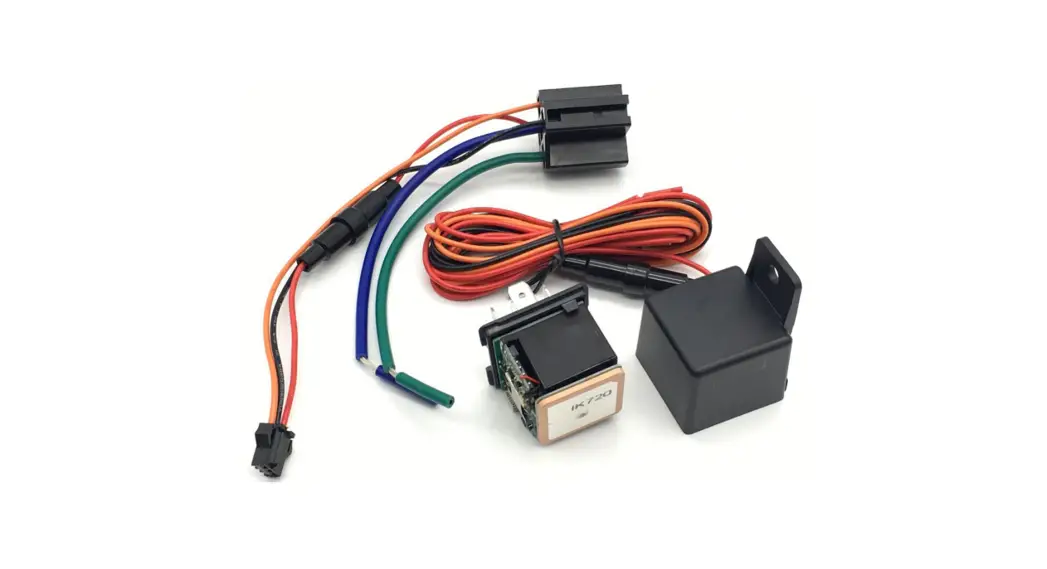
| 8 | Relay | Engine immobilize |
Installation Attentions
Metal shall shield or weaken the GPS signal. 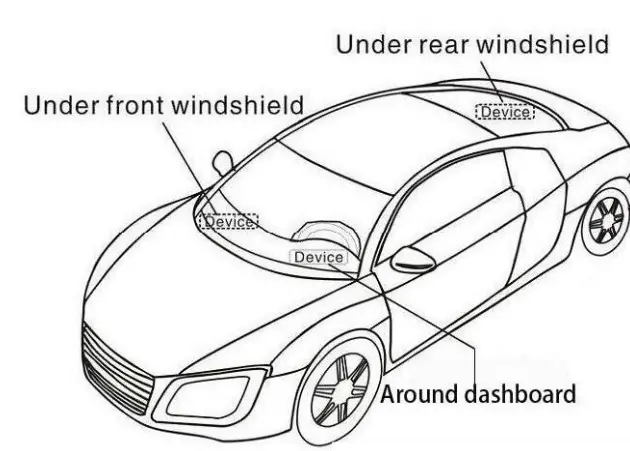
Relay Installation Diagram
SMS Commands
| Function | SMS command | Remarks |
| IP Setup | <MIP=www.gpspos.net:8800,> | Default. No need Set. |
| APN setup | <APM=CMNET,> | |
| Status check | <CXEI,> | |
| Setup check | <CXIP,> | |
| Restart device | <RES=0,> | |
| Relay control | <OIL=1,> <OIL=0,> | Cut fuel. Resume. |
| Restart GPS | <SGP=1,> | |
| Restart GSM | <SMP=1,> | |
| GPRS Interval | <RPT=30,> <NTP=5,> | ACC ON, unit is second. ACC OFF, unit is minute. |
Web Platform GPS Tracking Software
website:
APP:
- Search POSGPS to download from Google Play. Search GPSPOS to download from AppStore.
Guarantee Card
| Name | Phone | ||
| Purchase Date | IMEI | ||
| www.uniguardgps.com | |||
 Loading...
 Car GPS Tracker| Vehicle Fuel Monitoring Solutions| UniGuard China