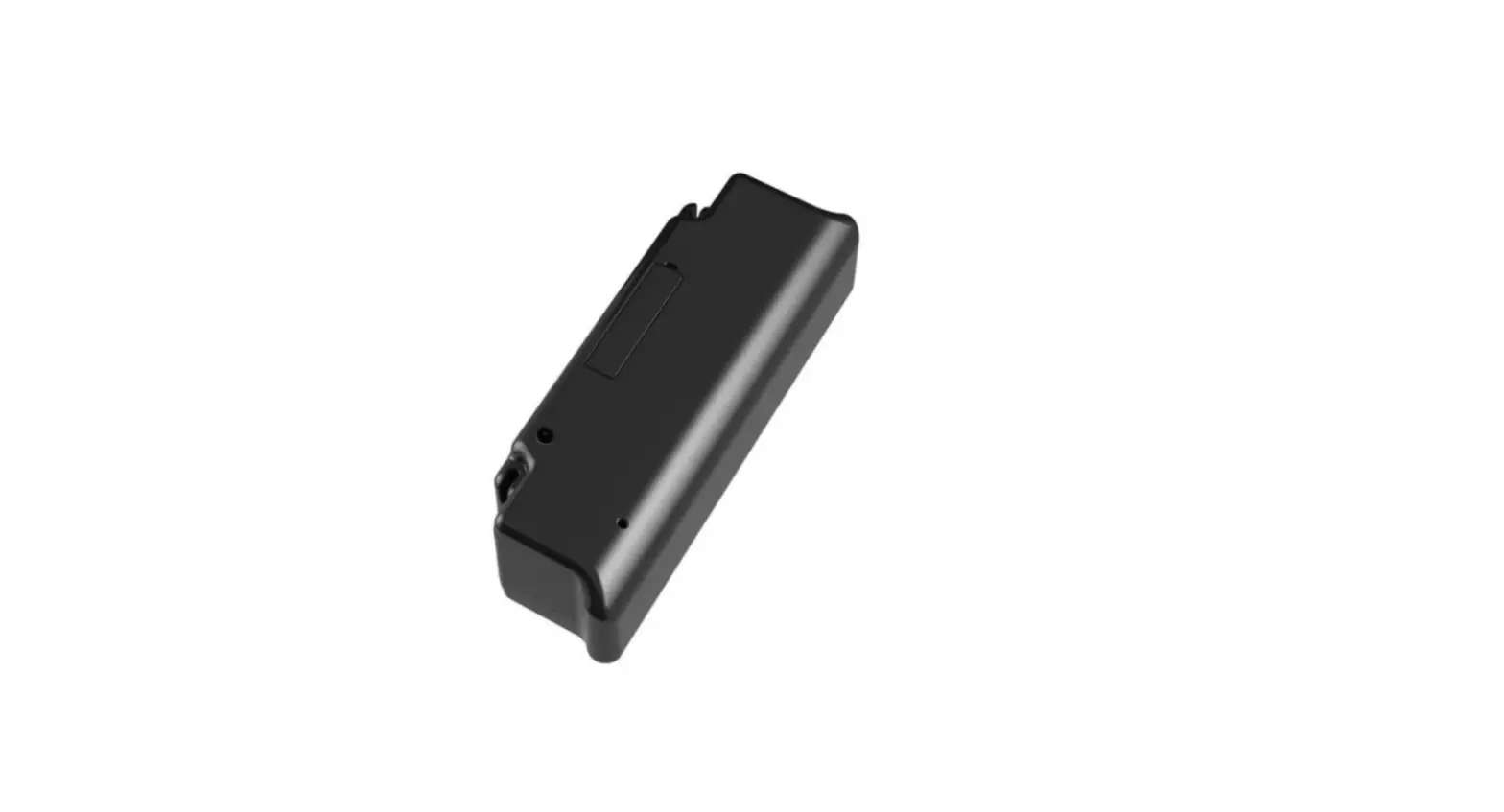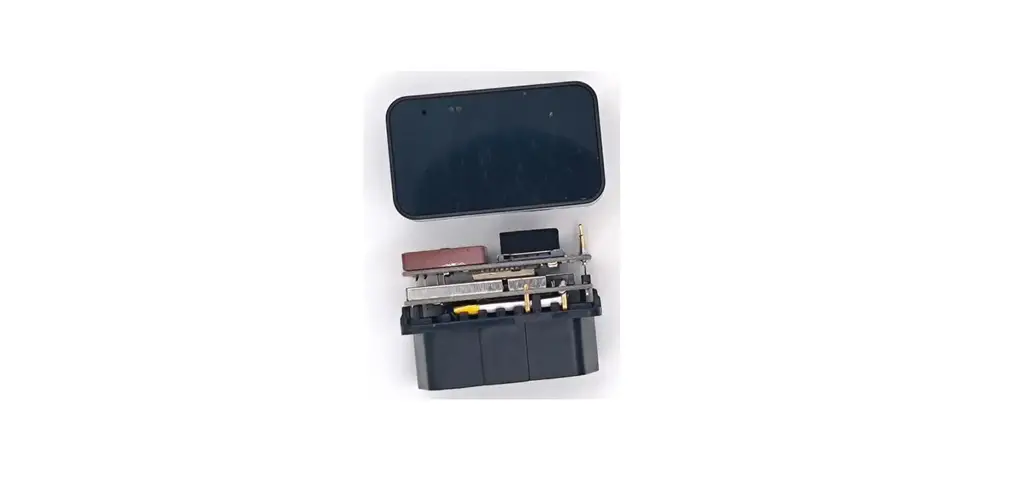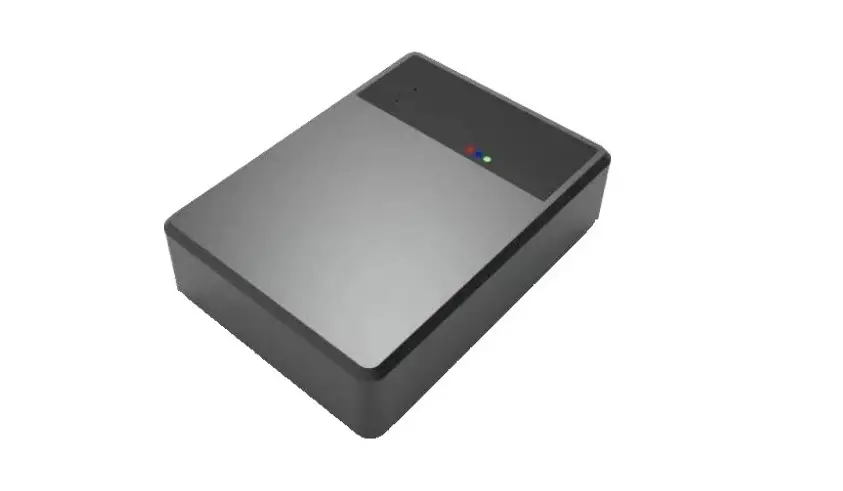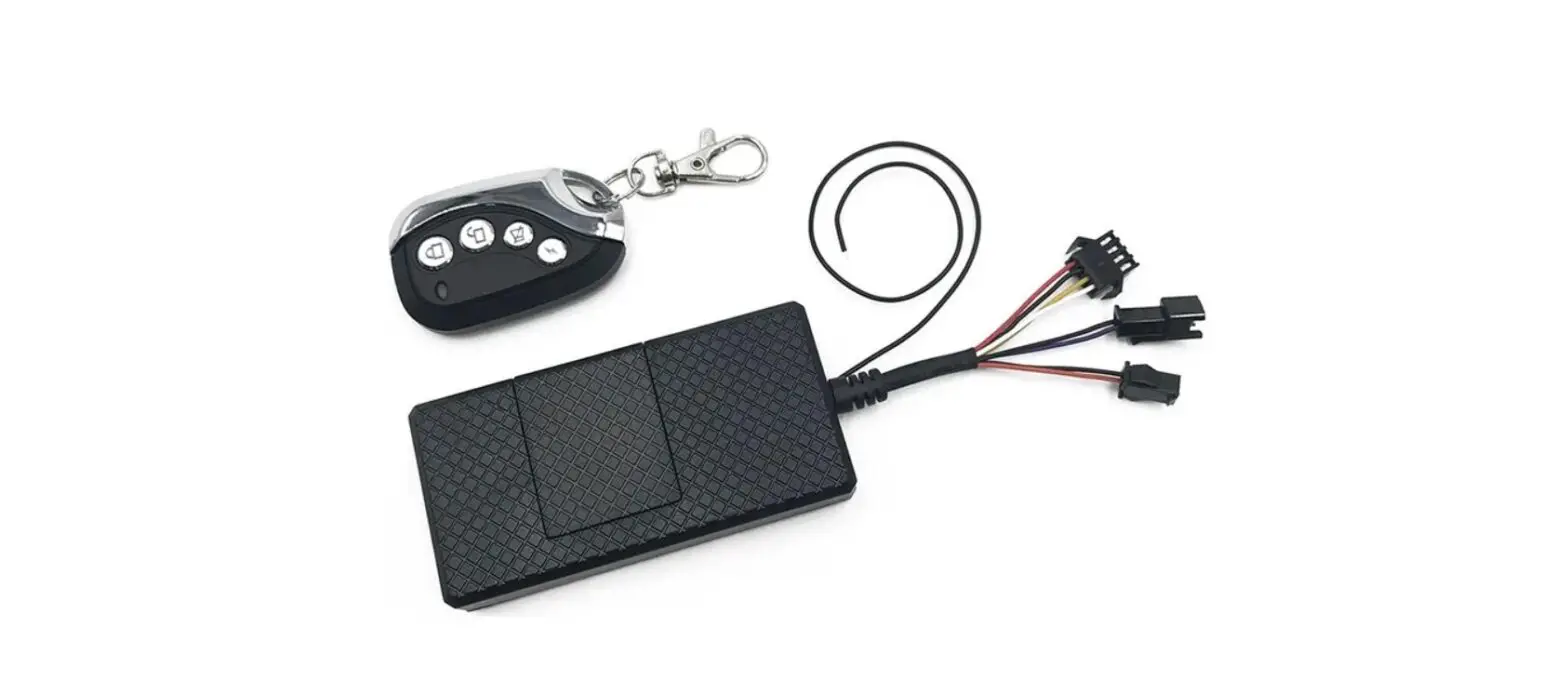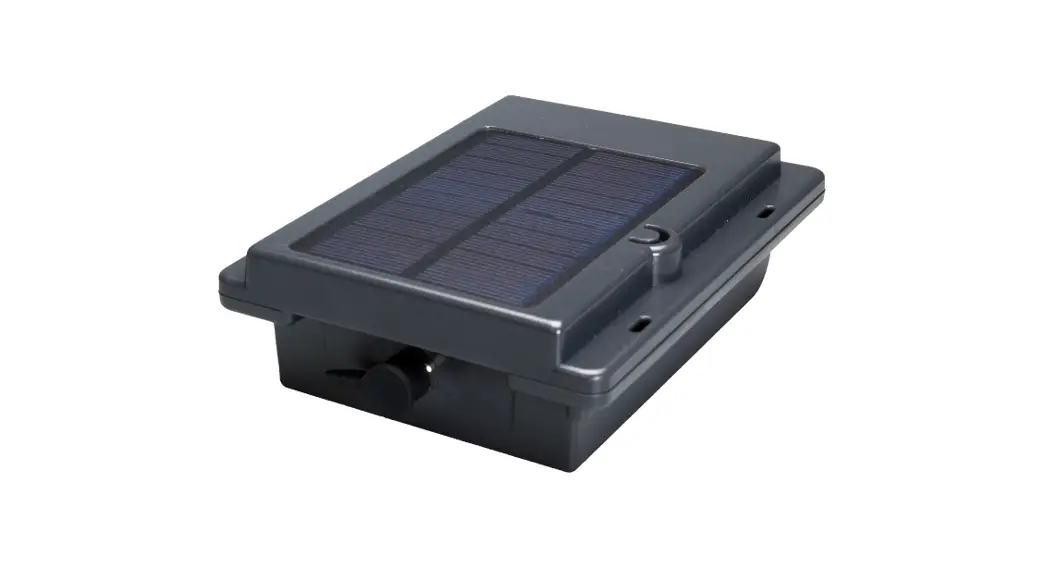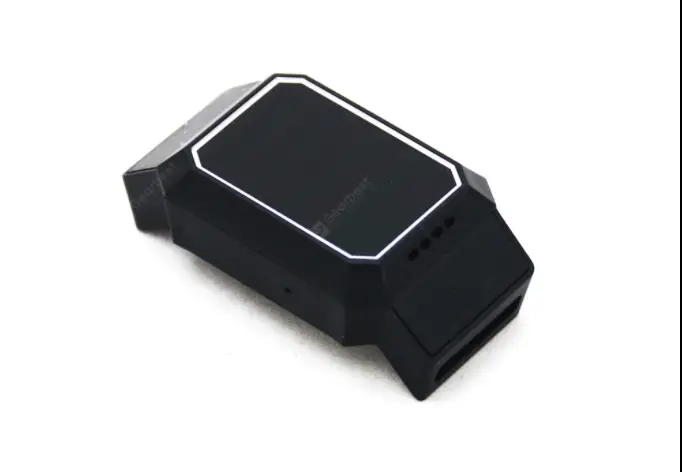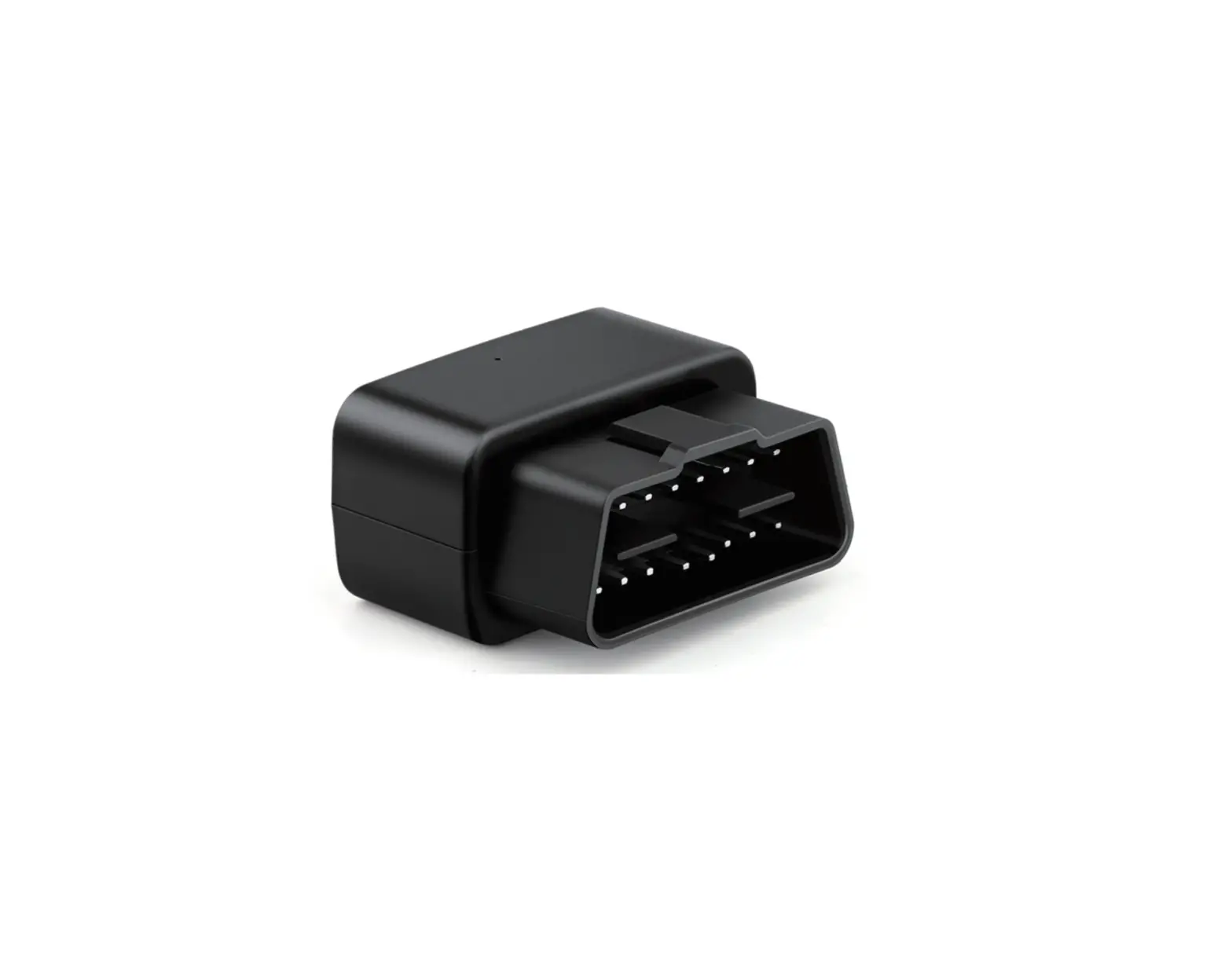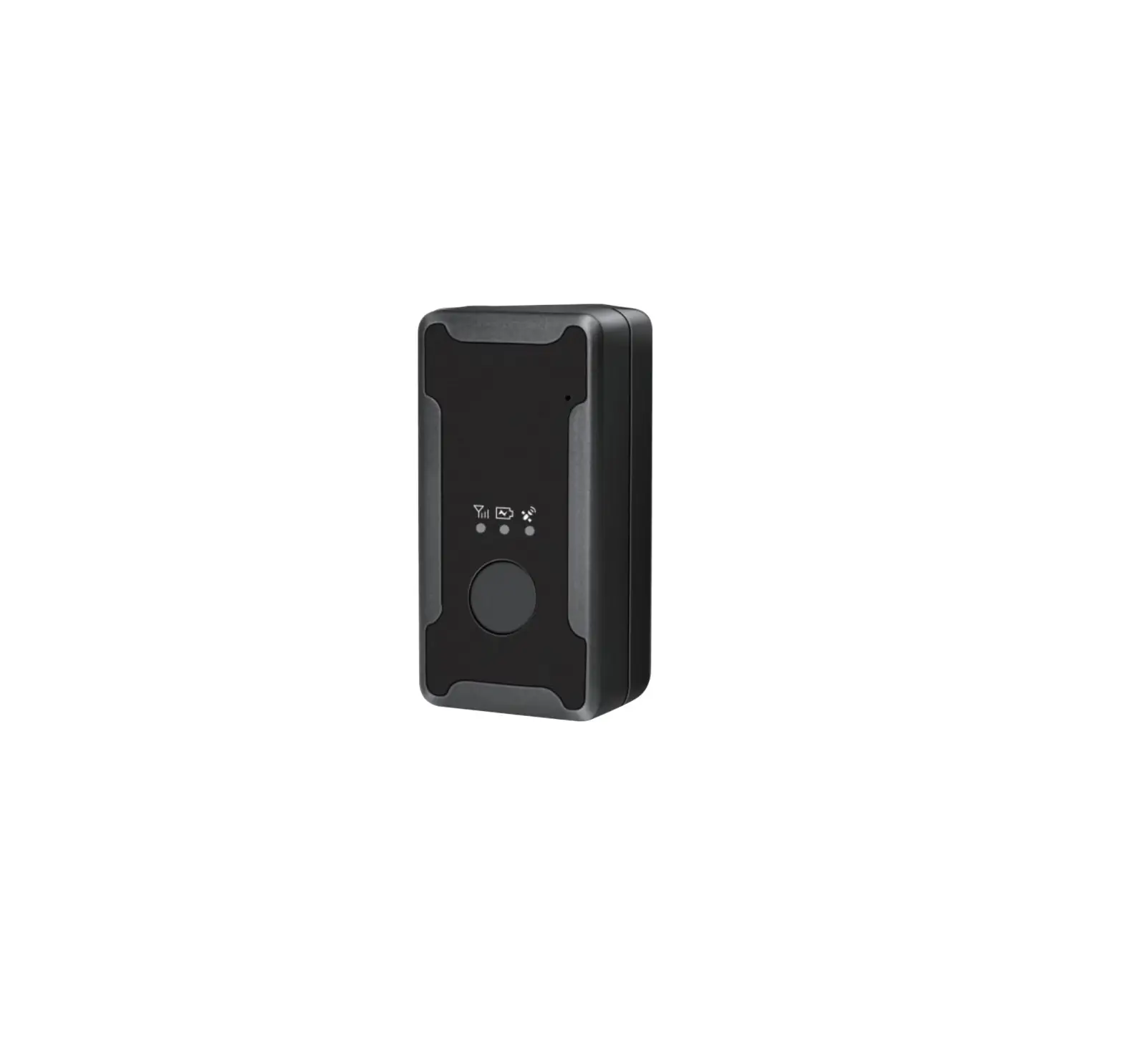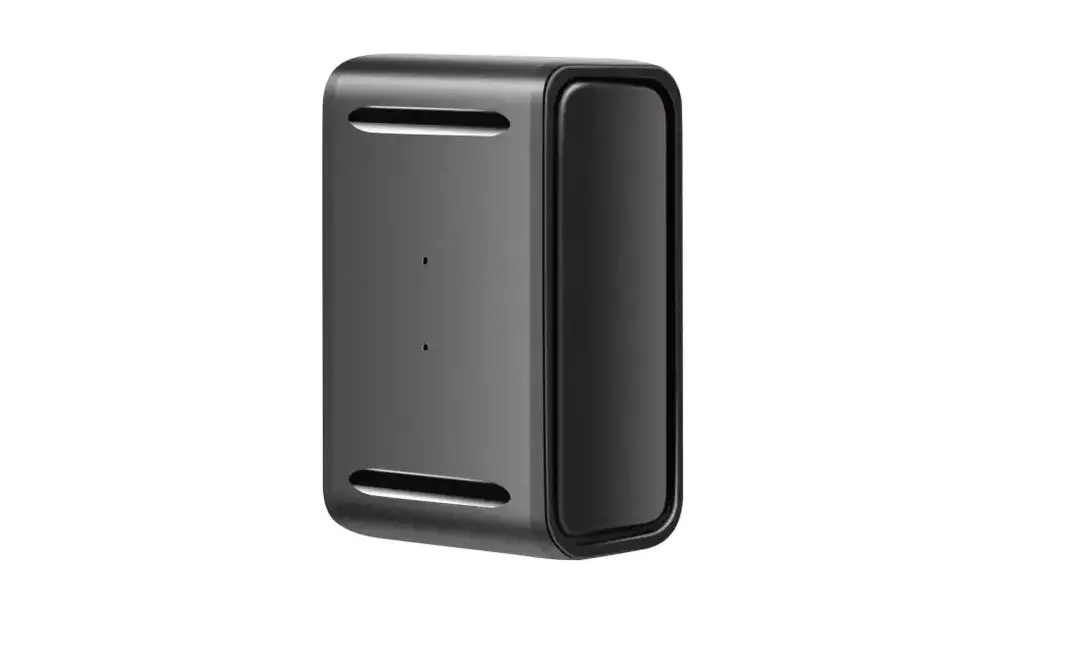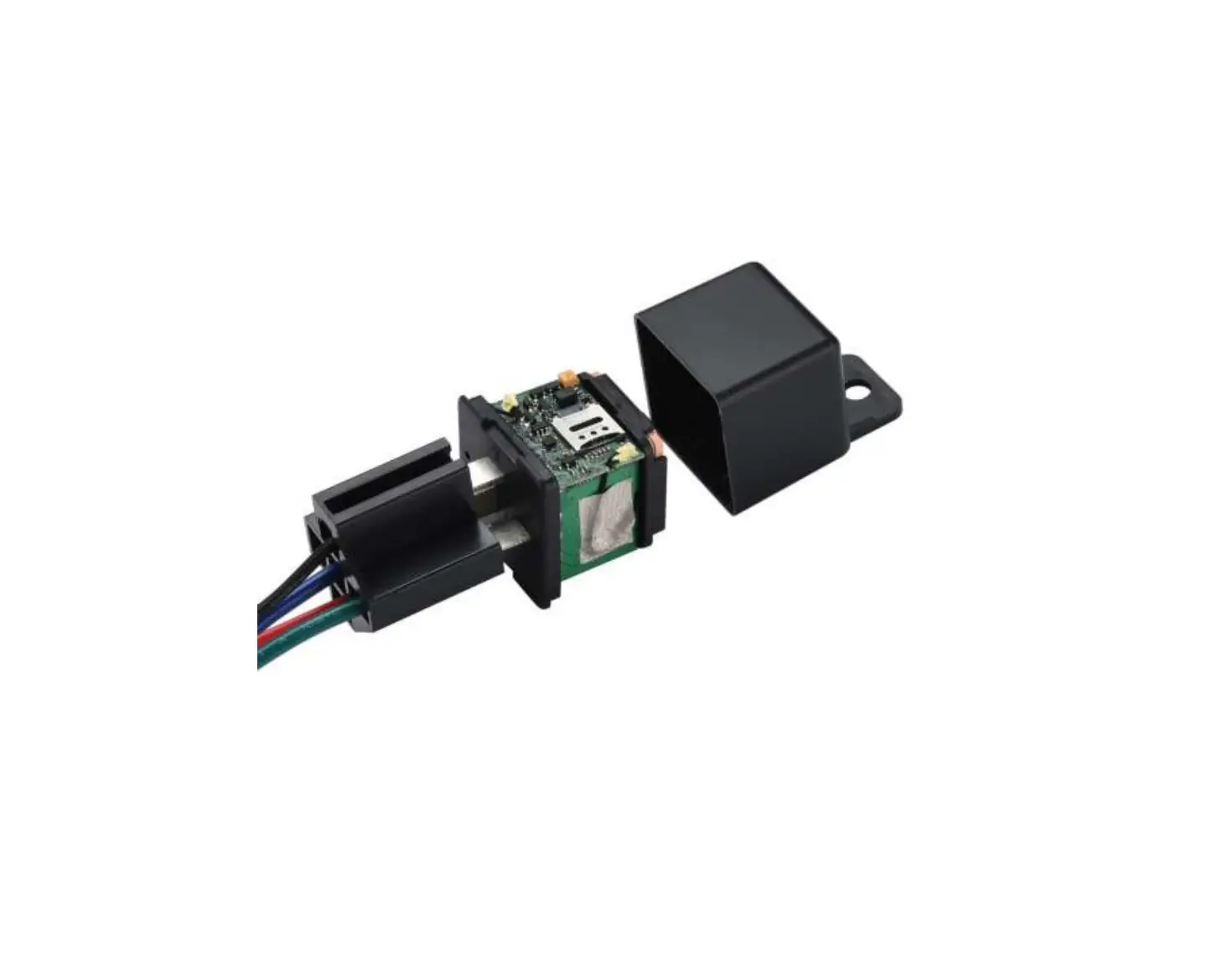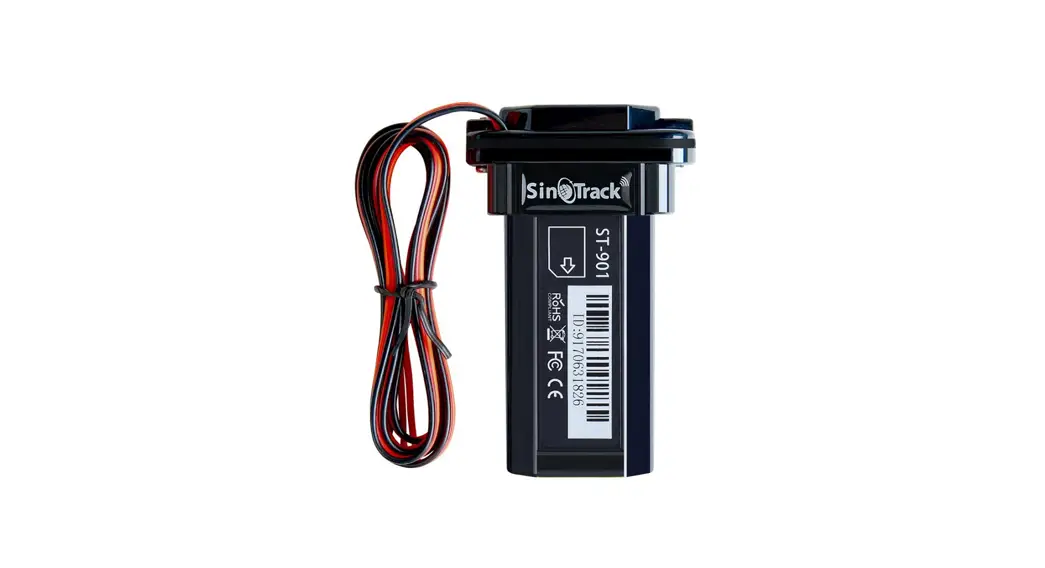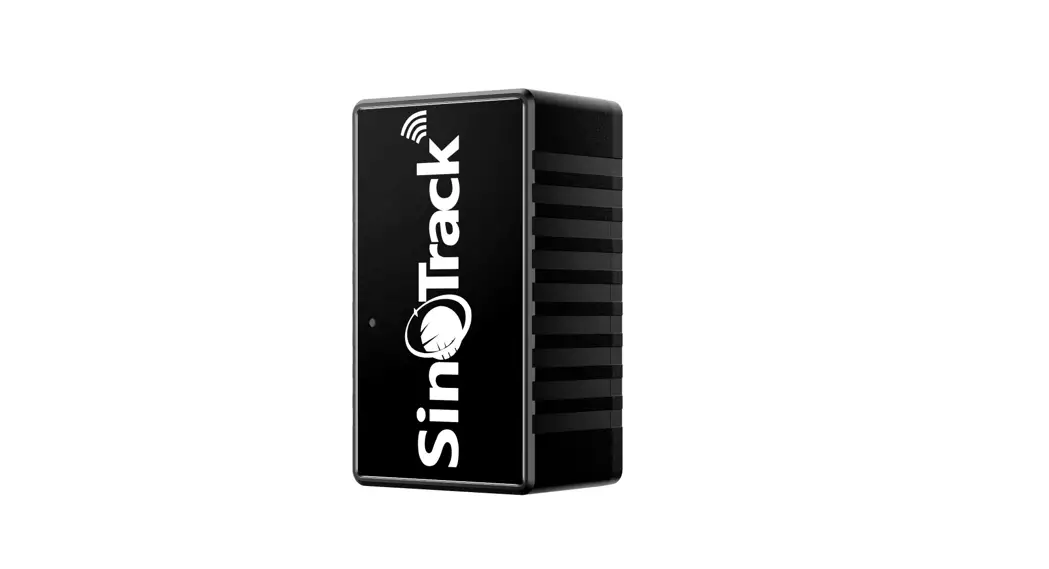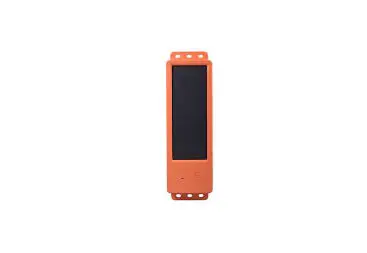

UniGuard RF-V34 Solar GPS Tracker
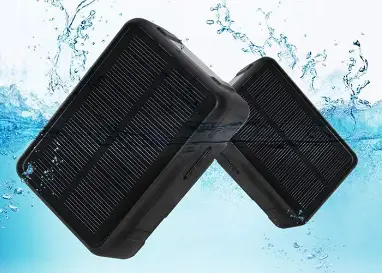
With a 9000mAH built-in battery, this solar GPS tracker allows for a longer standby time while providing real-time tracking for cows, sheep, and cattle as well as outdoor positioning.
IMPORTANT NOTES PLEASE ATTENTION
- The company is committed to take technical and management measures to ensure the safety of network information and protect personal information security in accordance with the law according to provisions of laws and regulations of Decision on strengthening the protection of network information, The NPC Standing Committee decision on safeguarding Internet Security and Regulations on the management of Internet electronic bulletin service. Please use this product legally. The company is not responsible for any illegal use of this product.
- To ensure safety use of this product, please make sure it is not associated by any unauthorized person and timely modify the login password of App and web platform.
- Due to external factors, all GPS devices have position error; the position information provided by this device is only for your reference.
- There may be information delays caused by telecom operators at certain circumstance. Our company doesn’t assume any loss of user’s personal and property safety caused by the delay.
MAIN FEATURES
- GSM four frequency bands +GPS tracking + WiFi tracking
- Solar power charge automatically (Power on under the sunlight itself.)
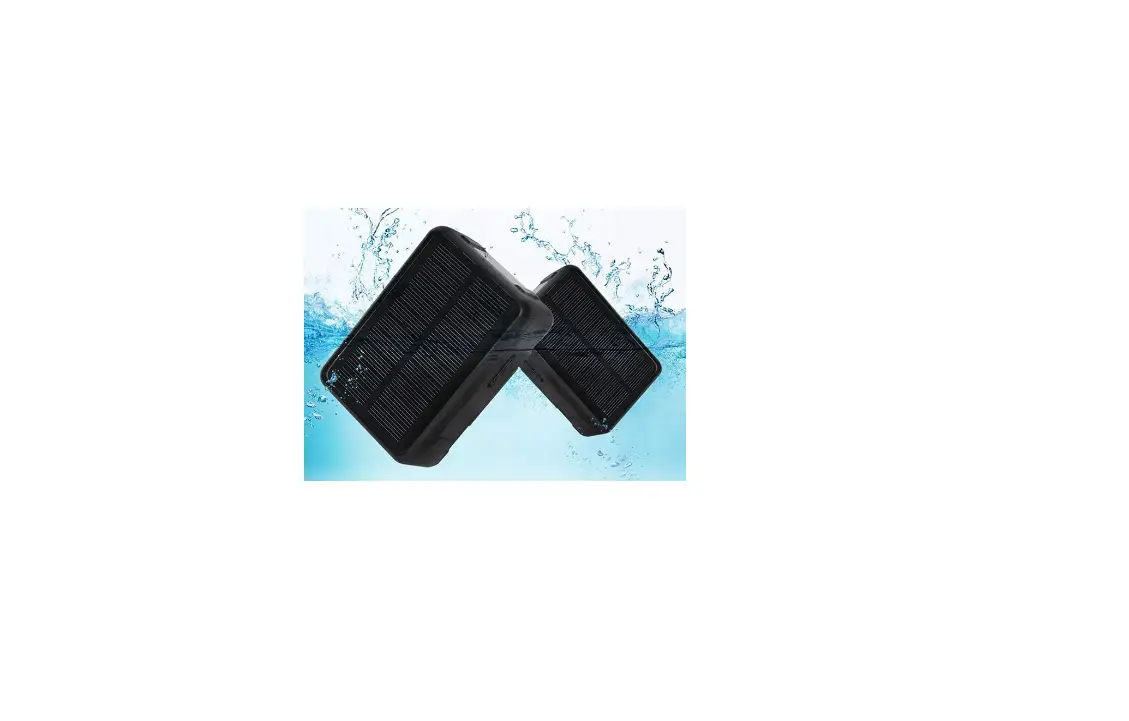
- Waterproof IP67
- Timing switch
- Anti-remove alarm
- SOS alarm
- High frequency alarm with loudspeaker
- Historical route display/ Geo-fence
- Voice monitoring
- Low battery alarm/SIM card changing alarm
- High-power LED Warning Light
- Track with Web platform/ APP/ WeChat/ SMS commands
ACCESSORIES
- A solar GPS tracker host
- A plastic collar holder (optional)
- A strong magnet holder (optional)
- A magnetic USB charging cable
- A user manual
PRODUCT SPECIFICATIONS
- GSM: 850/900/1800/1900MHz
- GPRS STANDARD: Class 12, TCP/IP
- GPS LOCATING TIME: 30sec with cold start (open sky), 29sec with warm start (open sky) 5sec with hot start (open sky)
- GPS POSITIONING ACCURACY: 10-15m (open sky)
- WIFI POSITIONING ACCURACY: 10-100m (accuracy depends on Google map database)
- LBS POSITIONING ACCURACY: 100-1000m
- WORKING TEMPERATURE: -20℃ ~ +70℃
- WORKING HUMIDITY: 5% ~ 95% RH
- DEVICE DIMENSION: 97 (length) x 69 (width) x31 (height) mm
- DEVICE HOST NET WEIGHT: 255g
- BATTERY CAPACITY: 9000mA
PRODUCT STRUCTURE DIAGRAM
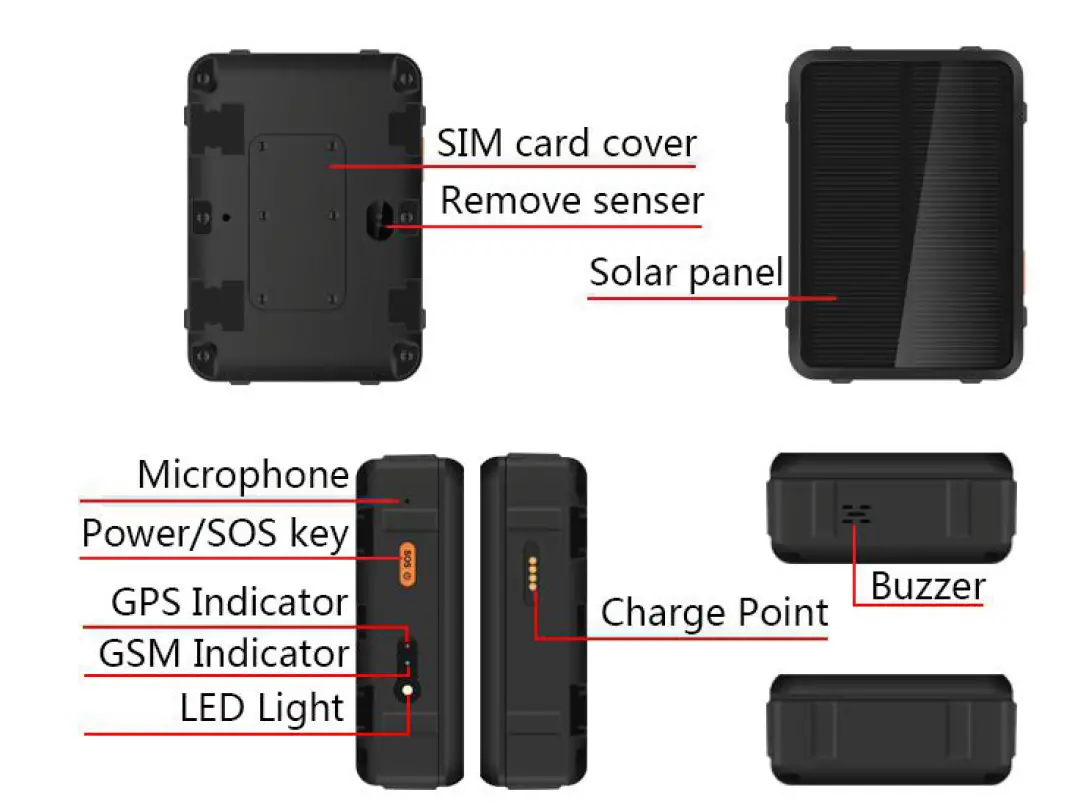
The product consists of hardware device and Apps in Smartphone, only with both of which can user make full use of this solar powered GPS tracker.
HARDWARE OPERATING INSTRUCTIONS
STEP 1. PREPARATION BEFORE USE
The device requests to choose 2G GSM network-based Micro-SIM card (same as that for iPhone 4). Besides, please make sure following two points:
- The device is power off when inserting or taking off the SIM card;
- The GPRS data plan and Caller ID service should be activated and PIN code turned off.
STEP 2. HOST POWER ON/OFF:
- Open the SIM card slot with tool, insert a SIM card according to the instruction direction, cover the SIM slot and fasten it with screw to ensure the waterproof work well;
- Press the Power Button for 3 – 5sec, it powers on when the side blue and red indicator lights on and with a ringtone.
- If there is no SIM card inside, press the Power Button 3 times, it powers off with a ringtone, if there is a SIM card inside, the device can be powered off only by App.
LED INDICATOR LIGHT INSTRUCTIONS:
| Light | Function | Slow flash | Fast flash | Off |
| Blue | GPS indicator | GPS search | Success | GPS sleep |
| Red | GSM indicator | GSM search | Success | GSM sleep |
| White | led light, blink and always-on mode with app settings. | |||
STEP 3: COMMUNICATION AND SOS HOW TO ANSWER A COMING CALL?
When a call comes, the device will auto-answer; it will reject the call when press power button. (Notes: Default mode is “Auto-answer”. For “Silent mode”, user can set from APP.)
HOW TO DIAL OUT NUMBERS?
Before dialing out telephone numbers, user must set SOS numbers in APP.
Press button “SOS” for 5 secs, the device will make calls to all SOS numbers one by one, until someone answers the call. Otherwise, the device will make calls circularly twice
ALARM SOUND SETTING
- Mode 1: Loudspeaker beeps every two seconds and lasts 2 minutes later until the next alarm triggered. Use App or press the power key shortly to turn off the alarm sound.
- Mode 2: Loudspeaker beeps continuously for 2 minutes, Use App or press the power key shortly to turn off the alarm sound.
- Two operation models of loudspeaker: active work and passive work
- Active work: Activated by App, the alarm starts;
- Passive work: Work with other functions together.
APP OPERATION INSTRUCTIONS
APPS INSTALLATION AND FUNCTIONS SETTING
Scan the QR code on manual cover or search for “Anytracking” in Apple store or Google play store and download the App. (Note: In the process of installing, choose “trust” or “allow” when tips out to ask user to choose whether trust and allow the program to visit phone location otherwise, user can’t get a better App using effects.)
After installation, as photos below, please choose login with device ID No. which can be found on the device back label and default password is “123456”.
Make sure the device App status is “online” when you set commands via the App.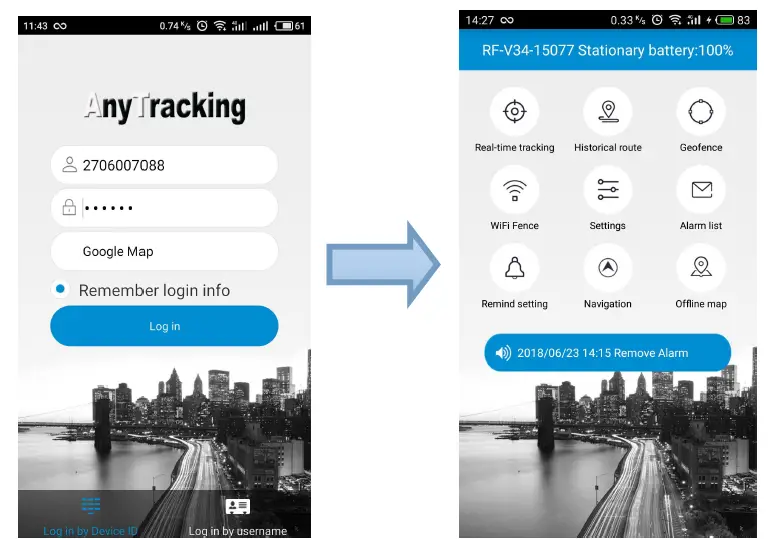
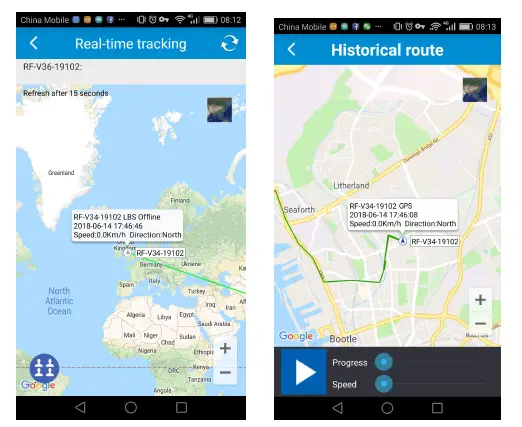
- REAL-TIME TRACKING: The latest reported position is shown in the map, to renew the location, user can press the refresh button on the top right corner, in about 1 minute, and the position will be renewed.
- HISTORICAL ROUTE: There are 3 time-period to check device’s historical routes. For data and memory limits, currently the Apps only provides any day’s route in 90 days.

- GEO-FENCE: Set or cancel Geo-fence area. In order to avoid false alarm, user is recommended to set radius of fence more than 500m. Constant press Geo-fence name to edit or delete.

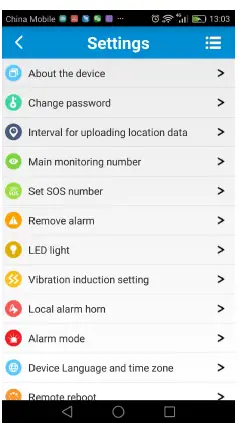
- Settings: This module mainly for device hardware settings and operations. Please confirm the device is online before making any settings.
- About the device: To show the current device information. User can edit device information and save it by press the top right corner button.
- Change password: To change password of login App, web platform and WeChat location.
- GPS locating interval time: The default interval time is uploading location data every 10 minutes, guardian can adjust interval time based on real situation. Please pay attention that the shorter interval time you set, the shorter device standby time will be. Usually we suggest guardian to adjust interval time to 1 minute when searching for device holder and adjust the interval time back to 10 minutes, 1 hour or 12 hours to ensure enough standby time of the device after the monitored object is found.
- Main monitoring number: Only the main monitoring number can receive SIM card changing and low battery reminders and send commands to set the device via SMS.
- Set SOS numbers: To set SOS number for emergent calls.
- Remove alarm: After turning on this alarm from APP, the device will be in remove alarm mode in 3 minutes. The device will send alerts once removed away, the loudspeaker of the device will make loud alarm to achieve the effect of intimidation.
- LED light: On/off by App, there are 2 working modes for LED light, Mode 1: the LED flashes; Mode 2: the LED keeps on.
- Vibration induction setting: on /off by App, there are 4 levels for vibration sensitive, level 1 is the most sensitive, level 4 is the most insensitive.
- Local alarm horn: Activate the device local alarm horn with 4 options:
MODE 1: The every-2-sec beep alarm sound lasts for 2 minutes after being activated, press power key to stop it;
MODE 2: The continuously beep alarm sound lasts for 2 minutes after being activated, press the power key to stop it;
MODE 3: Start the loudspeaker alarm actively to find the tracker nearby;
TURN OFF: The loudspeaker keeps silent even when alarm is triggered
- Alarm mode: Before the Remove alarm starts, there are four alarm modes to choose:
- Alarm only to App; 2. Alarm notification to App and a call to main monitor number; 3. Alarm notification to App and send SMS to main monitor number; 4. Alarm notification to App, make a call and send SMS to main monitor number.
- Device language and time zone: Chinese and English are available for alarm SMS; Time zone: Enter user’s right time zone.
- Remote reboot: If the device works abnormally, user can reboot the device remotely via App.
- Timing switch: User can set two combinations of timing switch. To save data plan and battery standby, this function enables the device to turn on and off automatically.
NOTES: After turning on this function, the “Automatic power on” will be closed while the device is recharging.
- REMOTE POWER-OFF: Via App to power off the device remotely. Be careful to use it, as the device can’t be remotely powered on after using this function.
- FACTORY-RESET: Delete all data and settings.
- ALARM LIST: To show historical list of alarm information.
- REMIND SETTING: When alarm triggered, to set whether App receives it and how to reminder, with phone ringtone, vibration or not.
- LOGOUT: Logout from App, do not receive any alarms from App.
For locating information via webpage platform, please visit our website: www.gps123.org
FAQs
After inserting SIM card, the device can make phone calls, but it says “not enable” on both web platform and App.
- Please confirm the device can send SMS and make calls after inserting SIM card. (Note: locating may fail when SIM card fees owed)
- APN data is incorrect, you need configure the APN data as below steps:
- Set main monitor number by sending SMS command: pw, 123456, center, phone number# to the device No. For example: Your phone number is 13711223344, then the SMS command is : pw,123456,center,13711223344#
- The APN configure SMS command is: apn, apndata, user name, user password, network code#
- For example: The AT&T APN data is wap.cingular; The user name is [email protected], The user password is cingular1, The network code is 310410, (mcc:310,mnc,410) Then the APN configure SMS text is: apn, wap.cingular, [email protected],cingular1,310410#. If the APN has no user name or password, then send SMS command: apn,wap.cingular,,,310410#
- Reboot the solar powered tracker after getting a SMS reply.
- If all steps above finished but the device still doesn’t work, please ask the SIM card operator for right APN data. PS: APN reference website: http://wiki.apnchanger.org
ATTENTION: All commands above use lowercase letters, punctuation marks in English style and end with “#”.
NOTES:
- Please read this user manual before use, to ensure right and safe use of the device;
- In power off state, charging will cause auto-power on, including solar power charging and USB charging. If no sim card inside, the device will reboot constantly.
- Please use this device in a place with strong signal;
- Before use, the device charge needs charge with qualified 5V/1A charger for 8-12 hours to get a best use and avoid main host damage. In charging state: Red and blue lights flashing means in charging, red and blue lights keeping on means fully charged.
- Standby time is about 60 days based on default interval time every 10 minutes. (Note: This is based on strong GSM signal and without solar charging status.)
- This device will reboot when network searching failed or with no SIM card in the state of power-on when charging.
- As WIFI tracking data is based on Google WIFI database, the accuracy of WIFI tracking is only a reference. Our company shall not be responsible for position error.
- Though this device has waterproof IP67, we don’t suggest user to dip it into water for a long time.
- Please leave the device away from fire, extreme heat, freezing cold and other extreme environment
- This device does not work normally when no battery left or not in a communication network service area.
- The fulfillment of the device’s functions relies on GPS network system, GSM telecom network system, GIS system and computer system, etc. It needs to insert SIM card and have internet access with strong network signal for the device work well. For any loss caused by service interruption for failure of network or other force majeure, our company takes no responsibility
- To obey the principle of continuous improvement and sustainable development, the company reserves the right to improve any function and parameters described in this user manual without prior notice.
- The information in this manual is provided under products manufacturing situation. The company and the agent shall not be liable for any special, incidental, indirect damages to the extent permitted by law, no matter what the damage cause is.
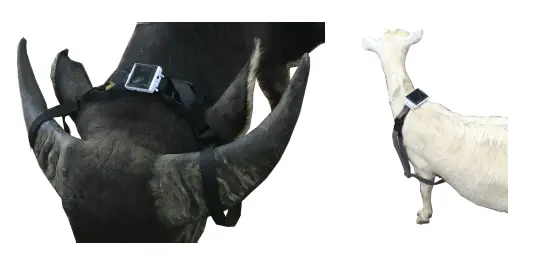
- When using this solar powered GPS tracker on cows, sheep or other cattle, user can buy our matched collars to make sure the device solar panel face to the sun as shown in following photos.

How long does a GPS tracker run on batteries?
The GPS tracker’s battery life varies from one to the next. However, a GPS gadget may often function without active monitoring for 6–12 months.
What program is utilized for GPS tracking?
A user-friendly and sophisticated GPS tracking platform is offered by Uffizio. The goal of Uffizio – GPS Tracking Software is to offer all necessary services in a single program. It works flawlessly on all platforms and is compatible with all GPS trackers.
What issues can GPS address?
A GPS tracking service may assist you with a variety of tasks, including route planning, driver dispatching, locating any after-hours activities, and more.
What is the primary objective of GPS?
Positioning, navigation, and timing (PNT) services are offered by the Global Positioning System (GPS), a U.S.-owned utility. The space segment, the control segment, and the user segment are the three segments that make up this system.
What dangers are associated with GPS tracking?
Potential stalkers may follow victims; trackers may be covertly installed in vehicles to make them easier to steal later; and abusive partners may follow couples.
What elements influence GPS accuracy?
With a certain degree of accuracy, GPS satellites broadcast their signals into space; however, what you really receive relies on a number of other elements, such as satellite geometry, signal blockage, atmospheric conditions, and receiver design features/quality.
Does GPS function without a battery?
Yes, both the hardwired and plug-in connection GPS (OBD GPS trackers) may run without batteries.
Does a GPS tracker have a battery backup?
Plug and Play GPS trackers are powered by your car’s electrical system, just like hardwired systems, so they don’t need batteries either.
What is the fundamental tenet of GPS?
A global positioning system that is utilized for navigation and object and location detection normally operates on the fundamental tenet of radio wave exchange between the ground stations, satellites, and receivers.
How can GPS pinpoint a location?
A GPS receiver establishes its own location by timing how long it takes for a signal from at least four satellites to reach it.
What causes GPS errors?
The layers of the atmosphere, notably the ionosphere, refract and slightly delay GPS signals as they descend to the Earth from orbit.
What would occur if GPS malfunctioned?
GPS-enabled devices typically prevent us from becoming lost. If it failed, traffic would be backed up with motorists looking at signs or pausing to check maps.
What causes a GPS signal to disappear?
Update your navigation app and Android OS version first if your Android device is consistently losing GPS signal. Afterward, take your SIM card and case out.
Do GPS devices function offline?
Your phone’s GPS tracking still functions just as well without cellular coverage or an internet connection.
How does GPS help with safety?
Numerous GPS devices send alerts for idling, hard braking, acceleration warnings, and speeding.