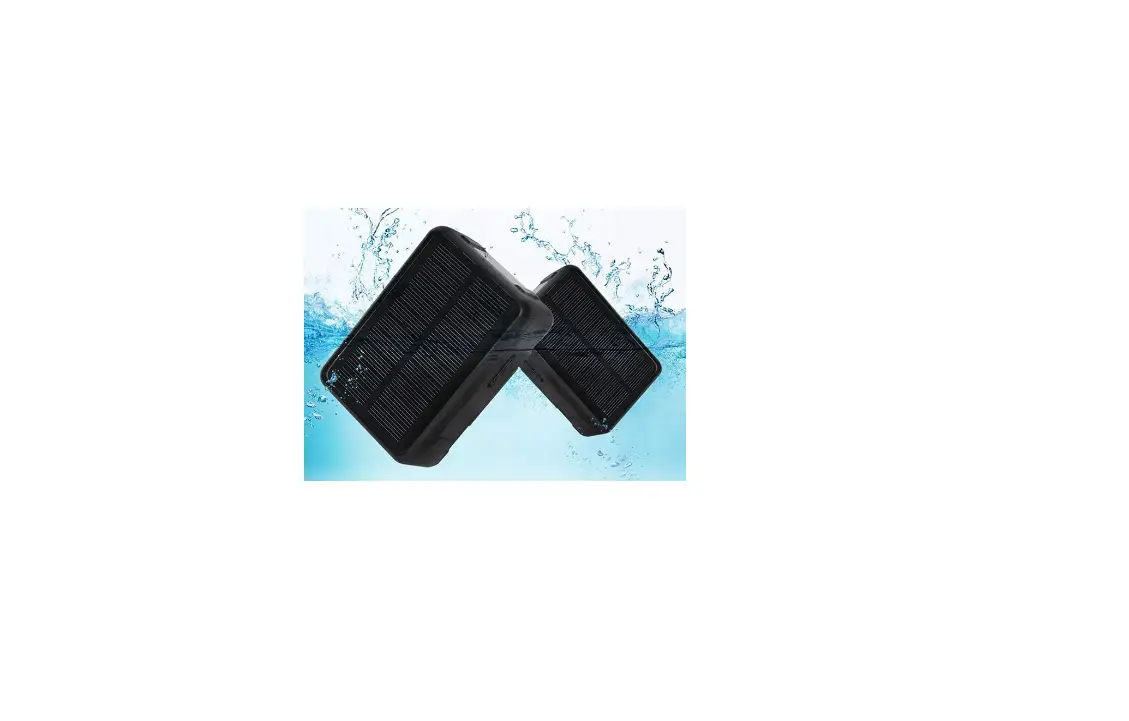
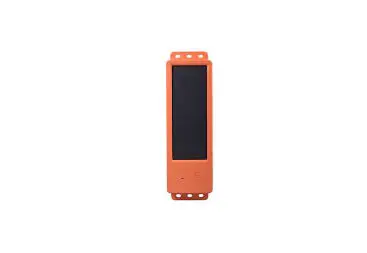
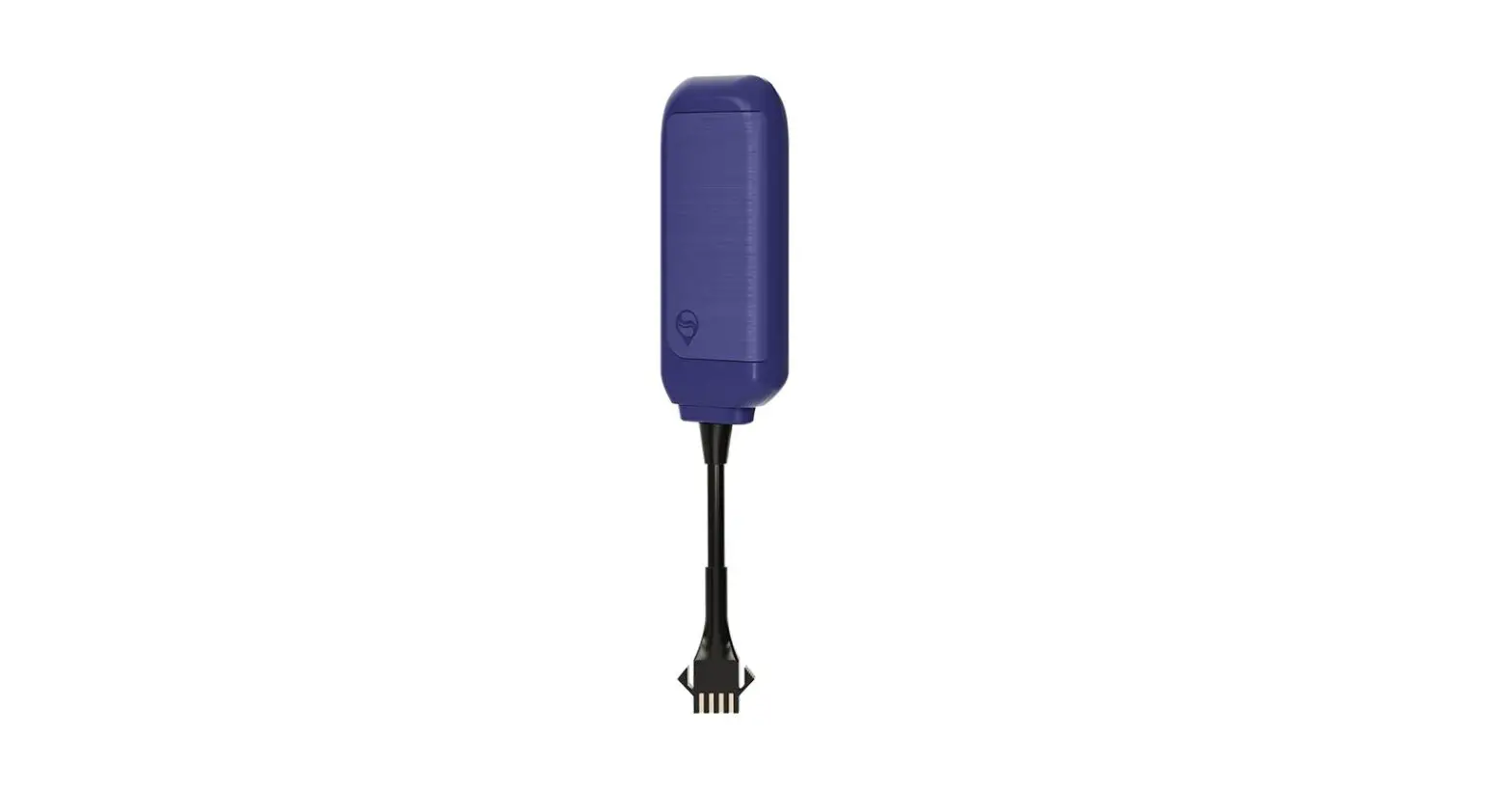
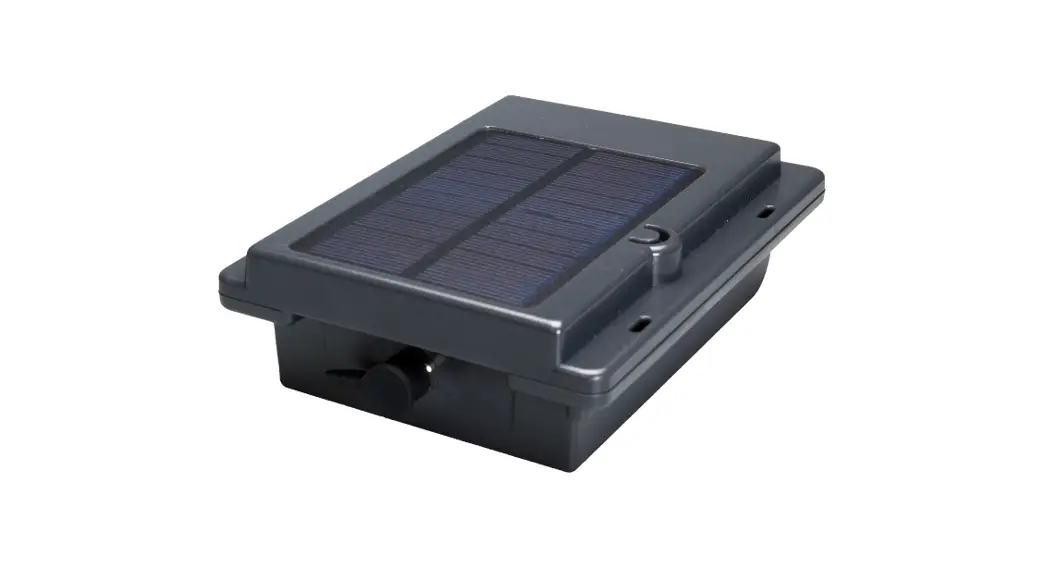
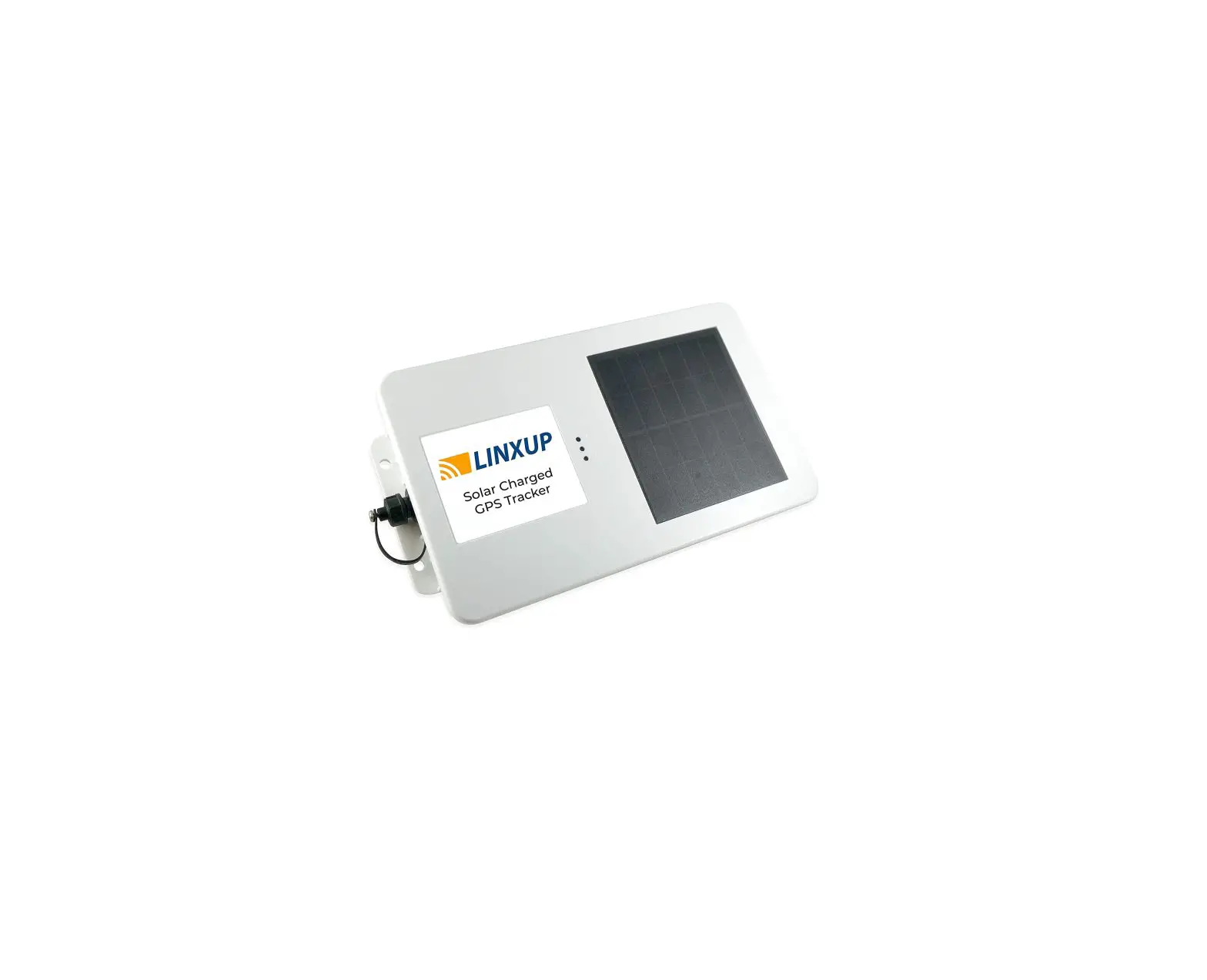
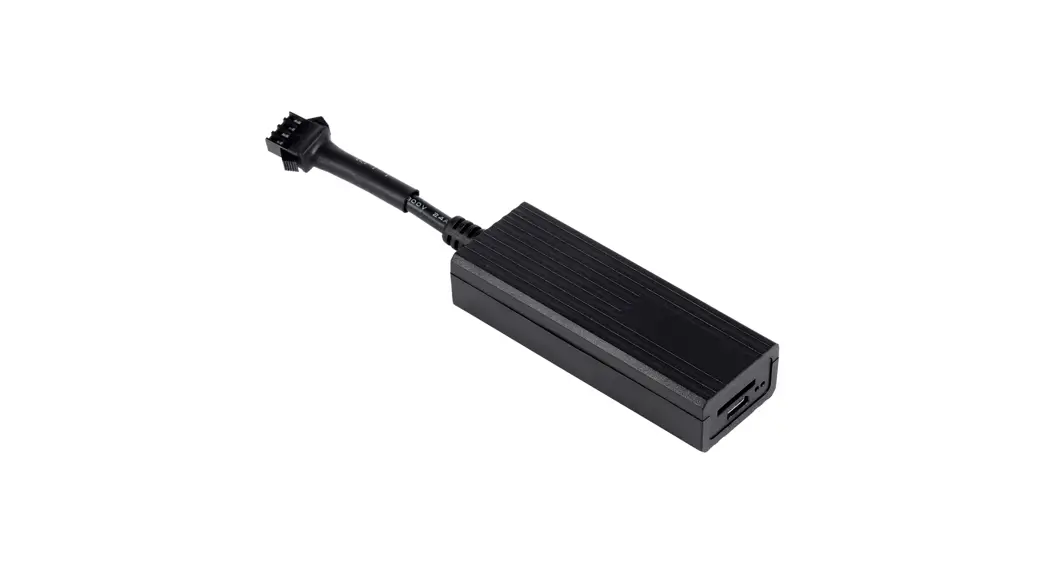
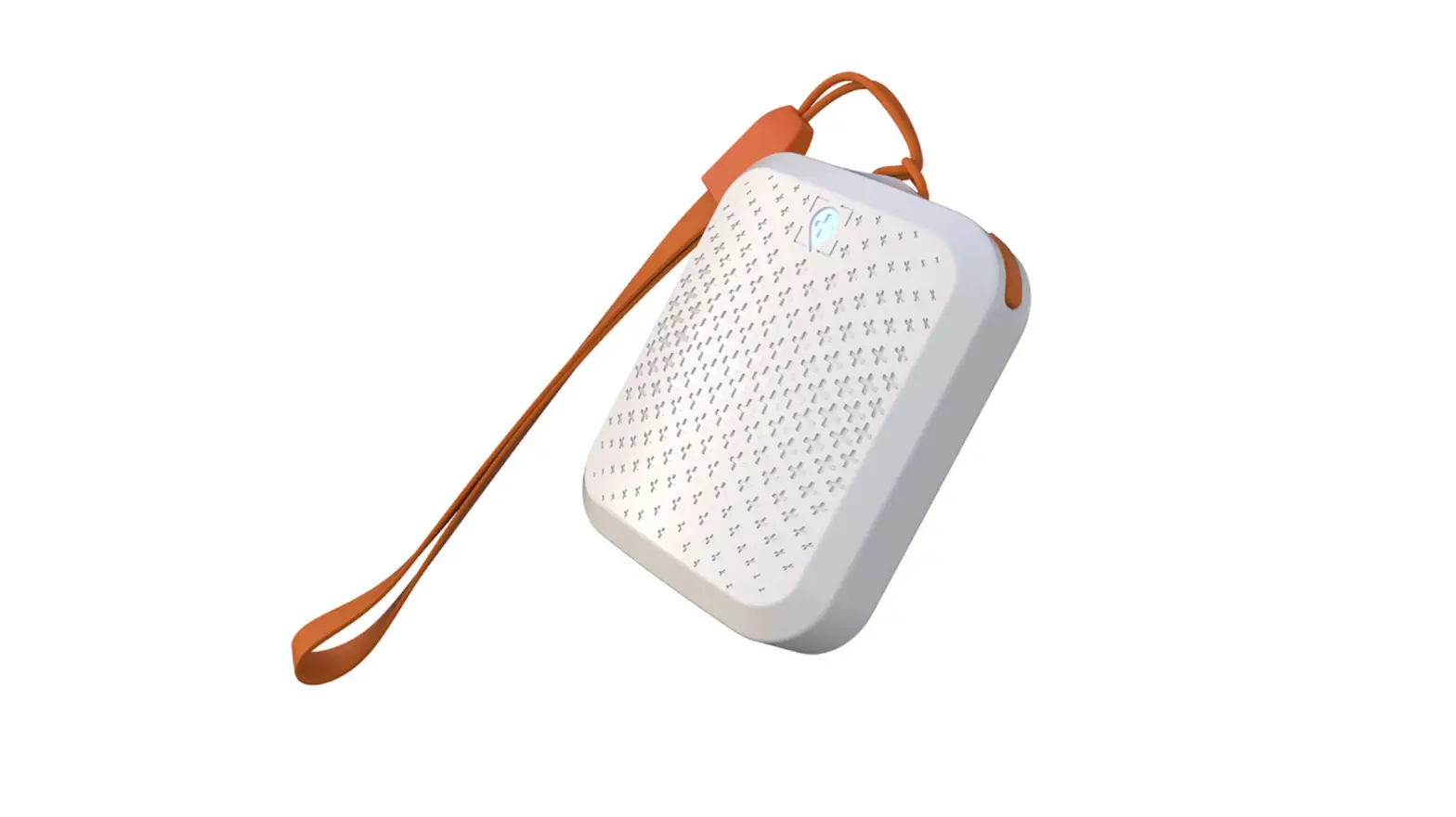
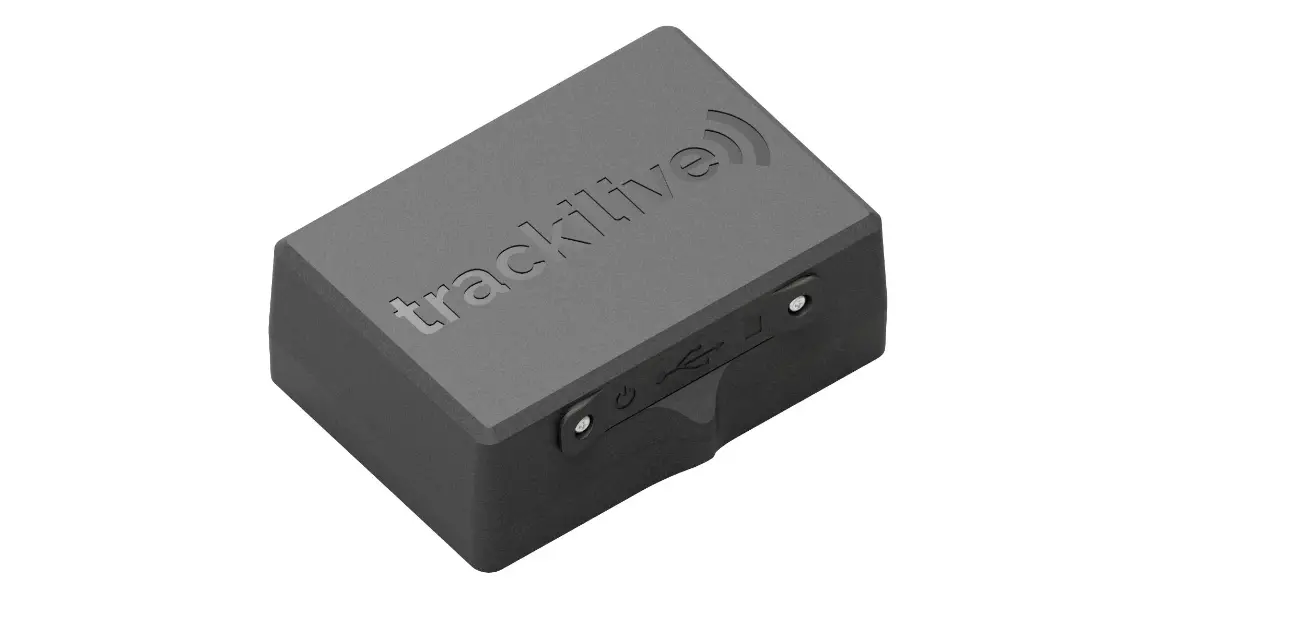
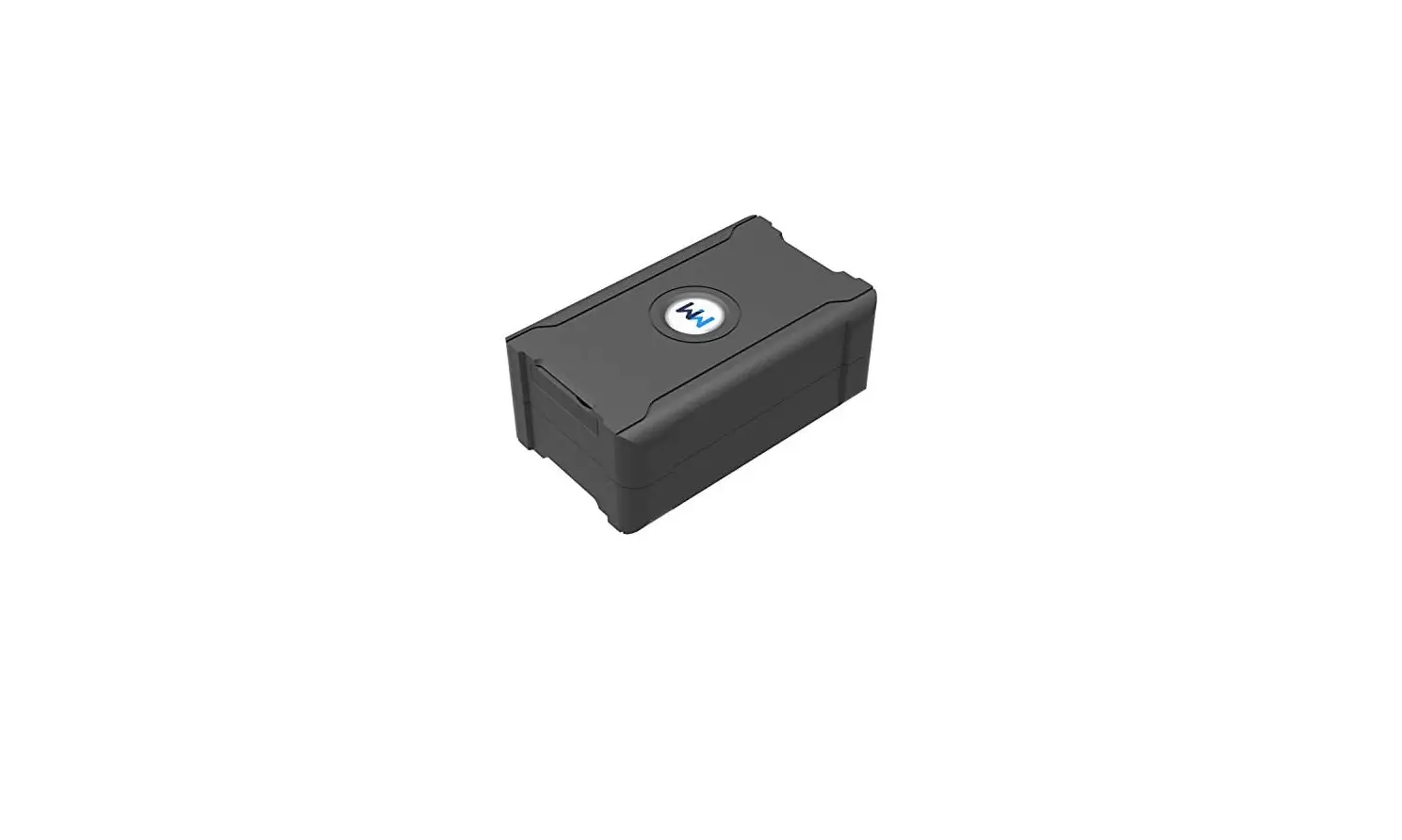
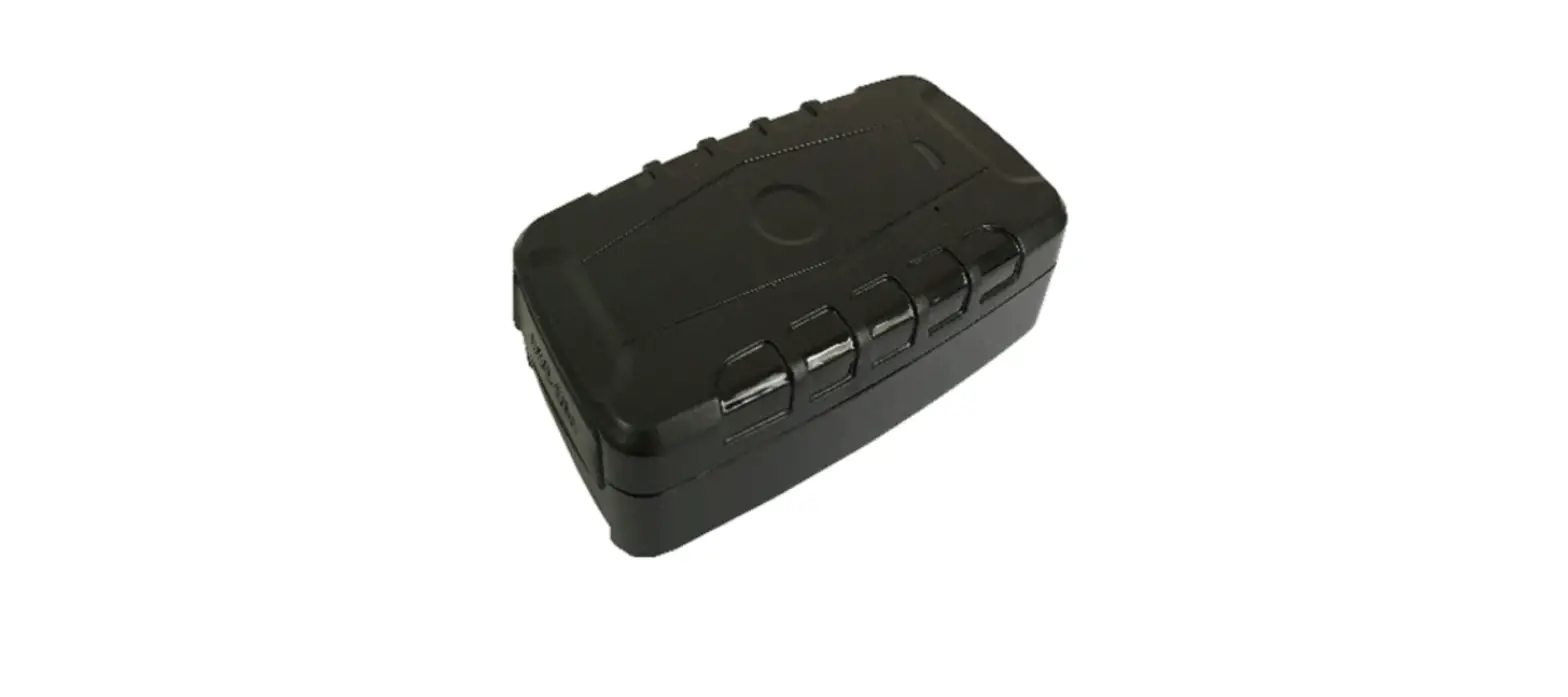
RF-V26 4G Solar Powered GPS Tracker
Product Information
4G Solar Powered GPS Tracker
Important! Please read below statements:
- Due to external factors, all GPS devices have position error,
so the position provided by this device is just for reference. - There may be delays caused by telecom operators in certain
circumstances. Our company does not assume responsibility for any
loss caused by this delay.
Product Specification
- Version A bands combination: 4G-FDD Band
1/2/3/5/7/8, 4G-TDD Band 38/39/40/41, 3G-WCDMA Band 1/2/5/8, 2G-GSM
Band 2/3/5/8 - Version B bands combination: 4G-FDD Band
1/2/3/4/5/7/8/12/20/28A, 3G-WCDMA Band 1/2/5/8, 2G-GSM Band
2/3/5/8 - GPS locating time: 30sec with cold boot (open
sky), 29sec with warm boot (open sky), 5sec with hot boot (open
sky) - GPS positioning accuracy: 5-15m (open
sky) - WIFI positioning accuracy: 15-100m (Under WIFI
range) - Working temperature: -20°C to +45°C
- Working humidity: 5% to 95% RH
- Host size: 97(L)*69(W)*31(H)mm
- Host Net weight: 255g
- Battery capacity: 9000mAh
Accessories:
- 1* Solar GPS tracker host
- 1* USB magnet charging cable
- 1* User manual
- 1* Collar holder (optional)
- 1* Magnetic holder (optional)
- 1* Screw holder (optional)
- 1* Screw driver
Product Usage Instructions
Step 1: Get a new SIM card
- Choose a Nano SIM card.
- Activate the SIM card’s Cellular data plan and Caller ID
display function. (Tracking and making phone calls require data and
charges.)
Step 2: Learn your Tracker device details
Step 3: SIM card installation and power on
- Please make sure the tracker is powered off before inserting
the SIM card. - Open the SIM card cover with a screwdriver and insert the SIM
card into the slot accordingly. - To ensure waterproofing, please install the SIM slot cover with
screws. - Press the power button for 5 to 7 seconds to turn it on. The
buzzer will sound. (The front blue and red indicators will be on
for 2 seconds and then release the button.) - When the tracker is in use, it can be powered off only via the
App.
Step 4: Install App by tracker Guardian
Guardian needs to scan the QR code in the last page of this
manual with a smartphone, download, and install the tracking
App.
Step 5: Login App
Login to the App with the 10 digits ID No. on the device back
label. The default password is 123456.
Step 6: Location check
Real-time tracking and interval for uploading. Display the last
location of the GPS tracker.
- GPS-fence: The App will get an alert when the
tracker leaves the defined GPS-fence. (Note: We suggest the radius
of GPS-fence to be over 300 meters to reduce false alerts.) - WIFI-fence: You can set 2 WIFI safe zones.
When the device leaves these safe WIFI zones, the App will give a
notification. - Health: You can learn about the health status
of animals through the App. Features include Health Steps (to learn
about the health of animals through step data), Measuring
temperature (to measure the body surface temperature of an animal),
Talk (to call the tracker and request a one-way call from the
tracker to hear the sound around it), and Settings (to configure
device settings).
4G Solar Powered
GPS Tracker
Important! Please read below statements: 1. Due to external factors all GPS devices have position error, so the position provided by this device just for reference. 2. There may be delays caused by telecom operators at certain circumstance. Our company doesn’t assume to take responsibility of loss causes by this delay.
Main features: 4G LTE+3G WCDMA+2G GSM networks Waterproof IP67 Remove alarm SOS alarm High frequency alarm with loudspeaker GPS positioning, with accuracy of 5m outdoor WIFI positioning, with accuracy of 30m indoors Web platform/ Phone App/ SMS for positions check Historical route, GPS fence & WIFI fence double care Solar charging automatically when sunlight exists Heath care with step counting and temperature measurement Low battery/ SIM card changing alarm High power LED prompt light
Product specification
Version A bands combination: 4G-FDD Band 1/2/3/5/7/8 4G-TDD Band 38/39/40/41 3G-WCDMABand 1/2/5/8 2G-GSM Band 2/3/5/8
Version B bands combination: 4G-FDD Band 1/2/3/4/5/7/8/12/20/28A 3G-WCDMABand 1/2/5/8 2G-GSM Band 2/3/5/8
GPS locating time30sec with cold boot (open sky) 29sec with warm boot (open sky) 5sec with hot boot (open sky)
GPS positioning accuracy5-15m (open sky) WIFI positioning accuracy15-100m(Under WIFI range Working temperature-20 ~ +45 Working humidity5% ~ 95% RH Host size: 97(L)*69(W)*31(H)mm Host Net weight: 255g Battery capacity: 9000mAh
Accessories:
1* Solar GPS tracker host
1* USB magnet charging cable
1* User manual
1*Collar holder (optional)
1* Magnetic holder (optional) 1*Screw holder (optional)
1* Screw driver
Step 1: Get a new SIM card
1). Choose a Nano SIM card as below instruction.
2). Activate the SIM card’s Cellular data plan and Caller ID display function. (Tracking needs consume data, making phone calls also needs charges.)
Step 2: Learn your Tracker device details:
Step 3: SIM card installation and power on 1). Please make sure the tracker is powered off before inserting SIM card; 2). Open the SIM card cover with screw driver and insert a SIM card into the slot accordingly. 3). To ensure waterproof, please install the SIM slot cover with screws. 4). Press 5 to 7 seconds of the power button to turn on it, the buzzer will sound. (The front blue and red indicators on for 2 seconds and
release the button.) 5). When the tracker is in use, it can be powered off only via App. Indicators instructions
GPS and GSM indicator details
Color Function Blue GPS signal
Slow flash Searching
Fast flash Searched
Red
GSM signal Searching
Searched
Step 4Install APP by tracker Guardian
Guardian needs to scan the QR code
in last page of this manual with smart
phone, download and install the tracking
App.
Step 5: Login App
Login the App with the 10 digits ID
No. on device back label, default
password is 123456.
Step 6: Location check
Real time tracking and interval for
uploadingDisplay the last location
of GPS tracker. For the latest location,
Off Sleep
Sleep
press the “Single-refresh” button on map right top. Press the “interval for uploading” and choose different interval times. Default interval is 10 minutes. For emergency, change it to 1 minute. Interval affects the battery standby time, please choose accordingly. Historical route: Display the historical route of any day in latest 90 days. You can choose whether to filter out LBS location data. (note: LBS means the location data indoors, error can be large) Geo-fence: Add, check or cancel GPS-fence: when the device gets into or out of the
GPS-fence. The App will get alert. (note: we suggest the radius of GPS-fence over 300 meters to reduce false alerts.) WIFI-fenceYou can set 2 WIFI safe zones, when device
leaves safe WIFI zones, the App will give notification.
HealthYou can learn about the
health status of animals through the App. Health Steps: In APP, turn on
the Health Steps function to learn about the health of the animals through the step data. Measuring temperature: The body surface temperature of an animal can be measured. Talk: Call the tracker: To make a call to the tracker when click it; Voice monitoring: To request a one-way call from tracker to the number you type and hear the sound around tracker. SettingsAll settings need to work when App shows device
online with the SIM card’s data plan. About the deviceCheck and edit tracker’s information. Change passwordChange APP and Web platform’s
password.
Main monitoring numberThe number used for
commands sending and SMS alerts receiving. Set SOS number: Preset SOS
numbers to monitor the sound around tracker. (Note: For privacy of tracker user, non-SOS numbers couldn’t call the tracker.) SMS alert switchTurn on this
setting to enable the tracker to send SMS alerts to main monitoring number. Remove alarm: After turning on for more than 3 minutes, the tracker will send alerts when it is taken off from the wearer. LED light: Turn on or off the light then easy to find the animals, there are 2 lighting modes: mode 1 is flash mode; mode 2 is always light on. Signal light: Turn on or off the signal indicator lights in tracker; Vibration sensitiveness setting: on /off by App, there are 4
levels for vibration sensitiveness, level 1 is the most sensitive, level 4 is the most insensitive. Local alarm horn: Activate the device local alarm horn with 4 options: Mode 1: The every-2-sec beep alarm sound lasts for 2 minutes after being activated, press power key to stop it; Mode 2: The continuously beep alarm sound lasts for 2 minutes after being activated, press the power key to stop it; Mode 3: Start the loudspeaker alarm actively to find the tracker nearby; Turn off: The loudspeaker keeps silent even when alarm is triggered Alarm mode: Before the Remove alarm starts, there are four alarm modes to choose:
1. Alarm only to App; 2. Alarm notification to App and a call to main monitor number;
3. Alarm notification to App and send SMS to main monitor number; 4. Alarm notification to App, make a call and send SMS to main monitor number. Find device: When activate this function, the tracker will
send out ringtone for being found easily. Device Language and time zone: Set tracker SMS alerts’
language and time zone. Options are Chinese and English. Remote reboot: To reboot the tracker from this setting. Remote power-off: To power-off the tracker remotely.
After this setting, device can be turned on only manually. Factory-Reset: To default the device back to factory
settings. Alarm list: To list all alerts sent by tracker. Remind settingTo turn on or off App notifications and
modes of them. Logout: Log out from the App, and no more notification will
be received from the tracking App. For more functions of the App and web platform, please login our PC tracking platform: www.gps123.org.
Step 7: Power off the tracker 1. When no SIM card in the tracker, press the power button for 5 to
7 seconds till a ringtone to power off it. 2. When a SIM card installed, to avoid wrong operation, tracker
can be powered off only via App setting.
Matters need attention Please use this tracker in the area of good network signal. For a better performance, please charge the new device for 18
hours. Standby time: When location uploading time is every 10
minutes, the standby time is 38 days. Note: Above test data is under the status of strong network and without solar charge. To extend battery life, please charge and discharge the tracker fully at least one time in 3 months. The tracker is waterproof IP67, but we don’t suggest to dip it into water for too long time. Please don’t open the tracker case by yourself, as it may affect the waterproof and lose the warranty right. The tracker uses Cell tower signal (LBS) or WIFI when indoors, the locating accuracy depends on tracker distance to signal tower and other facts, like metal and surroundings. Due to the restrictions and influences of the use environment, the civil equipment has deviations in positioning which is not a quality problem, and is not subject to quality problems for after-sales processing.
FAQ
Q: After inserting a SIM card, it can get SMS reply, but it displays “Not enabled” on the platform and APP. A: Please check the tracker SIM Card has data plan. Q: Device is online, but it shows “wait for the device responses” when you make settings with APP. A: a. Device SIM signal is not good with poor data transfer;
b. Device is busy in other process. Please wait a minute and try again. Q: The SIM card has data plan, but the device still shows “Not enabled “or “offline”. A: It needs to configure APN data, since we have pre-programmed most SIM cards’ APN, but some SIM hasn’t. Please set main monitoring number first by sending below command from your own phone to the tracker sim number. pw,123456,center,your own phone number# After a reply, send below command to set APN into the tracker. The command is: apn,apndata,user,password,MCC MNC code# (Note: The blue parts are different according to different SIM providers. If user and password are blank, delete them from the command. There is no space between them and all letters shall be in lowercase style.)
Scan QR code for install App
search Anytracking
in Google &iOS App store
 GPS定ä½ç³»ç»Ÿ_GPSå¹³å°_GPS定ä½å¹³å°