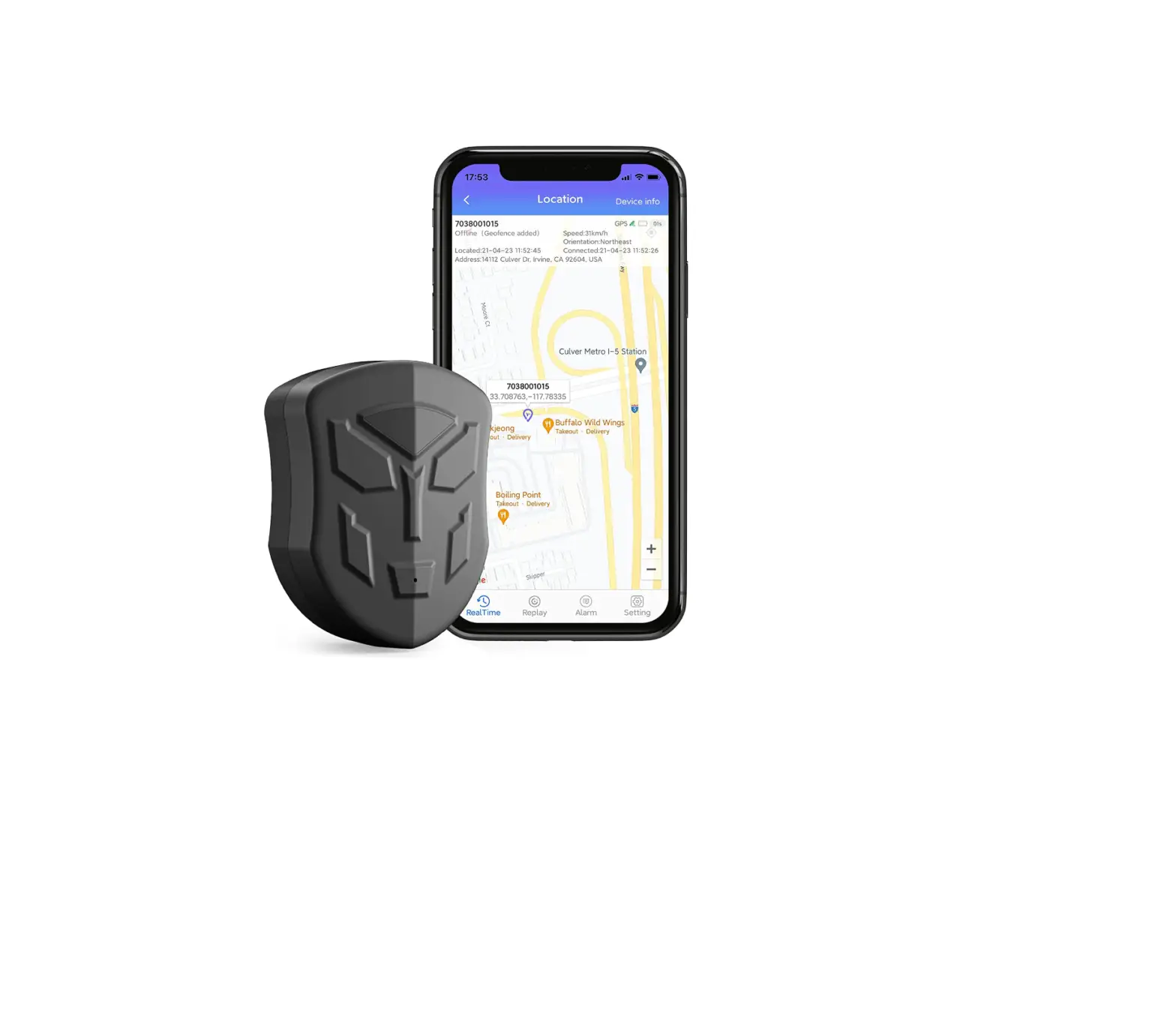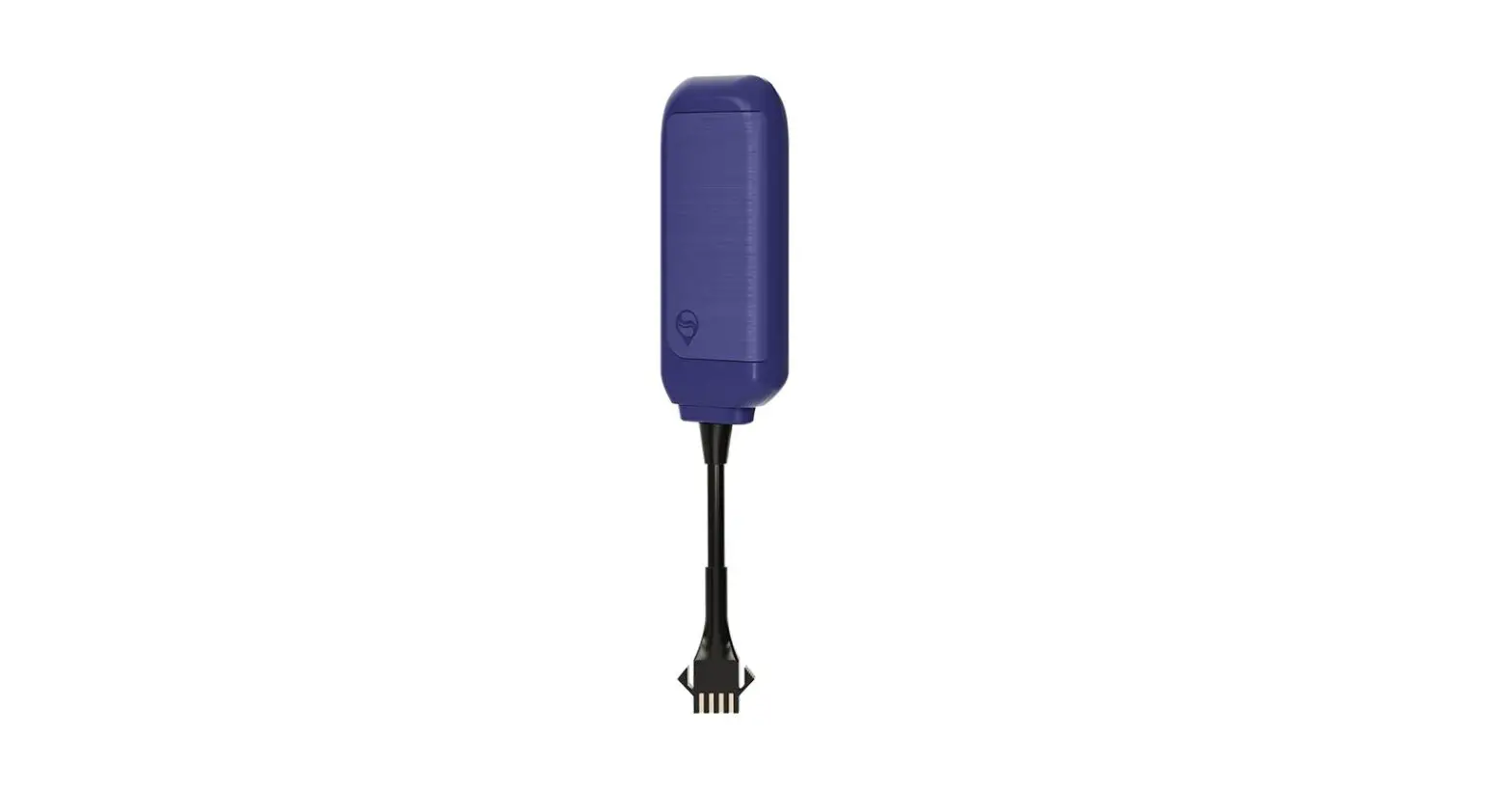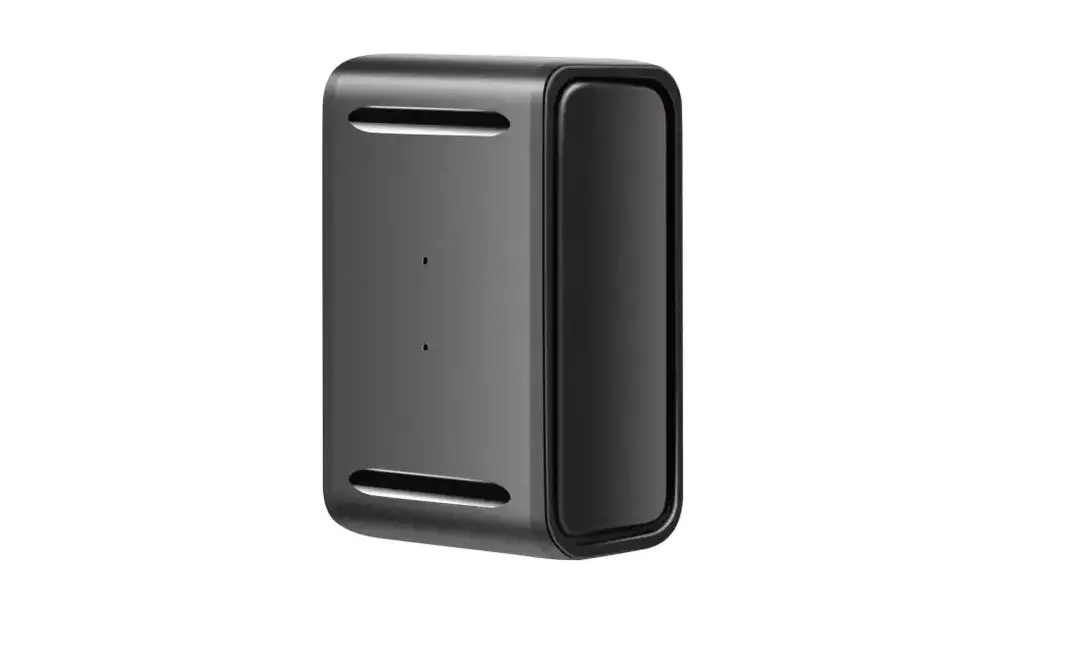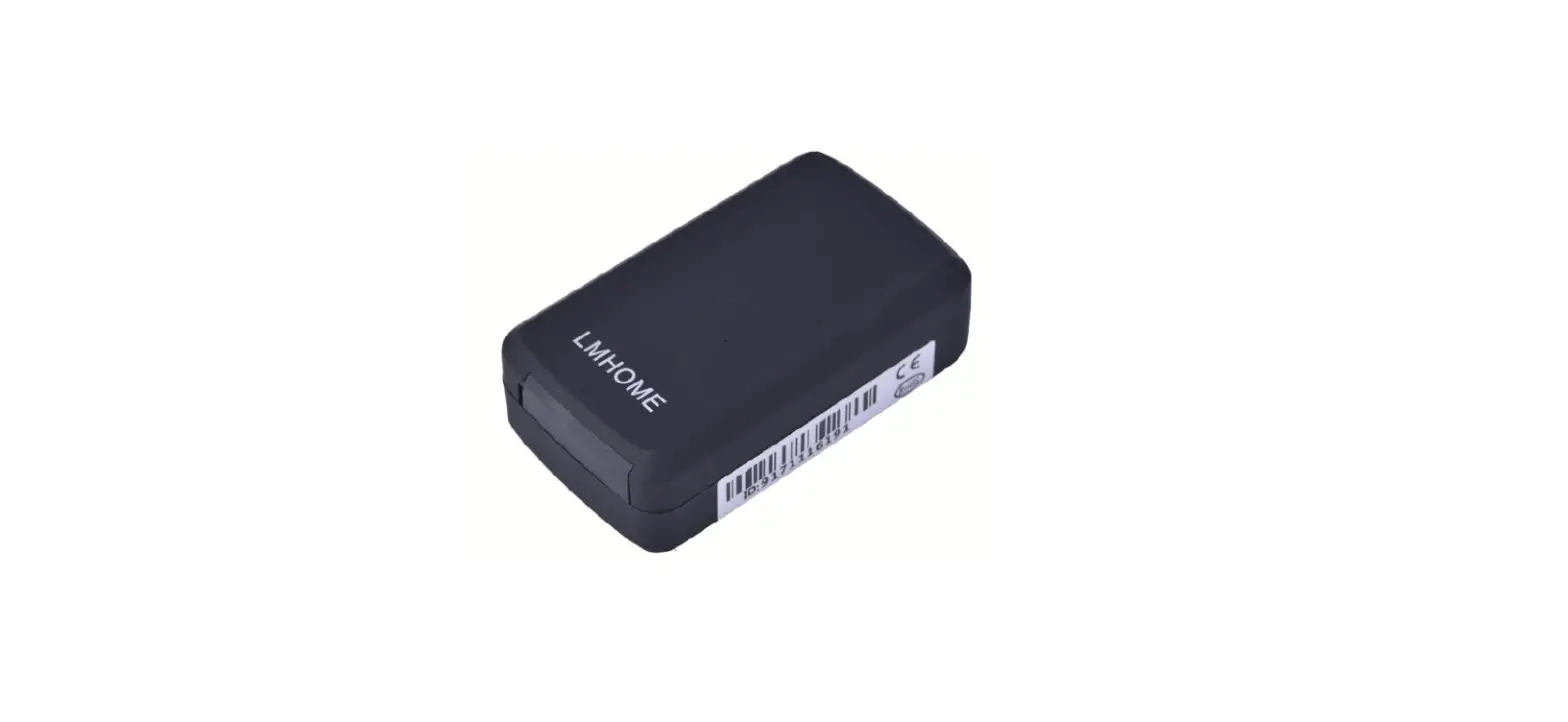

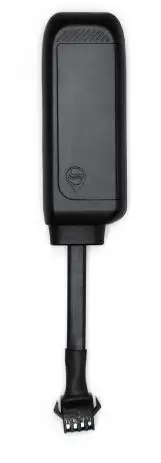
Seaworld Technology R11 GPS Tracker 
Statement
Thank you very much for using the R11 vehicle terminal (mobile user terminal) product. Please read this manual carefully before use. Please pay attention to all the cautions and warnings mentioned in the manual. Please keep this manual properly for reference. This manual, as well as the description of the software, can be used or copied directly after receiving the license, only in accordance with such authority. The content of this manual is to provide information for use, subject to change without notice, and should not be regarded as a commitment by SEAWORLD. SEAWORLD assumes any liability or any deviation of legal liability may appear in this book. SEAWORLD Company reserves the right to make changes to specifications at any time without notice. SEAWORLD Corporation believes that this manual is accurate and reliable. However, SEEWORLD Corporation is not responsible for its use, infringement of patents, or the rights of other third parties caused by its use. Without a license, any patents or patent rights will belong to SEAWORLD.
Product Description
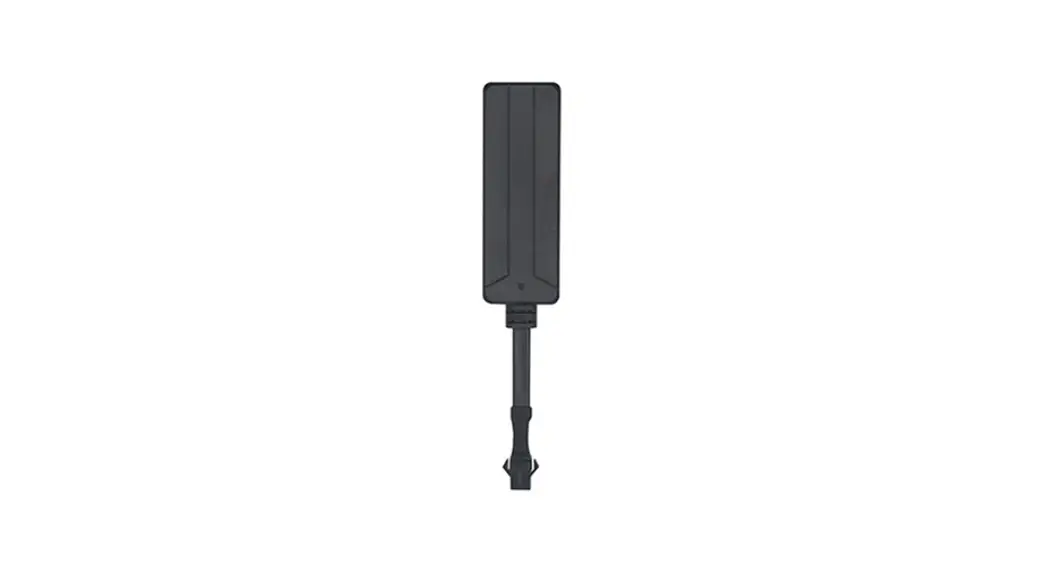
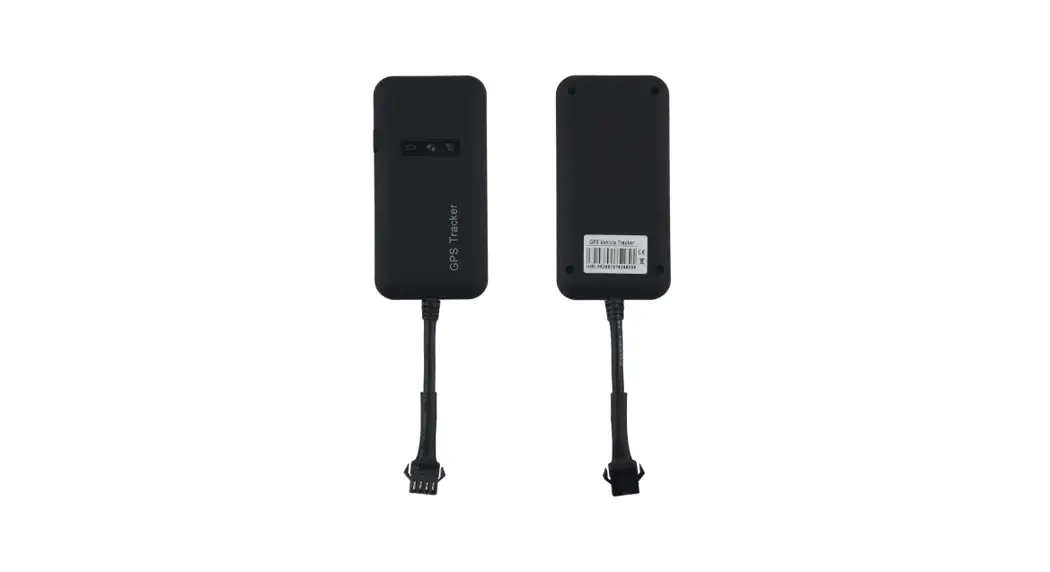
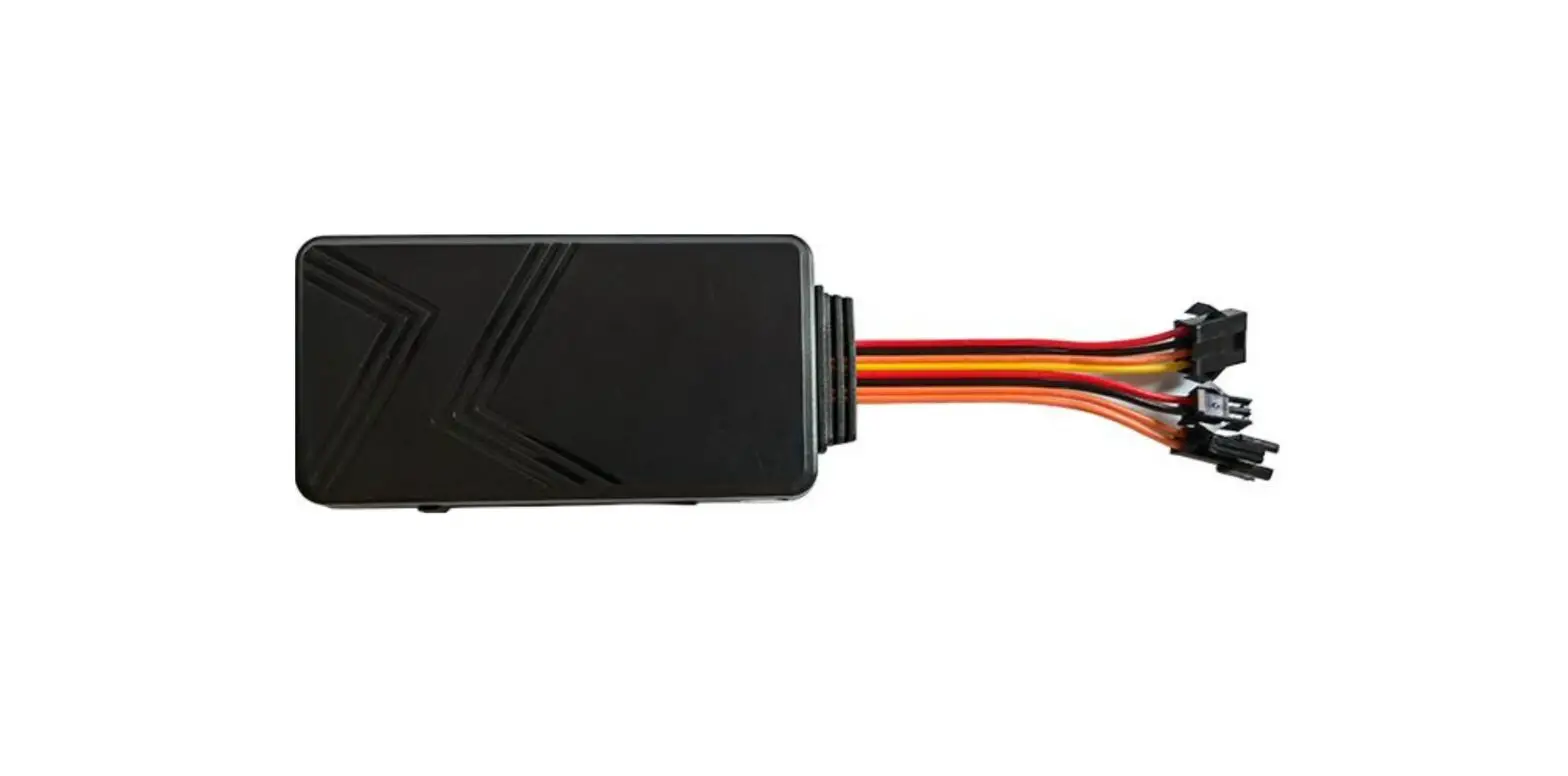
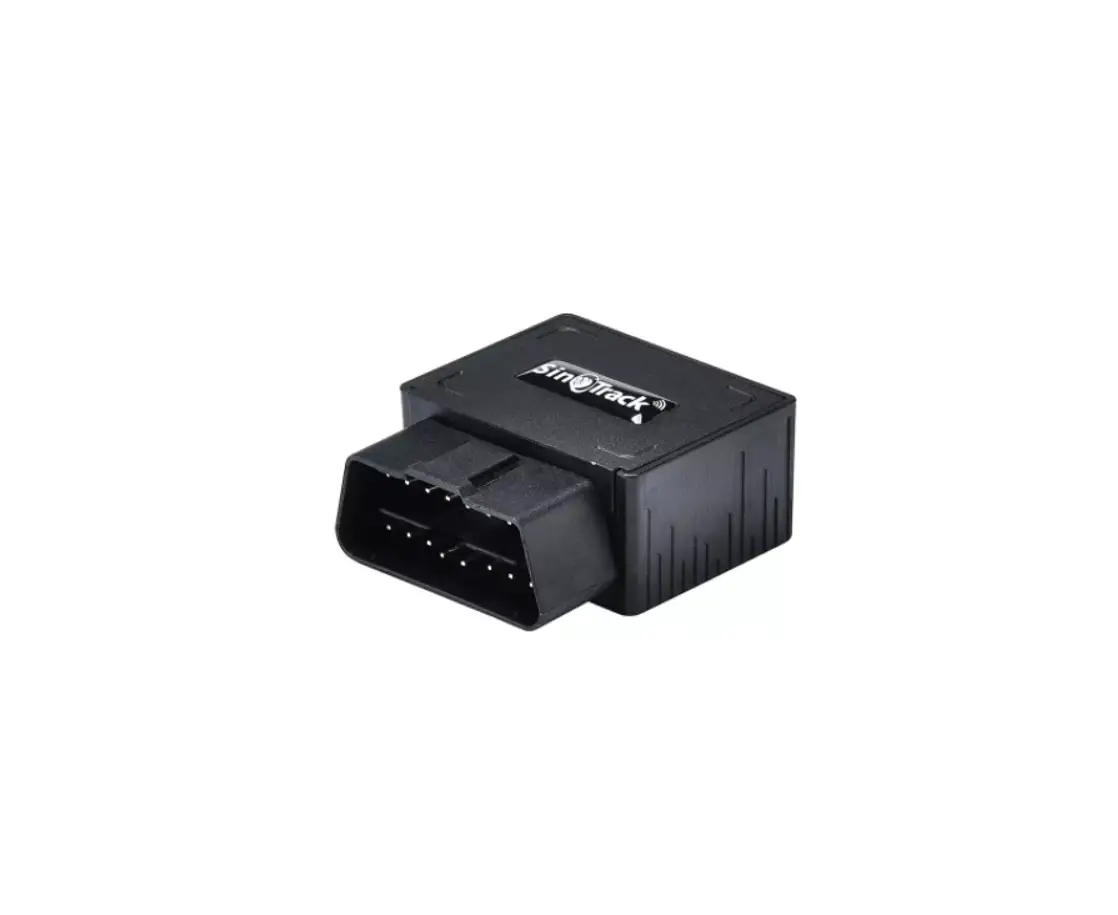
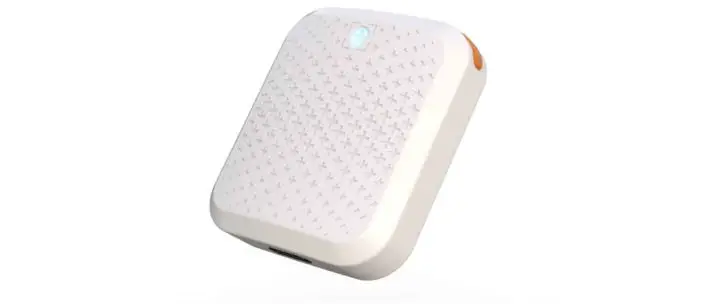
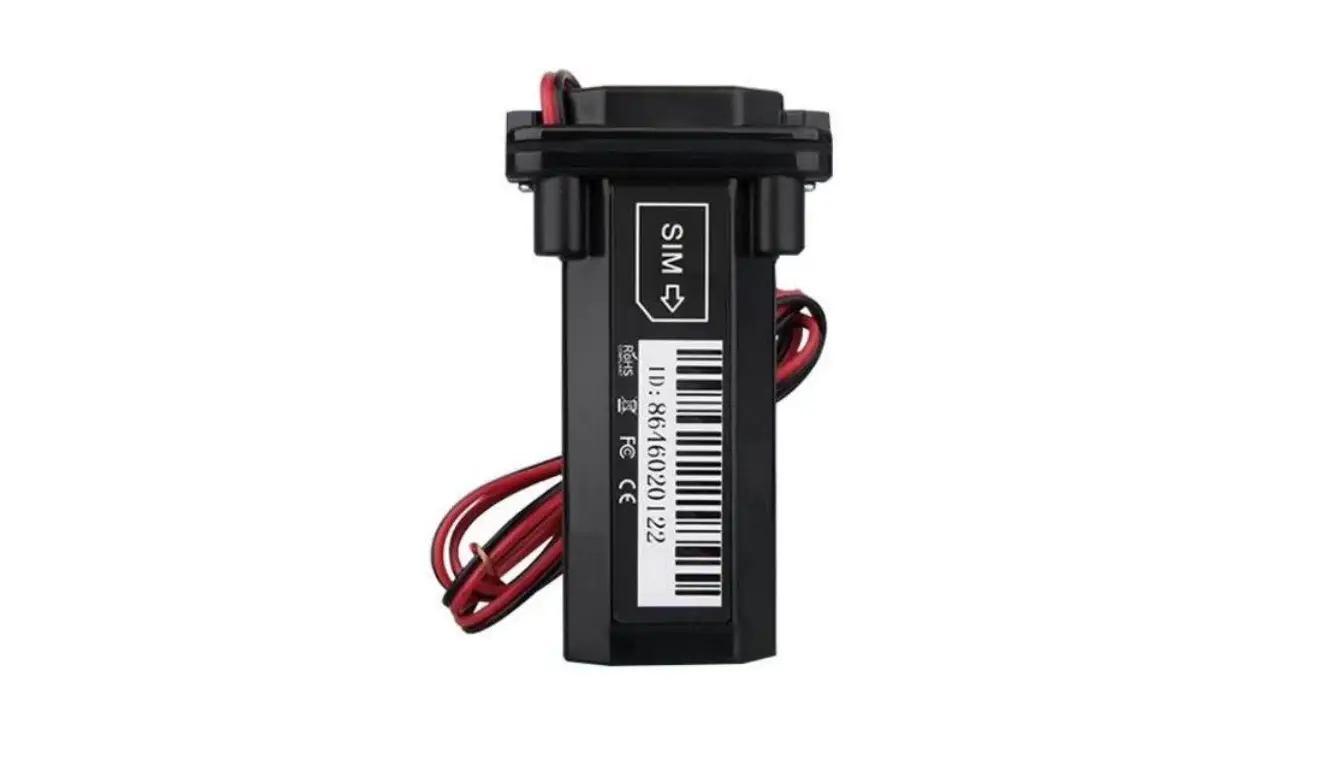
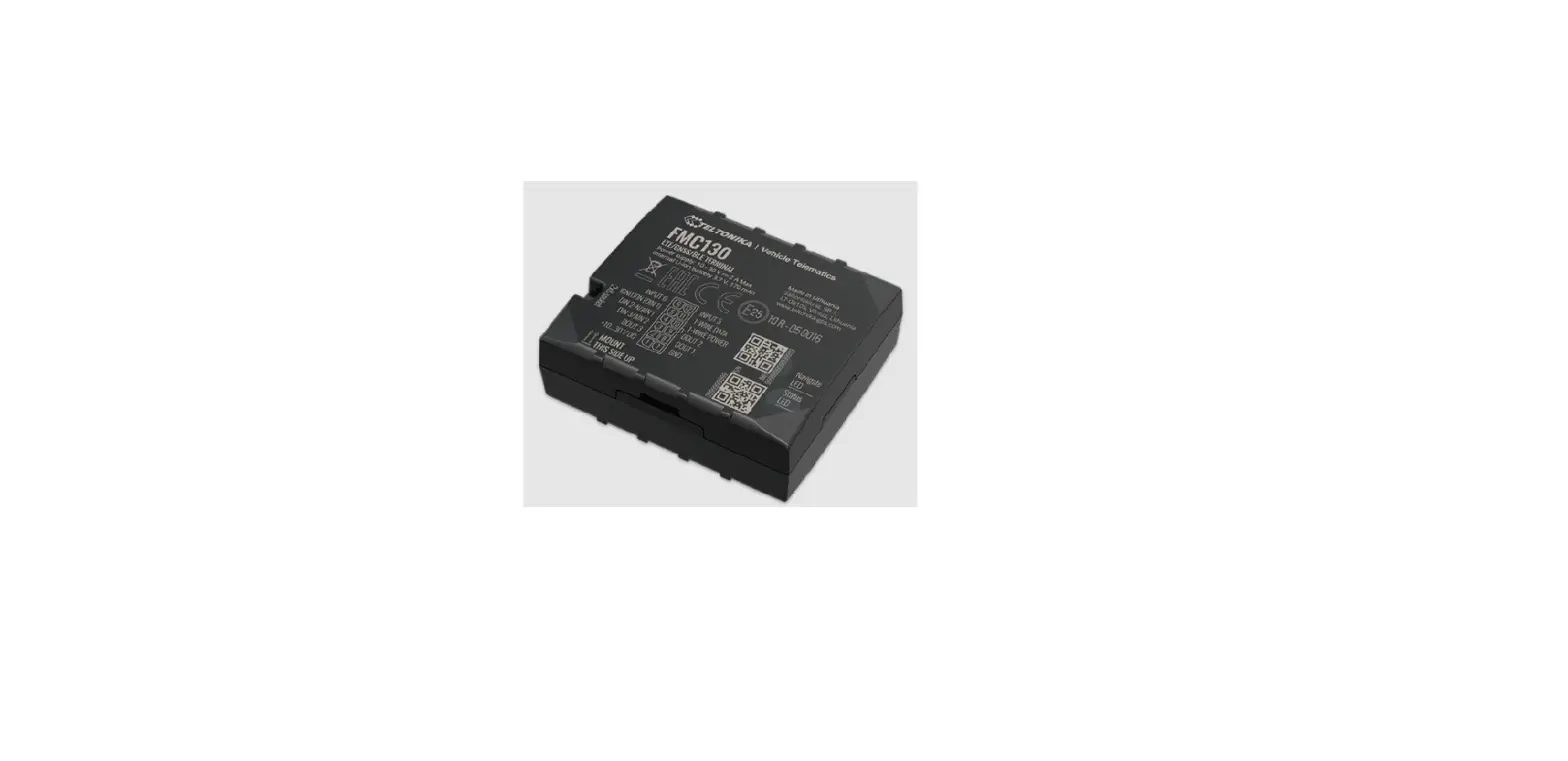
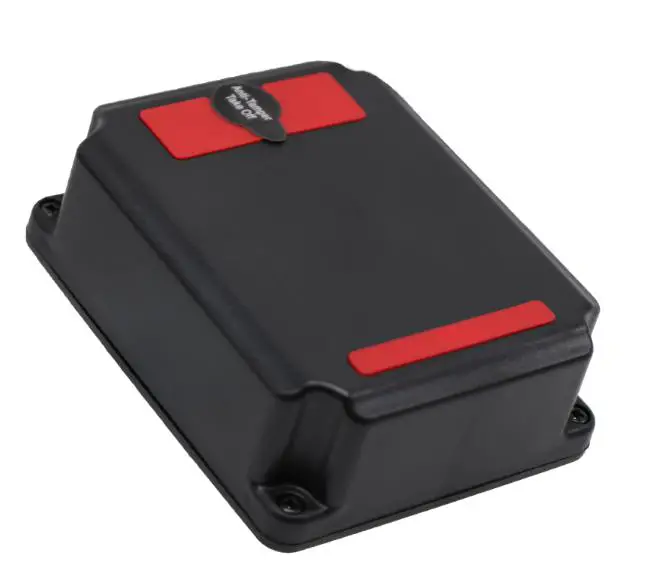
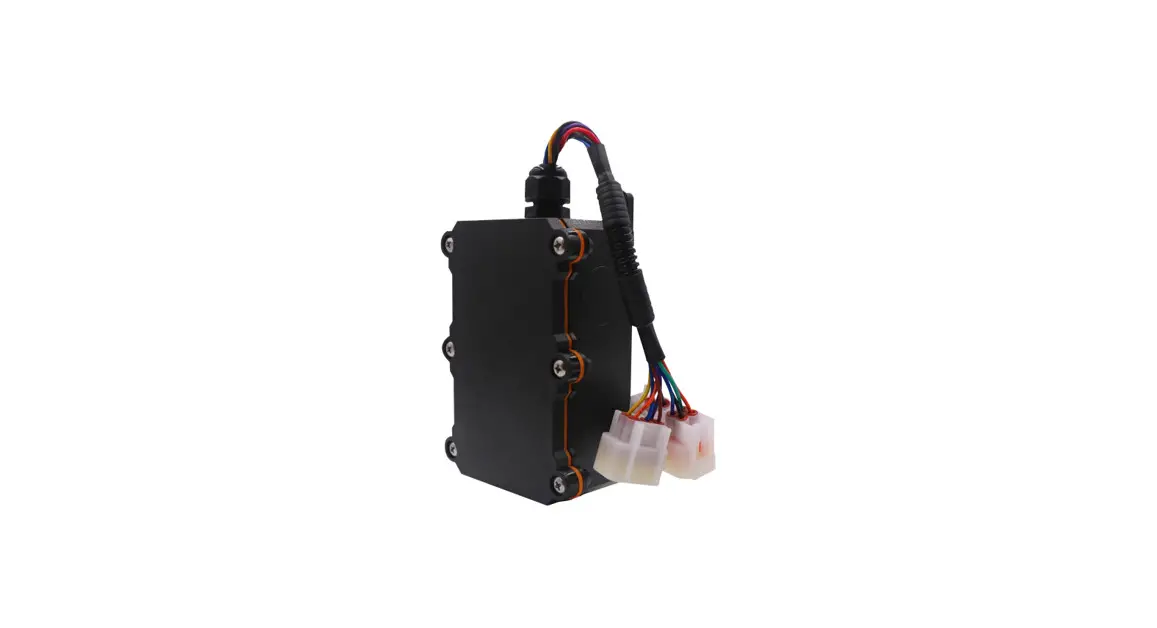
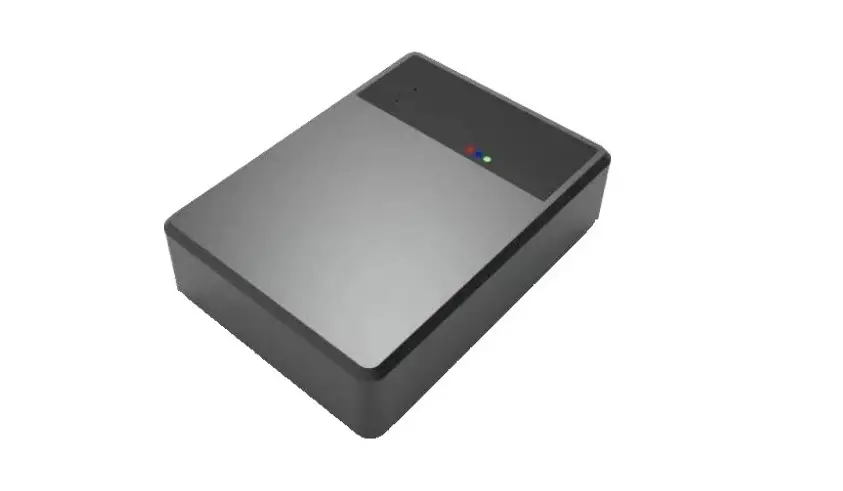
The R11 is a multifunctional GPS tracker with a wide range of applications. Adopts MTK6261 chip and supports GPS, COMPASS, GLONASS satellite systems. In addition to supporting satellite positioning, the equipment also supports single-base and multi-base station positioning. Rich extended functions, please refer to the following descriptions about extended functions. Integrating a self-developed hardware monitoring circuit enables the equipment to work reliably and stably for a long time, and can automatically recover when an abnormality occurs.
Product function
- GSM quad-band, built-in GSM/GPS antenna;
- Support all global navigation satellite systems GPS, COMPASS, GLONASS, and Beidou that have been deployed and will be in operation
- Support global multi-base station and satellite positioning mode;
- Voltage input 9-90V;
- Built-in high-power surge protection circuit;
- Adopt high-temperature resistance, safe and explosion-proof rechargeable lithium cobalt oxide battery;
- Built-in high-power surge protection circuit;
- Built-in hardware monitoring circuit, automatic recovery of abnormal state;
- Support remote oil circuit control;
- Support ACC detection and alarm;
- Built-in battery switching circuit, support power failure alarm;
- Built-in vibration sensor, support vibration alarm;
- Support remote upgrade;
- IP65 waterproof design;
Specification
| Items | Specifications | Remark |
| Working Voltage | DC9V-90V | |
| Working Current | 2(Q5umieas@ce1n2tVcurrent 10mA) | Not charging |
| Dimension | L80mm *W28mm*H14mm | |
| Positioning mode | GPS+LBS+WIFI(Optional) | |
| Positioning error | <10 Meters | |
| cnoemtwmoruknication | GPRS | |
| CGSM frequency communication | 850/900/1800/1900MHz | |
| Tway perature em | TCP | |
| range | -25℃~ +75℃ | |
| Stetmorpaegreature range | -40℃ ~ +85℃ | |
| Bwaocrkinpgbtaimttery Warranty period | 0.5h 1 Year | |
Appearance 
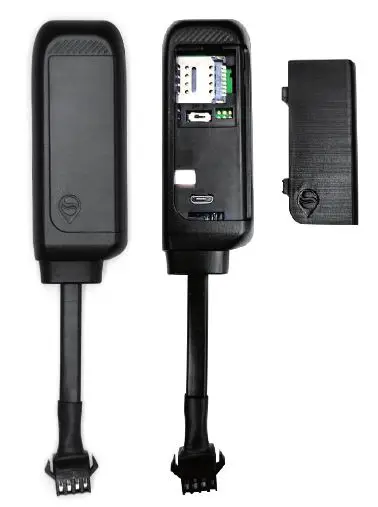
By checking the status indicator, you can understand the working condition of the device. The status of the indicator is described as follows:
| CLoElDor | LED Status Fast flash | Description |
| Red | Slow flash | GSM starting |
| light | GPS receive signal is normal | |
| Drak | GPRS online | |
| Fast flash | No GSM signal/card/still sleep | |
| Blue | Light | GPS signal searching |
| Dark | GPS position | |
| GPS sleep/not working |
Installation instructions
Wiring 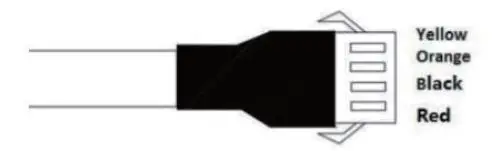
| Line No. | Specification | Color | Instruction |
| 8 | MOTOR | Yellow | Fuel control wire |
| 9 10 | ACC V- | White Black | 12ACC V connect/2to4 Powe |
| of 12V/24V | |||
| 11 | ACCESS | Red |
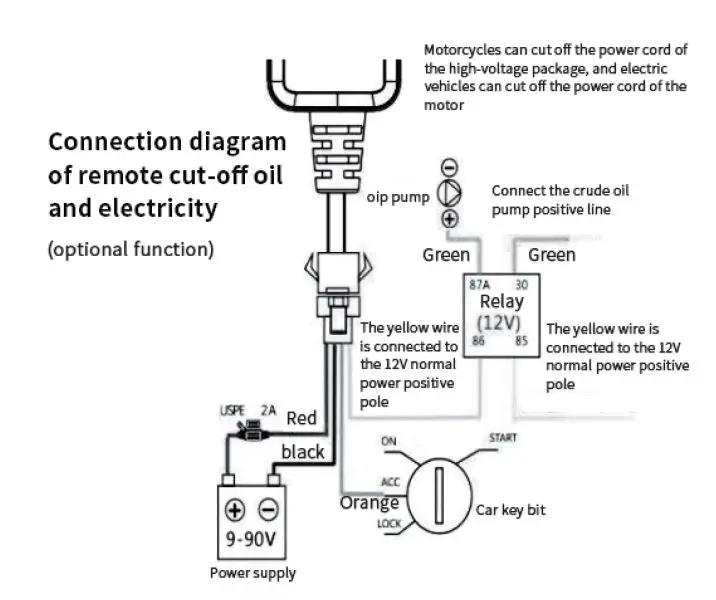
Precautions for Relay Wiring
Pump relay wiring: the oil connectors at both ends are thin white wire (85) and thin yellow wire (86). The thin white wire (85) is connected to the vehicle’s positive power supply (+12V). The thin yellow wire is connected to the device relay control wire. Cut off the positive connection wire of the pump; then connect in series to the relay normally closed contact (green thick line 87a), and the other end to the relay COM contact (green thick line 30).
Description of command Instructions
Online Setting Command-List
| 1 | SE.EgR.:VSEERR,V1E,<Rd,1o,mgpasin. >,<port># whatsgps.com,6801,0# | Pneletawsoermk soevrevitcoe the provider service area |
| 2 | AE.PgN.:,A<PuNse,i_nateprnn>e#t# | Set APN |
| 3 | TIMER, T# | T5T-:T9h00e sraencuognedrof Timing inhterdveaflais let seepcontd after setting |
Query command
| 1 | PARAM# | Query device parameters |
| 2 | STATUS# | Set APN |
| 3 | WHERE# | Query latitude and longitude |
| 4 | RESET# | device restart |
Alarm mode setting and description
| 1 | Valiabrmation | S,ME#NALM,A | Aoi =ffOthNe/OaFlaFr,mtu,rtnheondeofratuulrtn MGs =o0ff/S1o/2n,lya;la1r:mSMmSo+dGeP,R0S: ; 2:PGRPRS+SMS+PHONE |
| 2 | Paloawrmer off | PMO,AW,ME#RAL | Ao=ffOthNe/OaFlaFr,mtu,rtnheondeofratuulrtnis MGff=R0/S1o/2n,lya;la1r:mSMmSo+dGeP,R0S: ; 2:PGPRS+SMS+PHONE |
| 3 | ACC alarm | A,BC,CMA#LM,A | Aoi =ffOtffhNe/OaFlaFr,mtu,rtnheondeofratuulrtn Bas=o1r/m2/, 32, i1s iAsCACCOCFOFNalarm, 3aliasrAmCC ON + ACC OFF MGl=a0/S1o/2n,lya;la1r:mSMmSo+dGeP,R0S: ; 3:PGRPRS+SMS+PHONE |
| 4 | Dt aislparlamcemen | M,RO,MV#ING,A | Ao=ffOthNe/OaFlaFr,mtu,rtnheondeofratuulrtnis Rff=s1ta0n0-c1e0, 0u0n,itm: moveintegr, dMe=f0a/u1l/t2is, a3l0a0rm mode, 0: G3:PGRPSRoSn+lSyM; 1S:+SPMHSO+NGEPRS; |
| 5 | Oalvaermr speed | SBP,ME#ED,A, | Ao=ffOthNe/OaFlaFr,mtu,rtnheondeofratuulrtnis Boff=e1r-s2p5e5e(dKmth/rhe)s,htohled, the dMve=f0a/u1l/t2is, a1l0a0rm(Kmo/hd)e, 0: G3:PGRPSRoSn+lSyM; 1S:+SPMHSO+NGEPRS; |
SOS and Center Number Setting
| 1 | SOS setting | Se1O,Sp,hAo,pnheo2n, phone3# | TsNehtetoSO1S-h3nnuummbbeenrrcsa. n be acoloreteam:dWyneexinsttsh,euclseiunmgtbthheirs preremvaiocausldy wseiltlnaumarbereand nupml beerit with new SOS |
| 2 | Cnuenmtberer setting | CA,EpNhToEnRe, number# | Acedndtecer number nbuemr abnedr, SonSly number can be set |
Remote oil cut
| 1 | Remote oil | RELAY,1# | Wrcehacehnetshbeeclaorwsp2e0eKdMxe/cHu,ttehde suocmcmesasnfudllwy ill be e |
| 2 | Rreesmtoortee oil | RELAY,0# | Restore the oil circuit |
Installation diagram
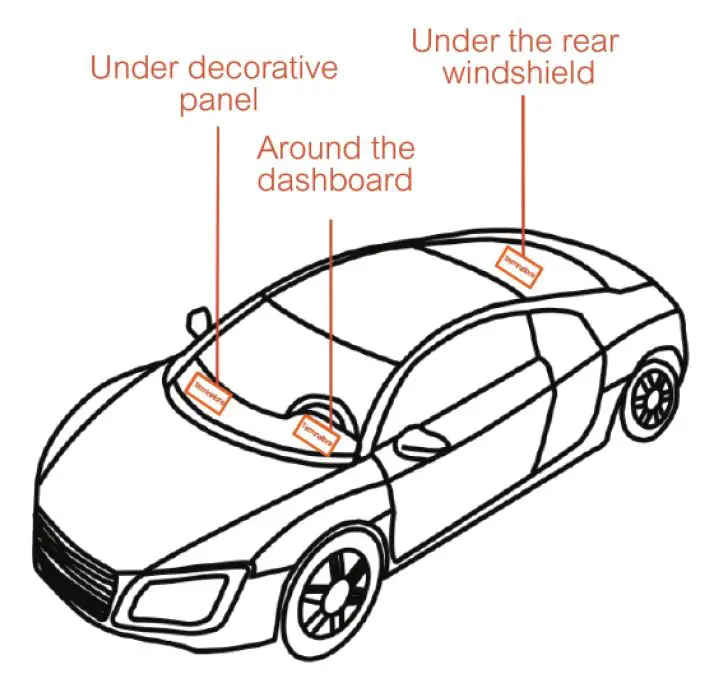
Troubleshooting
When operating the terminal, if you feel that the equipment is abnormal, please refer to the following problems and solutions. If the problem still cannot be solved, please contact the seller or service provider.
| Common Problem | Reason | Solution |
| Bad Signal | Wtwehrtmenipnuasliinngatrheeas rneeicaehphtoioonr,ssiiugcnhalas bausilrdmini gns-orrse dio weffaeveetsi ecealntsn,orat be trancsmvittyed | Ua sl e tahteoterwmitinhal in good signal |
| Uconnanbelecttoto the network | SinIsMtaclalerd is not | Check the SIM card |
| DsuirrtfaocnetohfethmeeStaIMl card | Wipe with a clean cloth | |
| Invalid SIM card | Cseornvtiacectpyrovridinerternet | |
| Oaruetaof GSM service | Pwliethassetrmonogvesitgonaalpalancde try again |
| Common Problem | Reason | Solution |
| Uconnanbelecttoto the network | Weak signal | Pplaeacesewmithovsetrtoonag signal and try again |
| Switch off | Pwlheeatsheecrotnhfierdmevice is switched on | Tbuatrtneorynstwheitcdhevice |
| PSIlMeaisseinchsteacllkeidf the | SthIMe 卡SIMPlecarde install | |
| Poor contact | Ccohnenckeciftetdhe plug is |
Warranty card
| Maintenance record | |
| Maintenance shop | |
| Sending date | |
| Fault description | |
| Maintenance situation | |
| IMEI number Mpearisnotennance | |
| Maintenance record | |
| Maintenance shop | |
| Sending date | |
| Fault description | |
| Maintenance situation | |
| IMEI number Mpearisnotennance | |
FCC Statement
Changes or modifications not expressly approved by the party responsible for compliance could void the user’s authority to operate the equipment. This equipment has been tested and found to comply with the limits for a Class B digital device, pursuant to Part 15 of the FCC Rules. These limits are designed to provide reasonable protection against harmful interference in a residential installation. This equipment generates uses and can radiate radio frequency energy and, if not installed and used in accordance with the instructions, may cause harmful interference to radio communications. However, there is no guarantee that interference will not occur in a particular installation. If this equipment does cause harmful interference to radio or television reception, which can be determined by turning the equipment off and on, the user is encouraged to try to correct the interference by one or more of the following measures:
- Reorient or relocate the receiving antenna.
- Increase the separation between the equipment and receiver.
- Connect the equipment into an outlet on a circuit different from that to which the receiver is connected.
- Consult the dealer or an experienced radio/TV technician for help
This device complies with part 15 of the FCC rules. Operation is subject to the following two conditions (1)this device may not cause harmful interference, and (2) this device must accept any interference received, including interference that may cause undesired operation. This equipment complies with FCC radiation exposure limits set forth for an uncontrolled environment. This equipment should be installed and operated with a minimum distance of 20cm between the radiator & your body.
 whatsgps.com