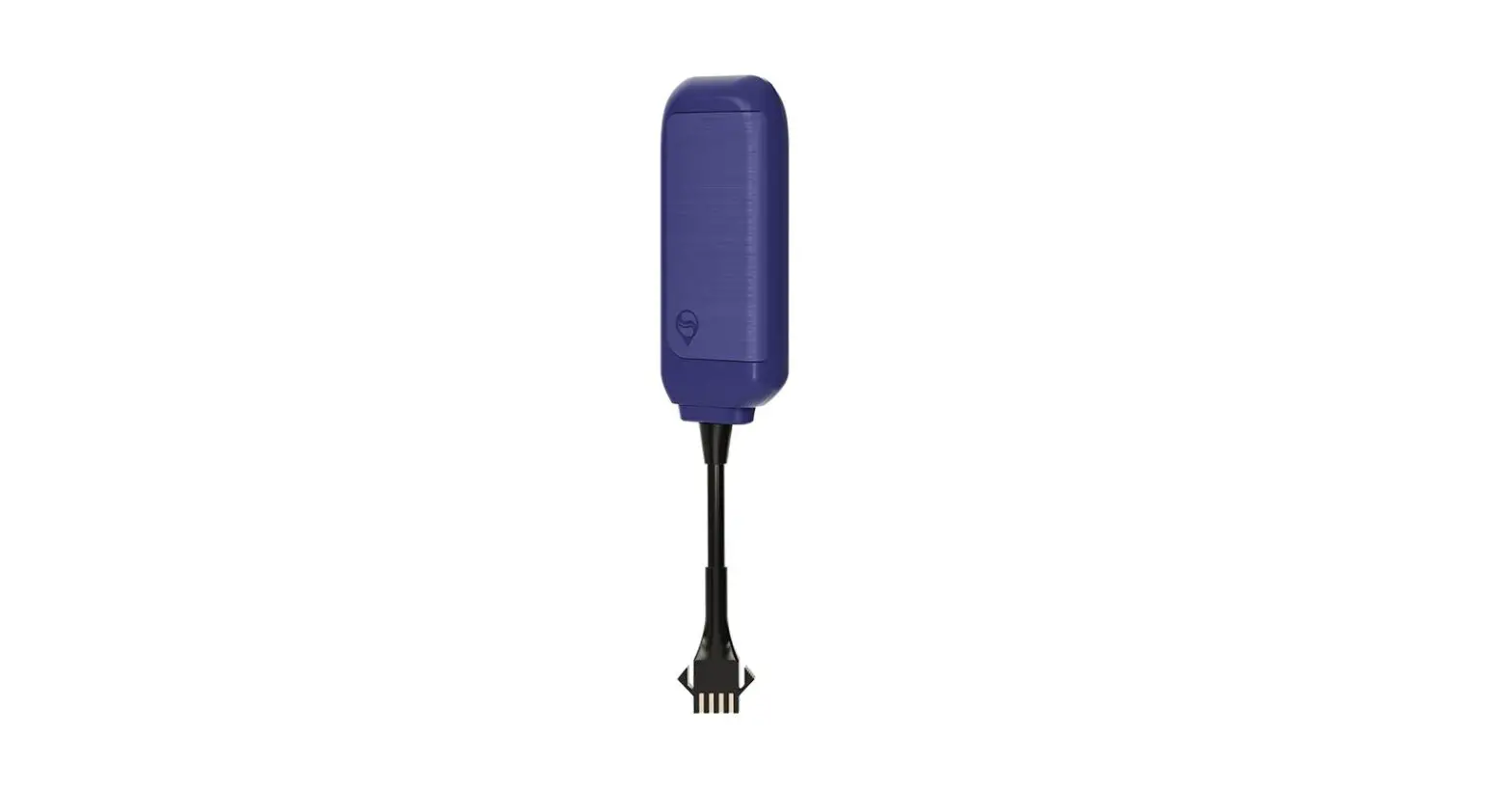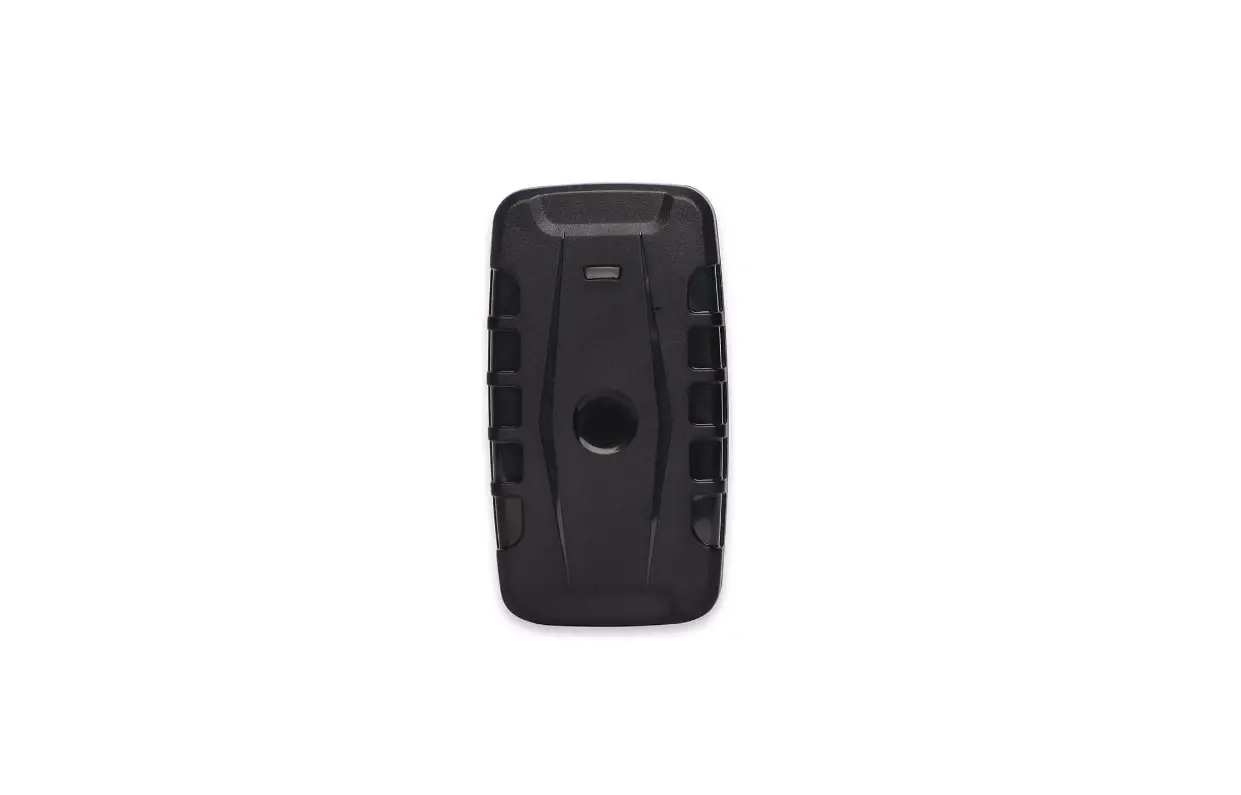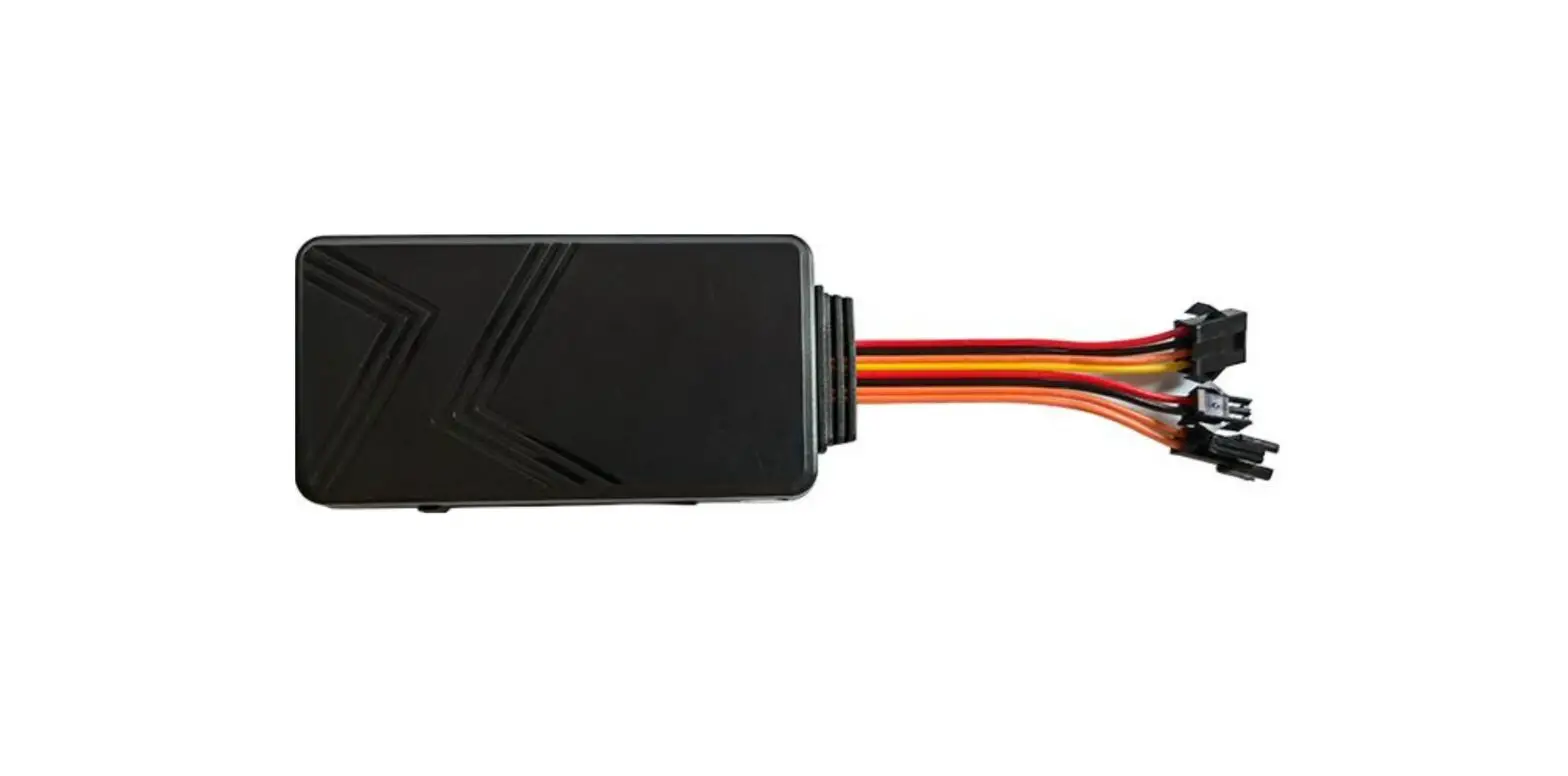
Anbtek GT06 Vehicle GPS Tracker User Manual
SUMMARY
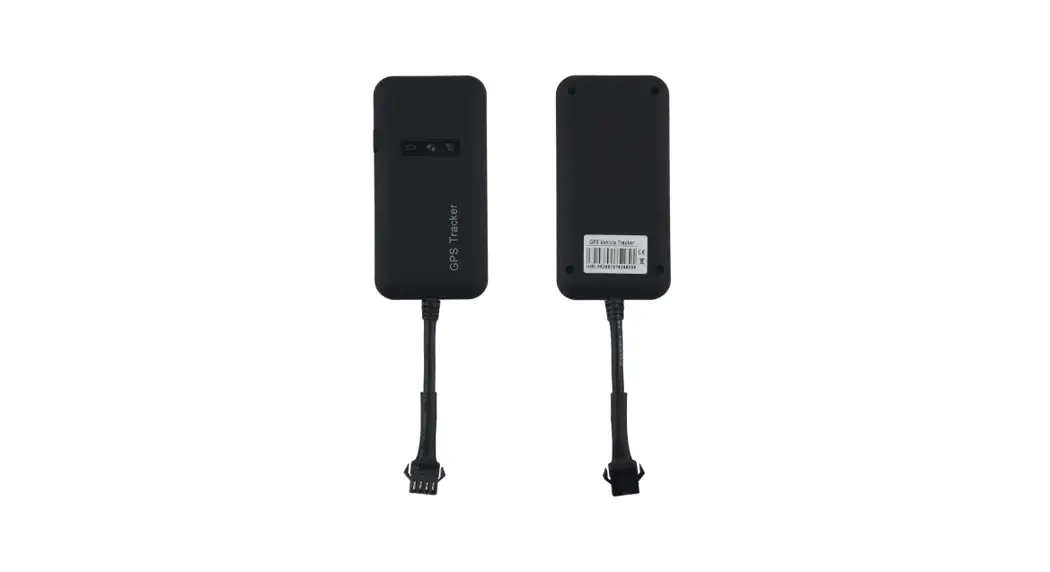
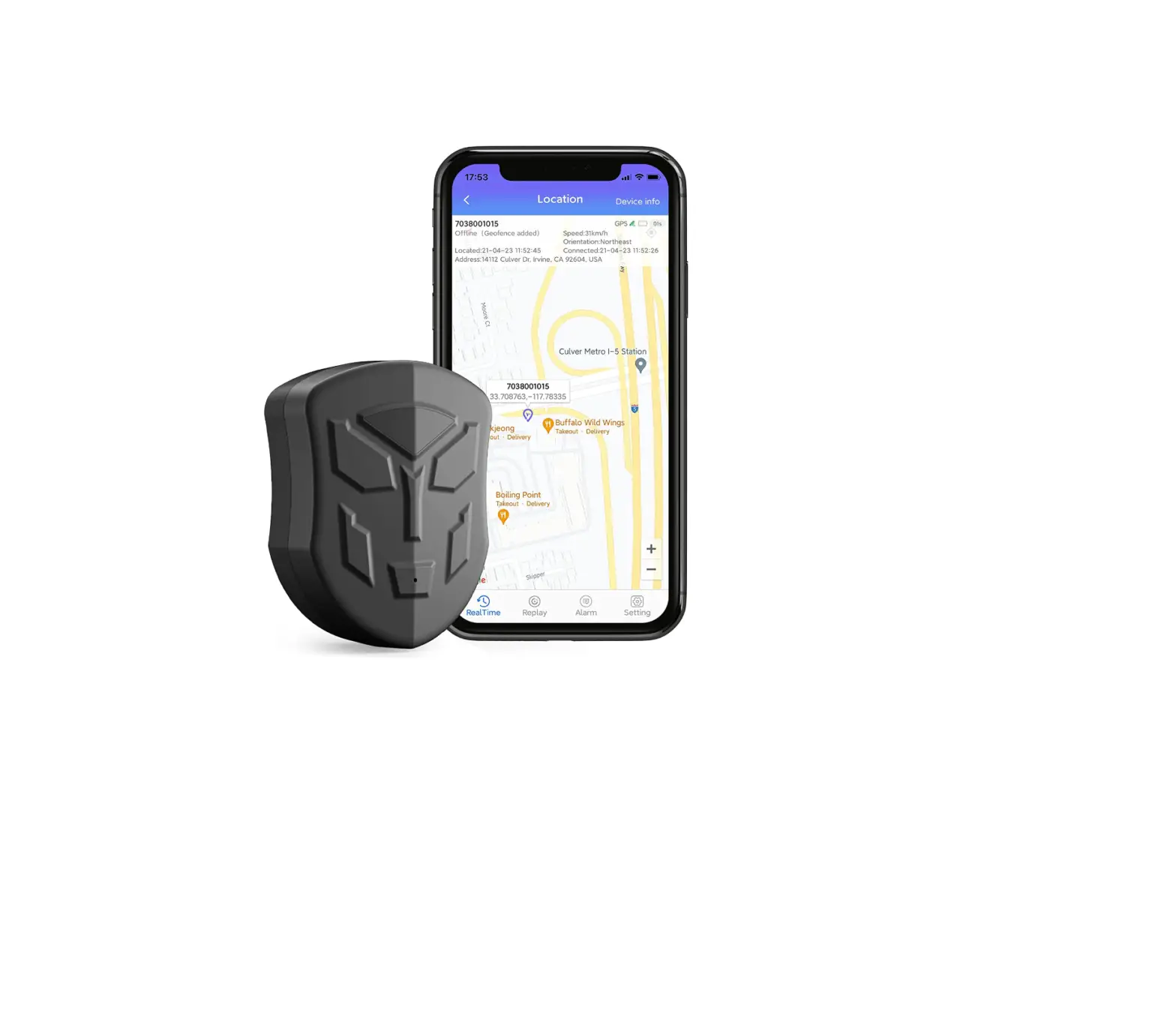
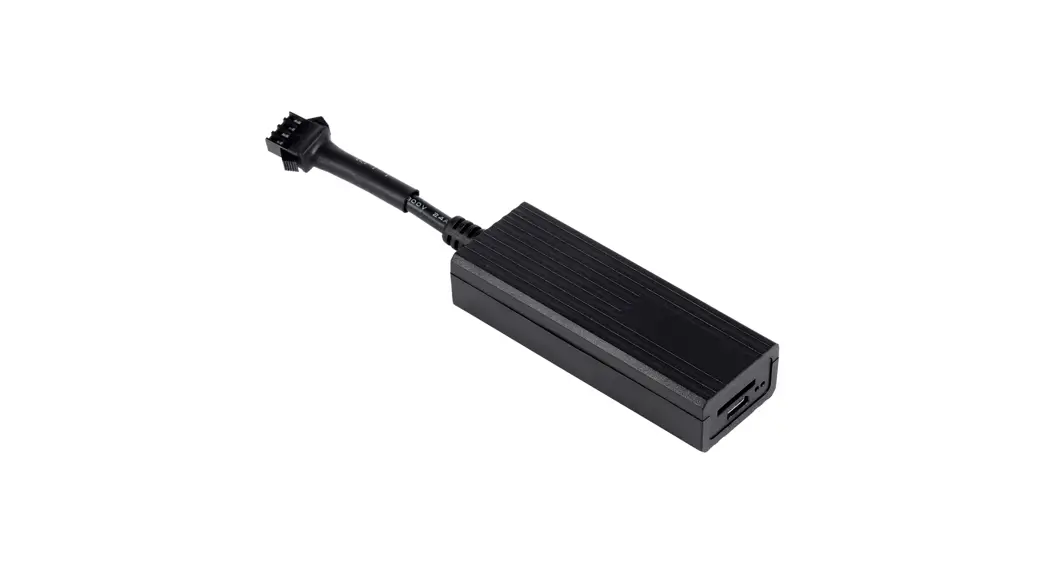
GT06 is a GSM/GPS tracker for car, motorcycle, scooters and e-bikes. It’s with superior receiver sensitivity, fast TTFF and GSM design. And it can continuously report currentposition to backend server. GT06 is developed by “openCPU” technology which brought lower cost, lower power consumptionandfastresponse speed advantages. It’s reputed with have industrial level performance but on economical solutionpricing.
Specifications
| Item | Description | |
| Dimension | 98*53*13mm | |
| Power range | 9-95v DC/1.5A | |
| Working humidity | 5%~95% | |
| Operating temperature | ‐30℃~75℃ | |
| Internal backup battery | 180mAh/4.2V | |
| Weight | 65g | |
| Network | GSM/GPRS | |
| GSM frequency | 850/900/1800/1900Mhz | |
| GPS sensitivity | -159dBm | |
| GPS accuracy | 5 meters | |
| GPS Fixed | Cold start | 45s |
| Warm start | 35s | |
| Hot start | 1s | |
| LED indicator | 1: Red for Power 2: Yellow for GSM3: Blue for GPS | |
| Input | 1: ACC detect2: SOS detect3: Voice monitor | |
| Output | 1: Immobilizer(stop engine) by relay | |
| Position report | Time based and angle based | |
| Alarm alerts | GEO Fence, speed over, power tamper, SOS(Hijack), idle, Vibration alarm | |
Main functions
- GSM quad-band frequency
- Real time tracking by SMS/GPRS
- Over-speed alarm
- Move alarm
- Geo-fence alarm
- Built-in backup battery to realize power failure alarm;
- Cut vehicle oil or circuit alarm
- ACC ignition and flame out inform
- Vibration alarm
- Voice monitoring
- SOS alarm
- Open the door alarm
- Smart sleep save power Mode
- AGPS function,receive GPS signals faster
- Built-in storage memory
Applications
- Motorcycle/Scooters/E-bikes
- Car
- Truck
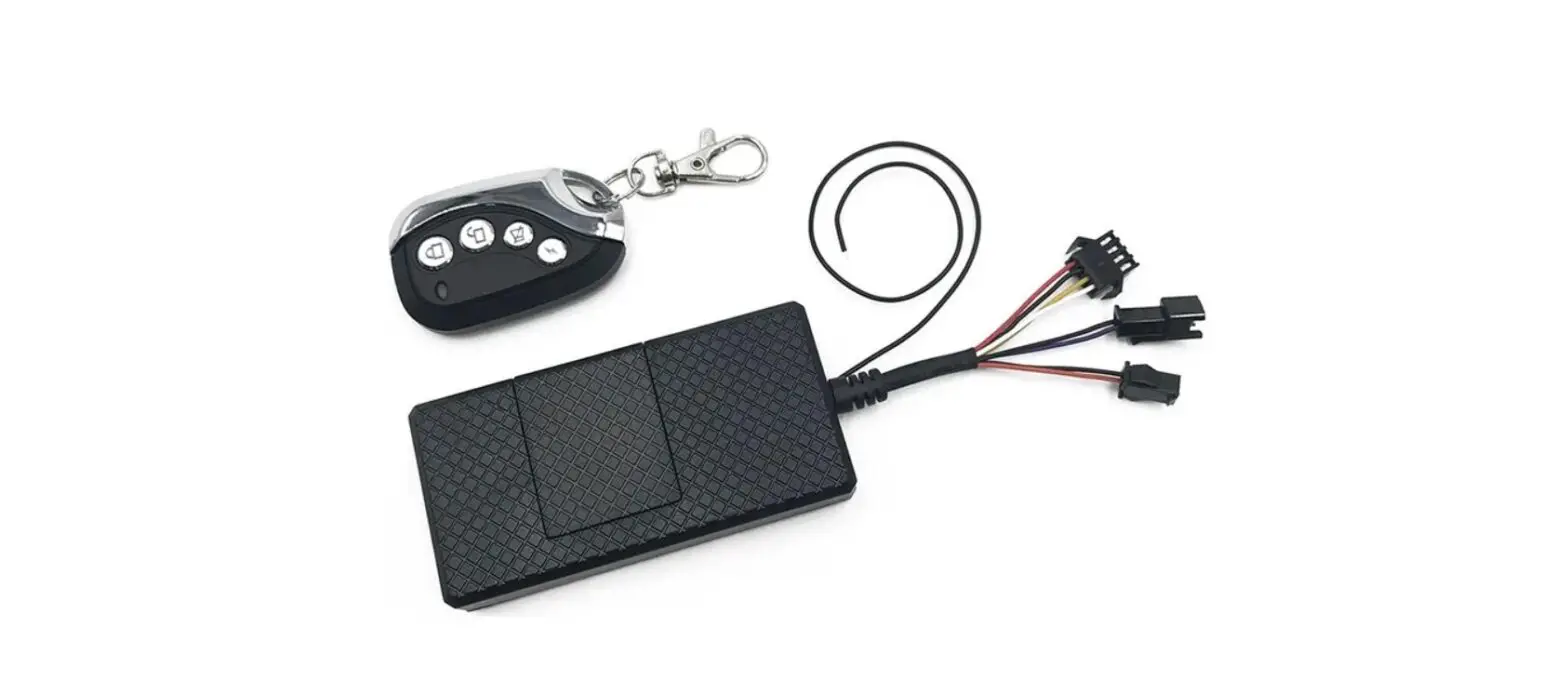
Package Contents and optional Accessories
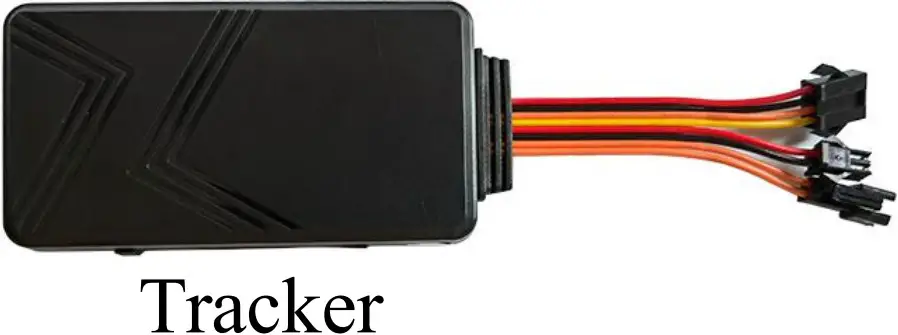

Optional accessories:

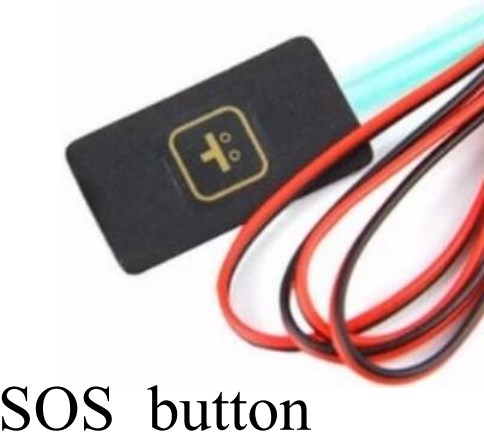
Installation
Installation location
Device front side towards the sky. When install in car, if the windscreen glued by metal thermal insulationlayeror heating layer, it will reduce the GPS receive signal and lead to GPS work disorder

Device wiring diagram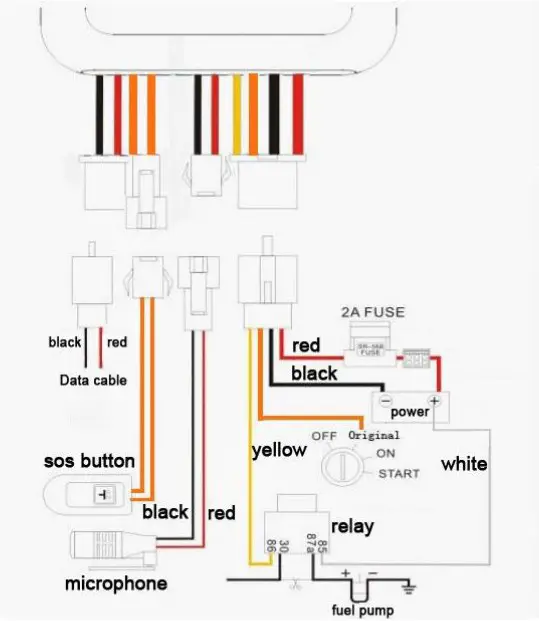
Indicator description
Red – Power indicator
| Status | Meaning |
| Flash every 2 seconds | Working normal |
| Not bright | Power off |
Yellow – GSM indicator
| Status | Meaning |
| Flash every 2 seconds | GSM initialization |
| Constantly bright | GPRS online |
| Not bright | GSM sleep |
Blue – GPS indicator
| Status | Meaning |
| Flash every 2 seconds | GPS searching |
| Constantly bright | GPS fixed |
| Not bright | GPS sleep |
Notices
- GPS tracking can be worked outdoor. Must have a mobile phone signal and have GPS signal, which can block GPS satellite signal when there has metal and building above the GPS tracker
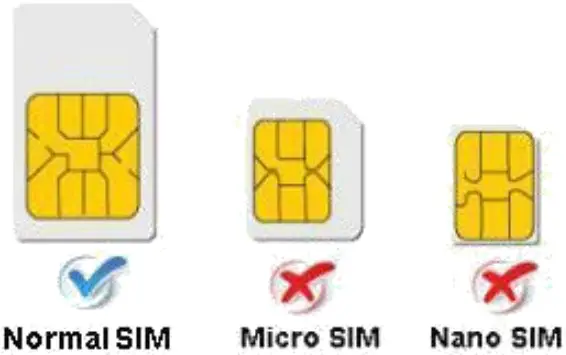
- Please make sure GSM SIM card(2G GSM network or compatibility 2G GSMnetwork) supportsmakingcalls, sending messages, GPRS network. 3.Please make sure SIM card is with have money
- Please make sure the GSM card has opened the call shows and turned off the call transfer. PINcode
- Do not assembly and disassembly device at will.
SMS command
Setup IP and port
Format: IP + black + IP + blank + port
Reply: set IP OK
Example: IP 198.11.175.123 9026
Modify SMS password
The factory password is: 123456
Format: password,password,new password
Reply: password ok
Example: PASSWORD,123456,666888 (new password is 888888)
Setup APN
Format: apn,password,APN
Reply: apn ok
Example: apn,123456,internet (APN user name is internet)
Setup APN user name
Format: apnuser,password,user name
Reply: apnuser ok
Example: apnuser,123456,uiwap (APN user name is uiwap)
Setup APN password
Format: apnpasswd,password,APN password
Reply: apnpasswd ok
Example: apnpasswd,123456,654321 (APN user password is 654321)
Setup admin phone number
Format:101#phone number#
Reply:OK
Example: 101#+8612345678910# (admin number is +8612345678910)
Delete admin phone number
Format:D101#
Reply:OK
Setup sos 1 phone number
Fbormat:102#phone number#
Reply:OK
Example: 102#+8612345678911# (admin number is +8612345678911)
Delete sos 1 phone number
Format:D102#
Reply:OK
Setup sos 2 phone number
Format:103#phone number#
Reply:OK
Example: 103#+8612345678912# (admin number is +8612345678912)
Delete sos 2 phone number
Format:D103#
Reply:OK
Setup ACC on location update time interval
Format:freq,password,seconds
Reply:OK
Example: freq,123456,20 (update every 20 seconds)
Setup ACC off location update time interval
Format:static,password,seconds
Reply:OK
Example: static,123456,60 (update every 60 seconds)
Query google link
Format:G1234
Reply:google link
Query device state
Format:CXZT
Reply:Device state
Restart device
Format:CQ
Reply:system reset OK!
Recover factory setting
Format:FORMAT
Reply:OK
Stop Engine
Format:DY
Reply:CUT OIL OK
Recover Engine
Format:KY
Reply:RESUNE OIL OK
Voice Monitor
SOS number can call the device or send SMS to the device for voice monitoring. Format:88
Reply:No reply
Setup sleep mode
When device sleeps, it will turn off GPS and stay online. Format sleep,123456,interval
Reply:OK
Example: sleep,123456,10 (mean when asset static for 10 mins, it will goes to sleep, if interval isconfigured as 0, it means no sleep )
Setup timezone
Format:zone123456 e08
Reply:OK
Example: zone123456 e08 (setup timezone to +8)
zone123456 w04 (setup timezone to -4)