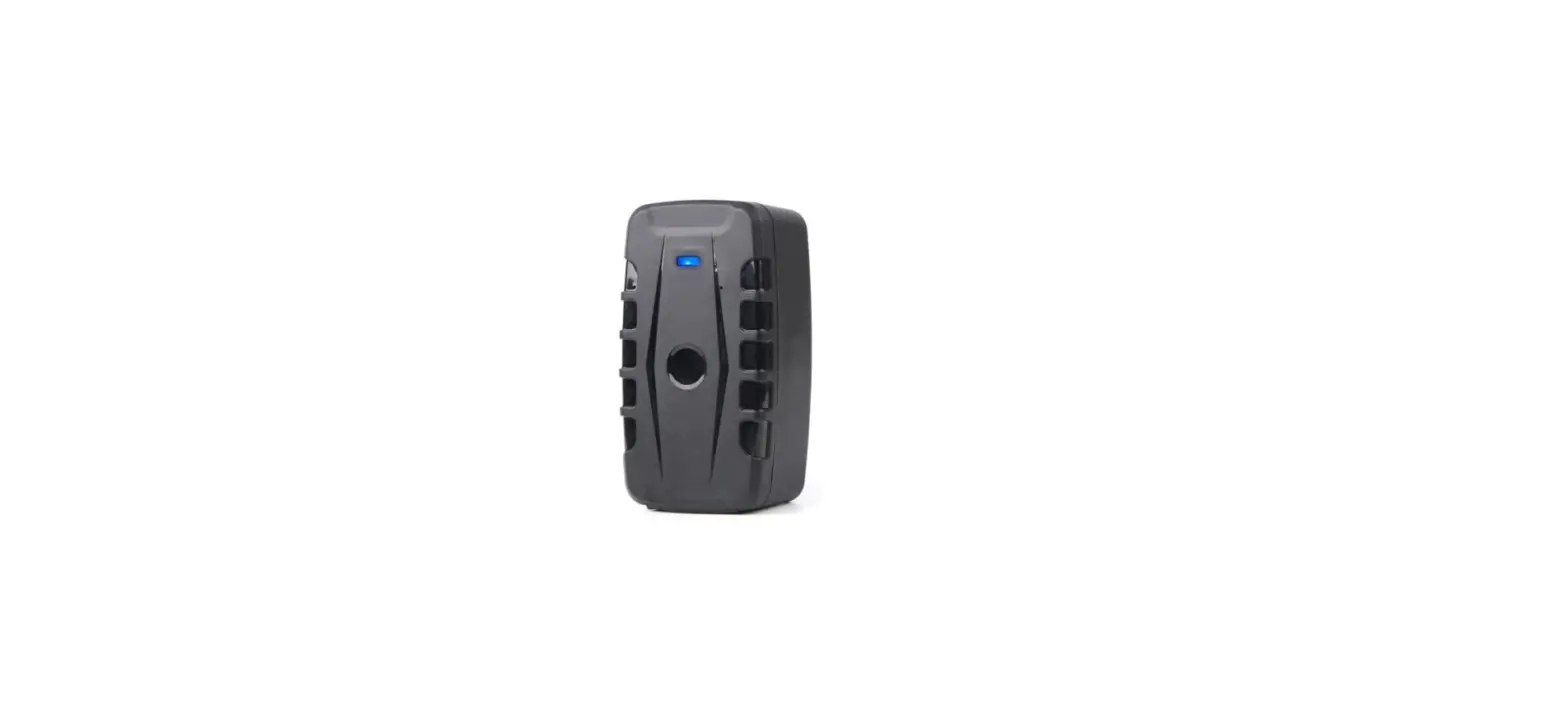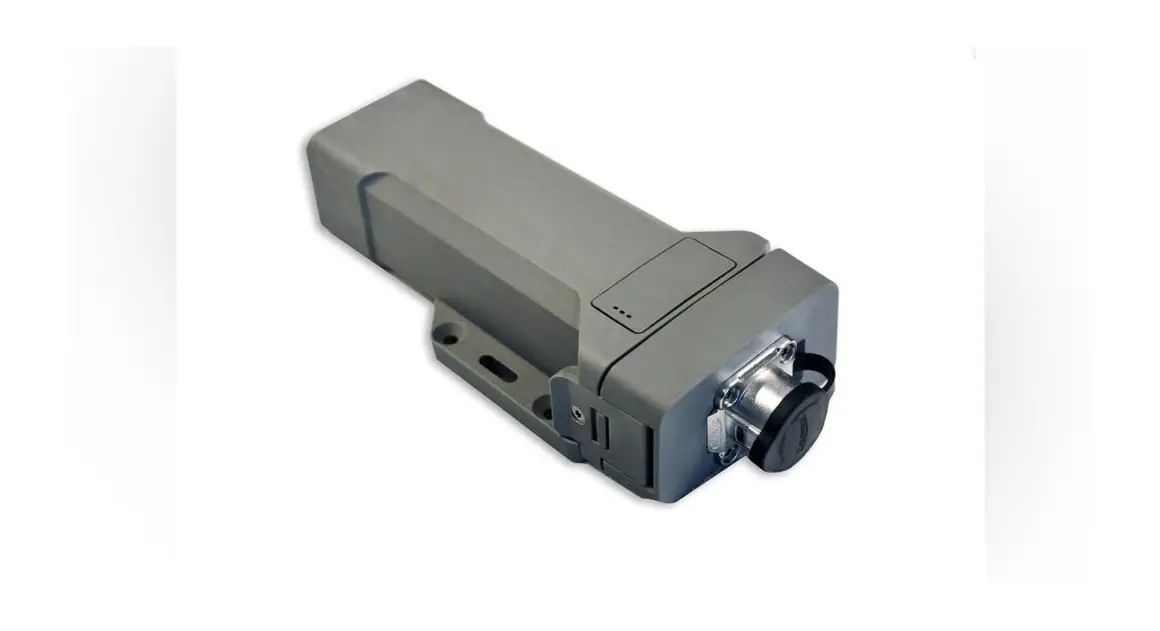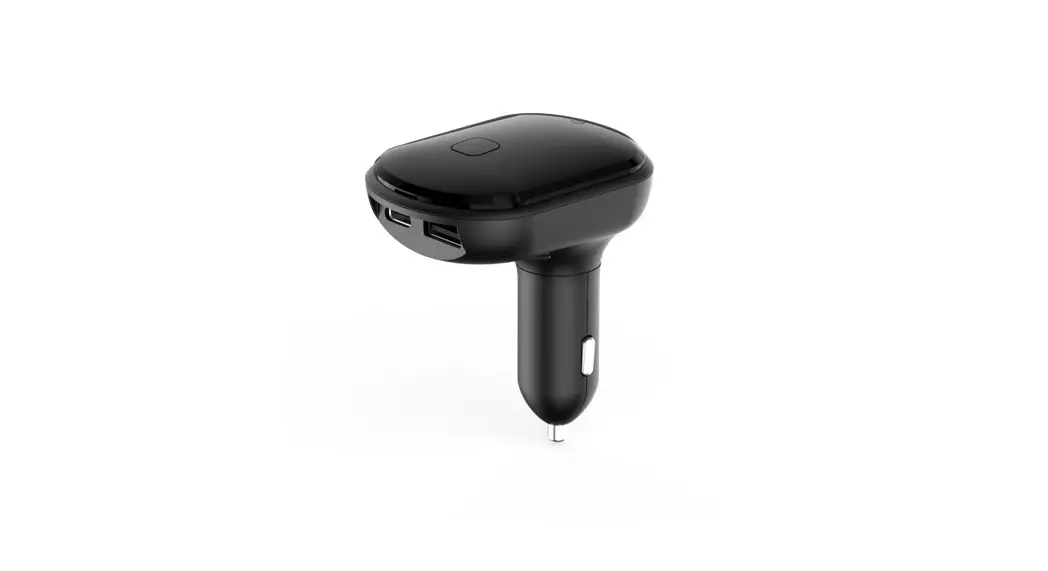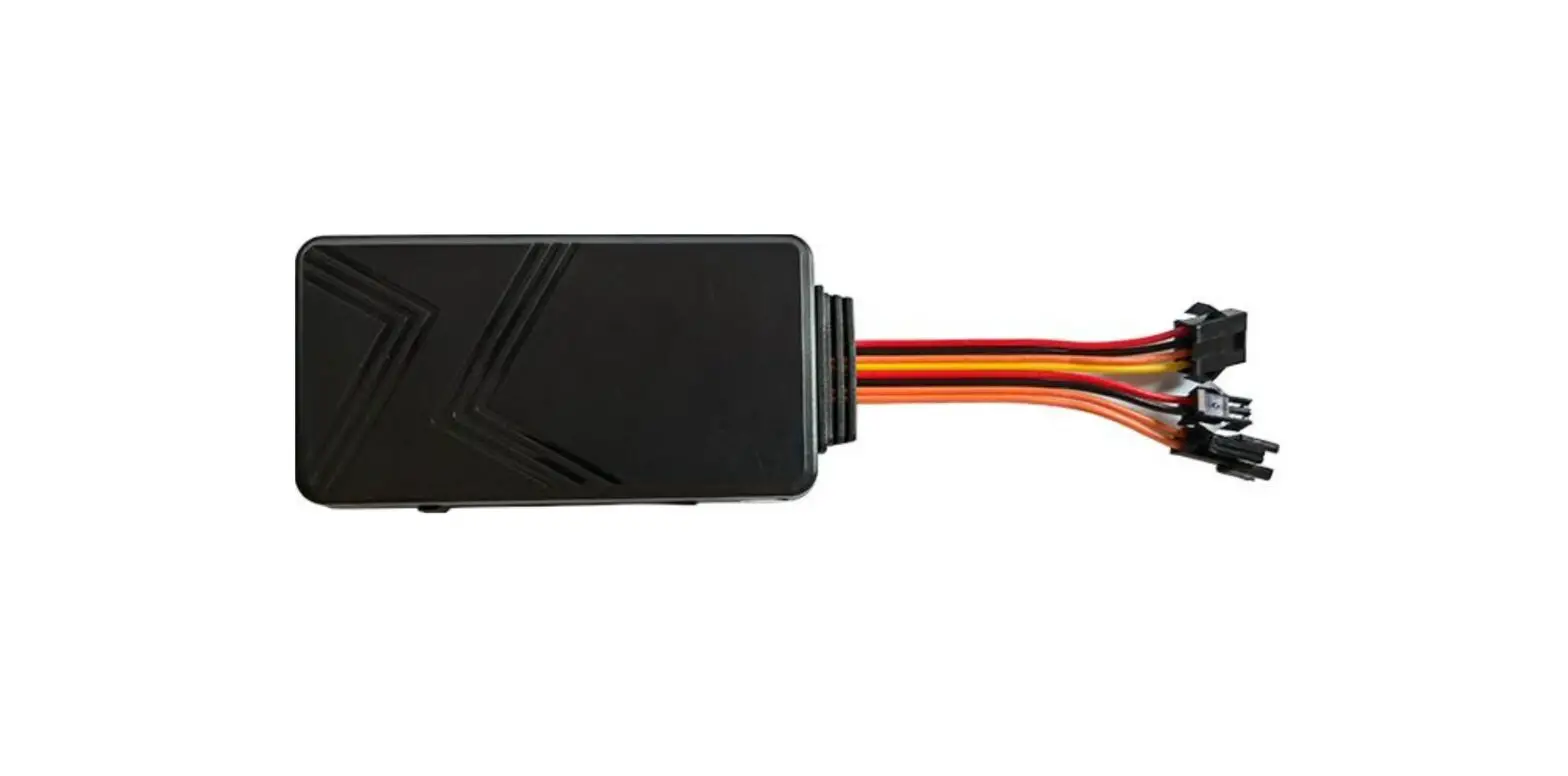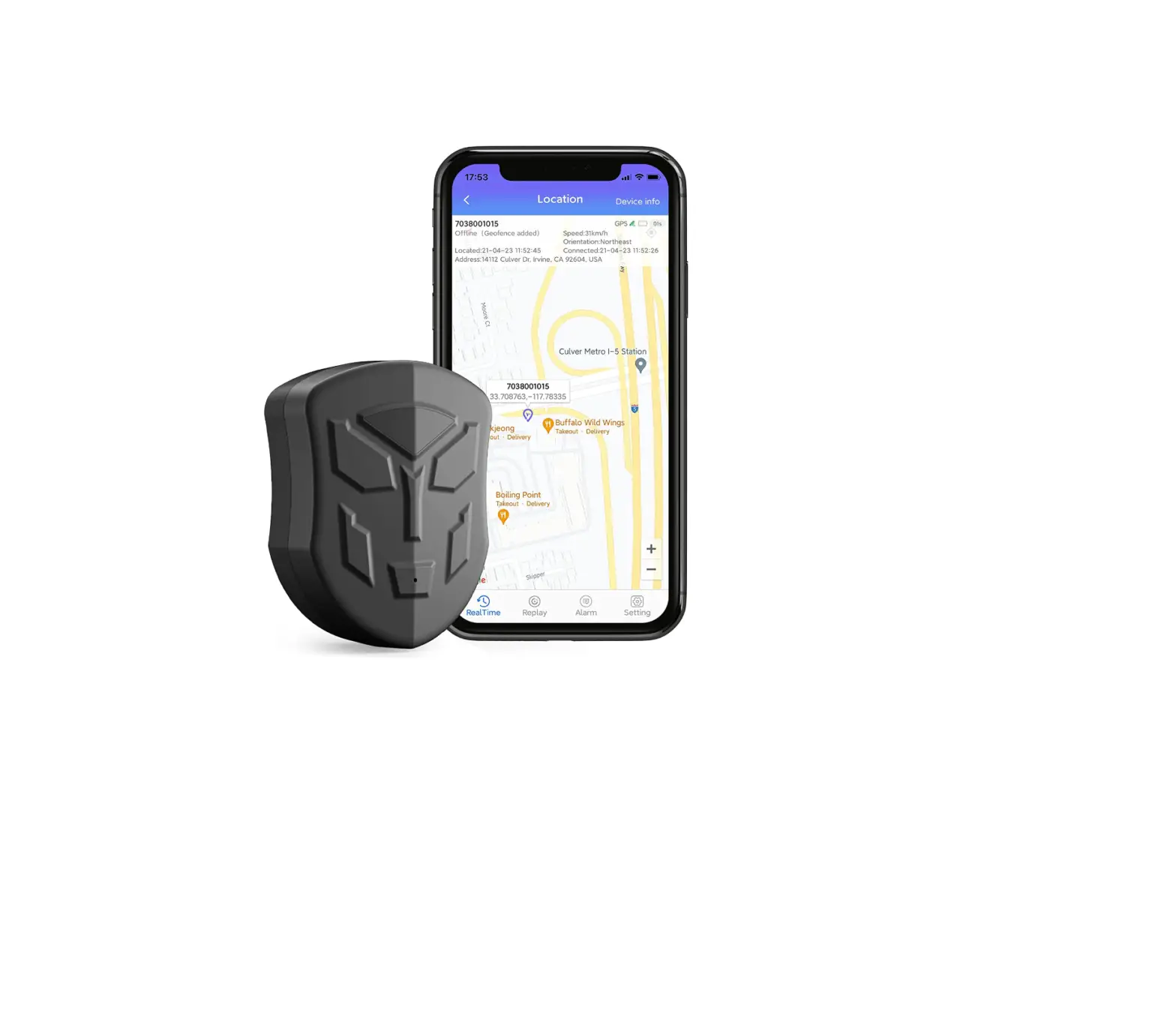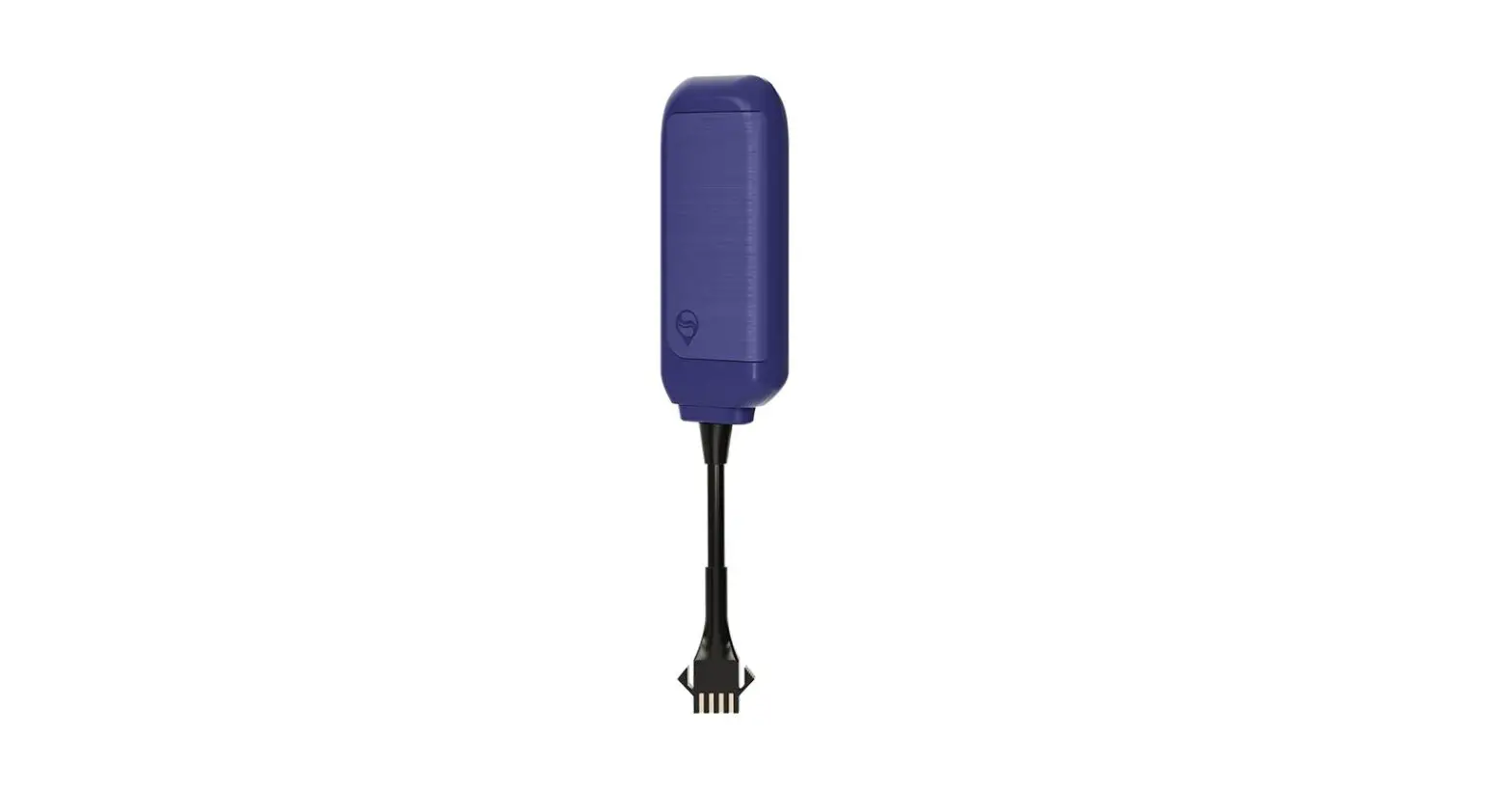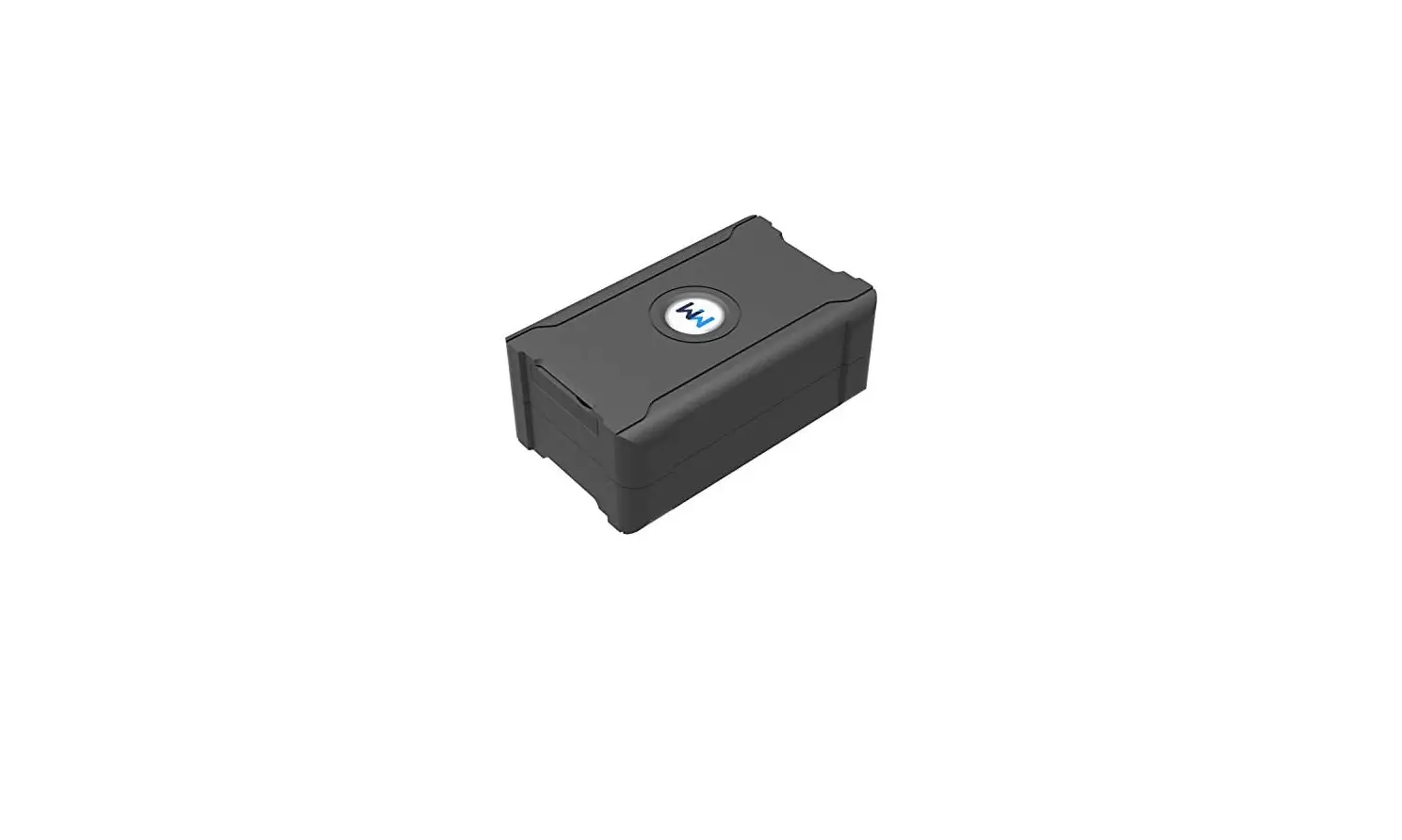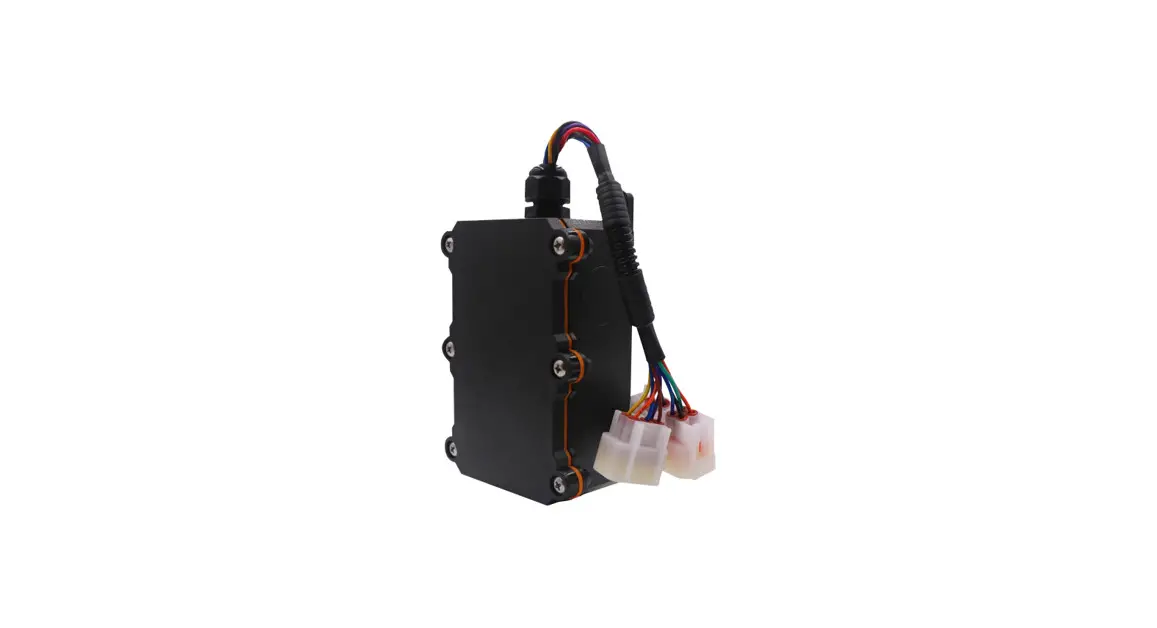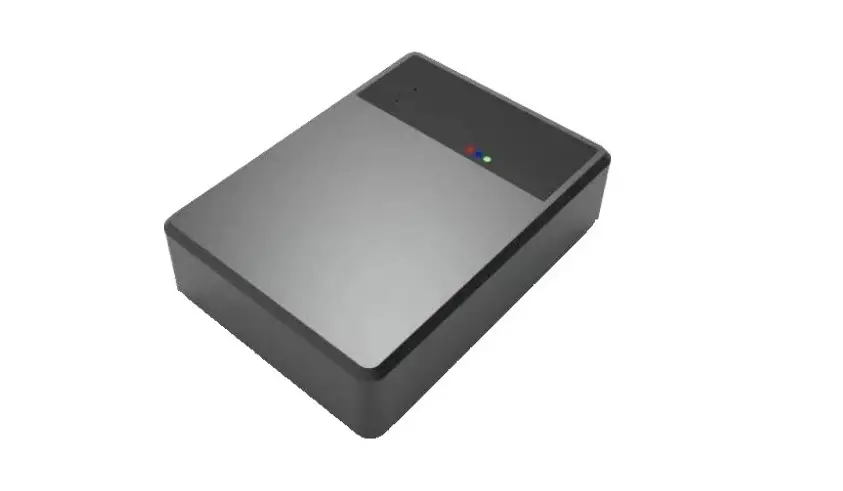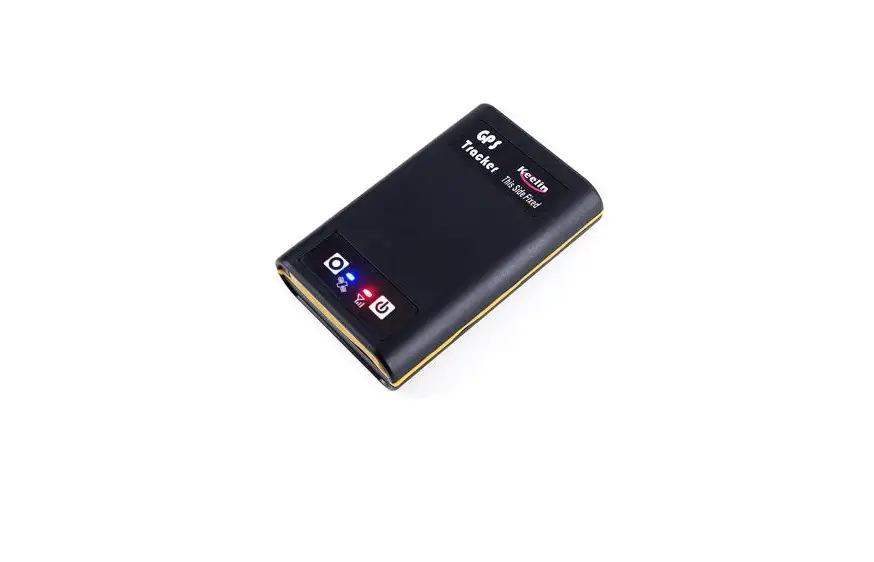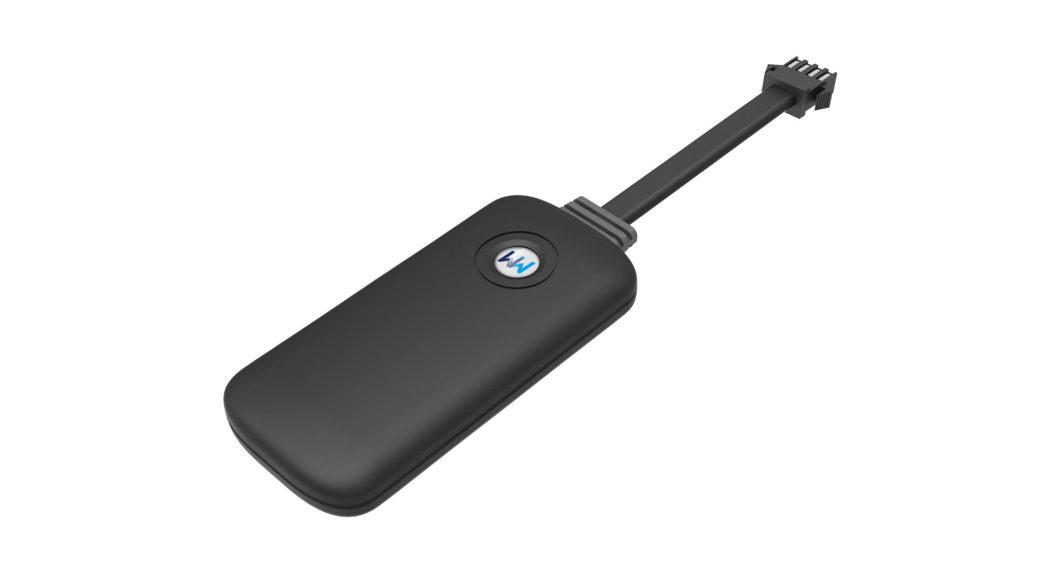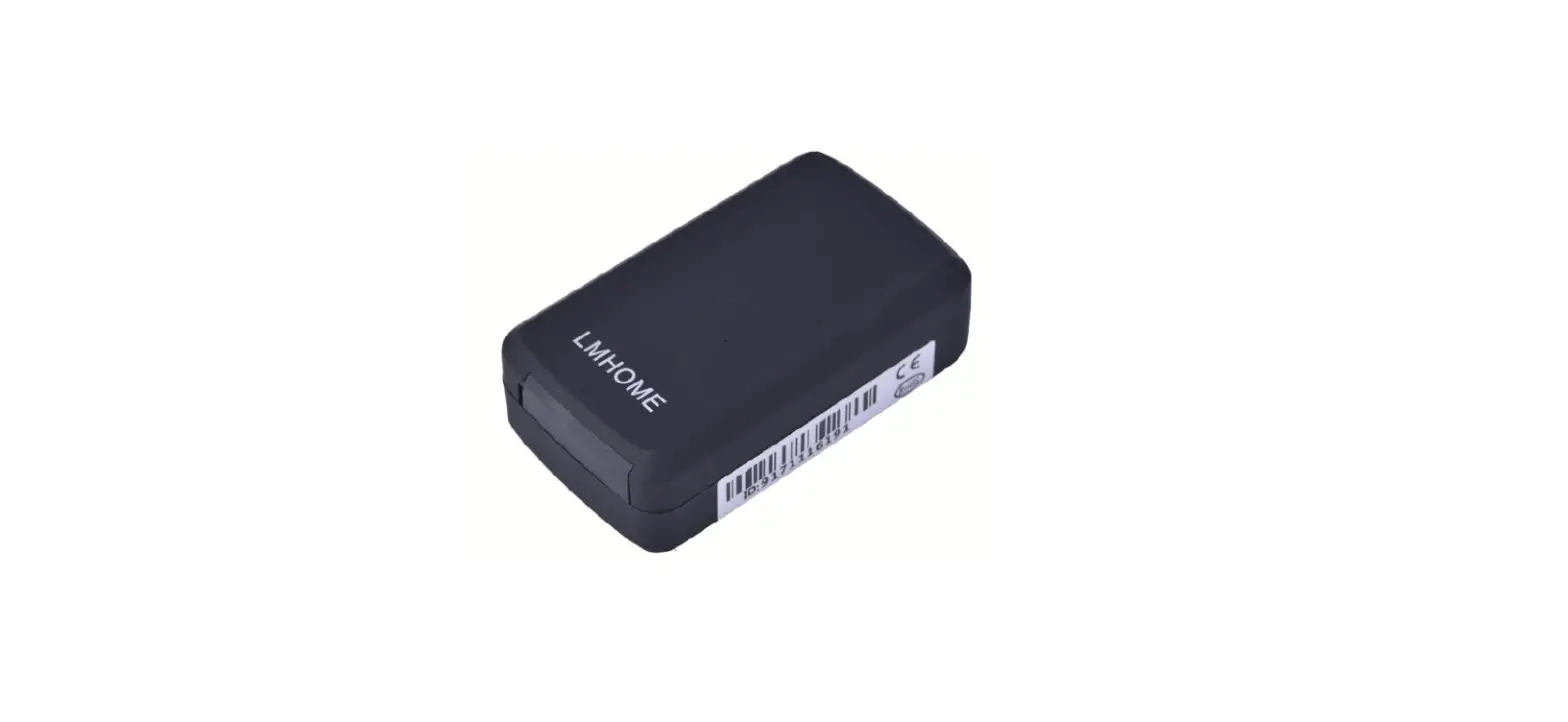

LMHOME LM002 GPRS/GPS Tracker
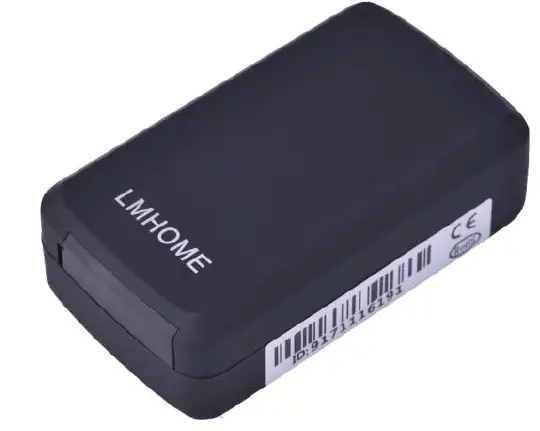
Preface
Thank you for purchasing the tracker. This manual shows how to operate the device smoothly and correctly. Make sure to read this manual carefully before using this product. Please note that specification and information are subject to changes without prior notice in this manual. Any change will be integrated in the latest release. The manufacturer assumes no responsibility for any errors or omissions in this document.
Summary
Working Based on existing GSM/GPRS network and GPS satellites, this product can locate and monitor any remote targets by SMS or internet
| Content | Specs |
| Dim. | 70*45*20MM |
| Weight | 103g |
| Network | GPRS |
| Band | 850/1900Mhz |
| GSM chip | MTK6261D |
| GPS chip | U-blox 7020 |
| GPS sensitivity | -159dBm |
| GPS accuracy | 5m |
|
Time To First Fix | Cold status 45s Warm status 35s Hot status 1s |
| Work voltage | 3.6V~5V DC |
| Battery | Chargeable changeable 3.7V 3780mAh Li-ion battery |
| Storage Temp. | -40°C to +85°C |
| Operation Temp. | -20°C to +55°C |
| Humidity | 5%–95% non-condensing |
Main functions
- GSM quad-band frequency;
- Real time tracking by SMS/GPRS
- Low battery alarm;
- Geo-fence alarm ;
- move alarm
- Add Smart sleep save power Mode
- Add AGPS function,receive GPS signals faster
- Add waterproof and dust proof
- patented product
- Add Roll call positioning
- Add app set
Notices
- GPS tracking can be worked outdoor. Must have mobile phone gsm signal and have GPS signal, It can block GPS satellite signal when there are metal or building above the GPS tracker
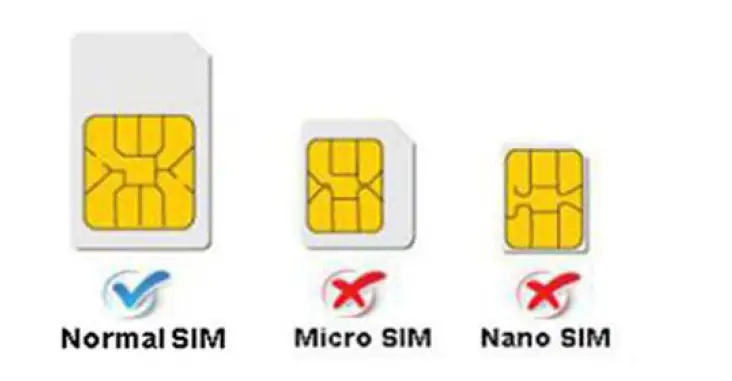
- Please make sure GSM 2g SIM card or compatibility 2G GSM network sim card, supports making calls, sending messages, GPRS network.have money,Cancel the PIN code

Quick using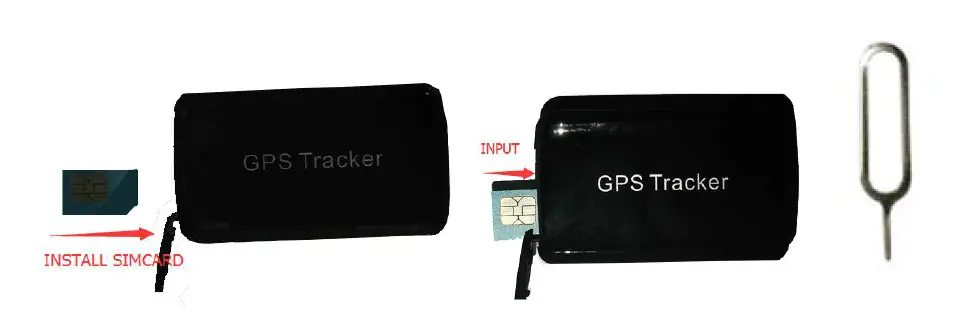
Accessories Name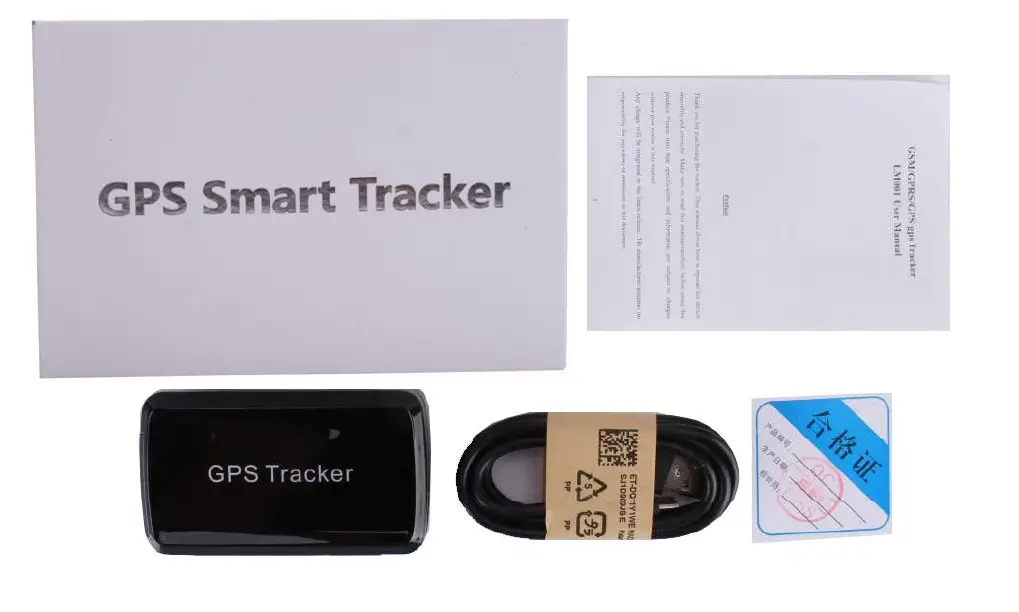
Use mobile phone call the device and hang up or sending message “smslink123456” to sim card in tracker , and respond to a real-time latitude and longitude information as following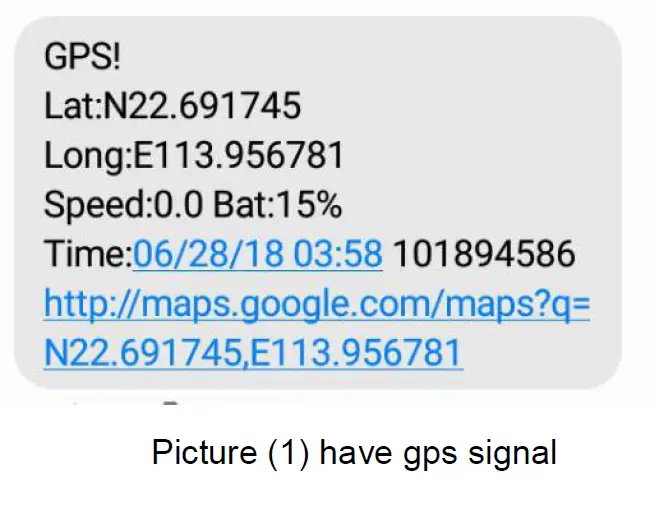
Replied real-time tracking information
- Lat:22.691789 lon:113.957028: Positioning of the latitude and longitude
- Speed:000.1: device moving speed. The unit is km/h.
- Time:06/28/18 03:58 : real-tracking time, the default is London time. You can set a time zone by sms command
- Google Link: This is the link to the google map showing the position of the device.
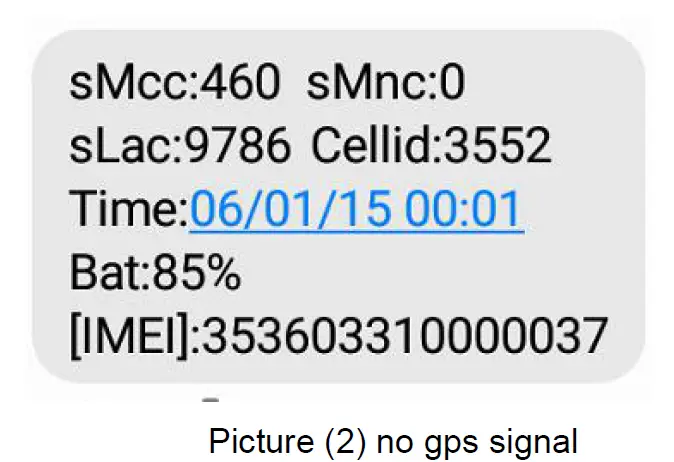
Replied last time position information. Now is LBS position information. no gps signal
- smcc:460 sMnc:0 sLac:9786 Cellid:3552 Real-time LBS data.
- Time:06/01/15 00:01 LBS positioning time.
If you received positioning information as picture 2, please take gps tracker go to outdoor and Walking ,then you can receive the satellite signal.
Initialization
Send SMS “begin+password” to the unit, it will reply “begin OK” and initialize all the settings to default factory settings.(default password: 123456) For example: send SMS “begin123456”, it will reply “begin ok”. (no quotation marks”” when sending all the SMS)
Change Password
- Send SMS “ password+old password+space+new password” to the unit to change the password. For example: send SMS “password123456 888888” to the unit. If succeeded,“password OK” will reply to your cell phone from the device tracker.
- Be sure to keep the new password in mind, you have to upload the software to restore the original setting in case of losing the new password.
- Attention: Make sure the new password is in 6 digits, or else the tracker cannot recognize the password.
There are 3 numbers to be allowed to authorize in the tracker at most
- Send SMS “admin+password+space+cell phone number” to set up an authorized number, the other authorized numbers should be set by the first authorized number, if the number is authorized, the unit will reply” admin OK” by SMS.
- Delete authorization: Send SMS“noadmin+password+space+authorized number” to delete the authorized number.
Successive Locating Automatically
Send SMS “ upload123456 10” to the tracker device, it will reply the geo-info continuously at 10 seconds intervals.( Set upload interval,Range (10-60),the set value must be a multiple of 5.) the unit will reply “upload ok” by SMS.
Monitor In this mode, the user can dial up the tracker device to monitor the voice Send SMS command “jt#” to tracker device of vehicle terminal, it will reply “SET:ON!” and use mobile phone call the device, and can monitor
Alarms
OVERSPEED ALARM
Set up: Send SMS “speed+password+space+080” to the unit(suppose the speed is 80km/h),and it will reply “speed OK!”.When the target moves exceeding 80km/h.the unit will send SMS “speed+080!+Geo-info” to the authorized numbers. It will alarm one time in 3m interval.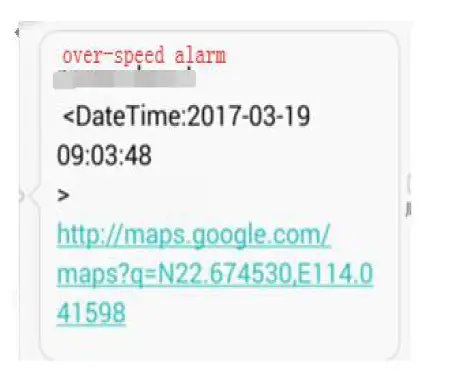
Cancel: Send SMS “nospeed+password” to deactivate the overspeed alarm. Remark: It is recommended that the speed alarm is set at not less than 30km/h.For below that rate; it may cause the excursion of the GPS signal influenced by clouds etc.
MOVEMENT ALARM
Set up: when the unit stays immobile in a place for 3-10 minutes, the user can send SMS “move+password” to the tracker device. It will reply “move OK”. In case of such a movement (the default distance is 200m), it will send SMS “Move123456” along with a Geo-info to the authorized numbers, it will alarm in 3minute interval.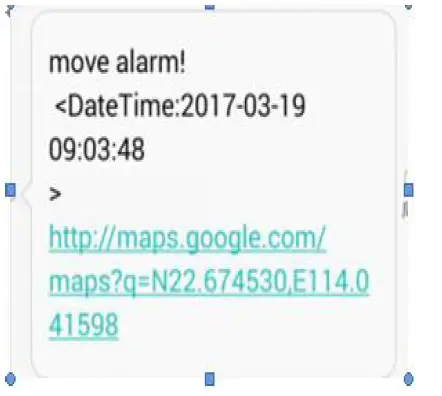
Cancel: Send SMS “nomove+password” to deactivate the movement alarm.
LOWBATTERY ALARM
SMS format: lowbattery+password+space+off(or on) Command: lowbattery123456 off (cancel lowbattery) lowbattery123456 on (lowbattery ok)
Vibration alarm
SMS format: “shock+password ” send the command to the tracker: “shock123456”, the unit will reply “shock ok” by SMS. Vibration sensitivity level SMS format: “ vibration,3#” , the unit will reply “vibration 3 OK”.( The number can be between 1-5, 1 is the highest sensitivity, and 5 is the lowest sensitivity.)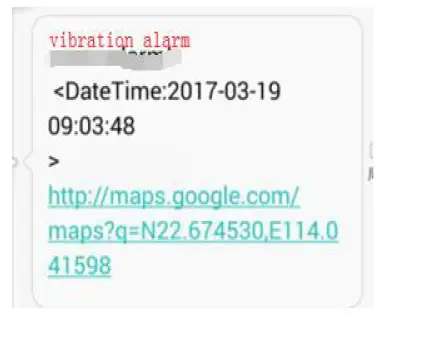
Cancel: Send SMS“noshock+password” example: noshock123456, the tracker will reply “noshock ok”
Geo-fence
Setting the electronic fence can limit the working range of the device. Once the device runs beyond the set range, the device will automatically send the information back to the authorized number.
Settings: When the car stays stable for 3-10 minutes in a place, you will be able to send a text message order “stockade+password, radius #” to the device to set a limit. Once the device is out of limits, the device will send The text message “stockade!+latitude and longitude” is in the authorization number. Stockade123456, 10# ,10 is the radius, which is 100 meters, and 10 is 1000 meters. Note: Once the limit is exceeded, the device will send an alarm message every 3 minutes (3 consecutive times). Cancel: Send SMS “nostockade+password” to deactivate this function.
Check the Vehicle State.
Send SMS command “check+password” to the tracker device in the vehicle。For example: Send SMS “check123456” to the tracker,device in the vehicle, It will reply following SMS.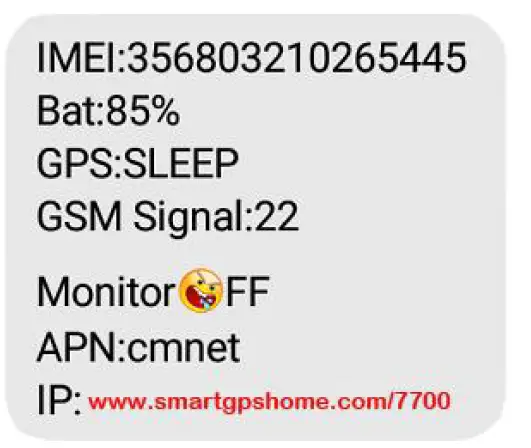
Time Setting
- Send SMS command “time+space+zone123456+space++time” to the tracker unit, If succeed, It will reply “time OK”
- For example: Send SMS “time zone123456 +8”, +8 is Chinese time zone, If your country time zone is minus, send SMS “time zone123456 -8”.
Set APN
- APN standards for Access Point Name and differs from country to country. For more information about your local APN, please inquire with your local GPRS network operator. 10
- Text the tracker a SMS “APN123456 + Space + your local APN” via a cell phone and if succeeded, the tracker will return the message “APN OK”.
- E.g. Send SMS command “APN123456 CMNET”. If succeeded, “APN OK” is returned by the tracker in SMS.
Notes: 123456 refer to password of tracker and CMNET is the APN of one of china GPRS Network Operator (China mobile).
IP and Port Setup
- Send SMS as below via a cell phone: adminip + 123456 + Space + IP Address + Space + Port Number. If succeeded, “adminip OK” is returned by the device in SMS.
- E.g. Send SMS command “adminip123456 47.88.137.243 7700” to the tracker device, If succeeded, “adminip OK” is returned by the device in SMS. ( 123456 is default password,47.88.137.243 is IP,7700 is port).
Support Website tracking and APP tracking
- android version: scan below QR code

- ios version: search “homegps” in app store


Online Tracking
Note: Must set the APN first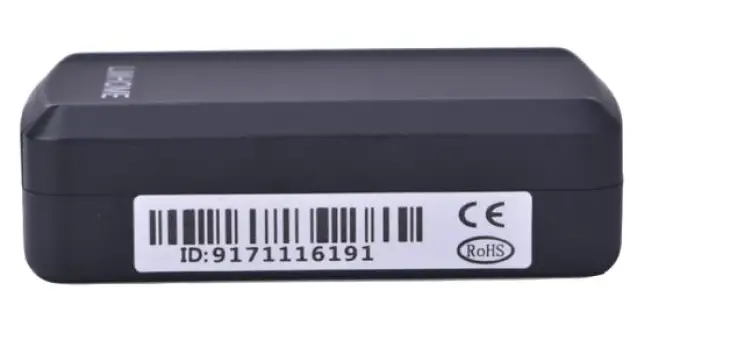
Platform : http://www.smartgpshome.com IMEI No. : on the back side of the unit Password: 123456
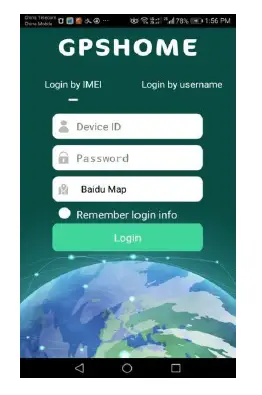
- APP for Android/iOS
Search “ homegps” in the Apple App Store/Google Play Store to install the applications on yourdevice.
Select “Log in by IMEI” Server: www.smartgpshome.com IMEI: On the back side of the unit Password: 123456
Command
NOTE:
- Device default password:123456)
- use of mobile phone APP or send message to the tracker about all set command
| NAME | COMMAND | EXAMPLE |
|
Set apn | apn123456 apn Name | apn123456 cmnet |
| apn123456 apn name user password | apn123456 cmnet cmwap 66666 |
| Set IP/DNS
port | adminip123456 IPadress port | adminip123456 47.88.137.243 7700 | |
| adminip123456 DNS port | adminip123456 www.smartgpshome.com 7700 |
| INSTRUCTION | Example | REPLY |
| position | smslink123456 | Get adress |
| Set admin number | admin123456 mobile number | admin ok |
| Cancel admin number | noadmin123456 mobile number | noadmin ok |
| Set time zone | time zone123456 local time | Time zone ok |
| Set time zone(half time zone) | Time zone123456 8 30 | time zone ok |
| set move alarm | move123456 (in order to save power,suggest not open) | move ok |
| Cancel move alarm | nomove123456 | nomove ok |
| low battery alarm | lowbattery123456 on ( battery is Less than 30%) | Low batter ok |
| Cancel low battery alarm | l lowbattery123456 off | Low batter ok |
| Device Resetting | reboot123456 | reboot ok |
| Set shock alarm | Shock123456 | Shock ok |
| Cancel shock alarm | noshock123456 | noshock ok |
| real-time tracking (default) | upload123456 10 10s is every 10s/1 times positioning Can change the positioning time interval | upload ok |
| Change password | password+old password+space+new password | password ok |
| Reset factory | begin123456 | begin ok |
| monitor | jt# | SET:ON! |
| Geo-fence | stockade123456, radius #( stockade123456, radius | |
| Cancel Geo-fence | Nostockade123456 | |
| Speed alarm | speed123456+space+ speed | speed ok |
| Cancel speed alarm | nospeed123456 | nospeed ok |
| Move alarm | move123456 | Move lok |
| Cancel move alarm | nomove123456 | nomove ok |
| Vibration sensitivity level(1-5, 1 is the highest sensitivity, and 5 is the lowest sensitivity.) | vibration,1# | vibration 1 OK |
| Check the Vehicle State | Check123456 |
|
| FAQ | Instructions/Solutions |
| Fail to turn on | Please check if device has electricity and charge line to be rechargeable |
|
No GSM signal | l Please check if SIM card installed correctly. l Please check if SIM card is 2G GSM network. l Cancel Sim card PIN code |
|
No GPS | make sure the device can receive the GPS signal normally.in outdoor,or take device to walk around |
| No reply to SMS command | SMS command password wrong or the format is wrong. restore factory settings send “begin123456” |
| No reply & No alarm message | Check if Authorized / admin phone number is incorrect and sim card is normal |
| SMS position OK, cannot positoning the APP and web platform |
Pls check if APN is correctly set And pls find out the correct APN content |
|
Platform position is difference from the actual position. |
No uploading position time or no GPS signal,reply position is last time. If it shows like Pic 2, pls make sure the device can receive the GPS signal normally.in outdoor,and take device to walk around |
FCC
Any changes or modifications not expressly approved by the party responsible for compliance could void the user’s authority to operate this equipment. This device complies with Part 15 of the FCC Rules. Operation is subject to the following two conditions:
- This device may not cause harmful interference, and
- this device must accept any interference received, including interference that may cause undesired operation.
This Product meets the government’s requirements for exposure to radio waves. The guidelines are based on standards that were developed by independent scientific organizations through periodic and thorough evaluation of scientific studies.The standards include a substantial safety margin designed to assure the safety of all persons regardless of age or health.
FCC RF Exposure Information and Statement the SAR limit of USA (FCC) is1.6 W/kg averaged over one gram of this Device GPS Smart Tracker (FCC ID: 2A55K-LM002 ) has been tested against this SAR limit. SAR information on this can be viewed on-line at http://www.fcc.gov/oet/ea/fccid/. Please use the device FCC ID number for search. This device was tested for typical operations 10mm from the body. To maintain compliance with FCC RF exposure requirements, 10mm separation distance should. maintained to the user’s bodies
NOTE:
This equipment has been tested and found to comply with the limits for a Class B digital device, pursuant to Part 15 of the FCC Rules.
These limits are designed to provide reasonable protection against harmful interference in a residential installation. This equipment generates, uses and can radiate radio frequency energy and, if not installed and used in accordance with the instructions,may cause harmful interference to radio communications.
However, there is no guarantee that interference will not occur in a particular installation. If this equipment does cause harmful interference to radio or television reception, which can be determined by turning the equipment off and on, the user is encouraged to try to correct the interference by one or more of the followingmeasures:
- Reorient or relocate the receiving antenna.
- Increase the separation between the equipment and receiver.
- Connect the equipment into an outlet on a circuit different from that to which the receiver is connected.
- Consult the dealer or an experienced radio/TV technician for help.
FCC ID: 2A55K-LM002
 normally.in
 FCC ID Search | Federal Communications Commission
 GPS定ä½ç³»ç»Ÿ_GPSå¹³å°_GPS定ä½å¹³å°