
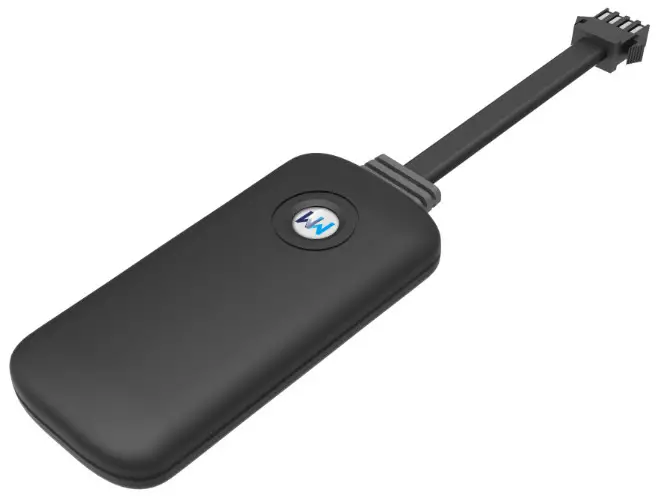
 G19H
G19H
USER MANUAL
Thank you for choosing WanWayTech GPS Tracker. The instruction manual will explain in detail how to operate this device. Please read it carefully before installation. We reserve the right to change the appearance, color, and accessories of this product without prior notice.
Functions and Parameters
1.1 Functions
Location check, geofence, track playback.
1.2 Parameters
Parameter | Description |
| GPS chip | MTK6261D |
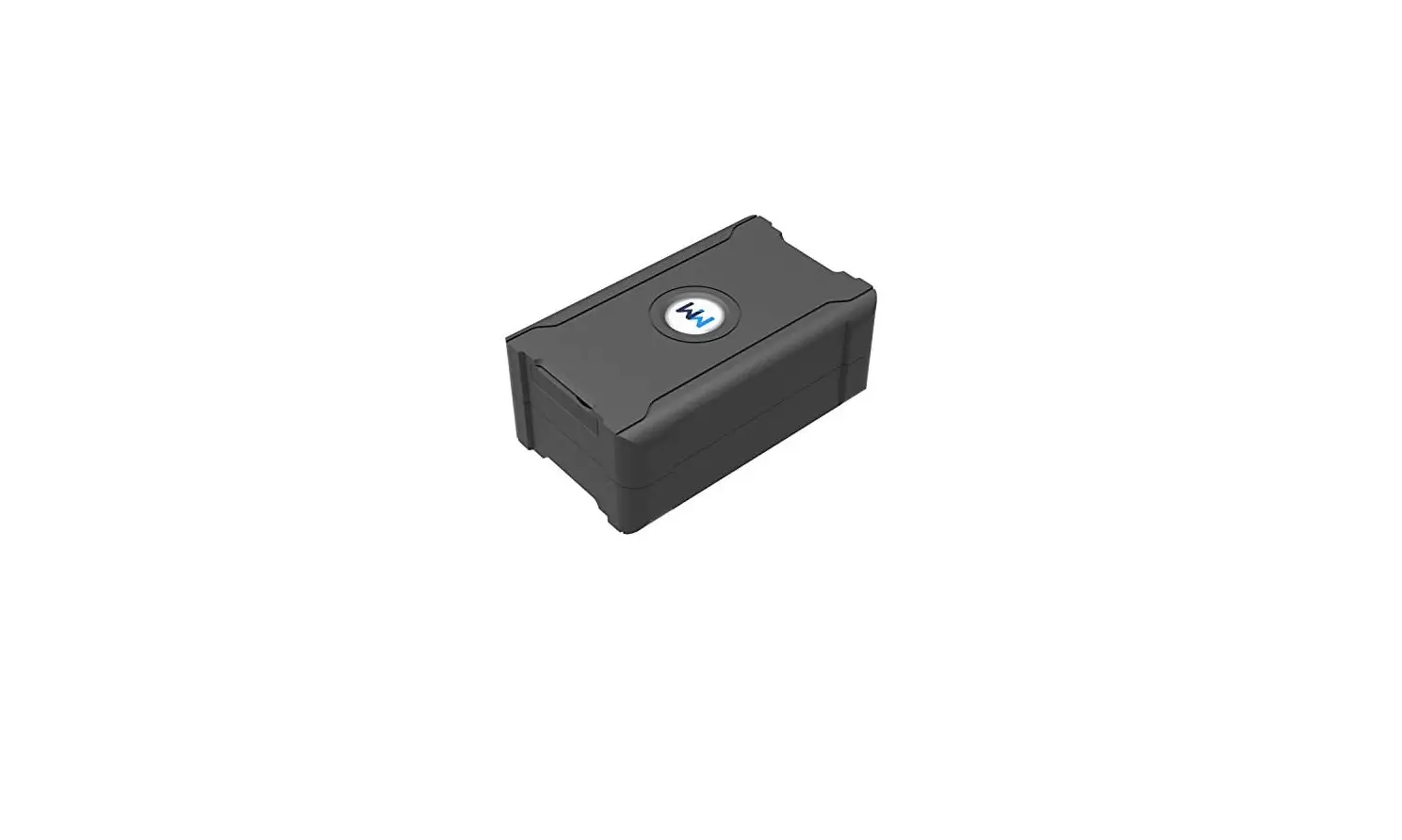
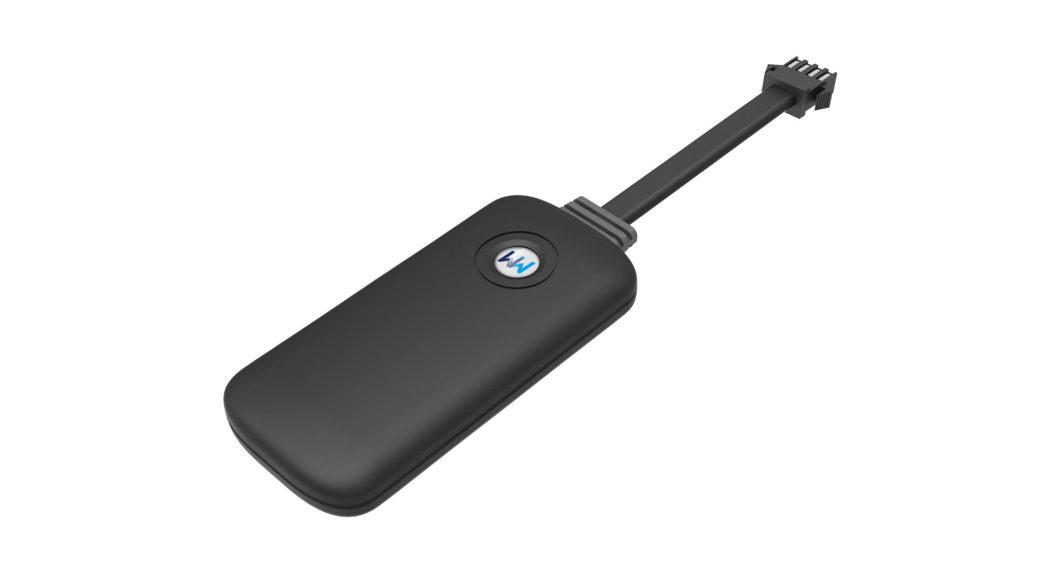
| Dimension | 72(L)*30(W)*12(H) |
| GSM frequency | 850/900/1800/1900MHZ |
| GPRS | Class12.TCP/IP build in GSM Module |
| Chanel | 20 |
| Acquisition sensitivity | -144dBm |
| Tracking sensitivity | -160dBm |
| Voltage input | 9~90V |
| Working temperature | -20°C to 60°C, can work 4 hours under 80°C |
| Locating time | Hot<2SEC(Open Sky) |
| Warm<15SEC | |
| Cold<38SEC(Open Sky) | |
| GSM antenna | Antenna spring |
| GPS antenna | Built-in 18mm*18mm*4mm ceramic chip antenna |
| SOS button | NO |
| Power button | YES |
| Vibration sensor | YES |
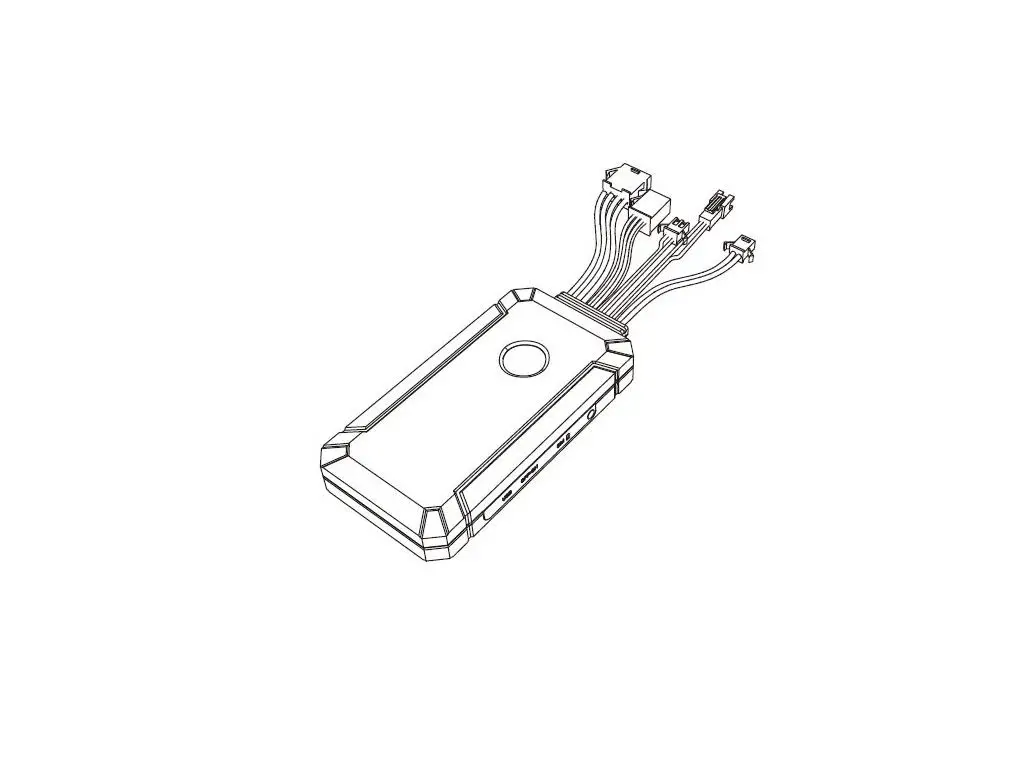
| Oil/electricity Cut off | YES |
| Microphone | NO |
| ACC detection | YES |
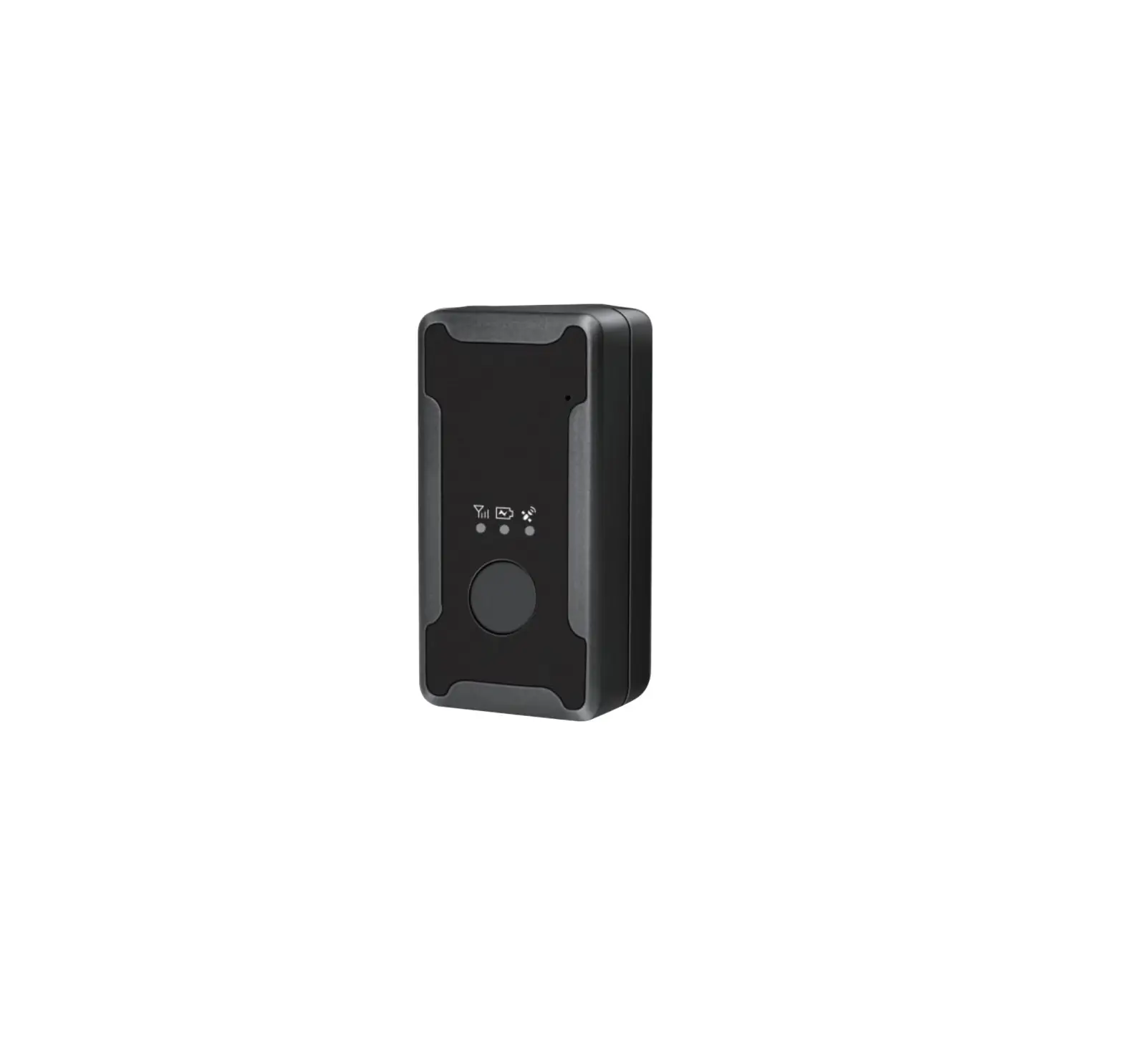
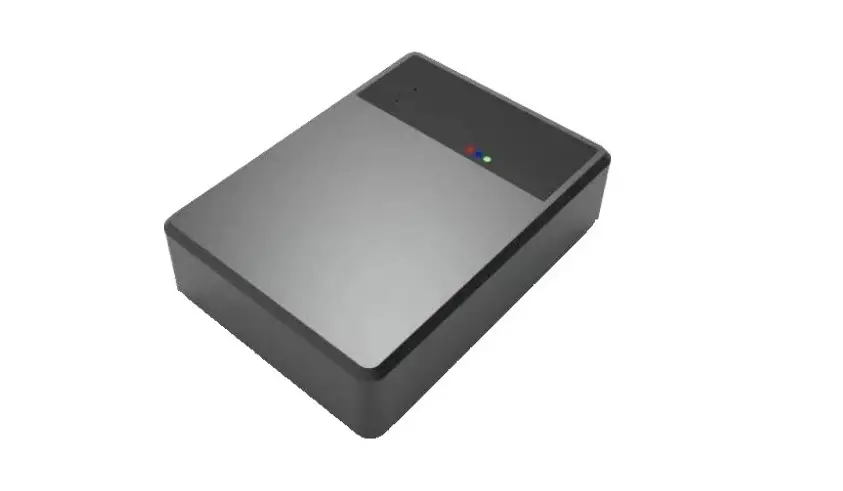
| Power status indication light | RED |
| GPS light | BLUE |
| GSM light | GREEN |
| Built-In Battery | YES |
| Battery Capacity | 55mA |
| Data uploading port | NO |
| Function port | NO |
| Software specification: | |
| Parameter | Description |
| Parameter setting | SMS, Platform |
| GPRS uploading interval | 10 seconds |
| Working mode | Always connect to be online |
| Remotely voice monitoring | NO |
| Third-party query | WEB/APP |
| SOS button | NO |
| GEO-FENCE | YES |
| Remotely cut off power | YES |
| Cut wire alert | YES |
| Vibration alert | YES |
| Remotely hardware status checking | GPS location status(Backend showing) |
| GSM signal strength (Backend showing) | |
Accessories and LED working status
2.1Accessories:
Standard Packing: Device+Manual+Warranty Card
2.2 LED working status
Red LED light (Power Supply Status)
| Status | Meaning |
| Slow Blink | Normal(Internal battery supply) |
| Long Bright | Normal(Internal battery supply) |
| Off | Broken or Sleeping |
Yellow LED light (GSM Status)
| Status | Meaning |
| Quick Blink | Searching GSM Signal |
| Slow Blink | Normal Working |
| Off | GSM Searching Failed or Sleeping |
Blue LED light (GPS Status)
| Status | Meaning |
| Quick Blink | Searching GSM Signal |
| Slow Blink | Normal Working |
| Off | GSM Searching Failed or Sleeping |
Installation instructions
3.1 Preparations before installation:
- Open the box and check whether the equipment model is correct and the accessories are complete, otherwise please contact your supplier;
- SIM card selection, the terminal needs to insert a SIM card with normal internet services.
Notes:
1) Please disconnect the power of the terminal before installing or removing the SIM card;
2) SIM card needs to enable GPRS function;
3) The SIM card needs to enable the caller ID display function;
4) Please make sure the SIM card is a service.
3.2 Instruction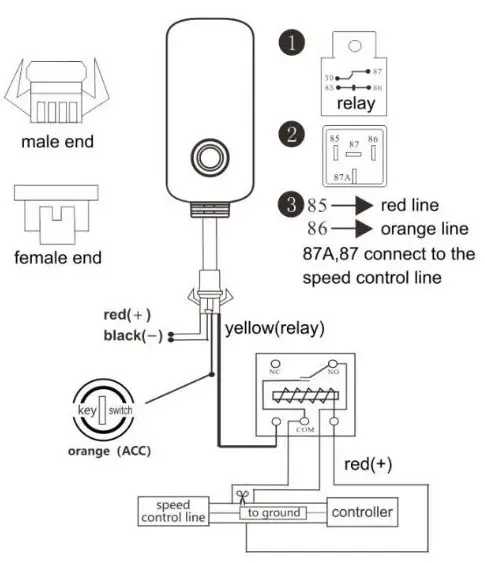
TroubleShooting
After the terminal is installed for the first time, it has been unable to connect to the background server, and the device is not online. Please check the terminal installation:
Please refer to the following problems and solutions to do troubleshooting; if the problem still cannot be solved, please contact your supplier.
| Common issues | Description | Solutions |
| Poor signal | Device is under poor signal areas like the basement and tunnels. | Move to open sky areas
|
| Platform showing Inactive | SIM Card not inserted properly | Yellow light long bright; Check SIM Card |
| LED Status | Check LED blinking status |
| SIM Card not enabled with GPRS functions | Contact SimCard provider | |
| Wrong Location | GPS not located | Move to open sky areas |
| Vehicle keeps showing static | Drive out to the open sky area and test | |
| Platform showing offline | SIM Card problem | Check SIMCard status |
| Poor signal | Move to open sky areas |