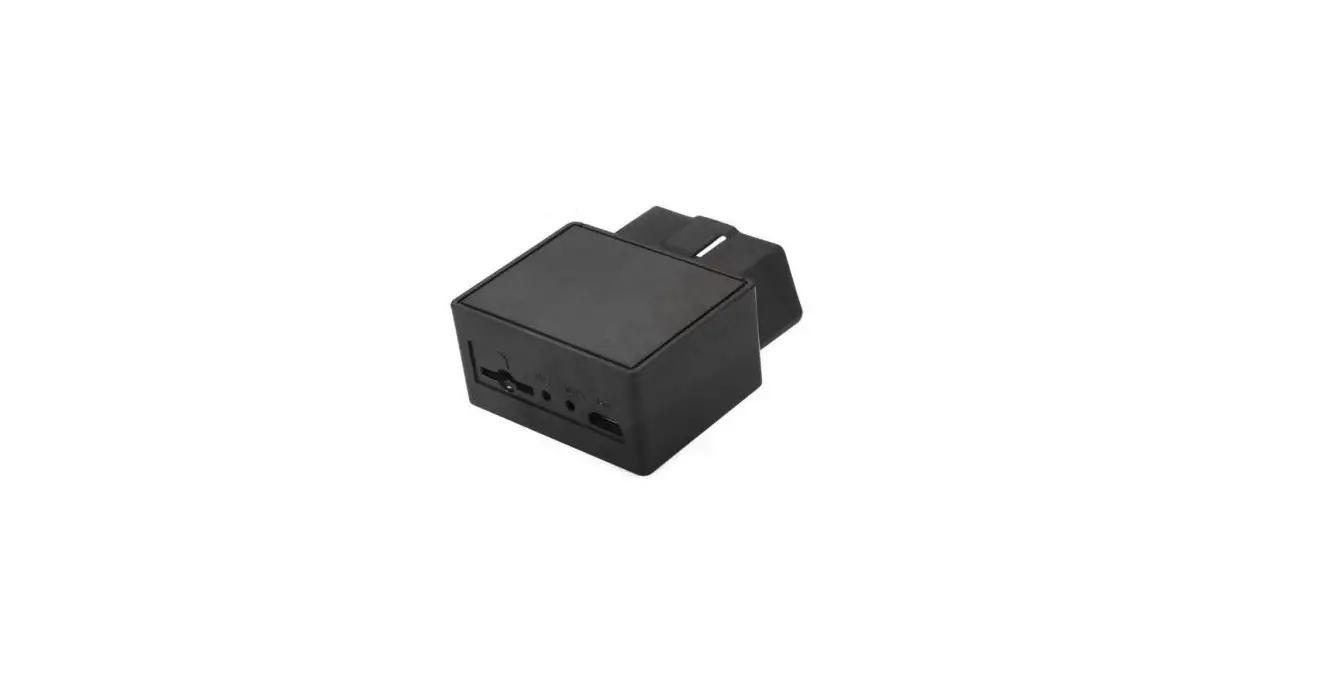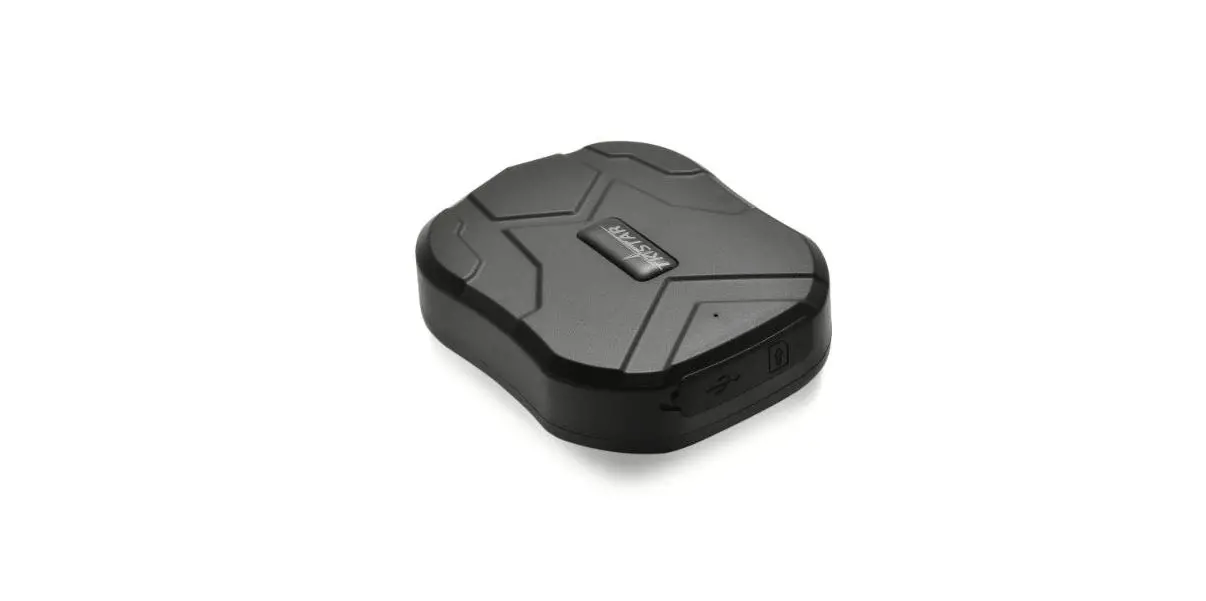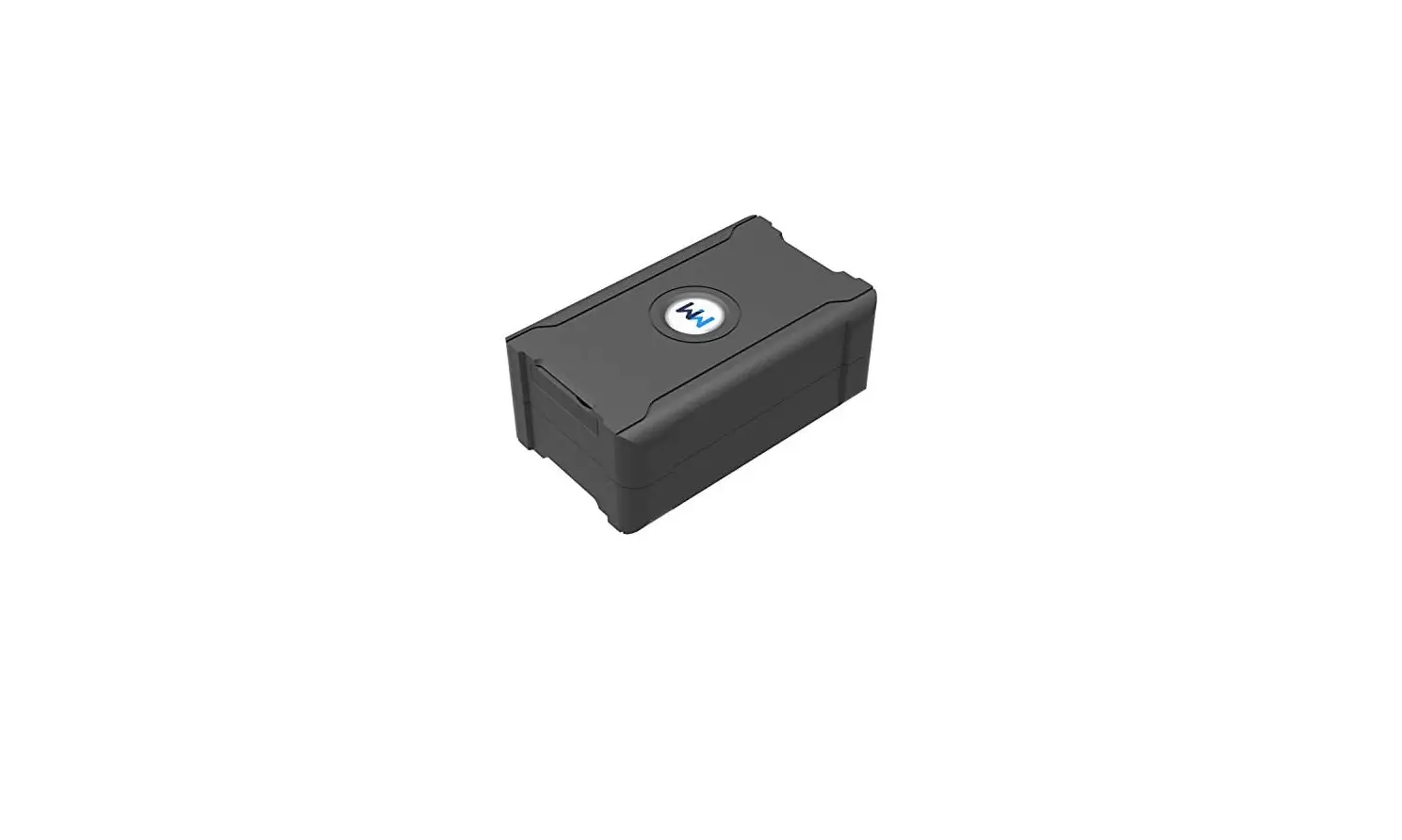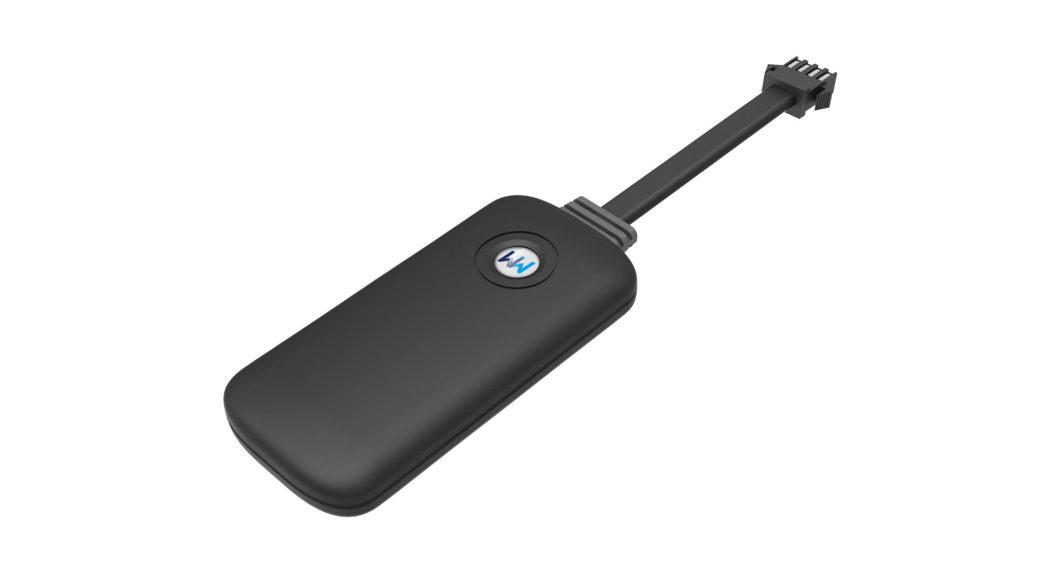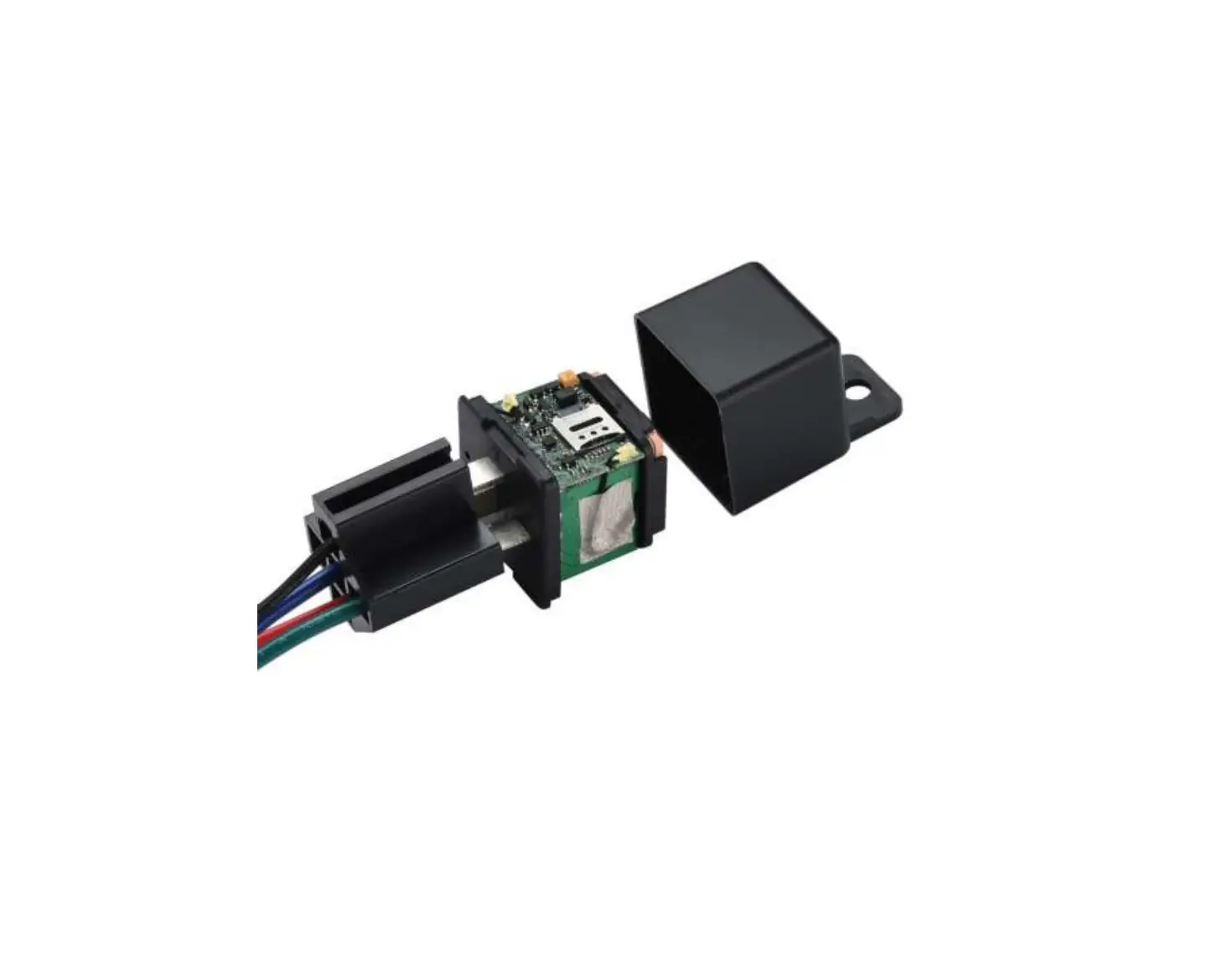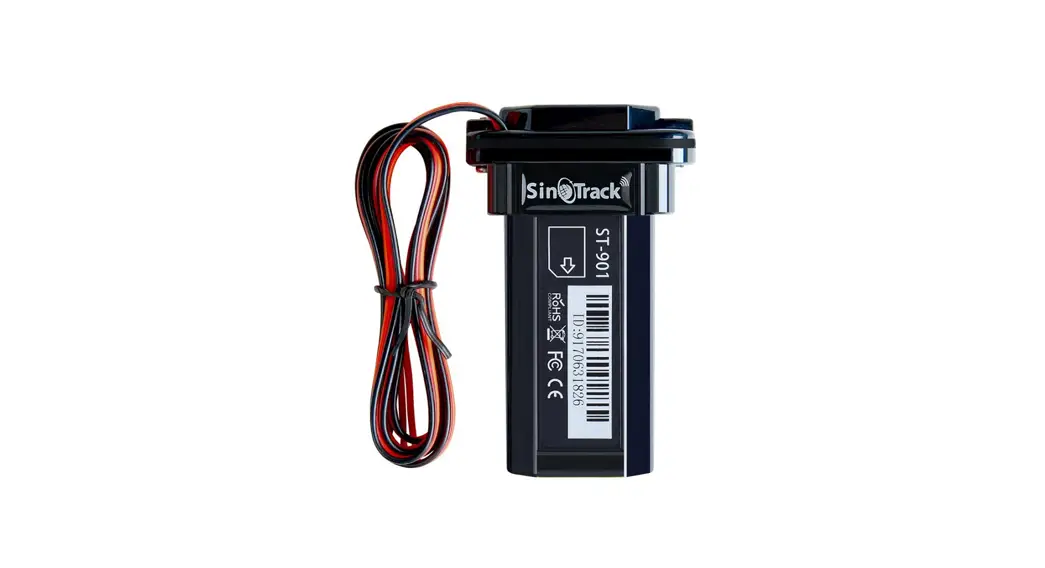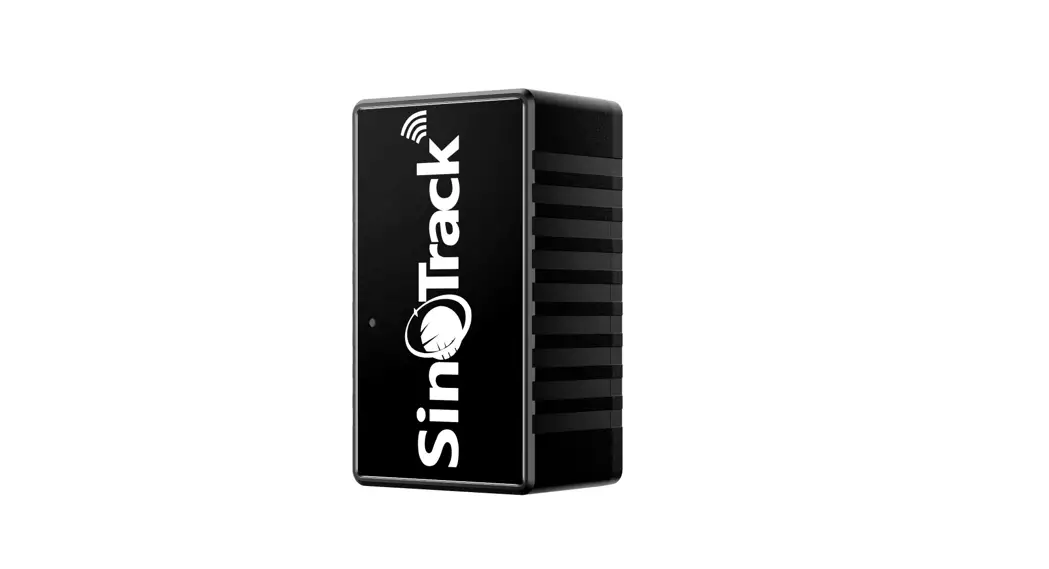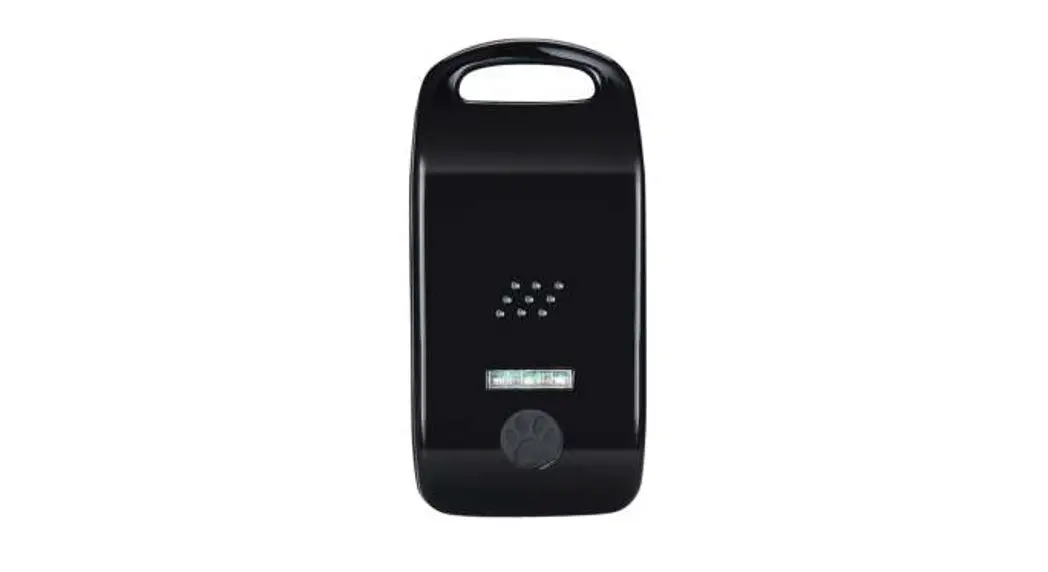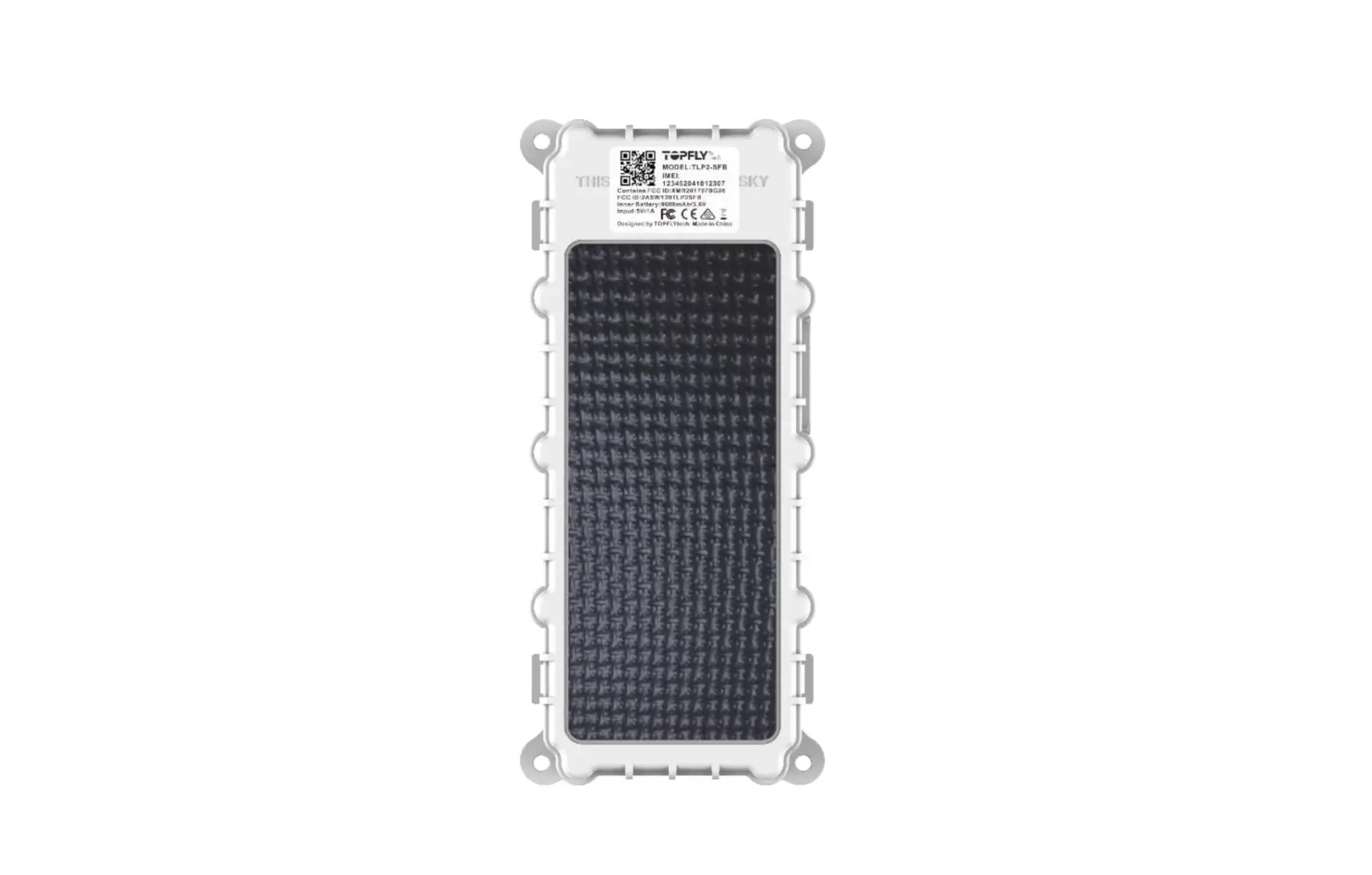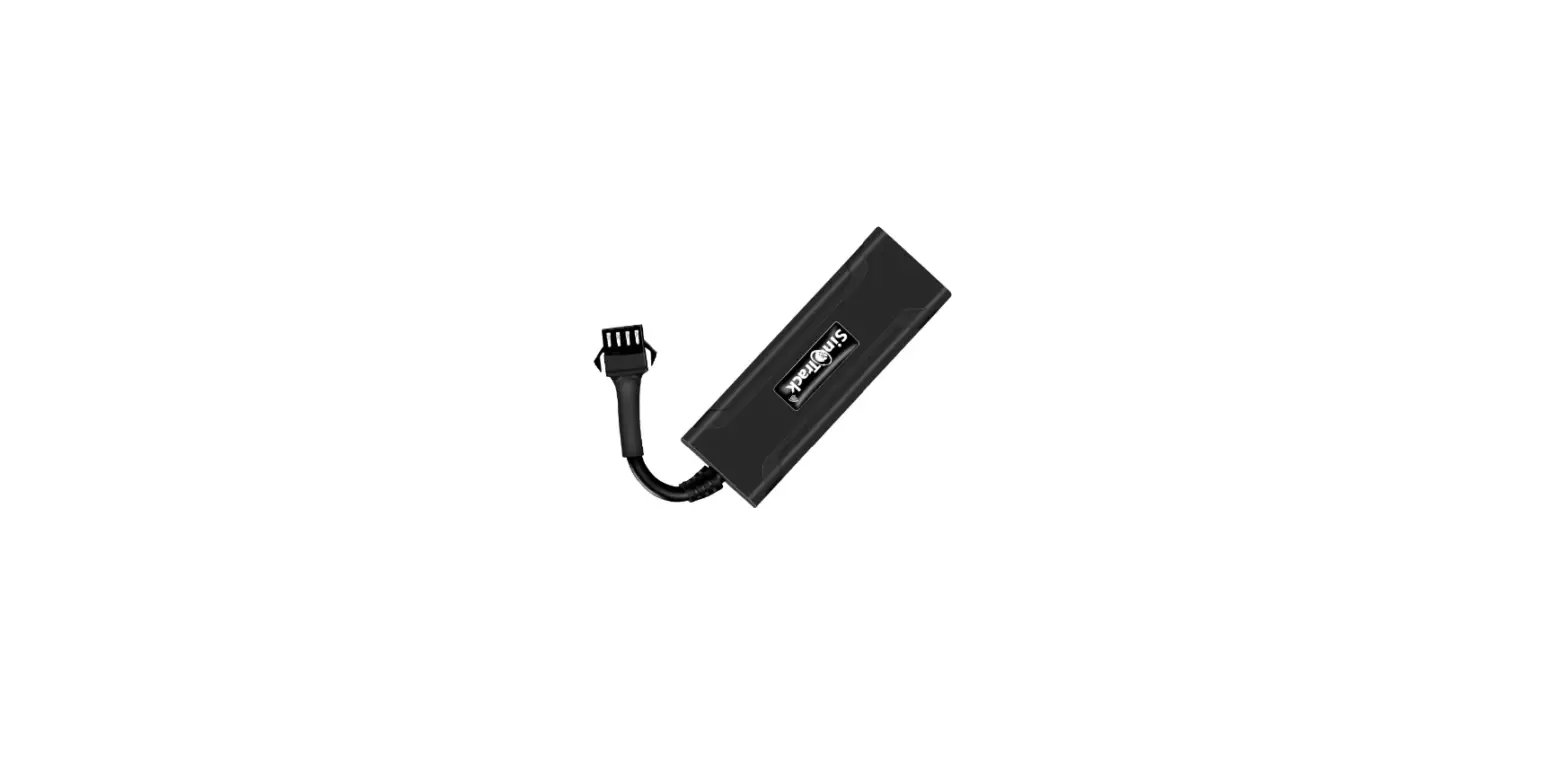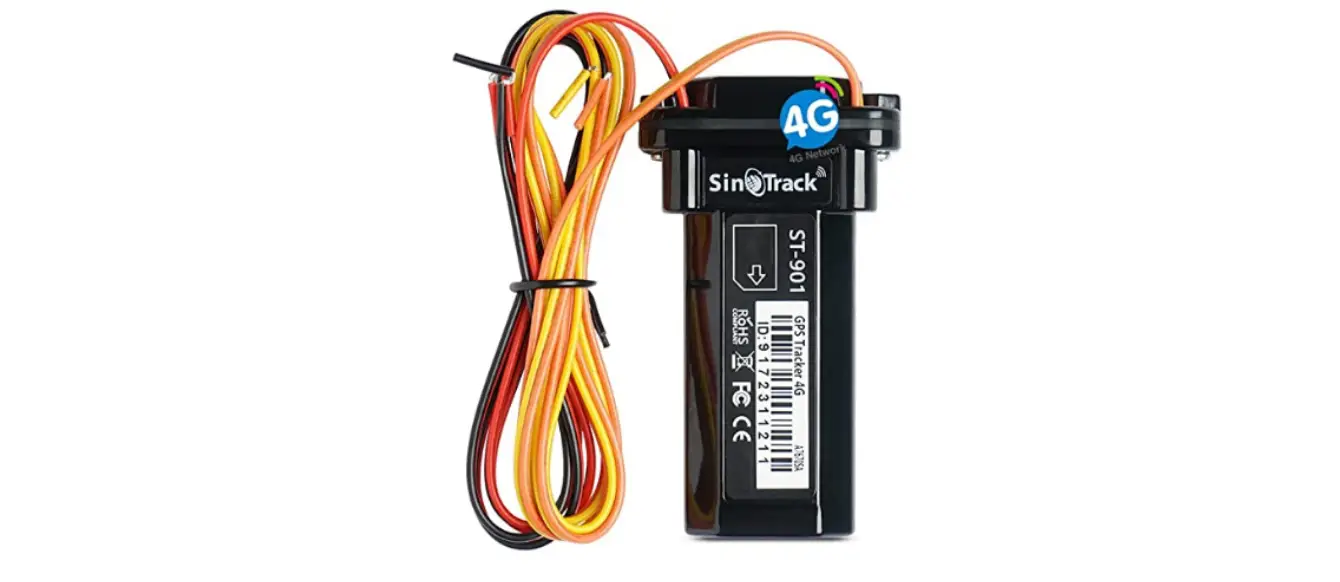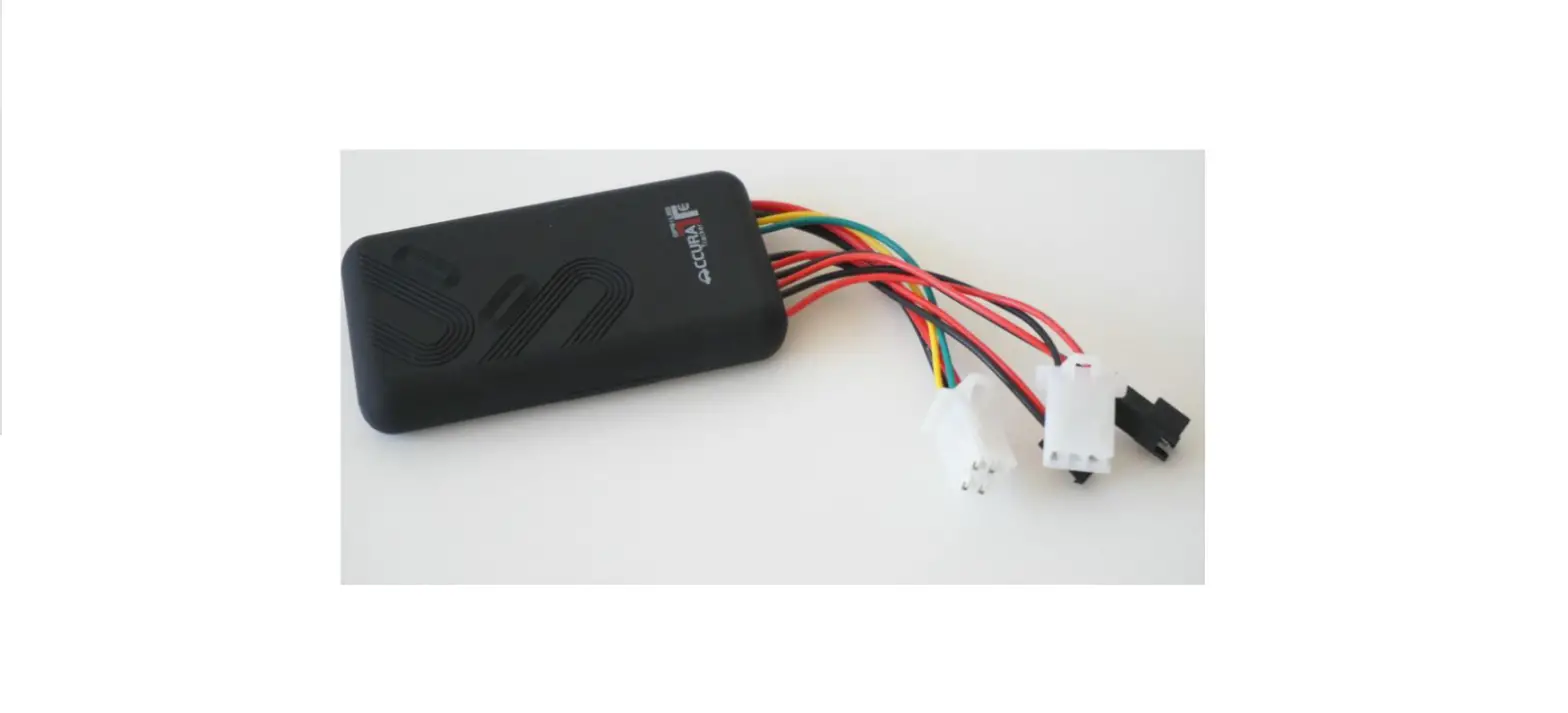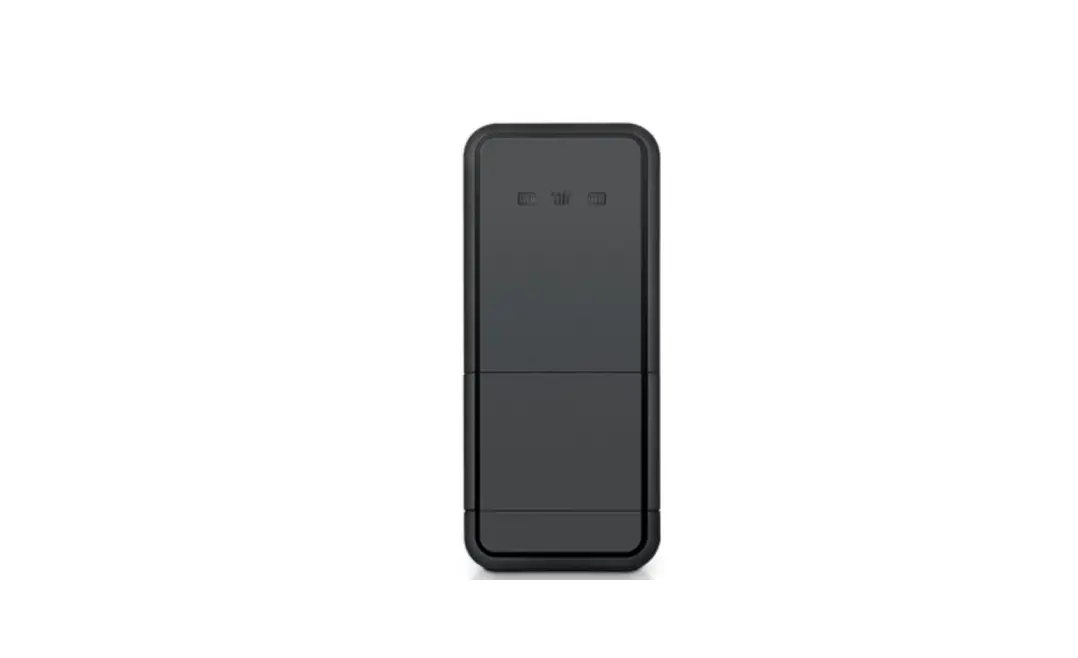
 Wantaway Digital Technology S20 GPS Tracker
User Manual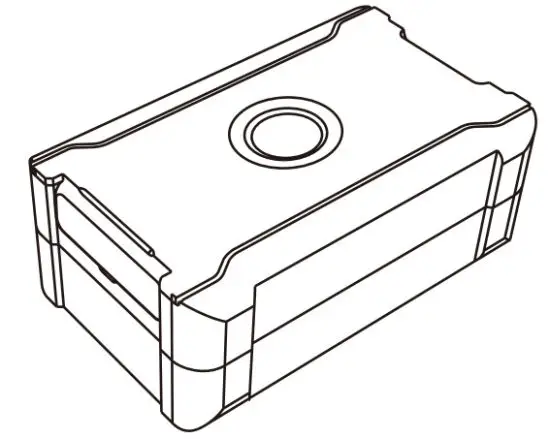
To ensure quick and correct usage, please read the instruction manual carefully before using it.
Product introduction
Specification
| Item | Parameter |
| GSM Frequency | 850/1900MHz |
| Supported location method | BDS/GPS/ LBS |
| Location Accuracy | 10m |
| Light Alarm | Yes |
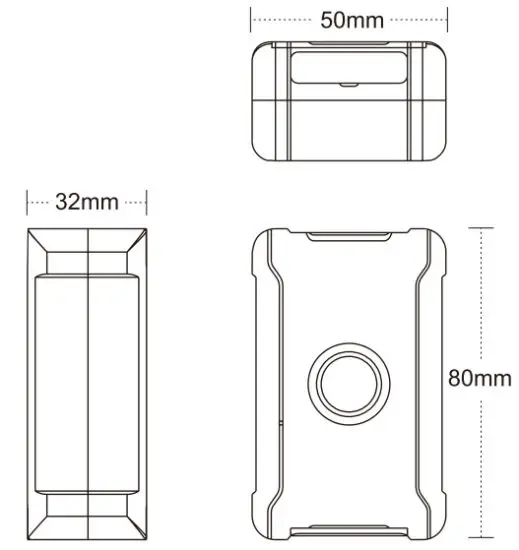
| Device Dimension | 80x50x32mm |
| Battery Volume | 5800mAh |
| Working Voltage | 3.7V |
| Working Temperature | -25 to+85 |
| Weight | 227g |
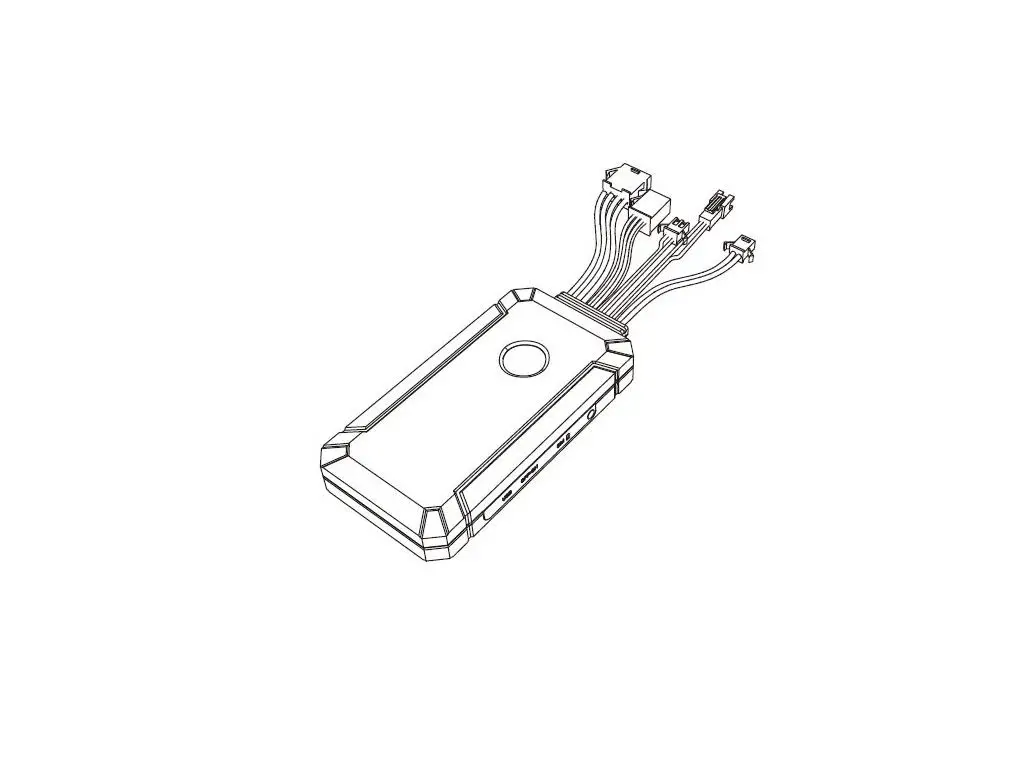
Device Dimension
Accessories
| Device | 1 |
| Charger | 1 |
| Cable Power | 1 |
| User Manual | 1 |
| Certificate Of Competency | 1 |
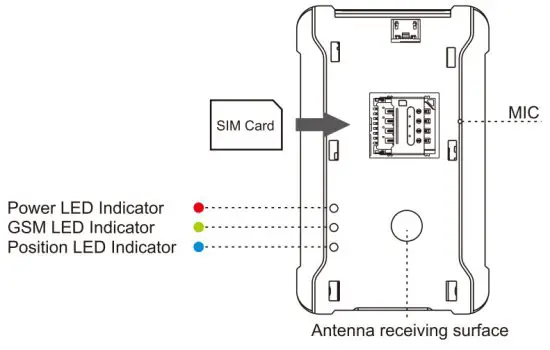
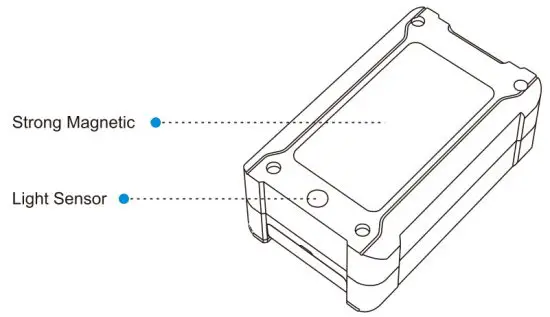
Overview
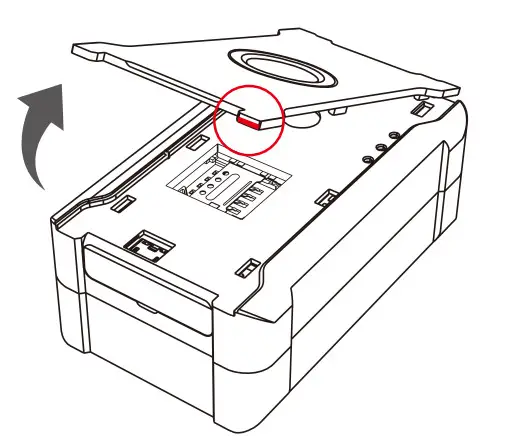
Find the notch and open the device casing
Open the SIM Card shell, insert the SIM Card in the right direction as follows:
Attention: Make sure the device is shut down already, then insert SIM Card
LED Indicator
 |  |
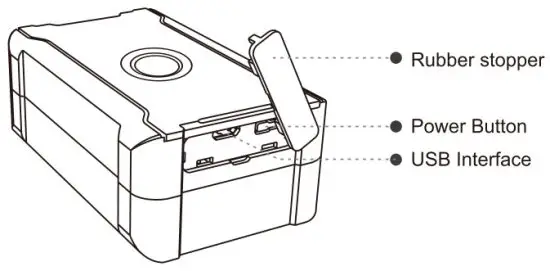
Power on and Power off
Power on Long press the switch for more than 3 seconds, the main LED indicator quick flashing, which means working normally, then the LED indicator is extinguished, which means the device enters sleep working mode.
Charging
Open the device silicone plug, connect to external power, red LED indicator long light means device charging, power LED slow flashing means device full charged.
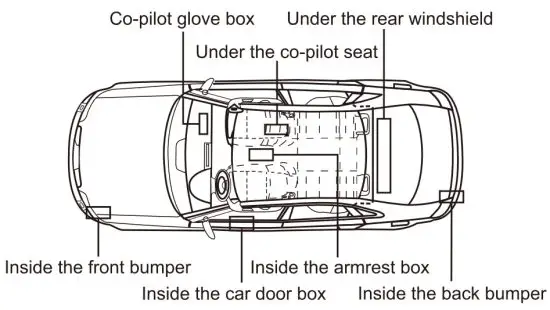
Installation
- Check Device
Check device shell and its accessories before installation - Install the device
A. Waterproof: Please choose somewhere is waterproof.
Be careful to let the device stay away from the air conditioning outlet to prevent condensate water from accumulating, which can avoid damaging the service life of the product. B.Shakeproof: Do not install the device in a position with a large vibration amplitude.
C. Tamper-proof: GPS devices should be away from electronic equipment to prevent signal interference.
Installation Precautions
Device magnetic cannot touch somewhere high temperature, for example, car exhaust pipe otherwise will make magnetic useless.
Please do the payment for the SIM Card per month or per year continuously, the device cannot be used if overdue.
Device should be tested after the first installation.
The strong magnetic on the back of the device cannot touch the hard disk digital products, which will cause damage to the hard disk. If any questions, please contact us for help.
LED Indicator
LED Indicator | LED Indicator Status |
| Power LED indicator (Red) | Long Light: External power supply is charging |
| Slowly blinking: Power supply or battery full charged | |
| Quickly blinking: Low backup battery | |
| No light: LED Indicator is broken or in sleeping mode | |
| GSM LED Indicator (Yellow) | Quickly blinking: GSM initialization |
| Slowly blinking: GSM received a normal signal | |
| No Light: Sleeping mode or no GSM internet | |
| Location LED indicator (Blue) | Quickly blinking: Searching signal |
| Slowly blinking: Signal normal | |
| No light: GPS in sleep mode or abnormal working |
Device features list
Main features | Description |
| SOS set or delete | 3 SOS numbers can be set or deleted |
| Over-speed alarm | You will receive an alarm if over-speed |
| Voice monitoring | The SOS number dials the phone number on the device and immediately enters the monitoring state. (note: this function can only be supported by a voice card) |
| Geo-fence | You will receive an alarm if GPS drives out somewhere limited |
| Shock alarm | You will receive a shock alarm when the car is shocked after turning on its defensive state. |
| Low battery alarm | You will receive a low battery alarm once turn on the low battery notification |
| Intelligent power-saving mode | Unit set in seconds, default is 10 seconds to locate, which is the most accurate model, G-SENSOR control GPS working at the end, working 4 minutes each time. |
| Time interval working mode | The unit of time is minutes, and a range of 5-1440 minutes can be set for reporting |
| GPS/BDS | When no GPS or BDS signal is found, the base station is automatically started for positioning |
| Cut-wire alarm | Light detection oil dark to light to achieve the alarm dismantling |
| Free installation | Strong magnetic, free of installation |
Access to platform
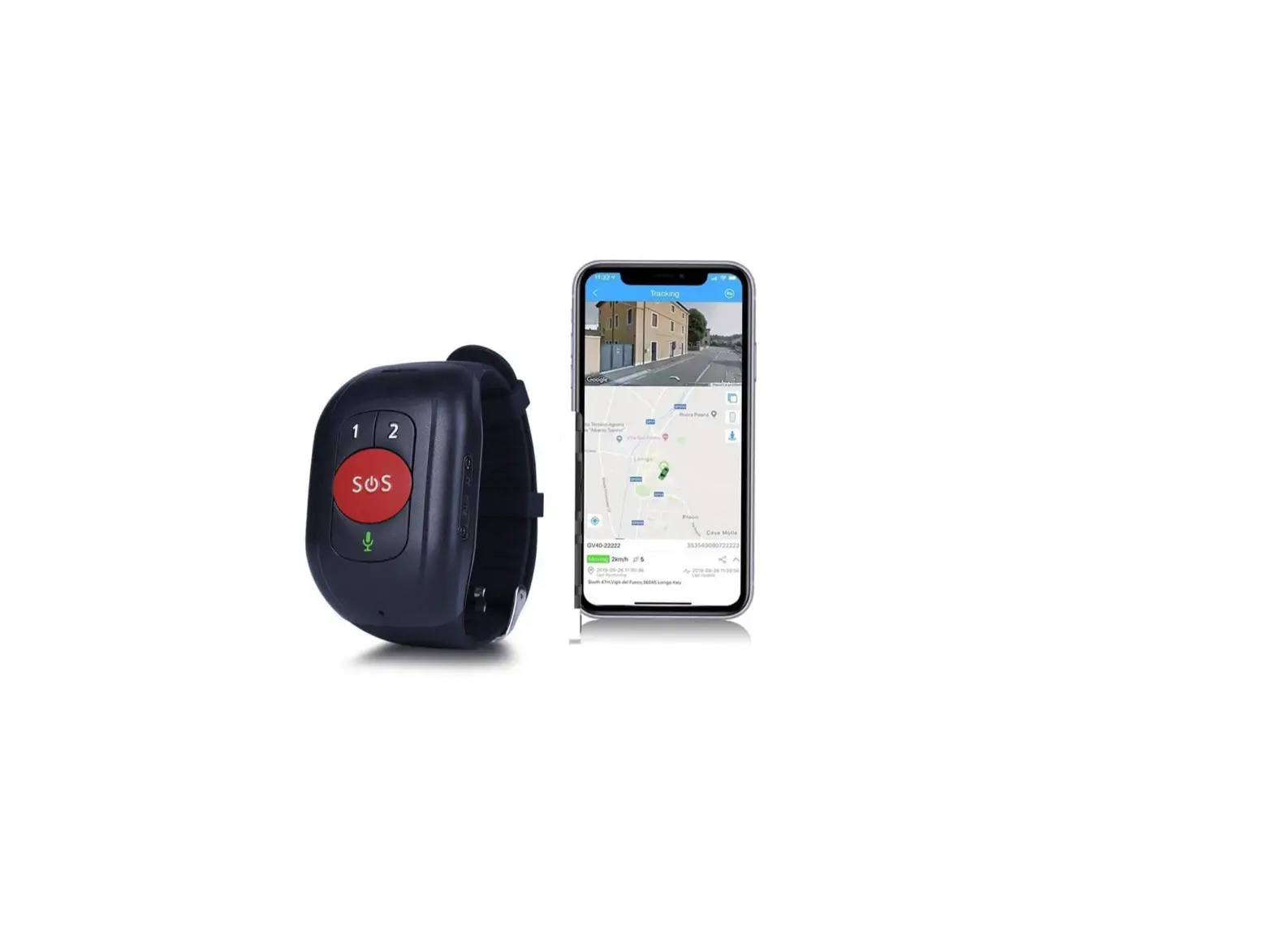
- Platform(wanwaygps.com) •Android and IOS APP Trackway
There are two methods to login into the platform or app.
- Log in by IMEI number(the 15 digits on the back of the device), password: the last 6 digits of the IMEI number.
- Contact the supplier to create an account for you.
Precautions
- Device warranty not including the damage of human factor.
- Do not put the device or its built-in battery in water or fire, do not bend or open the battery.
- Do not disassemble the device, which may cause damage to the device due to unprofessional handing.
Solutions to common problems
Please contact sales when you cannot handle problems.
| Common problem | Fault description | Solutions |
| Poor signal | Some poor signal areas like basements and tunnels are not able to acquire GPS signals. | Move device to open sky areas. |
| Device cannot acquire GPS signal if placed face down or above with metal material layer shielding | Please put it in the correct direction or change the installation position | |
| Unable to boot | The backup battery used up | Fully charged before using |
| Cannot connect internet | SIM Card no data service | Please contact the SIM Card operator to check the data service |
Warranty policy
Special statement
This product is subject to any technical change without prior notice. Product appearance and color are subject to the real product.
Replacement policy
We can replace a new one for you if the device is not damaged by the human factor.
Warranty Card
Customers Data
| Customers Name | Telephone | ||
| Address | |||
| Model Type | IMEI number | ||
| Purchase Data | Invoice No | ||
| Company Address | |||
Please reserve the warranty card carefully
FCC Statement:
Any changes or modifications not expressly approved by the party responsible for compliance could void the user’s authority to operate the equipment.
This device complies with part 15 of the FCC Rules. Operation is subject to the following two conditions: (1) This device may not cause harmful interference,and (2) this device must accept any interference received, including interference that may cause undesired operation.
FCC Radiation Exposure Statement:
This equipment complies with FCC radiation exposure limits set forth for an uncontrolled environment. This equipment should be installed and operated with a minimum distance of 20cm between the radiator& your body.
Note: This equipment has been tested and found to comply with the limits for a Class B digital device, pursuant to part 15 of the FCC Rules. These limits are designed to provide reasonable protection against harmful interference in a residential installation. This equipment generates uses and can radiate radio frequency energy and, if not installed and used in accordance with the instructions, may cause harmful interference to radio communications. However, there is no guarantee that interference will not occur in a particular installation. If this equipment does cause harmful interference to radio or television reception, which can be determined by turning the equipment off and on, the user is encouraged to try to correct the interference by one or more of the following measures:
- Reorient or relocate the receiving antenna.
- Increase the separation between the equipment and receiver.
- Connect the equipment into an outlet on a circuit different from that to which the receiver is connected.
- Consult the dealer or an experienced radio/TV technician for help.