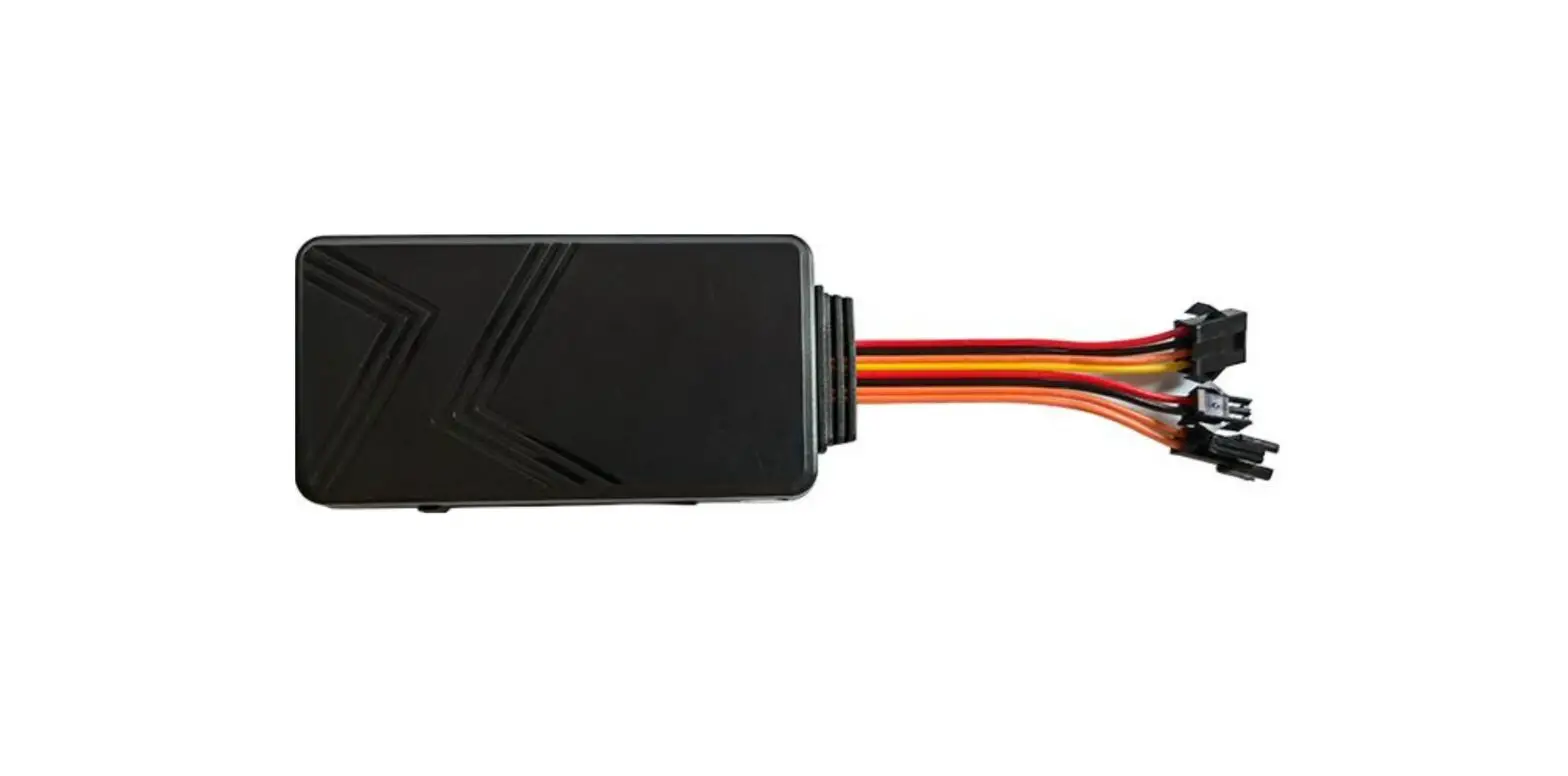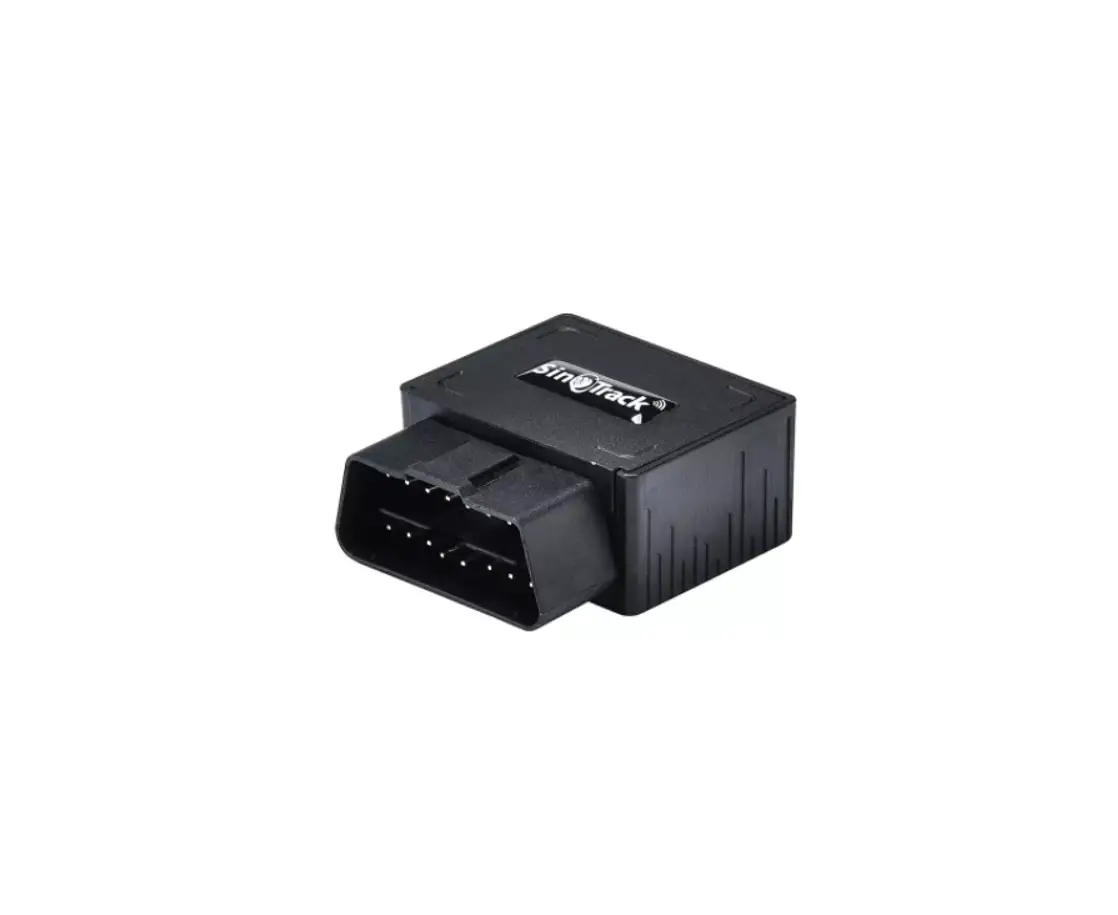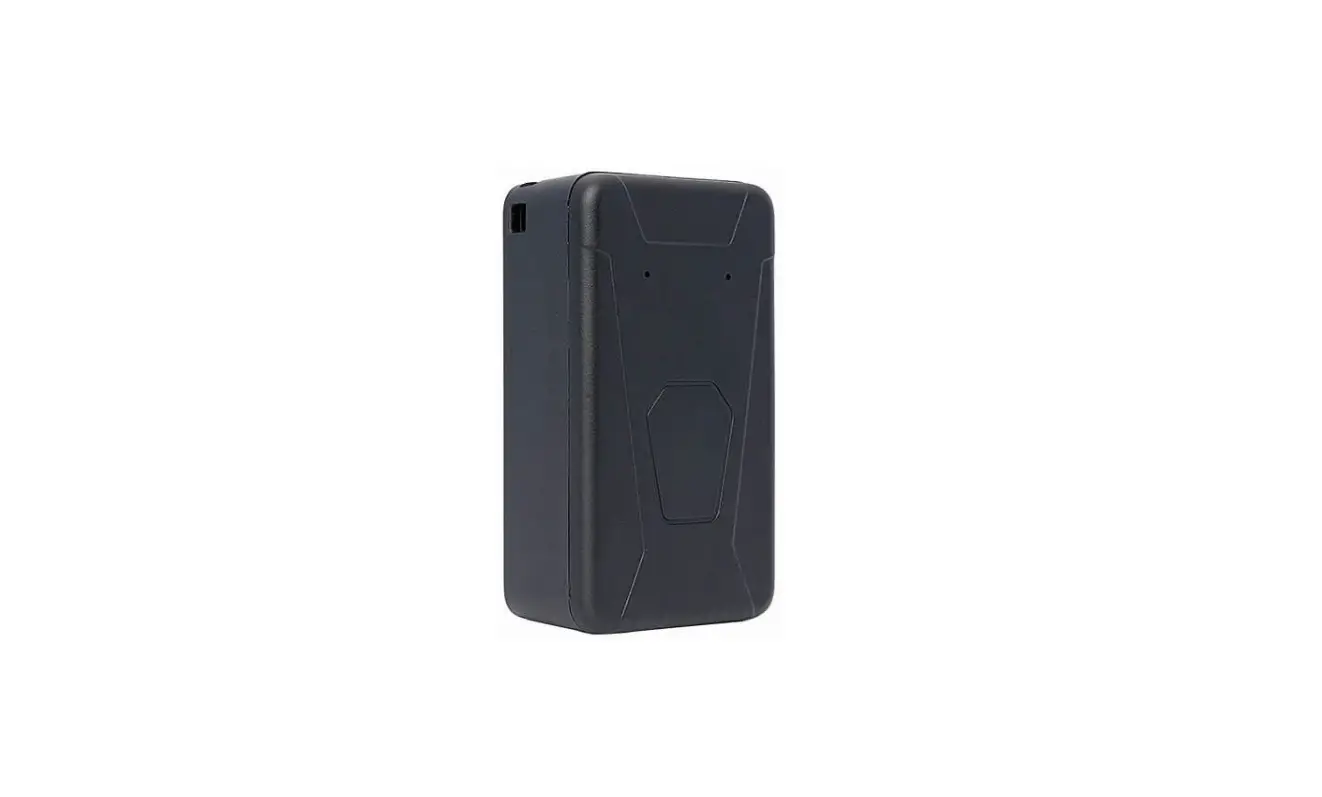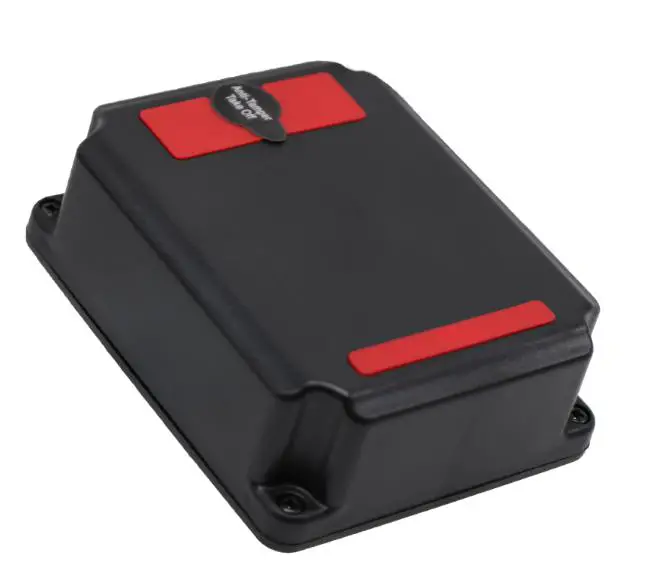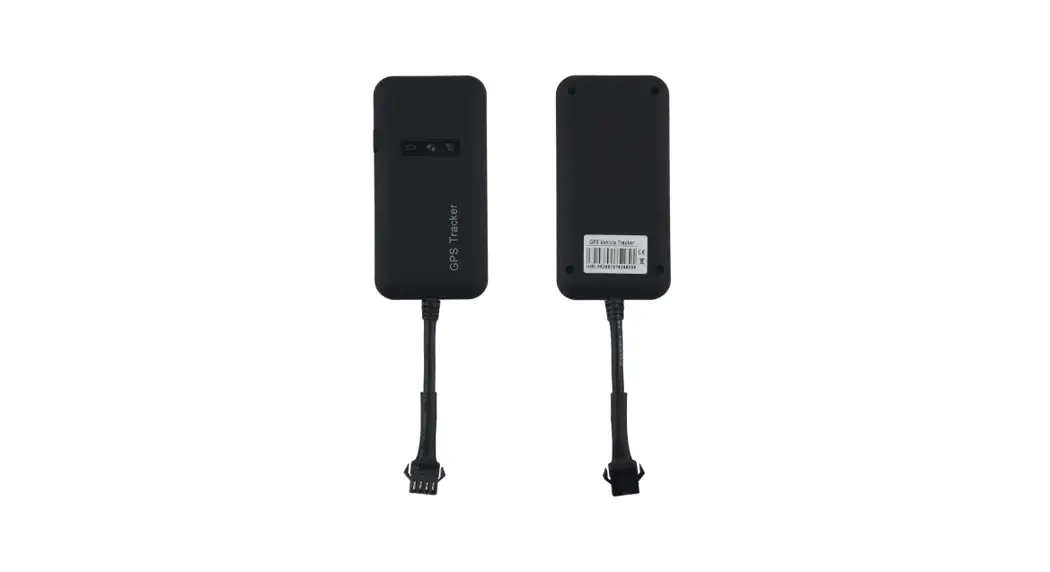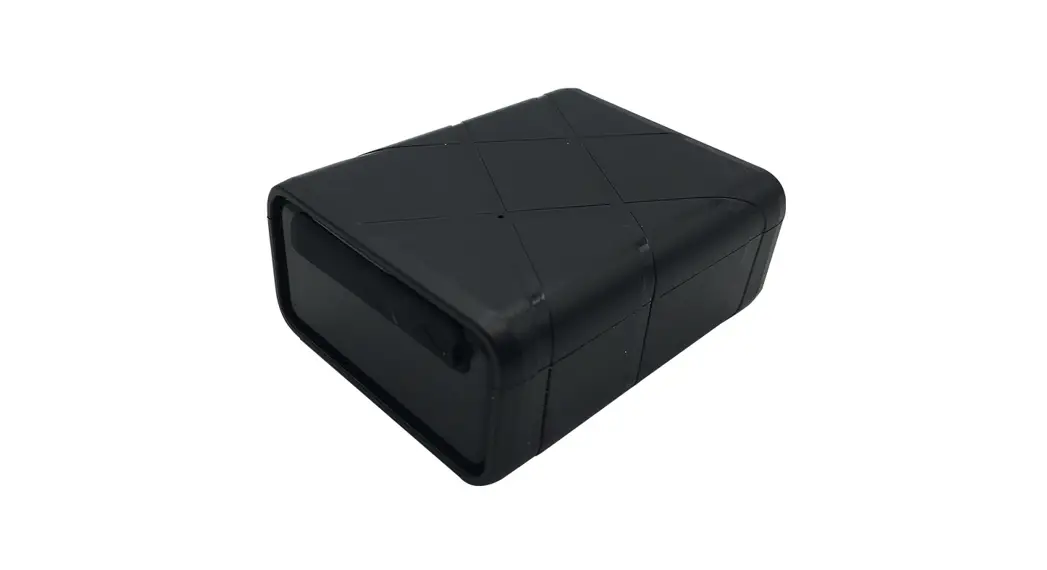

Zhejiang Okai Vehicle ZK200MGU GPS Tracker
Introduction
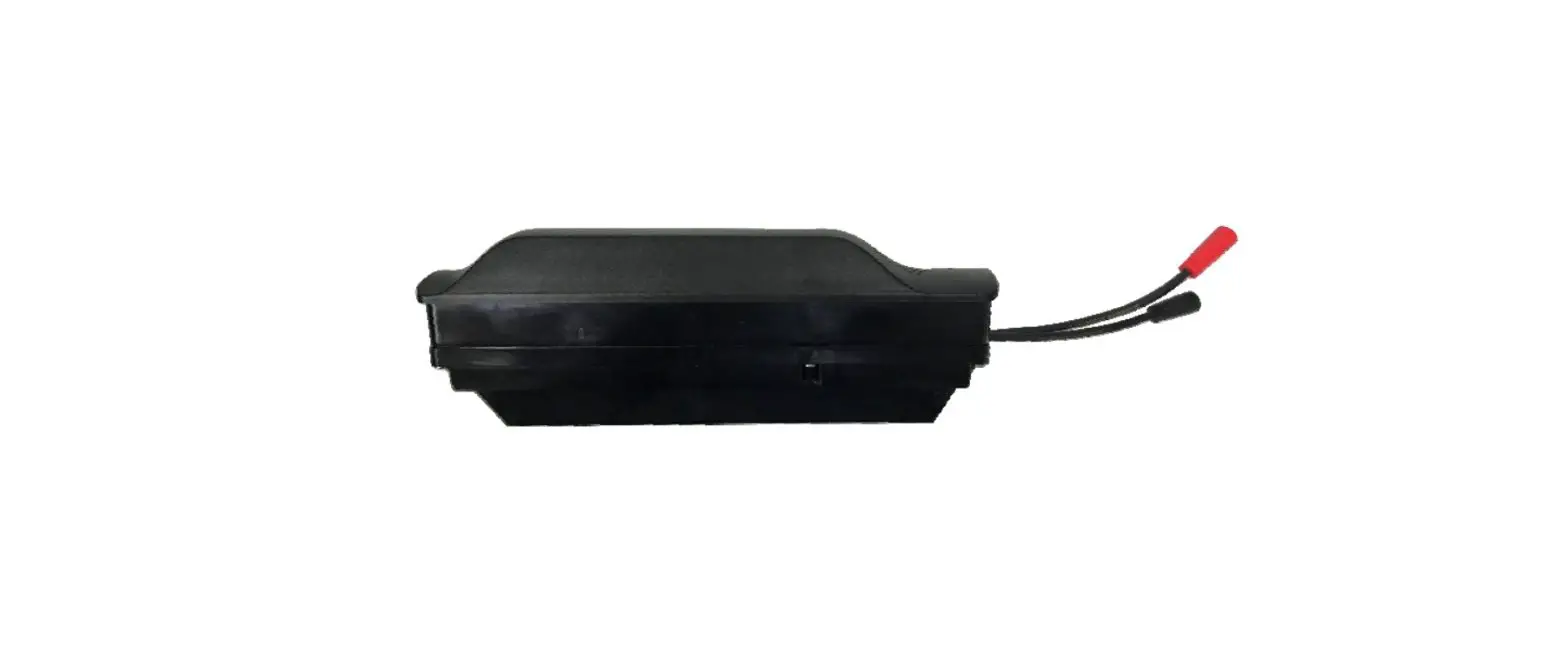
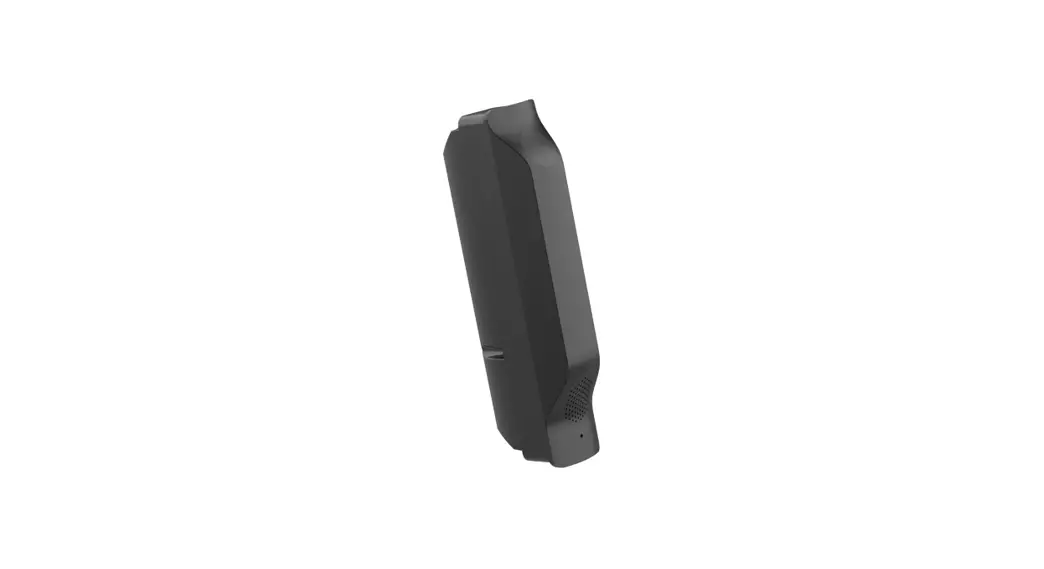
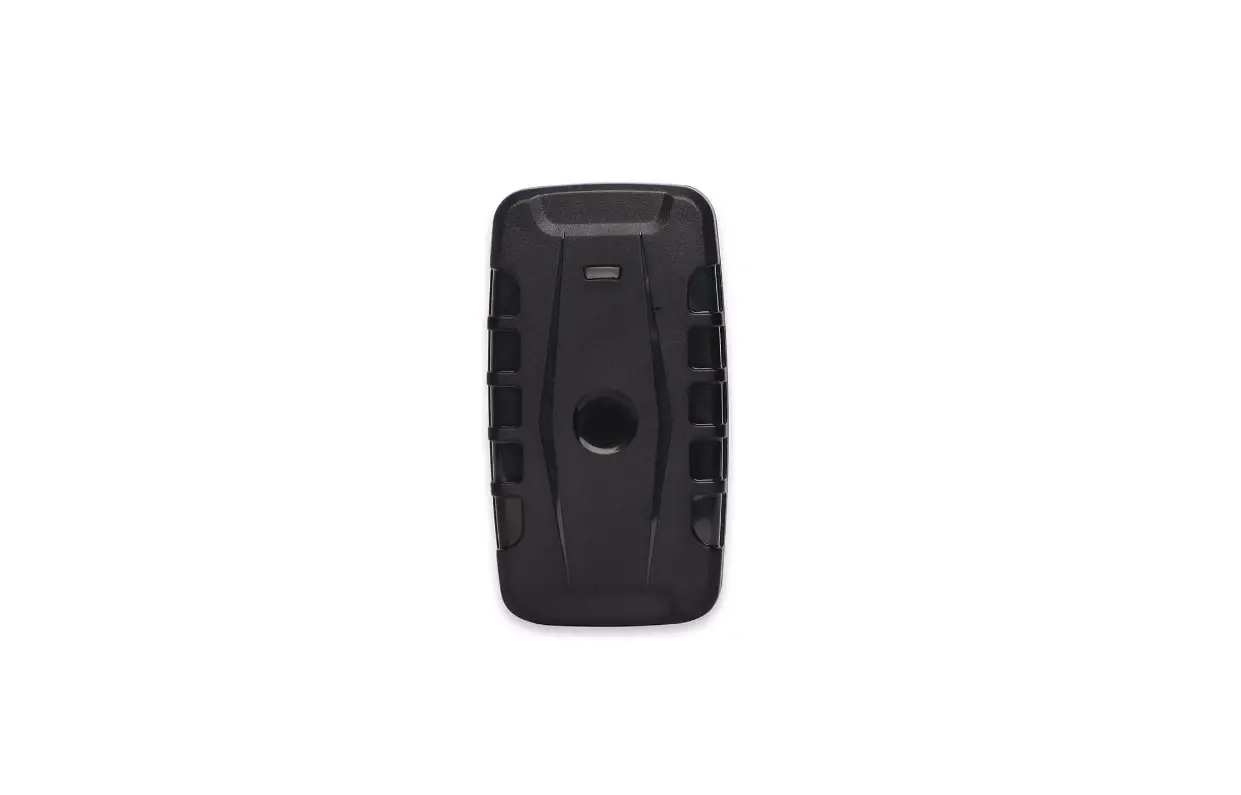
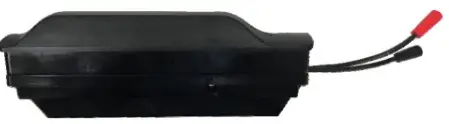
ZK200MGU is a GPS positioning tracker specially built for scooter based on LTE CatM network technology and RTK positioning technology. Its built-in GPS receiver provides superior sensitivity, centimeter-level positioning accuracy, and extremely fast first positioning time (TTFF) in 35s for both cold and hot start-up. LTE CatM technology enables real-time tracking of vehicle status and remote vehicle control by establishing a connection with a back-end server or other specified terminal device. The local e-fence feature can define up to 30 fenced areas, each limited to 50 points of entry, while allowing flexibility in setting vehicle restrictions within each fenced area. Users can judge the working status of the device by the high brightness LED color indicator. The integrated audio playback circuit can store up to 30 audio data pieces. The size of each audio data piece is limited to 300Kbyte (sampling frequency: 48K, length: 10s). The server can send a playback command to trigger the playback of each audio piece. It also supports remote OTA for all electronic components of the car body.
Product Overview
Specifications
General Specifications
| Dimensions(L*W*H) | 195*37*71 mm |
| External Battery Voltage | 40V~60V |
| Operating Temperature | -20℃~+45℃ |
LTE Specifications
| No. | Item | Parameter |
| 1 | Antenna | Internal Antenna |
| 2 | module | L710HG |
| 3 | Frequency | GSM850, GSM1900, LTE(B2/B4/ B5/B12/B13/B26) |
| 4 | 3GPP | GSM(GPRS&EGPRS)/LTE(Cat-M1&NB-IoT) |
| 5 | Conducted power | GSM850: 24.99dBm GSM1900: 28.49dBm LTE B2: 25.00 dBm (Cat-M1) 23.00 dBm (NB-IoT) LTE B4: 25.00 dBm (Cat-M1) 23.50 dBm (NB-IoT) LTE B5: 25.00 dBm (Cat-M1) 23.00 dBm (NB-IoT) LTE B12: 25.00 dBm (Cat-M1) 23.00 dBm (NB-IoT) LTE B13: 24.00 dBm (Cat-M1) 23.00dBm (NB-IoT) LTE B26: 25.00 dBm (Cat-M1) 23.00 dBm (NB-IoT) |
| 6 | Transformation Module | TCP |
GPS Specifications
| No. | Item | Parameter |
| 1 | Antenna | Internal Antenna |
| 2 | Chip | UC6226 |
| 3 | Location Accuracy (CEP, 50%, 24H Still, -130dBm, >6 SVs) | RTK≤50 cm PVT≤2 m |
| 4 | First Adjusting Time | Cold Start 35s Hot Start 2s Assistant Start 10s |
| 5 | Receiving Module | GPS:L1 |
BLE Specifications
| No | Item | Parameter |
| 1 | Antenna | Internal Antenna |
| 2 | Chip | BLUE-NRG-355MC |
| 3 | Frequency | 2402-2480MHz |
| 4 | Bluetooth Version | BLE |
| 5 | Max. Output Power | -7dBm |
Other Specifications
| No | Item | Parameter |
| 1 | Main Control Chip | Core: M4 Core Flash: 512K bytes Memory: 192K bytes Frequency: 200Mhz |
| 2 | Six-Axis Sensor | Acceleration Range: ±2/±4/±8/±16g |
| 3 | Speaker | 2.0W@8Ω |
| 4 | Local Electronic Fence | Can support 30 areas with max. 50 points |
Interface Description
Connector Interface
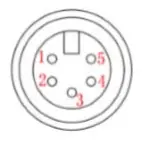
| PIN No. | Name | Description |
| 1 | GND | Black |
| 2 | CANON | Blue |
| 3 | CAN-H | Green |
| 4 | CAN-L | Yellow |
| 5 | Power Input | Red |
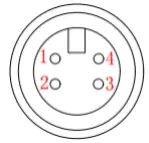
| PIN No. | Name | Description |
| 1 | VBUS | Red, 5V |
| 2 | DM | Orange |
| 3 | DP | Brown |
| 4 | GND | Grey |
User Instructions
Installing SIM Card
- Turn off ZK200MGU
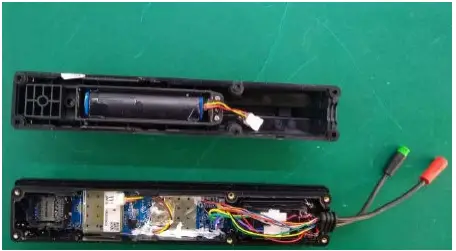
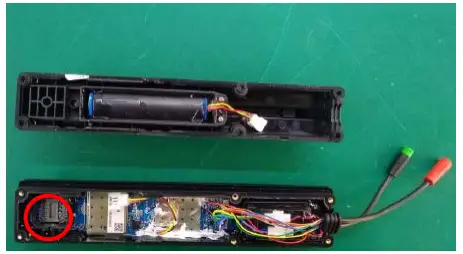
- Open ZK200MGU and insert SIM card in the red circle place.
Installing ZK200MGU to the RTK
Connect the 5-pin interface to the RTK, and then it will be powered on and can communicate with the scooter. ZK200MGU can report the position and status of the scooter to the backend server and the backend sever can send commands to ZK200MGU to transfer to scooter to control the behavior of the scooter also.
Communicating with Backend Server
After installing SIM card and powered on, ZK200MGU can communicate with the backend server through network, and transfer reports of emergency, Geo‐fencing, device status and scheduled GPS position etc. It is easy for service provider to set up their tracking platform based on the functional wireless tracking protocol.
Debugging
Users can use the 4-pin interface to give commands to the device locally for the purpose of testing and debugging.
WARNING
Pay attention to any warnings.
- Do not attempt to open or disassemble GPS Tracker.
- Do not place GPS Tracker on or in heating devices, such as heaters, fire source etc.
- Do not expose GPS Tracker to extreme temperatures. The recommended temperature ranges are from -20℃~+60℃.
- Do not place GPS Tracker close or dispose to fire. This may cause the device to explode.
RADIATION EXPOSURE STATEMENT
This equipment should be installed and operated with minimum distance 20cm away from your body.
CE Declaration
Hereby, Zhejiang Okai Vehicle Co., Ltd. declares that the radio equipment type GPS tracker ZK200MGU is in compliance with Directive 2014/53/EU. The full text of the EU declaration of conformity is available at the following internet address: https://www.okai.co/
FCC Statement
Any Changes or modifications not expressly approved by the party responsible for compliance could void the user’s authority to operate the equipment. This device complies with part 15 of the FCC Rules. Operation is subject to the following two conditions:
- This device may not cause harmful interference,and
- this device must accept any interference received, including interference that may cause undesired operation.
FCC Radiation Exposure Statement:
This equipment complies with FCC radiation exposure limits set forth for an uncontrolled environment .This equipment should be installed and operated with minimum distance 20cm between the radiator& your body
Note: This equipment has been tested and found to comply with the limits for a Class B digital device, pursuant to part 15 of the FCC Rules. These limits are designed to provide reasonable protection against harmful interference in a residential installation. This equipment generates uses and can radiate radio frequency energy and, if not installed and used in accordance with the instructions, may cause harmful interference to radio communications. However,there is no guarantee that interference will not occur in a particular installation. If this equipment does cause harmful interference to radio or television reception, which can be determined by turning the equipment off and on, the user is encouraged to try to correct the interference by one or more of the following measures:
- Reorient or relocate the receiving antenna.
- Increase the separation between the equipment and receiver.
- Connect the equipment into an outlet on a circuit different from that to which the receiver is connected.
- Consult the dealer or an experienced radio/TV technician for help
 OKAI
OKAI