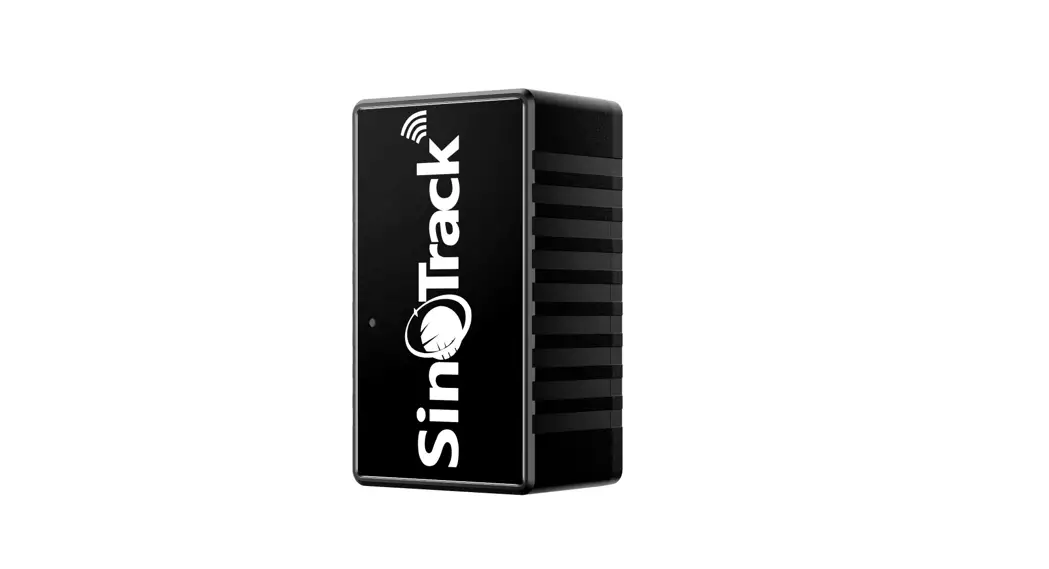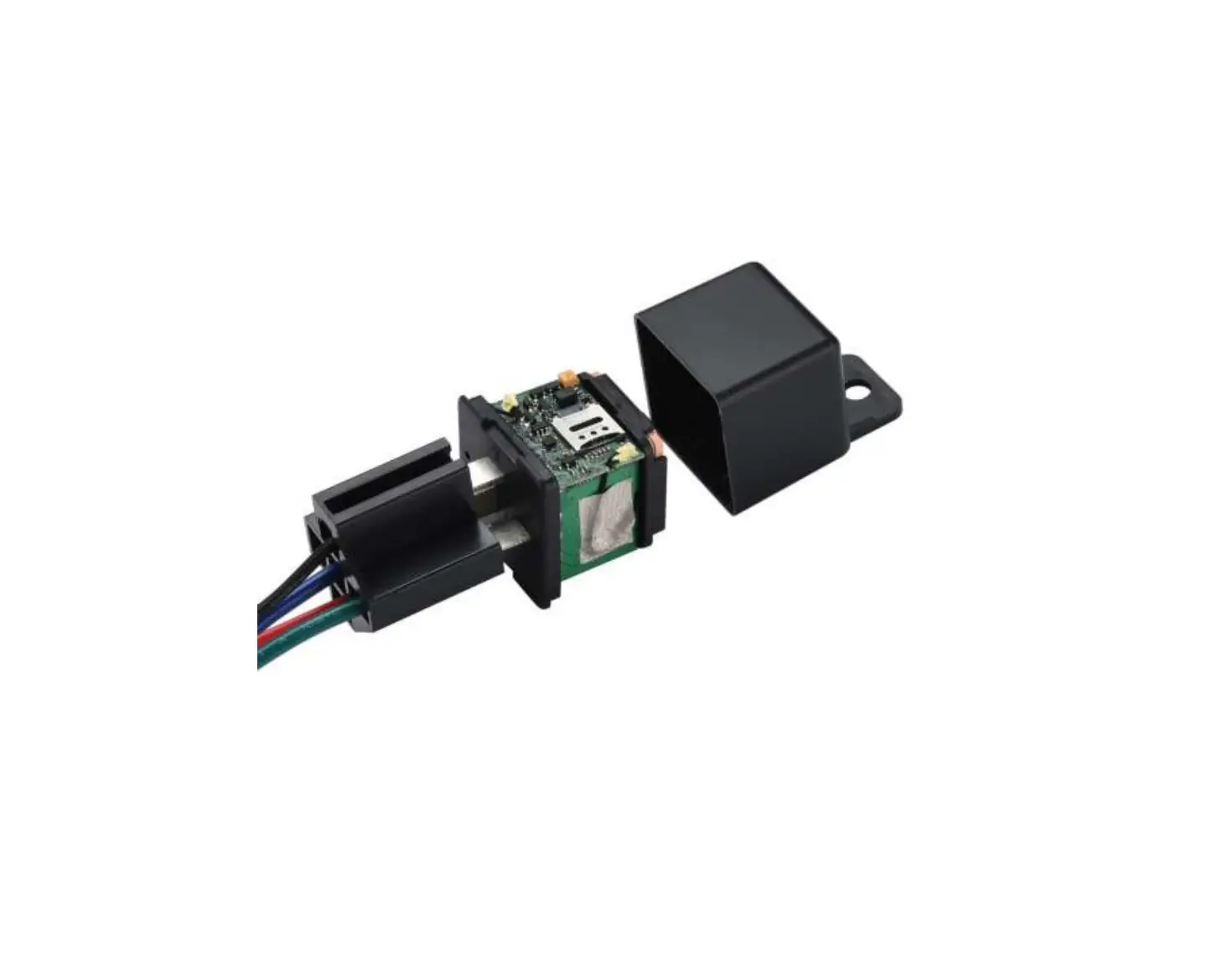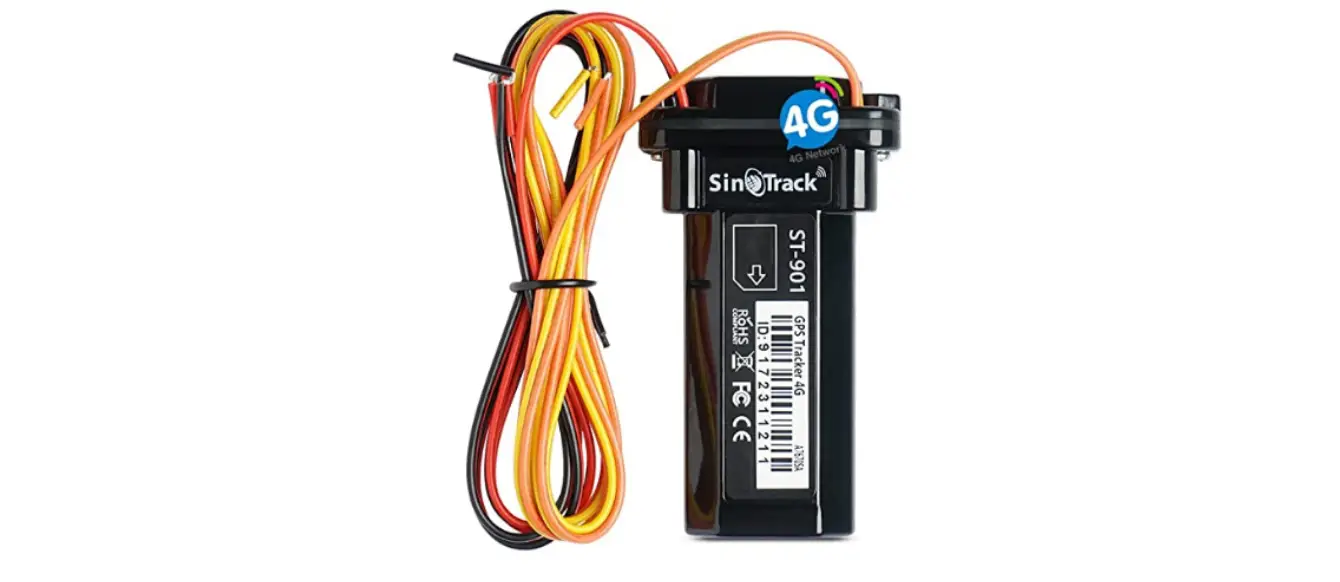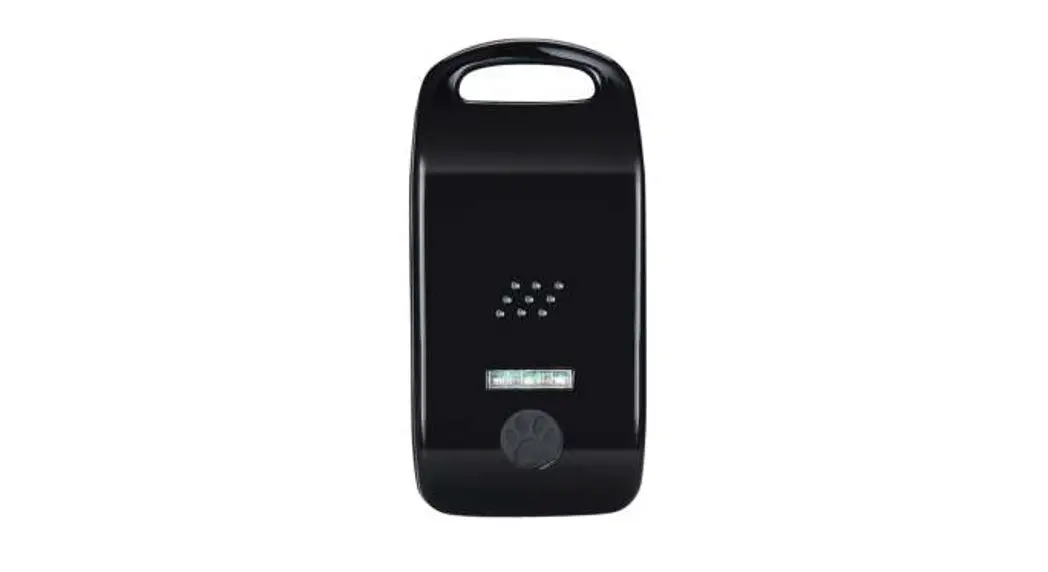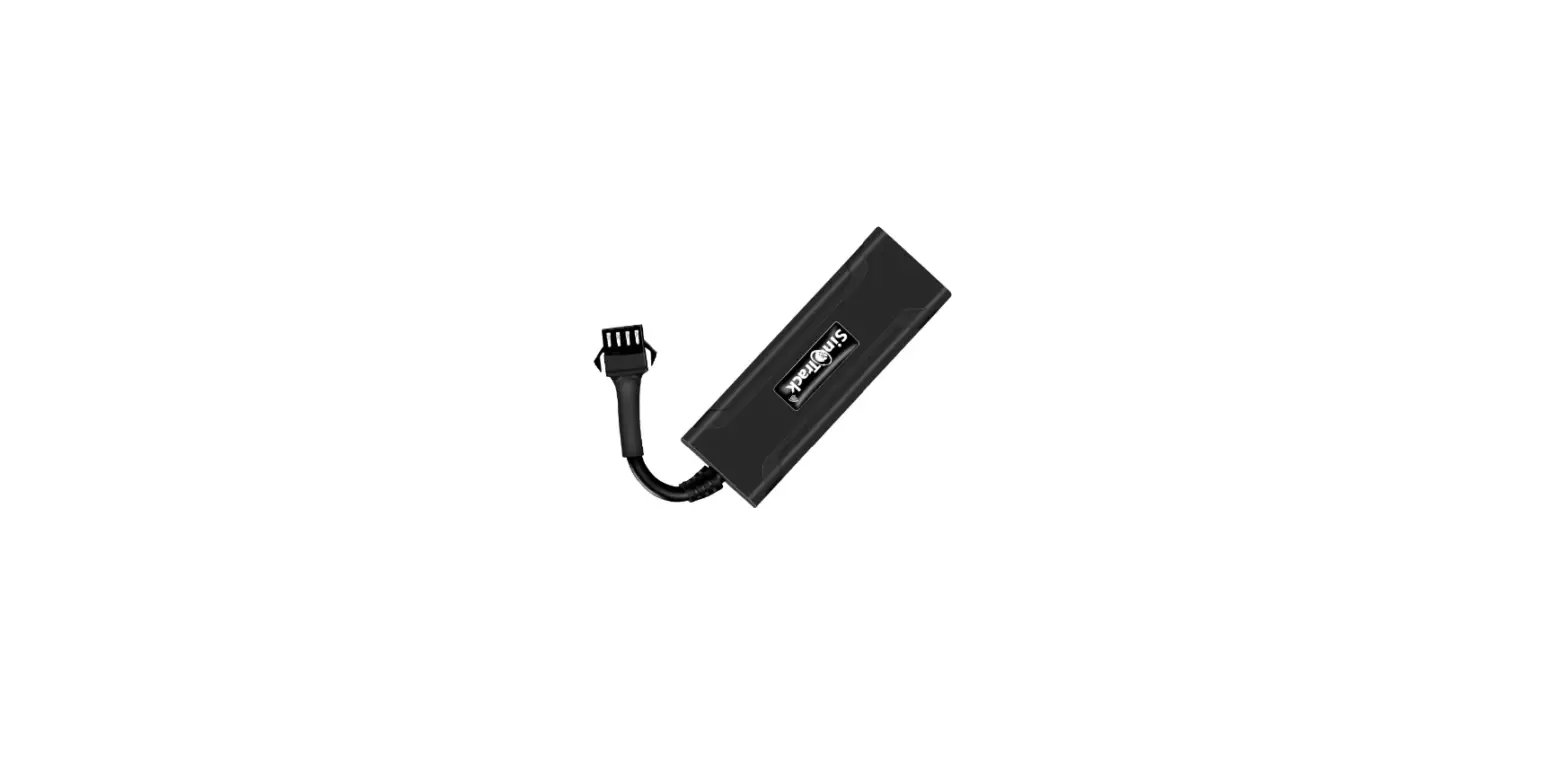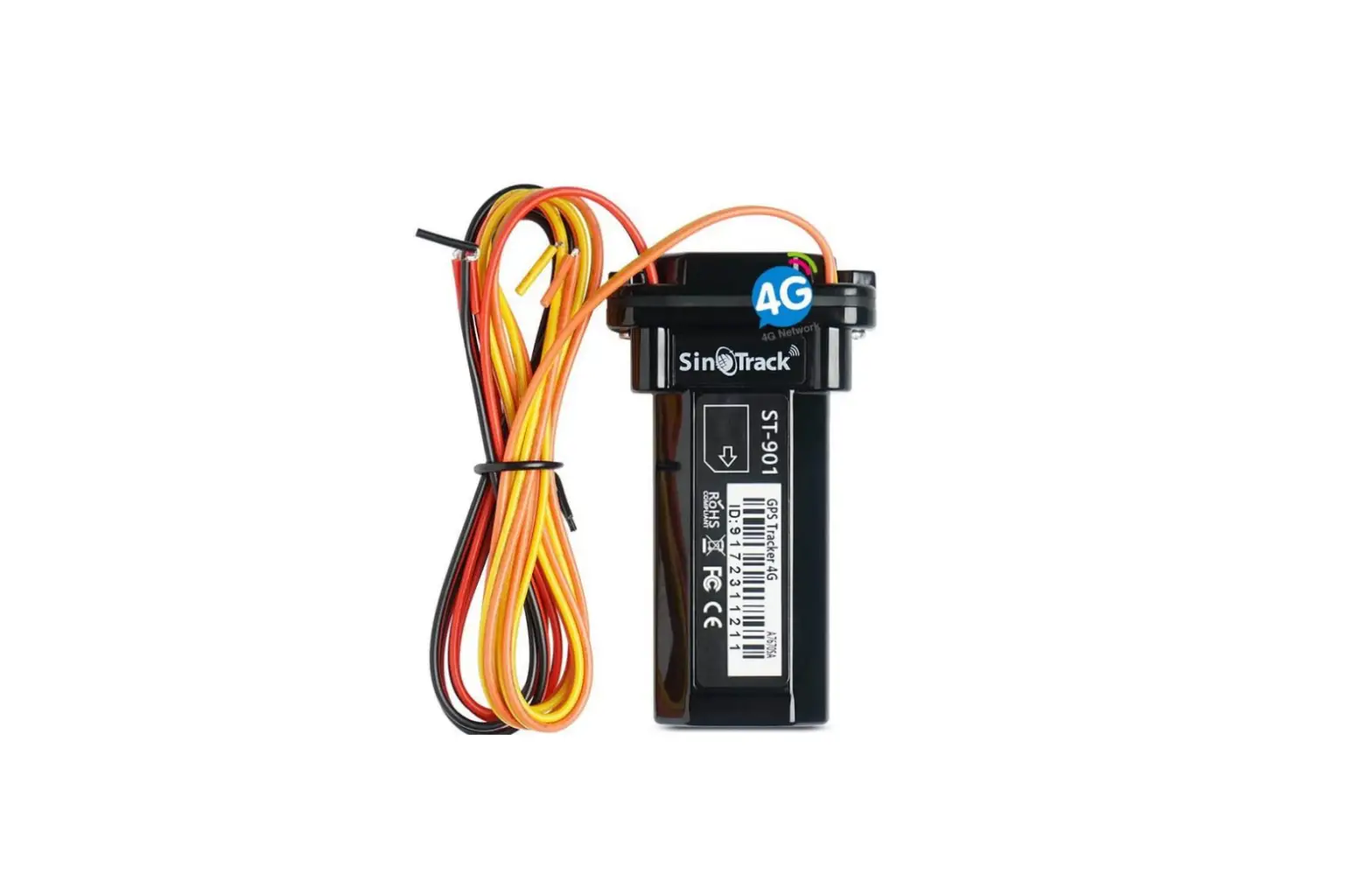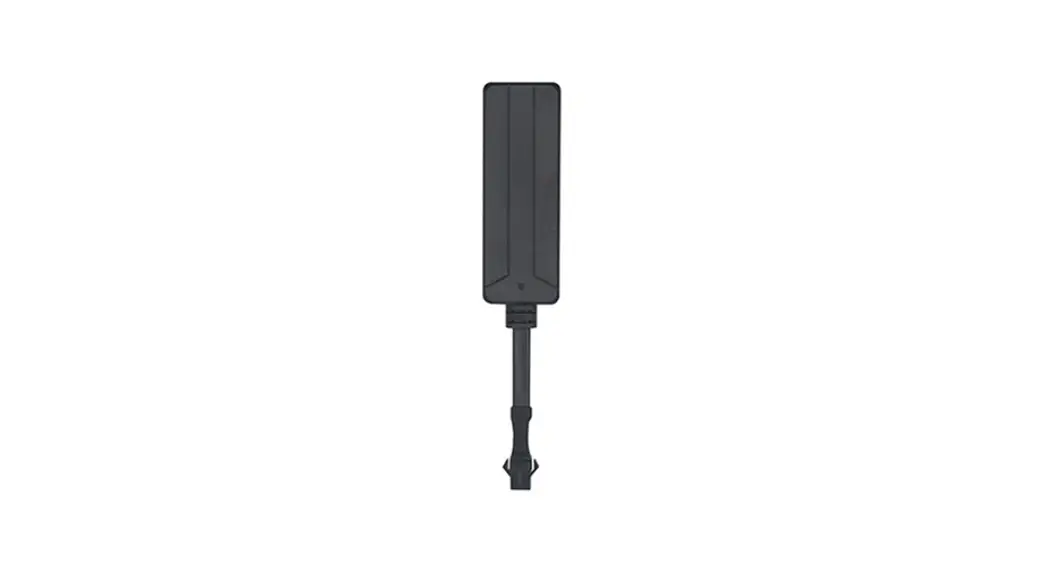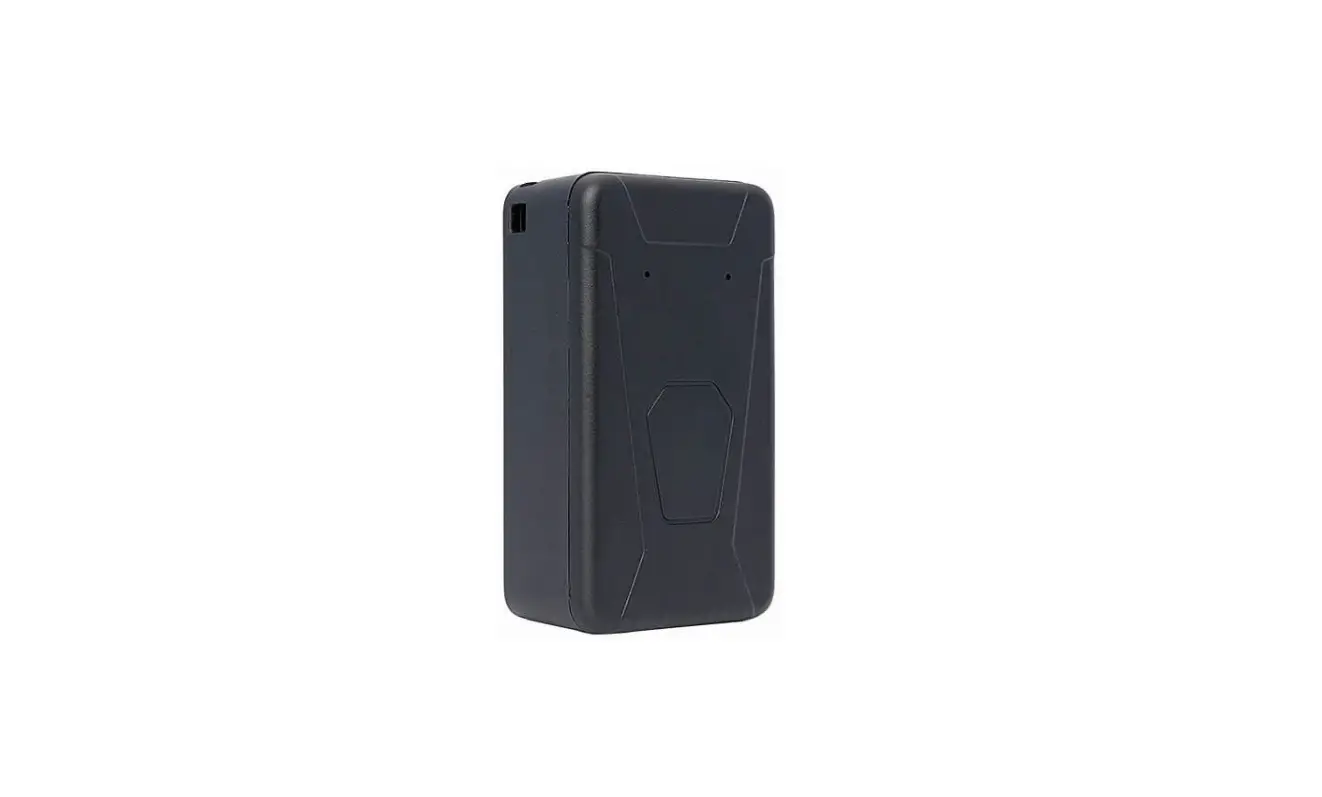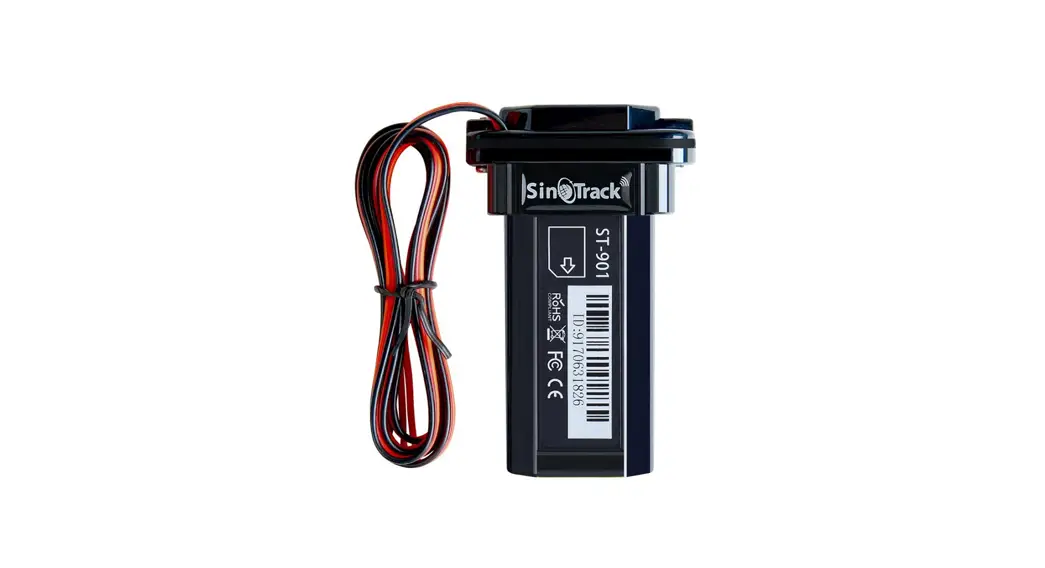
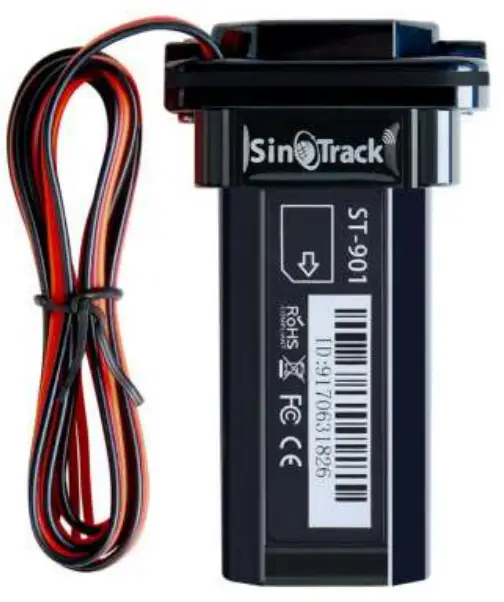
 GPS Tracker ST-901
(ST-901W 3G/4G)
User Manual
Quick Start
Thank you for purchasing our GPS tracker.
This Quick User shows how to operate the device smoothly and correctly.
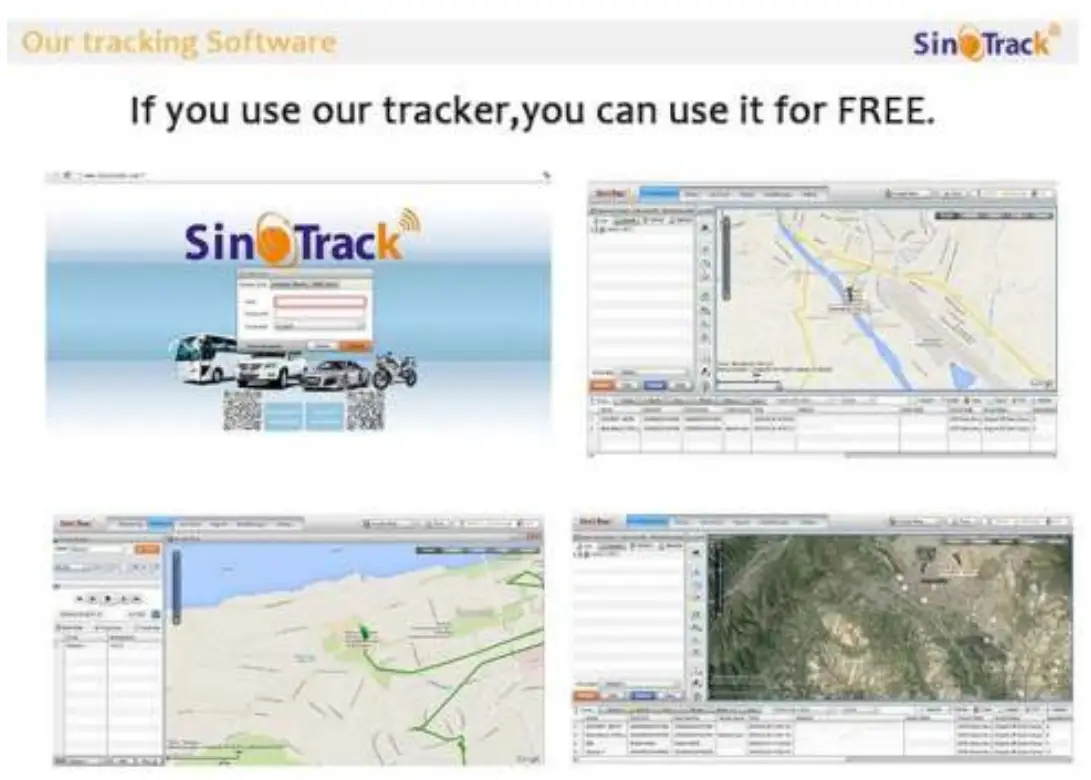
WEBSITE Tracking (PC Version):
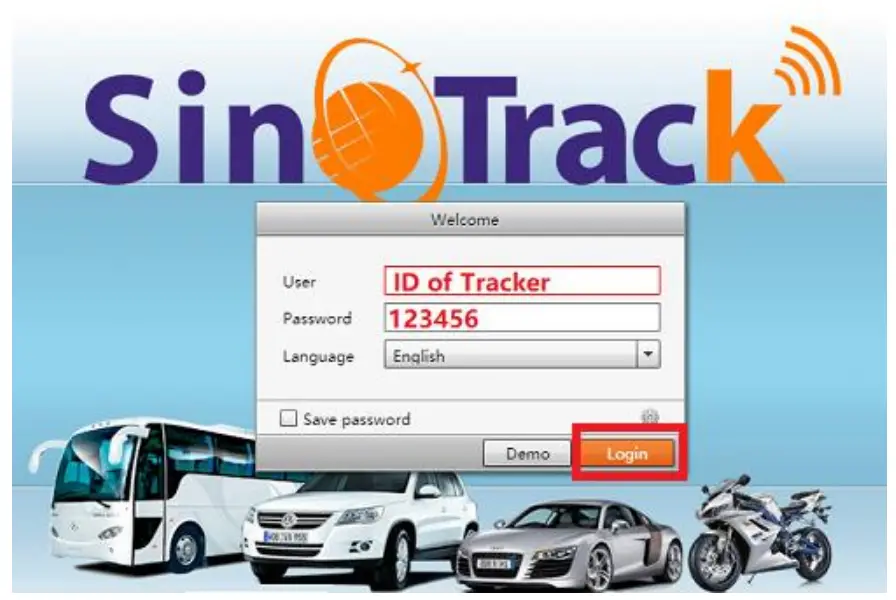
Platform: www.sinotrackpro.com
User name: ID number on the tracker
Password: 123456
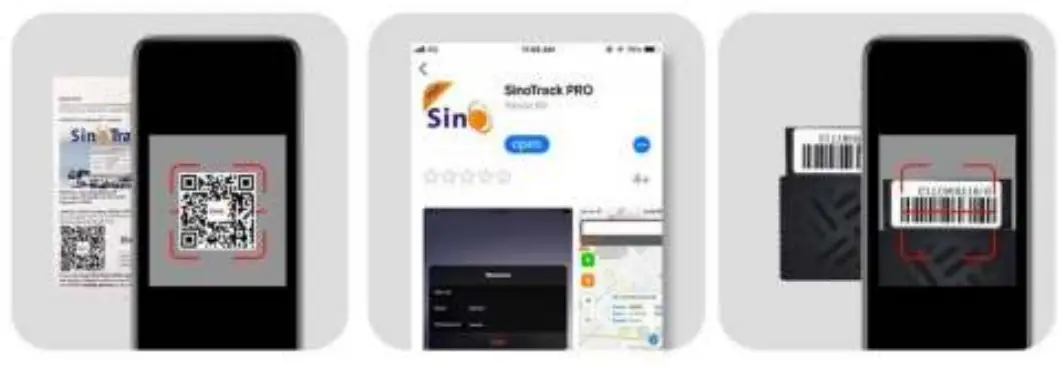
APPLICATION Tracking (Mobile APP):
You can search SinoTrack PRO on APP Store (iOS) or Google Play (Android)
Or Download from the QR Code:
 http://www.sinotrack.com/download/

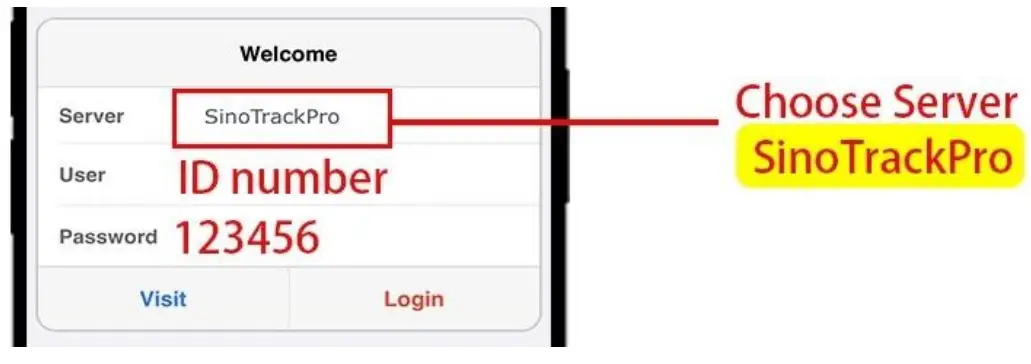
Server: SinoTrackPRO
User Name: ID number on tracker
Password: 123456
If you have more SinoTrack GPS trackers, and want to manage them in one account, please contact us, we will create an account for you, so you can monitor multiple devices on the platform at the same time.
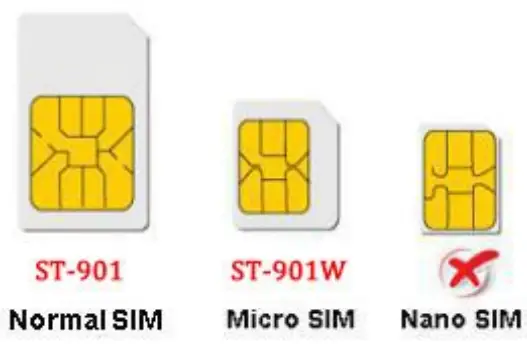
- Choose GSM card, it should be Normal SIM card, without PIN code.

- Open the top cover of the tracker by screw.
- Proper insert GSM card and the tracker will start, and connect to an external power supply.
- Put device outside around 30s, LED lights will keep lighting on stands for the device can work normally.
- Dialing device number, it will hang up and reply tracking message with valid Lon and lat.
- Please send SMS to a tracker to set the APN: (the yellow place
 is BLANK) SMS: 8030000 APN
(APN is Access Point Name of your SIM Card, please check with your SIM Card provider if you don’t know it)
If the APN needs User name and Password, please send the command: SMS: 8030000APN APNuser APNpassword - Send SMS to set trackers to our server:
SMS: 804000045.112.204.245 8090
 is BLANK) SMS: 8030000
 If you set ok of all, you can track it online.
If the device is not online, please check the device setting, send: RCONF to device,
It will reply the setting.
- The APN is correct;
- The IP and Port are correct;
- The ID on the platform is correct;
- The device working model, (SMS model or GPRS model)
If you need login account or still have problems or any suggestions,
Please leave a massage under your order, Or send email to: [email protected]
For order support, you’d better leave massage under your order,
It will be fast to solve your problem, Thanks.
LED Status
1.1. Blue LED— GPS Status
| Status | Meaning |
| Flashing | No GPS Signal or GPS starting |
| ON | GPS OK |
1.2. Orange LED—GSM Status
| Status | Meaning |
| Flashing | No GPS Signal or GPS starting |
| ON | GPS OK |
The default password is: 0000
The default mode is normal working (ACC Mode).
GPS Status: A is the get location, and V is an invalid location.
Alarm mode is on.
Alarm will send to the 3 control number.
Battery 5 is 100%, 1 is 20%; the battery is from 1 to 5.
Installation:
- The GPS antenna side should towards to clear sky. (Can’t put under Metal, but Glass and Plastic is ok)

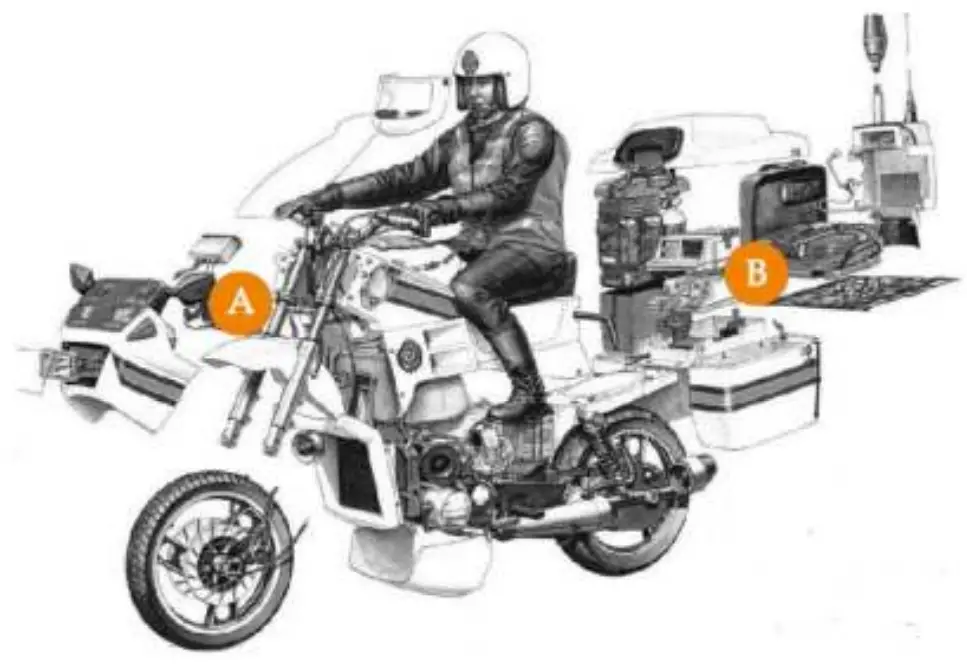
- Connect the wires:

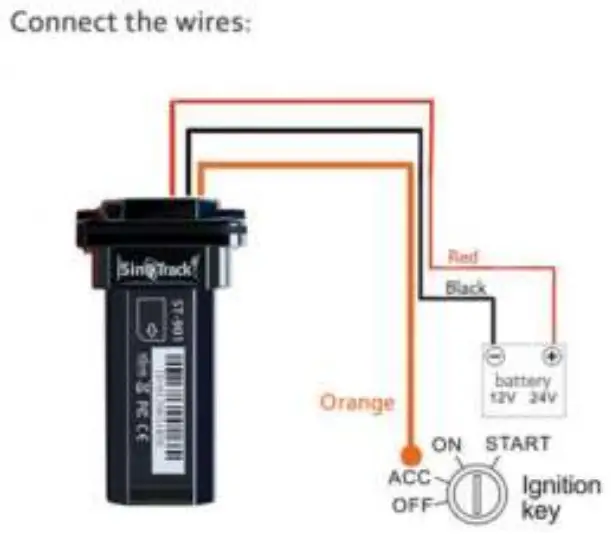
Functions:
- Set control number:
Command: Number+pass+blank+serial
Sample: 139504434650000 1
13950443465 is a mobile number, 0000 is the password, and 1 is serial means the first number.
When the tracker reply “SET OK” means the setting is ok.
You can set the second and third control number also.
2. Working mode:
ST-901 has both SMS and GPRS working mode.
1. If you want to control it by mobile and use SMS only, you can get Google
the location from your mobile, then you can choose SMS mode. - If you want to monitor the tracker online in real-time, and you want to install the tracker data for years, you should choose the GPRS mode.
You can send SMS to choose the mode.
SMS Mode:
Command: 700+Password
Sample: 7000000
Reply: SET OK
When ST-901 receives the command, it will change to SMS mode.
GPRS Mode: (Default)
Command: 710+Password
Sample: 7100000
Reply: SET OK
When ST-901 receives the command, it will change to GPRS mode. - Change Password
Command: 777+New Password+Old password
Sample: 77712340000
1234 is the new password, and 0000 is the old password.
When ST-901 received the command, it will reply SET OK - Get the location with the Google link
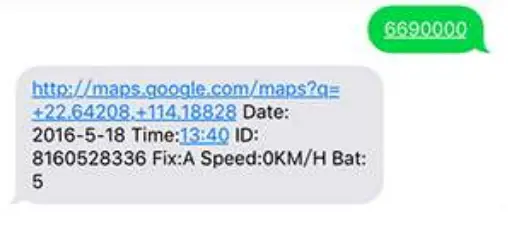
Command: 669+password
Sample: 6690000
When ST-901 receives the command, it will read the GPS data, and send it back to the location with
Google link; you can open the link to check the tracker location on maps.
- Get location by phone call.
You can use any mobile to call the SIM Card in the tracker, it will reply to the location with Google link; you can open the link to check the tracker location on maps. When you call the tracker when it is in an invalid location, it will reply to the last valid location to you, after it gets the new location again, it will send the second SMS to you with the new location.
 - Change Time Zone
Command: 896+password+E/W+HH
Sample: 8960000E00 (default)
E means East, W means west, 00 meantime zone.
Reply: SET OK
+2 time zone is 8960000E02 - Send location at a defined time every day.
It will send to the first control number.
Command: 665+password+HHMM
HH means the hour, it is from 00 to 23, MM means minutes, it is from 00 to 59.
Sample: 66500001219
Reply: SET OK
Close the function command: 665+password+OFF (default)
Sample: 6650000OFF
Reply: SET OK
- Geo Fence (send an alarm to the first number only)
Open Geo Fence: 211+password
Sample: 2110000
Reply: SET OK
Close Geo Fence: 210+password
Sample: 2100000
Reply: SET OK
Set the Geo Fence
Sample: 0050000 1000 (the Geo Fence is 1000 meters)
Reply SET OK
We suggest the Geo Fence more than 1000 meters.
- Over speed Alarm (send Alarm to control numbers)
Command: 122+password+Blank+XXX
Sample: 1220000 120
Reply: SET OK
The XXX is the speed, from 0 to 999, the unit is KM/H.
If the XXX is 0, it means to close the over-speed alarm.
- Mileage
Set the initial Mileage
Command: 142+Password<+M+X>
X is the initial Mileage, the unit is meter.
Sample: 1420000
Reply: MILEAGE RESET OK
Sample: 1420000M1000
Reply: SET OK, CURRENT: 1000
Red the current Mileage
Command: 143+password
Sample: 1430000
Reply: CURRENT TOTAL MILEAGE:XX.
XX is the mileage, the unit is meter. - Shock Alarm (send SMS alarm to the first number)
Open Shock Alarm: 181+password+T
Sample: 1810000T10
Reply: SET OK
The T meaning shocking time, the unit is second, It is from 0 to 120 seconds.
Close Shock Alarm: 180+password
Sample: 1800000
Reply: SET OK
- Low battery alarm (send SMS to first number)
When the battery is low, the tracker will send the Low Power Alarm SMS to the first number When the battery is Full, Bat:5, means 100%; Bat:4 means 80%, Bat:3 means 60%, Bat:2 means 40%, Bat:1 means 20%. When the Bat is 1, it will send a low battery alarm.
 - ACC on Alarm
Open the ACC on alarm by SMS
Command: 886+password
Sample: 8860000
Reply: SET OK
Close the ACC on alarm by SMS
Command: 887+password
Sample: 8870000
Reply: SET OK
Open the ACC on alarm to phone call
Command: 888+password
Sample: 8880000
Reply: SET OK
Close the ACC on alarm to phone call
Command: 889+password
Sample: 8890000
Reply: SET OK - Call mode
Call mode on:
Command: 150+password
Sample: 1500000
Reply: SET OK
Call mode off
Command: 151+password
Sample: 1510000
Reply: SET OK
When the call mode is on, the alarms will call and send an SMS to the control number,
When the call mode is off, only send SMS. - Set APN
Command 1: 803+password+Blank+APN
Sample: 8030000INTERNET
Reply: SET OK
If your APN needs user and pass:
Command 2: 803+password+Blank+ APN+Blank+ APN user+Blank+ APNpass
Sample: 8030000INTERNET INTERNET INTERNET
Reply: SET OK - Set the IP and Port
Command: 804+password+Blank+IP+Blank+Port
Sample: 804000045.112.204.245 8090
Reply: SET OK - Set the time interval
ACC on a time interval (default is 20 seconds)
Command: 805+password+Blank+T
Sample: 8050000 20
Reply: SET OK
T means the time interval, the unit is second,
It from 0 to 18000 seconds,
When T=0 means close GPRS.
ACC off time interval (default is 180 seconds)
Command: 809+password+Blank+T
Sample: 8090000 180
Reply: SET OK
T means the time interval, the unit is second,
It from 0 to 18000 seconds,
When T=0 means close GPRS.
The minimum time interval is 10 seconds.
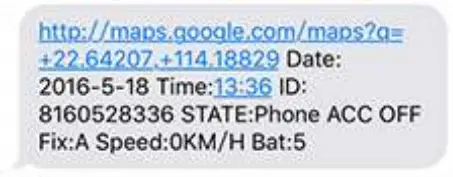 When you call the tracker when it is in an invalid location, it will reply to the last valid location to you, after it gets the new location again, it will send the second SMS to you with the new location.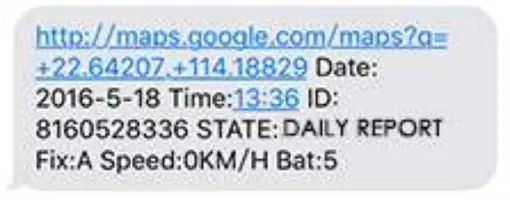
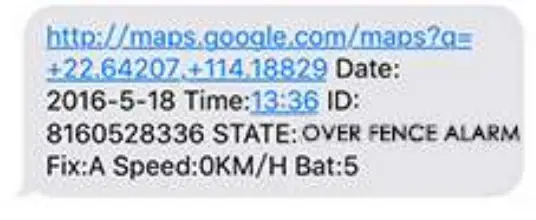
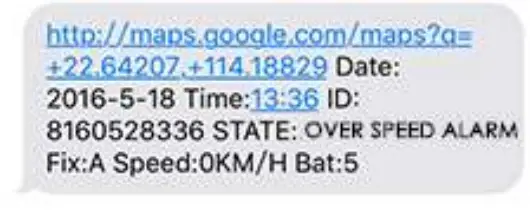
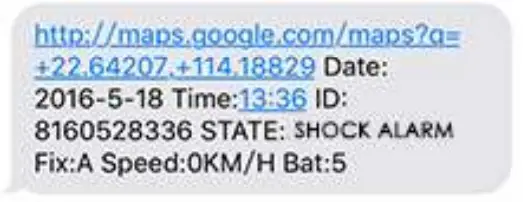
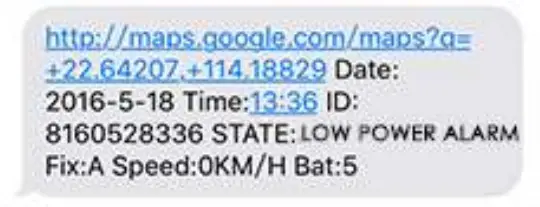 When the battery is Full, Bat:5, means 100%; Bat:4 means 80%, Bat:3 means 60%, Bat:2 means 40%, Bat:1 means 20%. When the Bat is 1, it will send a low battery alarm.
Online Track:
Please login from www.sinotrackpro.com or http://45.112.204.245
You can also download our APPS on a website to track on your mobile:
Other Functions:
- RESTART
The tracker will restart - RCONF
Read the configure of tracker
Tracker will reply:
ST901,ID: 8160528336,UP:0000,U1:,U2:,U3:,MODE:GPRS
DAILY:OFF,GEO FENCE: OFF,OVER SPEED:OFF
VOICE:ON,SHAKEALARM:OFF,SLEEP:OFF,APN:INTERNET,,,IP:45.1
12.204.245:8090, GPRSUPLOAD TIME:20,TIME ZONE:E00
ST901: software version
ID: 8160528336 (Tracker ID)
UP:0000 (password, default is 0000)
U1:the first control number,
U2:the second control number,
U3:the third control number.
MODE: GPRS (working mode, default is GPRS)
DAILY: OFF (Daily time to report, default off)
GEO FENCE: OFF (Geo Fence, default off)
OVER SPEED: OFF (over speed, default off)
VOICE: ON (Call mode, default on)
SHAKE ALARM: OFF (Shock Alarm, default off)
SLEEP MODE: OFF (sleep mode, default off)
APN: INTERNET,,, (APN, default is INTERNET)
IP: 45.112.204.245:8090 (The IP and Port)
GPRS UPLOAD TIME:20 (time interval)
TIME ZONE: E00 (Time zone, default is +0
 Loading...
 Мой МТС - Личный кабинет
 Loading...