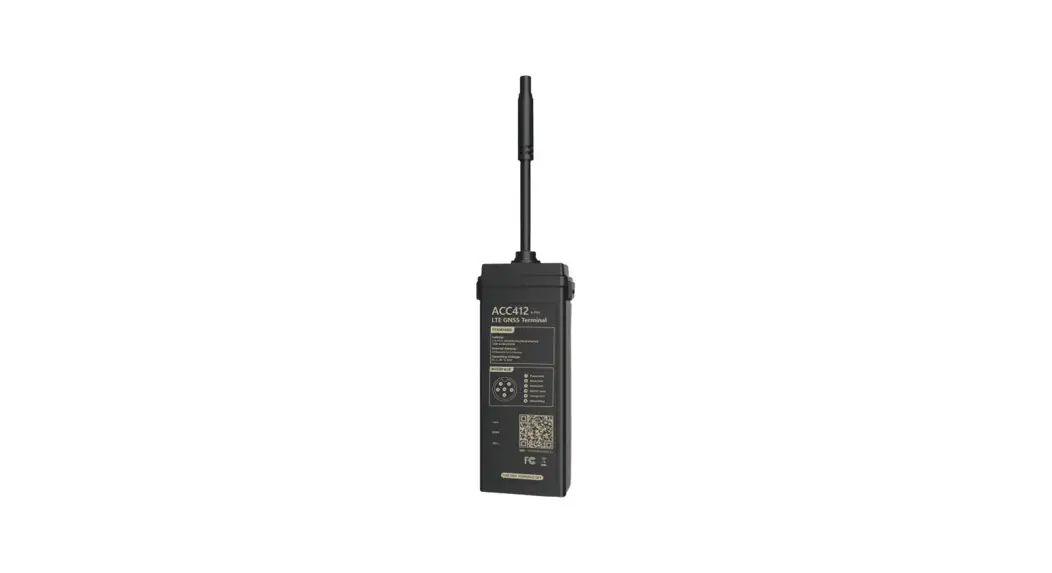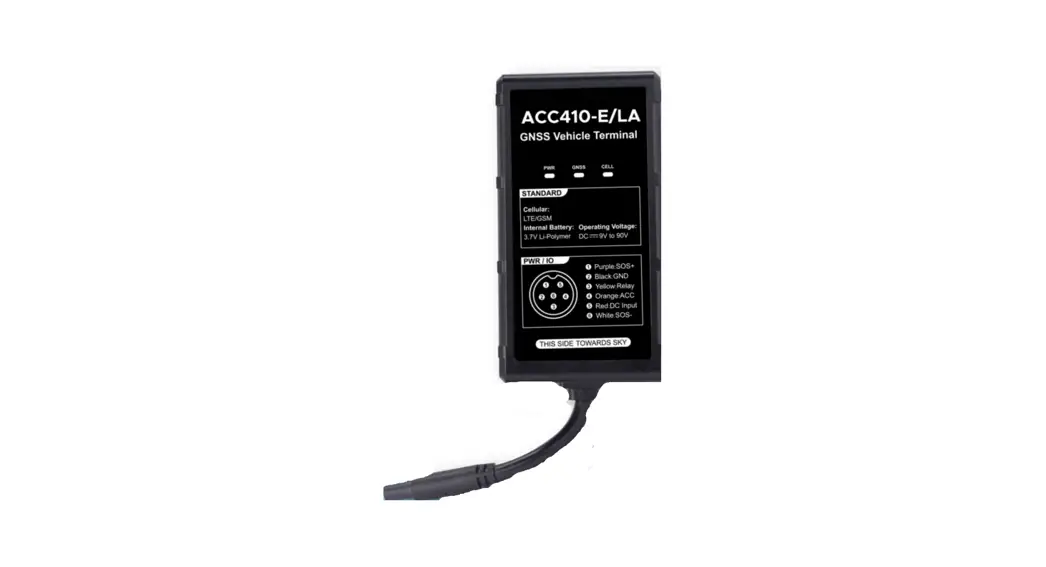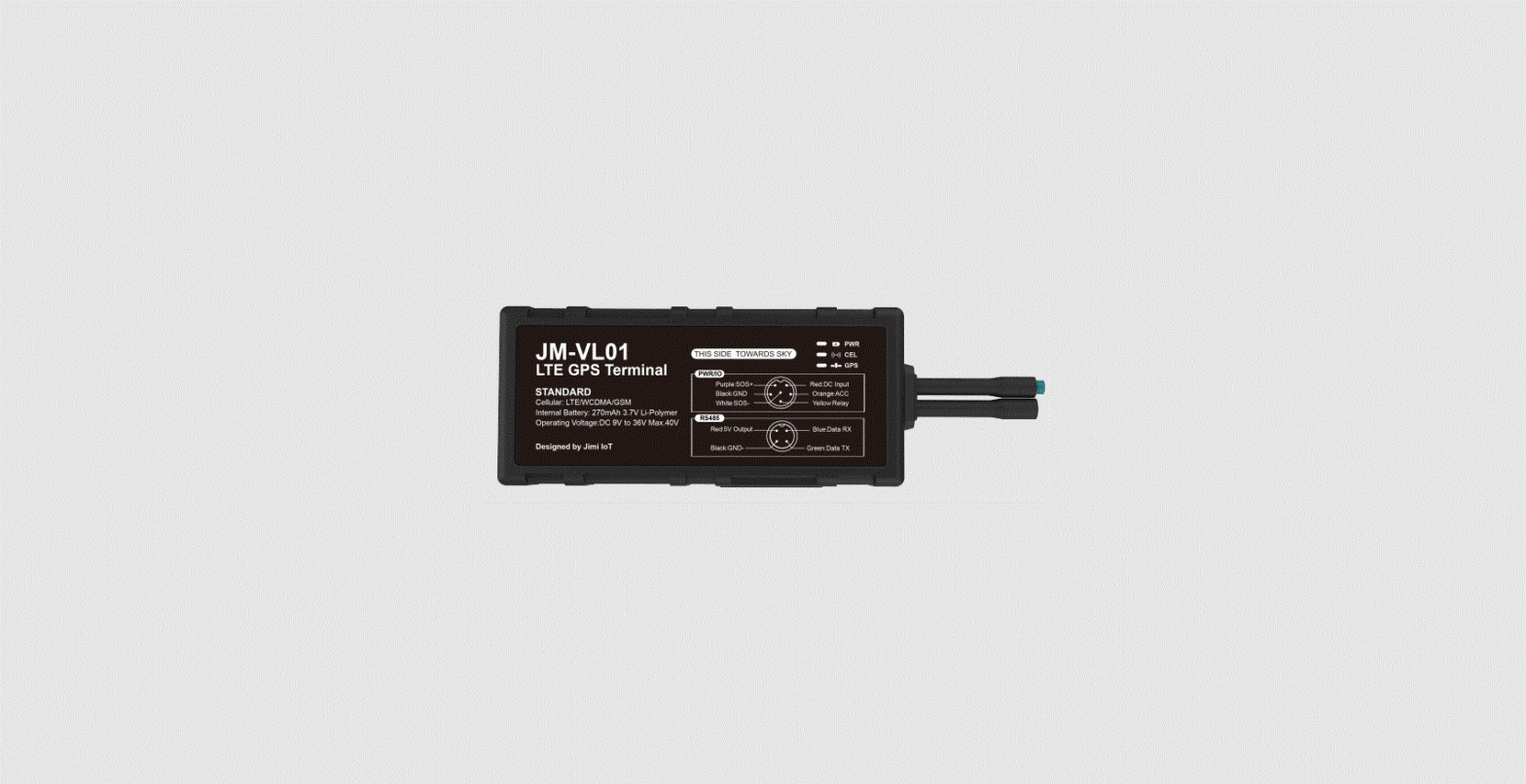
 AIC450
Amber Insight C450
LTE OBDII GNSS Tracker
User Guide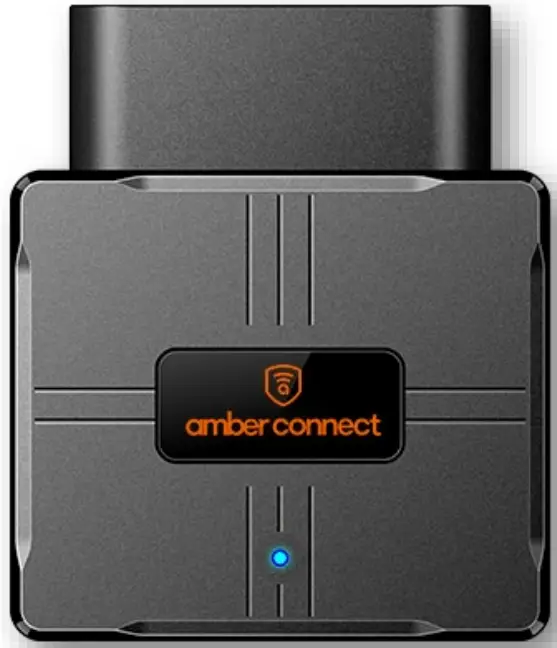
AIC450 Insight C450 LTE OBDII GNSS Tracker
- Install Your device
- Download Amber Connect App
- Activate the device
Overview
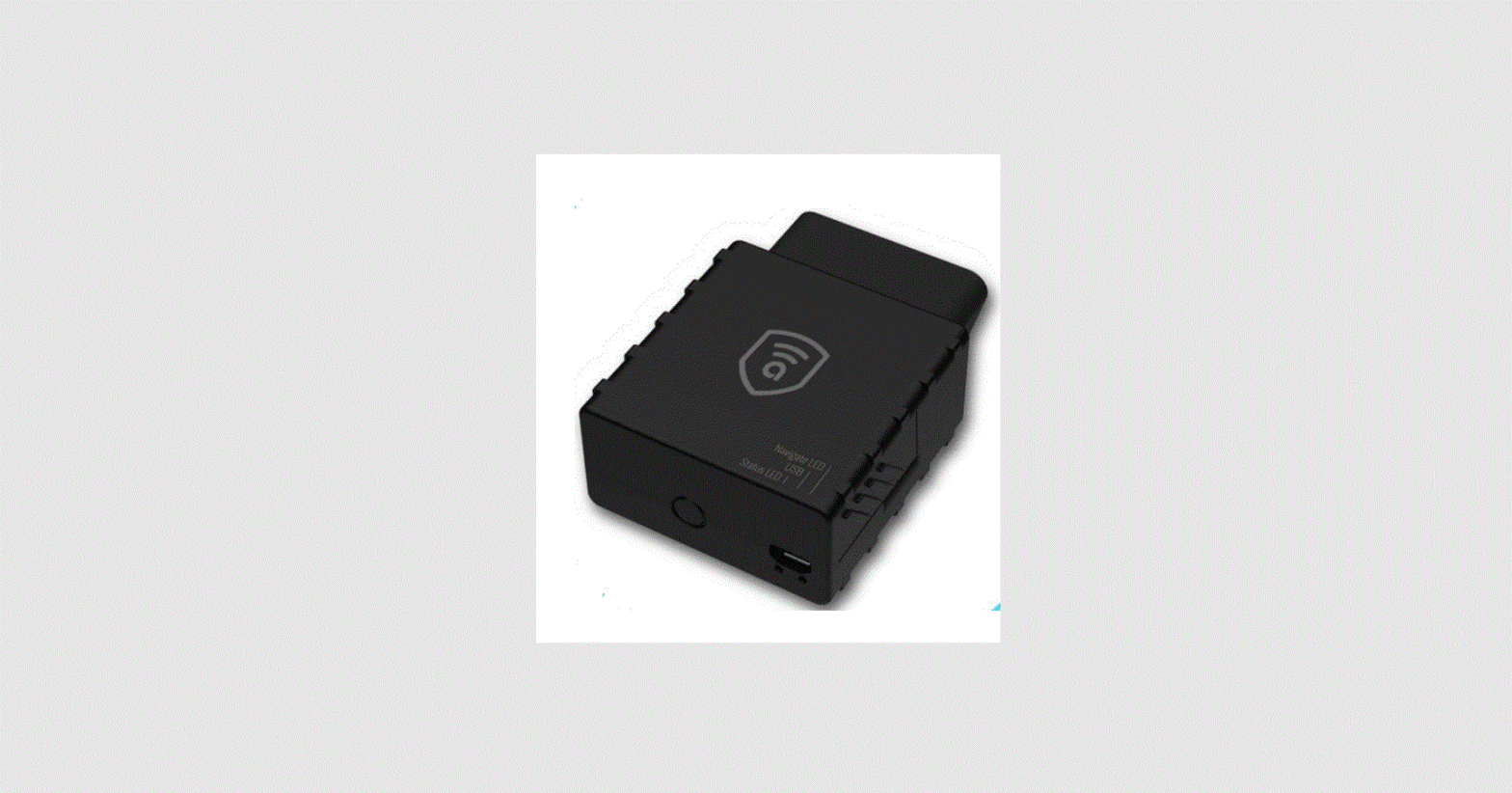
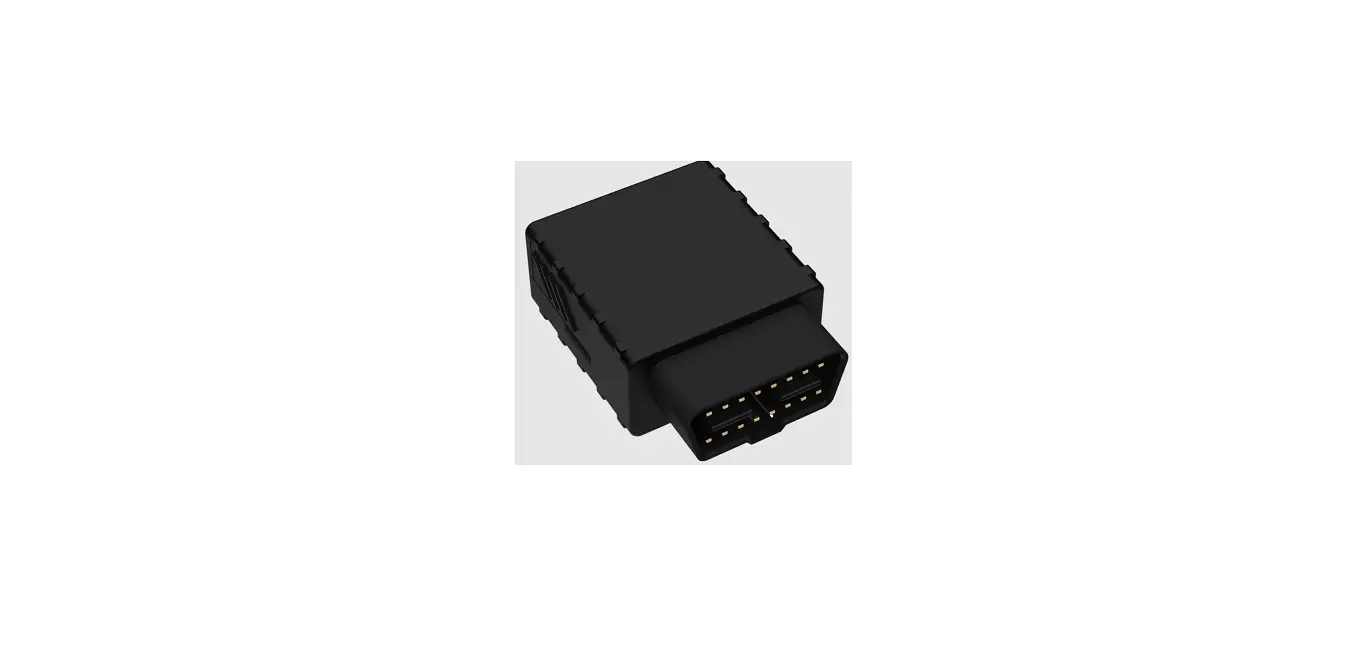
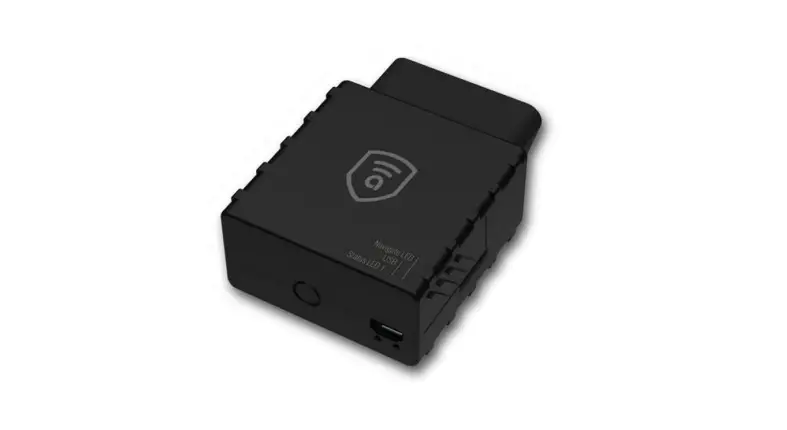
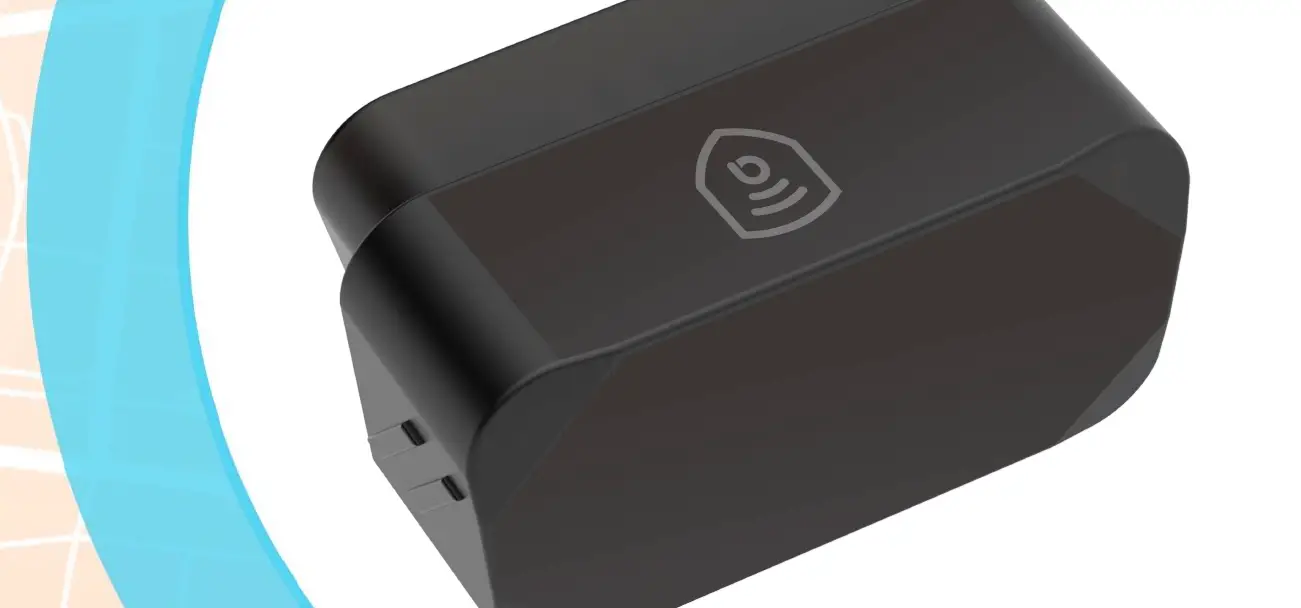
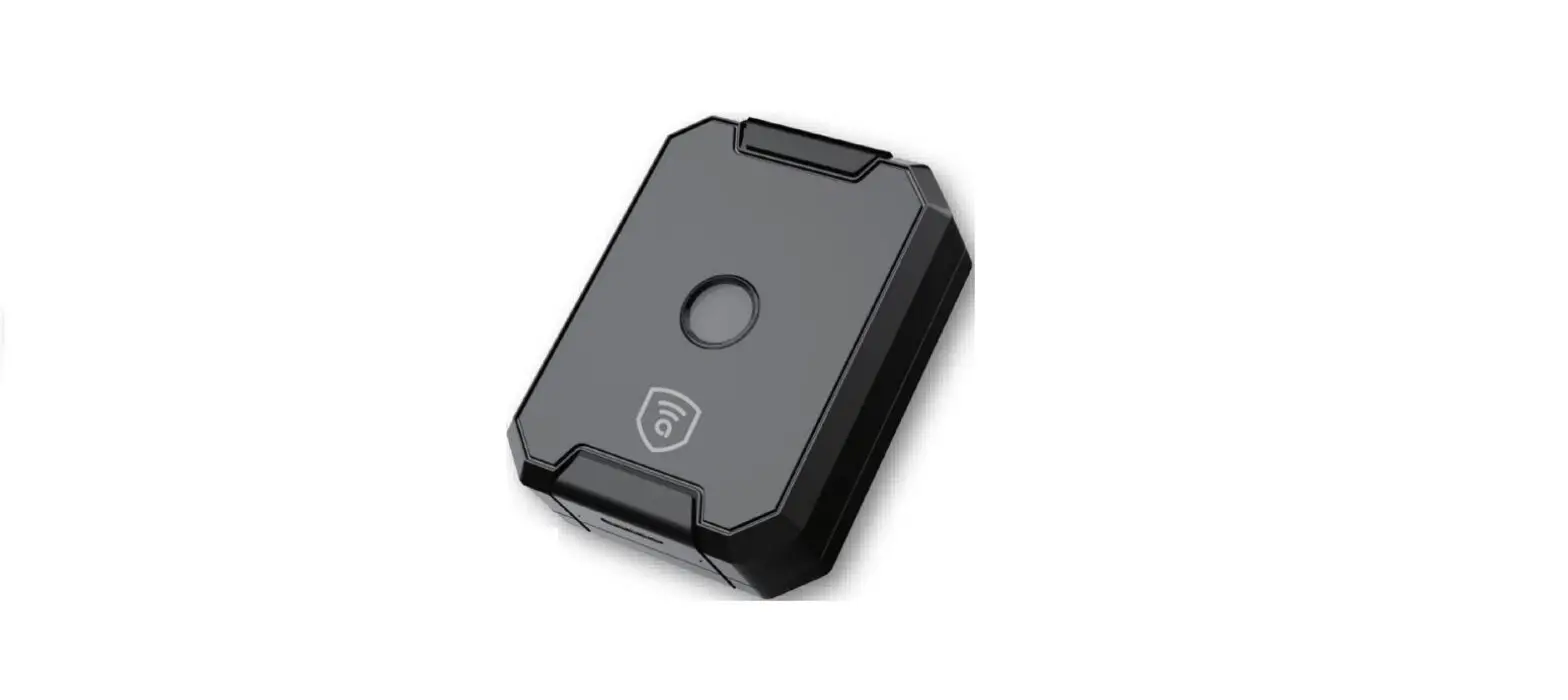
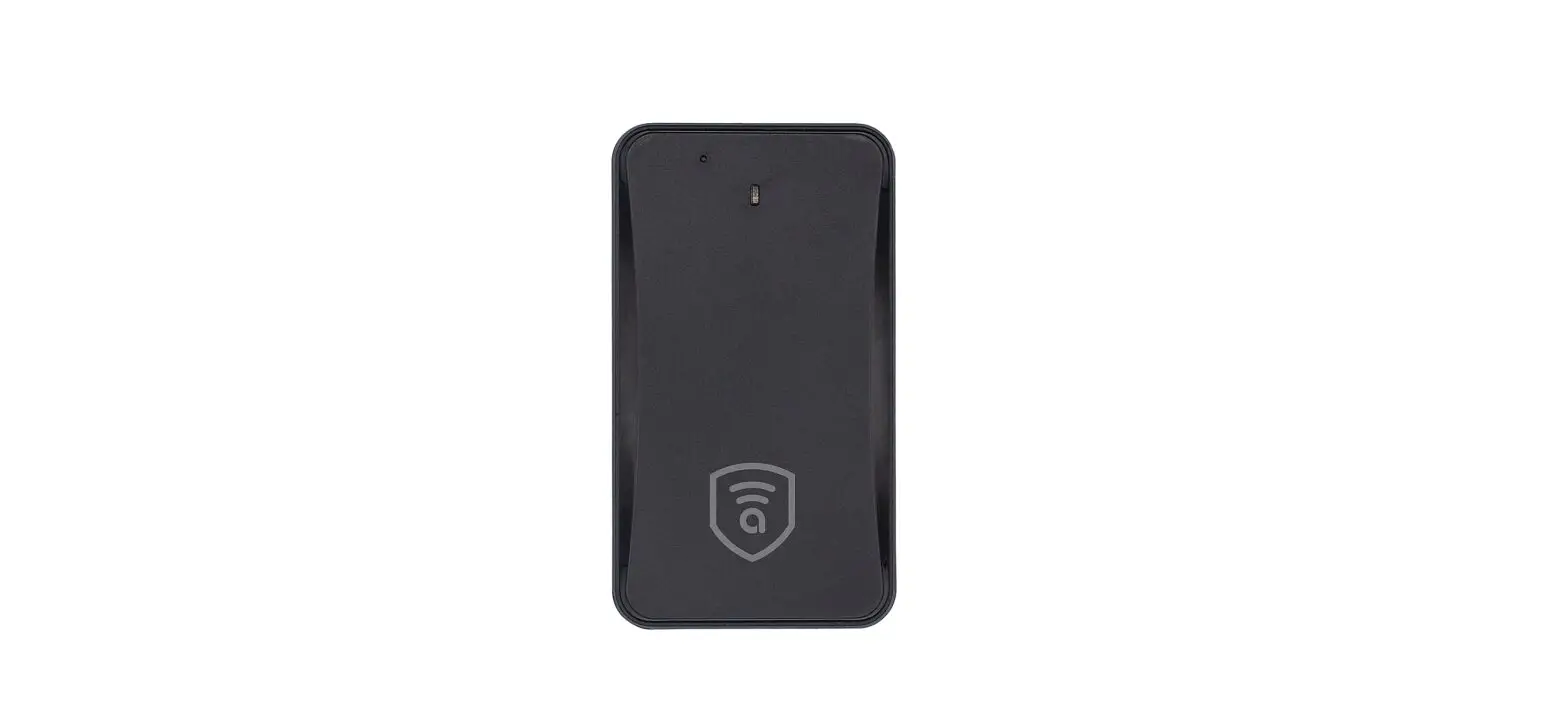
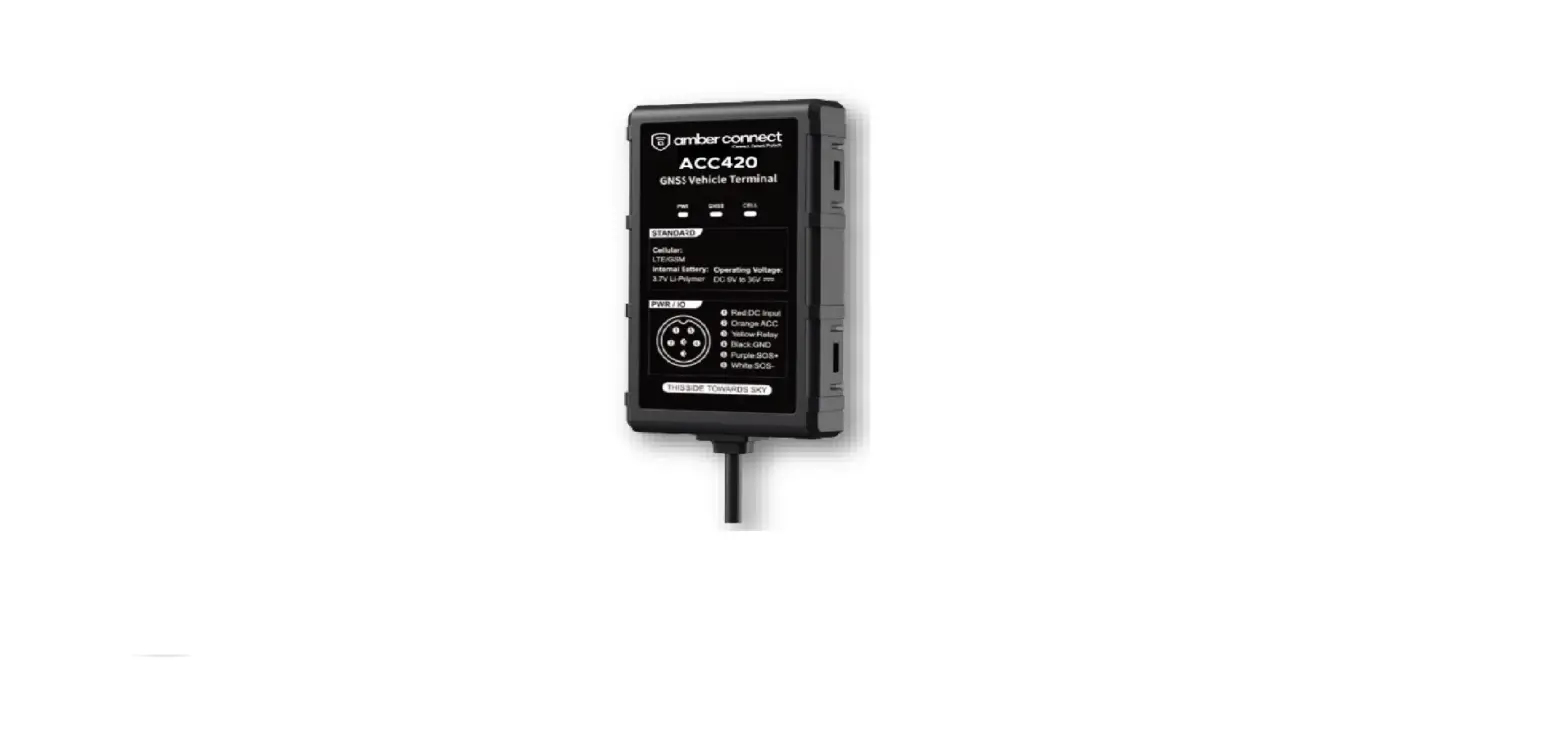
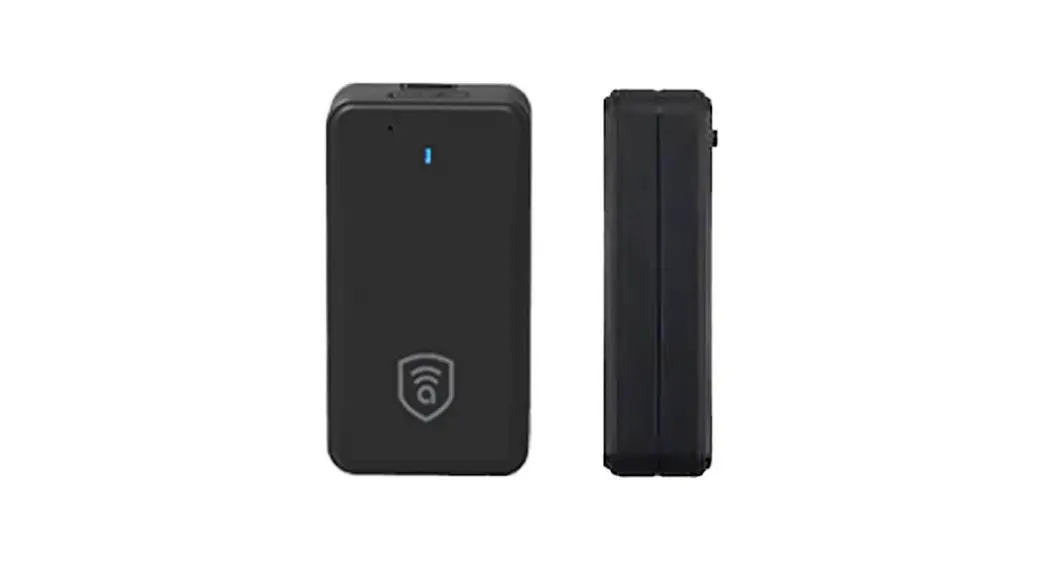
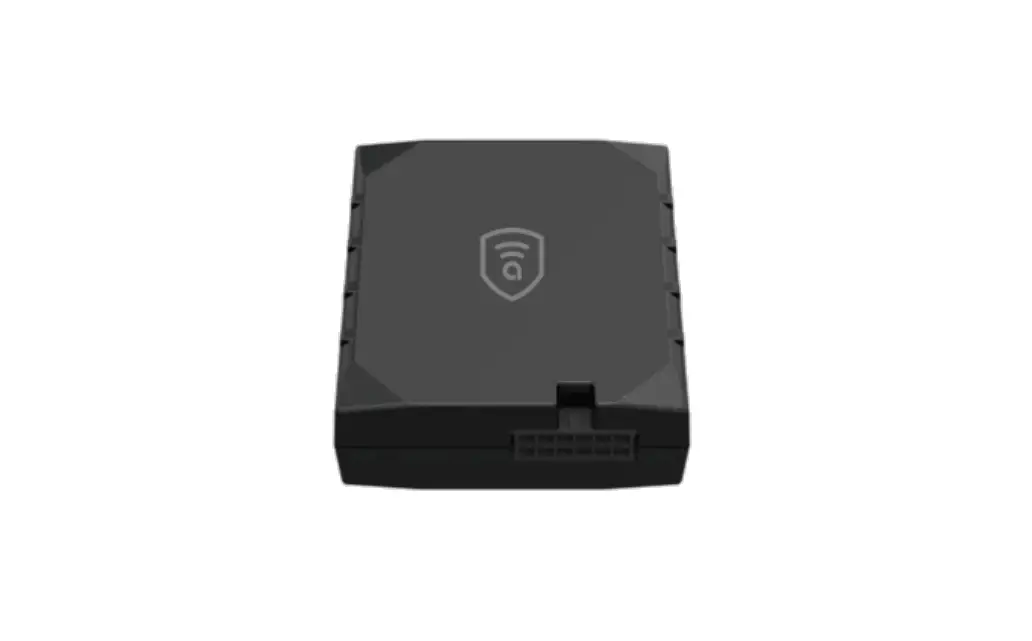
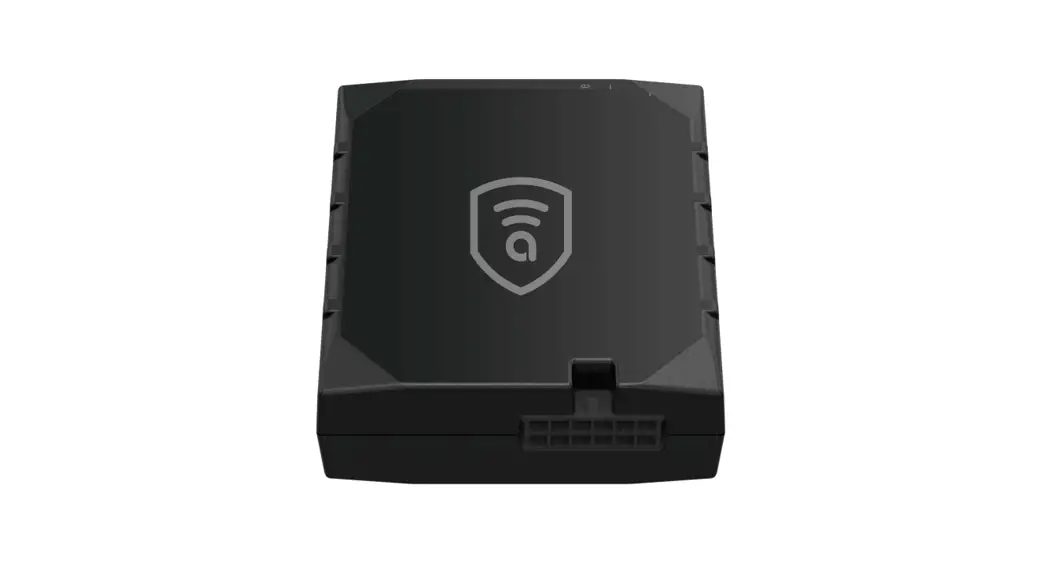
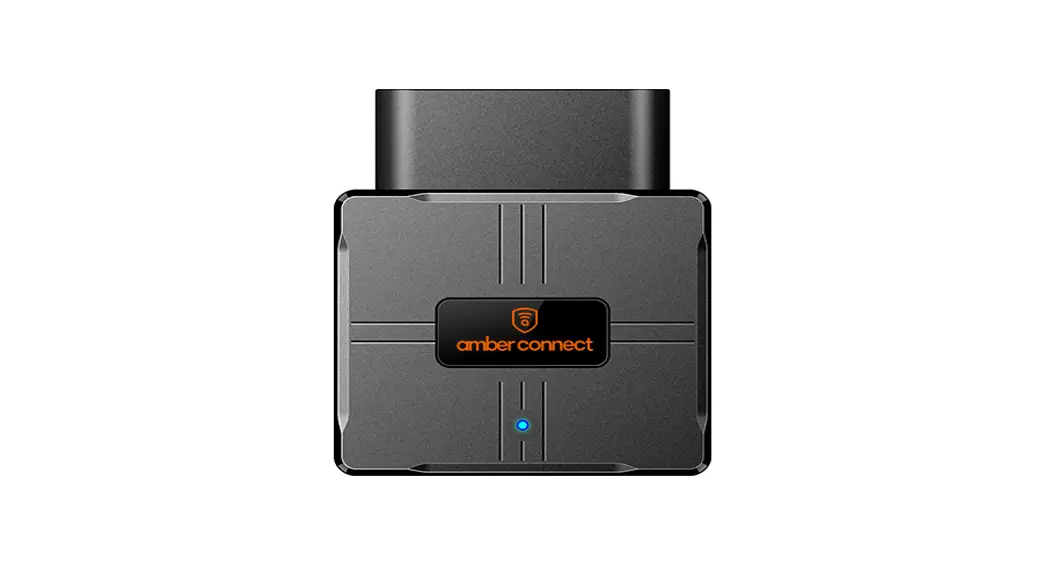
1.1. Appearance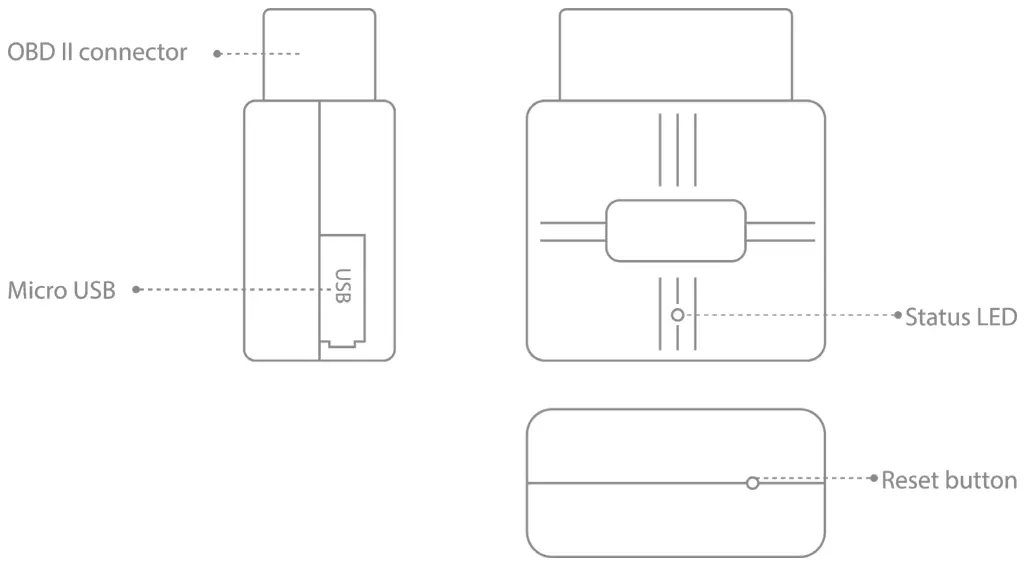 1.2. Pinout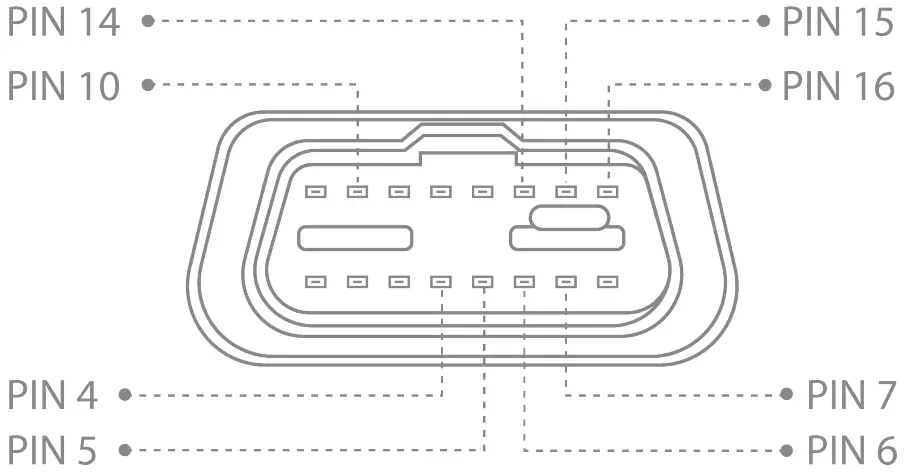
| Pin Number | Pin Name | Description |
| 4 | GND(-) | Ground |
| 5 | GND(-) | Ground |
| 6 | CAN H | CAN high |
| 7 | K-Line | |
| 14 | CAN L | CAN low |
| 15 | L-Line | |
| 16 | VCC(9-36)V DC(+) | power supply(9-36 V DC) |
1.3. Status LED Indication
| Behavior | Description |
| Solid on | Normal mode, OBD, GPRS, and GNSS is working |
| 1. 3s (off) 2. 200ms(on), 200ms(off) 3. 1 s(on), 200ms(off) 4. 1 s(on), 200ms(off) 5. Repeat above 1~4 | OBD function works abnormally |
| 1. 3s(off) 2.1s(on), 200ms(off) 3. 200ms(on), 200ms(off) 4. 1s(on), 200ms(off) 5. Repeat above 1~4 | GNSS signal is not received |
| 1. 3s(off) 2. 1 s(on), 200ms(off) 3. 1 s(on), 200ms(off) 4. 200ms(on), 200ms(off) 5. Repeat above 1~4 | GPS works abnormally |
Installation
2.1. SIM Card Attachment
Step 1 Prepare a Nano-SIM.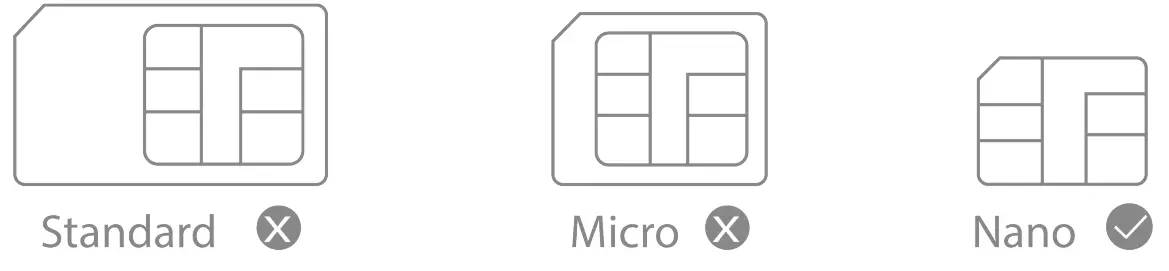 Step 2 Attach the SIM.
Remove the cover and insert the SIM by the figure. Then attach the device cover back.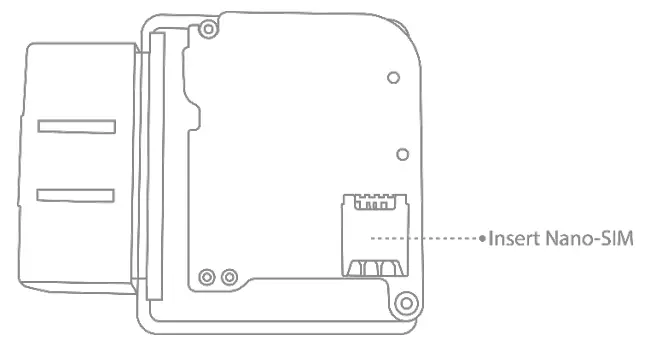 Note
Note
- After the SIM card is inserted, the device powers on using the backup battery. If the device fails to power on due to a low battery, you can connect the device to the OBD port of the vehicle to obtain power.
- The SIM card must be inserted correctly, has GPRS services activated, and is not in arrears. If the SIM is identified and requires a PIN, please disable the PIN request.
2.2. Installing the Device
Connecting the device to the vehicle:
-Find an OBDII Connector in your vehicle (the following figure shows the most common OBD II connection locations).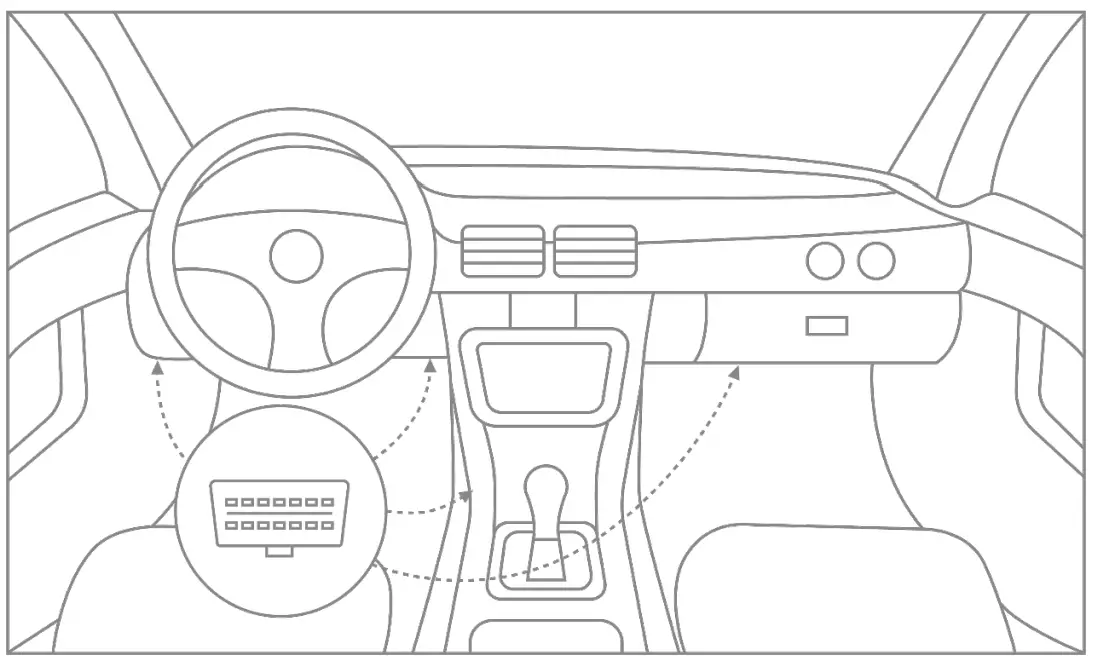
Quick SMS configuration
3.1. Default configuration settings
Movement and ignition detection:
- Vehicle movement will be detected by an accelerometer.
- Ignition will be detected by vehicle power voltage between 9 – 36 V.
The device will send an alert notification to the server if one of these events happens:
- The vehicle keeps moving at speeds above the threshold for a preset duration.
- The driver steps on the brake or gas pedal hard, and corners rapidly.
- The device is plugged or unplugged from the OBDII connector.
Introduction
4.1. Features
- Communication via 4G LTE networks with 2G GSM fallback. Two complementary positioning systems ensure the locations are accurately displayed on a cloud platform.
- Obtains real data about the vehicle (accurate mileage, fault code, ACC status, fuel consumption statistics, battery voltage, engine speed, etc.)
- Two complementary positioning systems ensure the locations are accurately displayed on a cloud platform.
- Get instant alerts for 4 or 8 kinds of dangerous driving behavior, depending on your needs.
- Instant alerts for atypical events such as car faults, collisions, Overspeed, device pull-out, engine idling, low battery, geo-fence entry/exit, etc.
- Through Bluetooth connection, you can configure parameters, upgrade software, and debug.
- Ensures constant tracking in the area with poor GPS signal or even without it.
- Simply plug this device into the 08D II socket, you don’t have to turn to professionals.
4.2. Basic characteristics
GNSS
| Positioning system | GPS/BDS |
| Frequency | L1 |
| Positioning accuracy | <2.Sm CEP |
| Track sensitivity | -162 dBm |
| Acquisition sensitivity | -148 dBm (cold) /-156 dBM (hot) |
| TTFF (open sky) | Avg. hot start <1 sec |
| Avg. cold start <32sec |
Cellular
| Communication network | LTE + GSM |
| Frequency | VL502(L): LTE-FDD: B2/B3/B4/B5/B7 /B8/B28/B66 GSM: B2/B3/B5/B8 VL502(E): LTE-FDD: B 1 /B3/B5/B7 /B8/B20/B28 GSM: B2/B3/B5/B8 |
Power
| Battery | 50mA/3.7V |
| Input voltage | 9-36VDC |
OBD interface
| Data | K-Line, CAN Bus Data |
| Data Reading | Allow the information to be read from the OBDII port supports OBD protocols: ISO 9141-2 (5 baud init, 10.4 kbaud) ISO 14230-4 KWP (5 baud init, 10.4 kbaud) ISO 14230-4 KWP (fast init, 10.4 kbaud) ISO 15765 -4 CAN (11-bit ID, 250 baud) ISO 15765-4 CAN (11-bit ID, 500 baud) ISO 15765-4 CAN (29-bit ID, 250 baud) ISO 15765-4 CAN (29-bit ID, 500 baud) |
Interface
| Connection | OBD II socket |
| GNSS antenna | Internal High Gain |
| GSM antenna | Internal High Gain |
| USB | 2.0 Micro-USB |
| LED indication | 1 status LED lights |
| SIM | Nano-SIM |
| Data storage | 8+16MB |
Physical specification
| Dimensions | 61 x52 x26mm (LxWxH) |
| Weight | 55g |
Operating environment
| Operating temperature | -20°C to 70°C |
| Operating humidity | 5%~95%, non-condensing |
Feature
| Sensors | Accelerometer |
| BLE | Support BLE 4.2 protocol |
| Ignition detection | External Power Voltage, Accelerometer Engine RPM |
| Scenarios | Vehicle movement alert, Over-speed alert Geo-fence, Vehicle battery detection, Power supply disconnection |
| Driving behavior analysis | Harsh acceleration, Harsh braking Harsh cornering, Collision |
| SMS | Configuration, Events, Debug |
| Fuel monitoring | OBD II |
Platform Operations
By logging in to the mobile app or location services platform designated by your dealer and correctly binding your device, you can query and set related parameters.
5.1. Logging In to the Service Platform
Log in to the location services platform designated by your dealer and configure it accordingly.
5.2. Downloading Mobile App
Log in to the URL designated by your dealer to download the mobile app.
Troubleshooting
When any of the following faults occur, please troubleshoot it with the solution. If the fault persists, please contact your dealer or service provider.”
| Issue | Description | Solution |
| Poor satellite signal | The device is blocked by metal objects. | Remove the metal objects away from the device. |
| Power-on failure | The battery is low. | Connect the device to an external power source. |
| The SIM card slot is damaged. | Contact your dealer for a replacement. | |
| Failed to access the network | The SIM card is attached incorrectly. | Re-attach it. |
| The metal side of the SIM card is stained. | Wipe it with a clean cloth. Replace it. | |
| The SIM card is damaged or invalid. | Try it in a service area. | |
| The device is out of GSM service areas. | Try it in an area with strong signals. | |
| The signal is poor. | Check if the device is securely connected to the OBD port of the vehicle. | |
| LED off | The contact is poor. | Check if the device is securely connected to the OBD port of the vehicle. |
| Failed to query a location | Your SIM card has no GPRS Services activated. | Please contact the network operator and activate GPRS Services. |
| The device does not respond to a command | Check the device and make sure that the device can access the network and that the SIM card has text services activated |
Safety information
CAUTION
Risk of explosion if the battery is replaced by an incorrect type
Disposal of a battery into a fire or a hot oven, or mechanically crushing or mechanical-ly crushing or cutting of a battery, that can result in an explosion;
Leaving a battery in an extremely high temperature surrounding environment that can result in an explosion or the leakage of flammable liquid or gas;
A battery subjected to extremely low air pressure may result in an explosion or the leakage of flammable liquid or gas.
Warranty Instructions
Disclaimer
- No prior notice will be given if the product is upgraded due to technological reasons.
- The appearance or color of the product is subject to the actual.
- The warranty card applies to the services of repair, replacement, and refund of the Product with the following IMEI.
- Please keep this warranty card and the original purchase receipt together in a safe place, as these will be needed at the time of service.
Warranty Terms
- For damages not caused by human factors, this warranty lasts for 2 (two) years (including a one-year replacement service) from the date of purchase.
- You can choose to pay for the repair services in any of the following cases:
Warranty Instructions and Service
- The warranty card expires;
- No warranty card or valid proof of purchase;
- The product, including its accessories, is not in the warranty period;
- Damage caused by unauthorized repairs, crash, liquid spillage, accident, modifications, or incorrect voltage input; or the label, IMEI, or counterfeit mark of the device is broken or scribbled;
- Damages caused by the installation or use not in accordance with the user manual;
- Damage caused by force majeure such as fire, flood, or lightning;
- The product model is inconsistent with the warranty card or the warranty card is altered;
- Other damages caused by force majeure.
Reminder:
As of January 1, 2016, the warranty lasts for 2 (two) years for repair from the date of purchase, including one year for replacement.
The specific terms are:
- A full replacement, including accessories, if the product is found defective during unpacking check;
- If a defect occurs within one year after installation, then:
1. Replace only the main board if the housing is intact and doesn’t affect normal use;
2. Replace the housing and the main board if the housing is defective and affects normal use. Please be noted that man-made damages will void the replacement service for the housing. - Free repair services will be given to the device if a defect is found during the second year under proper use.
Maintenance Record
| Date | Serviced by | ||
| Product Model | |||
| IMEI Number | |||
| Failure Description | |||
| Comments |
 Need help? Contact 24/7 live support!
 In-App Chat
 [email protected]
  Chat via the website: www.amberconnect.com
Works with Android phones and tablets, iPhones, and iPad.
Compatible with Chrome, Mac, and PC web browsers.
http://onelink.to/ng48h2
Scan this QR code to download your App
© 2022 Amber Connect Limited. All rights reserved