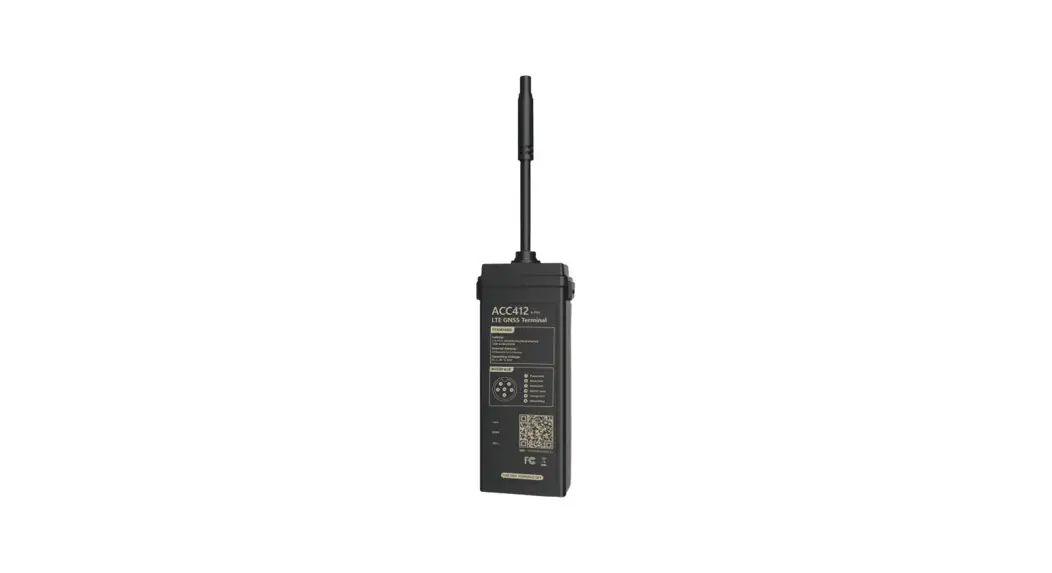
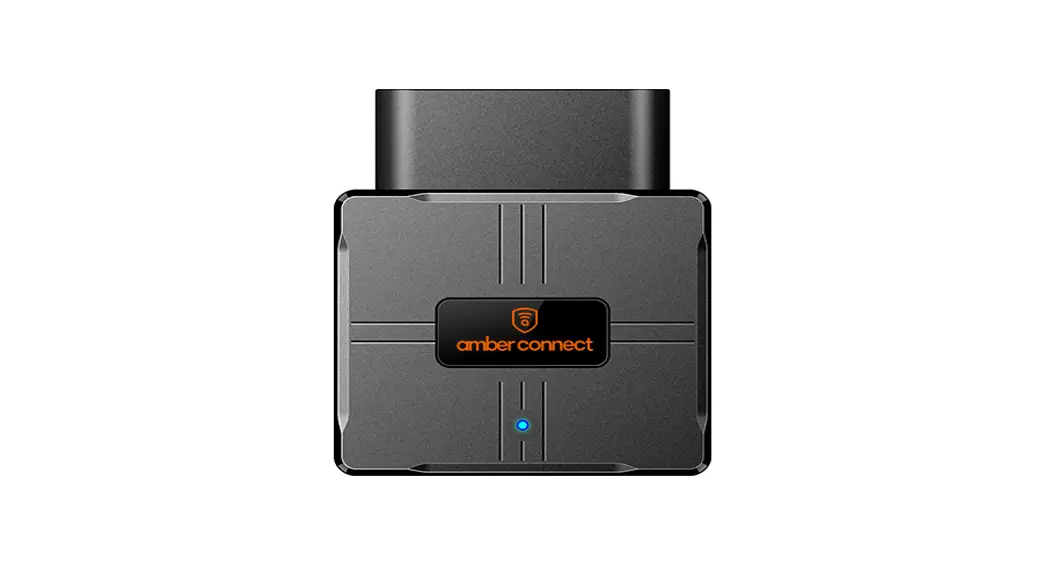
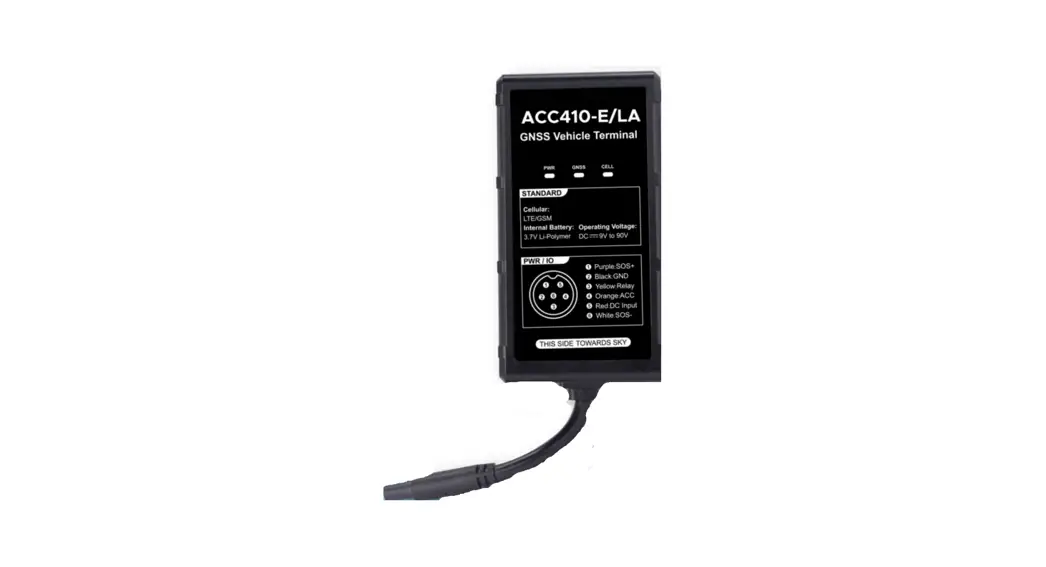
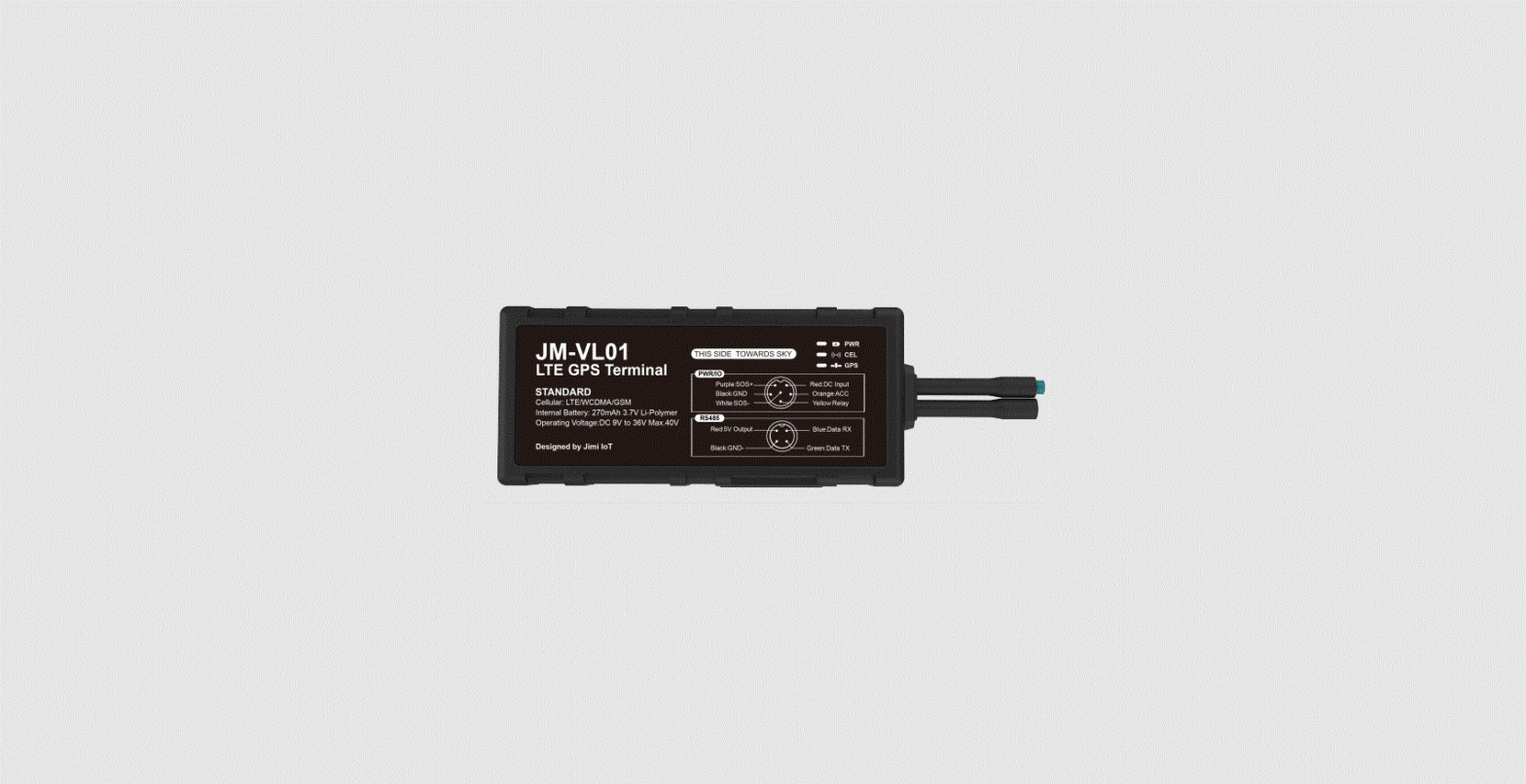
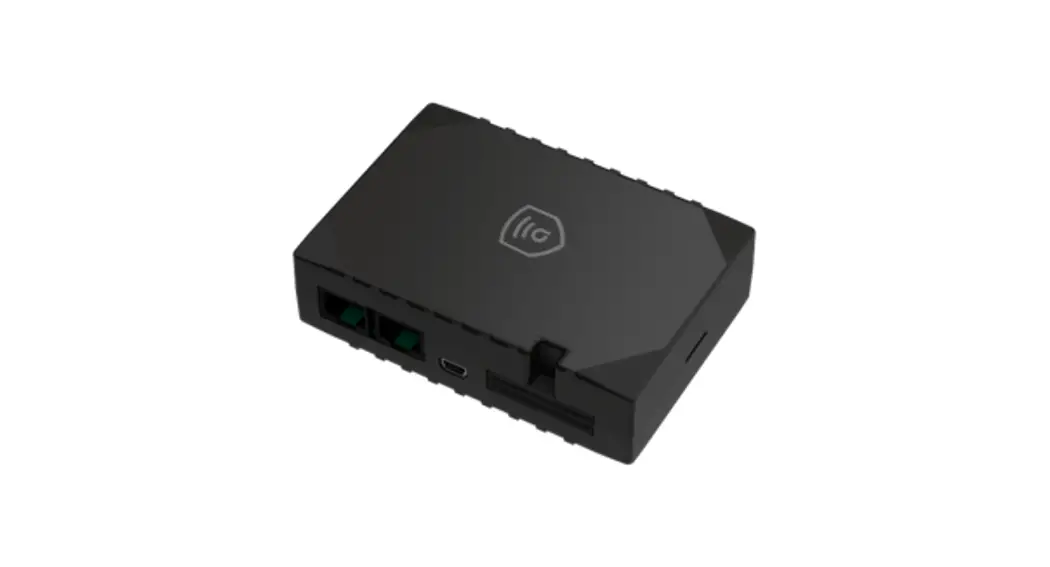
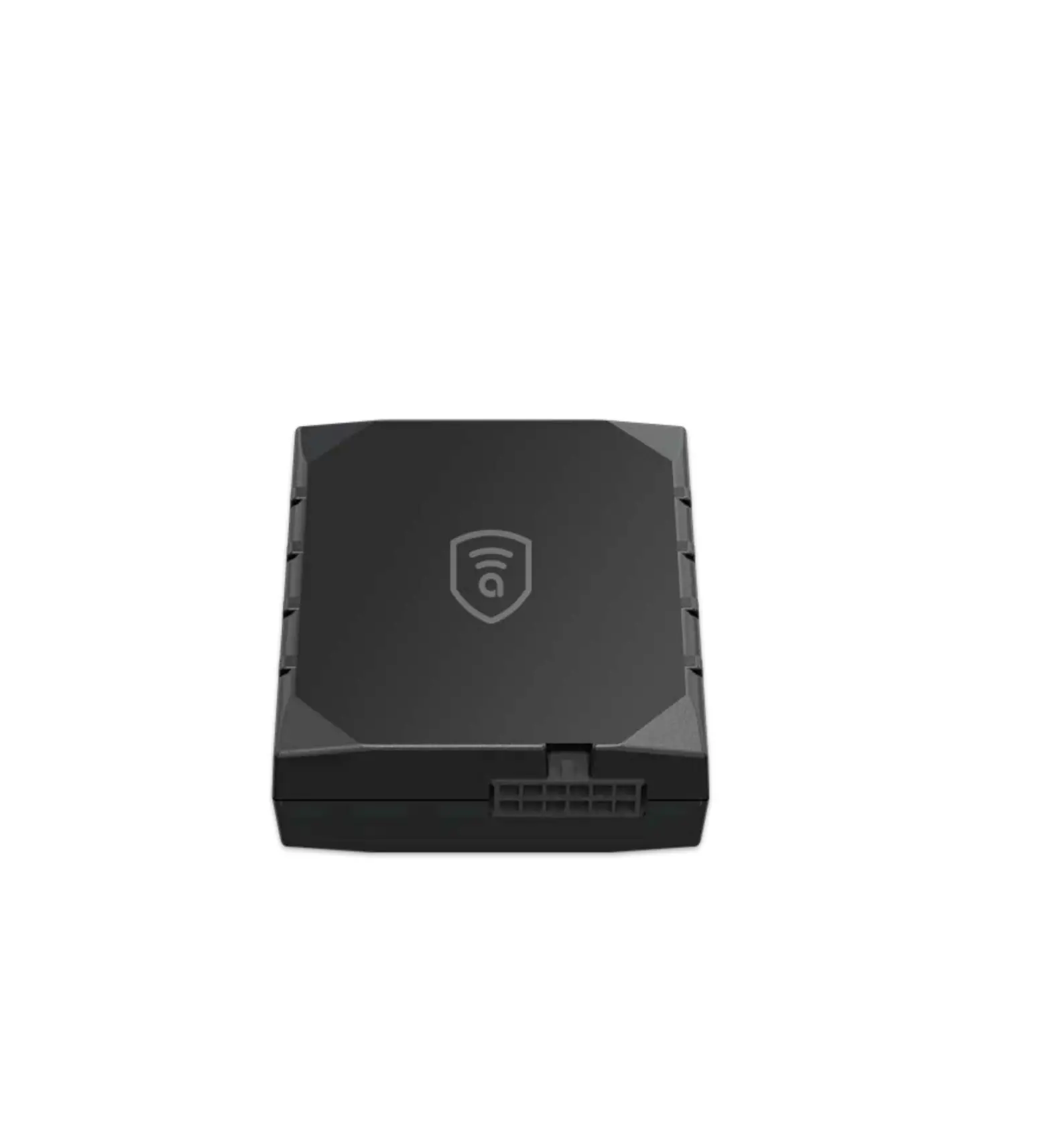
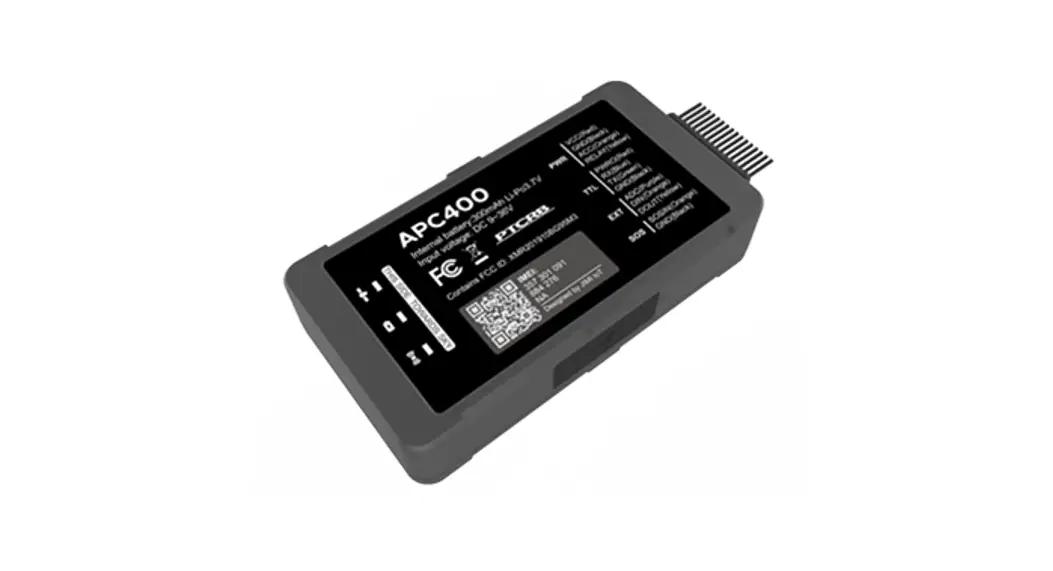
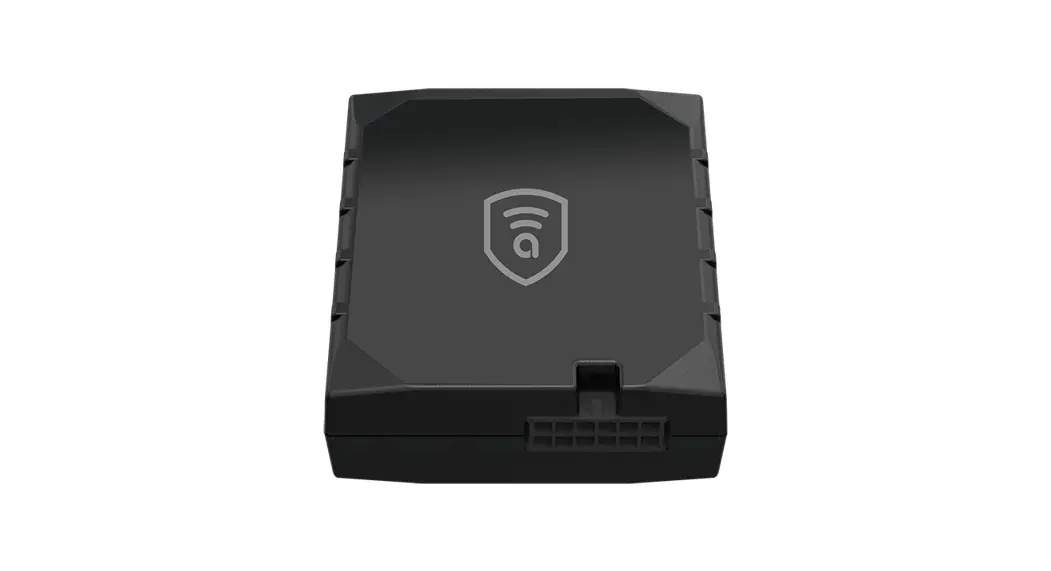
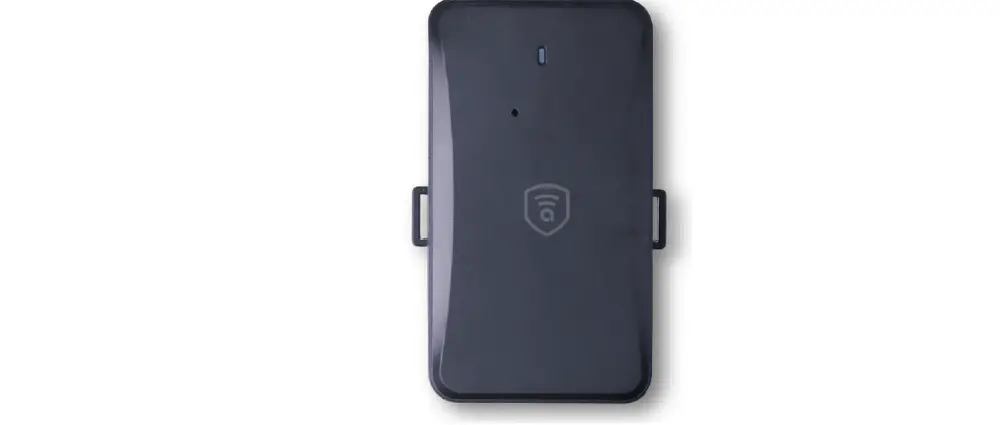
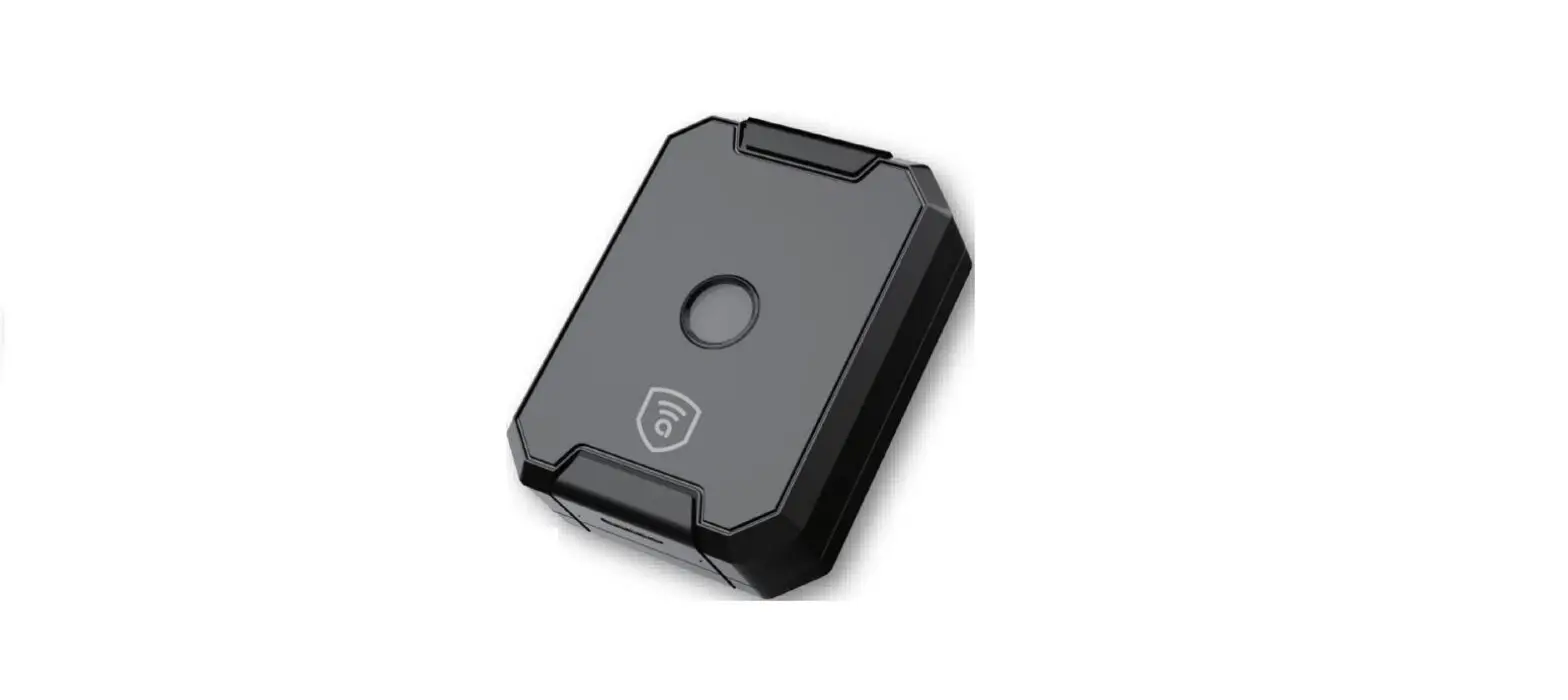
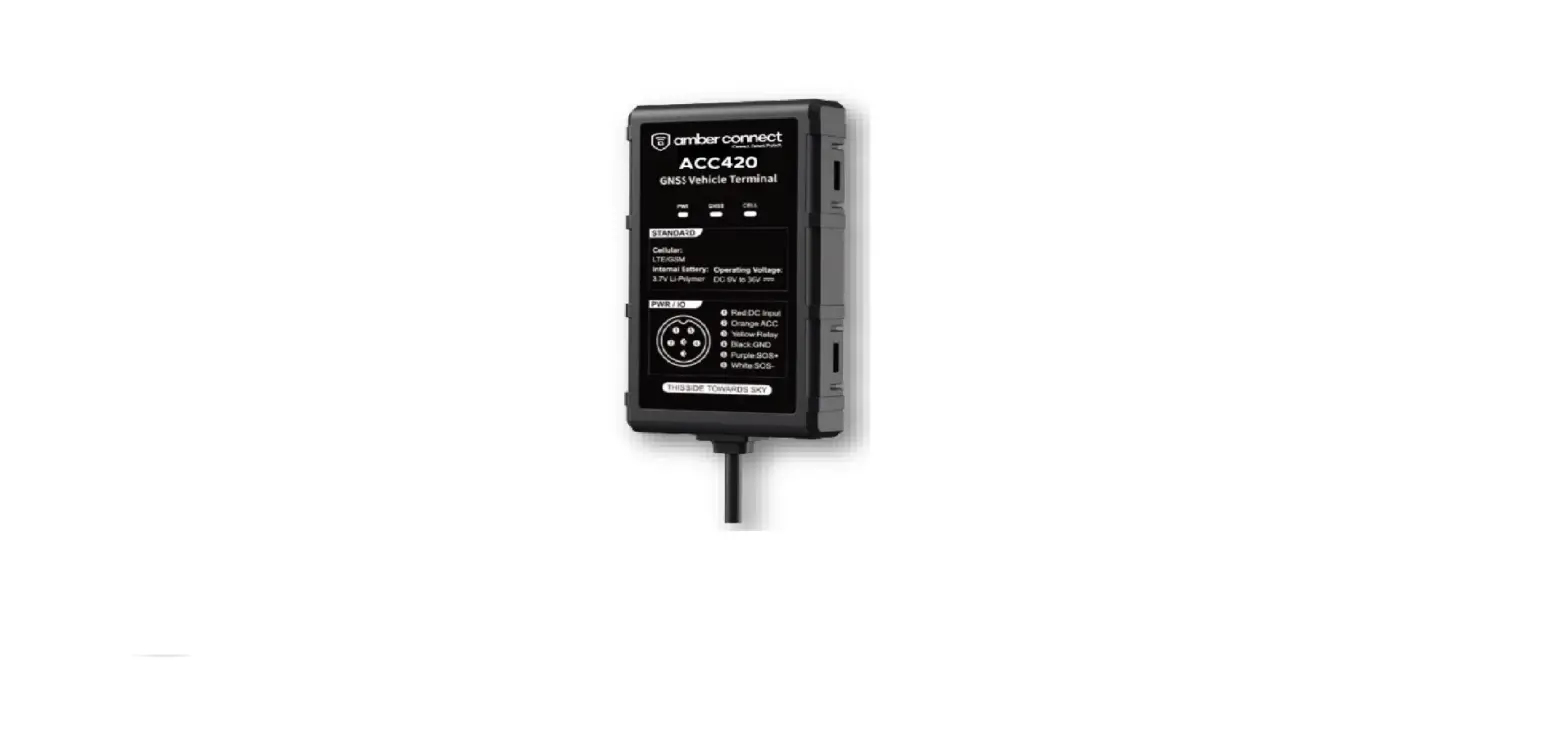
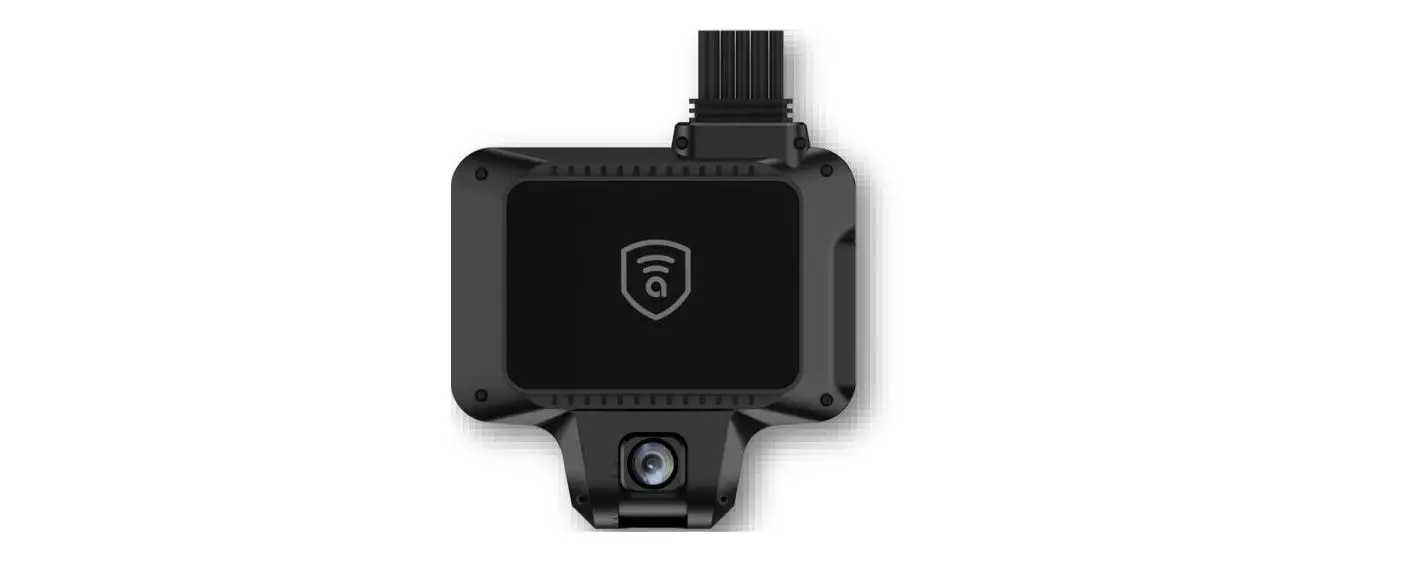
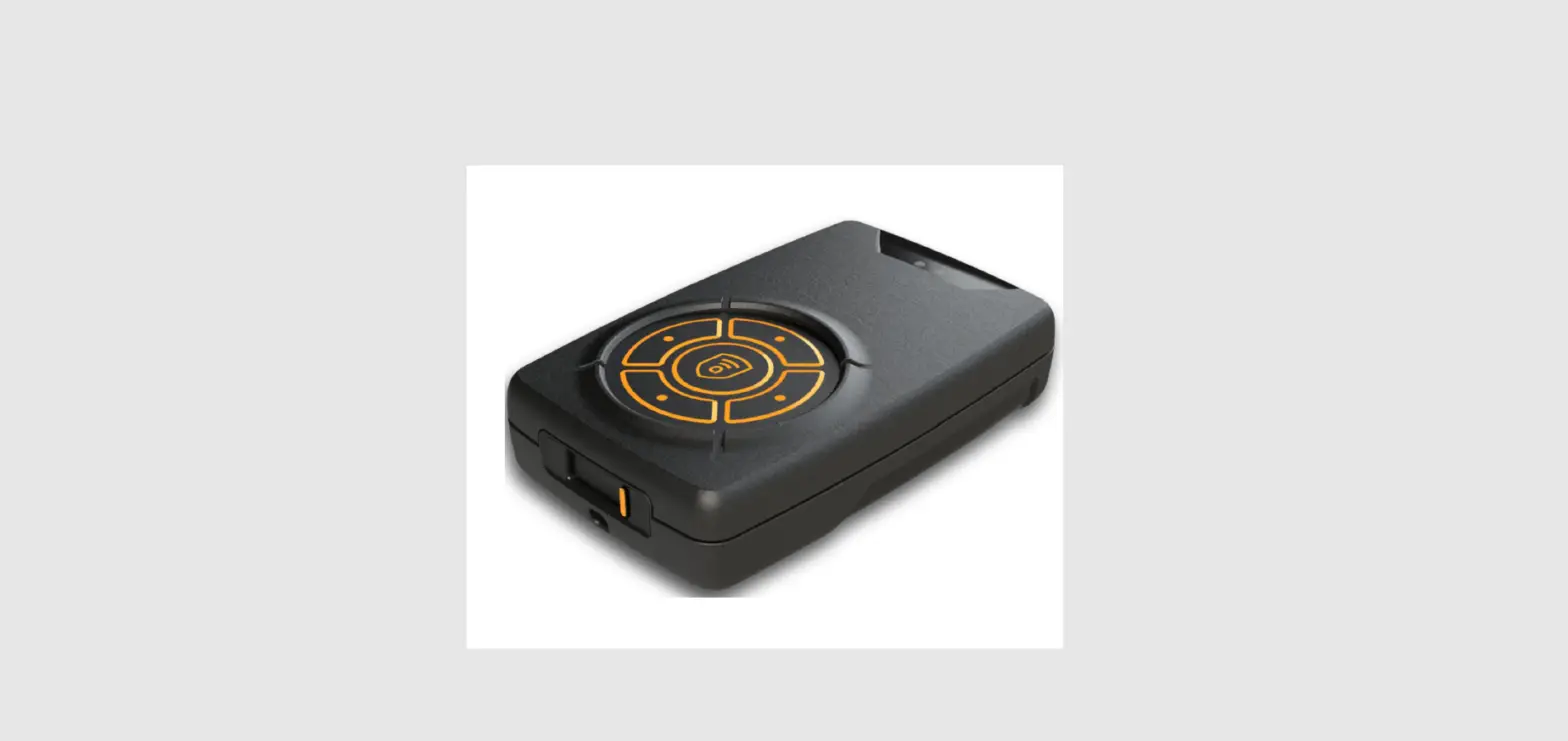
C412 Amber Covert Intermediate 6 Pin GNSS LTE Device
Product Overview
The Amber Covert C412 is an intermediate 6-pin GNSS LTE device
designed for location tracking and monitoring. The device comes
with a power cable (length: 1m) and an optional relay panic button.
It operates on 4G and 2G networks and supports multiple frequency
bands for enhanced coverage.
Standard Parts List
| Item | Quantity |
|---|---|
| Amber Covert C412 device | 1 |
| Power cable (Length: 1 m) | 1 |
| Relay Panic button | Optional |
Specifications
- Network: 4G&2G
- Frequency: ACC 412-L: LTE-FDD:
B1/B2/B3/B4/B5/B7/B8/B28 GSM: B2/B3/B5/B8 ACC 412-E: LTE-FDD:
B1/B3/B7/B8/B20/B28 LTE-TDD: B34/B38/B39/B40/B41 GSM:
B2/B3/B5/B8 - Location accuracy: GNSS
- Relay: Optional
- TTFF (open sky): GNSS
- Indication: LED
- Battery: Rechargeable Lithium-ion battery
- Operating voltage: 9-36V DC
- Operating temperature: -20°C to +70°C
- Device weight: 100g (without accessories)
- Device dimension: 68mm x 57mm x 23mm
Product Usage Instructions
Step 1: Install Your Device
Connect the power cable to the device and plug it into a power
source with a voltage range of 9-36V DC. The device can be
installed in any suitable location within the vehicle or asset to
be tracked.
Step 2: Download Amber Connect App
Download the Amber Connect App from the App Store or Google Play
Store on your mobile phone or tablet.
Step 3: Activate The Device
- Login to your Amber Connect account on the App.
- Select “Add Device” and follow the instructions to activate the
device. - Once activated, the device will start transmitting location
data to the Amber Connect server.
If you have purchased the optional relay panic button, it can be
installed in a convenient location within the vehicle or asset. The
panic button can be used to trigger an emergency alert in case of
an emergency situation.
Quick Start Guide
ACC412
Amber Covert C412
Intermediate 6-Pin GNSS LTE Device
1Install
Your Device
2Download
Amber Connect App
3Activate
The Device
Product overview
· Real-time tracking · Driving behavior analysis (4 types) · Over-speed alert · SOS alert · Tamper alert · Removal alert · Power-supply-cut alert · Low power alert · Vibration alert · Geo-fence · Analog Input
Standard Parts List
Item
Amber Covert C412 device Power cable (Length: 1 m)
Relay Panic button
Quantity
1 1 Optional Optional
Specification
Network
Frequency
Location accuracy Relay TTFF (open sky} Indication Battery Operating voltage Operating temperature Device weight Device dimension
4G&2G ACC 412-L: LTE-FDD: B1/B2/B3/B4/B5/B7/B8/B28 GSM: B2/B3/B5/B8 ACC 412-E: LTE-FDD: B1/B3/B7/B8/B20/B28 LTE-TDD: B34/B38/B39/B40/B41 GSM: B2/B3/B5/B8 <10 meters CEP Optional Avg. hot starts 1 sec Avg. cold starts 32 sec GPS (Blue), Cellular (Green), Power (Red) 270 mAh, 3.7V Li-Polymer battery 9-90VDC -20’C to + 70’C 55 g 92 mm*40 mm*20 mm
Product setup
1. Prepare a micro SIM card that supports the same network with this device
2. Remove the upper cover of device.
3. Insert SIM card into the slot and toggle the switch to ON
LED indications
Power Status (Red)
On for 0.3s and off for 0.3s On for 1s and off for 3s On for 0.1 s and off for 3s
Solid on
Off
Low power Fully charged Working normally Charging (Higher priority than the status of low power) Battery is exhausted/Internal failure
GNSS Status (Blue)
On for 0.3s and off for 0.3s Solid on Off
Searching GNSS signal Positioned GNSS module is in sleep mode or not working
Cellular Status (Green)
On for 0.3s and off for 0.3s On for 1 s and off for 3s On for 0.1 s and off for 3s Solid on Off
Network initializing Receiving signal normally Network connected Calling No signal received/No SIM card detected
Power supply Status (Red, Blue, Green)
Red, Blue and Green on for 3s
Connected/disconnected power supply
Interfaces
6 Pin Standard Version
Interface
V+ VACC Relay ADC SOS
Color
Red Black Orange Yellow Purple White & Black
Description
Power + (9-90V) Power – Ground pin Vehicle ignition detection Cut-off vehicle fuel supply 0-5V ADC SOS Ground Pin
Wiring of Standard Version
Tips for finding right wires:
1. Use multi meter to find out the positive and negative sides of vehicle battery. Note: No matter the ignition key is switched to ON or OFF, current battery voltage can be shown in the multi meter.
2. The way to find ACC wire: Connect multi meter’s black probe to negative side, and connect red probe to a random wire, at this moment, the voltage shown in multi meter is 0V; turn the key to ON, if the supply voltage is shown, that’s the correct ACC wire.
3. Connect the two connectors together, if the vehicle has no connector, please connect device’s wires to corresponding vehicle wires.
Installation recommendation
Please install the device under the guidance of professional personnel.
Note:
1. The device should face up to sky. 2. Metal thermal barrier or heating layer, which are always installed on windshield, may affect
the signal, please avoid installing the device under these objects.
Platform & APP
1. Login service platform Please login the designated service platform to set and operate the device.
2. Download APP Please download and install the APP in designated website, APP store or Google Play store.
Troubleshooting
Type
Unable to connect to Amber Connect Tracker shows offline Unable to connect locate
Location drift
No command reply
Use
Check the APN and IP settings. Check whether the data service of SIM card is enabled. Check the balance of SIM card. Check whether external power is still connected. Check if the vehicle entered network blind area. Check the balance of SIM card. Make sure the top side facing upward without metallic things shielded. Make sure it’s not in area with no satellite coverage. In area with poor GNSS signal (tall building around or basement), drifting may happen. Check whether vibration happens around to trigger the accelerator. Make sure command format is correct. Vehicle may be in network blind area. Make sure SIM card is well inserted and has SMS service.
Warranty instructions
1. The warranty is valid only when the warranty card is property completed, and upon presentation of the proof of purchase consisting of original invoice indicating the date of purchase, model and serial No. of the product. We reserve the right to refuse warranty if this information has been removed or changed after the original purchase of the product from the dealer.
2. Our obligations are limited to repair of the defect or replacement the defective part or at its discretion replacement of the product itself.
3. Warranty repairs must be carried out by our Authorized Service Centre. Warranty cover will be void, even if a repair has been attempted by any unauthorized service centre.
4. Repair or replacement under the terms of this warranty does not provide right to extension or renewal of the warranty period.
5. The warranty is not applicable to cases other than defects in material, design and workmanship