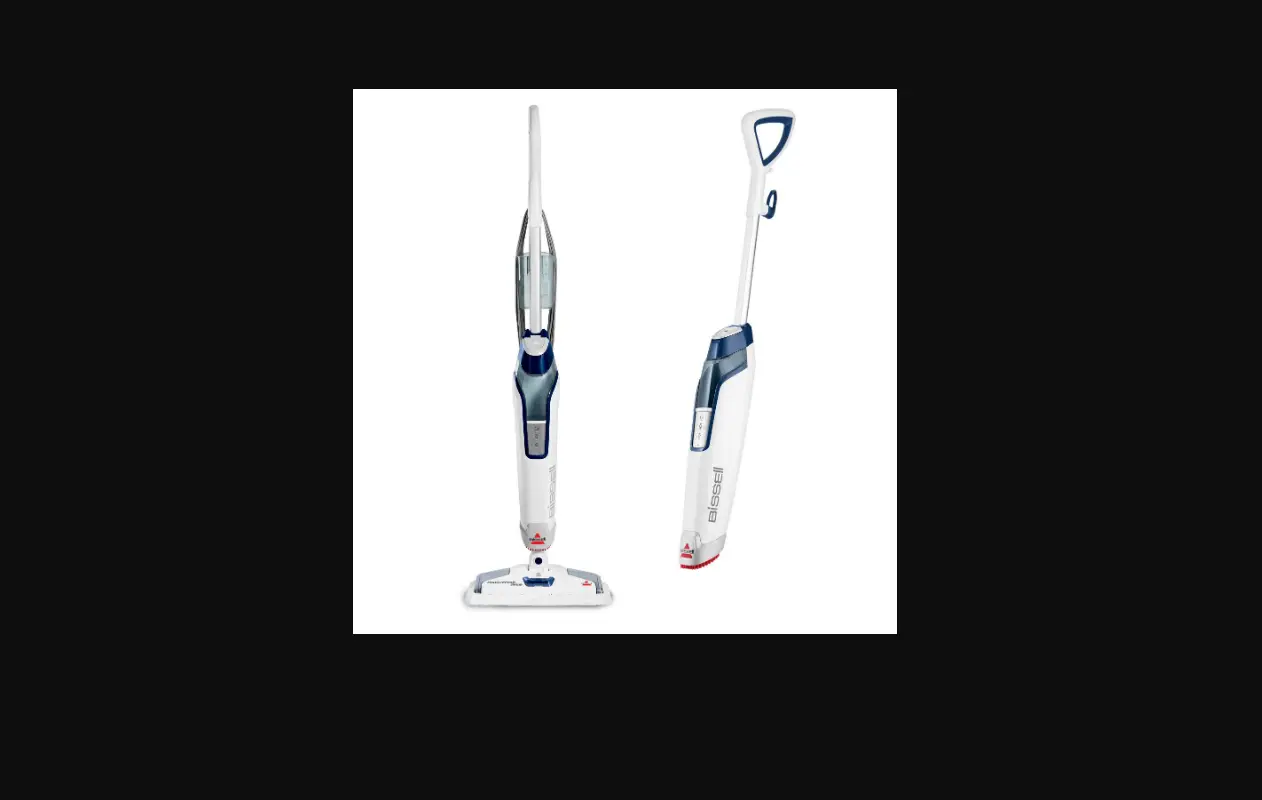
If you are experiencing No Power, follow these steps to resolve:
- Unplug machine
- Is machine powering on and then shutting off after a few seconds?
- Yes > Allow machine to cool off for 10-15 minutes before pluggin git back in
- No, my machine is not powering on at all > Run hand along entire length of power cord, it should be smooth
- Check plug for damage
- If either the cord (not smooth or exposed wires) or plug (prongs) are damaged > Contact Us
- Check to see if outlet is working:
- Test this by plugging in a cell phone charger or small appliance
- If no power to outlet, test a different outlet in a separate room
- Reset circuit breaker if needed
- Wait for ready light to stop blinking (1 to 2 min)
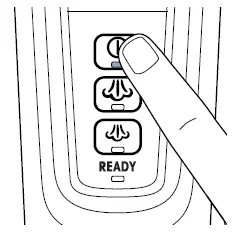
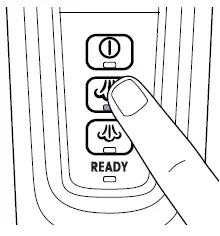
- Push ON/OFF button making it light up, then push HI so it lights up
- If there is no light when the machine is plugged in > Contact Us
- Has this resolved the issue?
- Yes > Great! Glad we could get you back to cleaning!
- No > Contact Us