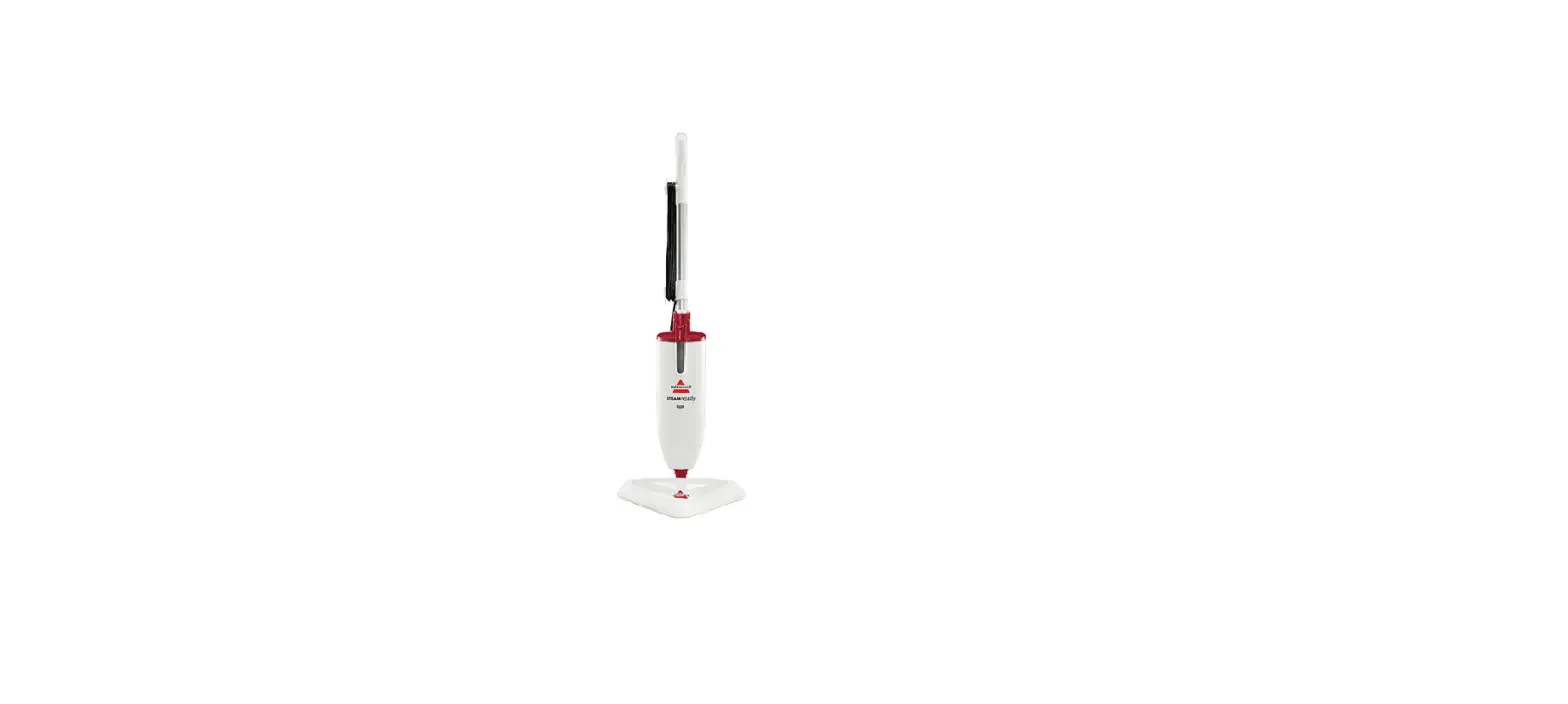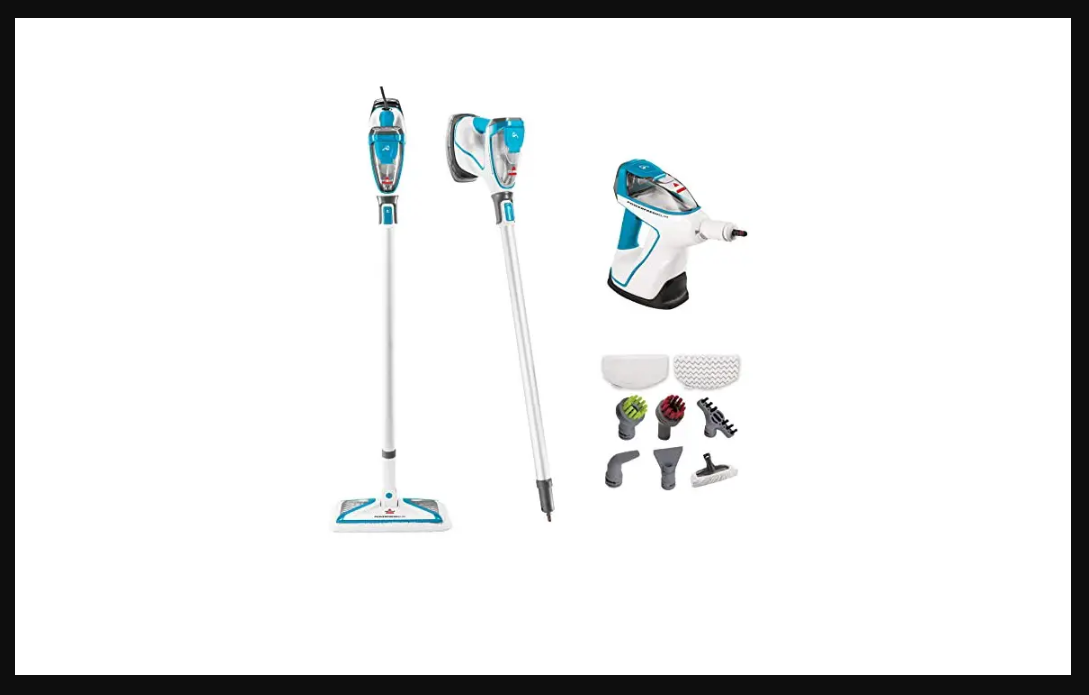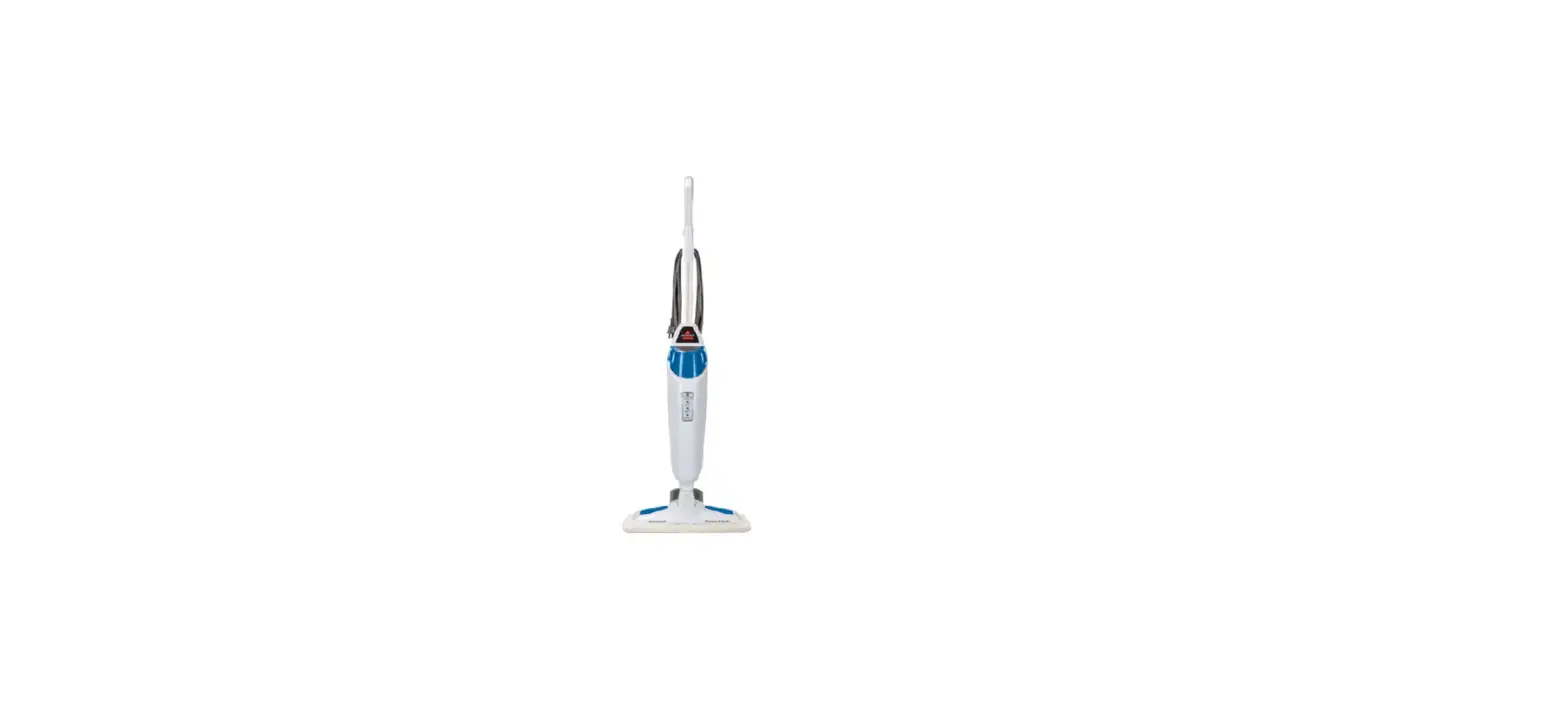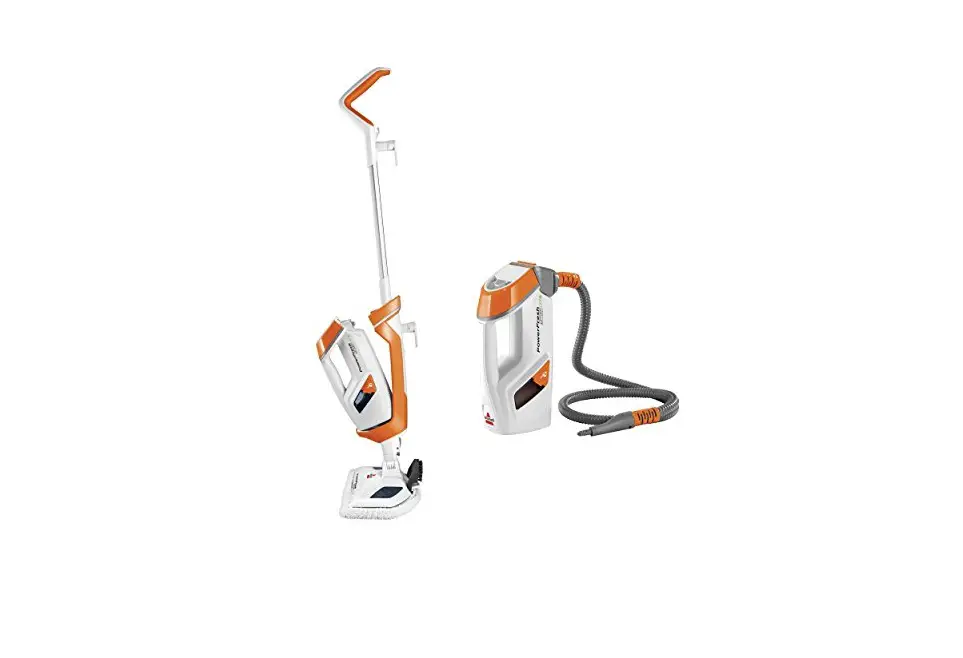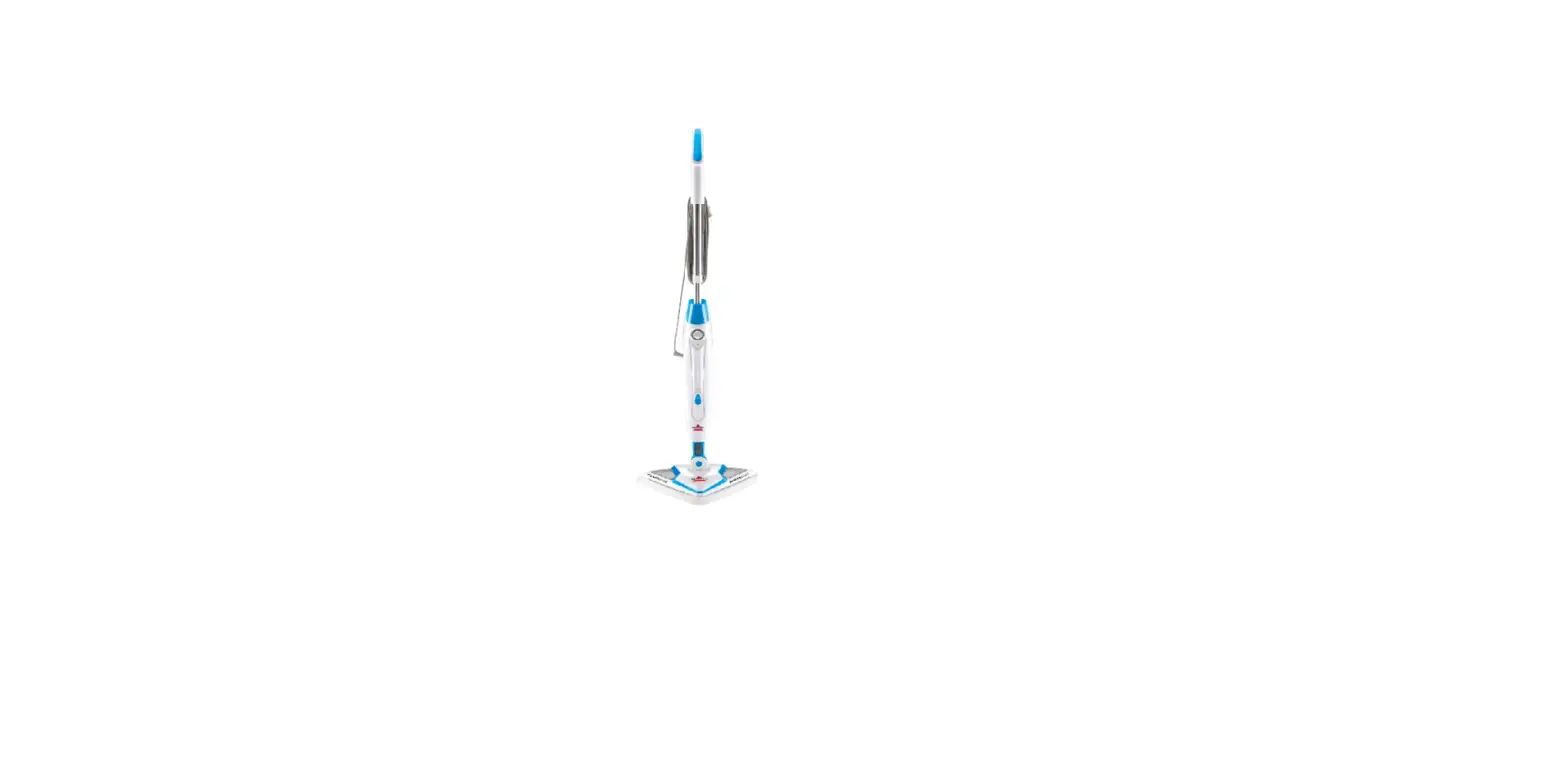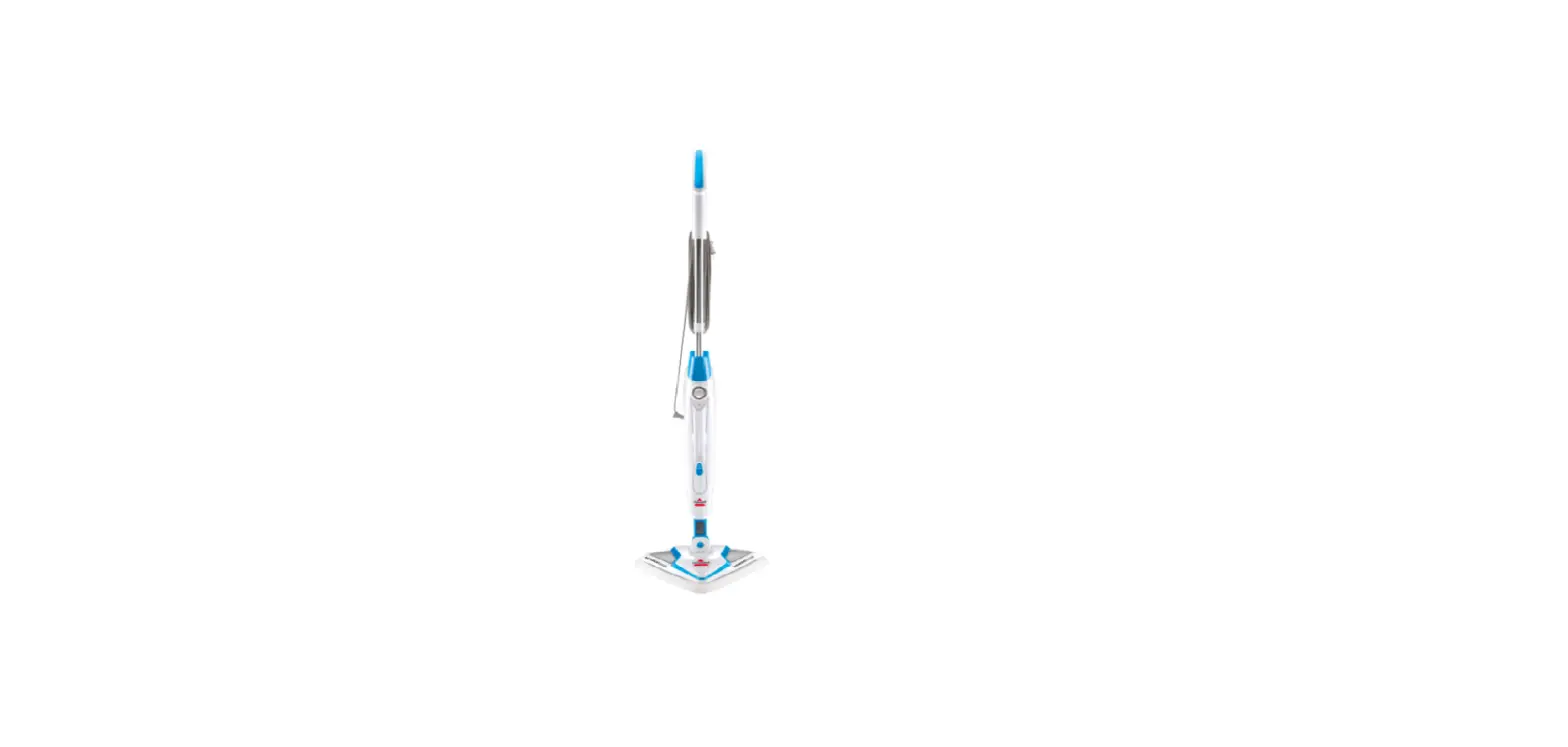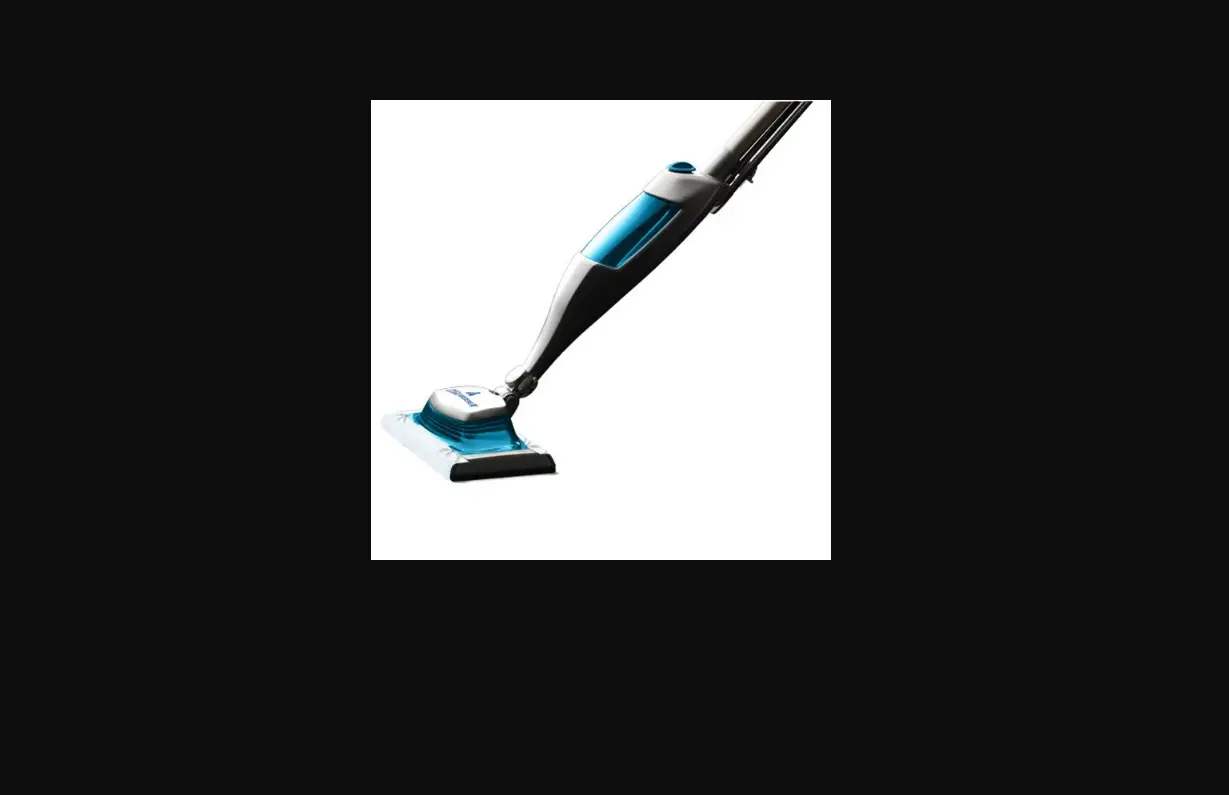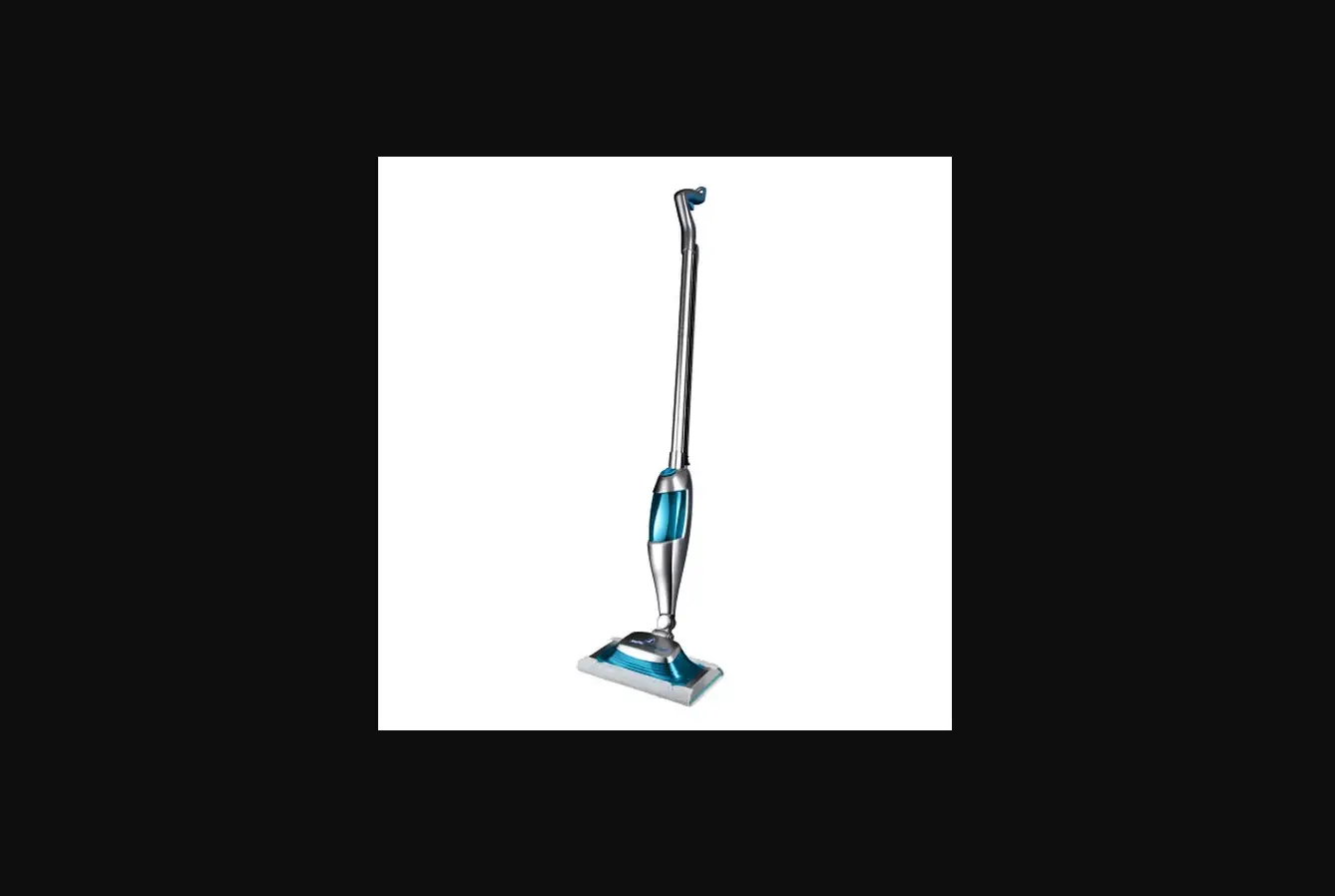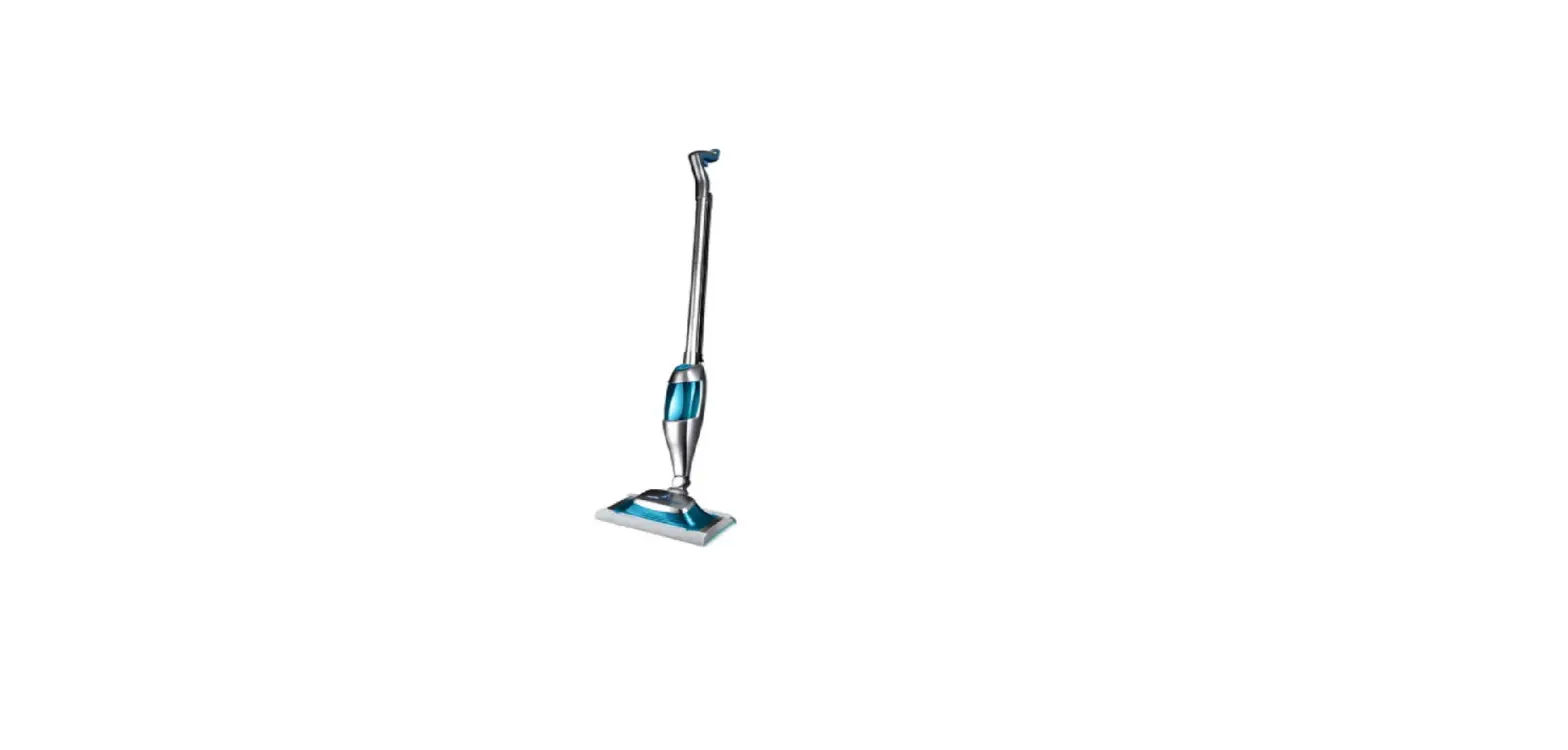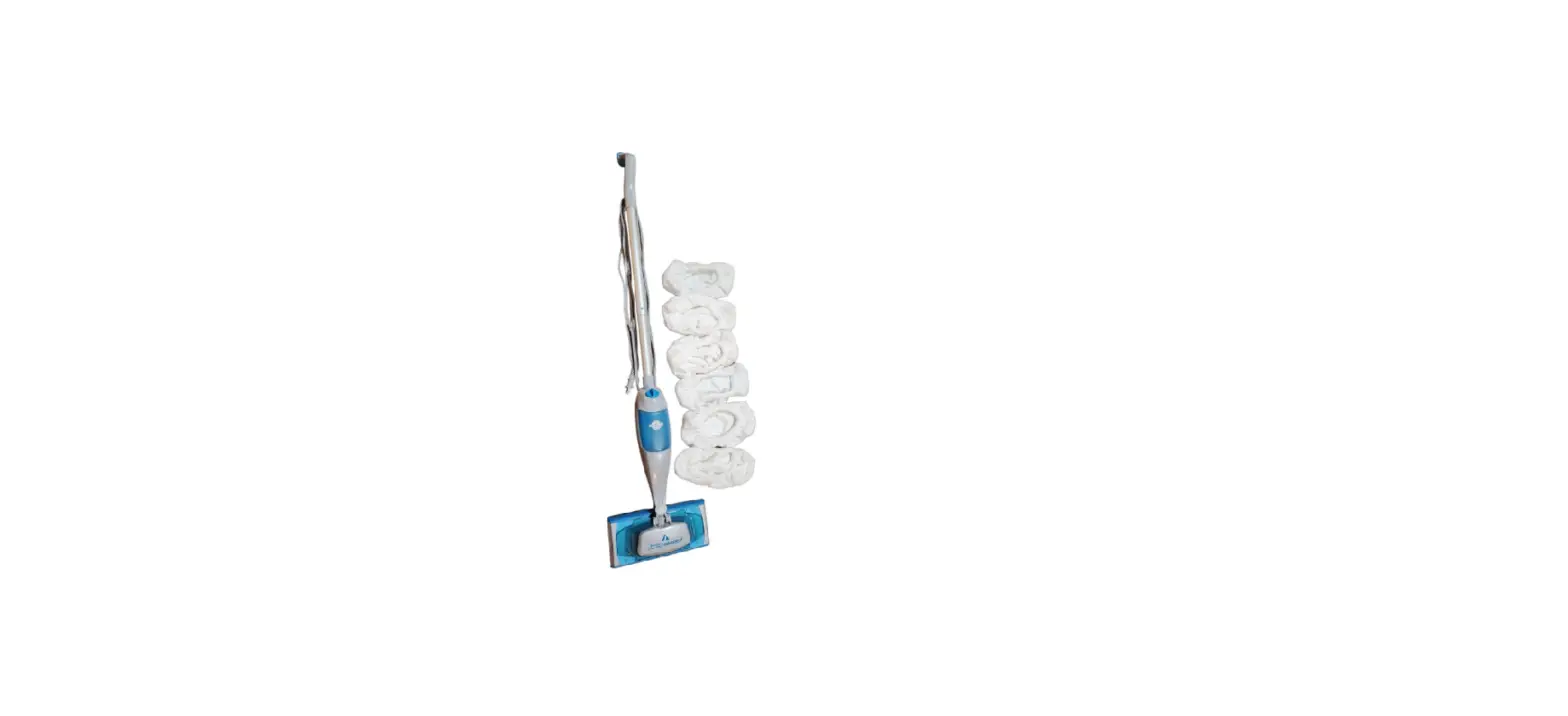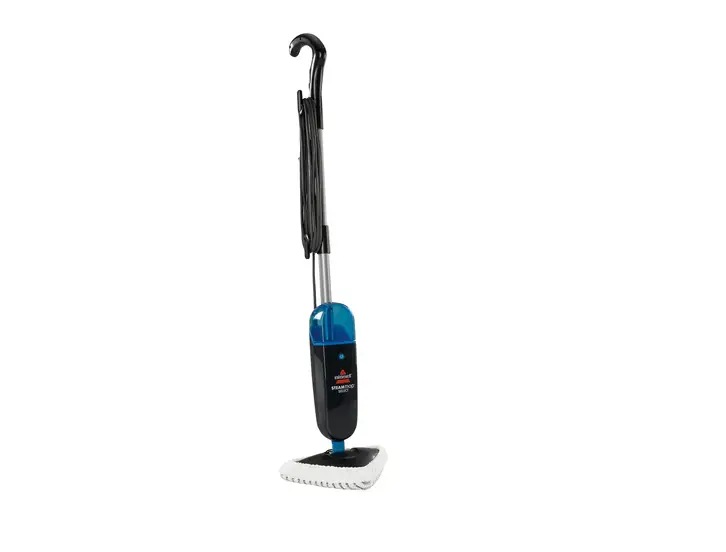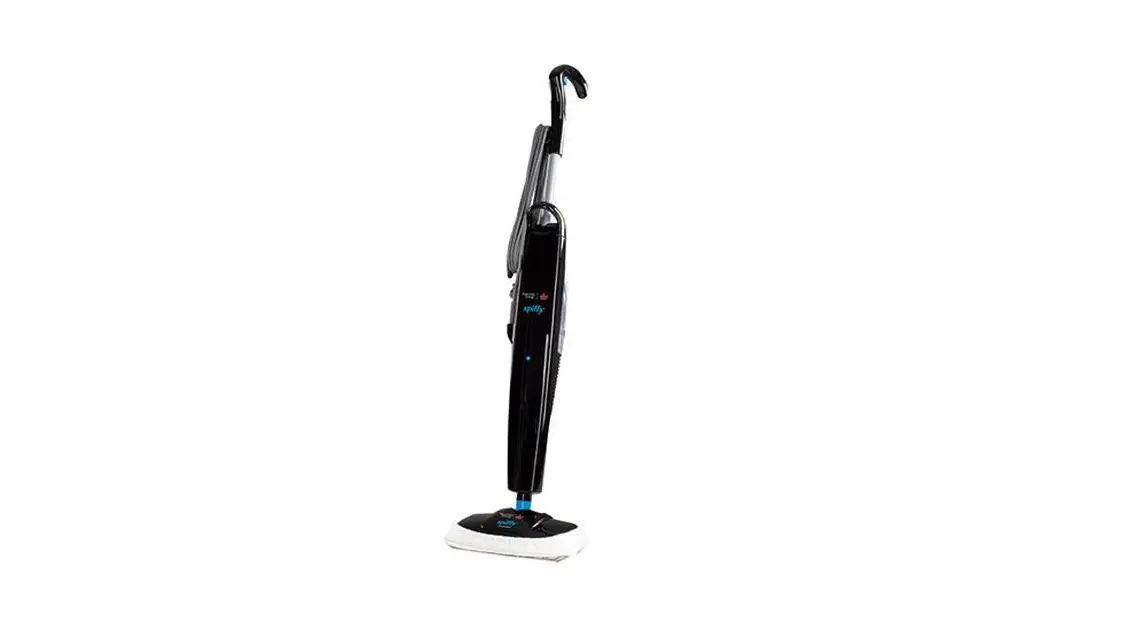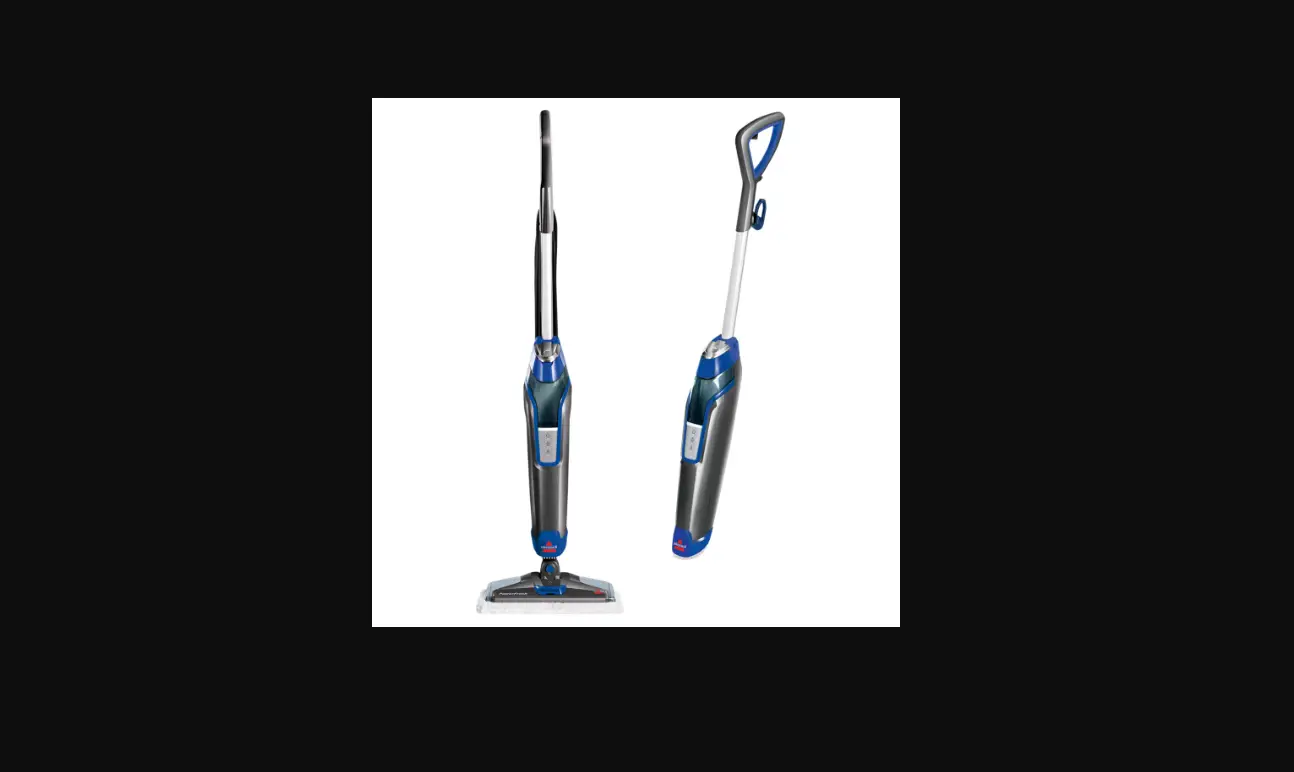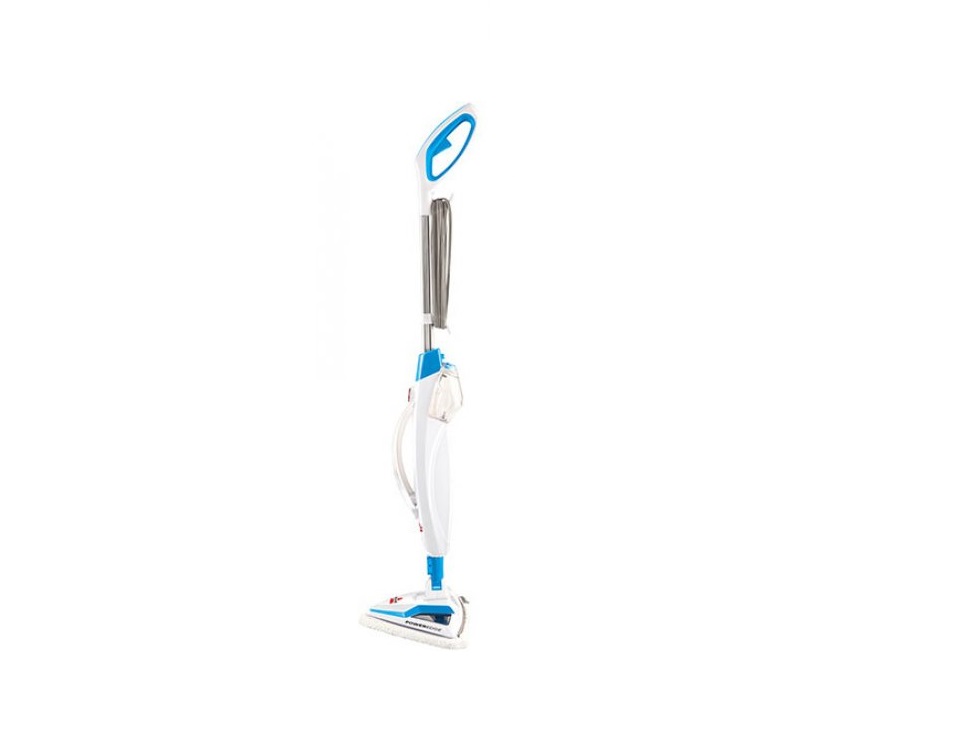
If you are experiencing Low/No Steam, follow these steps to resolve:
- Plug machine in
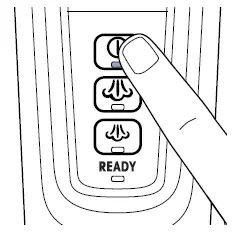
- The ready light will blink for approx. 30 seconds before changing to a solid light
- Press the Steam ON/OFF button
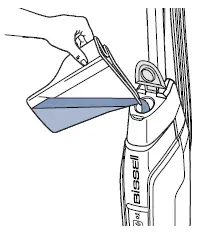
- Fill water tank
- Open the lid on top and pour in 12 oz. of distilled or demineralized water (recommended), tap water can be used
- Water cannot feed into the pump unless it is being used in upright mode
- Only use SpotBoost Brush on recommended surfaces
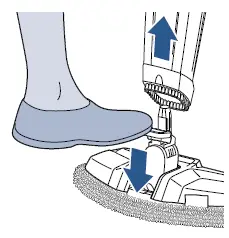
- Remove the foot and test the steam
- Is there steam?
- No > Contact Us
- Yes > Great! Reattach the foot and test for steam
- Was there steam with the foot attached?
- Yes > Great! Glad we could get you back to cleaning!
- No > Order a new foot > Go to Parts & Supplies
- Was there steam with the foot attached?
- Is there steam?