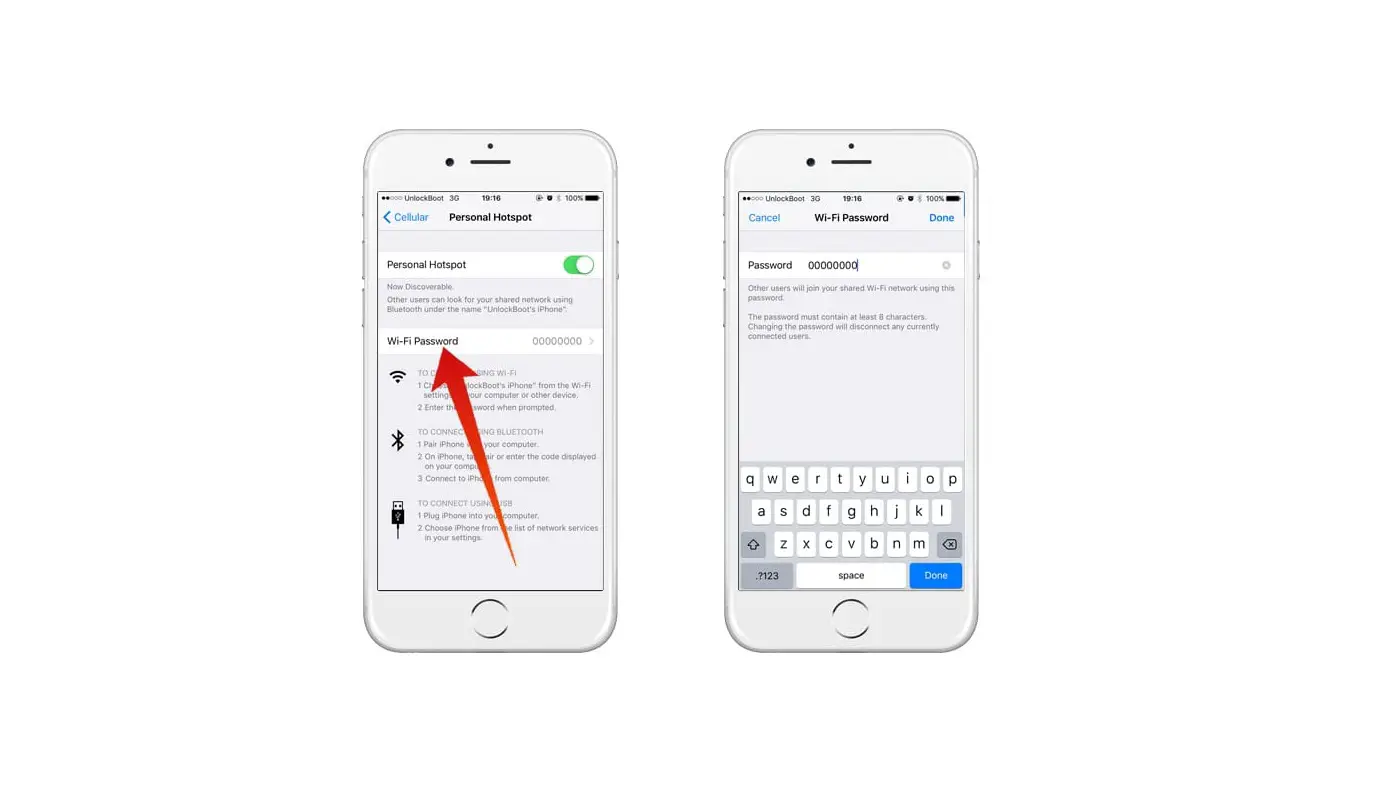
Hidden networks won’t appear in your list of available networks, so you’ll need to know the exact name of the network to join it.
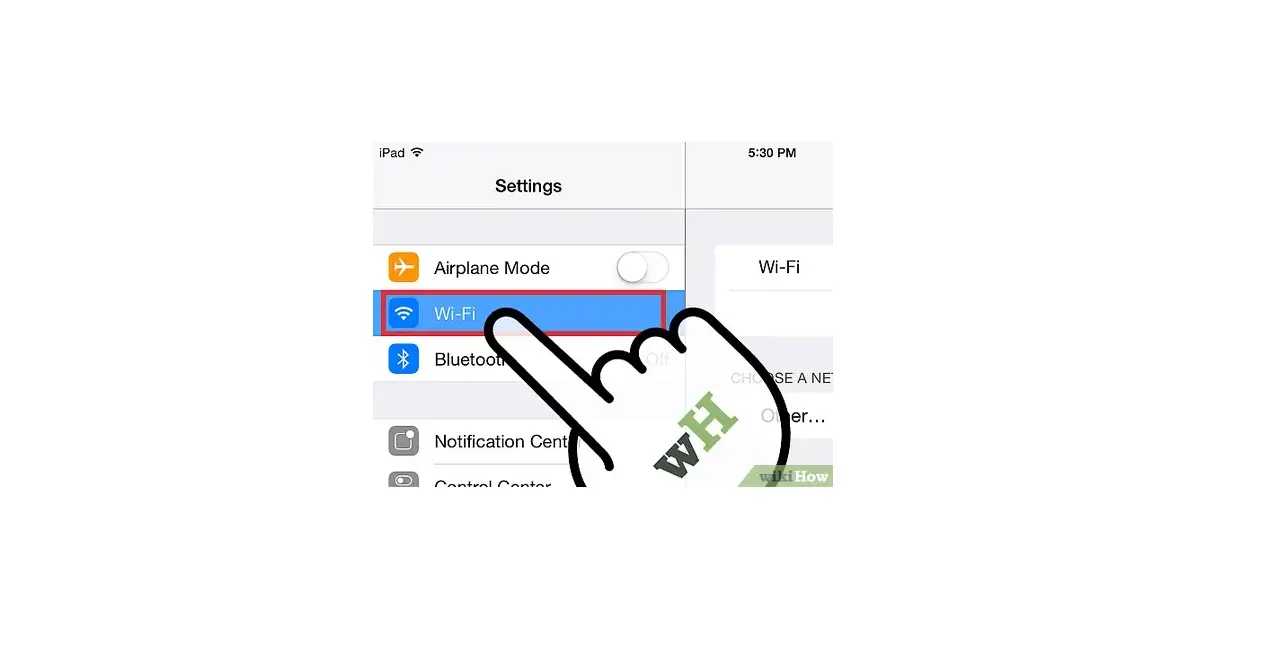
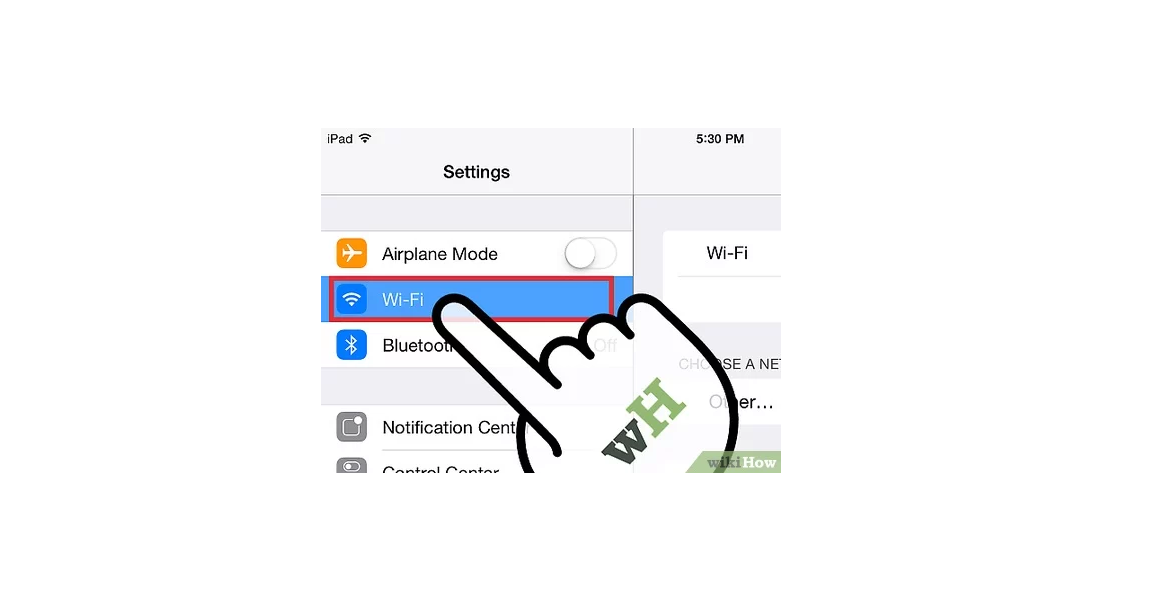
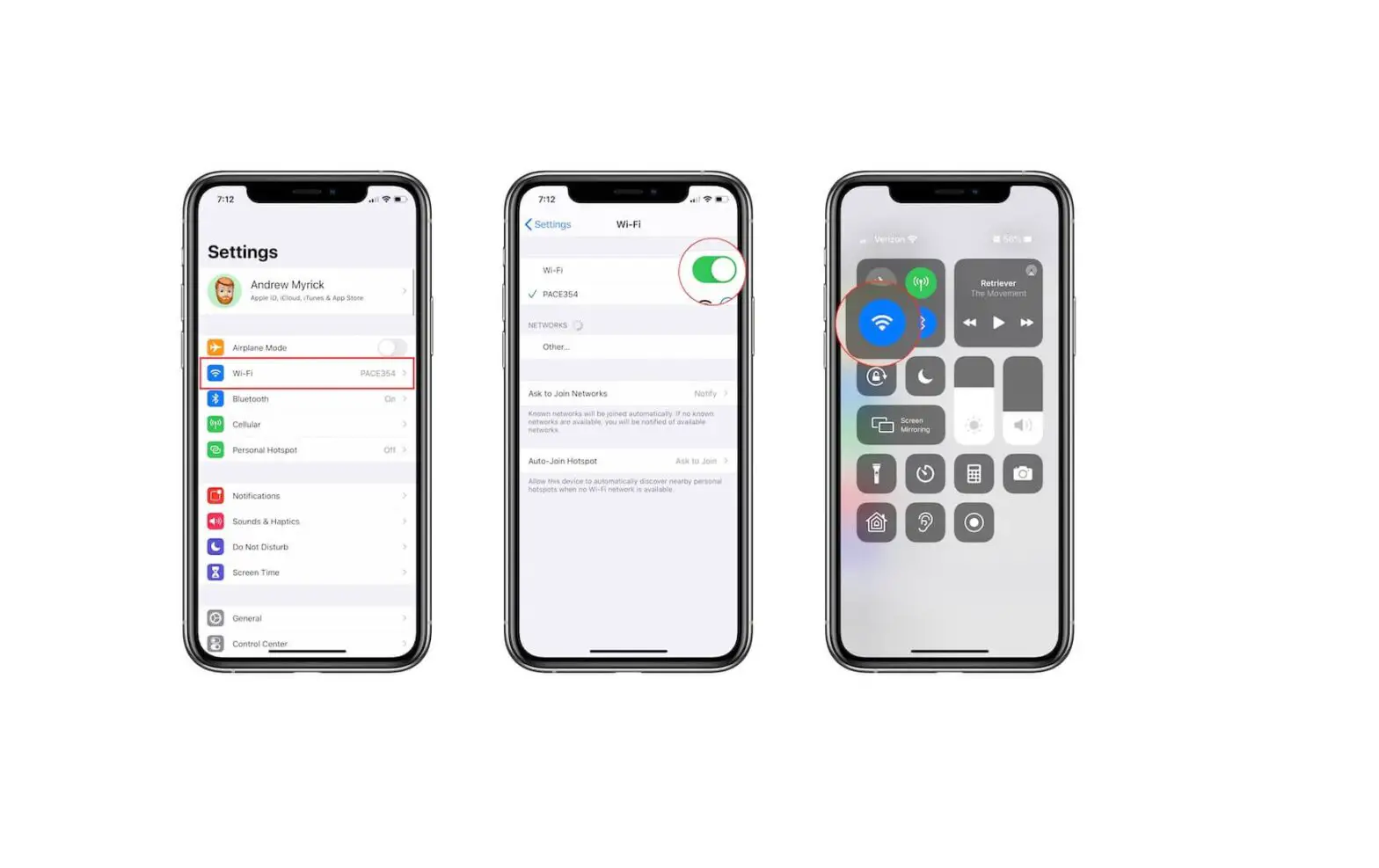
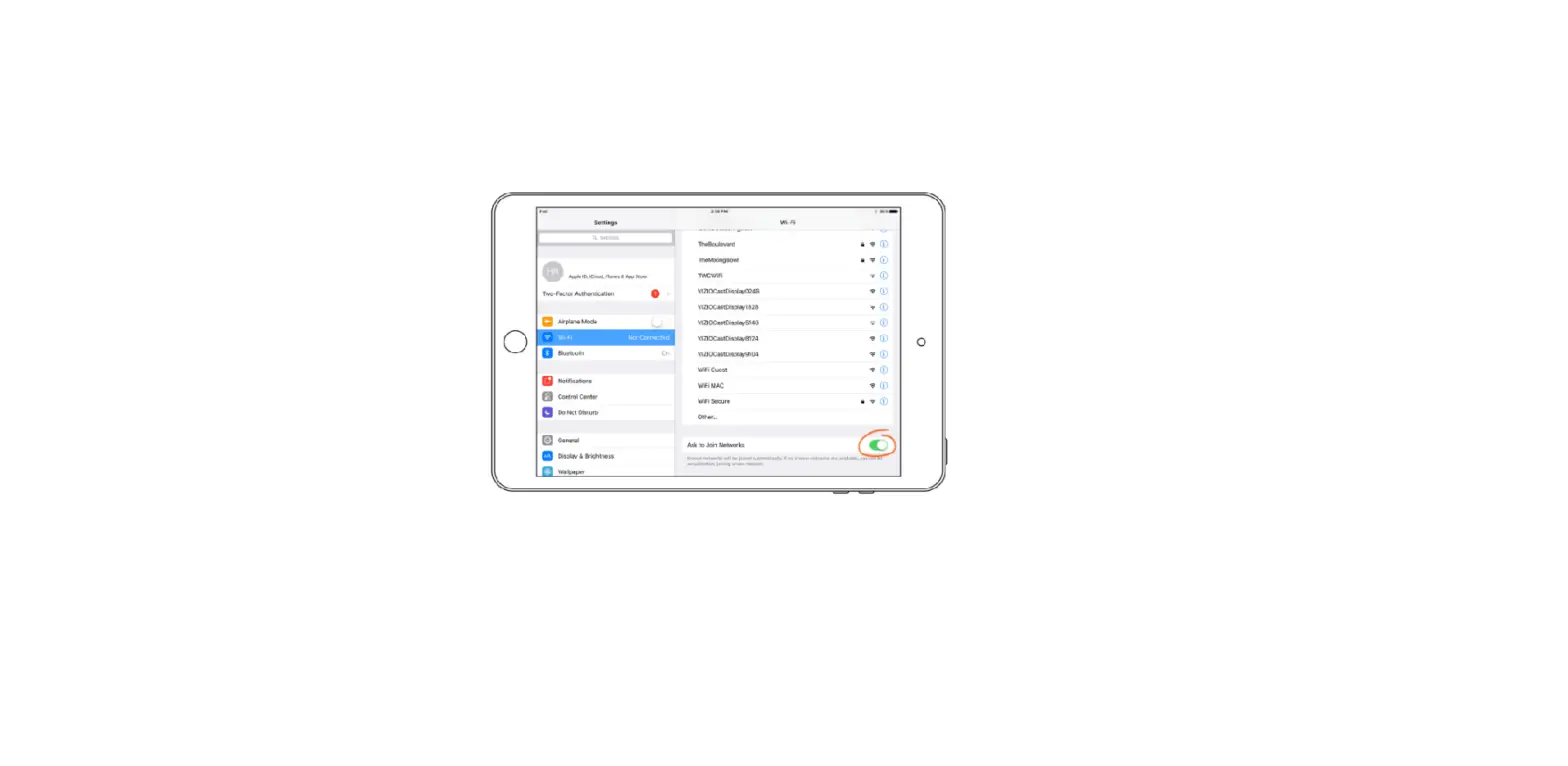
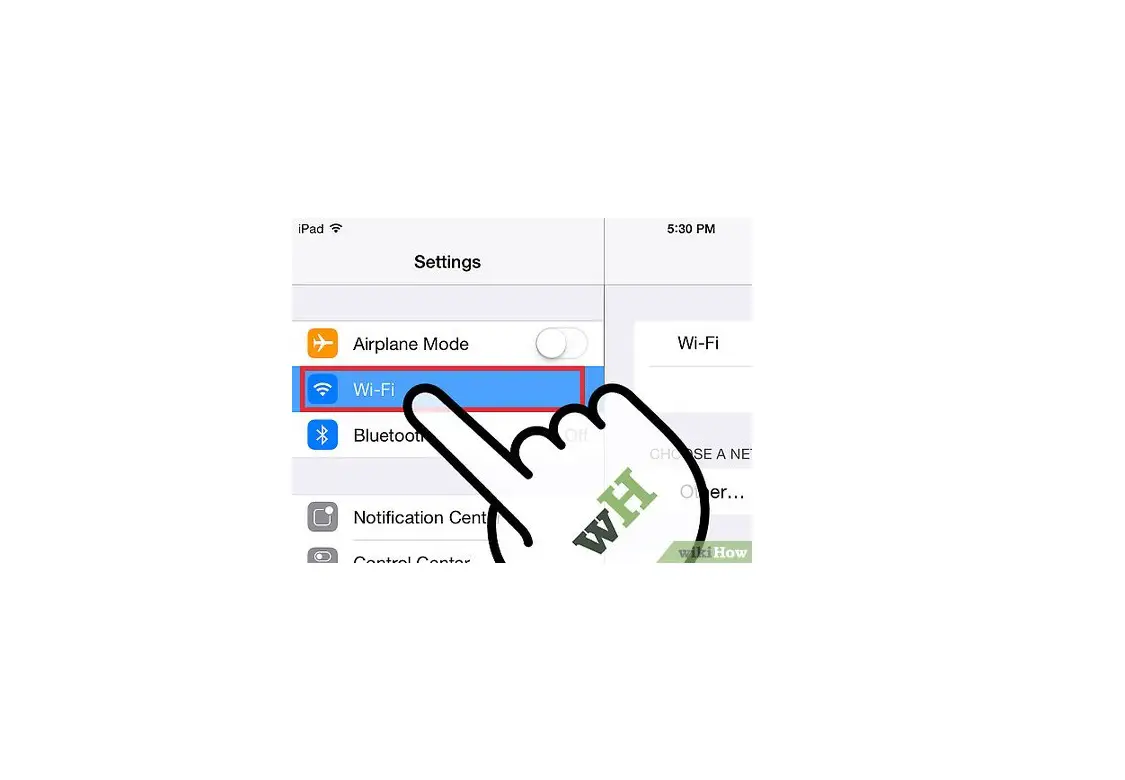
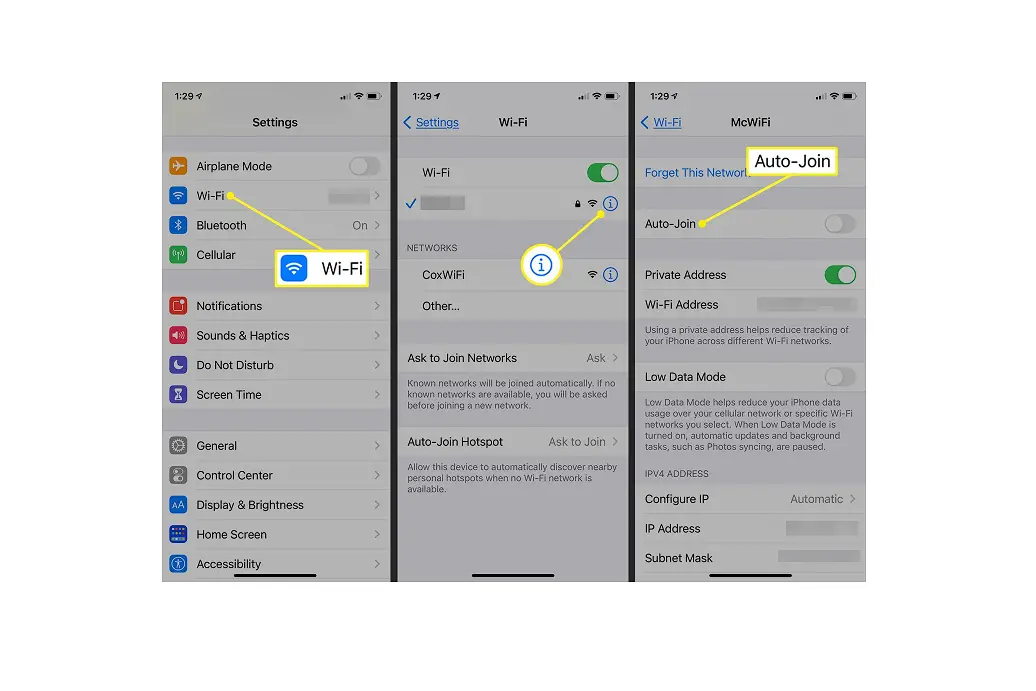
- Go to Settings > Wi-Fi, and make sure Wi-Fi is turned on. Then tap Other.

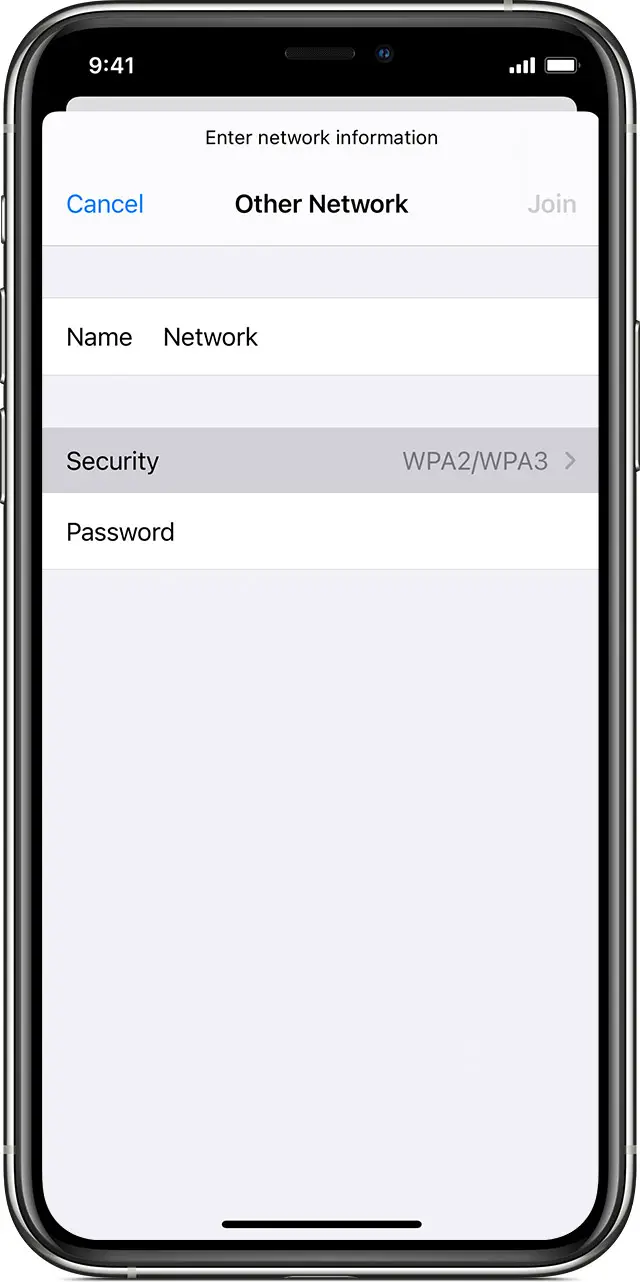
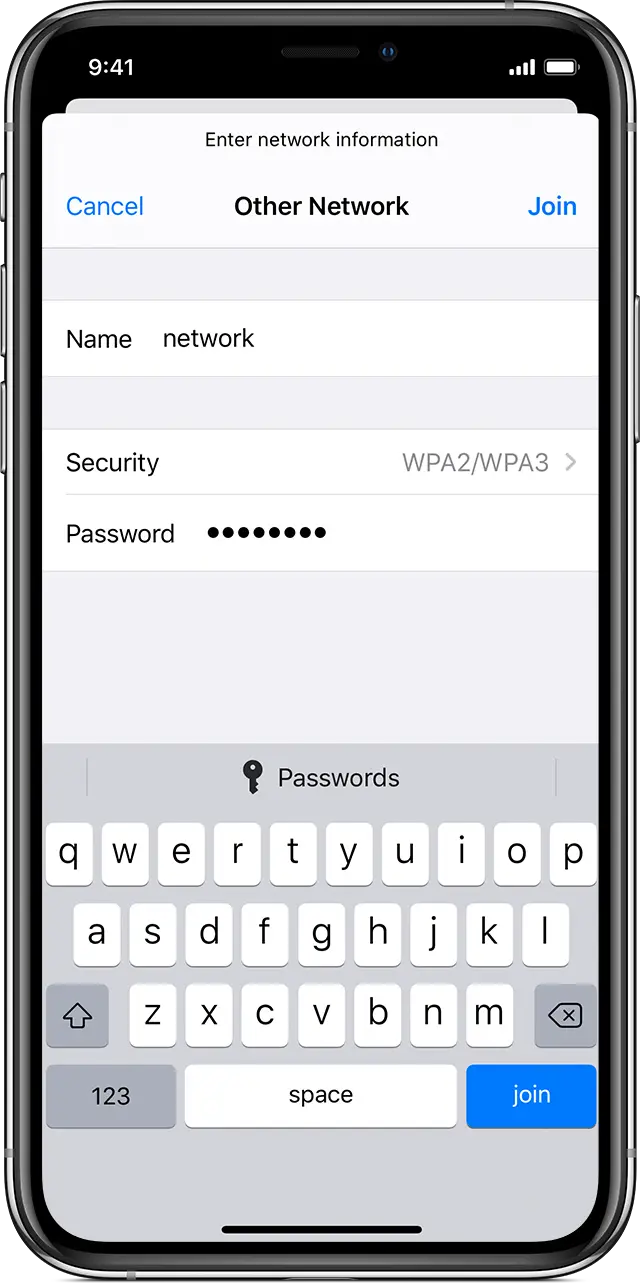
- Enter the exact name of the network, then tap Security.
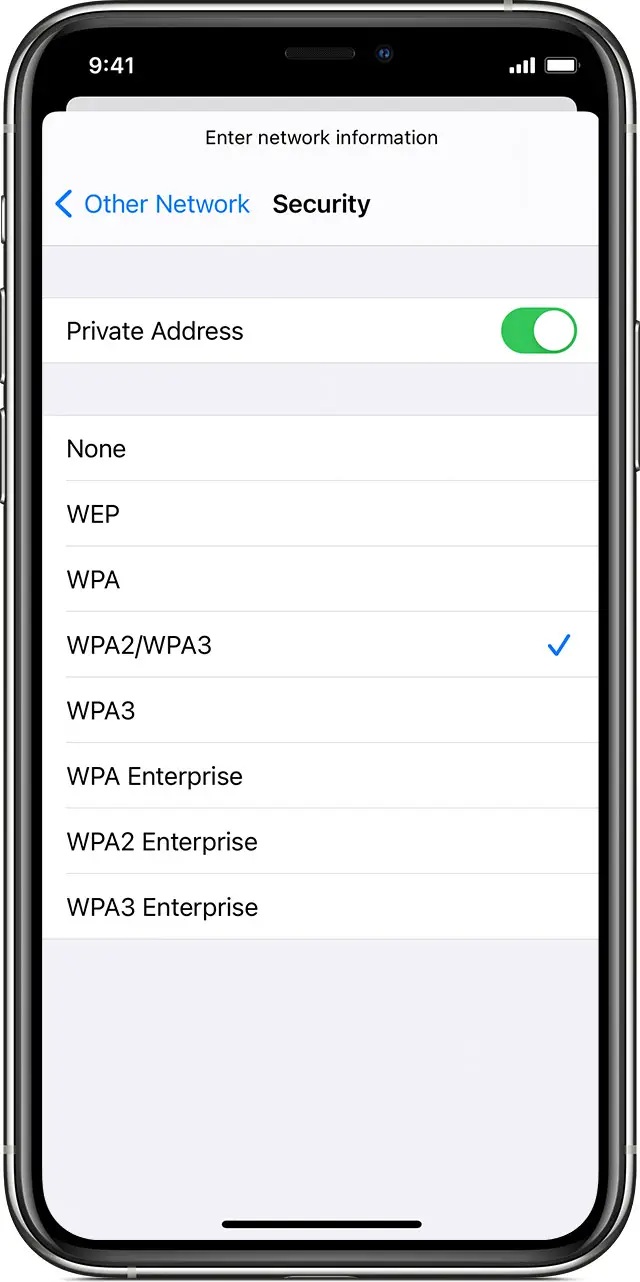
- Choose the security type. Not all hidden networks are secure. If you’re not sure, check with your network administrator.
- Tap Other Network to return to the previous screen.
- Enter the network password in the Password field, then tap Join.

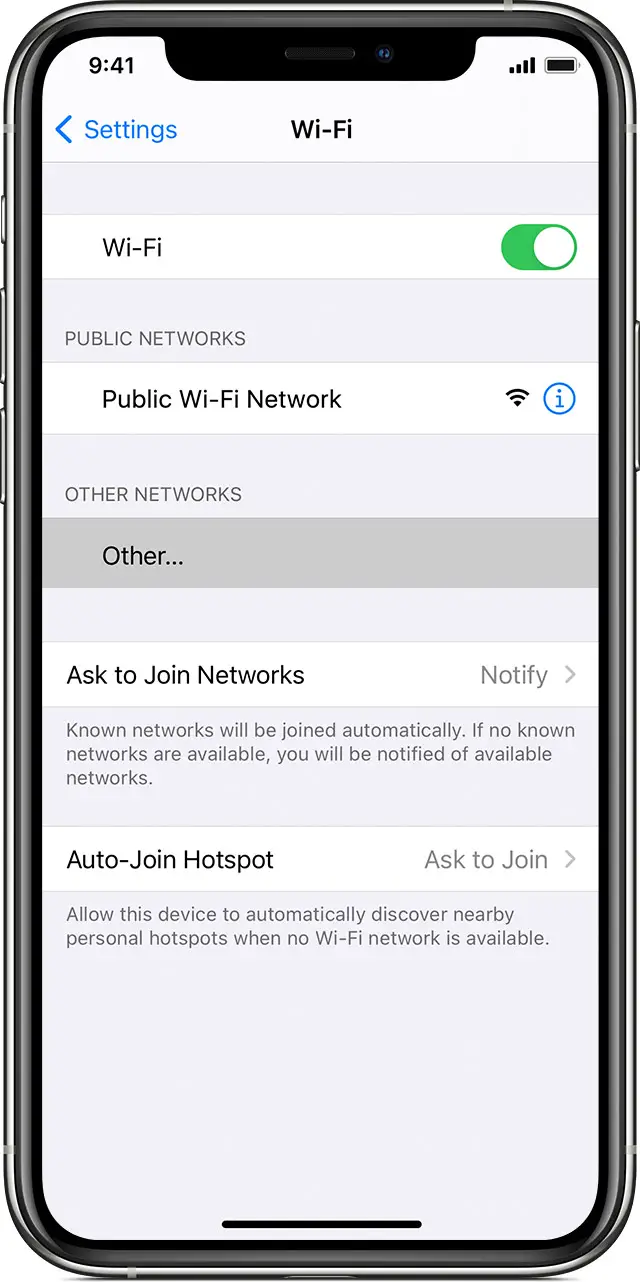
After you join the network, you’ll see a blue checkmark  next to the network and the connected Wi-Fi icon
  in the upper corner of your display.
Published Date: