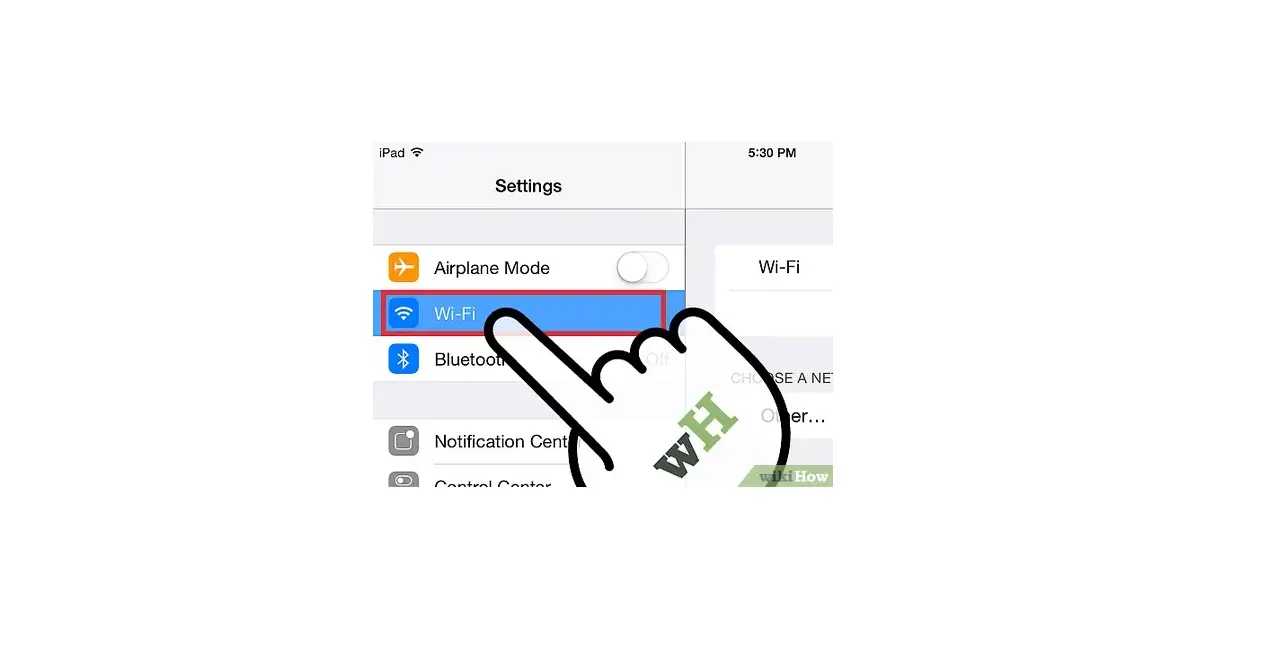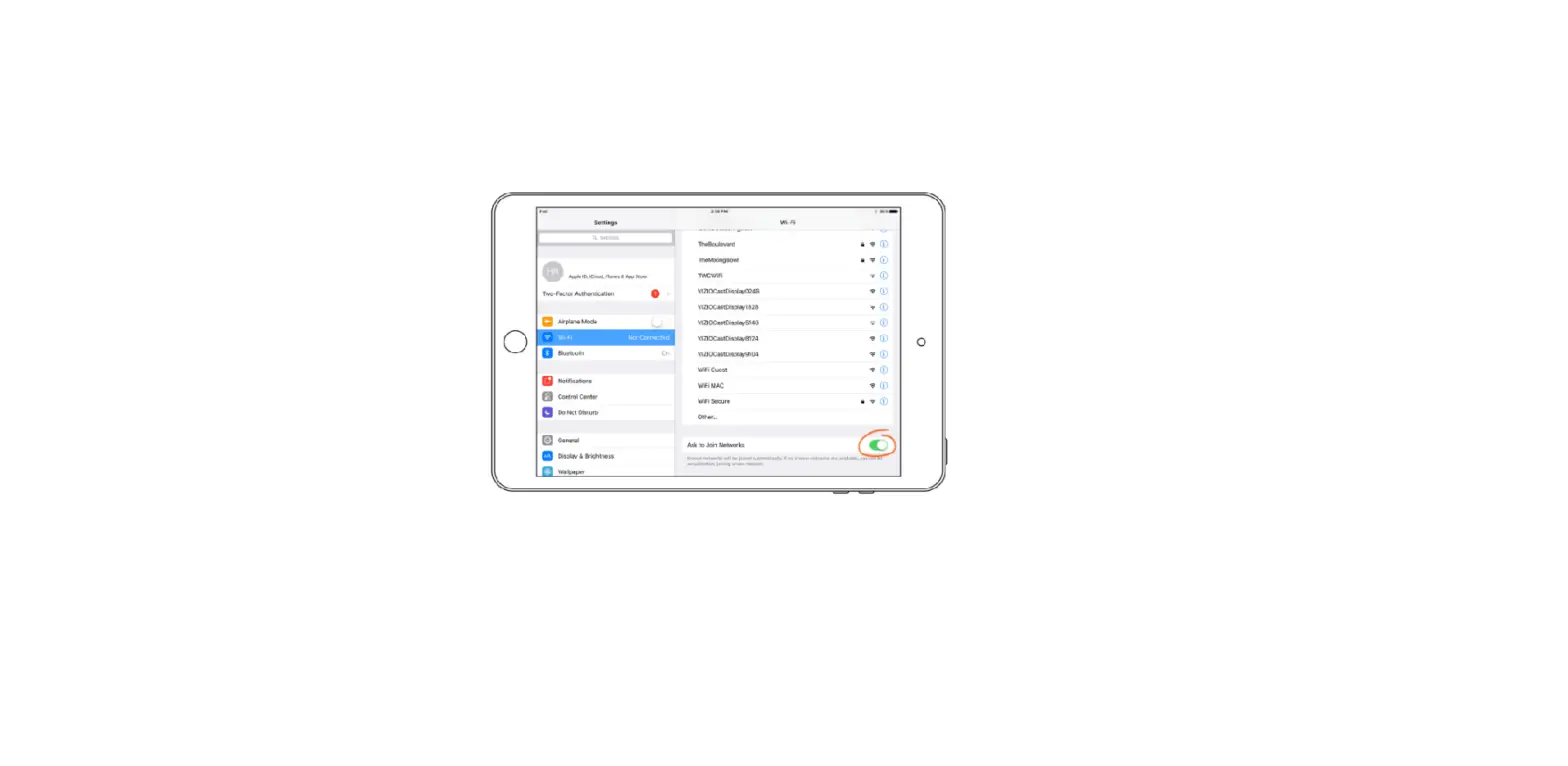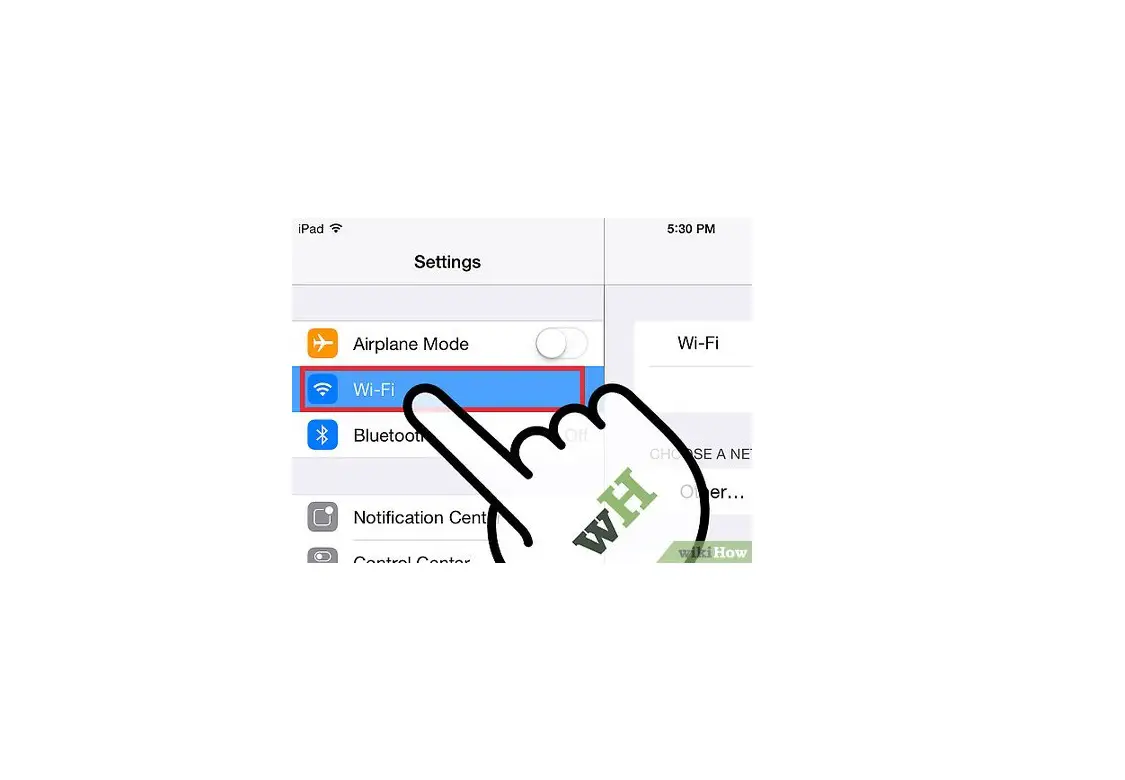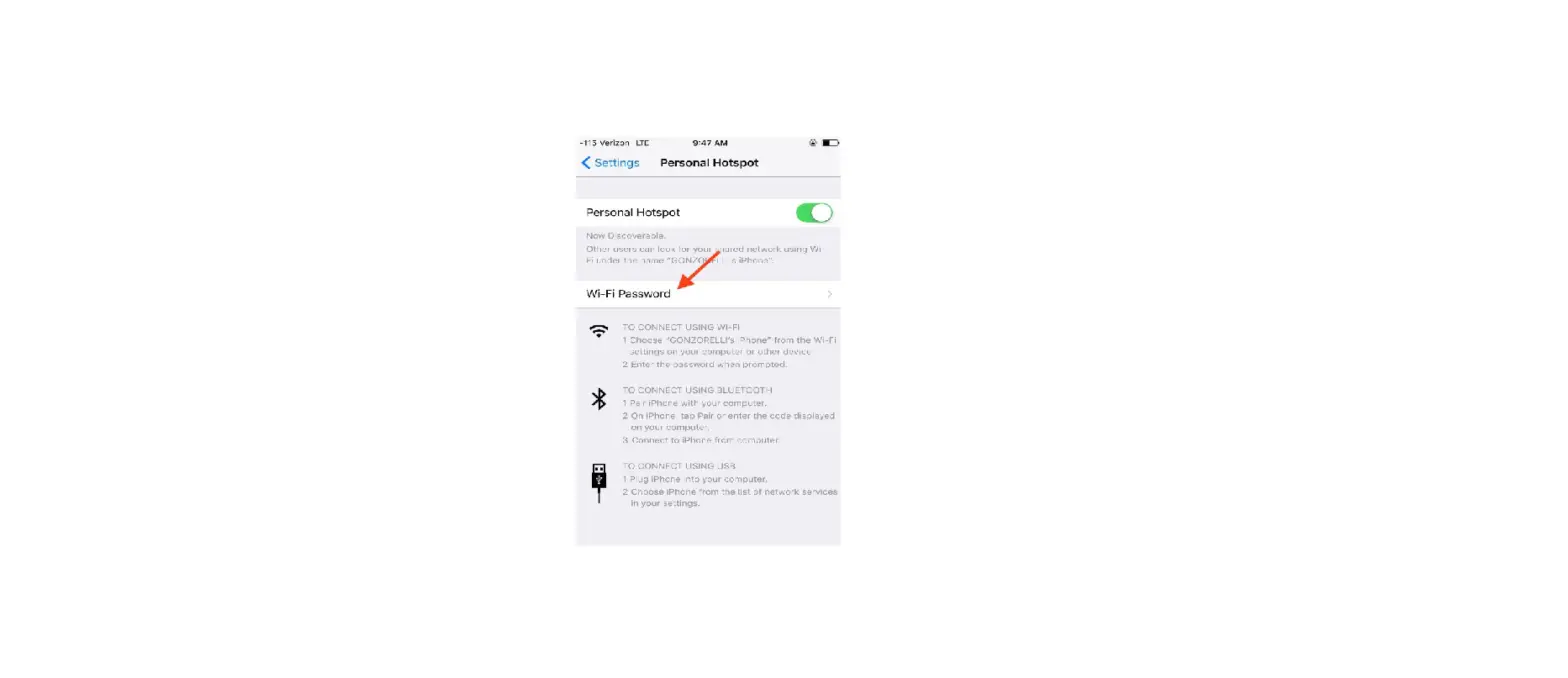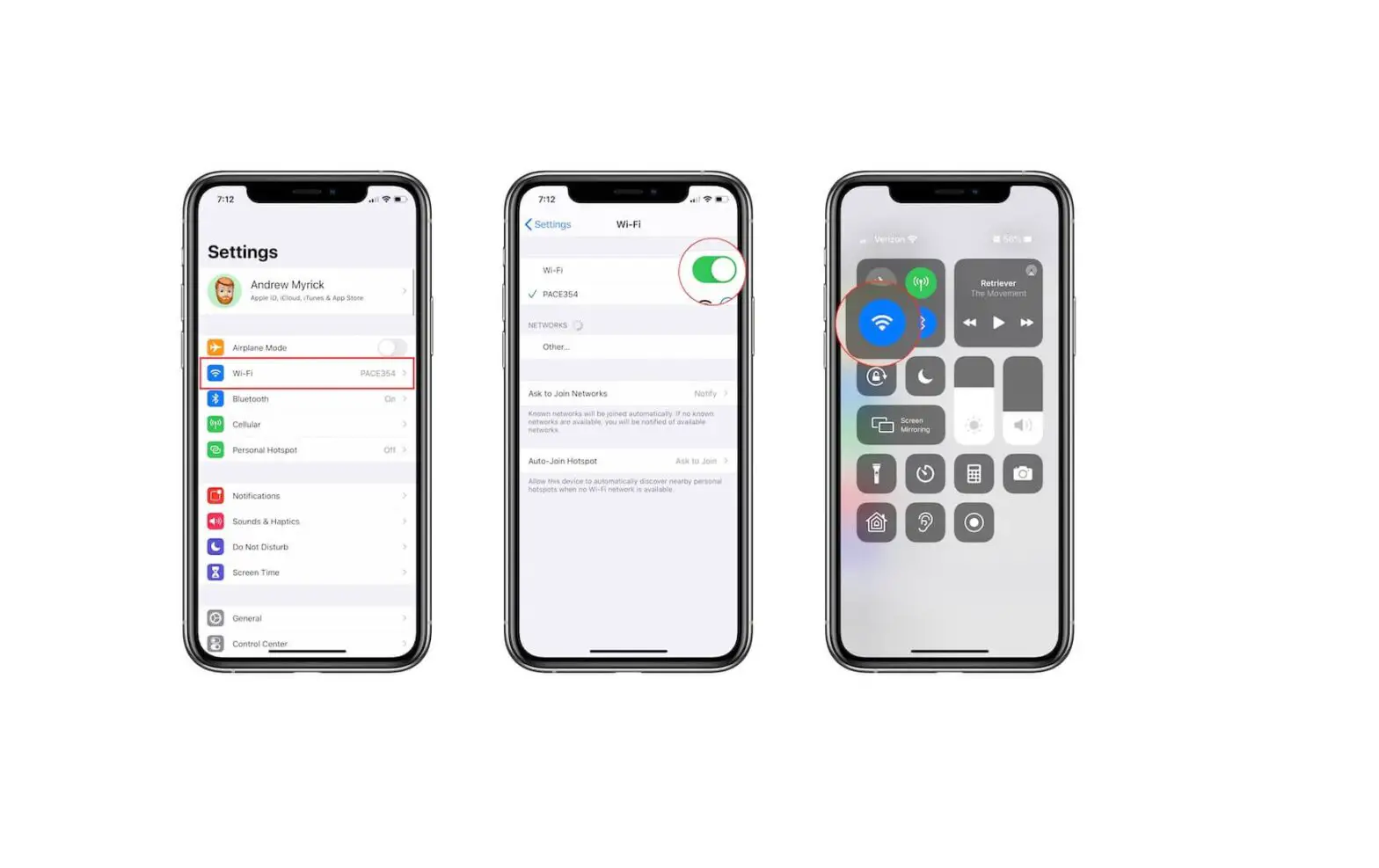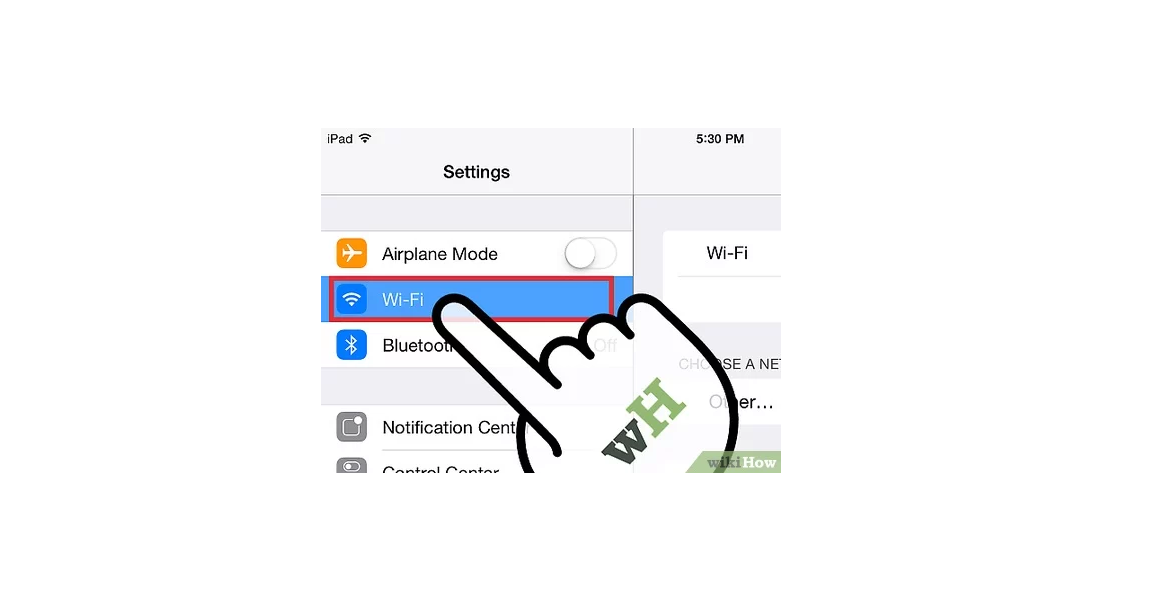
On the other device, go to Settings  > Wi-Fi, then choose your iPad from the list of available networks.
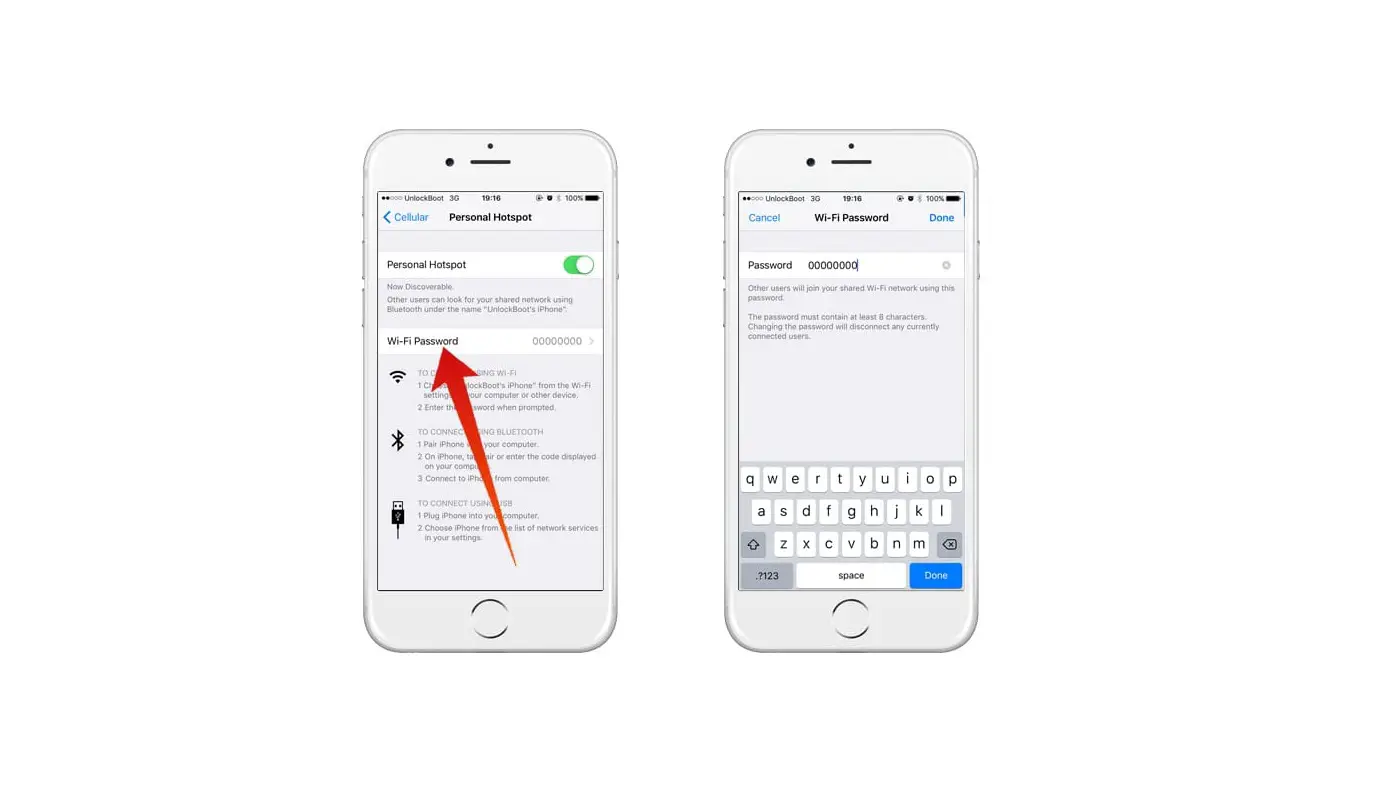
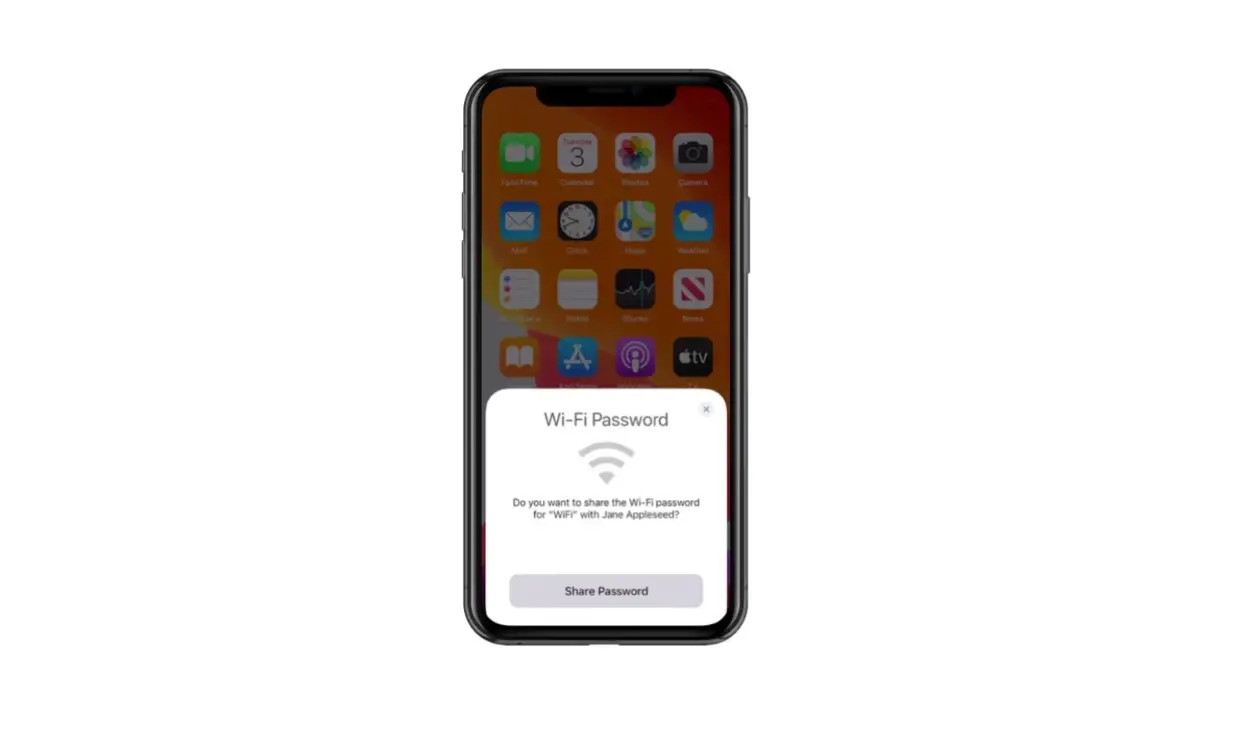
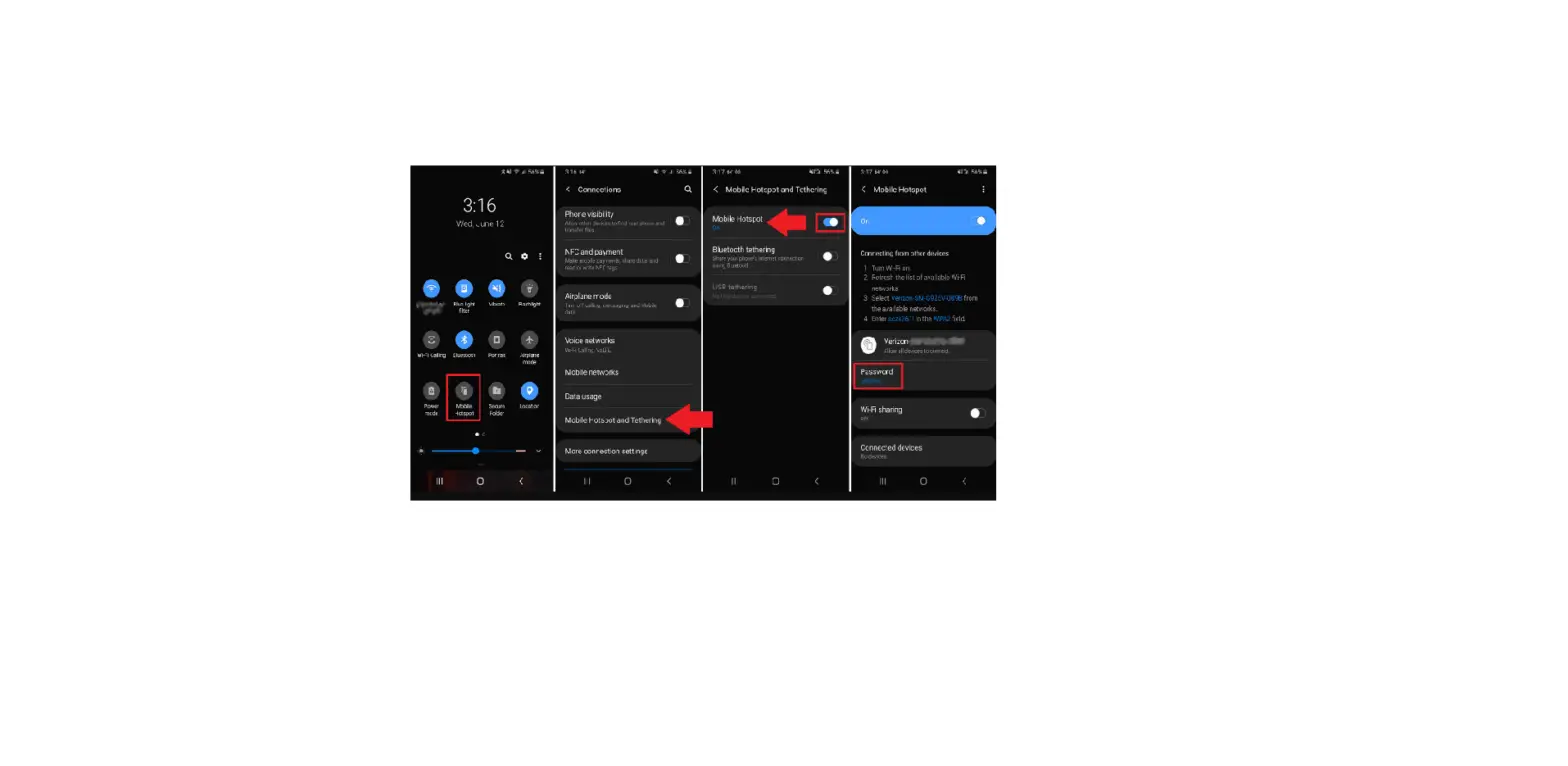
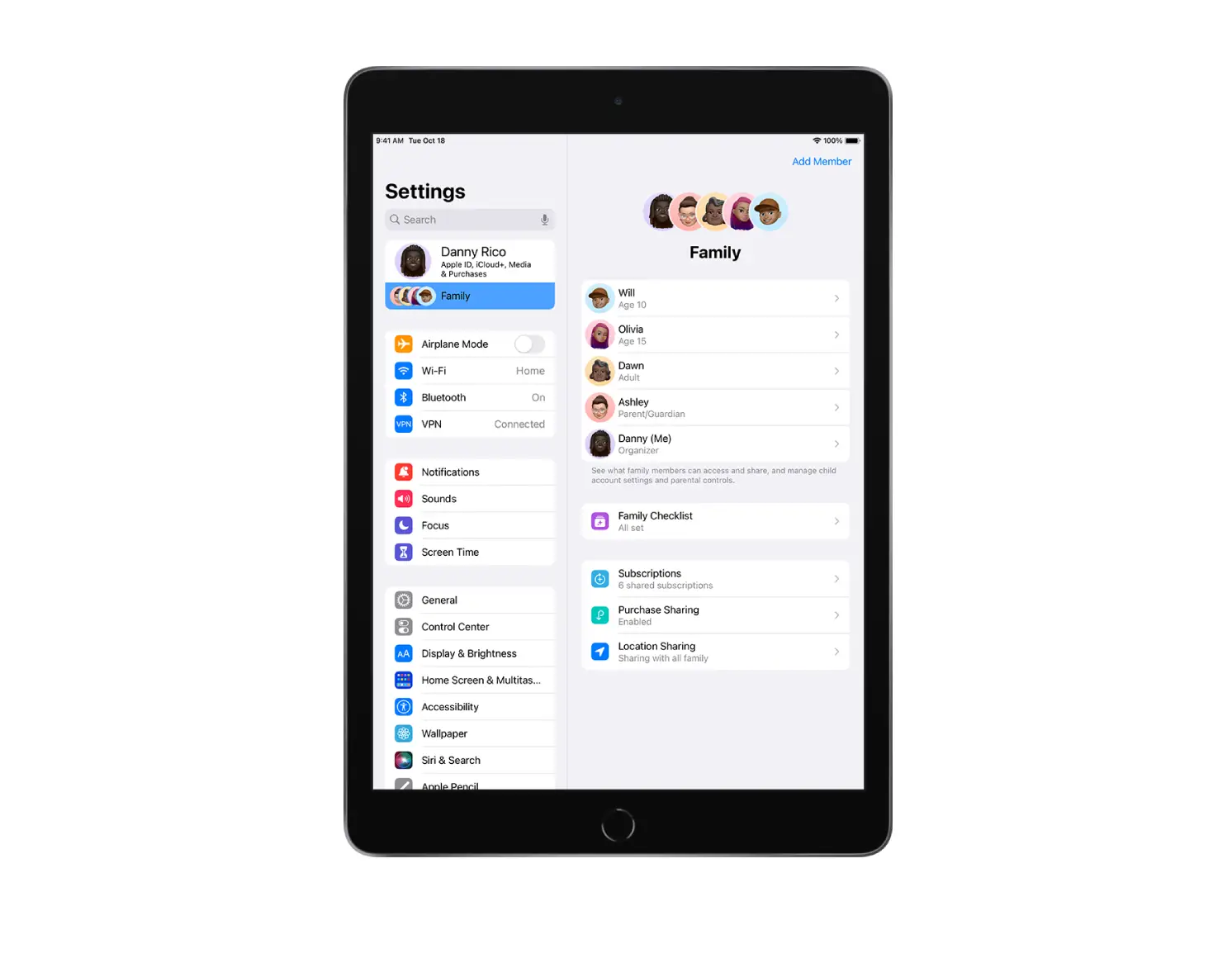
If asked for a password on the other device, enter the password shown in Settings > Cellular > Personal Hotspot on your iPad.
If your iPad and the other device are set up as follows, then Instant Hotspot connects the devices without requiring a password:
When a device is connected, a blue band appears at the top of your iPad screen. The Personal Hotspot icon  appears in the status bar of the connected device.