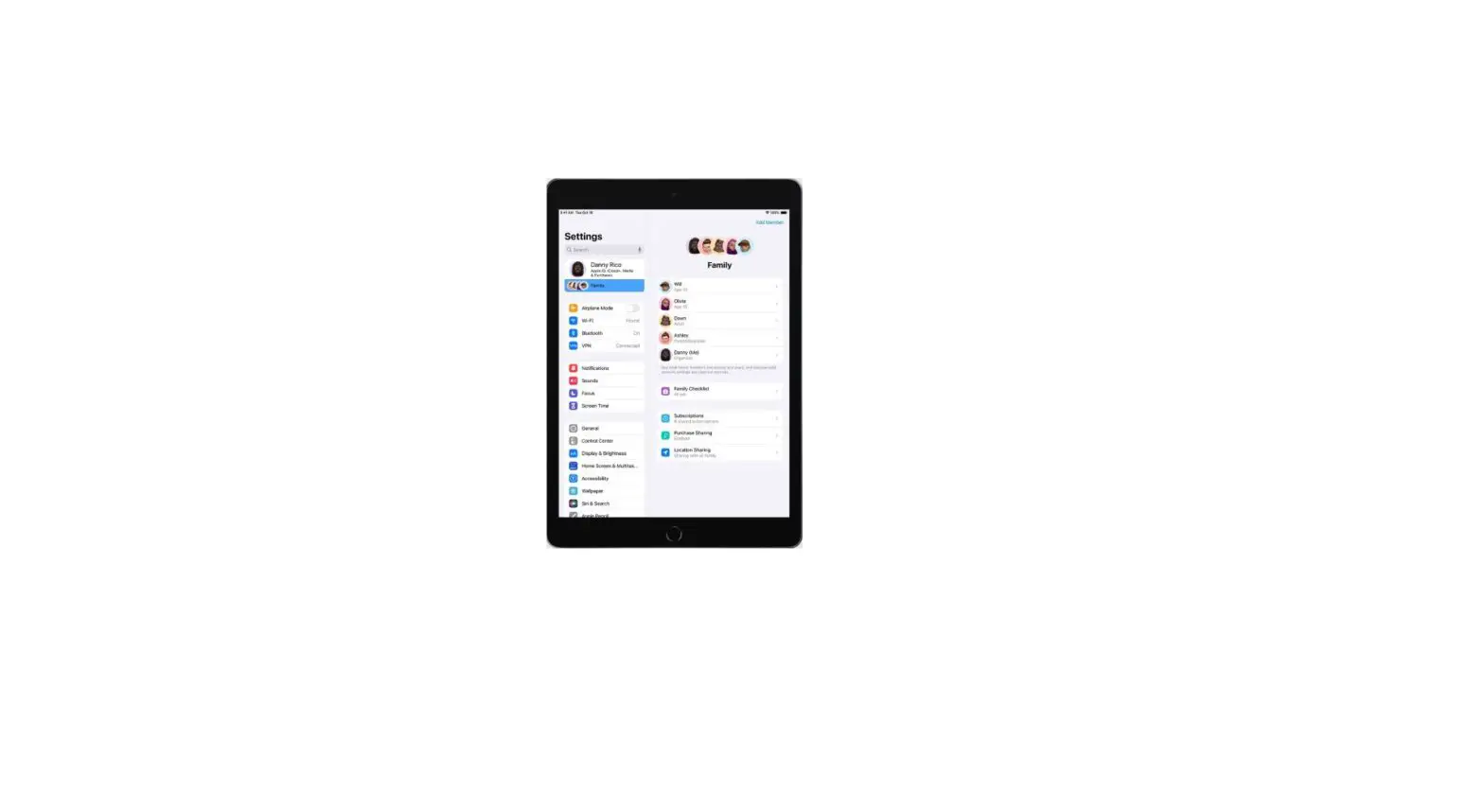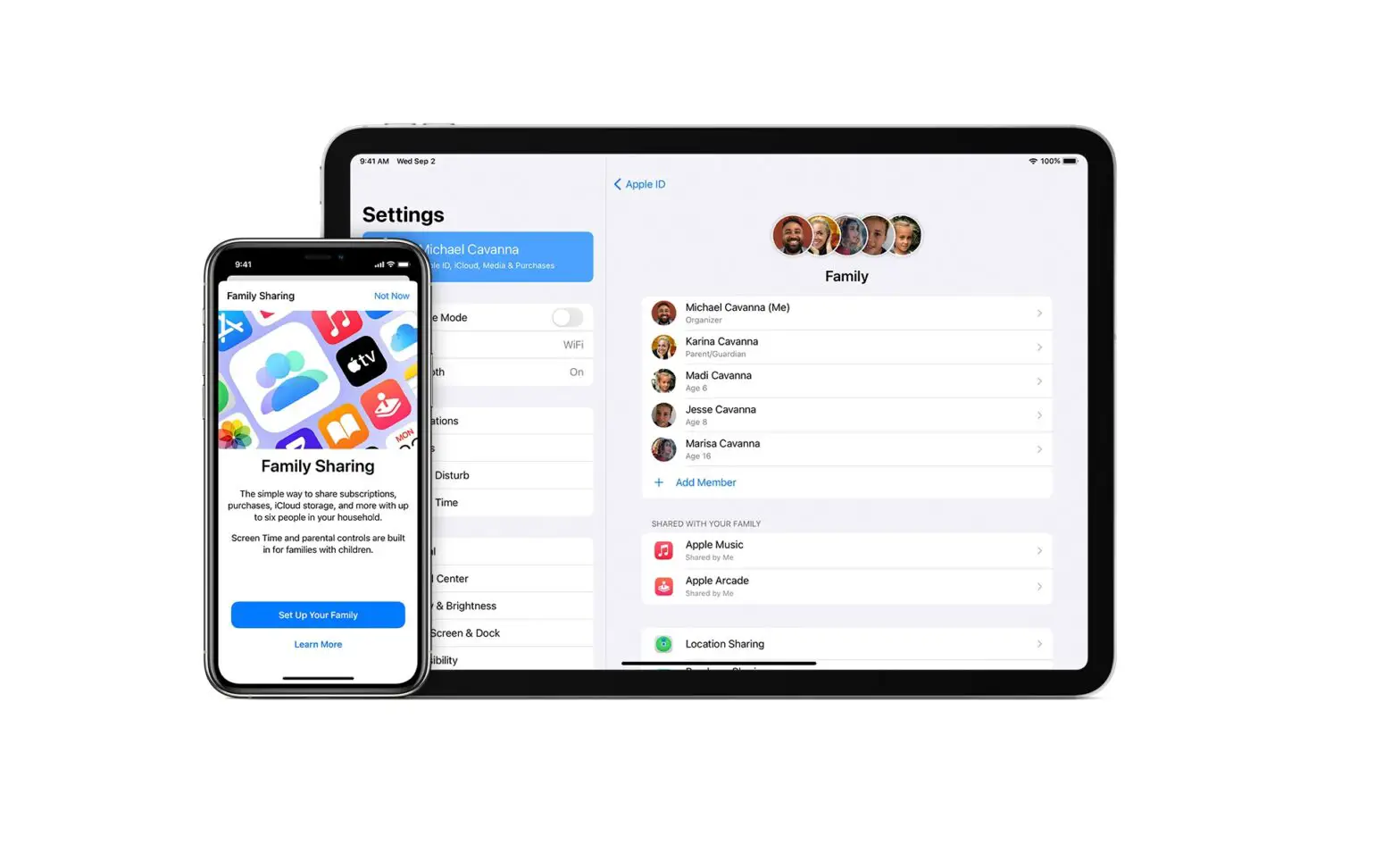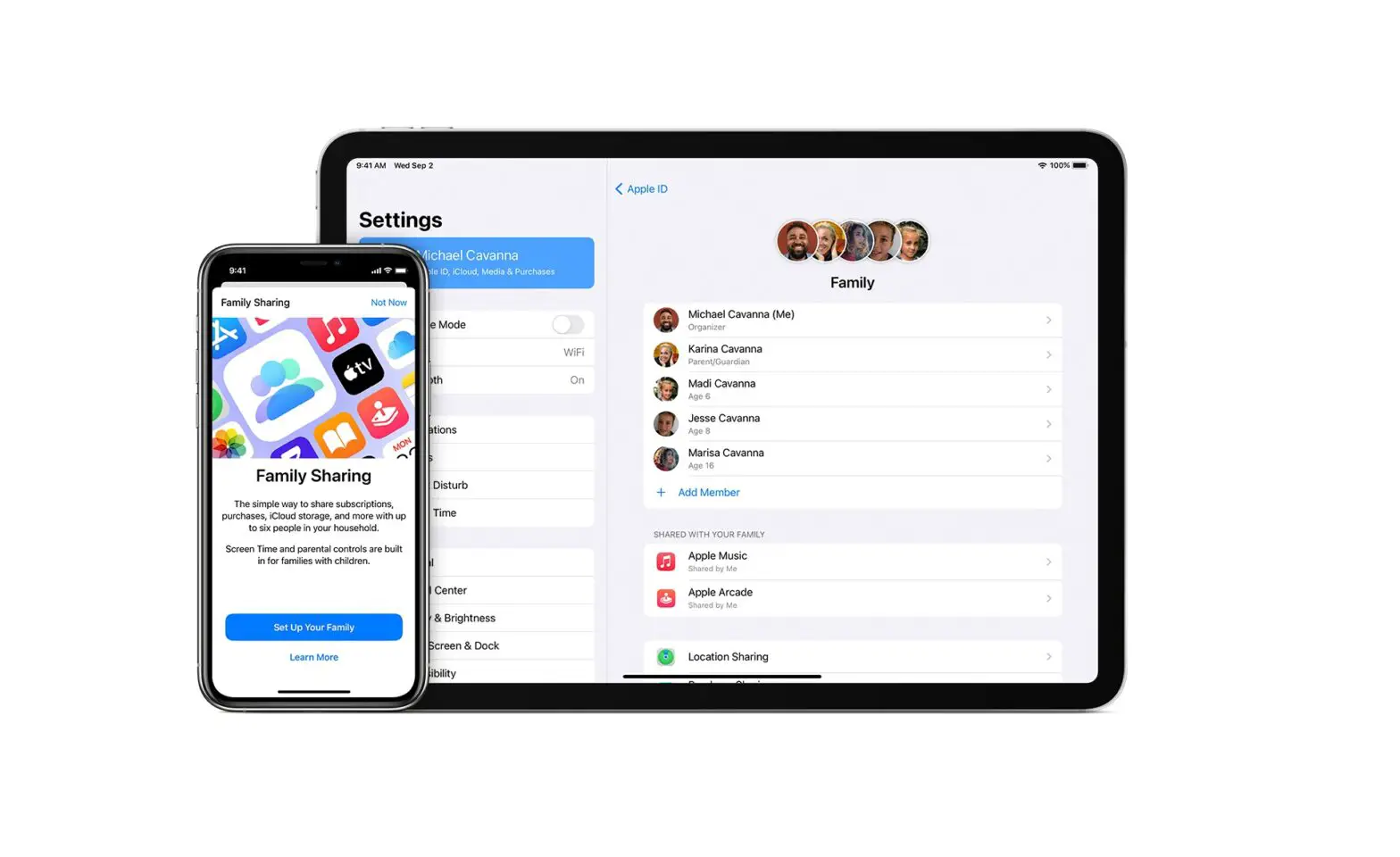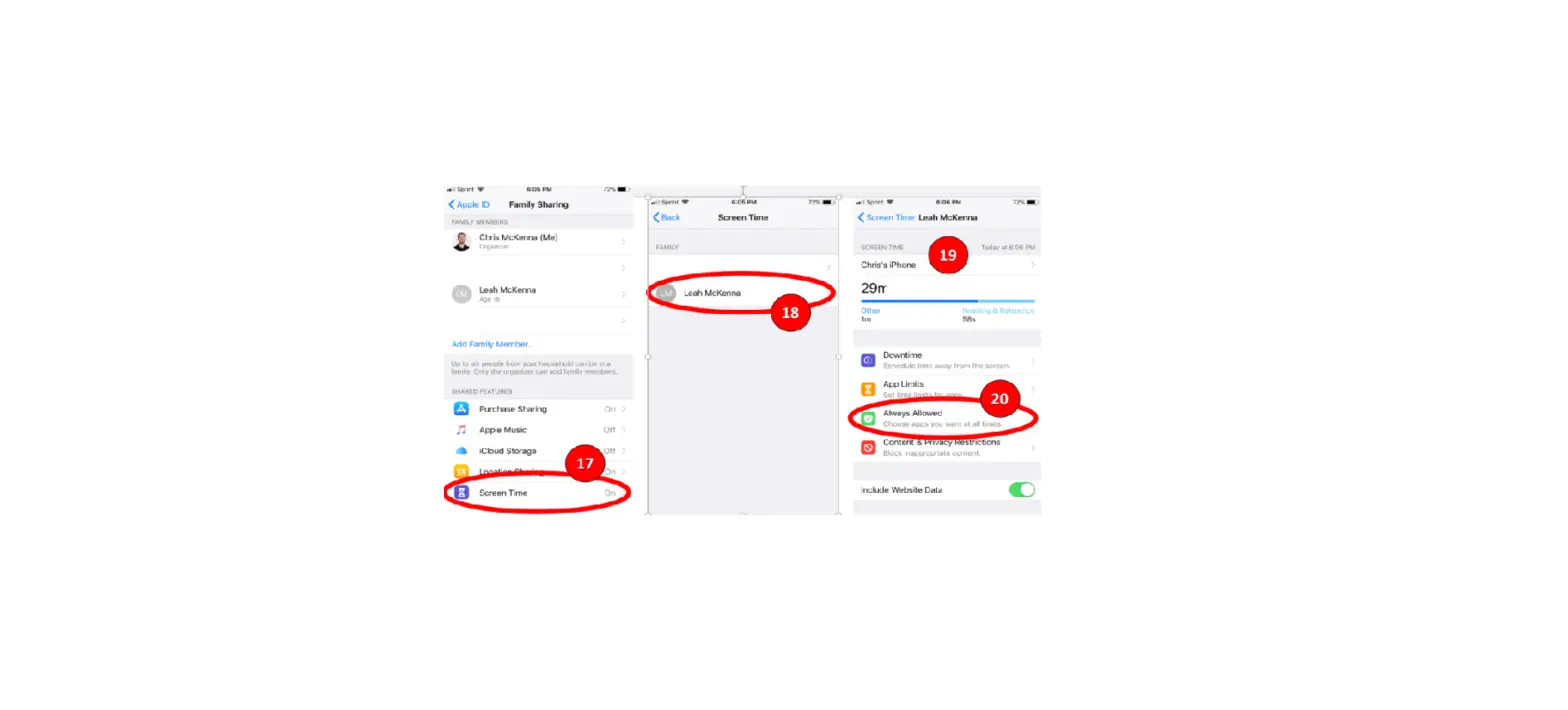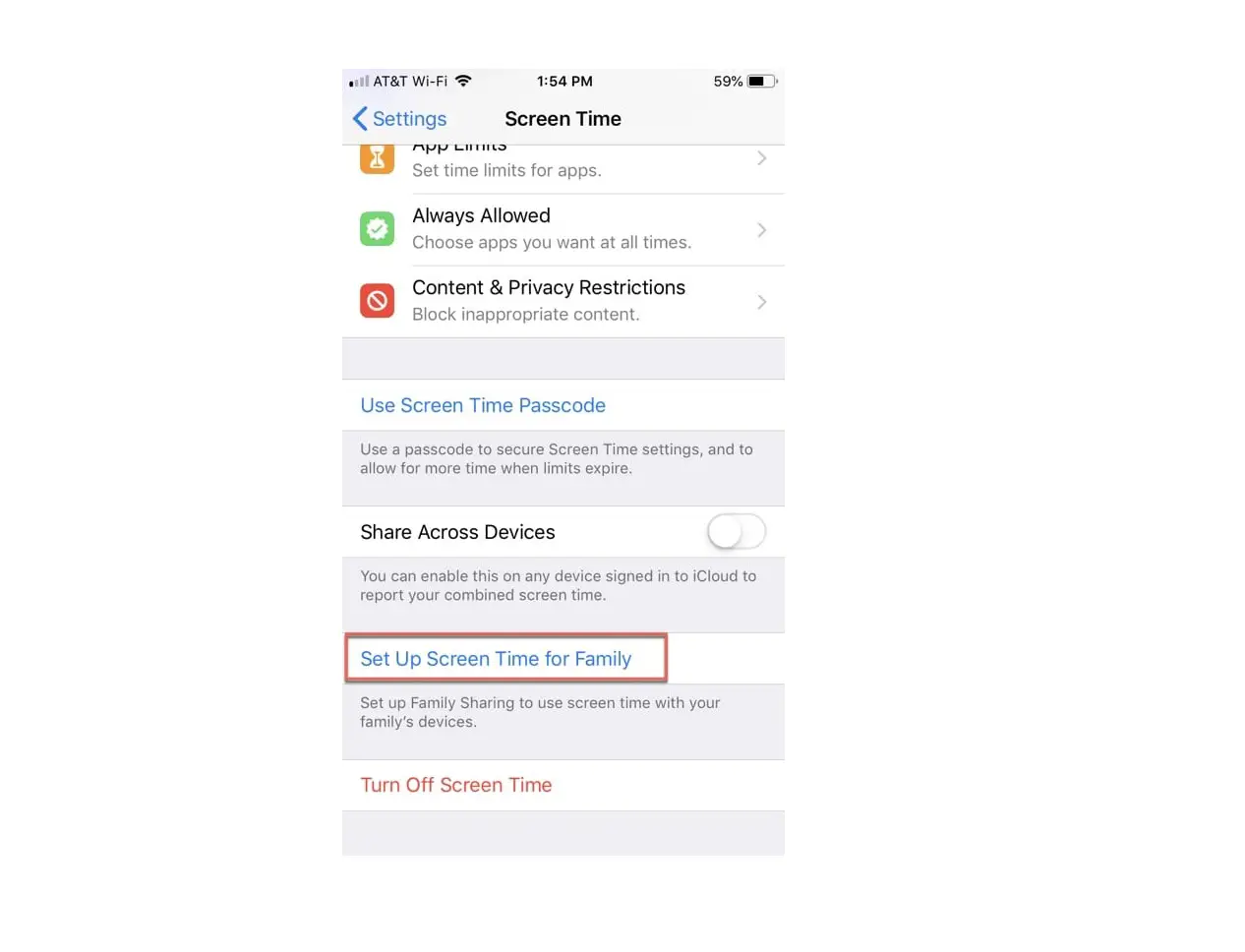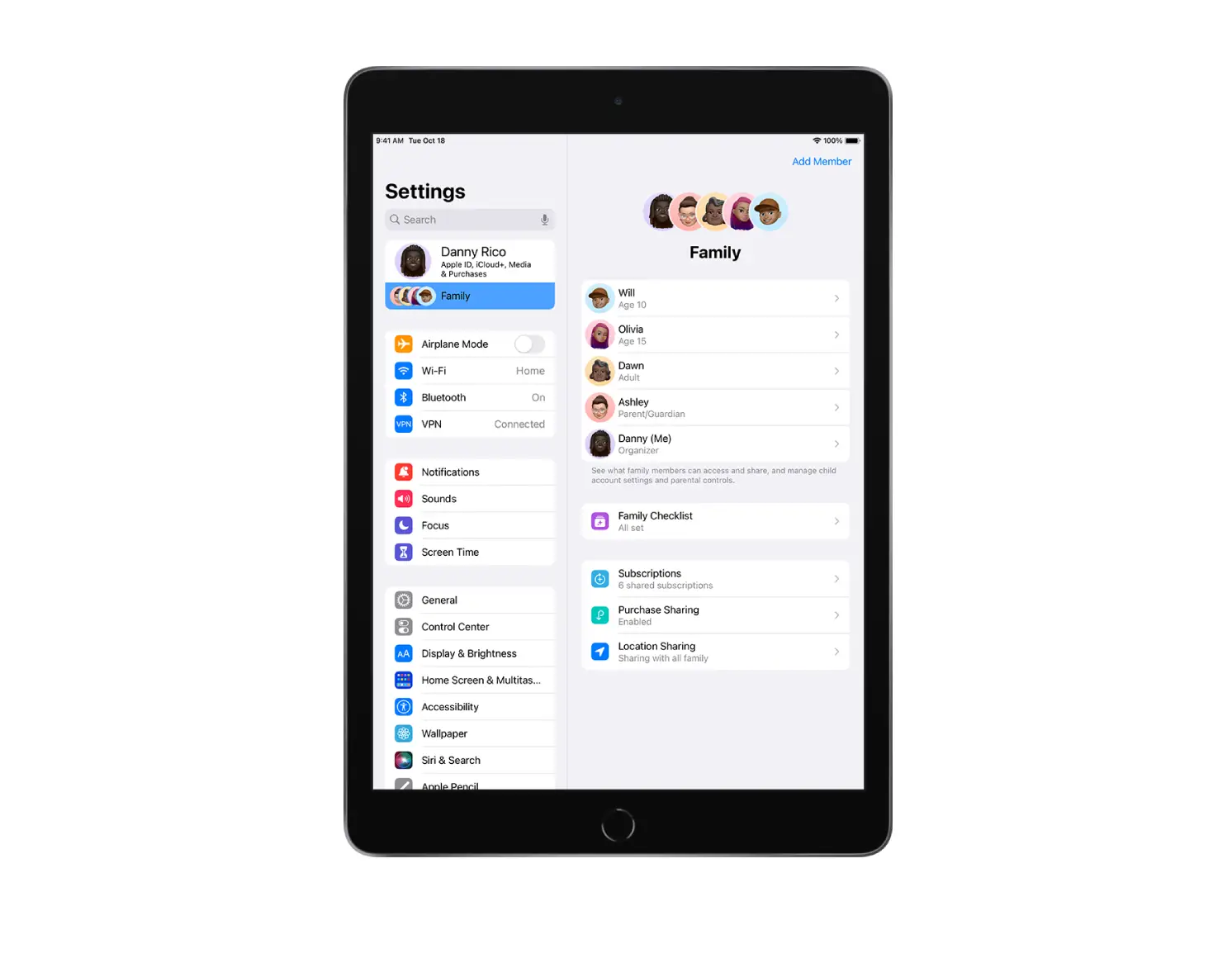
The organizer, a parent, or a guardian can create an Apple ID for a child in a Family group.
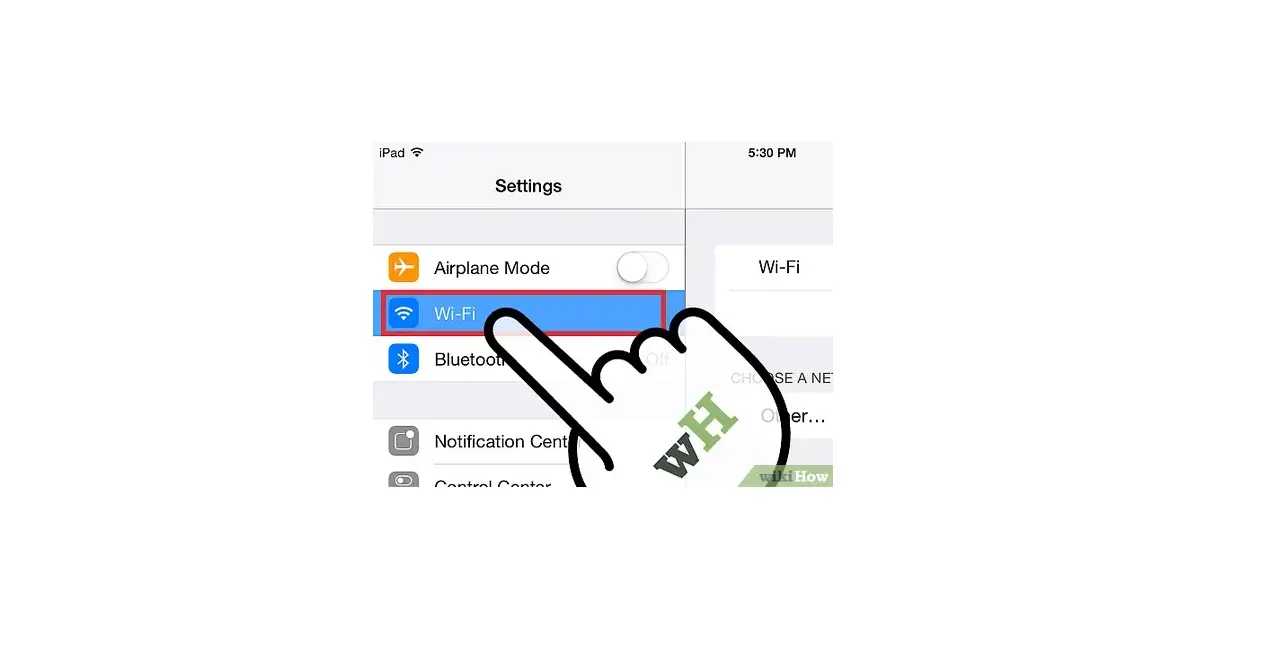
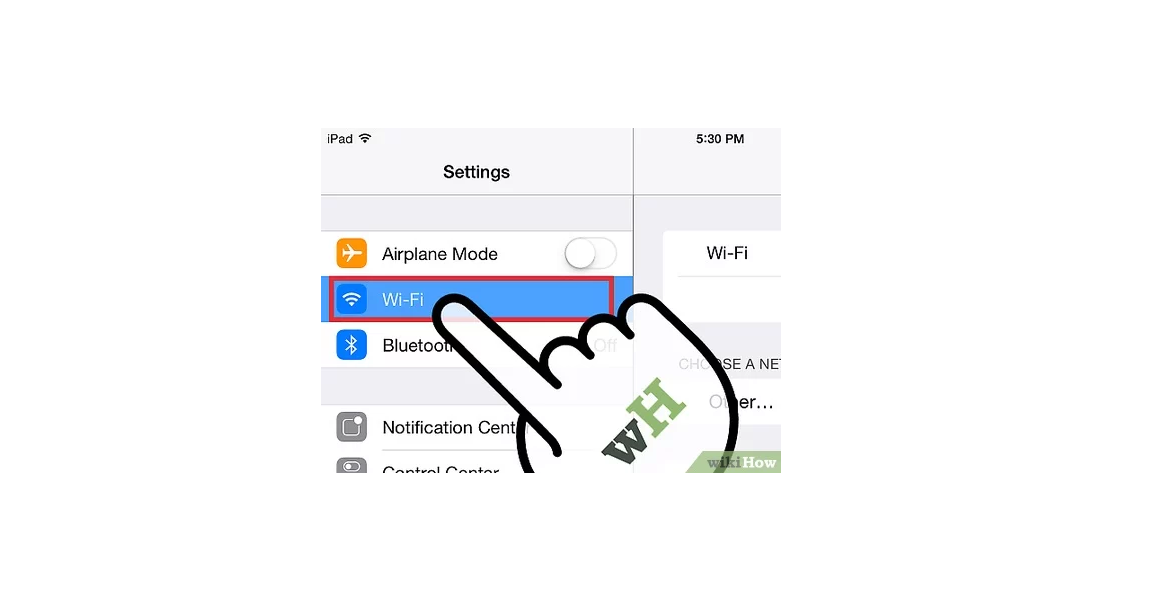
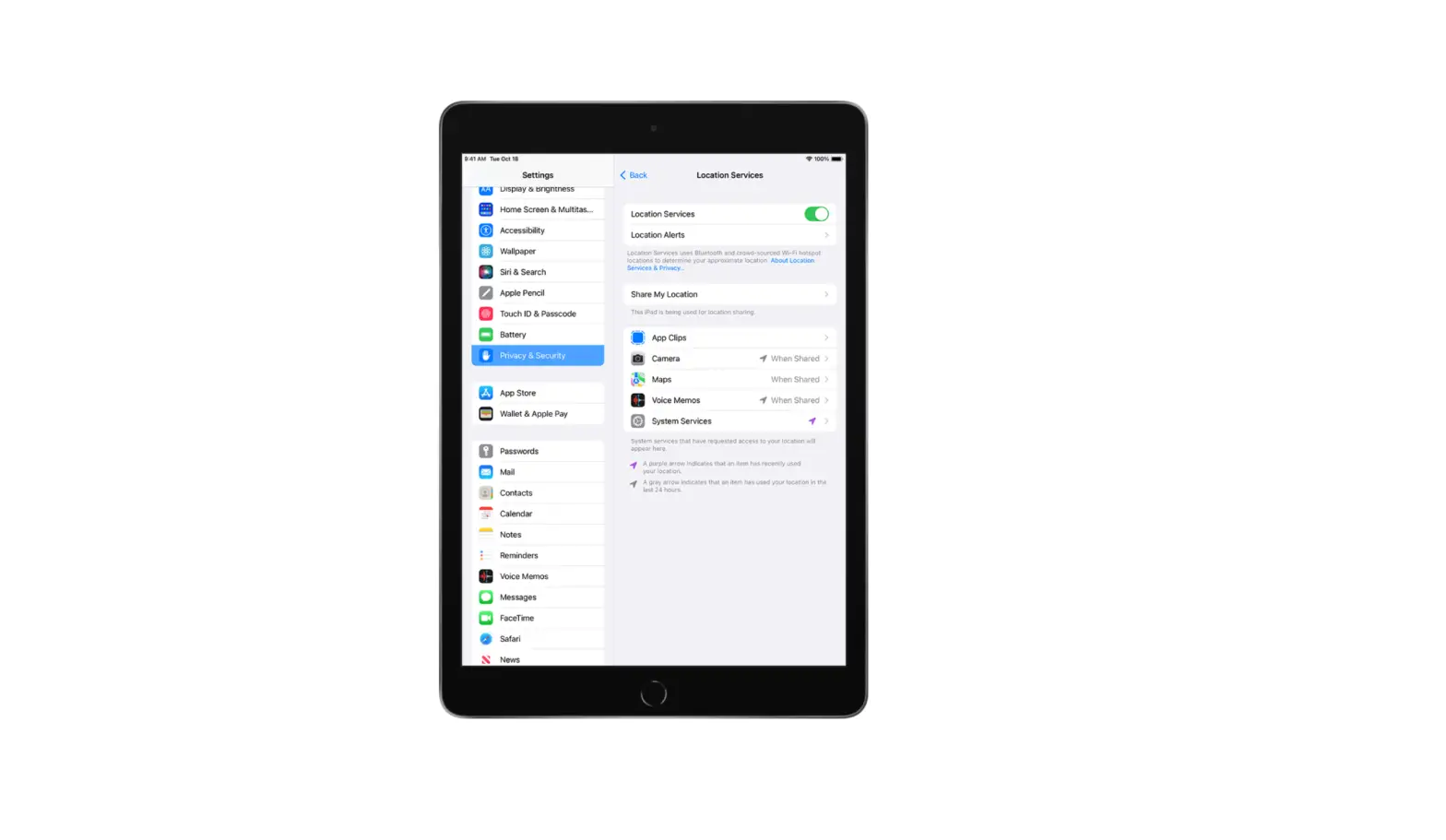
- Go to Settings
 > [your name] > Family Sharing.
 - Do one of the following:
- If you’re the organizer: Tap Add Member, tap Create an Account for a Child, then follow the onscreen instructions.
- If you’re a parent or guardian: Tap Add Child, then follow the onscreen instructions.
 > [your name] > Family Sharing.
For more information about child accounts, see the Apple Support article Family Sharing and Apple ID for your child.