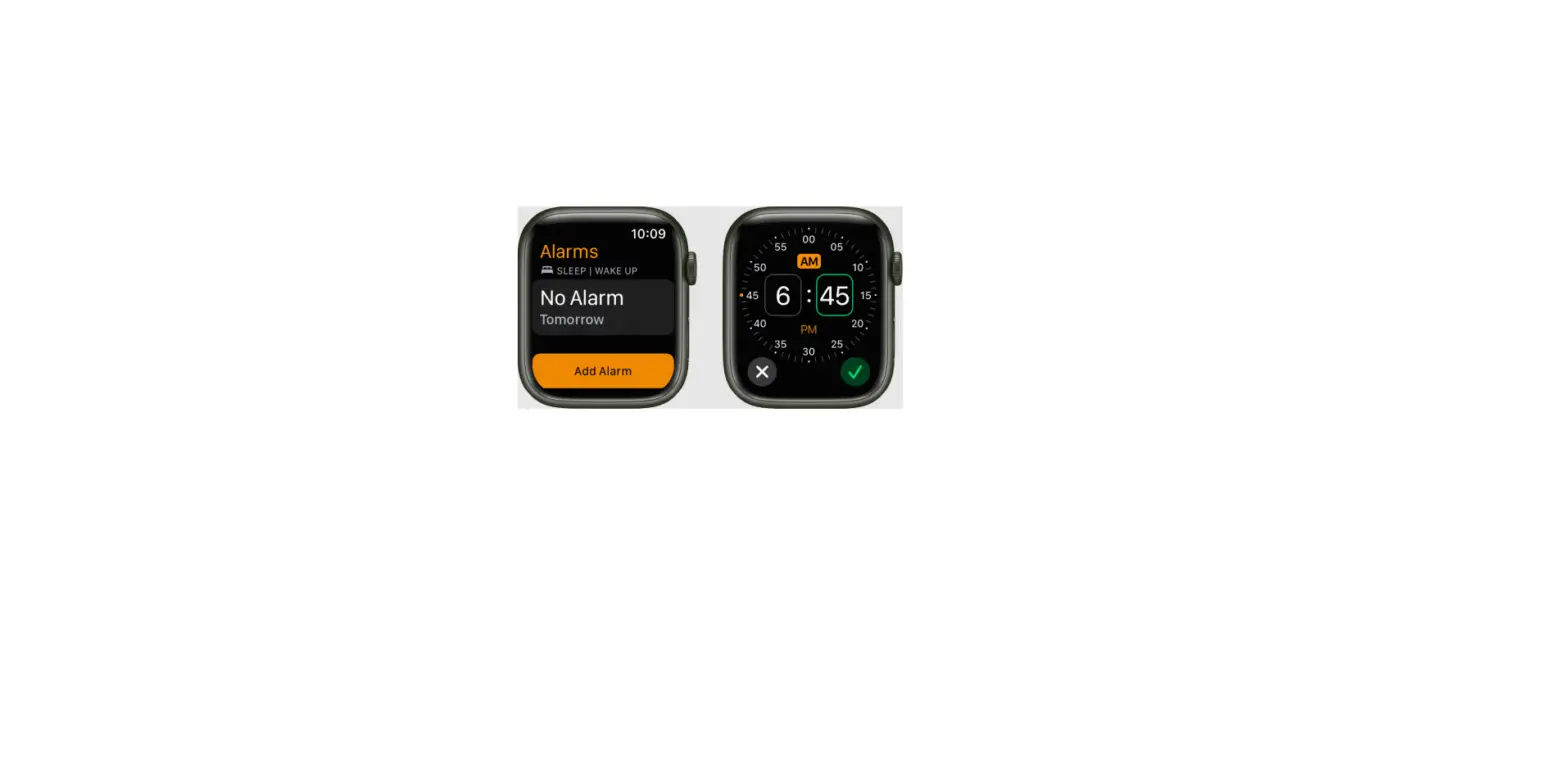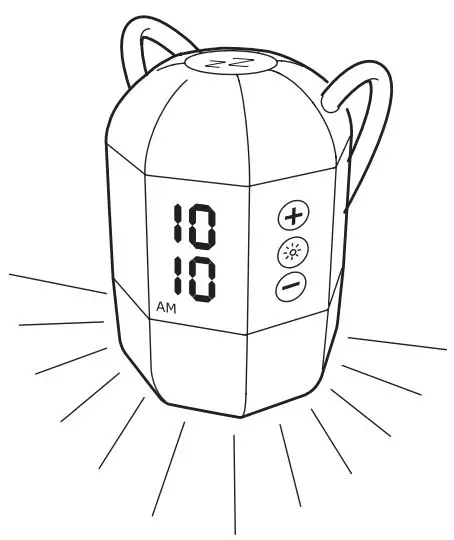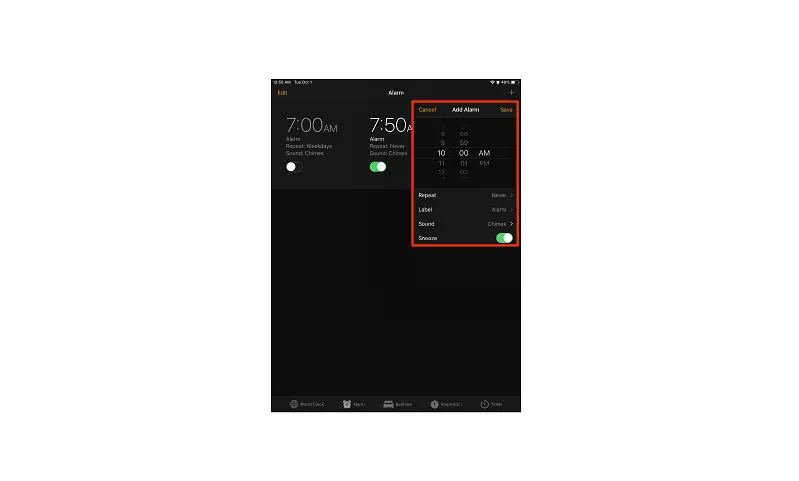
- Tap Alarm, then tap
 .
. - Set the time, then choose any of the following options:
- Repeat: Choose the days of the week.
- Label: Give the alarm a name, like “Water the plants.”
- Sound: Choose a song or a ringtone.
- Snooze: Give yourself nine more minutes.
- Tap Save.
 .
.To change or delete the alarm, tap Edit.