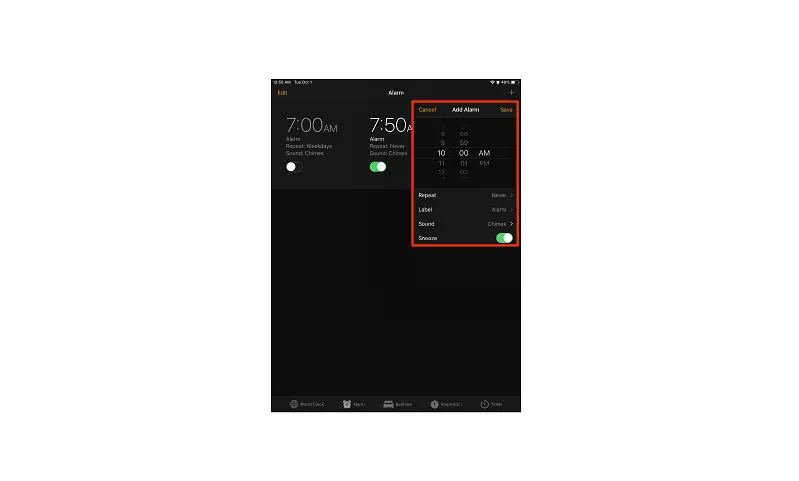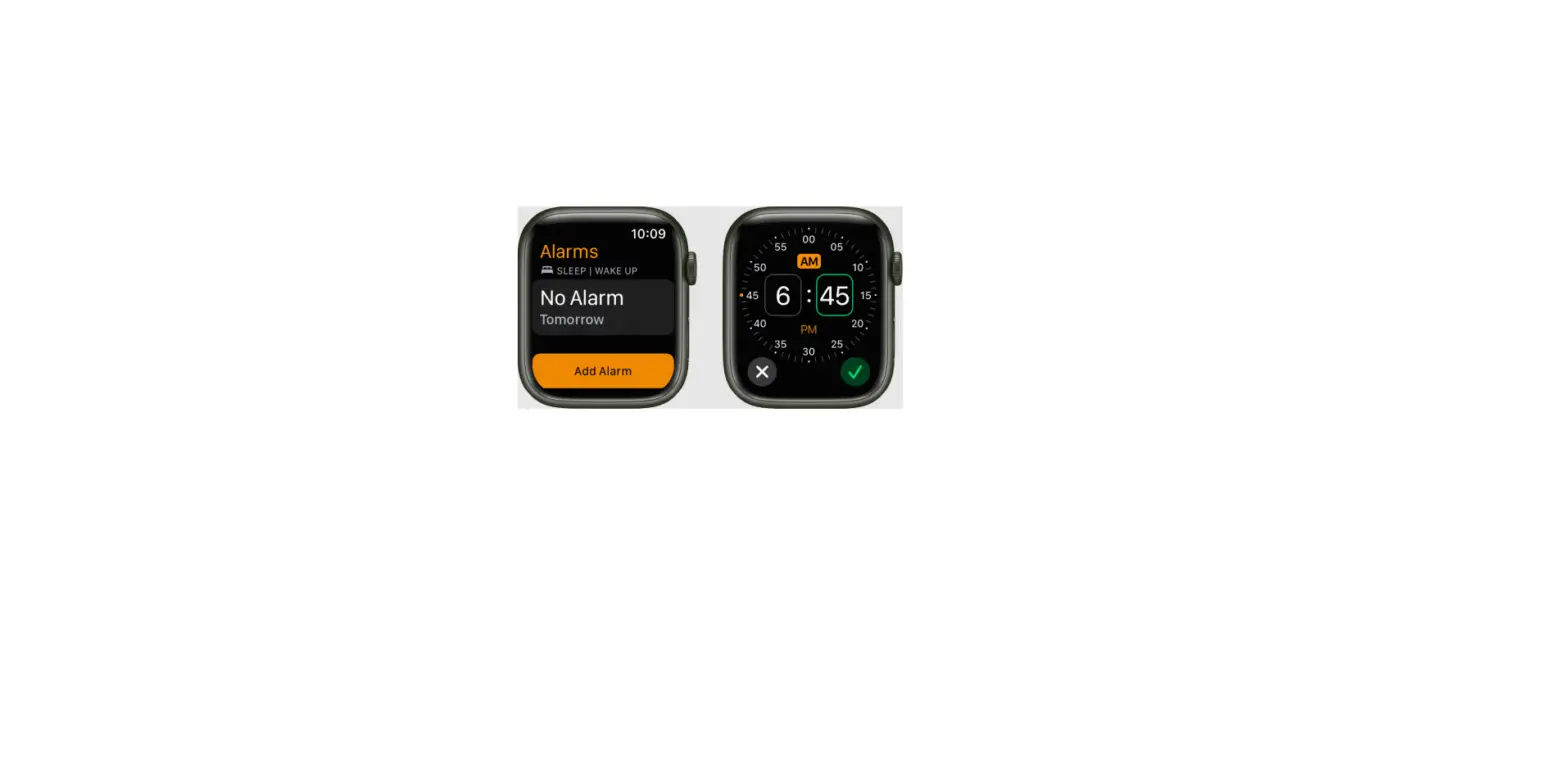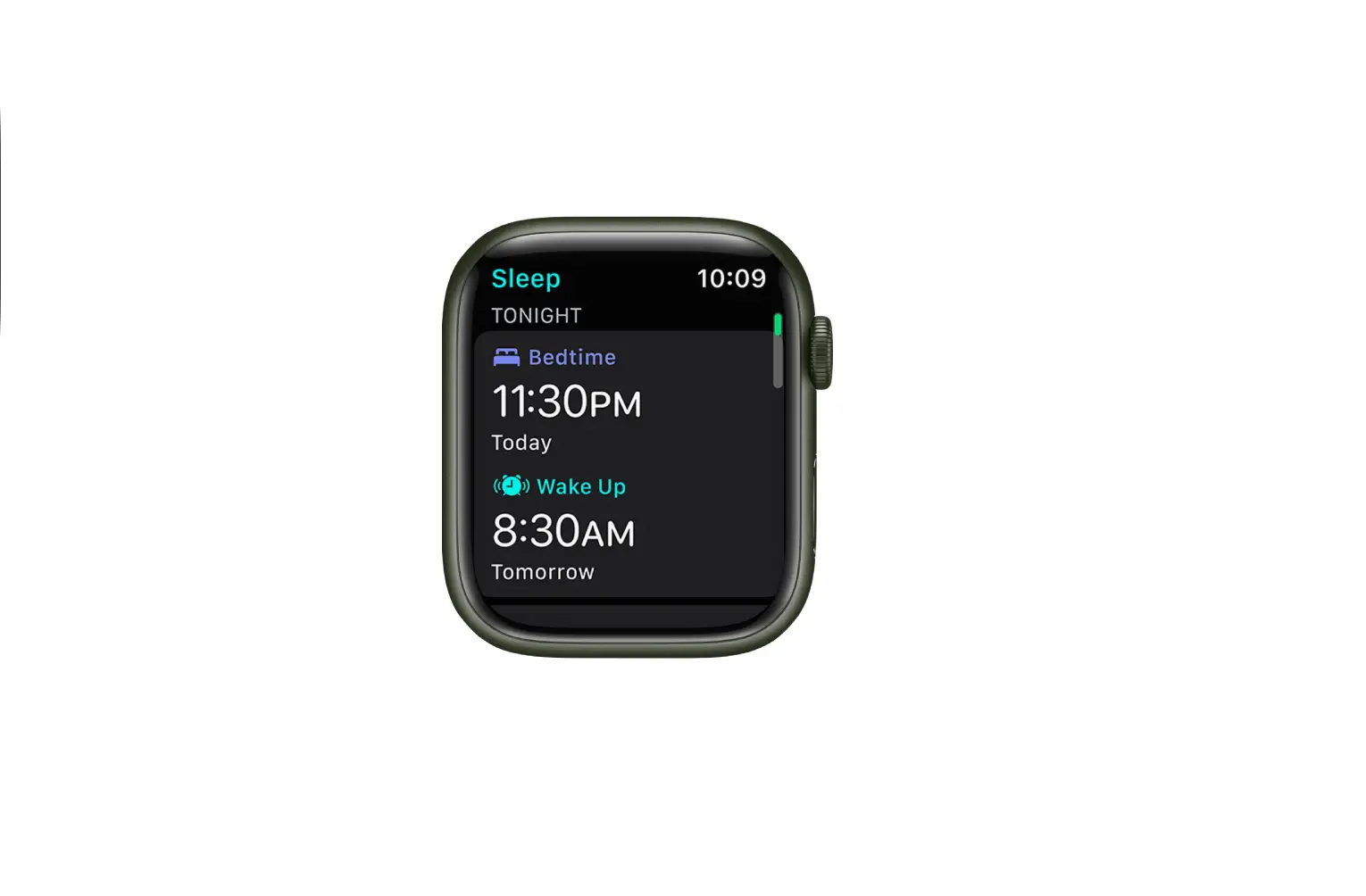
You can set regular alarms for any time, including one for the time you want to wake up. (A regular alarm is unrelated to any sleep schedule.)
- Tap Alarm, then tap
 .
.
- Set the time, then choose any of the following options:
- Repeat: Choose the days of the week.
- Label: Give the alarm a name, like “Water the plants.”
- Sound: Choose a vibration, song, or ringtone.
- Snooze: Give yourself a few more minutes of sleep.
- Tap Save.
 .
.
To change the alarm, tap Edit at the top left, then tap the alarm time.