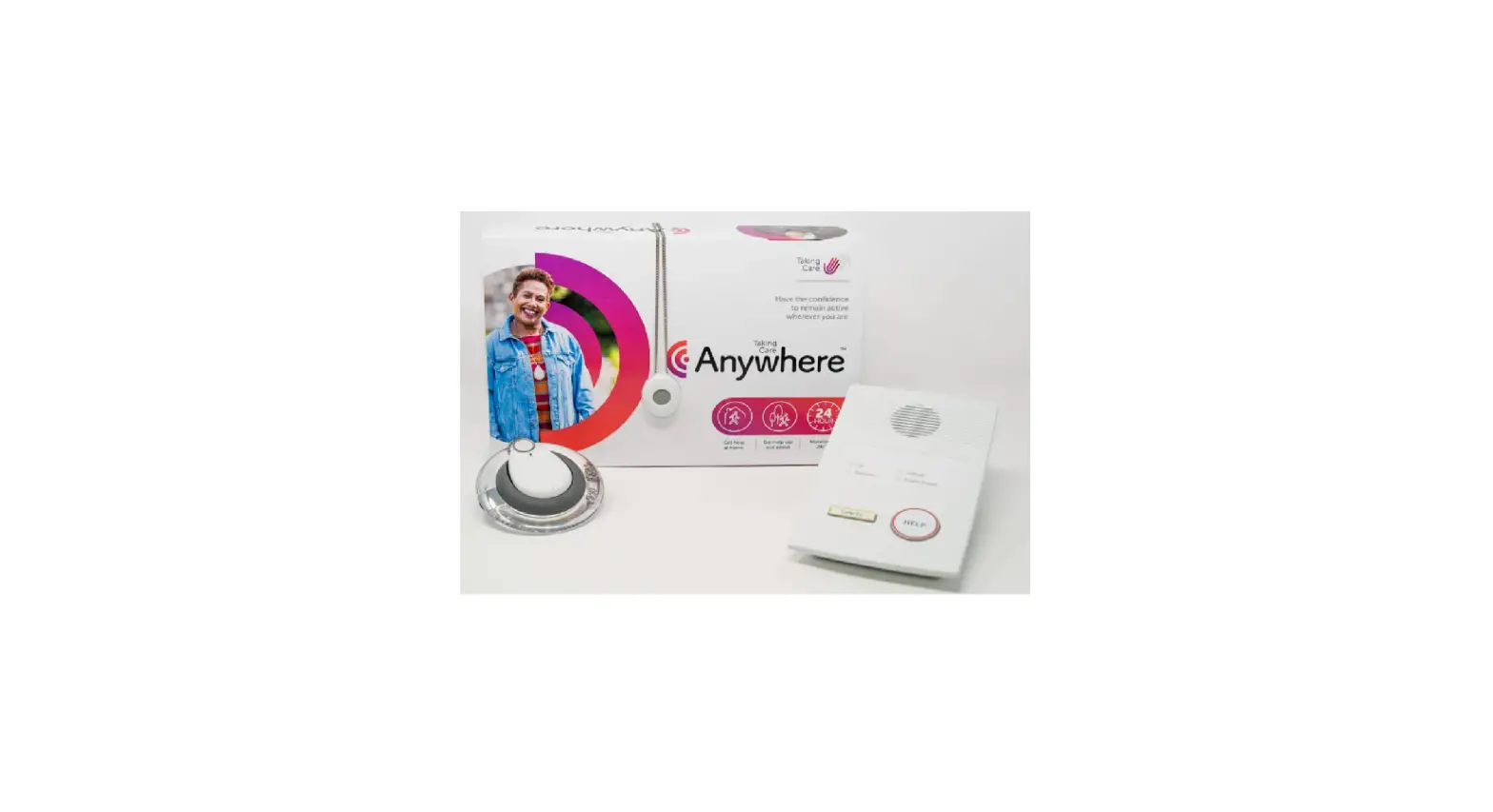

Taking Care Anywhere Personal Alarm
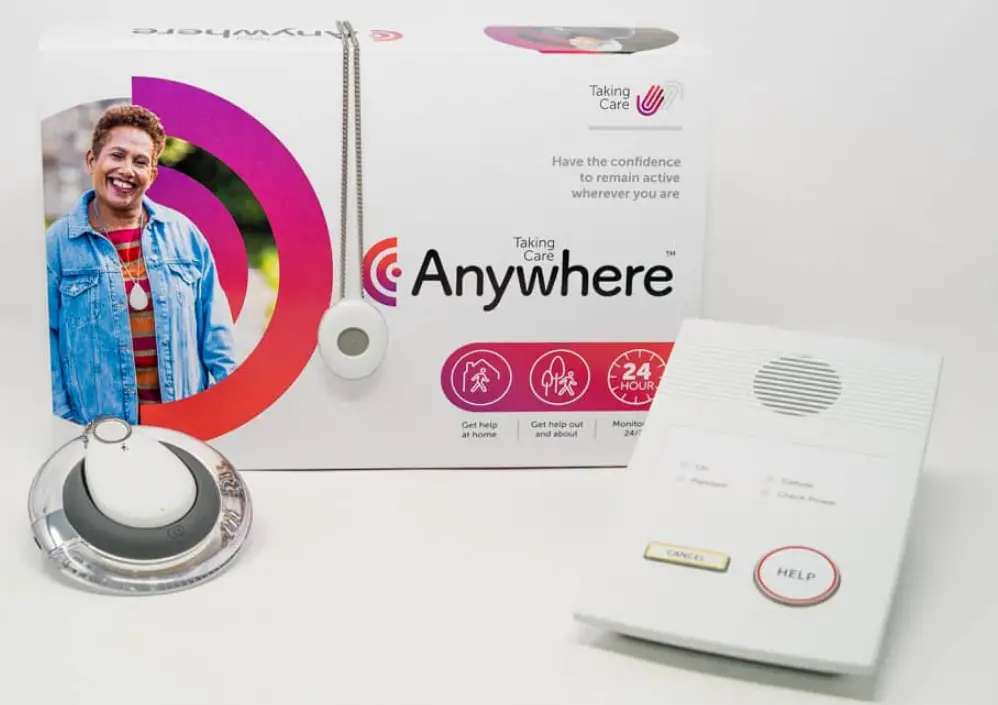
This Quick Start Guide gives a simple overview of how to get your Taking Care Anywhere up and running. Please use this Guide in conjunction with the Taking Care Anywhere Set-up & User Guide included in the box and ensure that you have provided us with your full user details prior to setting up your alarm.
INTRODUCTION
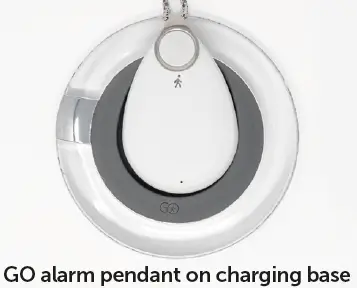
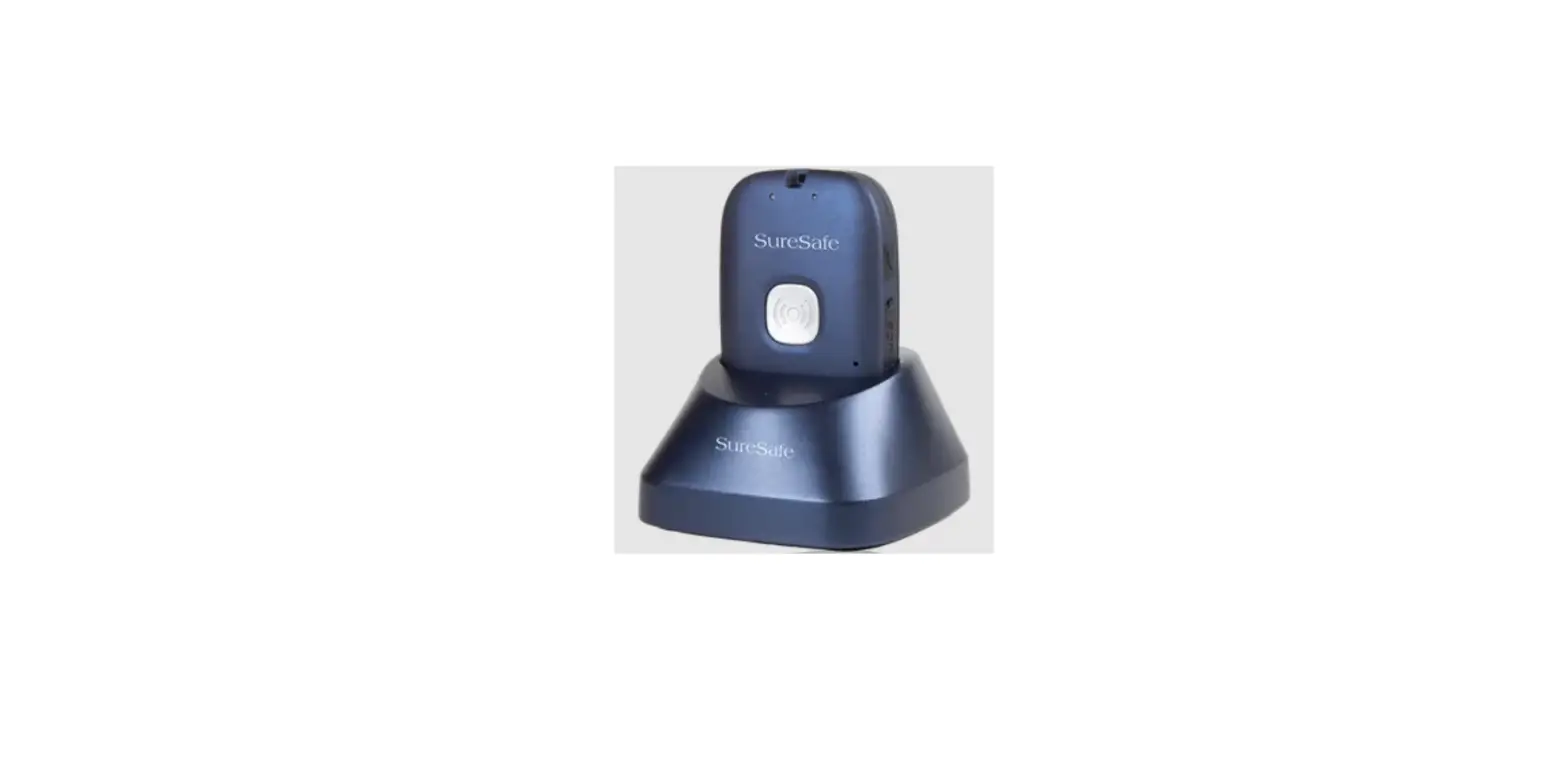
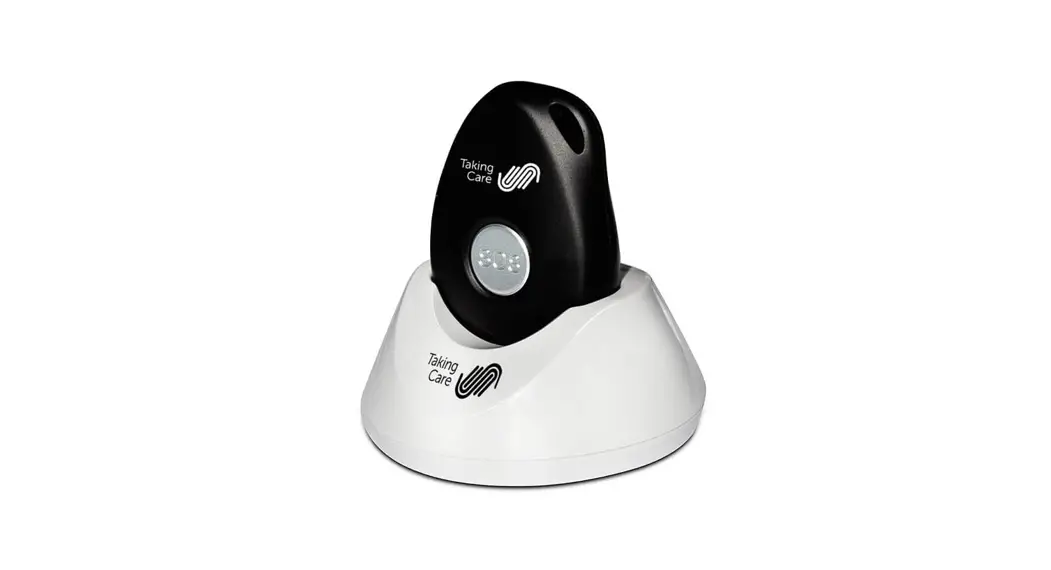
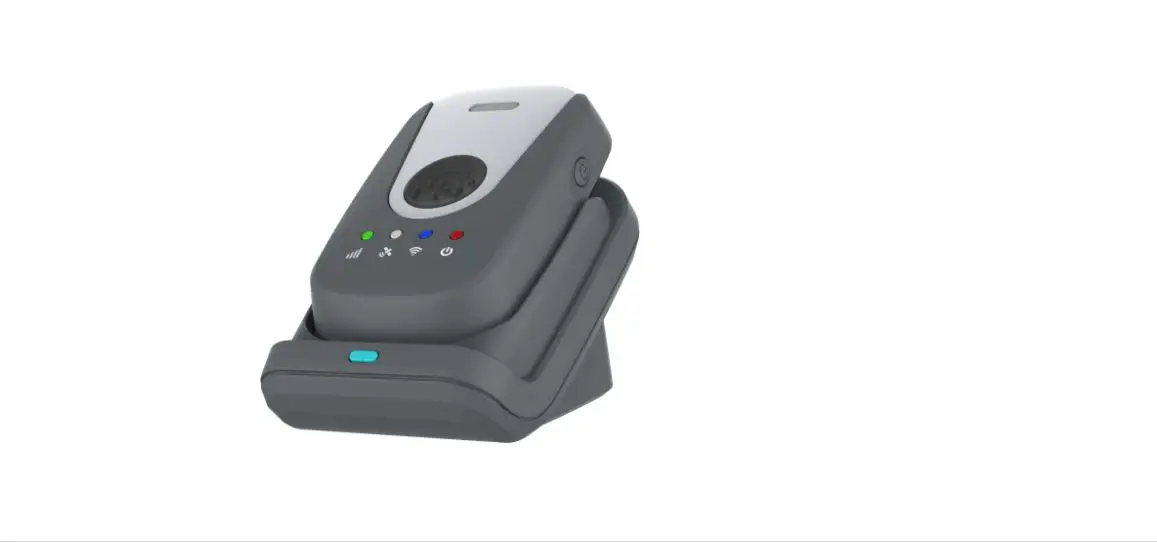
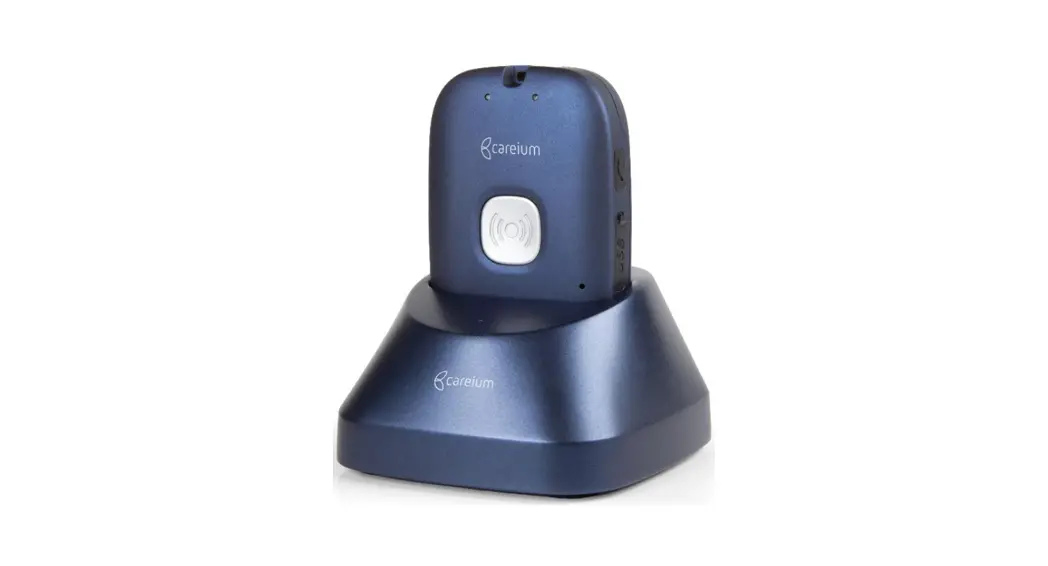
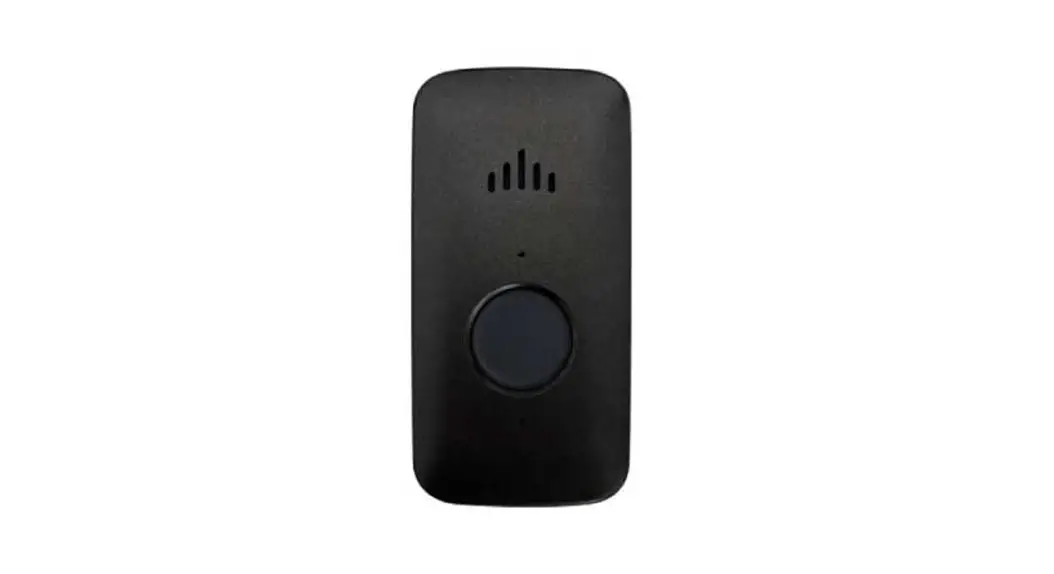
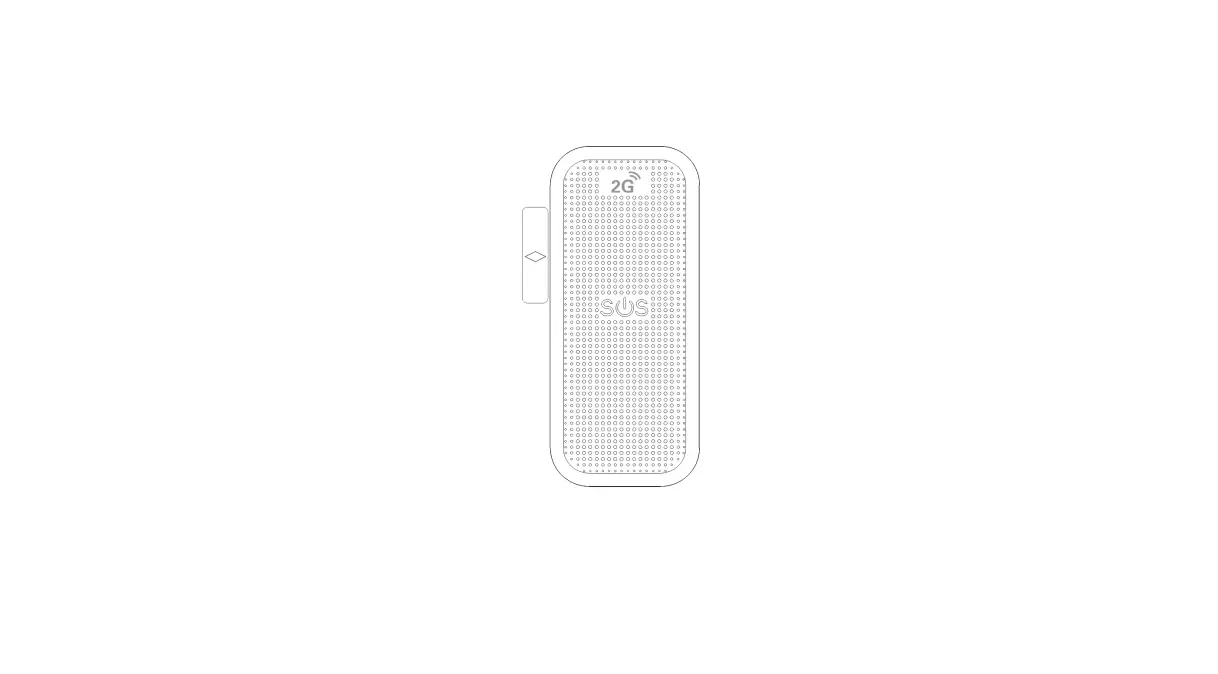
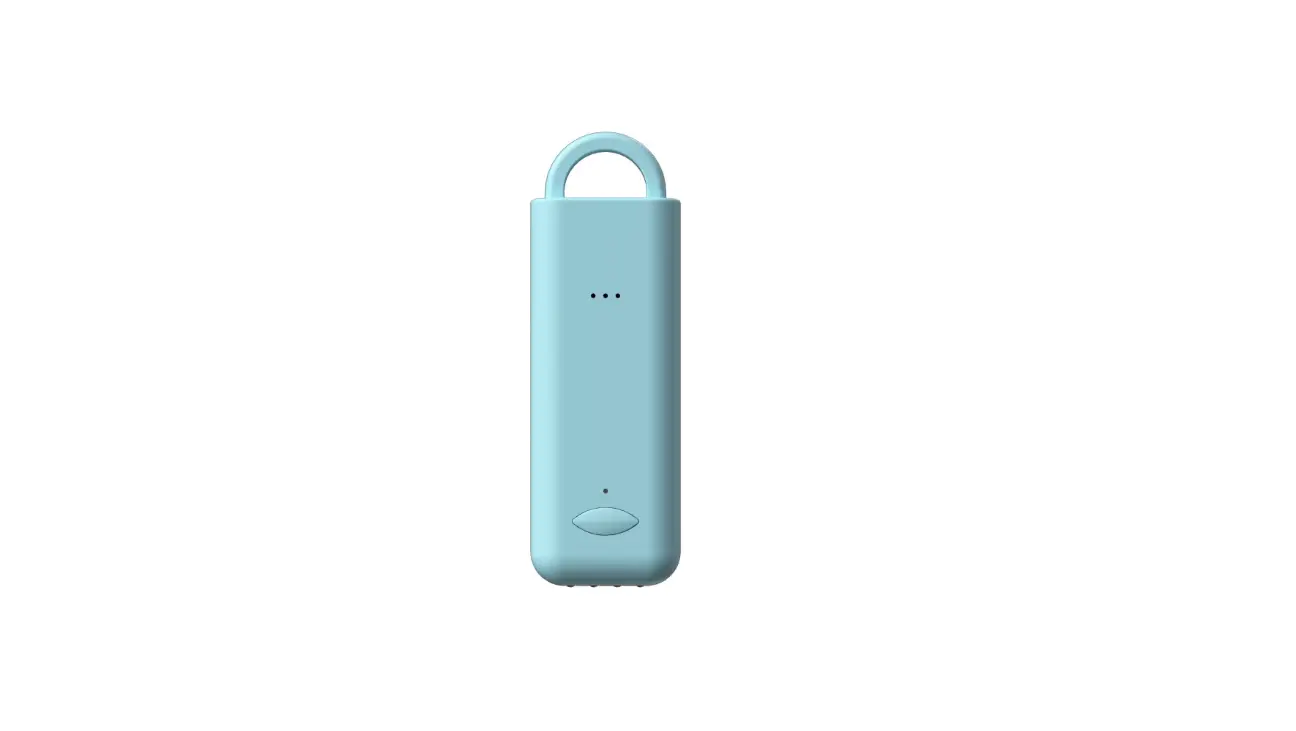
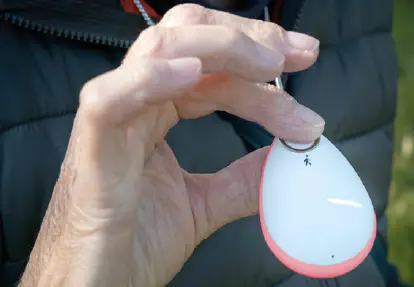
- Choose where to put your GO alarm charging base, found in Sections 2 & 3 of the box and plug it into the mains. Start charging your GO alarm pendant (Section 3 of the box).

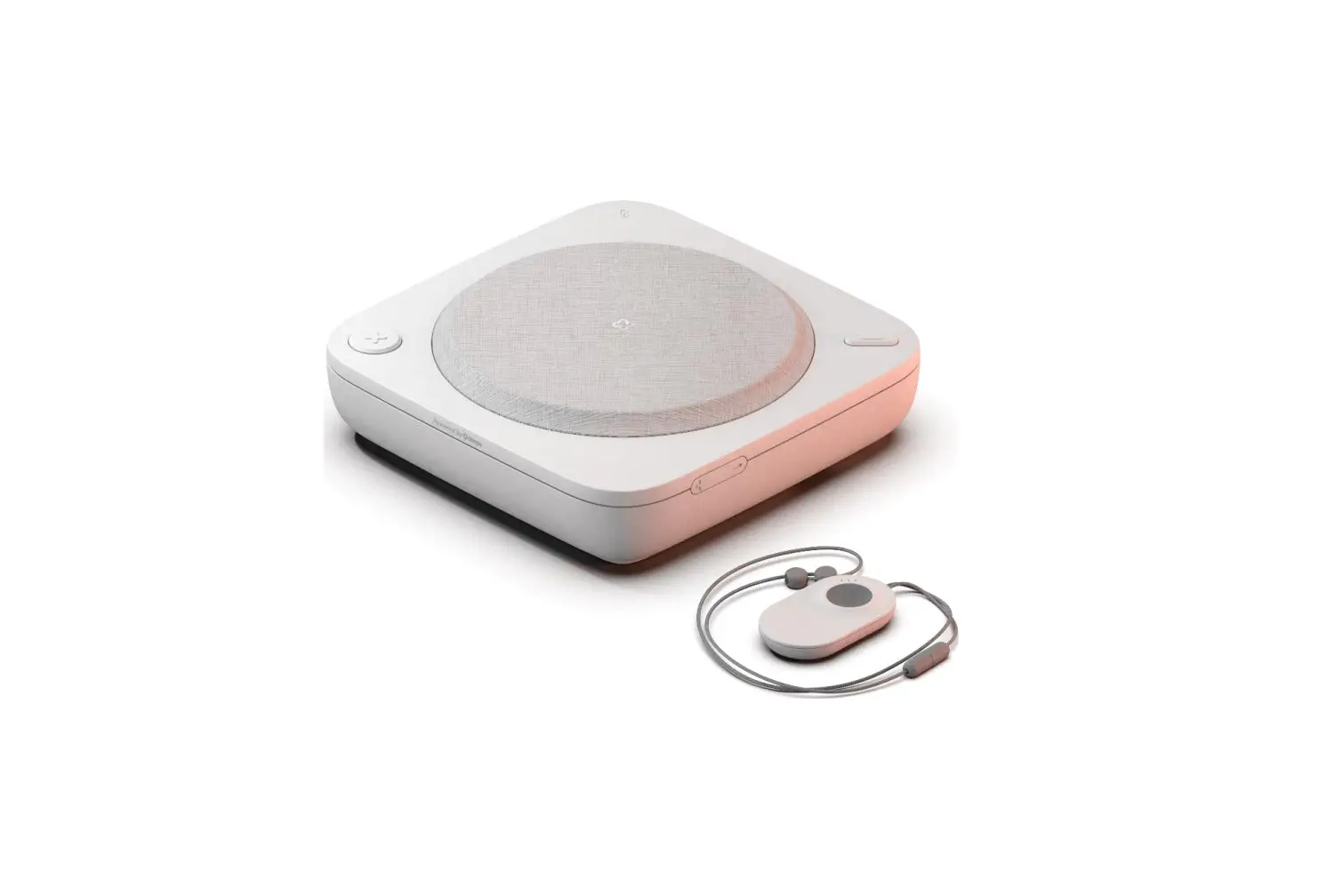
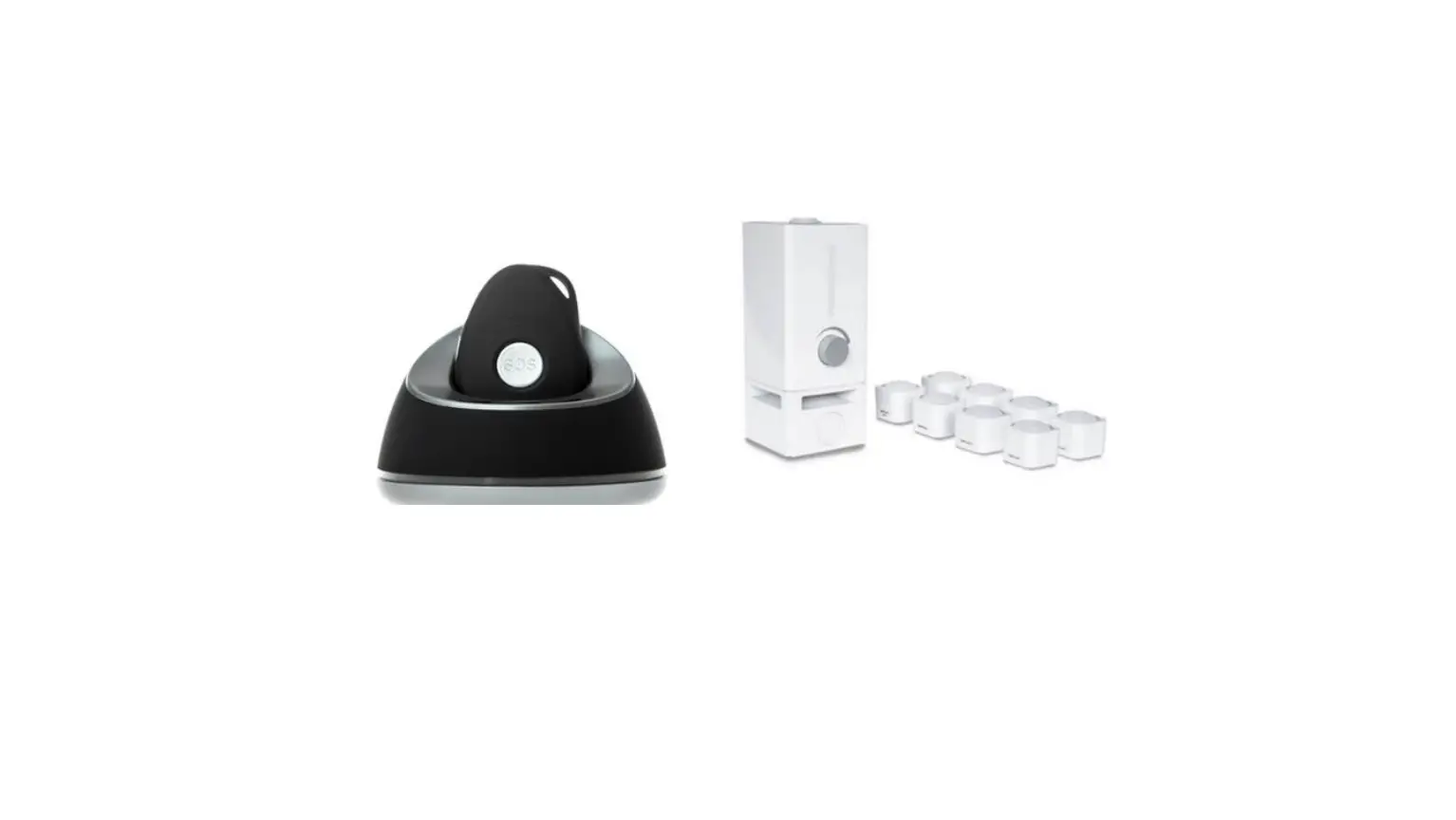
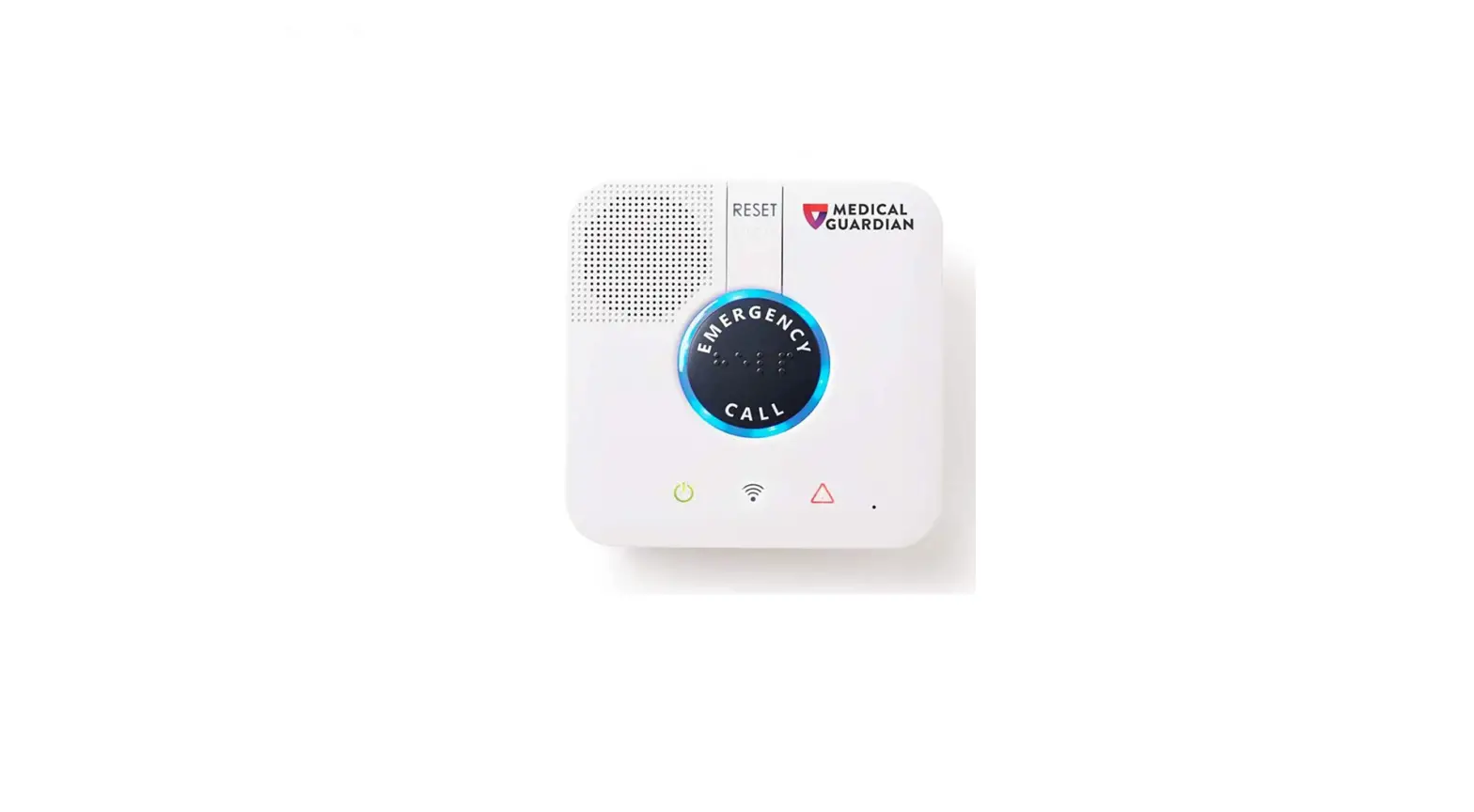
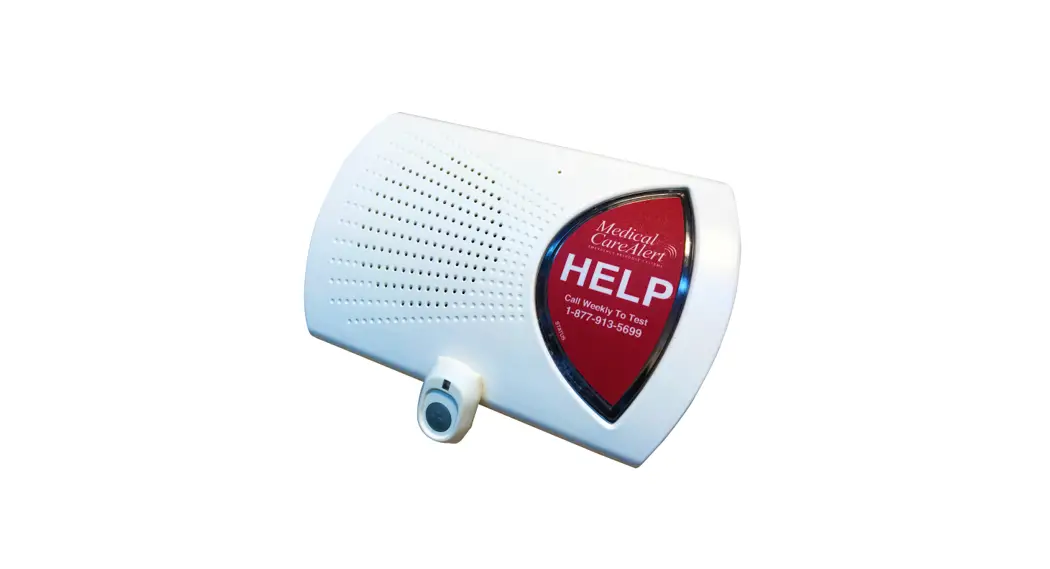
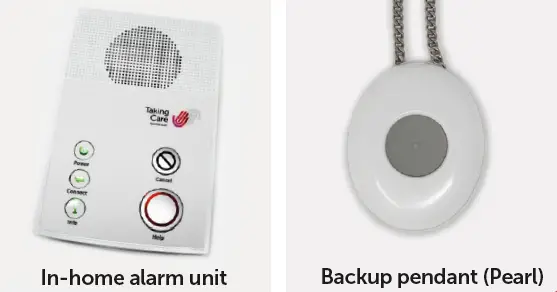
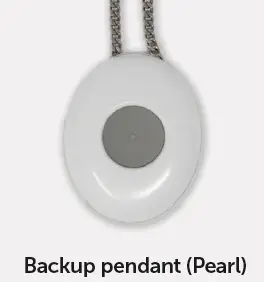
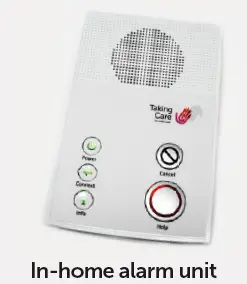
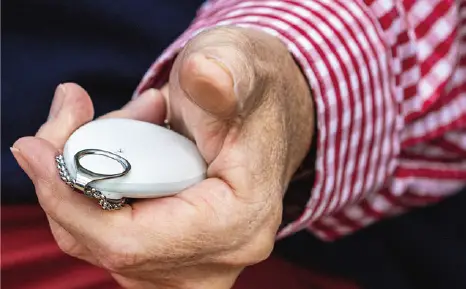
- Next take out your in-home alarm unit and your backup pendant (Pearl), found in Section 1 of the box.
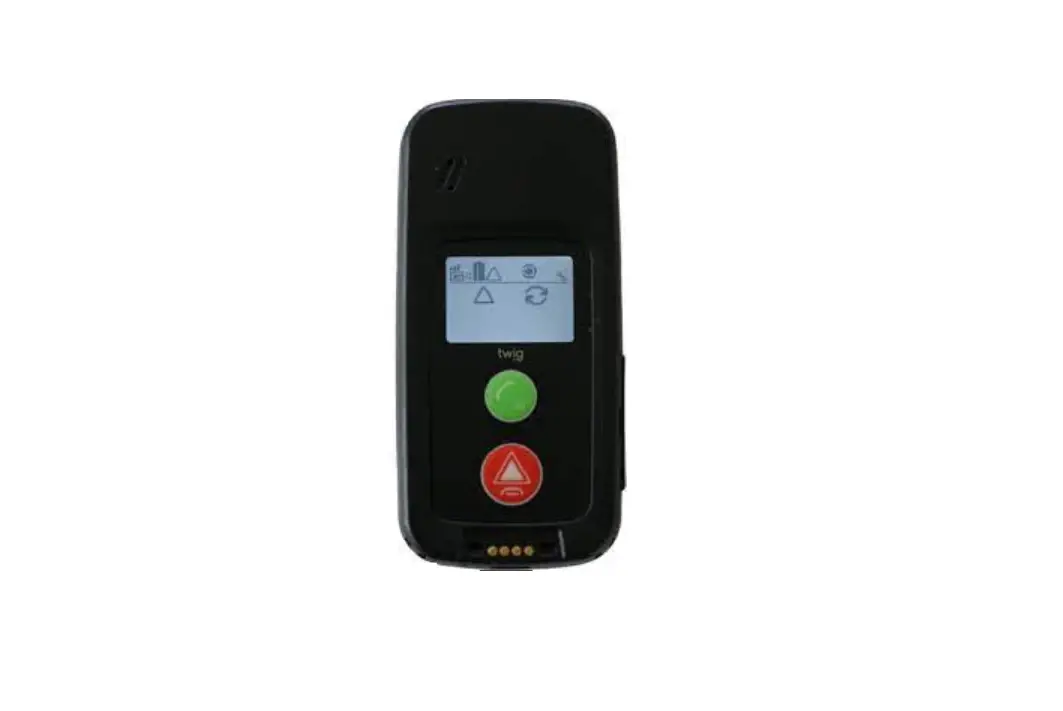
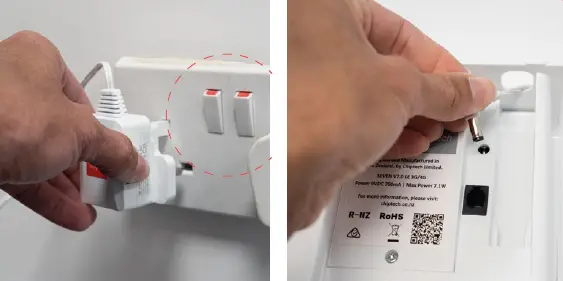
- Choose where to put your in-home alarmunit, plug it into the mains and turn on the power.

- Voice messages will guide you through the installation process step by step. After completing all the set-up steps, place a test call using your in-home alarm unit and backup pendant (Pearl).

- An operator will answer and speak to you via your in-home alarm unit. The operator will then end the call and call you back on your telephone to check our outgoing connection.

- The operator will then help you check the battery level, network strength and location of your GO alarm pendant. They will then hang up.

- After 15 minutes place a test call from your GO alarm pendant.

We’re happy to help if you have any questions
- Please call us on 0800 077 8408
- Lines are open 9am–5pm, Monday to Friday.
QSTCASV1OCT22