 Guardian III Alarm Watch
User Guide
Guardian III Alarm Watch
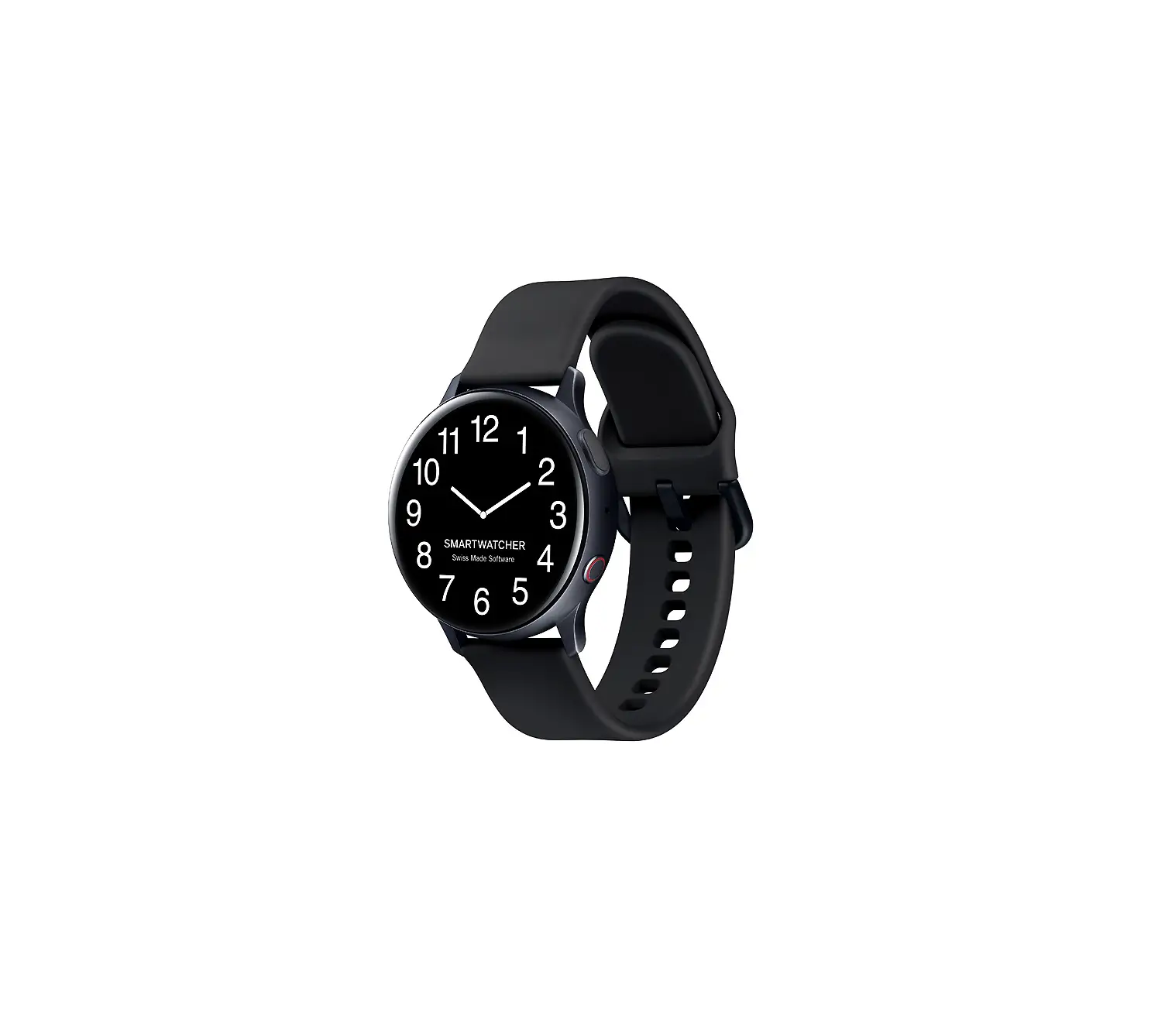
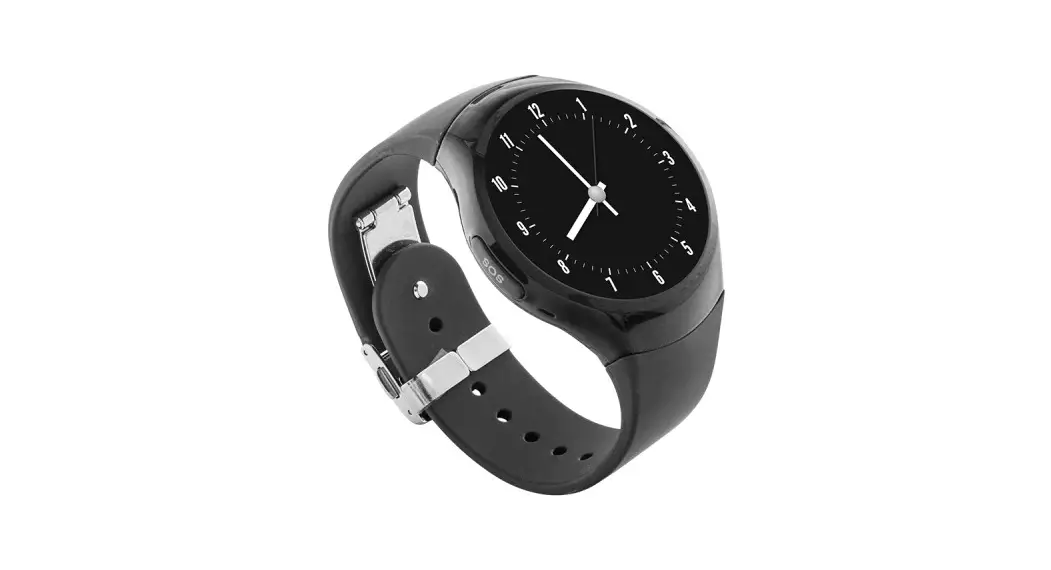
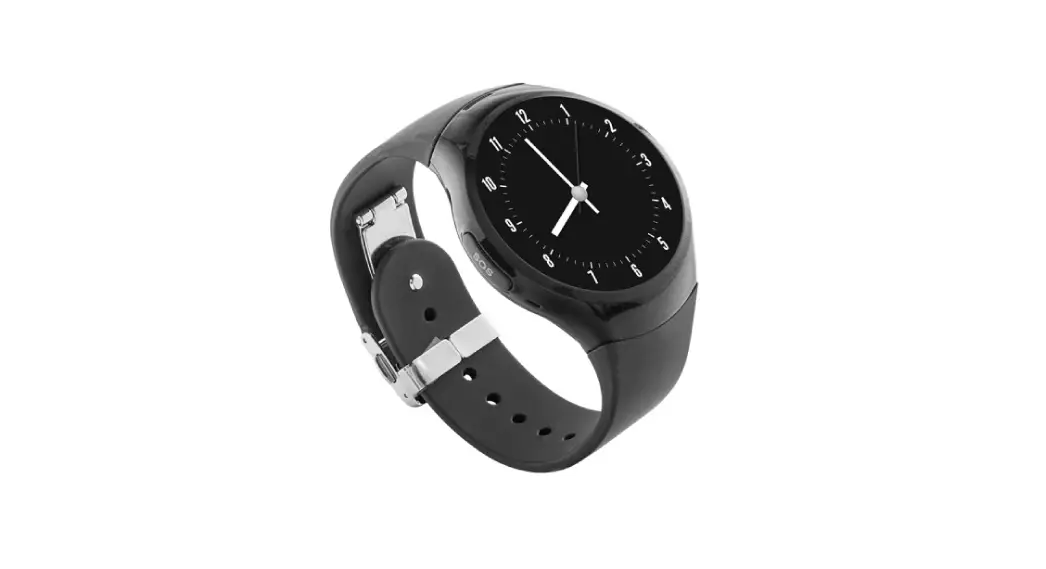
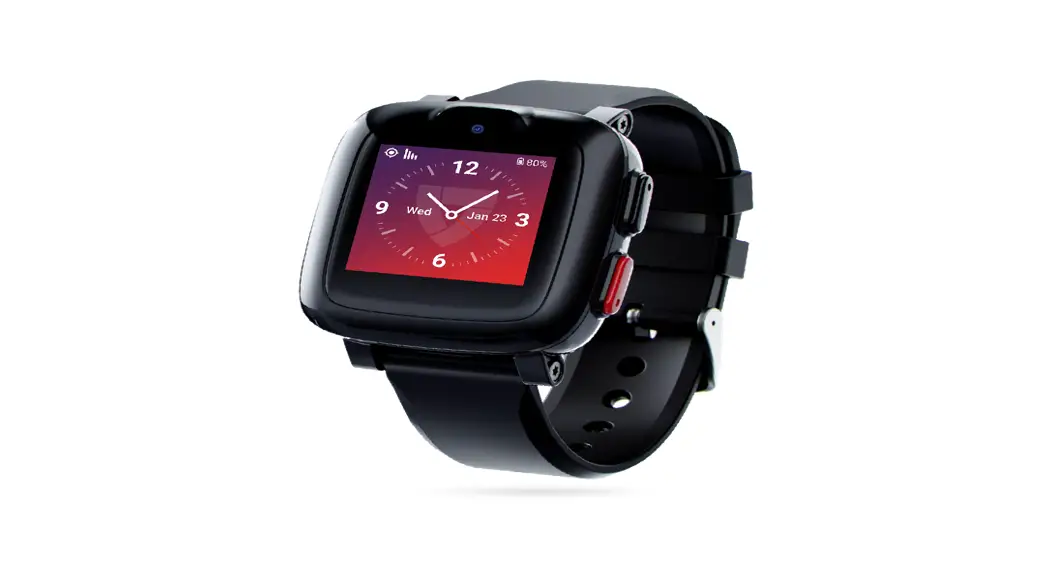
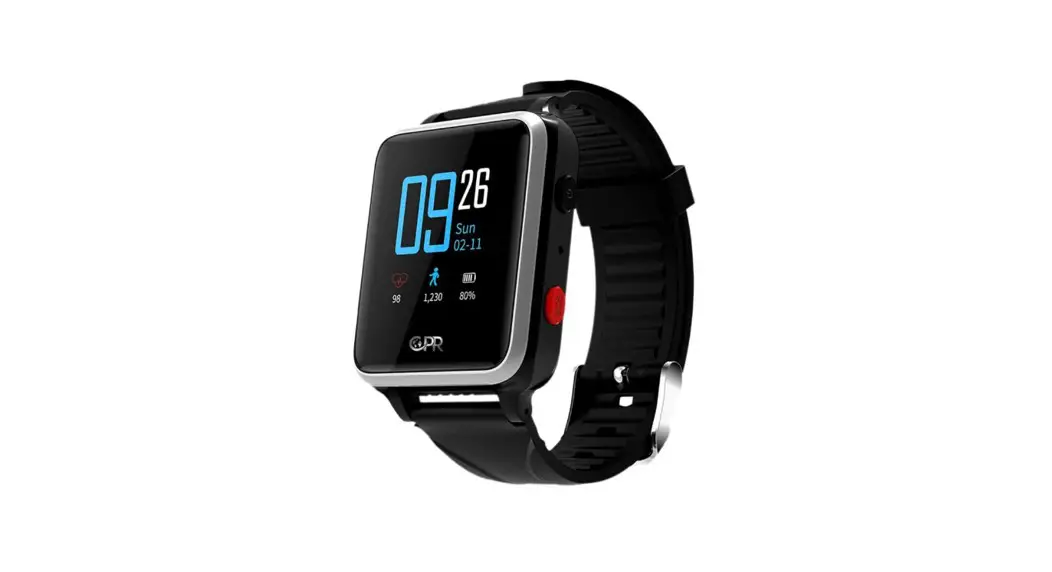
CPR Guardian Ill is a watch/mobile phone equipped with a SOS Emergency Assist Button, GPS Tracker, Fall Detector, Temperature monitor and Heart Rate Monitor. With the CPR Monitoring App you can keep track of your loved ones location and heart rate status. You can call or voice message them at any time. For optimal user experience Guardian Ill will automatically update with the latest software. Don’t forget to download your advanced user guide: www.cprguardian.com/userguide
Your Guardian III
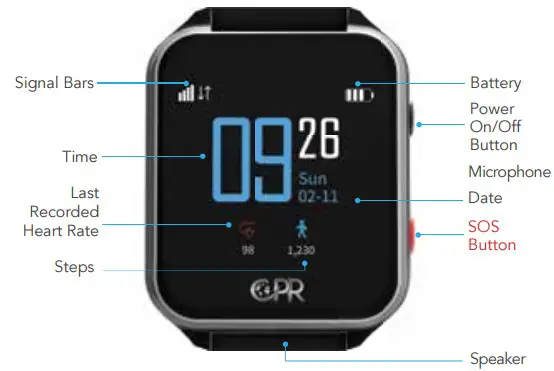 Press and hold the watch face to switch between digital or analogue clock faces.
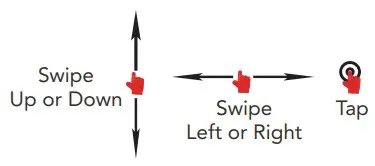 Swipe Up/Down, Left or Right to navigate the watch function menus and Tap to access.
CPR Monitoring App
Download on Google Play or App Store the CPR Monitoring App (the icon will look like the image below).
SIM Number
Inside the Guardian In box you will find the SIM details (Fig. 1), that you will need during the registration. 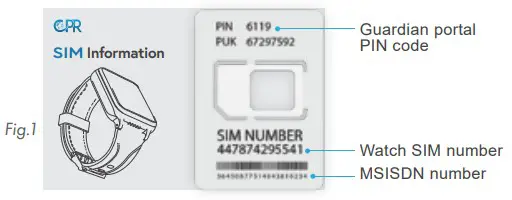
Register
Once downloaded open the CPR Monitoring App and swipe through the intro screens.
At the Login page select ‘Register’ (1). You will need to enter your mobile number (not the watch SIM number) then press ‘Get Code’ (2).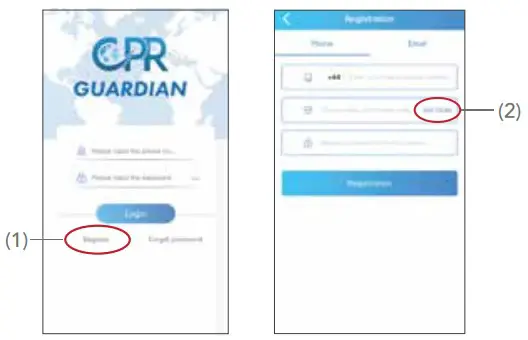
Verification
A code will be sent to the mobile phone number you have provided.
Please enter the verification code, create a password and press ‘Registration’ (3).
You will be returned to the home page. Press ‘Login’ (4).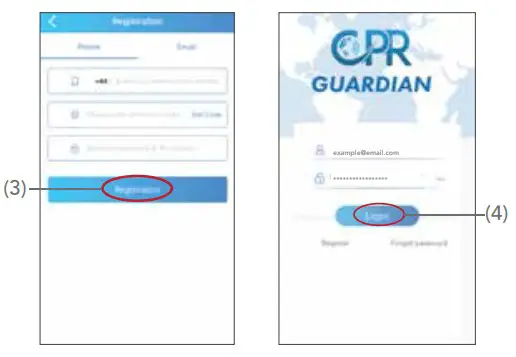
Add Watch
Click on the ‘Add Device’ (5) button.
You will then see a screen with a sample QR code (6), click on it, this will allow you to scan the QR code on the watch.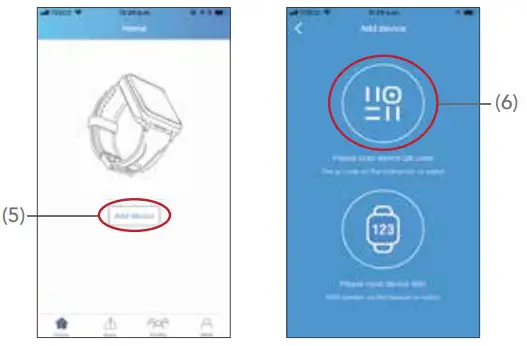
Watch QR Code
Swipe up from the bottom of the watch screen to see the watch QR Code (Fig. 2) then scan the watch with your phone. Enter your relationship with the Guardian user then press ‘Next’. Enter the Guardian users details (Fig. 3), the SIM number of the watch, confirm and press ‘<‘ (on the top left corner) to complete setup.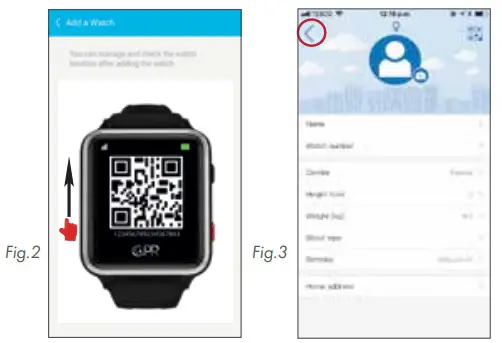
 Customer Service: +44 (0) 800 652 7780
Email: [email protected]
Website: www.cprguardian.com
Don’t Forget Your 1 Year
Accidental Damage Cover
Only £39.99, call 0800 652 7780 or
visit www.cprguardian.com/coverage
 All-guides – Innovative Search Service of Online Manuals
 CPR Guardian: 1 Year Accidental Damage Cover.