

 West Watch Alarm Clock
User Guide
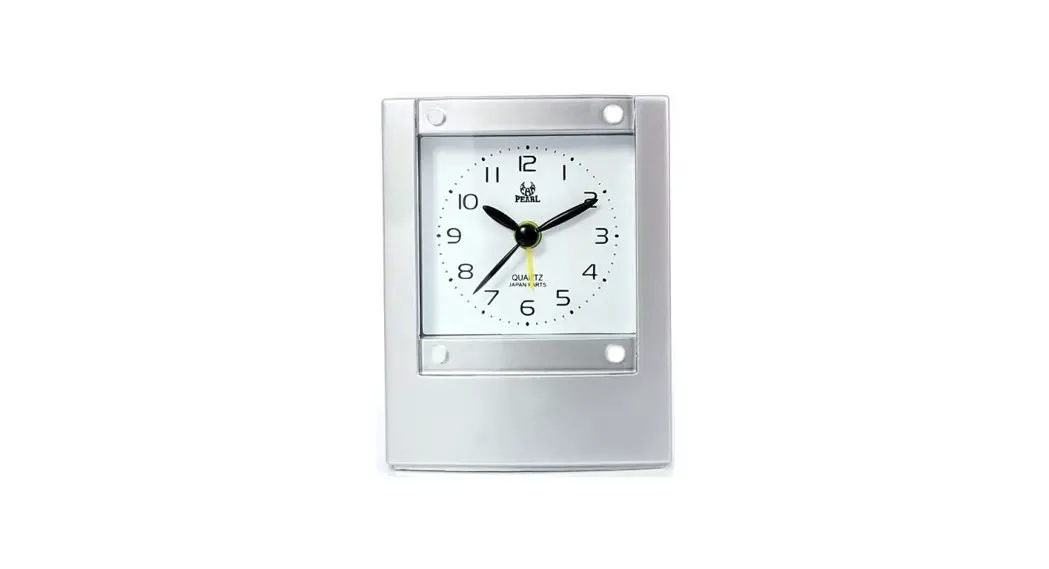
Product image

Insert batteries
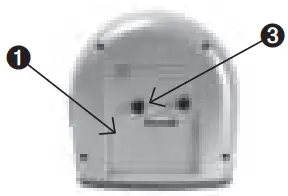 | |
| 1. Open the battery cover and insert the “AA” size battery as indicated. | Alarm settings 3. Turn the alarm adjuster anti-clockwise. Slide the alarm ON-OFF switch upwards to turn it on. |
Timer setting
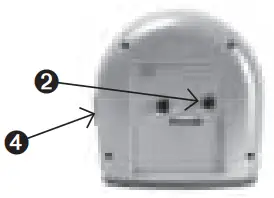 | |
| 2. Ture the hour/minute adjuster clockwise until the hour/minute hands show the actual time. | 4. Slide the alarm ON-OFF switch downwards to turn it off. |
Under the dial of the alarm clock is a button on which you can turn on a light in the dark to read the time. In addition to this button, you can also sniff the alarm clock.
 Have a good time with West Watches!
www.westwatches.nl
 West Watches












![Emerson Alarm Clock [cks1507 W/ Radio] User Manual](https://static-data1.manualsee.com/1/img/275/8730/2020/10/Emerson-Alarm-Clock-CKS1507.png "Emerson Alarm Clock [cks1507 W/ Radio] User Manual")