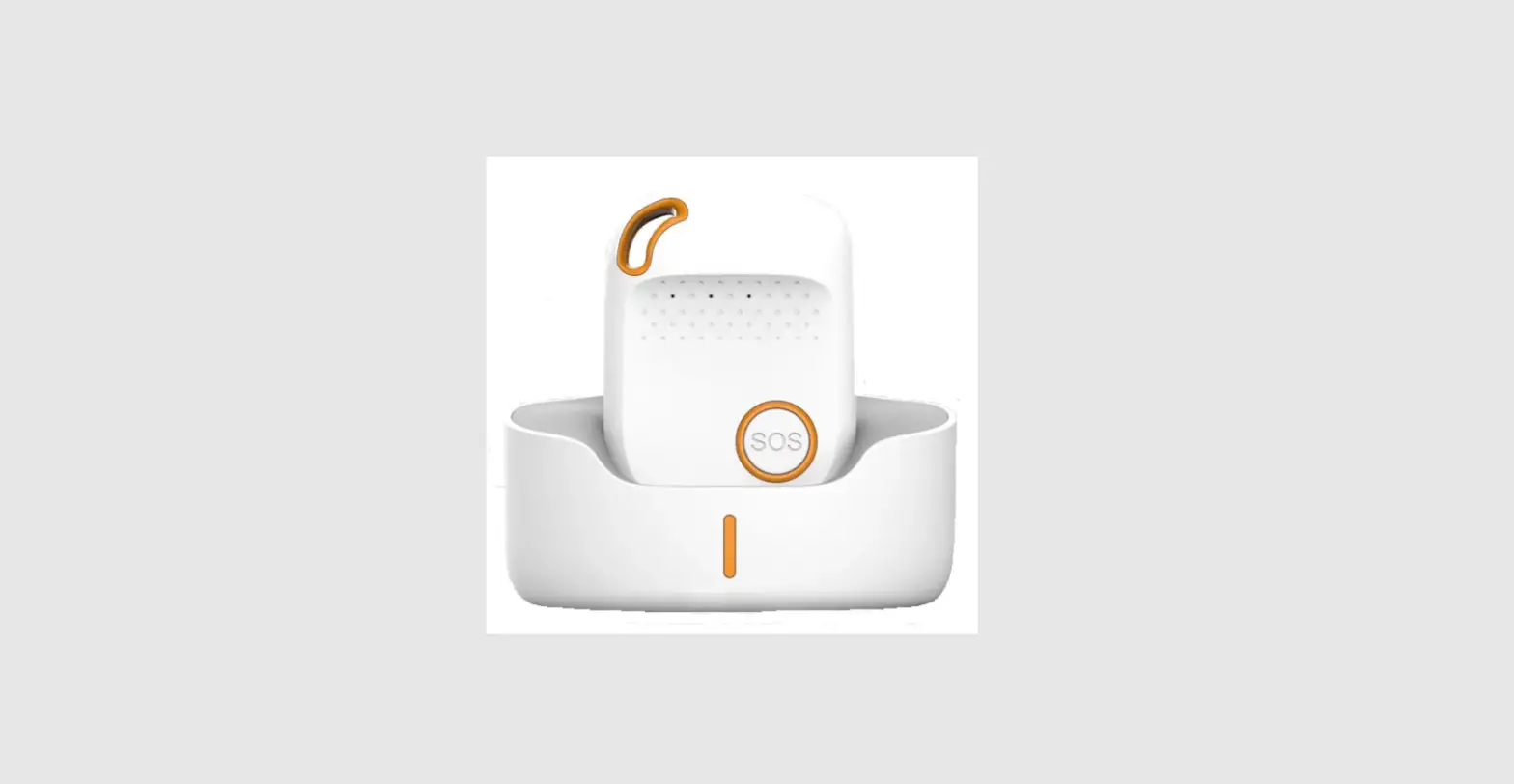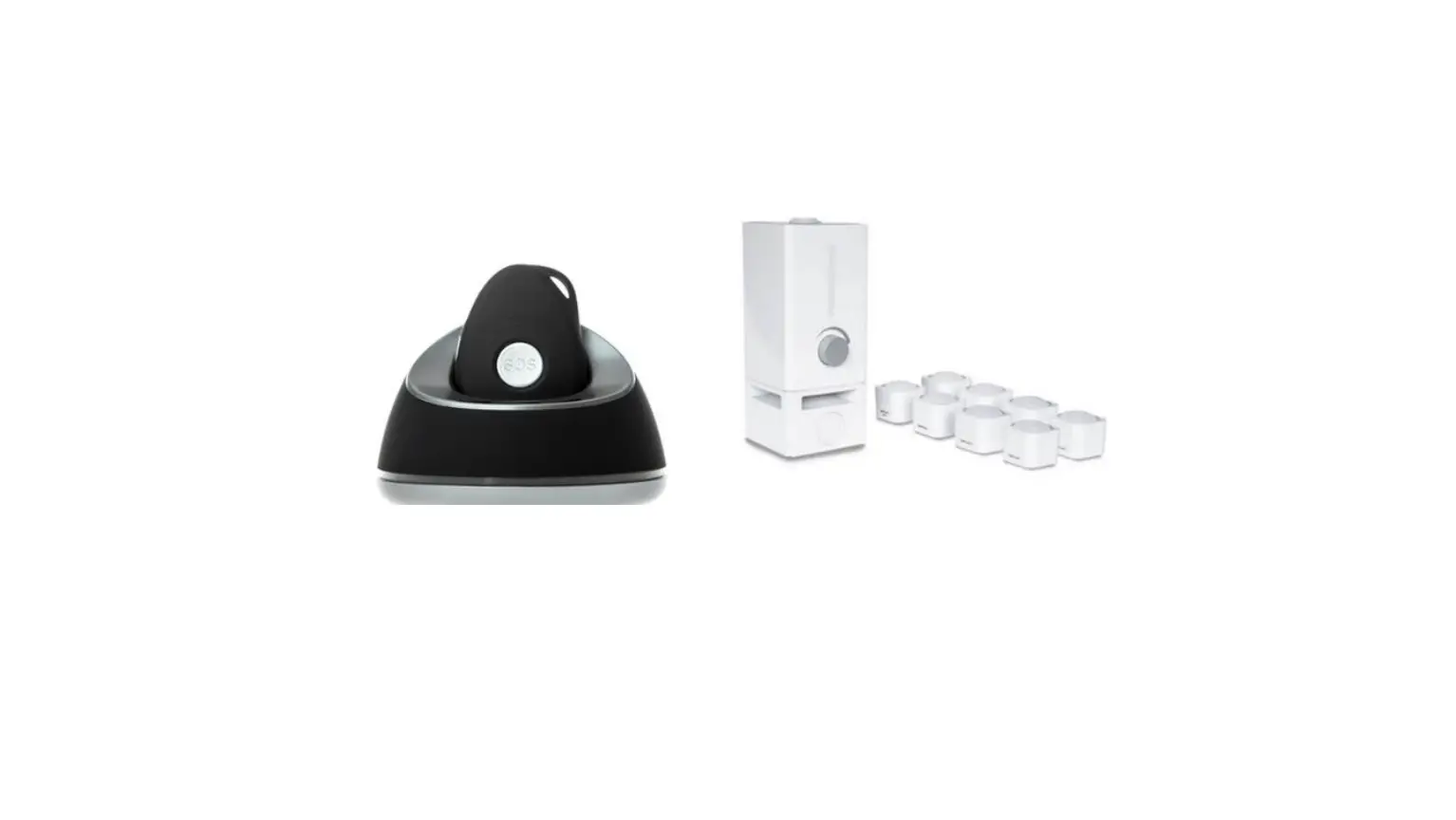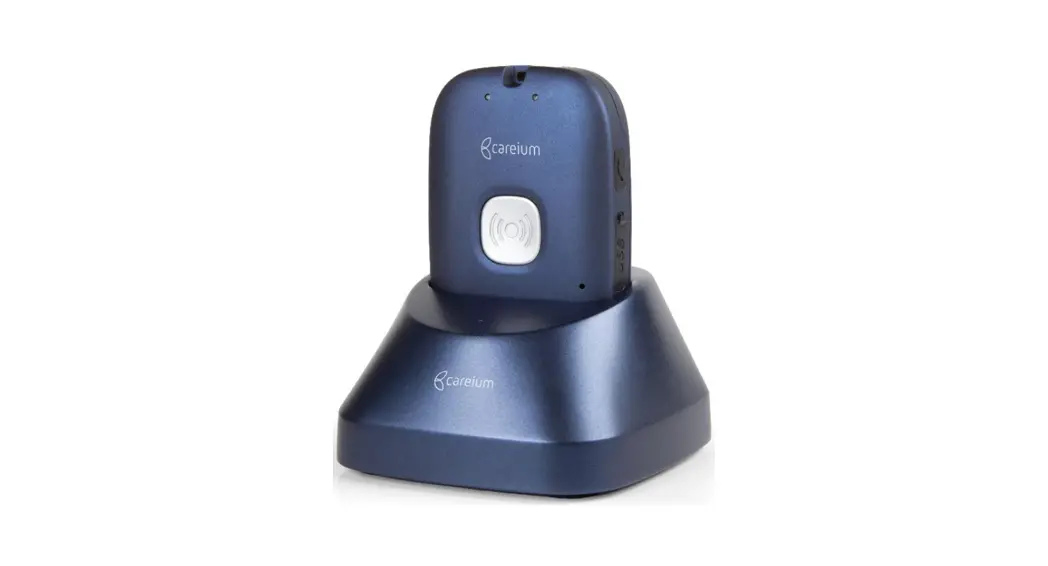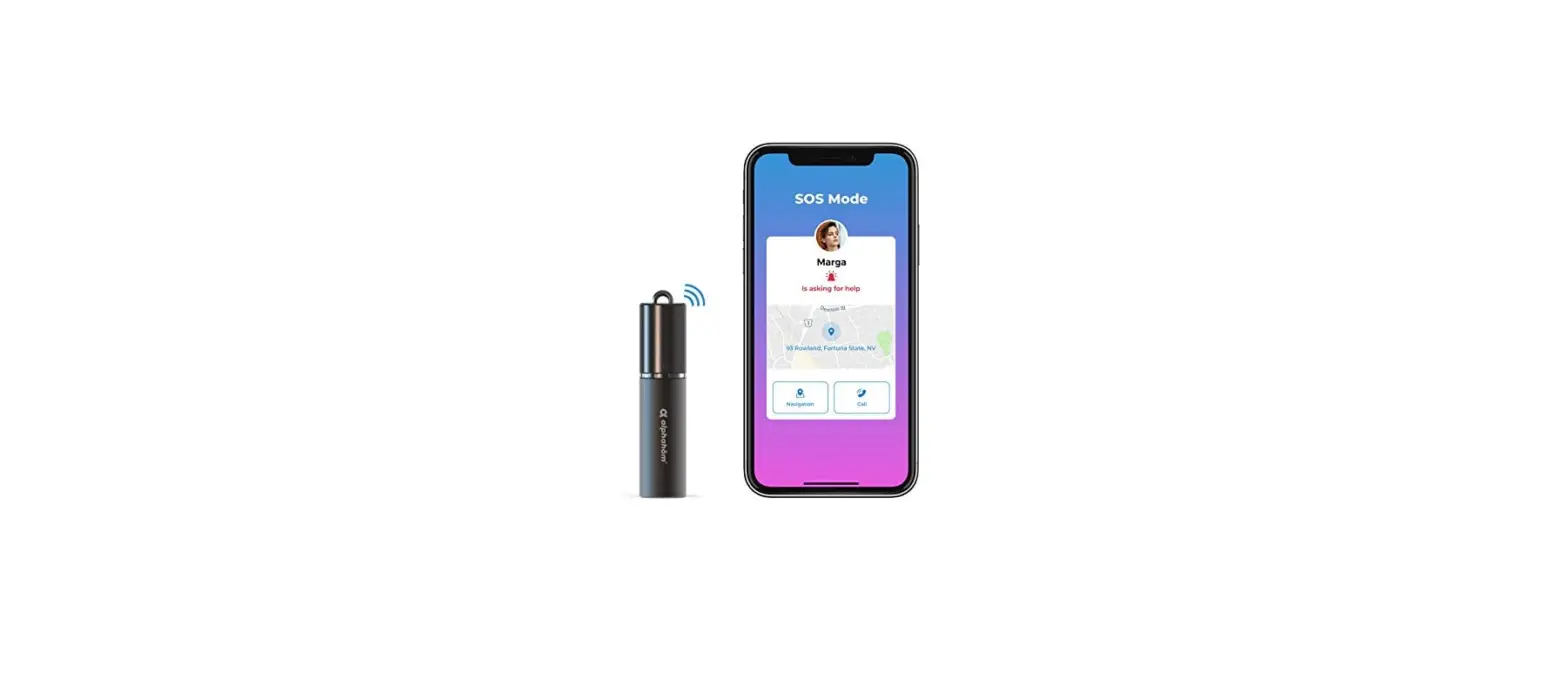

alphahom Care Go Smart Personal Safety Alarm
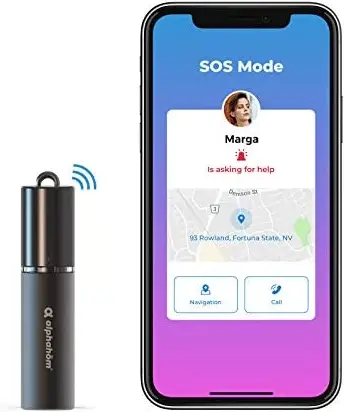
Care Go Quick Setup Guide
- Read the user manual, search “Care Go” in APP Store or Google Play Store to download Care Go APP;
- Open the APP, register your account and allow the permission requests;
- Tap “Add Device” and “Connect” in the following steps;
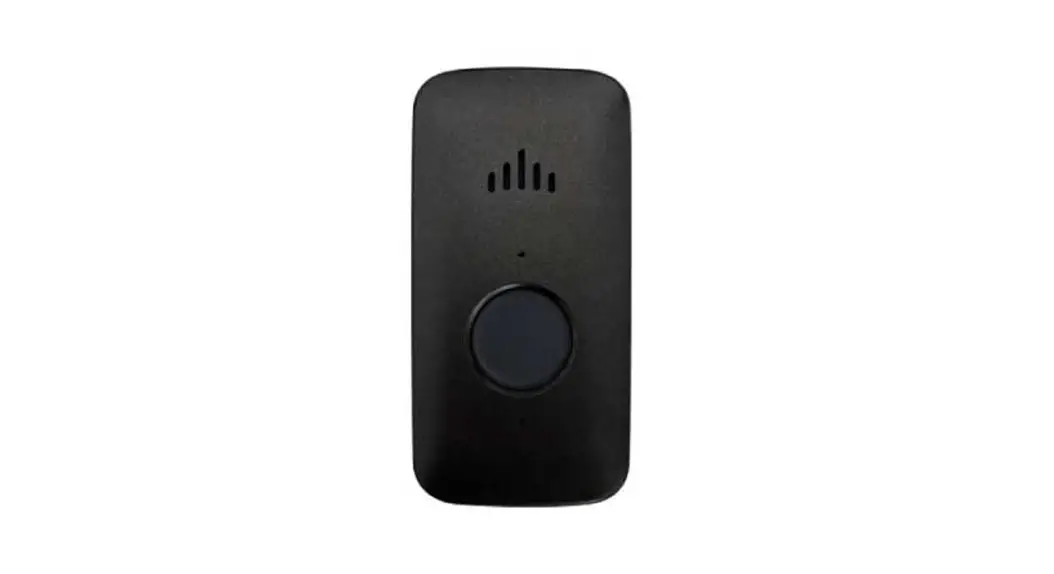
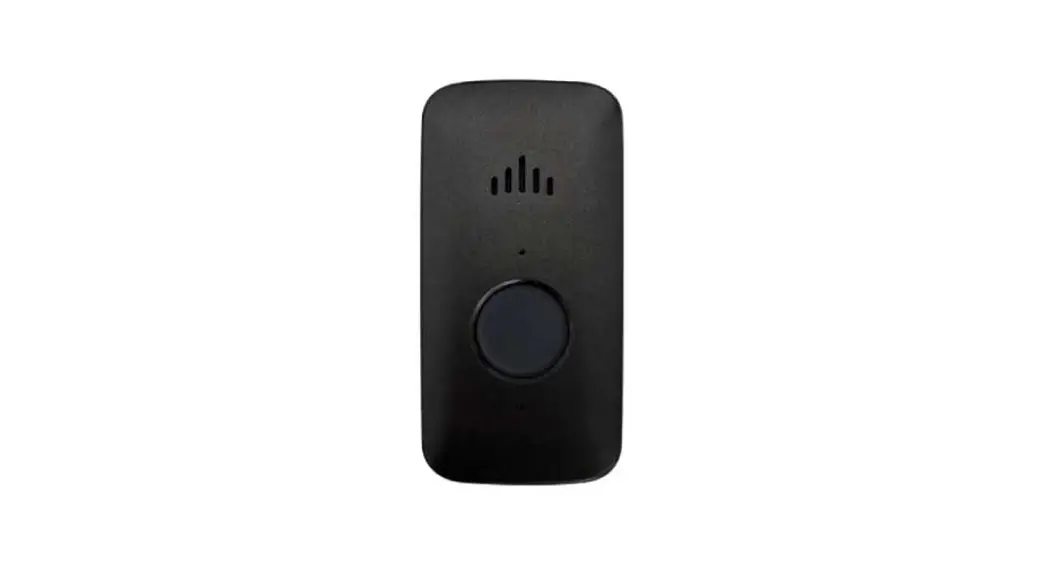
- Press the button at the bottom of the Care Go device, make sure that the device indicator flashes in red, green and blue;
- Go back to the APP and select the Care Go device to be connected, rename to finish the pairing process;
- Choose “Add Protector”(Recommended) or skip
Definition of Owner and Protector
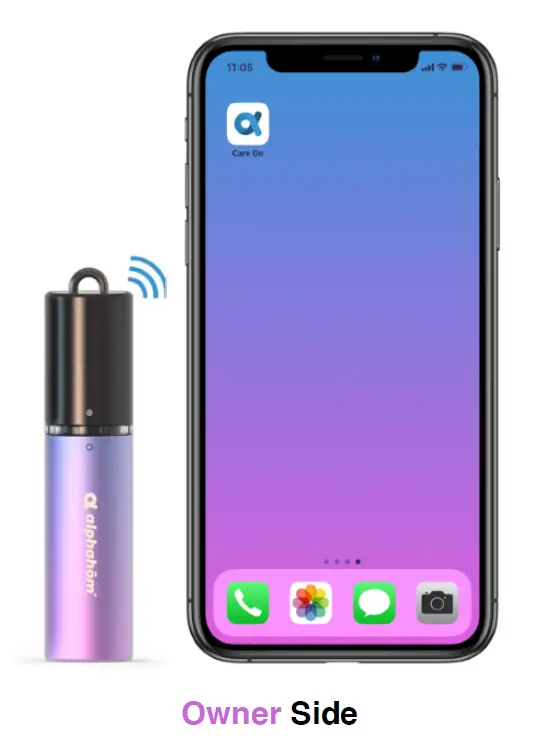
Owner:
The one who needs to be protected, carrying Care Go to operate. Care Go device requires constant connection with Owner’s smart phone within 100 feet.
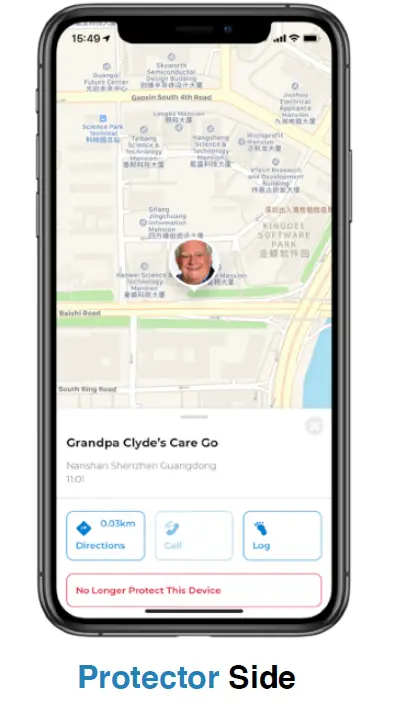
Protector
Owner’s emergency contacts, usually Owner’s trusted friends or family who are invited by Owner. Thus, Protectors can be notified with alert in case of SOS/Follow Me mode activated by Owner.
What’s More, to help you have a better understanding on how Care Go works, below information FYR:
SOS Mode
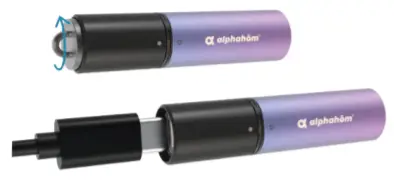
Pull upward the upper part of Care Go device(Care Go device requires constant connection with Owner’s smart phone within 100 feet.):
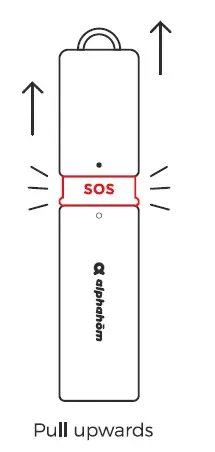
Then Protector receives notification via Care Go APP to take action immediately:
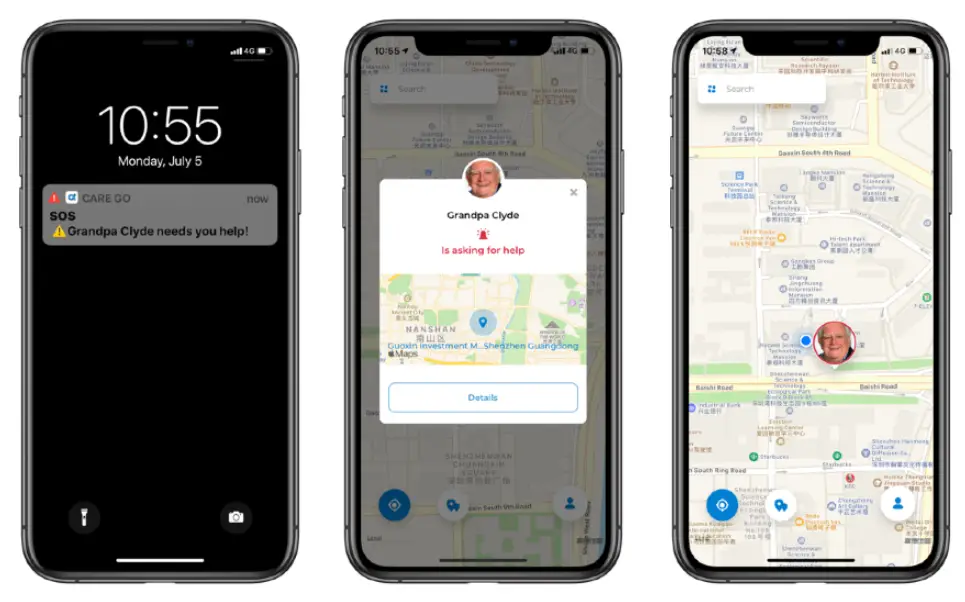
Note: Alarm can only be cancelled on Owner’s smart phone. To stop SOS, please make sure Care Go device has stable connection with Owner’s smart phone.
Follow Me Mode
Twist clockwise the upper part of Care Go device(Care Go device requires constant connection with Owner’s smart phone within 100 feet.):
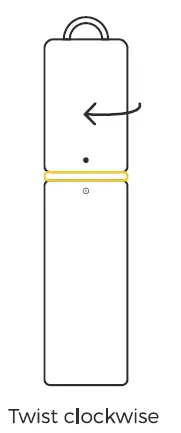
Then Protector receives notification via Care Go APP and have access to see the real-time location of Owner:
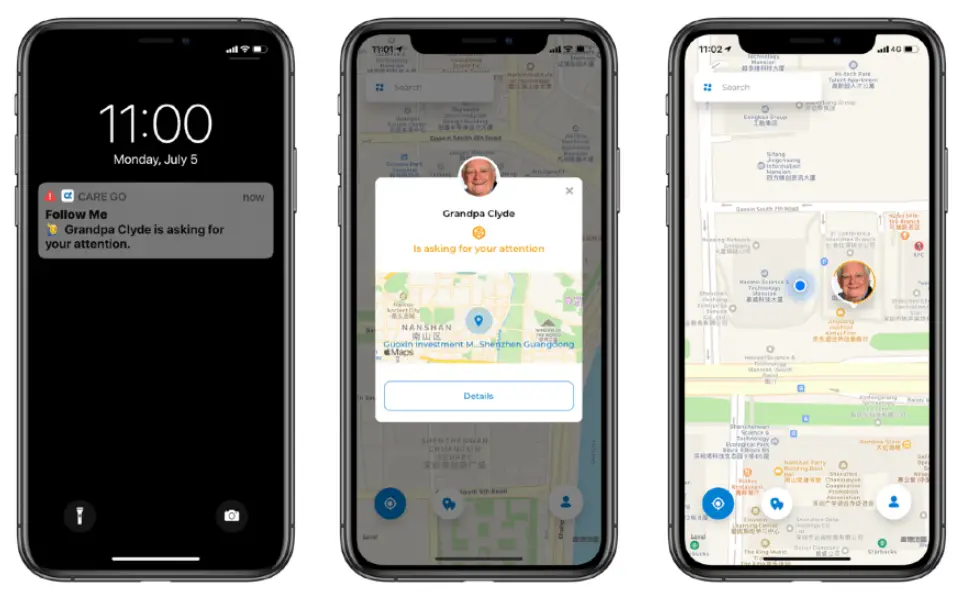
If Protectors are using iOS system based smart phone, they can receive Critical Alerts even if the phone is set to Silent/Do Not Disturb Mode so they never miss a chance.
Should you have any questions, please contact us freely. Customer support team would be glad to serve you in 24 hours.