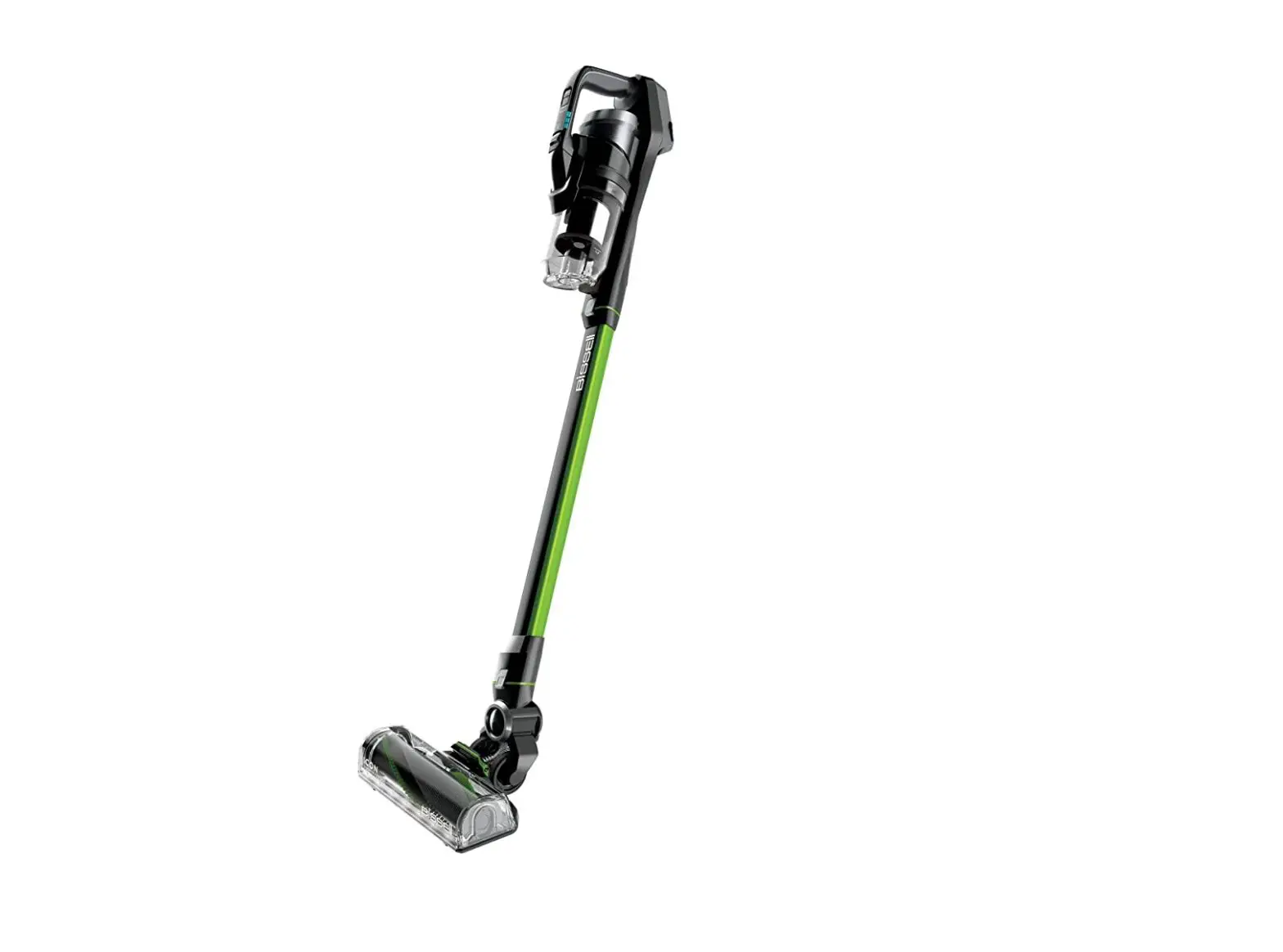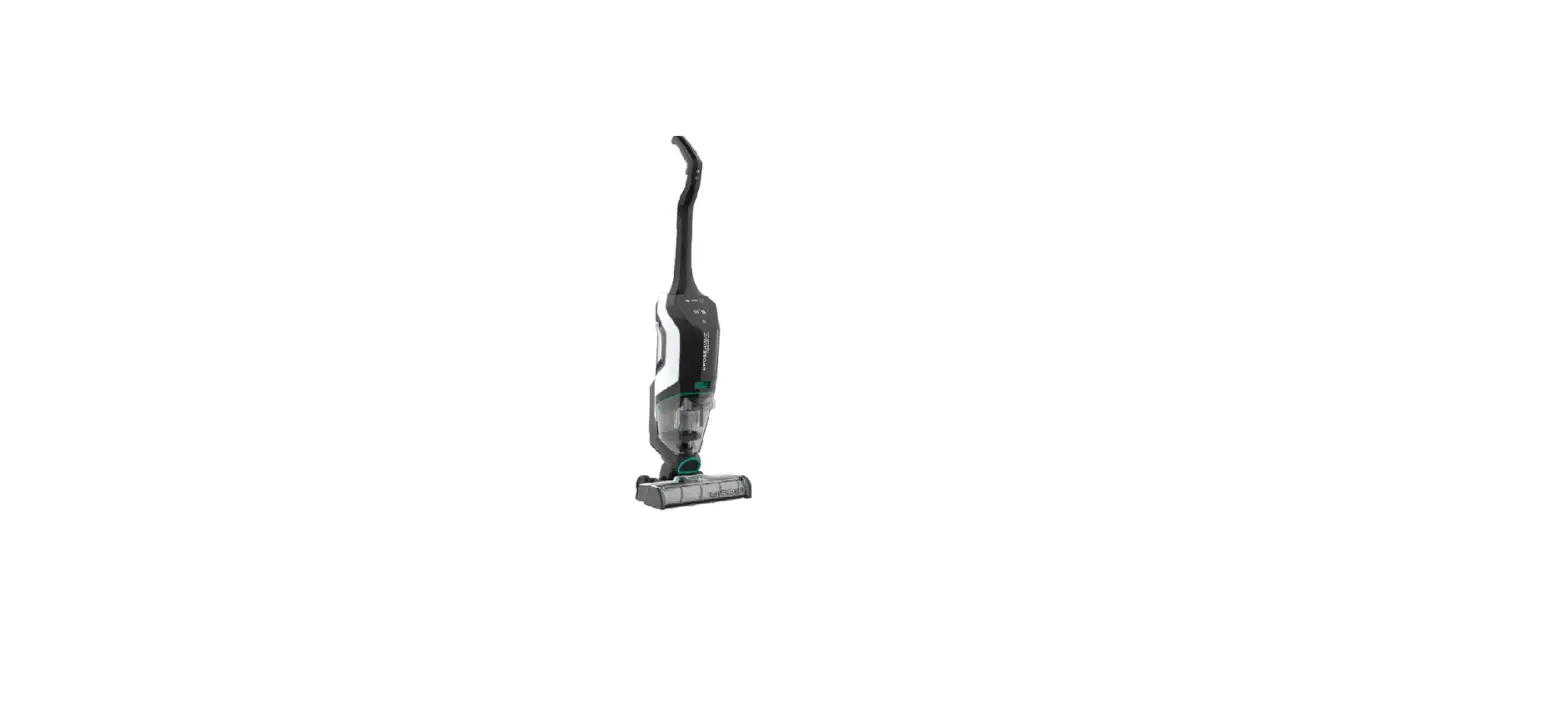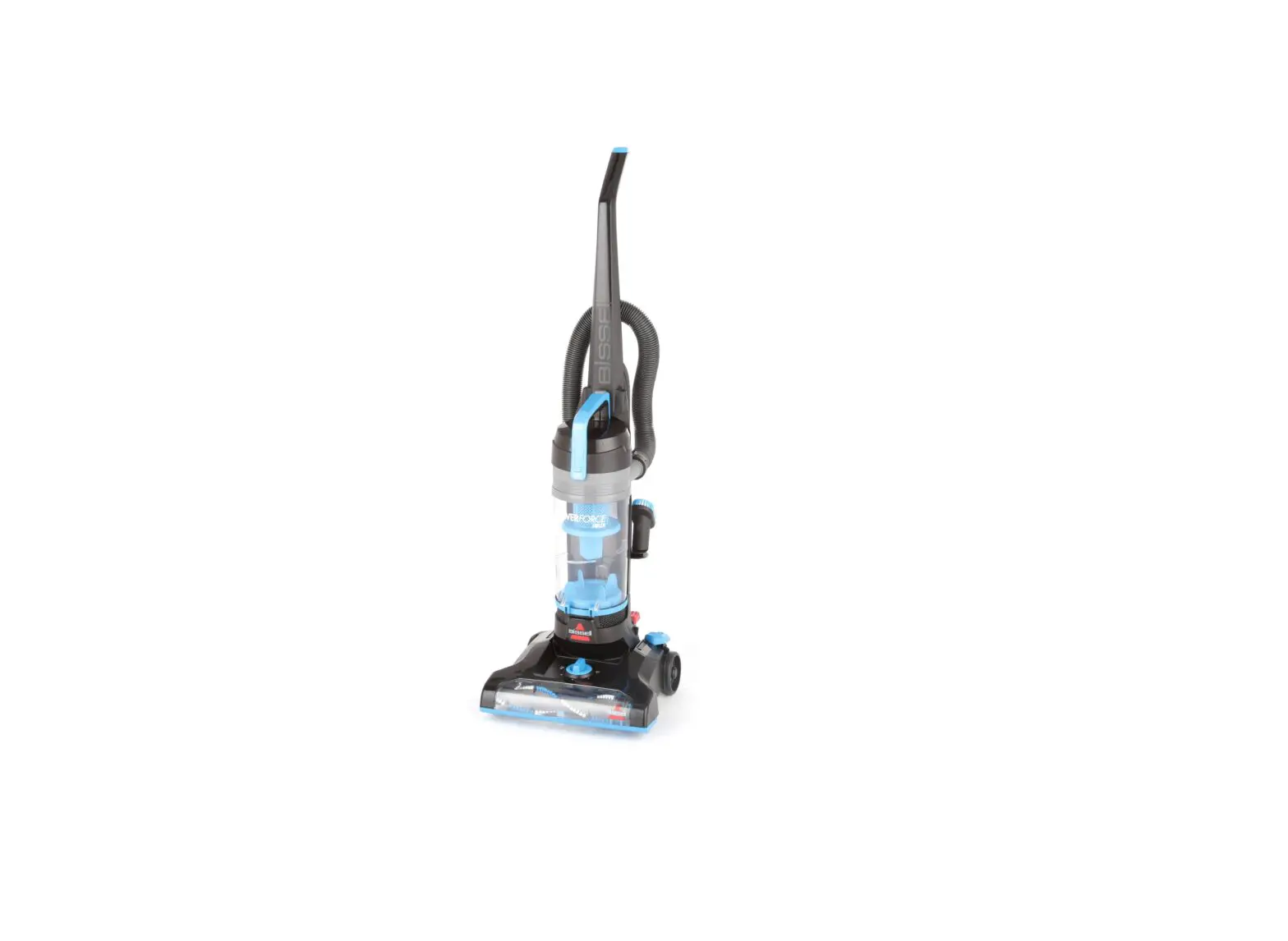
- Remove machine from docking station
- To activate suction, press “Hard Floor” or “Rug” button on handle
- If machine does not turn on, see No Power Steps
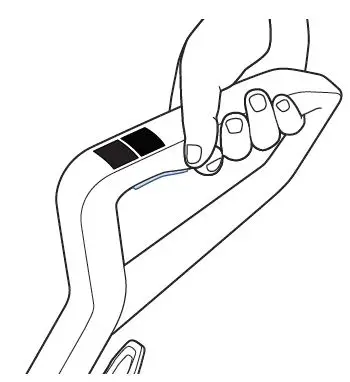
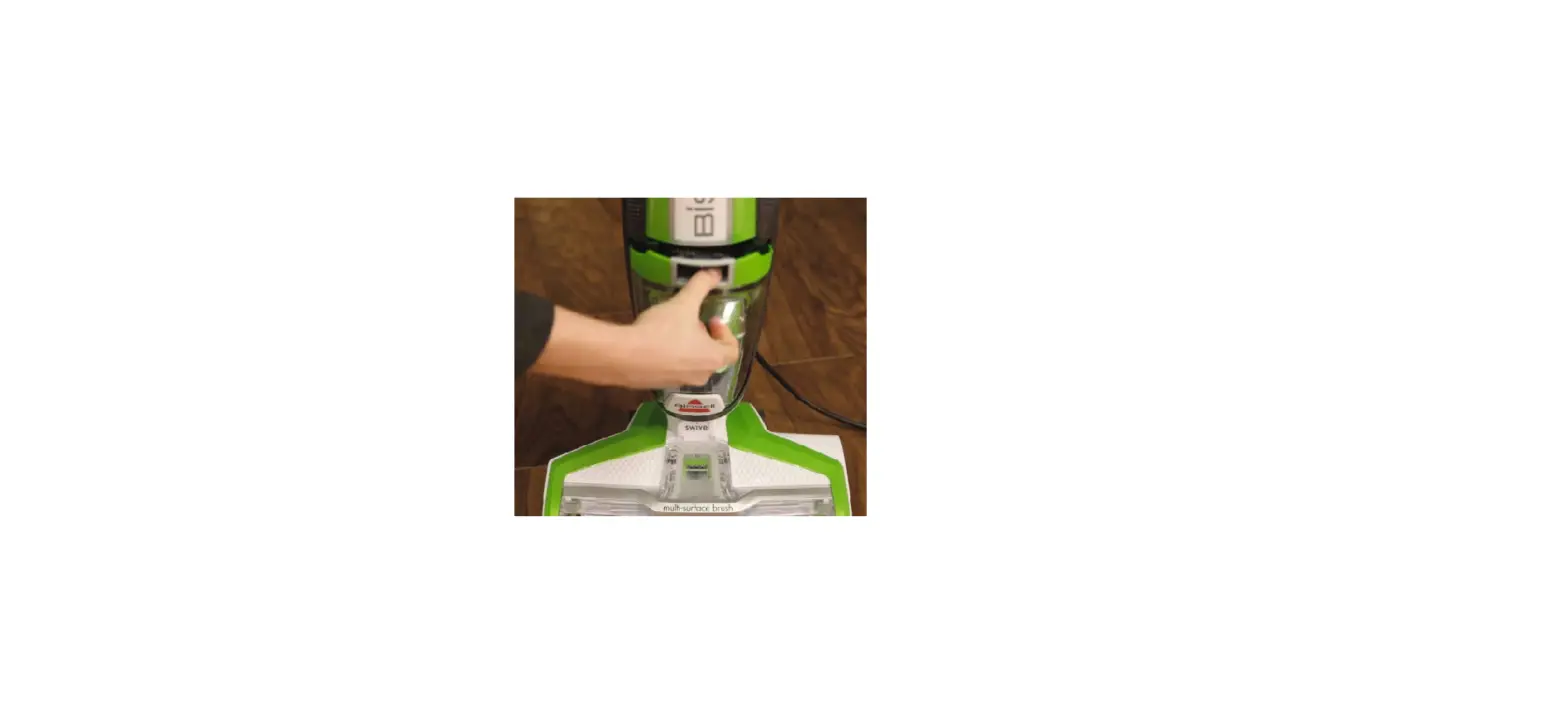
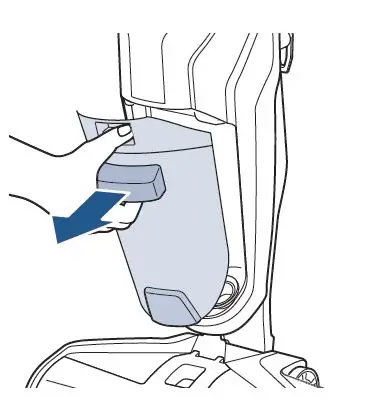
- Remove dirty water tank by pressing down on the recessed button on the top of the tank
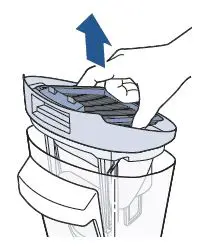
- Empty dirty water tank by grasping the top of the tank at the sides and pulling up to remove the top
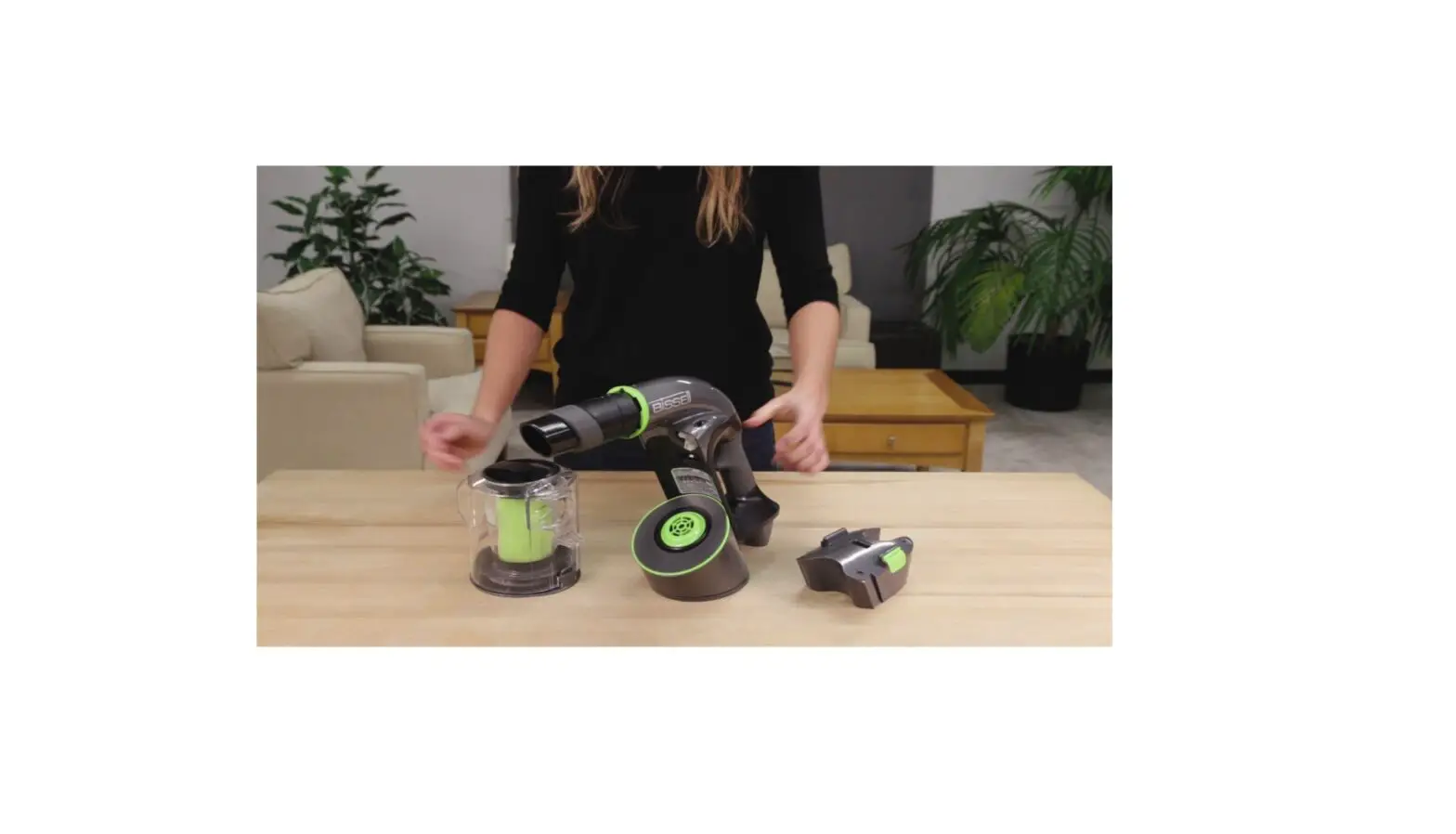
- Remove strainer from tank and discard debris
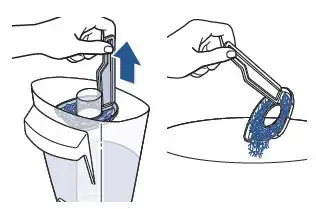
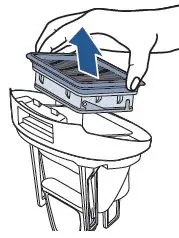
- Remove filter and clean any debris
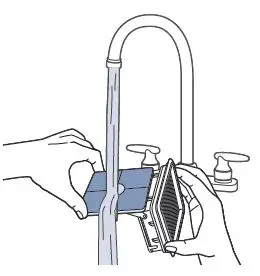
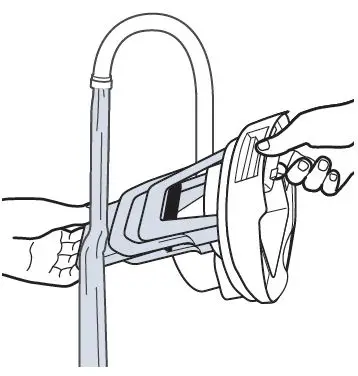
- Hand wash filter, screen, and float with warm water
- Manually move the float up and down to ensure it moves freely and is not stuck in place
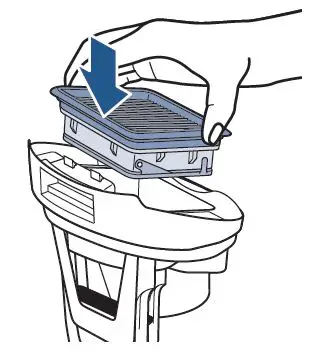
- Replace filter (after it has dried) – be sure the edges are smooth and not folded over
- Check for a black rubber gasket around the top portion of the dirty water tank
- If it is missing, a new dirty water tank should be ordered
- After parts dry completely, reattach the tank
- Angle the water tank back into the body of the machine bottom first – push tank in until it clicks
- Tank should NOT be loose or have any gaps when installed on machine
- Turn machine on and test for suction
- If still no suction, turn machine off
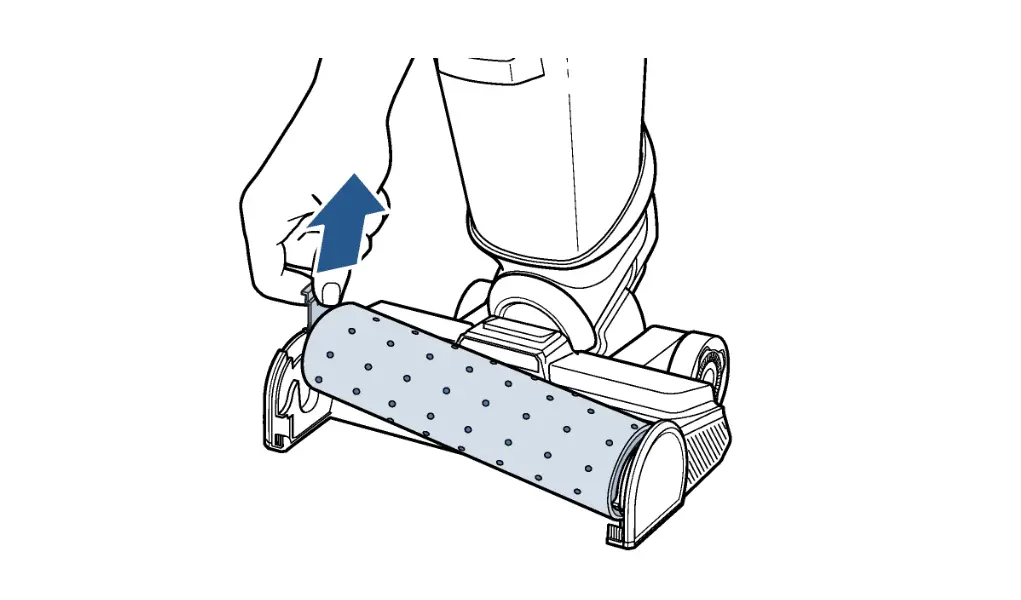
- Remove the dirty tank, remove the brush window
- Clear any clogs in the debris pathway in the dirty tank pocket
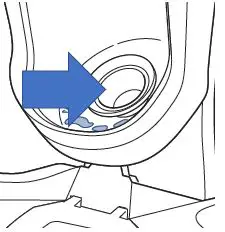
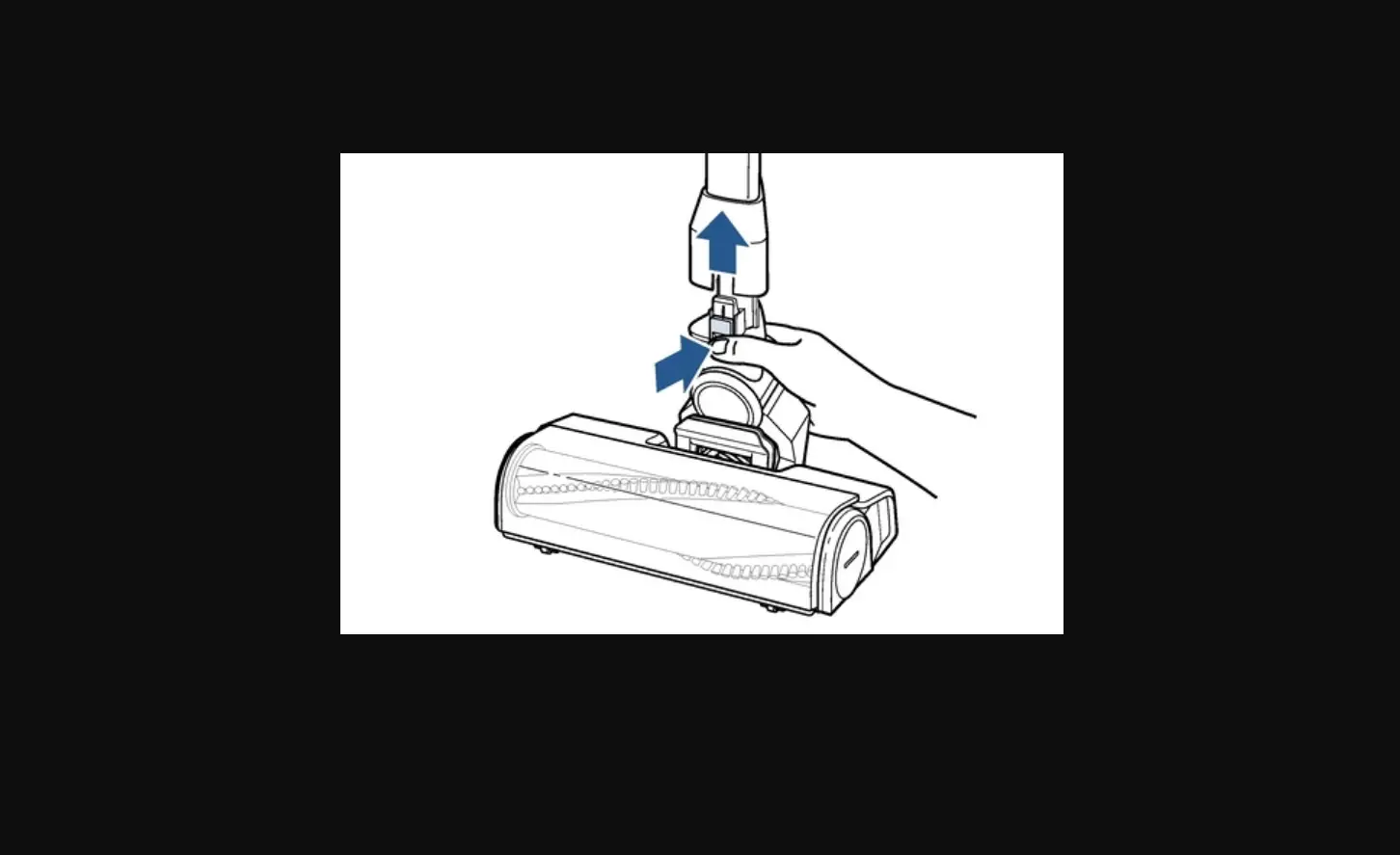
- Also clear debris from the suction pathway on the foot
- Reattach the dirty tank and brush window and test for suction
- If still no suction, visit a BISSELL Authorized Service Center or Contact Us