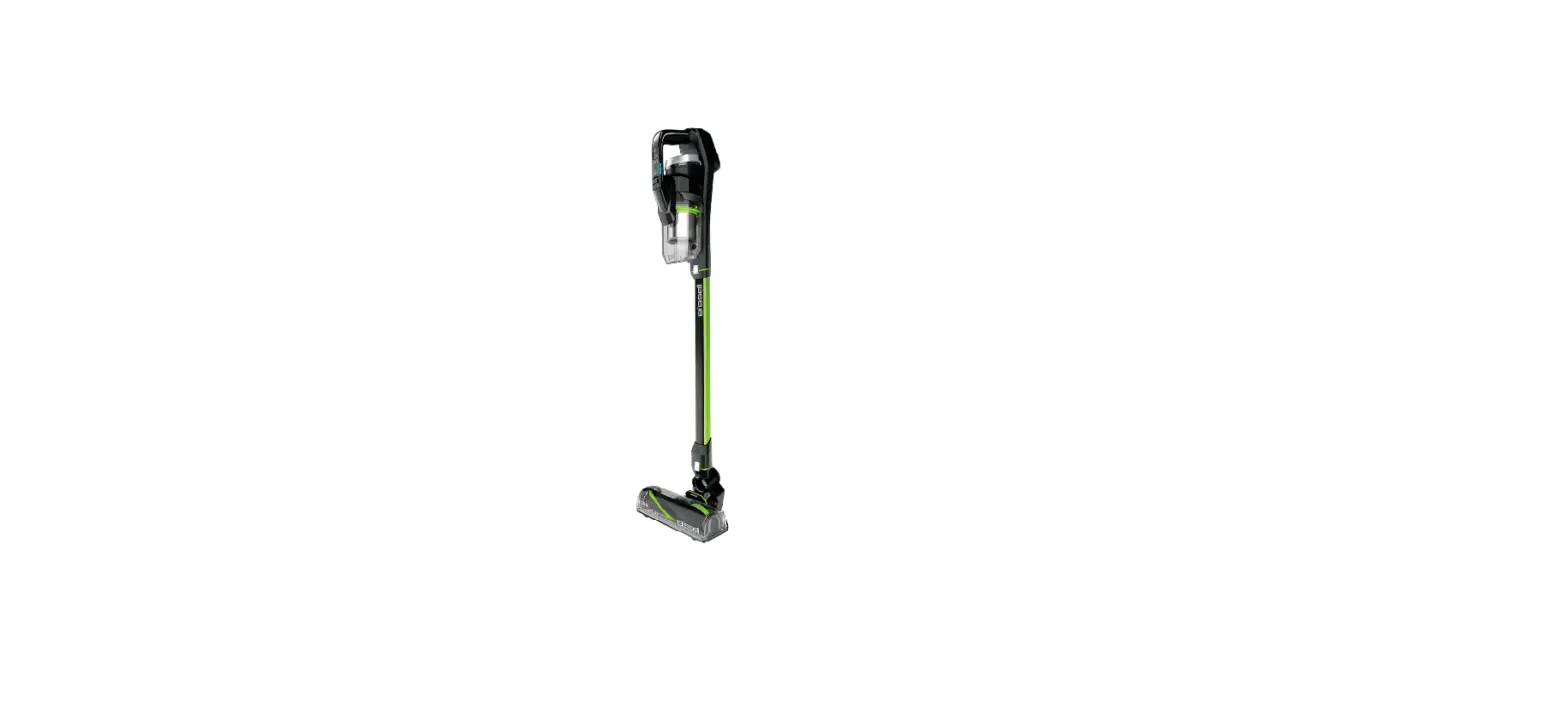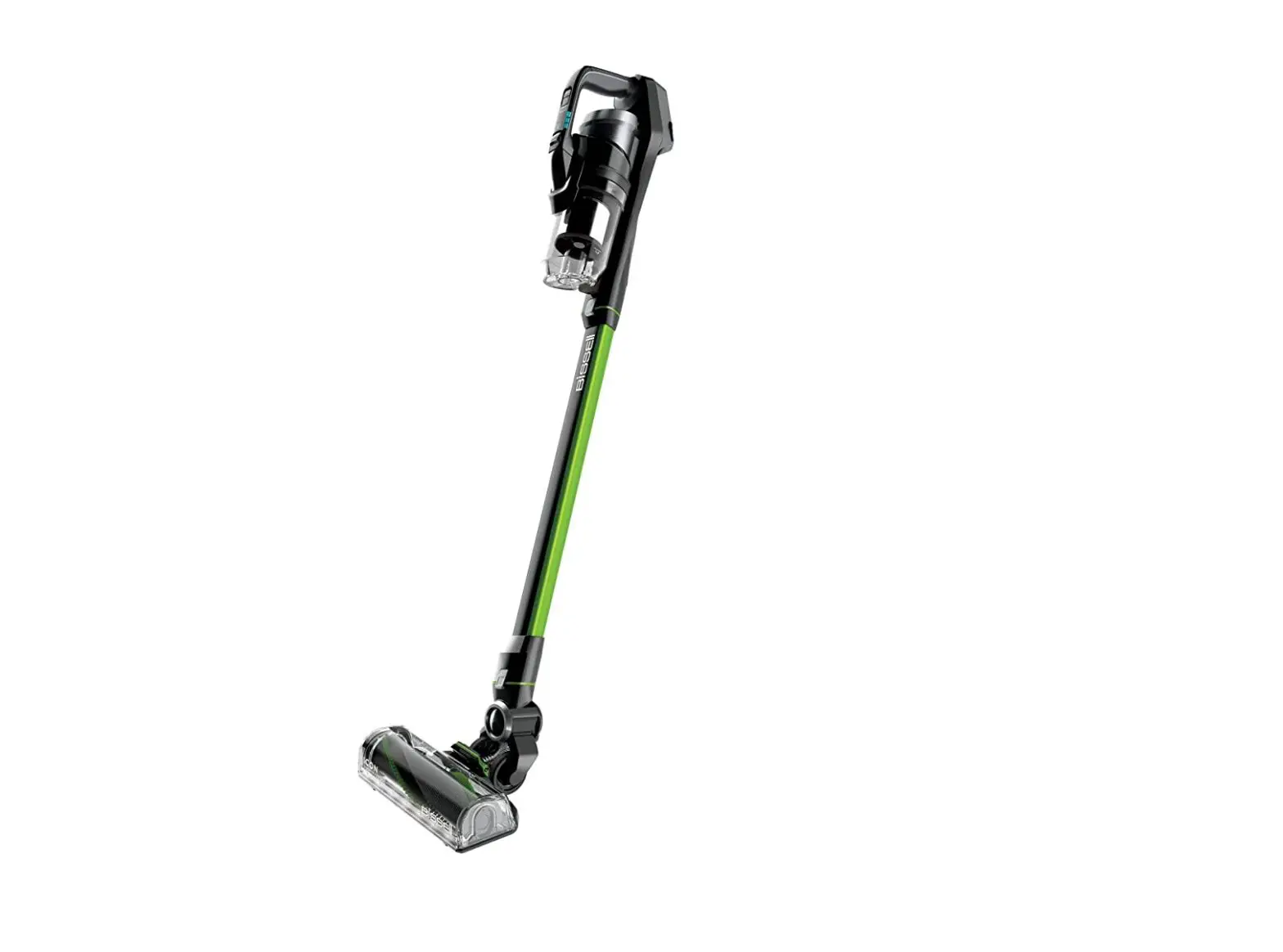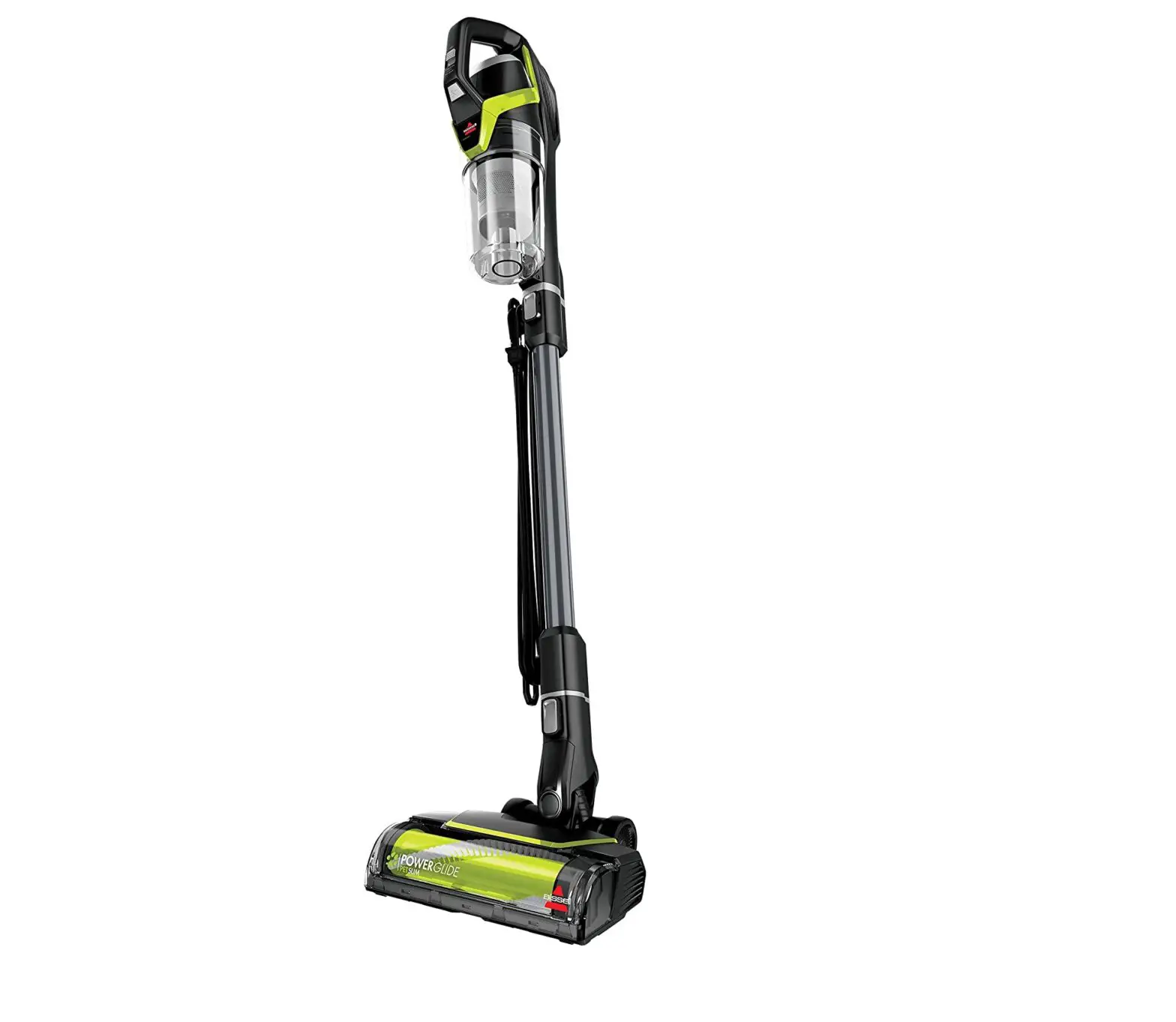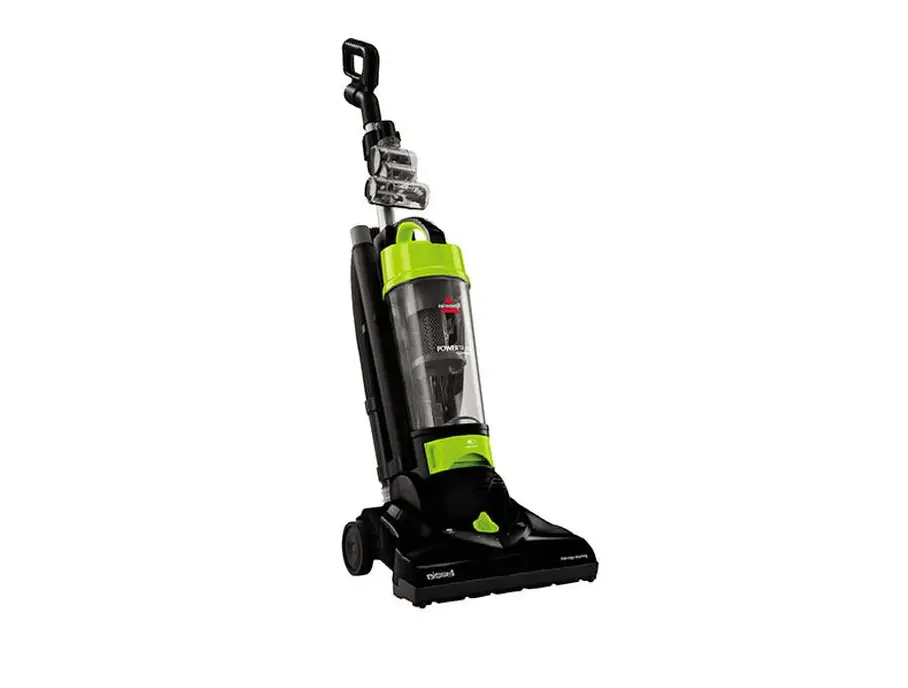
- Charge levels are indicated by the number of green lights on the front panel
- 1 blinking Green light means battery is very low, this could be the cause of low suction
- Charge 1 hour for a “burst” of cleaning or charge up to 5 hours for full charge
- 4 solid Green lights mean battery is fully charged
- 1 blinking Green light means battery is very low, this could be the cause of low suction
- 4 solid Red lights while using indicates the brush roll is jammed
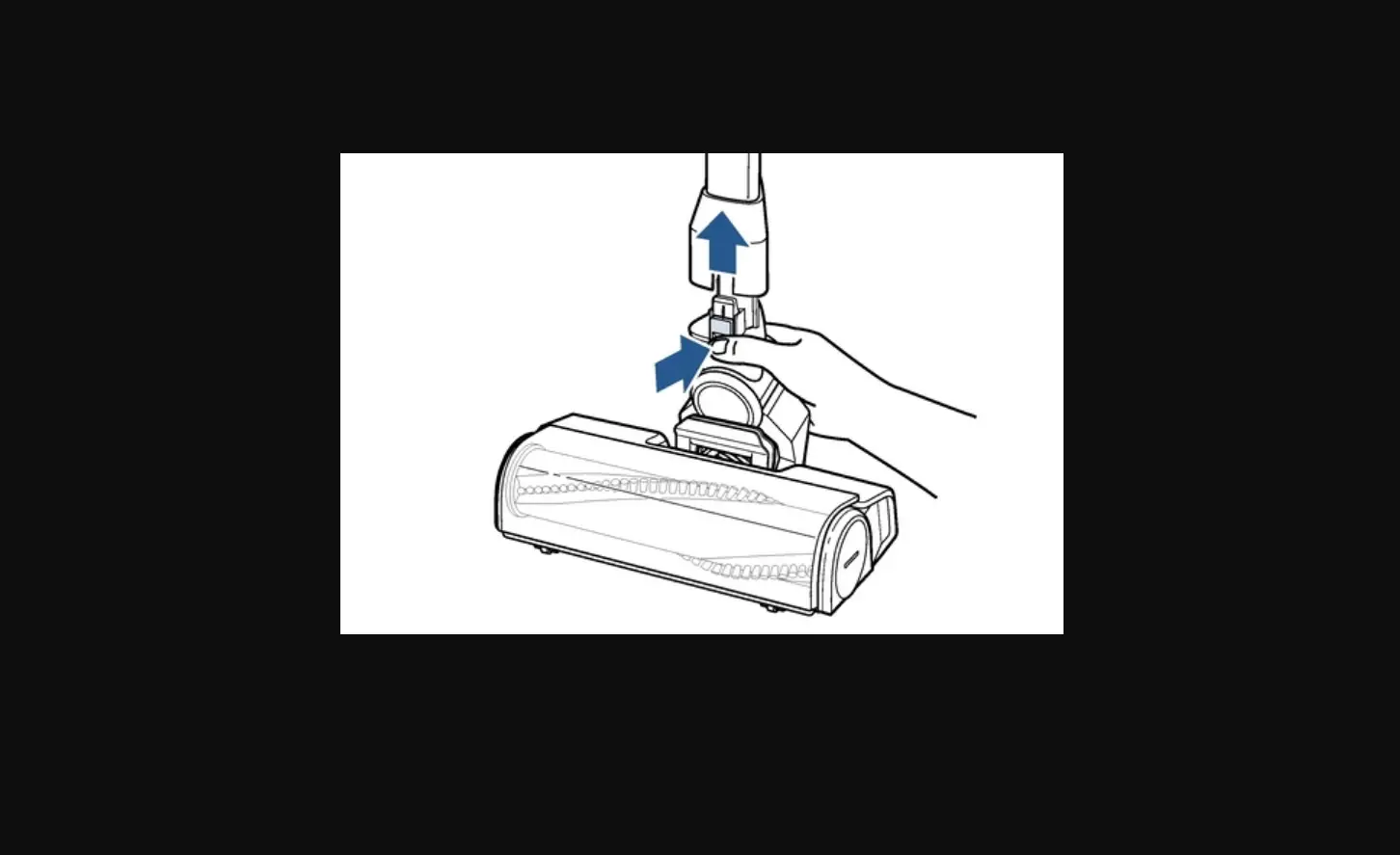
- Remove battery
- remove brush, clean, & replace
- For a complete list of steps to clean brush see Brush Not Turning
- Return battery – it may take up to 10 seconds for light to turn green
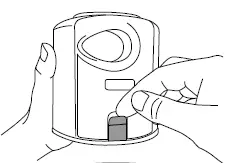
- Empty dirt bin by pulling the release latch
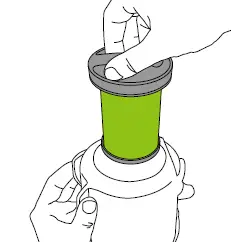
- Remove filter from top of dirt bin
- Clear debris from filter
- Filter can be rinsed in warm water (no soap) allow to completely dry (24 – 48 hours) before reinstalling
- Turn machine on, feel for suction at the motor duct located underneath where dirt tank sits
- If no suction at motor duct, please Contact Us
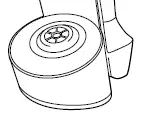
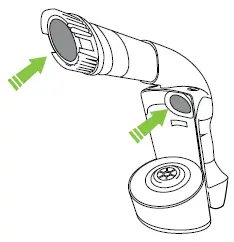
- Check for a clog in all attachments and machine openings with dirt tank removed
- Return filter to dirt bin
- Firmly push dirt bin into machine
- It should “click” into place
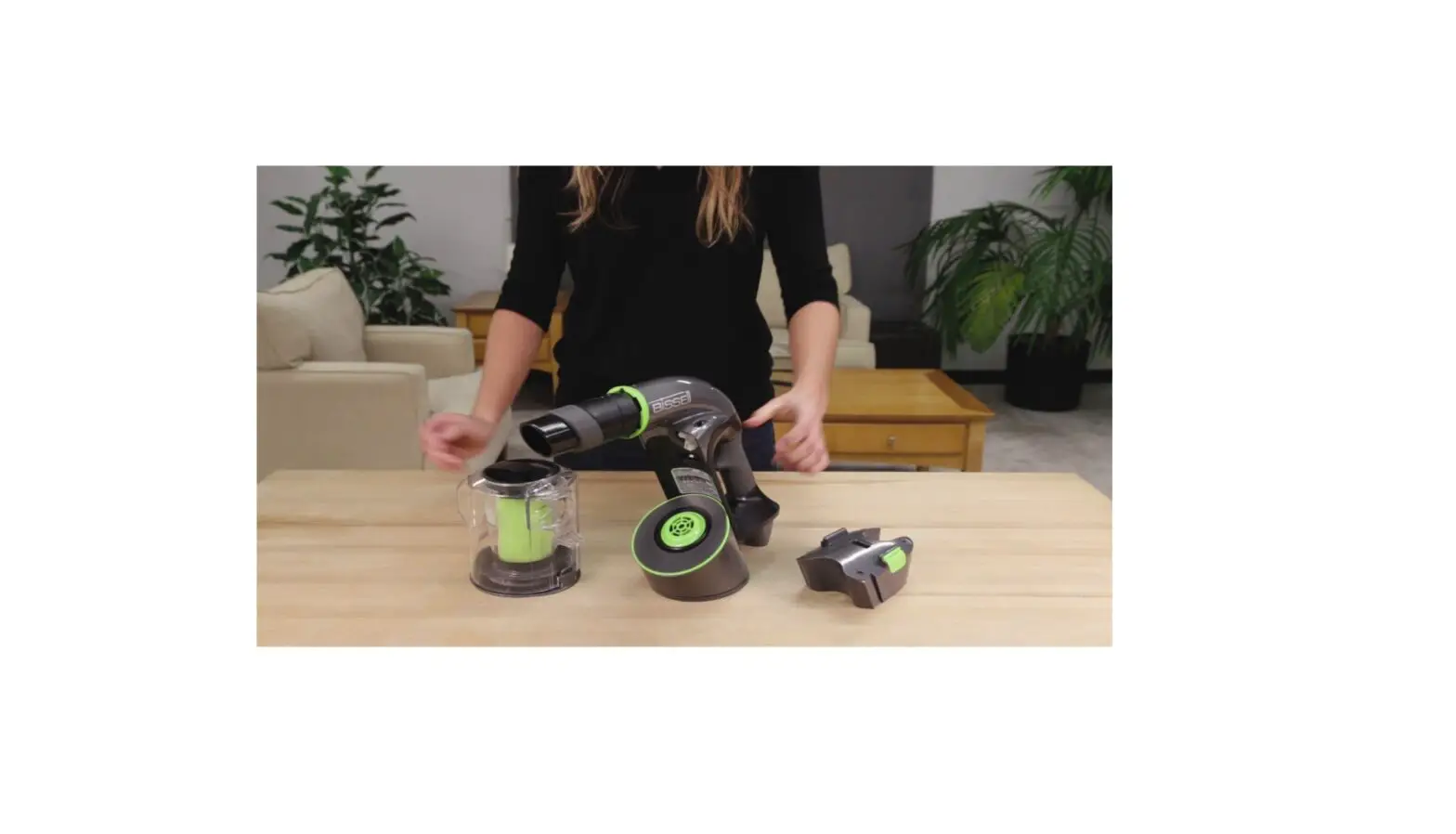
- Without the tool adapter (nozzle) attached, the machine will have low suction while using tools
- Motorized brush roll does not require the nozzle
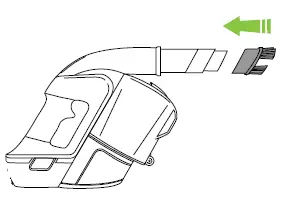
- Tools lock into place with the green collar
- When tool is attached, turn machine on & check suction
- If still no suction, please Contact Us