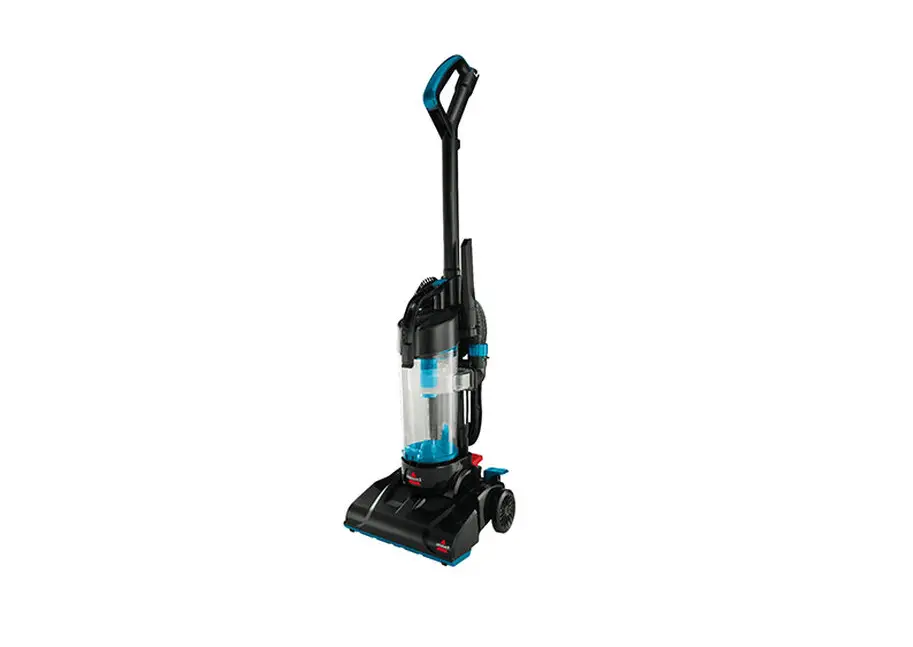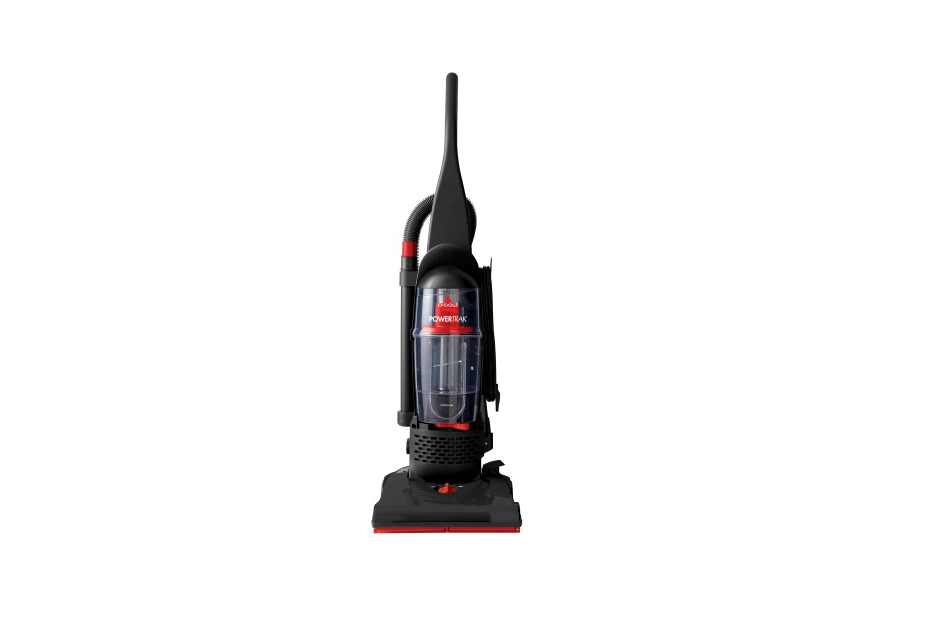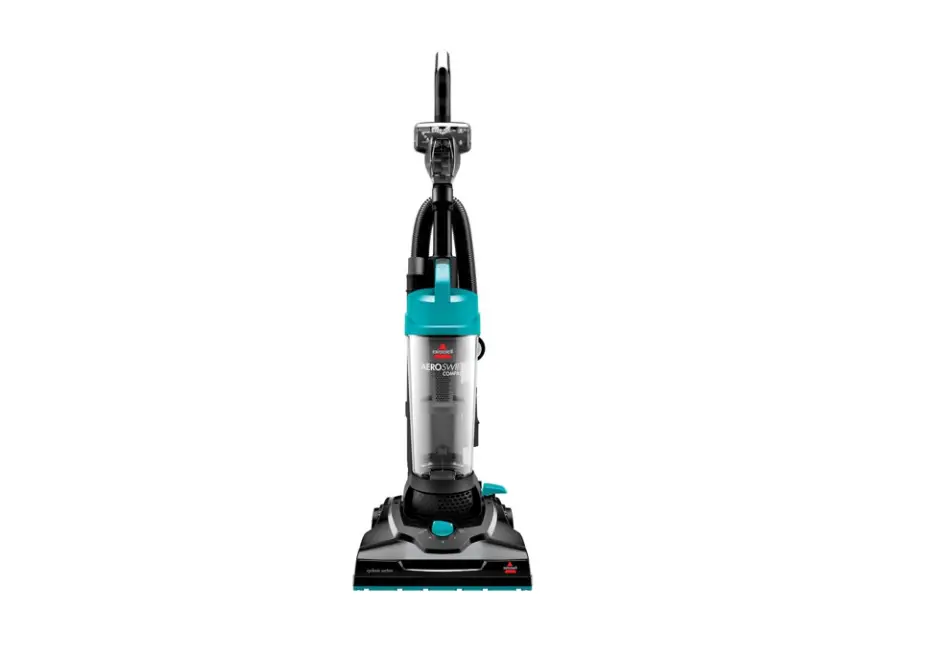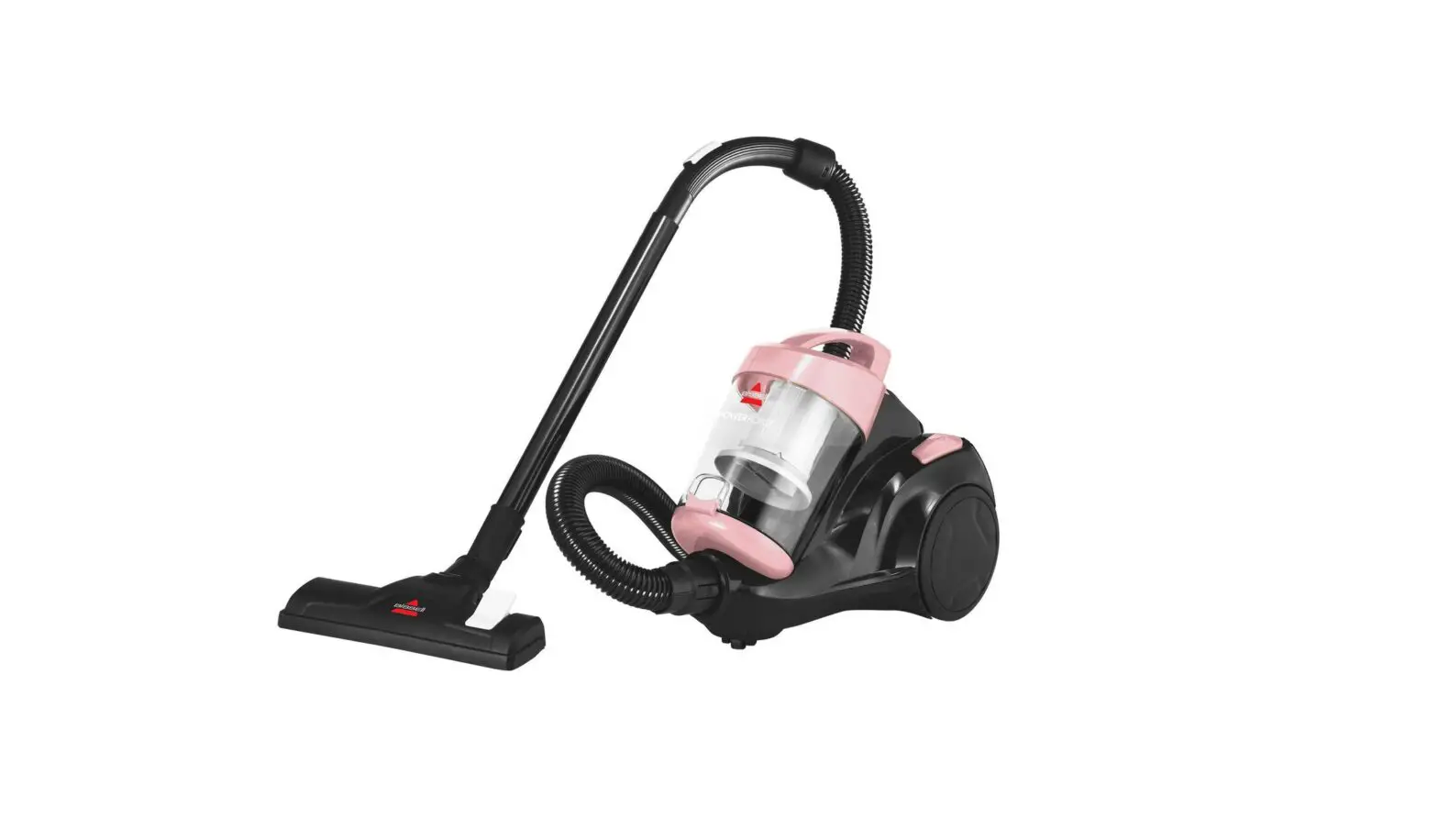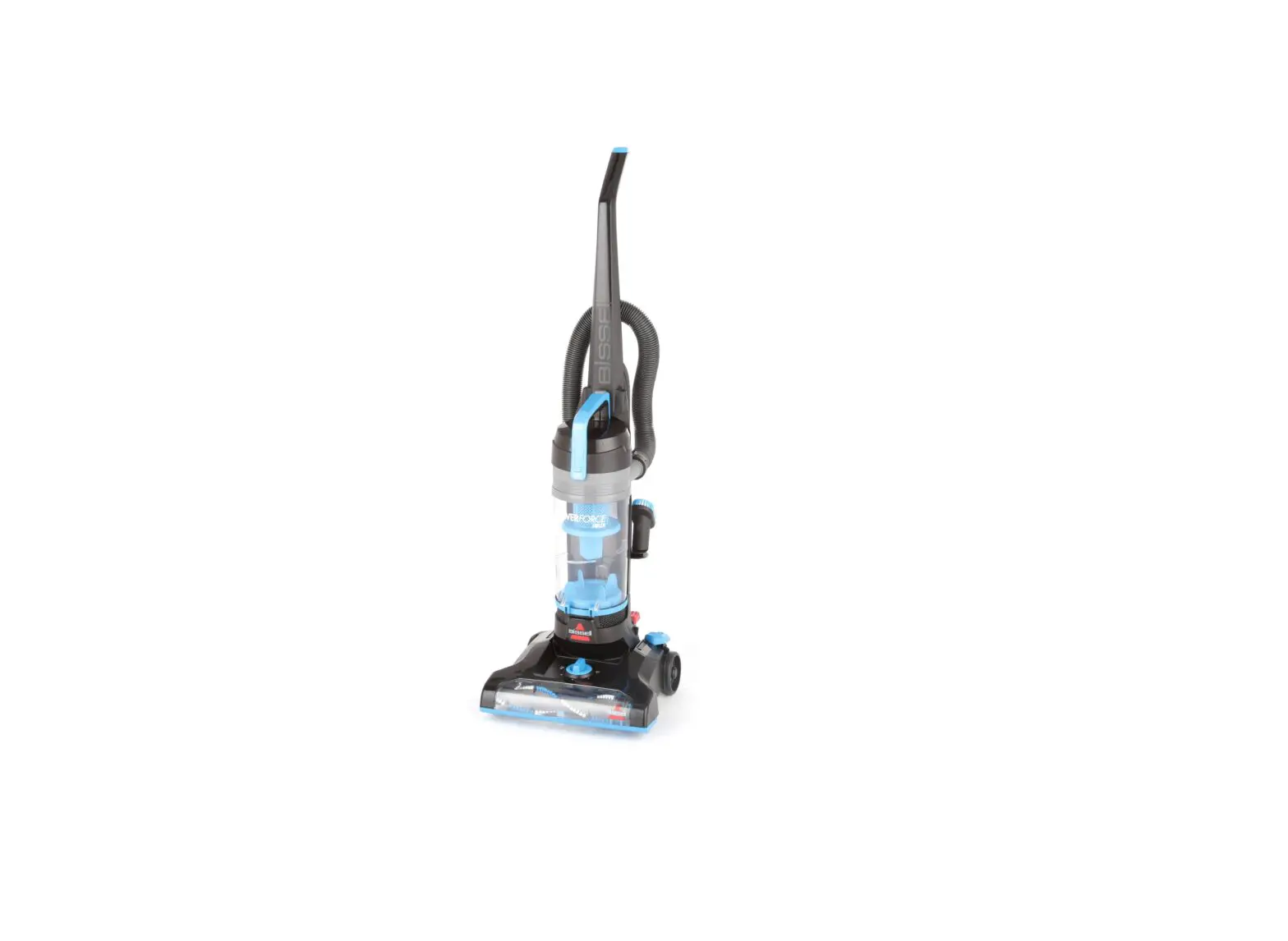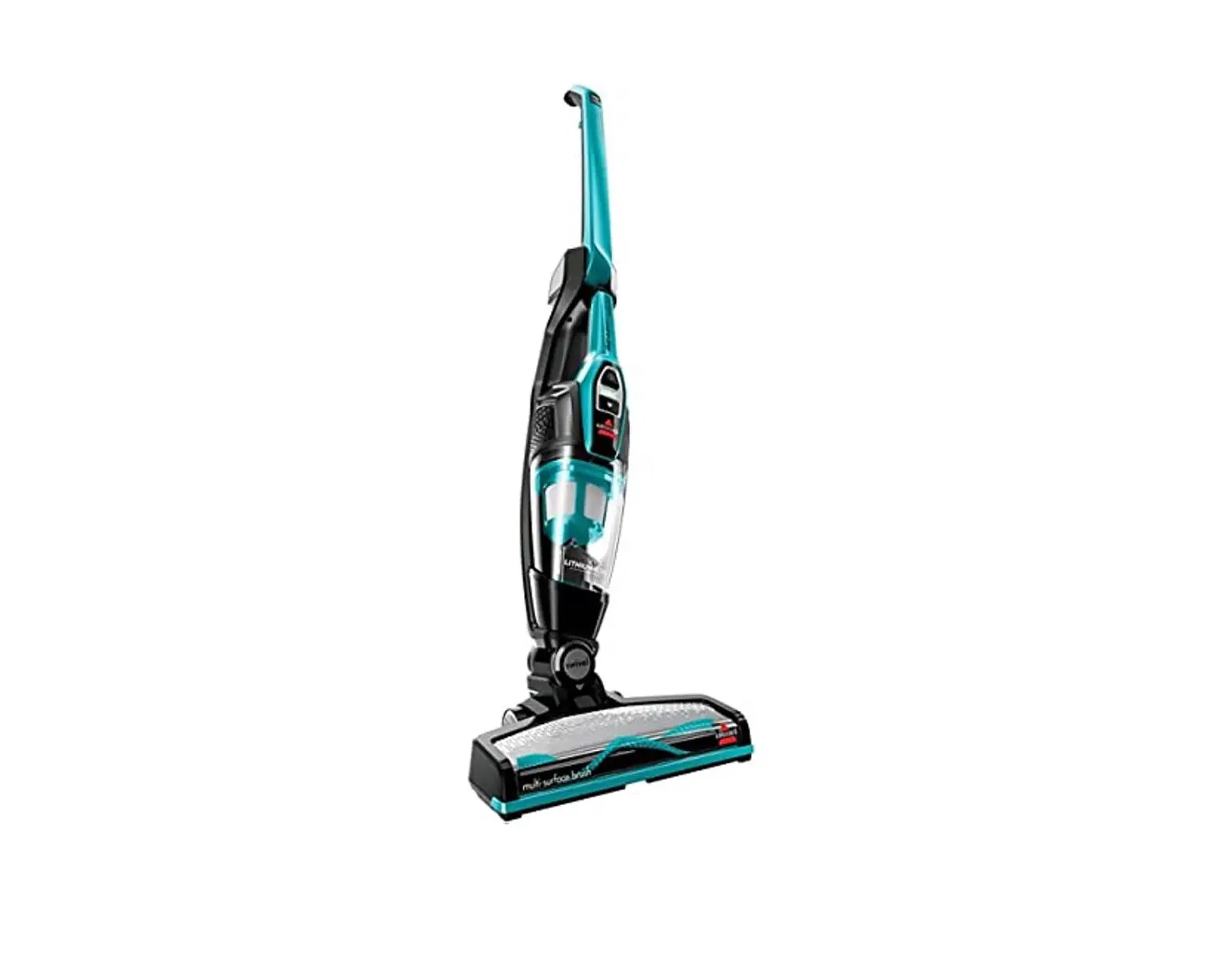
- Unplug machine
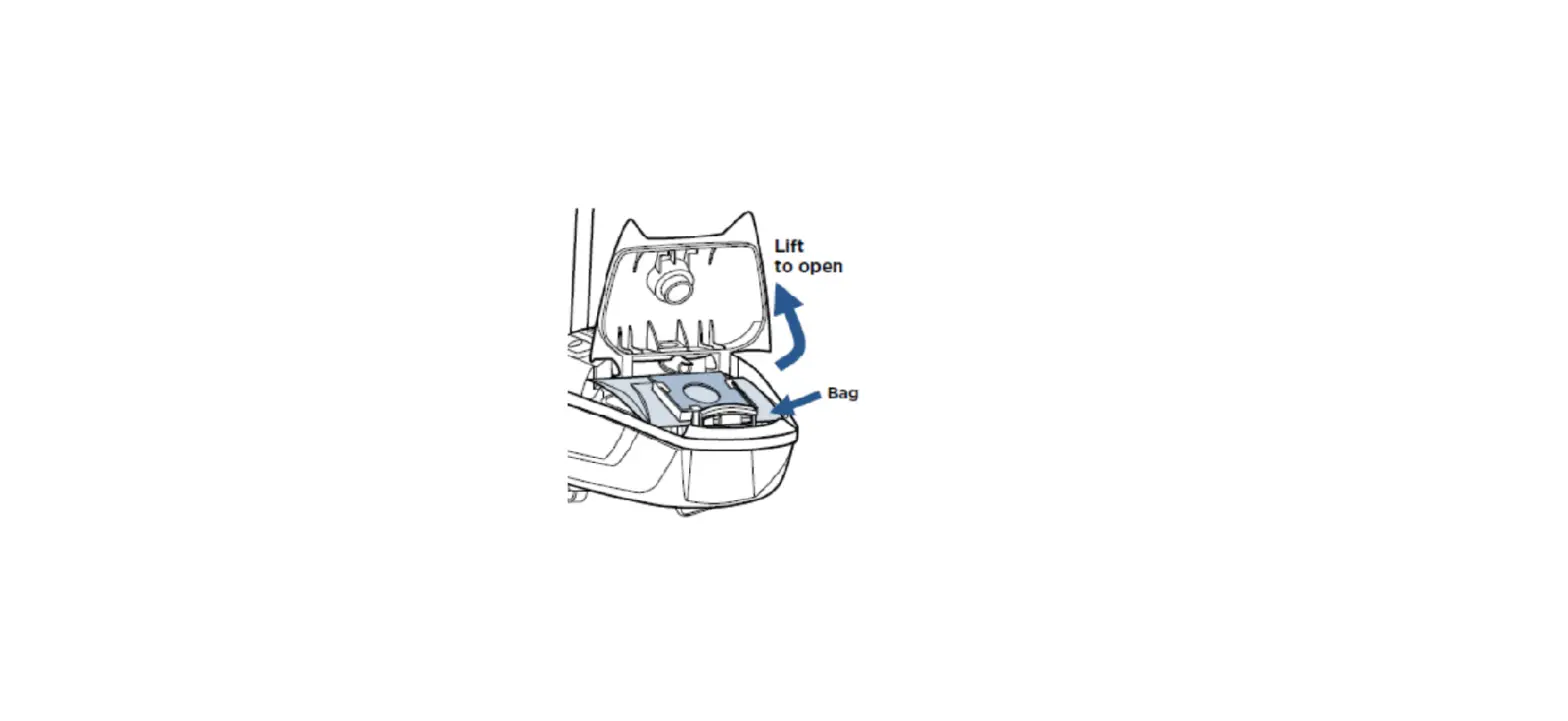
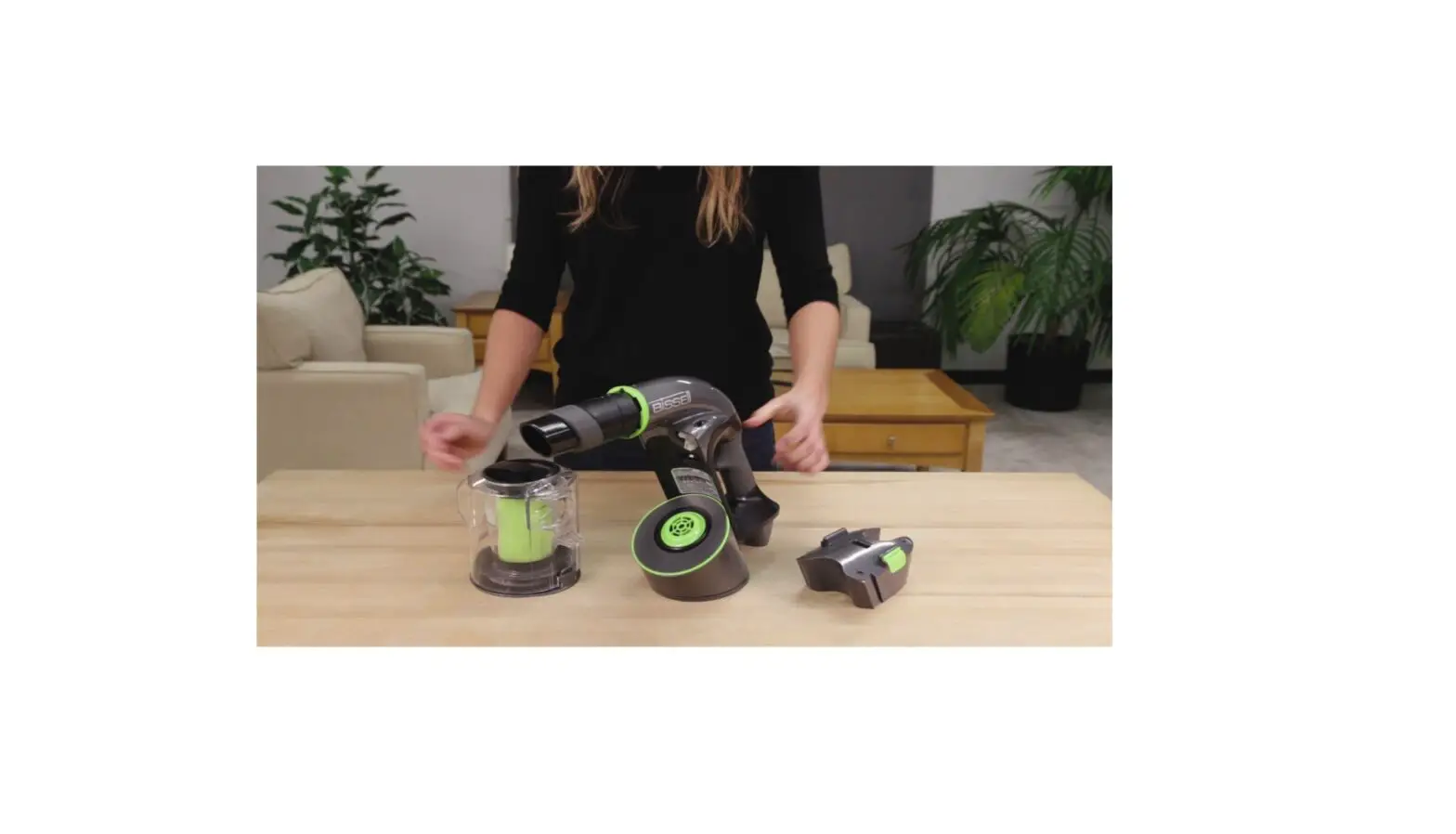
- Slide dirt cup release lever to the right to remove dirt cup and empty
- Remove filter cup under dirt cup by pulling up
- Grasp circular filters, twist counterclockwise to unlock, and pull straight up to remove
- Separate black foam filter from inner pleated filter
- Black foam filter can be washed in warm water with a mild detergent
- Allow to air dry completely before reinstalling
- Inner pleated filter is NOT washable and will need to be replaced when dirty
- Remove separator from upper tank by twisting to unlock and pull straight down
- Separator can be rinsed with warm water
- Allow to air dry completely before reinstalling
- Check hose inlet in upper tank for any clogs
- Remove pre-motor filter below filter cup, turn machine on, and feel for suction at motor duct where filter sits
- If no suction at motor duct, visit a BISSELL Authorized Service Center or Contact Us
- Pre-motor filter can be washed in warm water
- Allow to air dry completely before reinstalling
- Replace all filters and separator
- Replace filter cup and lock dirt cup in place making sure there are no gaps between dirt cup and upper tank
- If not locked properly the seal will not be secure and cause a loss of suction or blowing dust
- Remove upholstery hose from back of machine by rotating hose downward toward unlock position and pull out to release hose from holder
- Run broomstick through hose to clear any clogs
- If hose is cracked or damaged, it will need to be replaced
- Remove two screws on the left of the lower hose under the upholstery hose holder
- Run broomstick through lower hose to clear any clogs
- Brush cover can be removed to clear debris
- Carefully check to see that the brush is turning when machine is reclined
- If brush is not turning, see Brush Not Turning document
- If machine still has no suction, visit a BISSELL Authorized Service Center or Contact Us