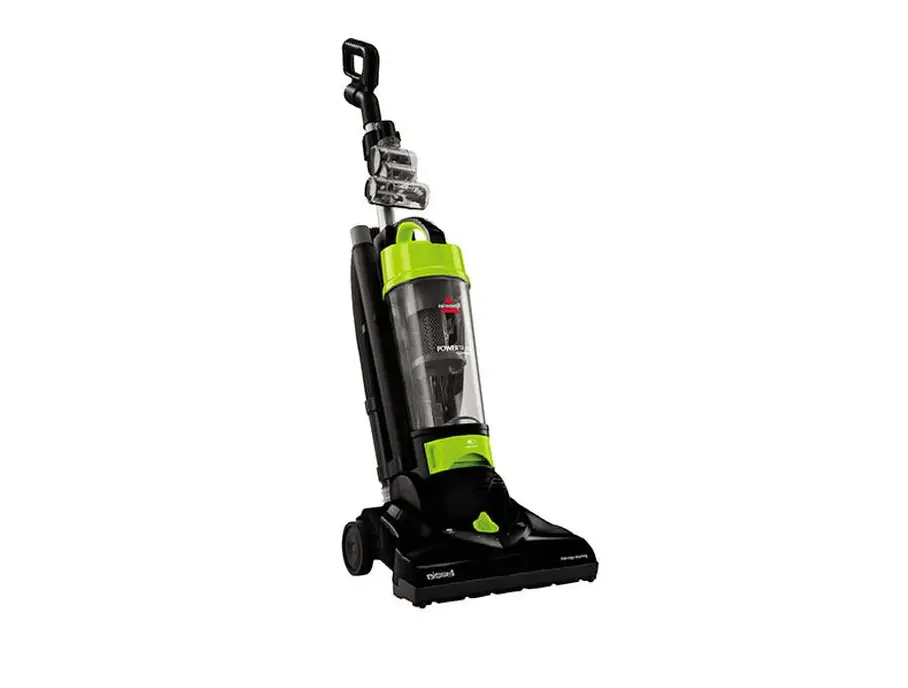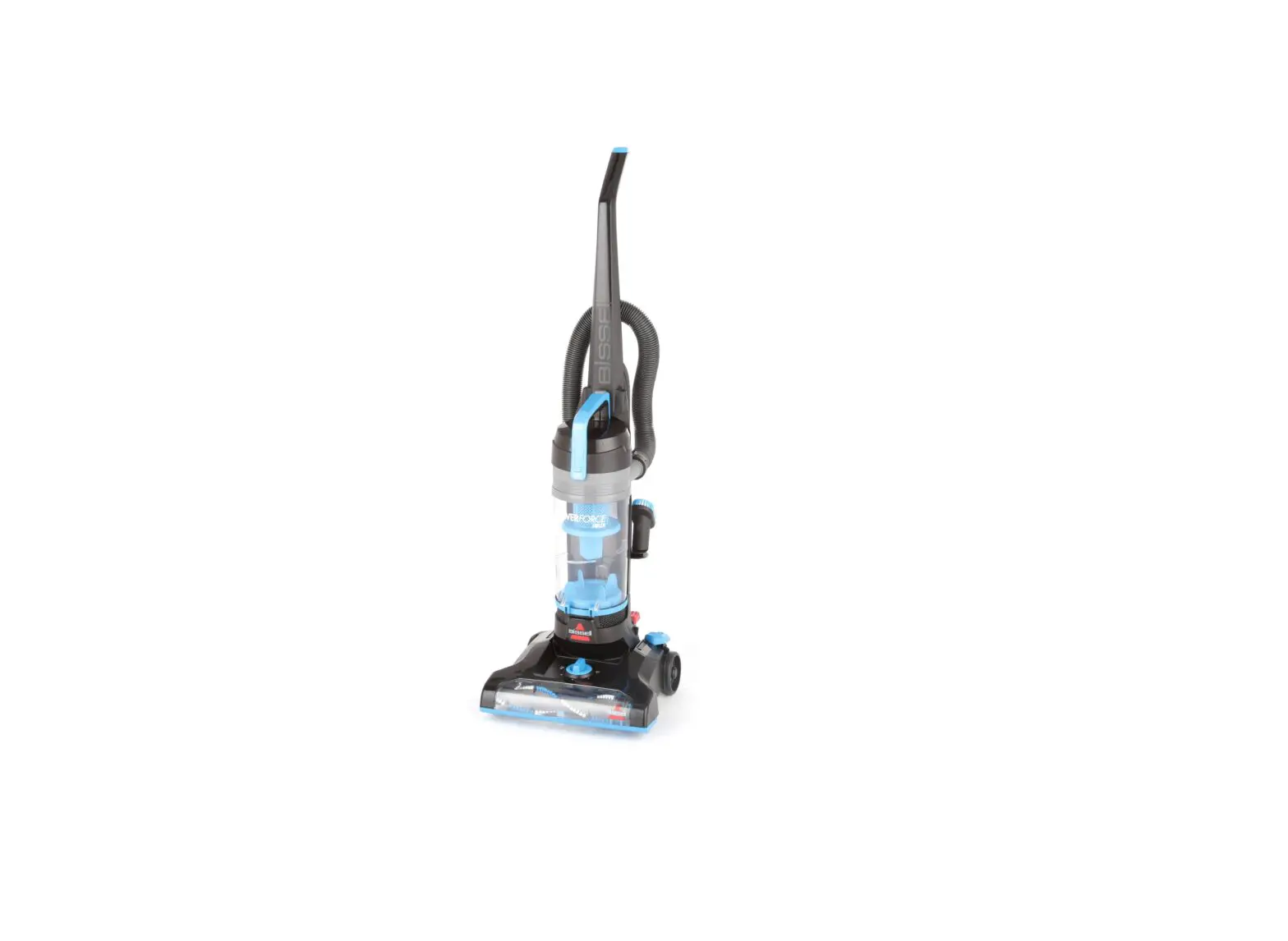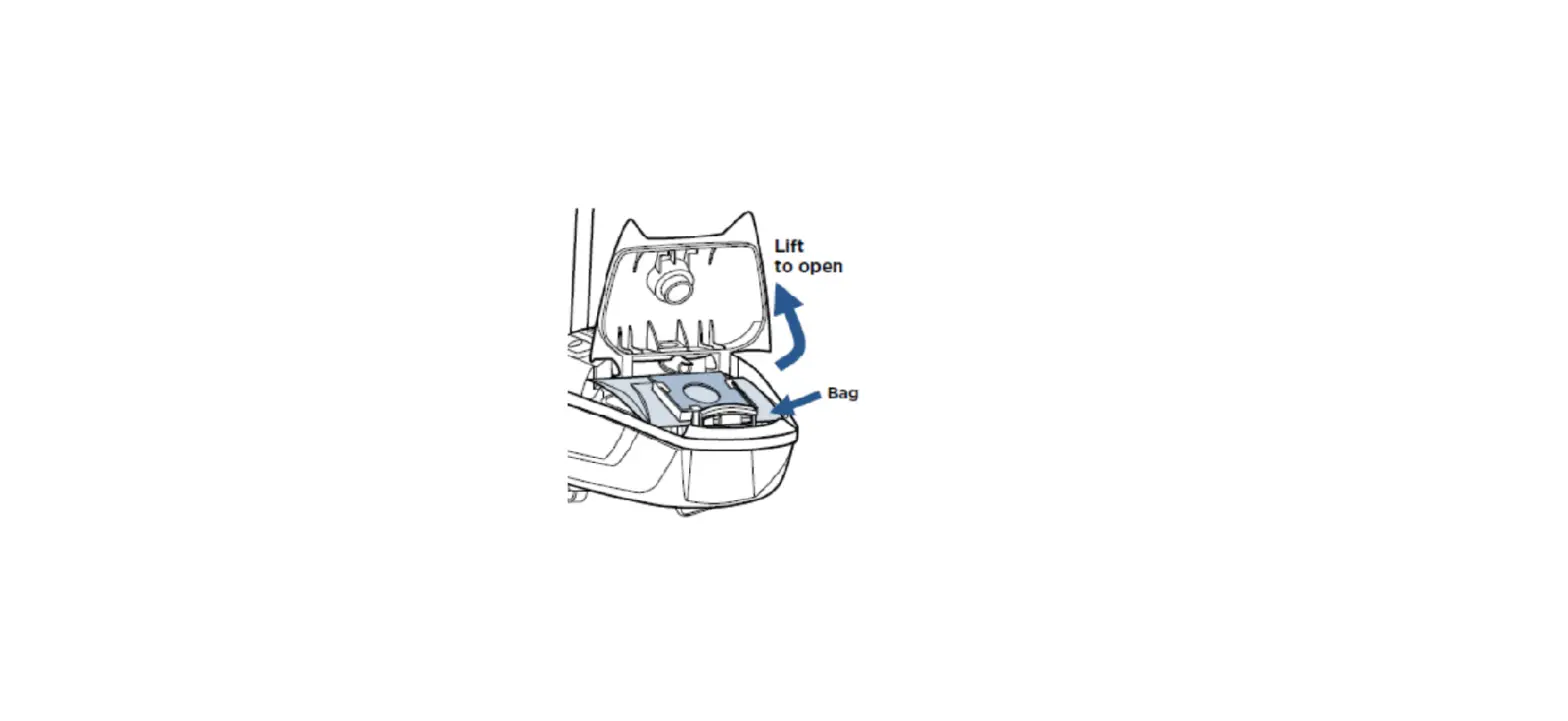
- Disconnect hose from canister
- Turn machine on
- Place hand over hole on canister to feel for suction

- If no suction, adjust the variable suction control on the machine
- Turn the circular knob to adjust suction from minimum to maximum
- If no suction, adjust the variable suction control on the machine
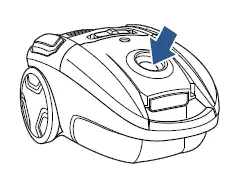
- Verify bag is not full and is installed correctly
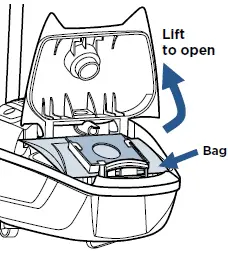
- Confirm dust bag compartment door is completely closed
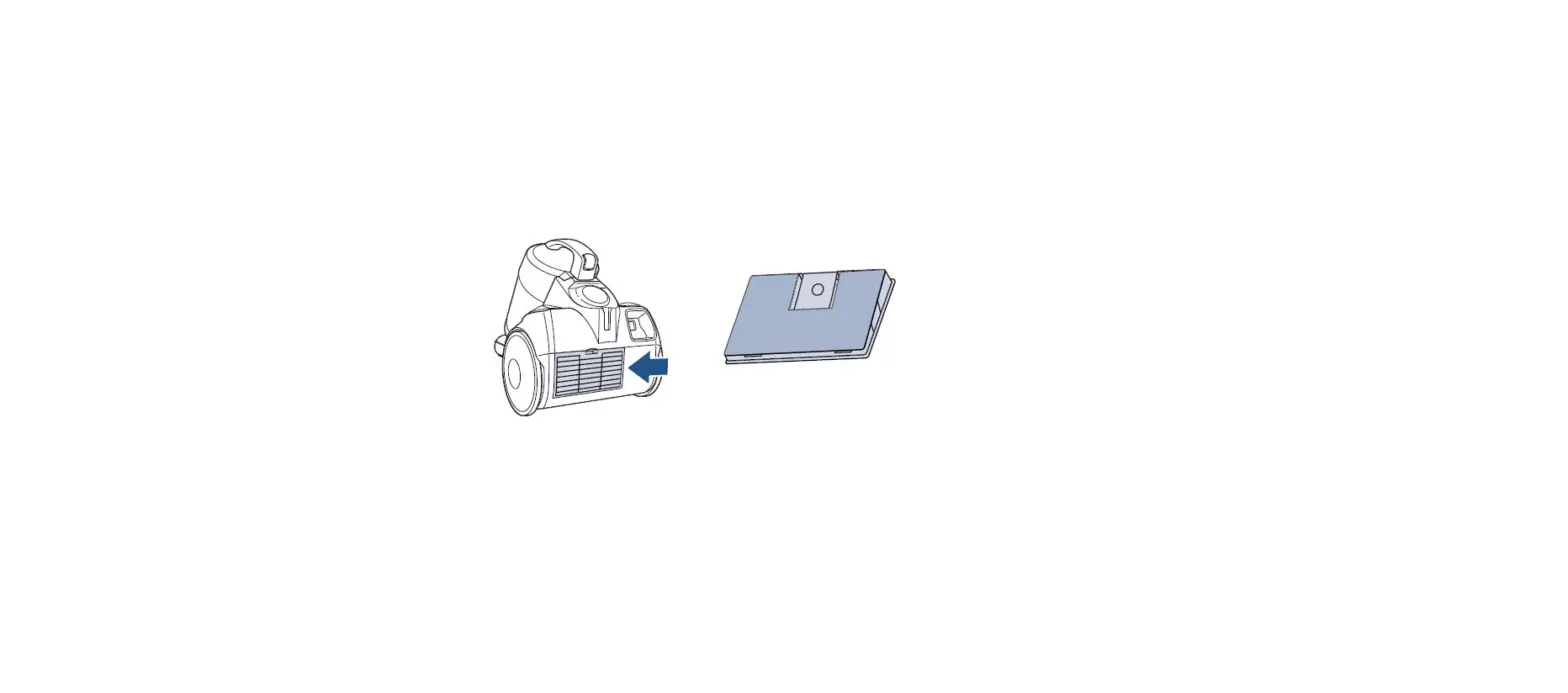
- Inspect filters
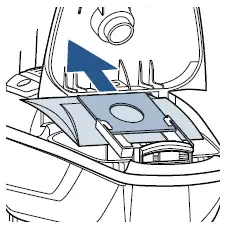
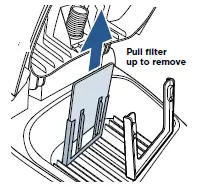
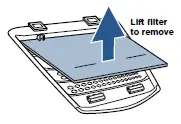
- Lift bag to access pre-motor filter

- Pull filter up and out to remove

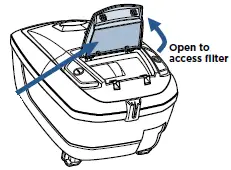
- Lift post-motor filter cover up on back of machine to access post-motor filter


- Clean both filters in warm water with mild detergent
- Allow to completely air dry (24-48 hours) before reinstalling
- Ensure black sponge layer of pre-motor filter faces out into the bag compartment
- Place post-motor filter over the two tabs in the back cover to align correctly
- If there is suction at the intake, check air-flow regulator on handle
- Reinstall hose, slide regulator switch forward to expose vent hole on the handle to reduce suction
- This feature is for instances in which low suction is required
- Reinstall hose, slide regulator switch forward to expose vent hole on the handle to reduce suction
- Examine hose for clogs
- Detach hose from machine
- Carefully insert a broom handle through the hose to clear any debris
- Inspect hose for damage or cracks
- If damaged, a new hose will need to be ordered
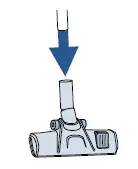
- Completely remove floor nozzle hose
- Look down through the tube, as well as up through the bottom
- Remove debris

If still no suction, please visit a BISSELL Authorized Service Center or Contact Us