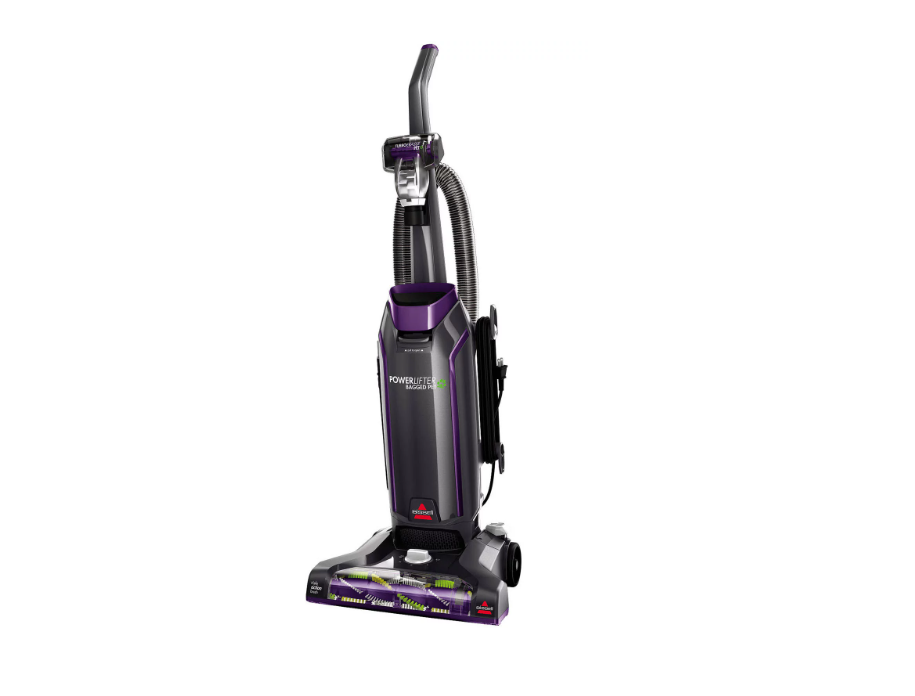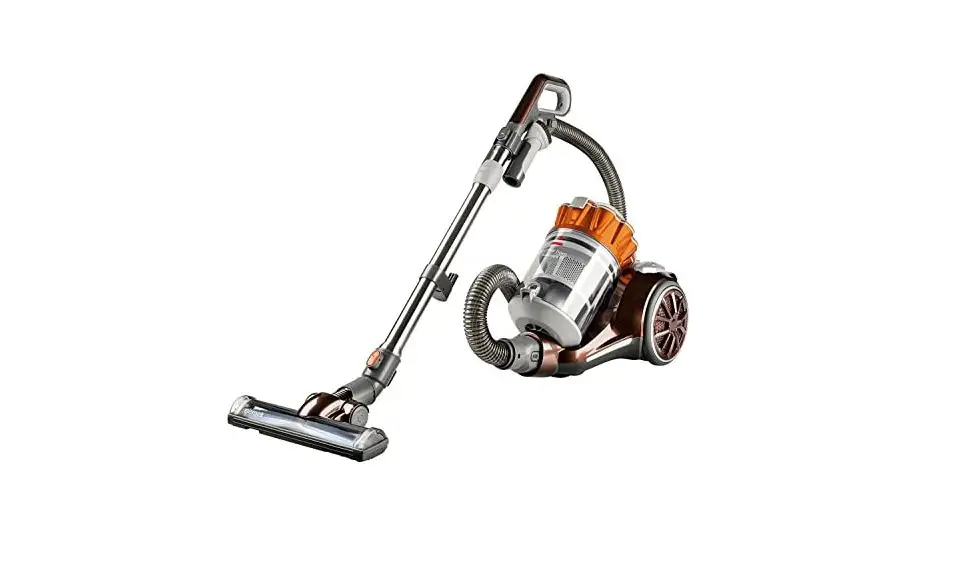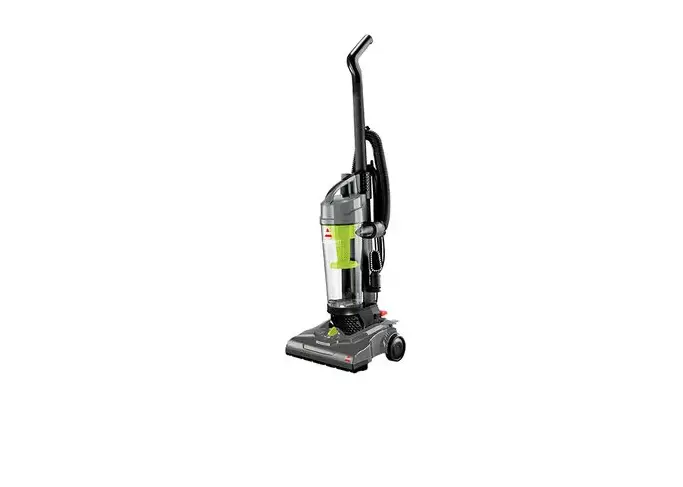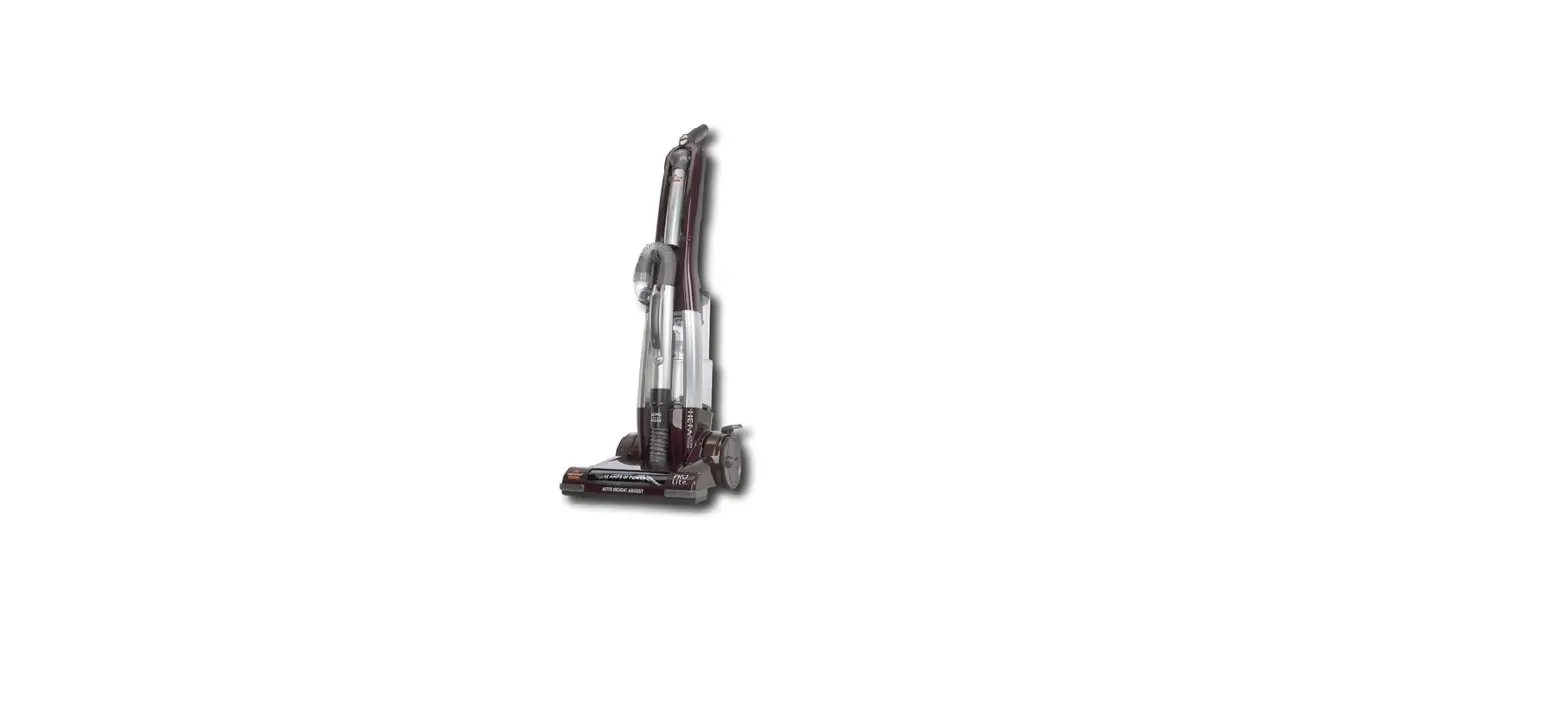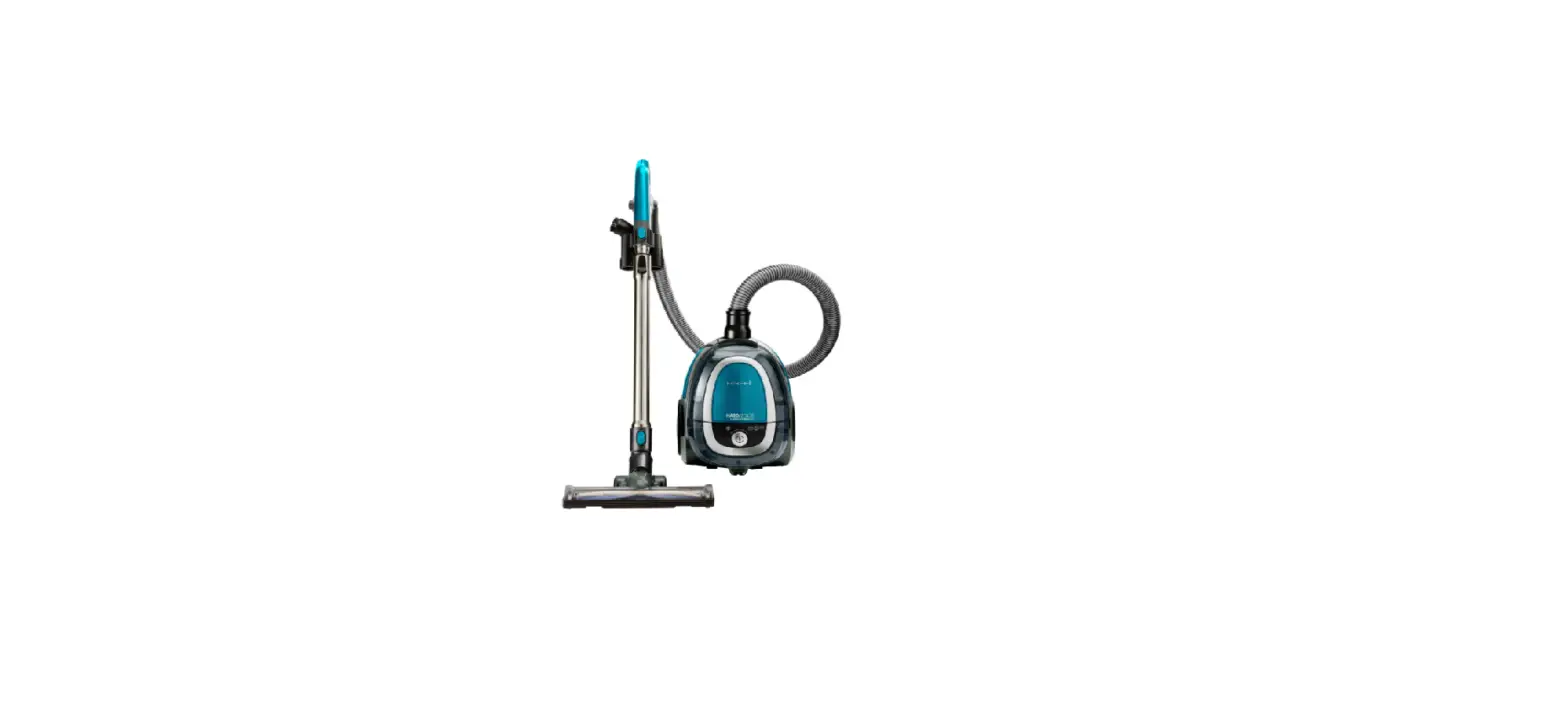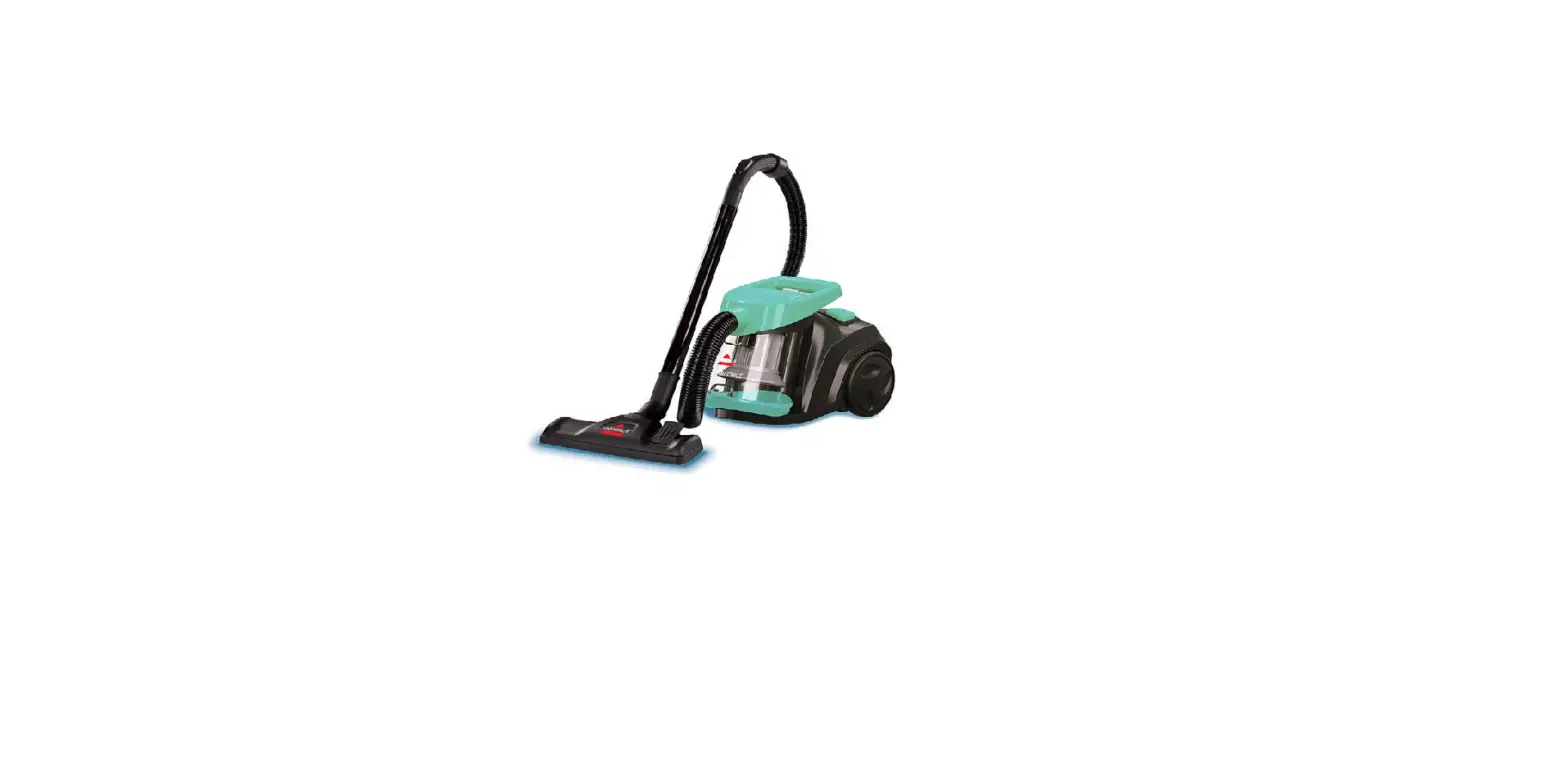
- Check for clogs
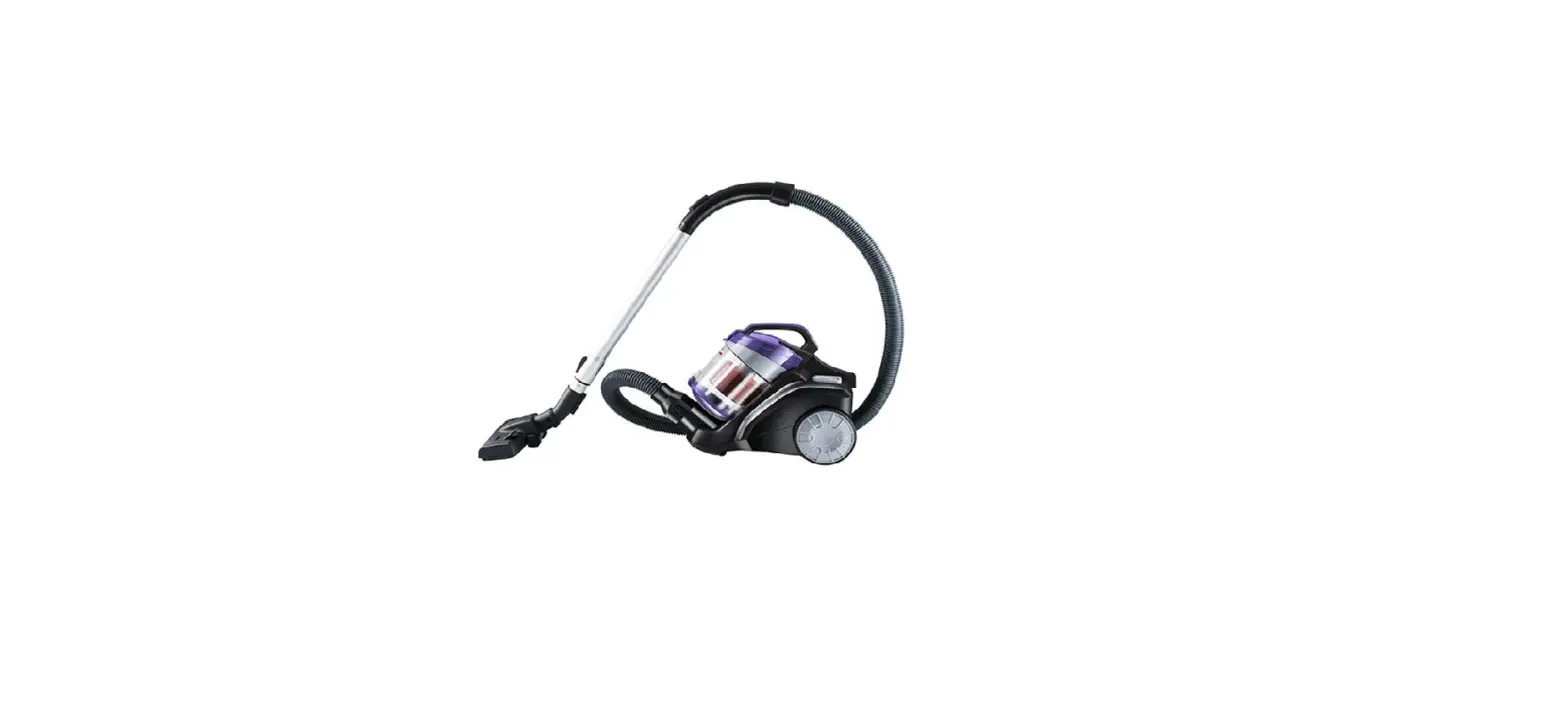
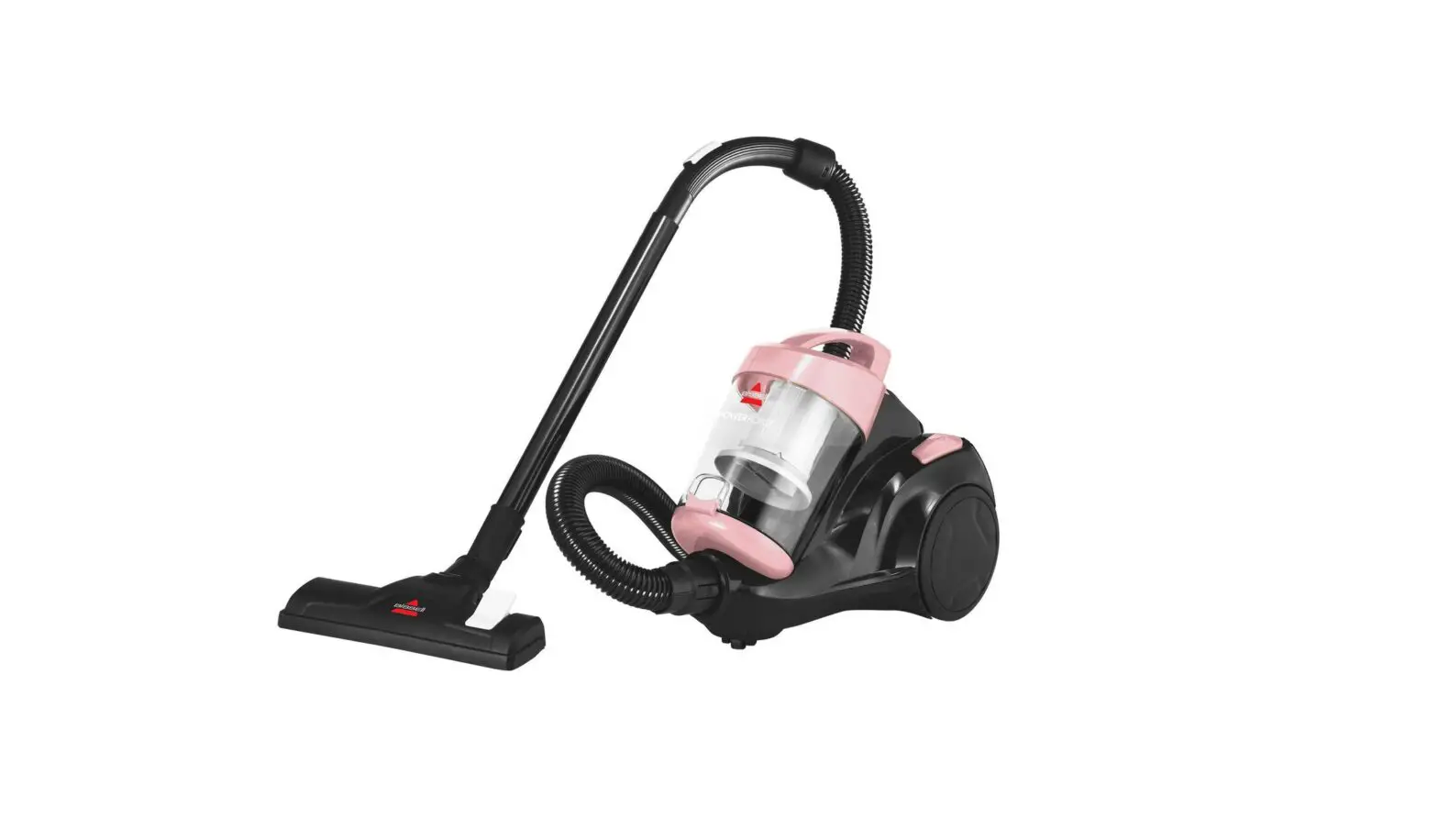
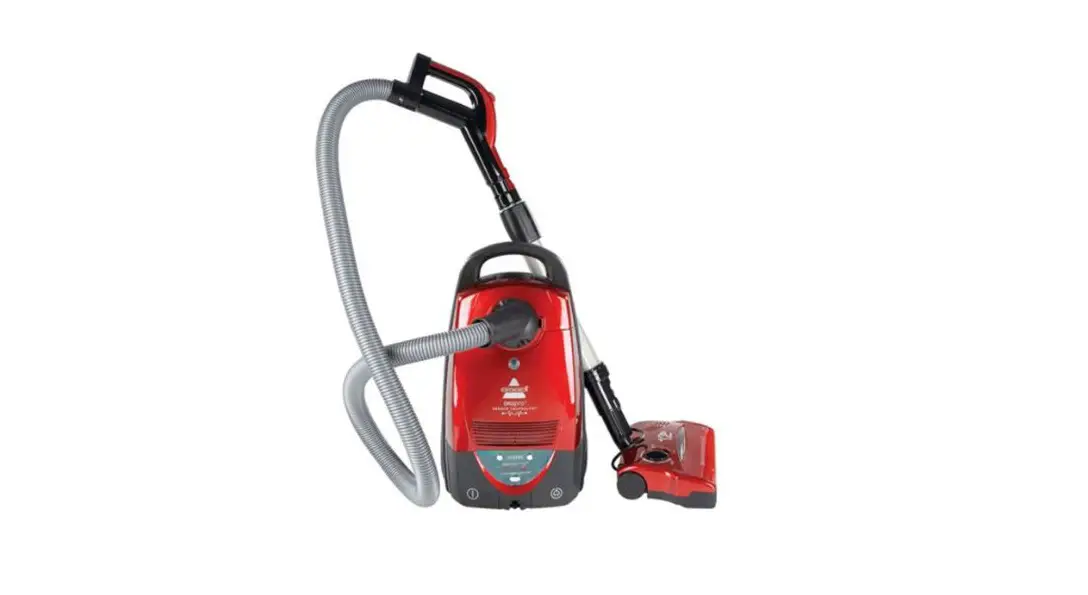
- Detach hose from base of canister by twisting hose counterclockwise and pulling out

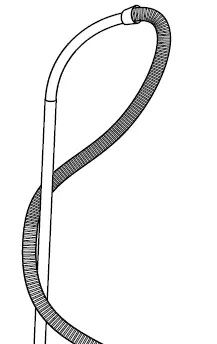
- Remove hose from extension wand by grasping each piece and pulling them apart

- Do the same to the foot assembly
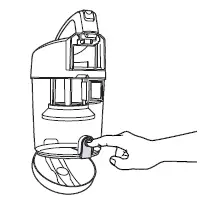
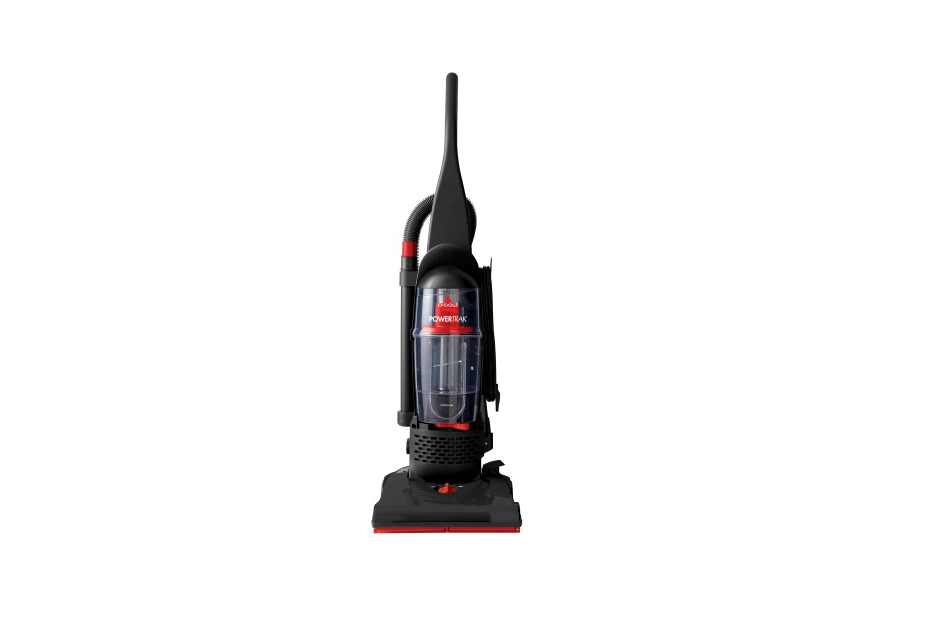
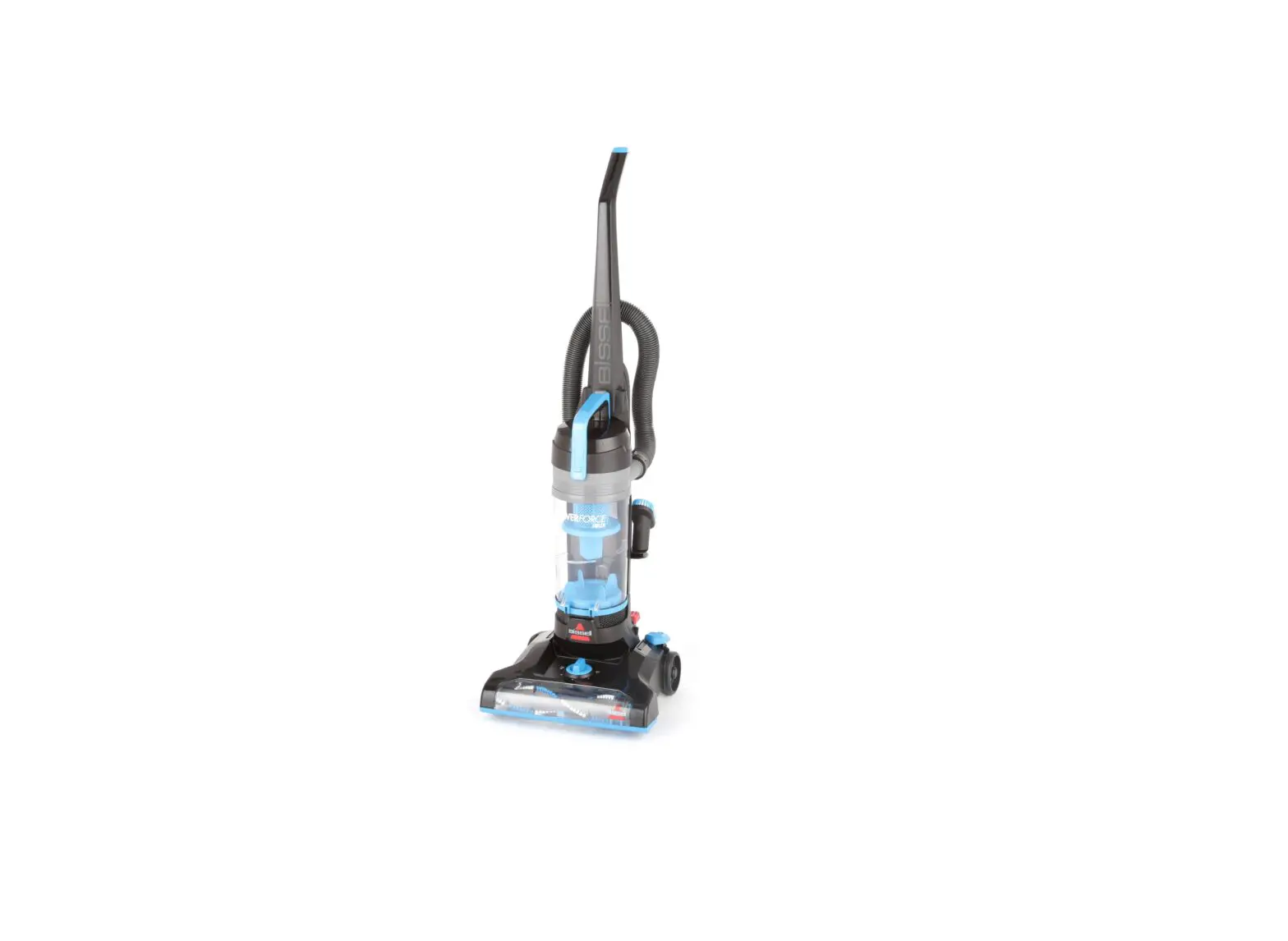
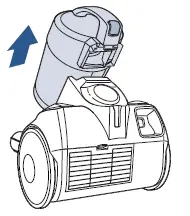
- Take off dirt tank by pressing release button and lifting tank away from machine

- With all pieces detached, inspect all dirt flow openings for clogs
- Insert a broomstick through hose to clear it
- Inspect hose section by section for holes or cracks
- If a hole or crack is found, a replacement hose needs to be ordered
- Reassemble all parts into corresponding areas
- If still no suction, inspect dirt cup and filters
- Inspect filters
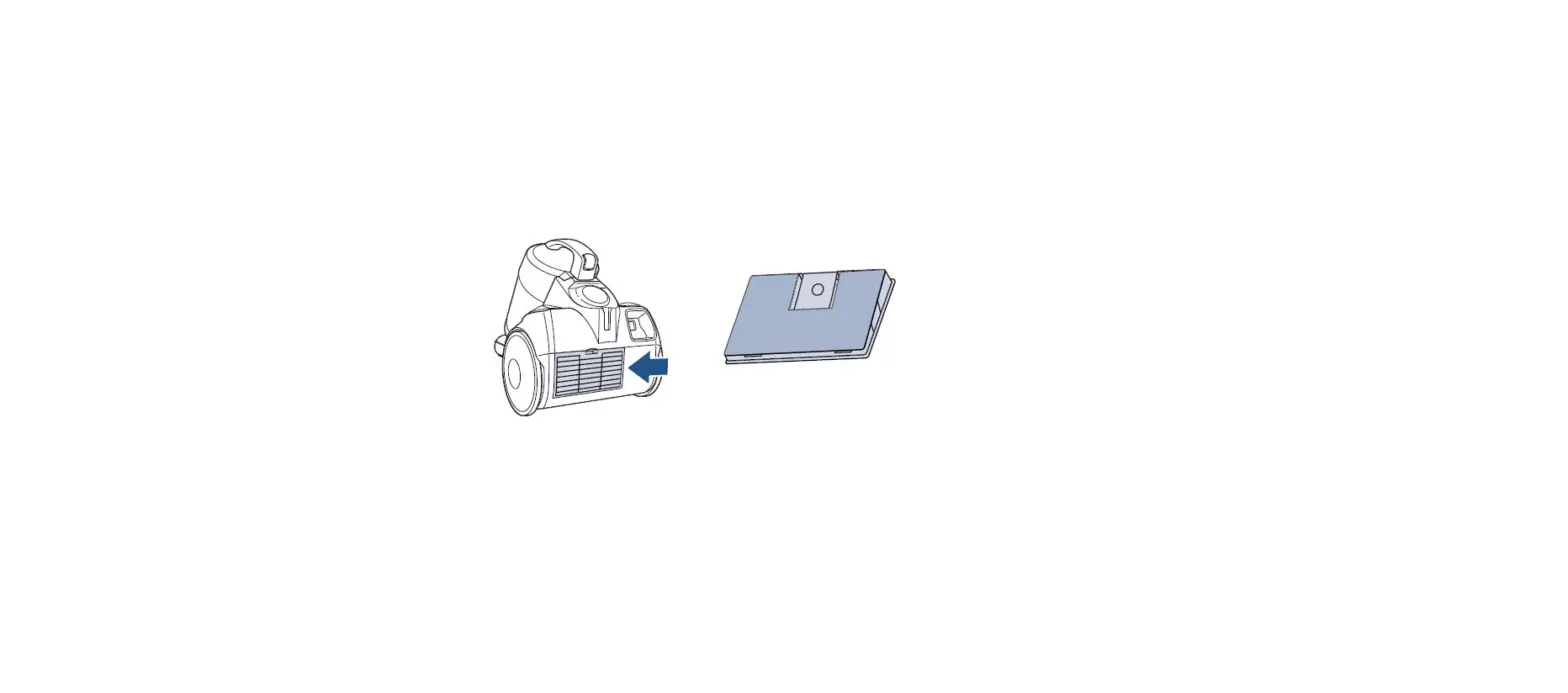
- Locate post-motor filter on back of vacuum
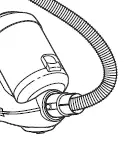
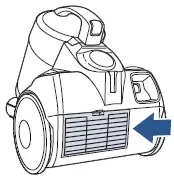
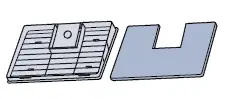
- Press down on filter door tab to remove door
- Clear away any debris built up on and around filter
- If necessary, wash filter and completely air dry (24-48 hours) before reinstalling
- Reattach filter door
- With dirt tank still removed, press empty latch on back of tank, and empty contents into trash container

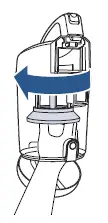
- Take out filter by twisting counterclockwise

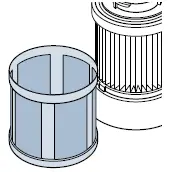
- Separate filter screen from filter by lifting screen up off the filter base

- Clear away any debris build up
- Wash pieces if necessary
- Allow all pieces to completely air dry (24-48 hours) before reinstalling
- Replace filter if damaged
- To reassemble, replace filter screen
- Align tabs on filter piece with mating slots inside the dirt tank and twist clockwise to lock in place
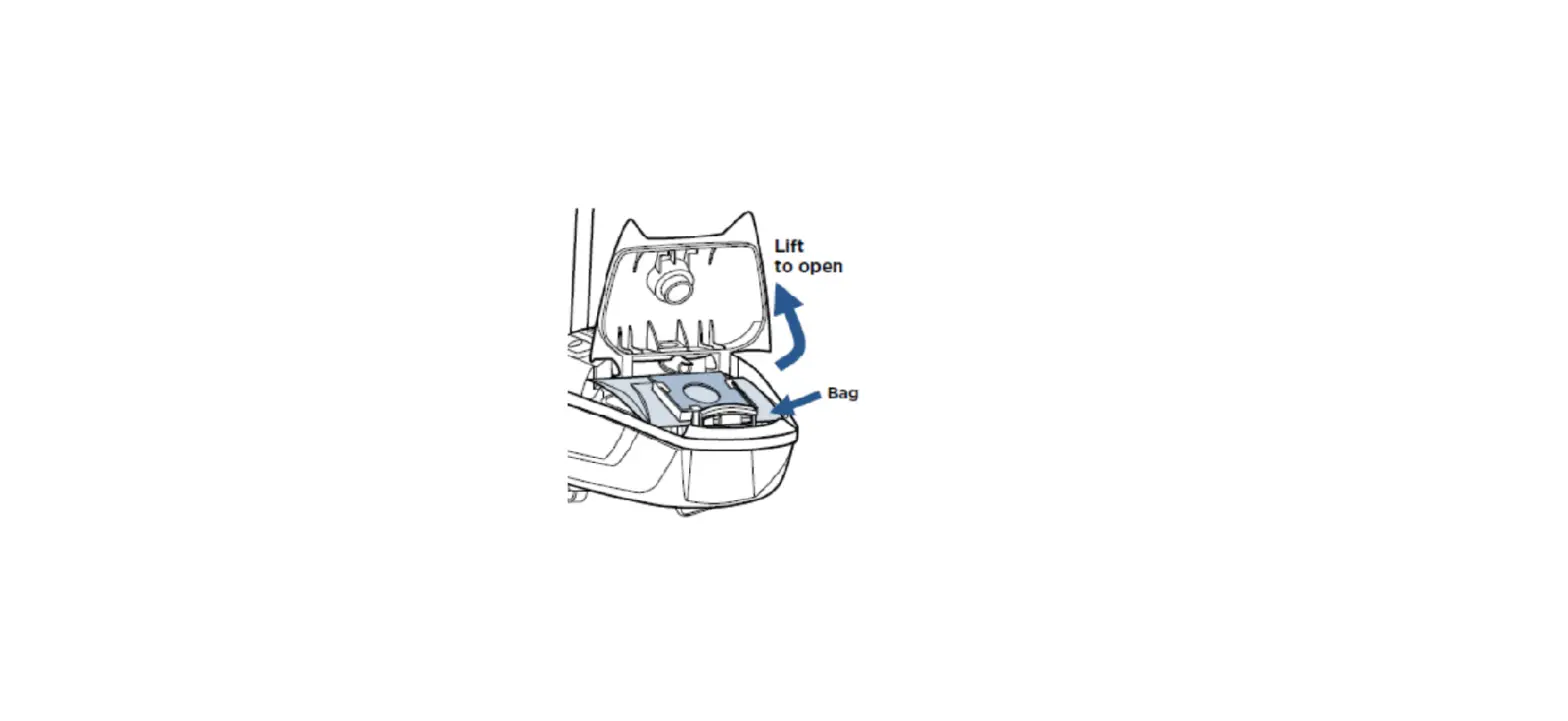
- Securely shut dirt tank lid and reattach dirt tank to machine
- Plug vacuum in, turn on, and check for suction
- If the machine still has no/low suction, please visit a BISSELL Authorized Service Center or Contact Us