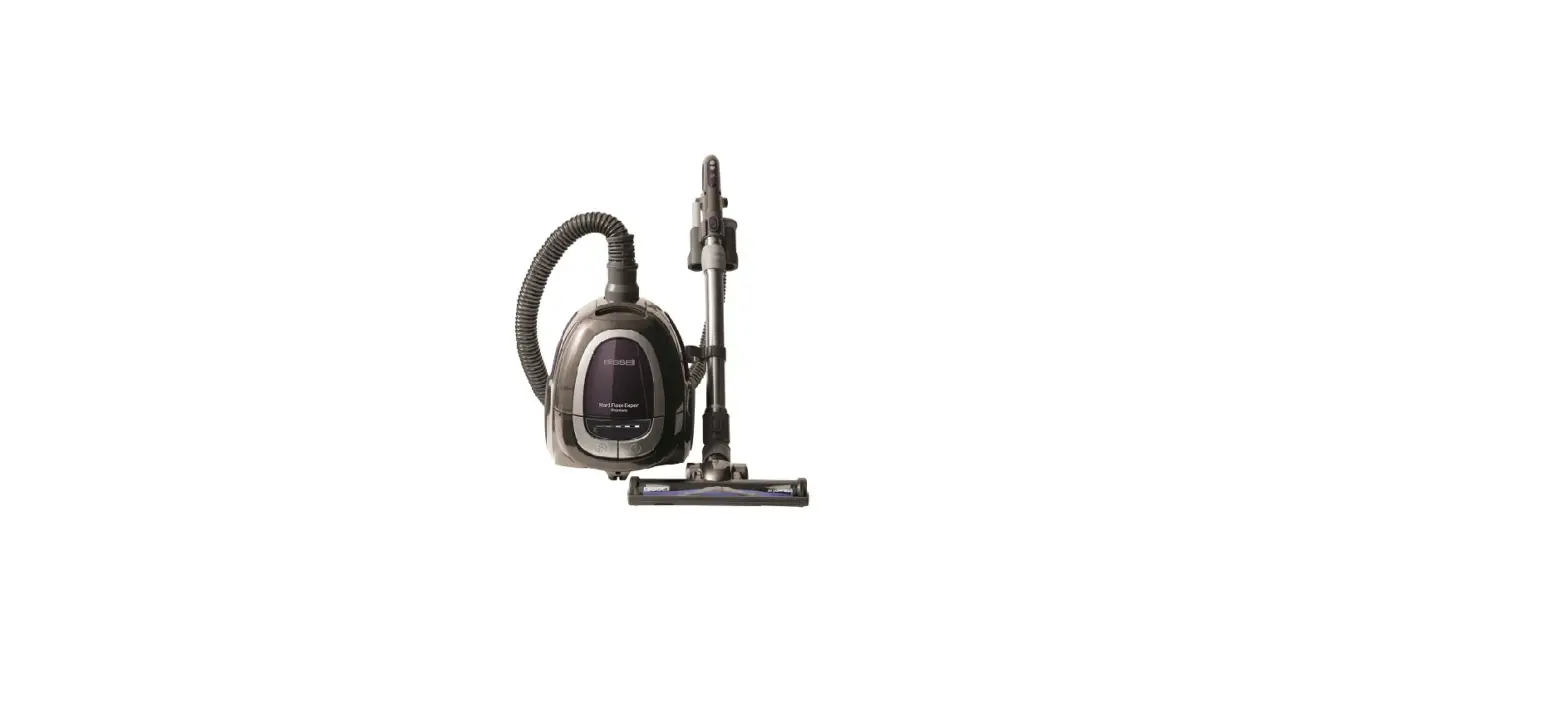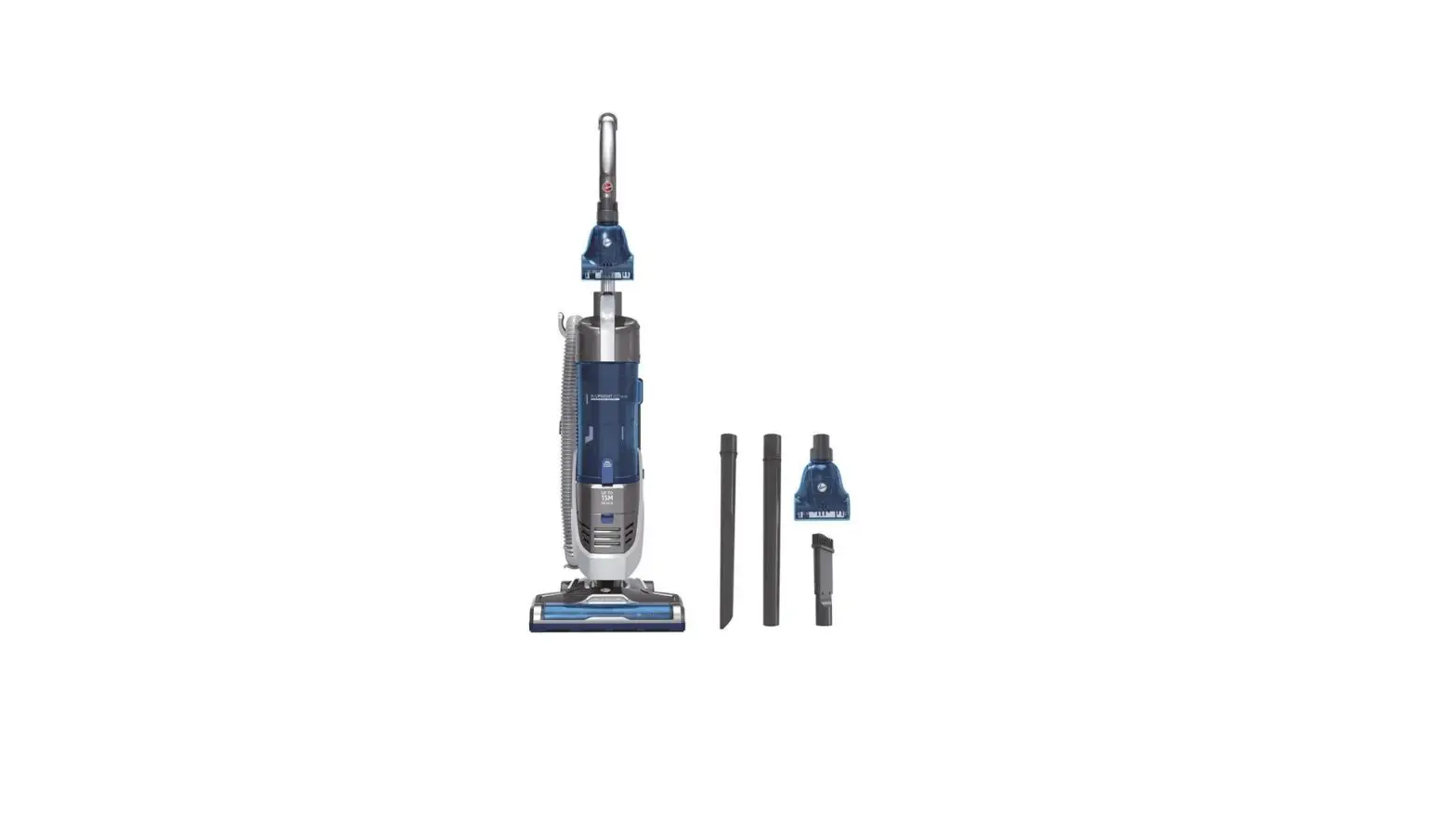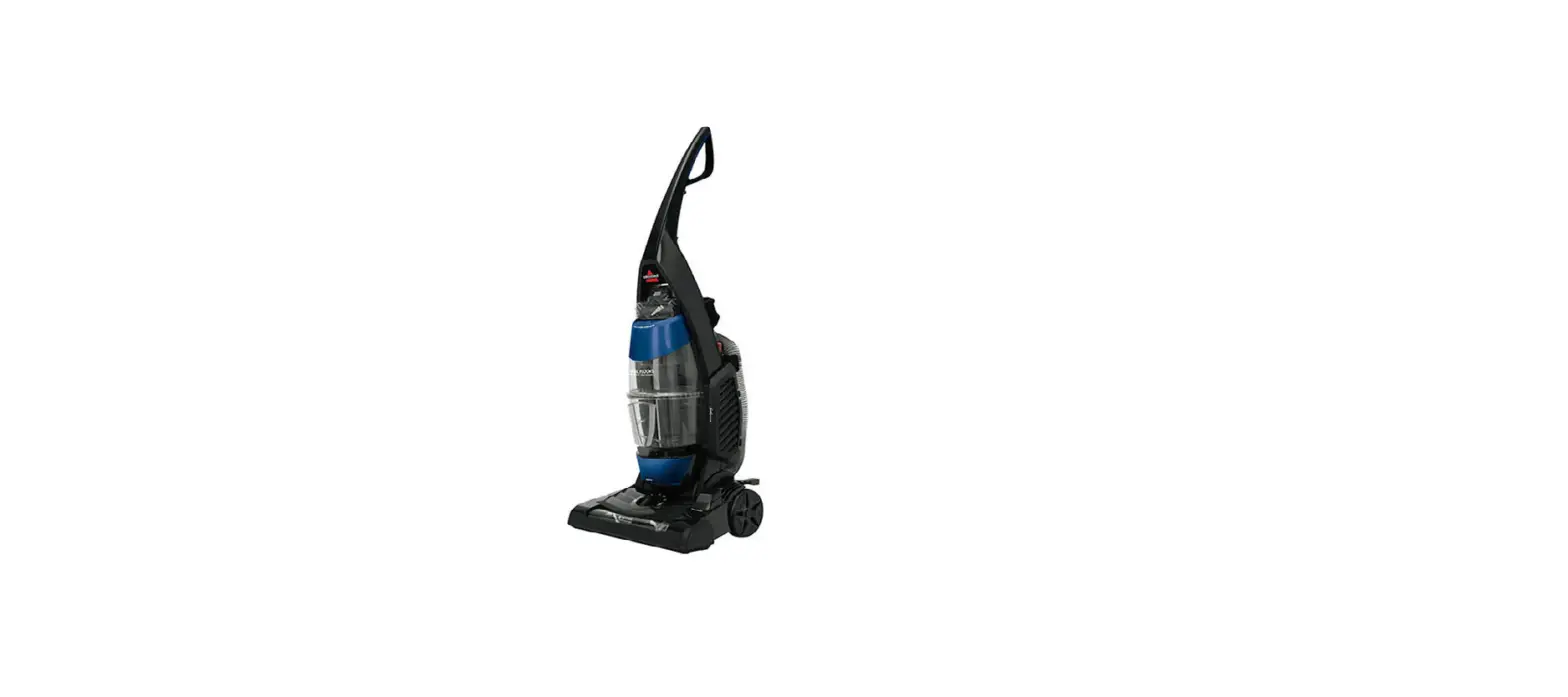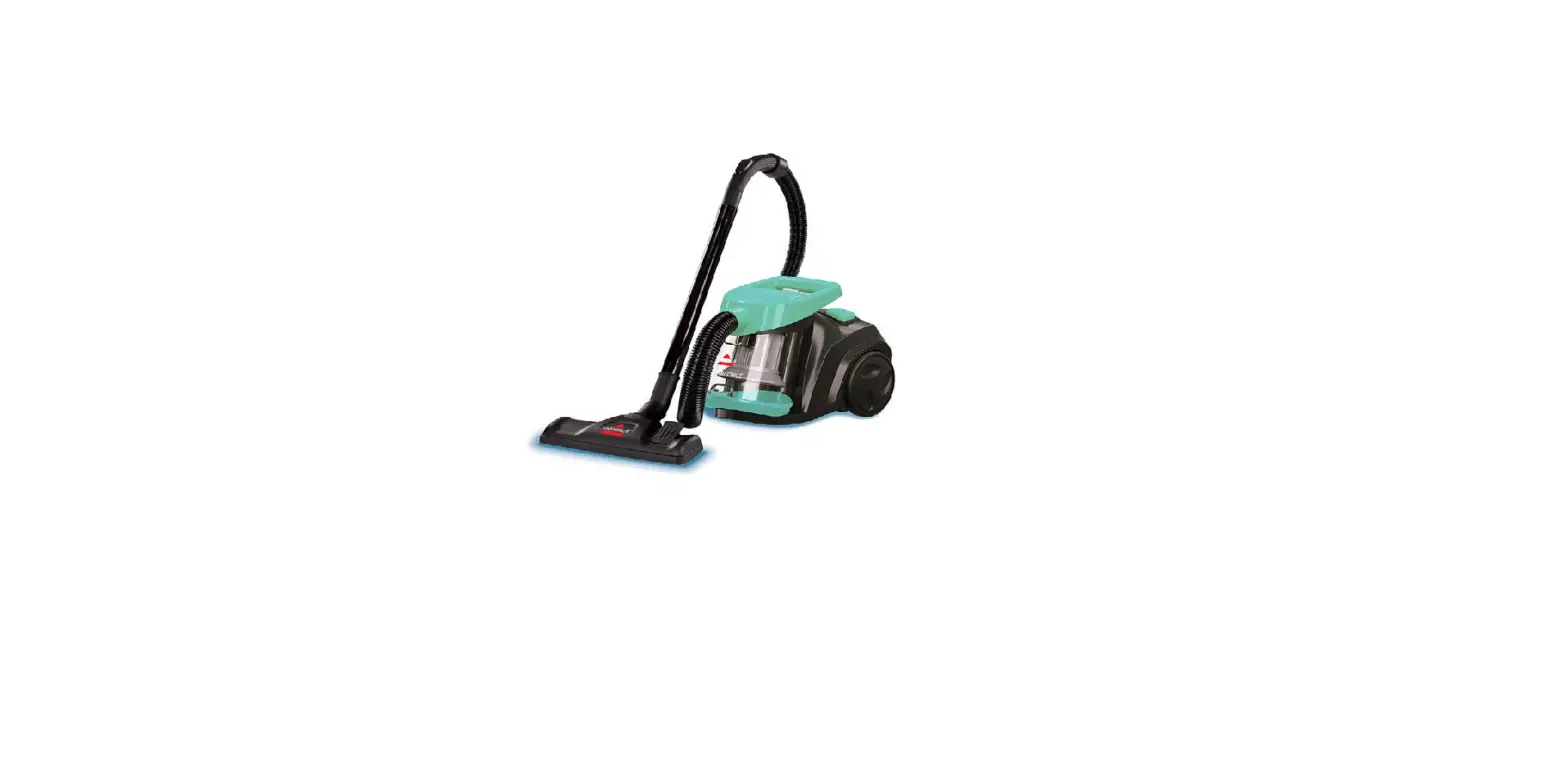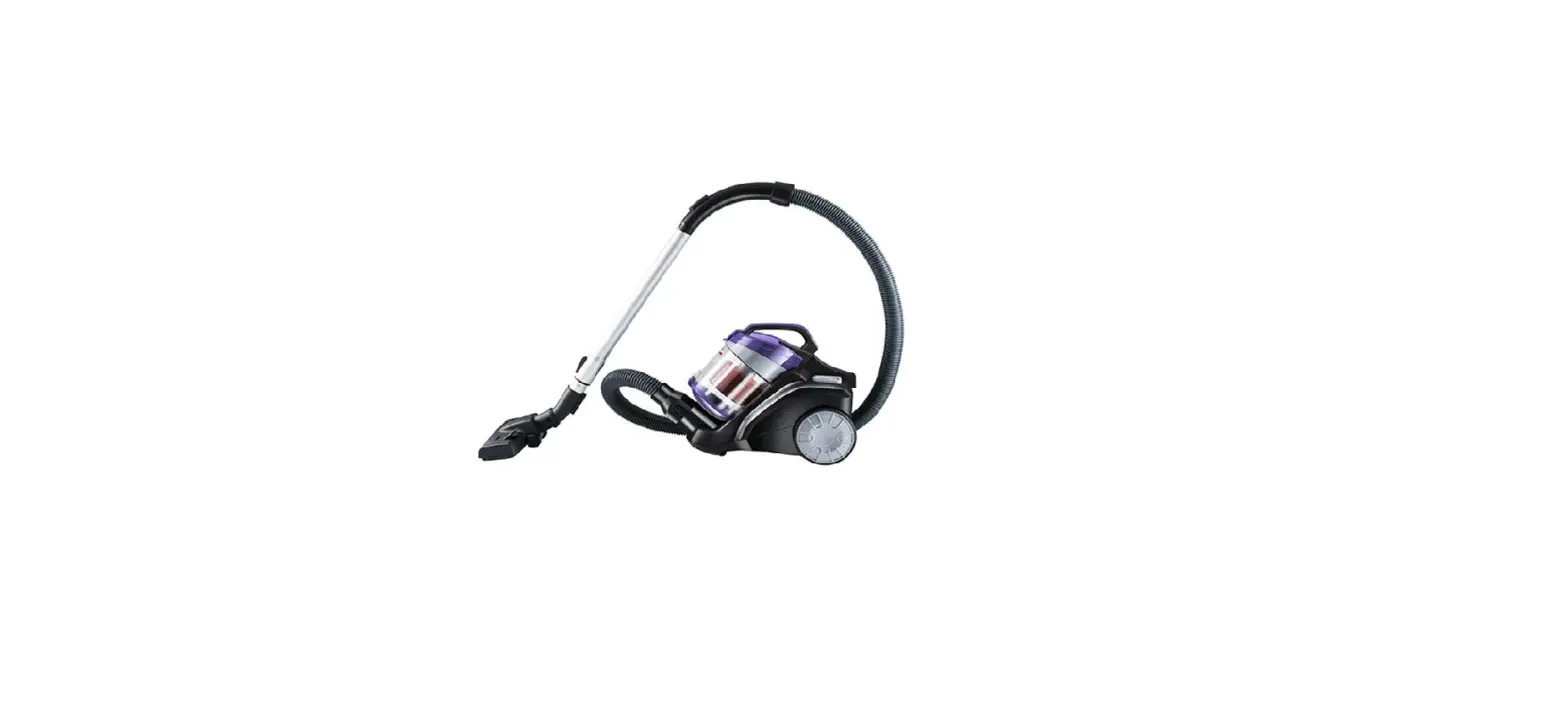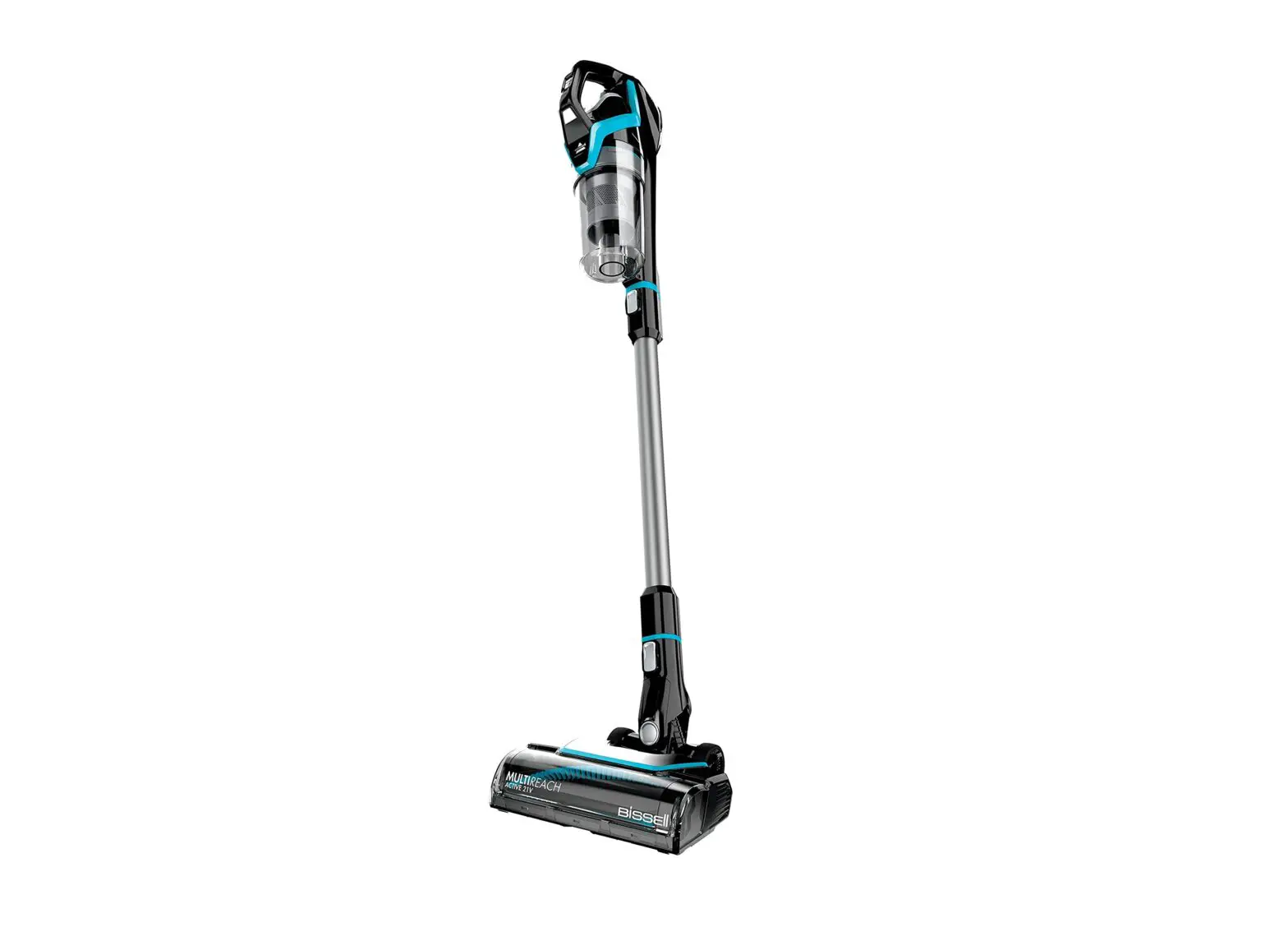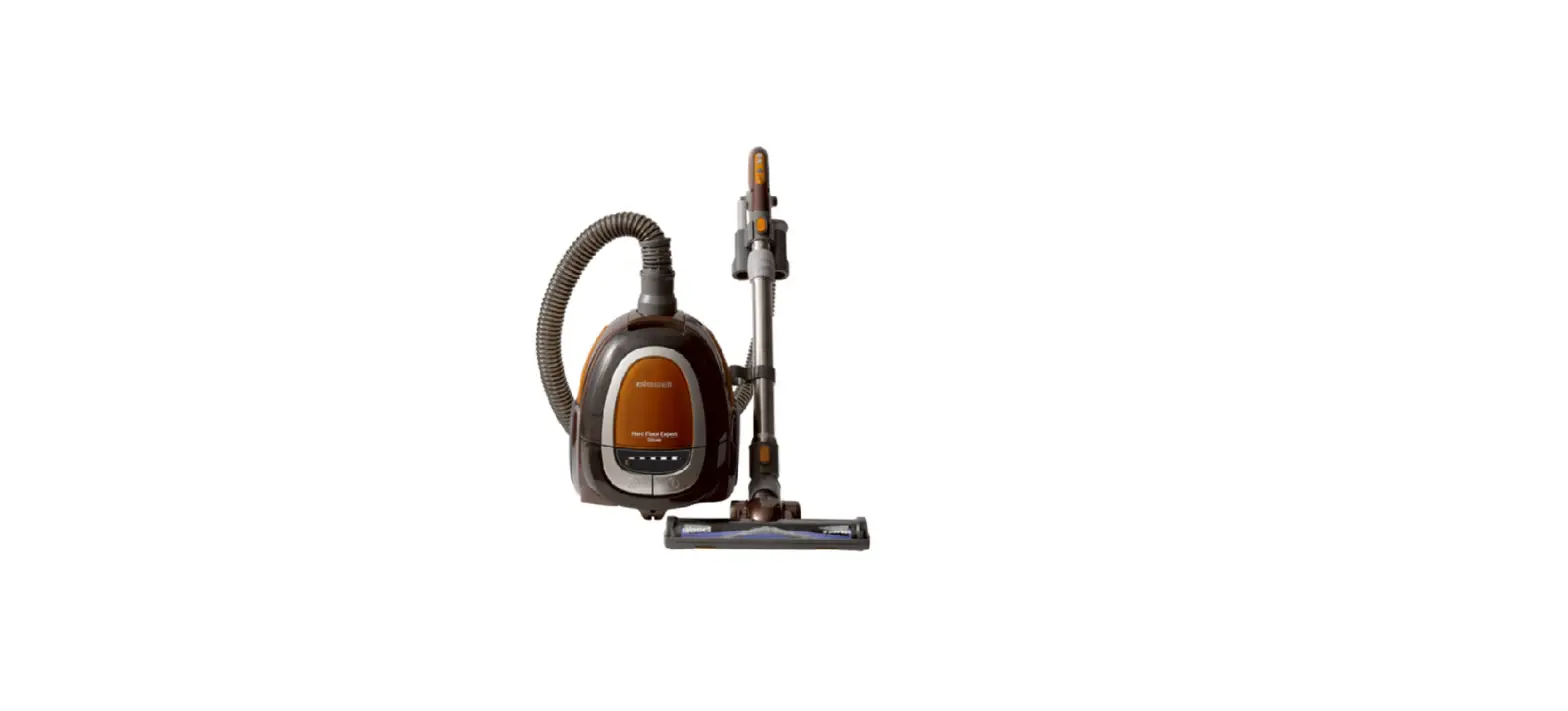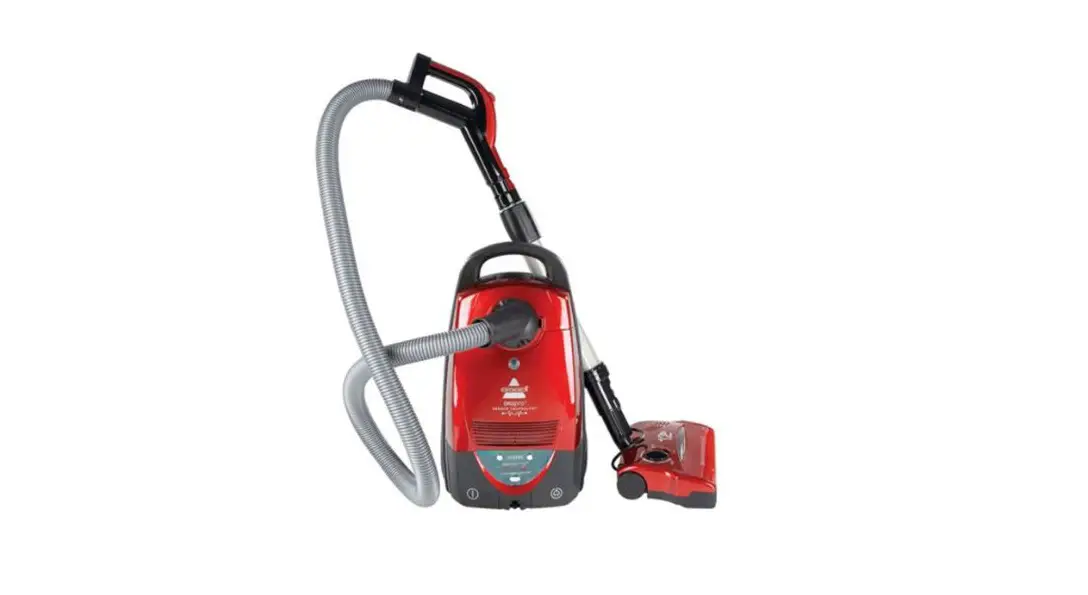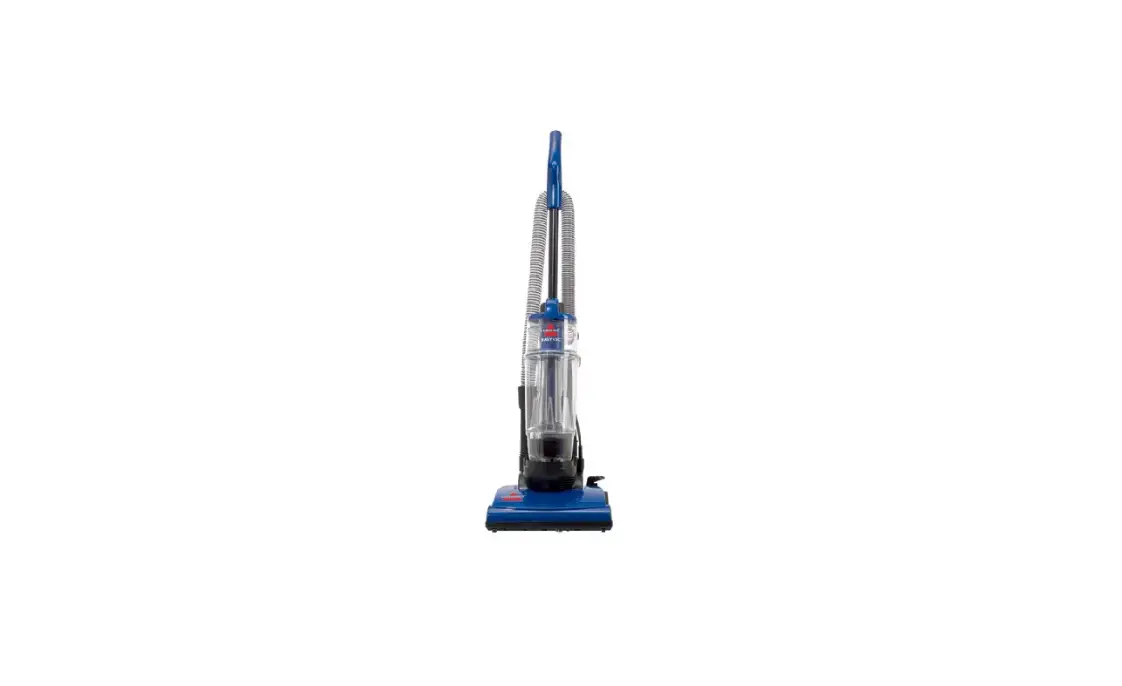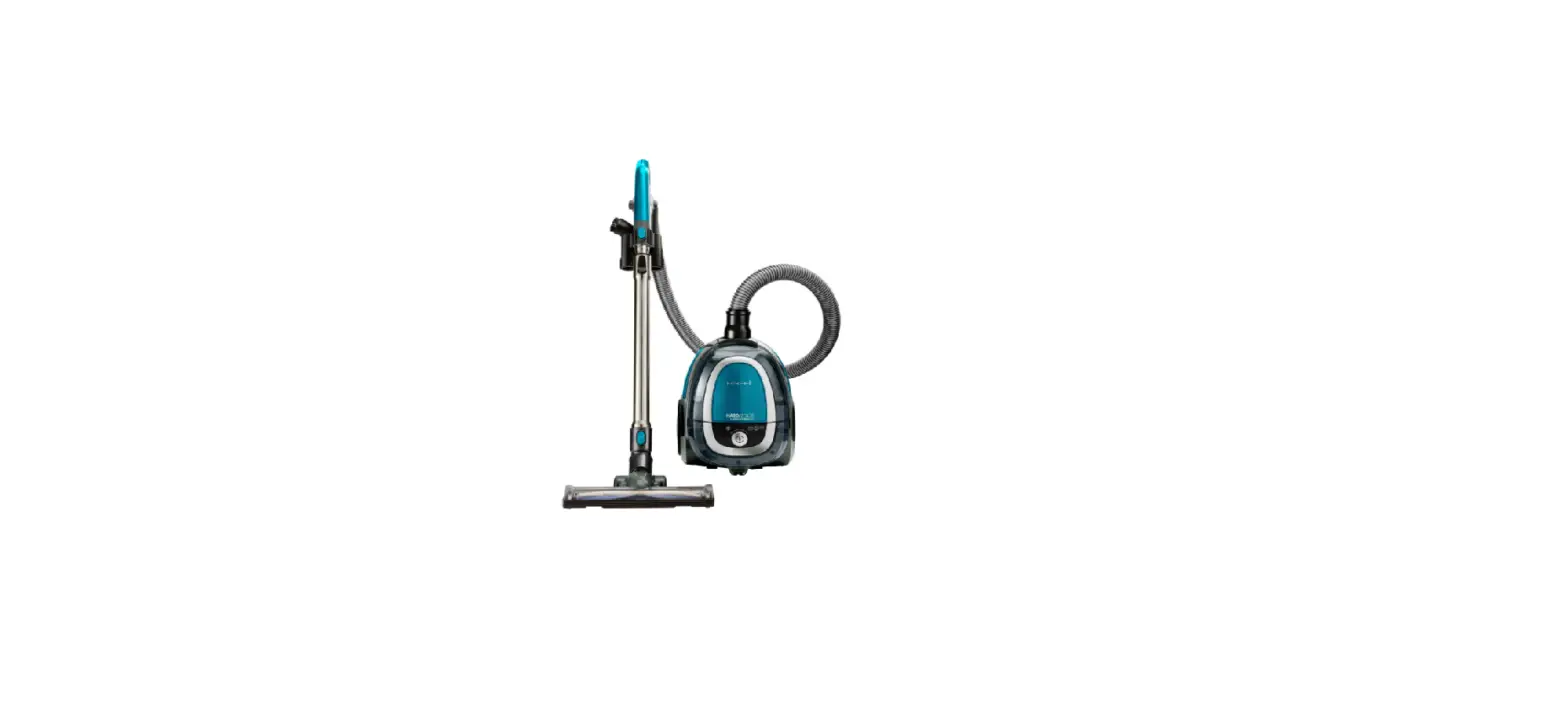
- Unplug machine
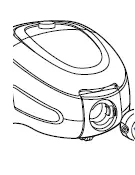
- Detach hose from base of canister by pinching the release tabs and pulling out
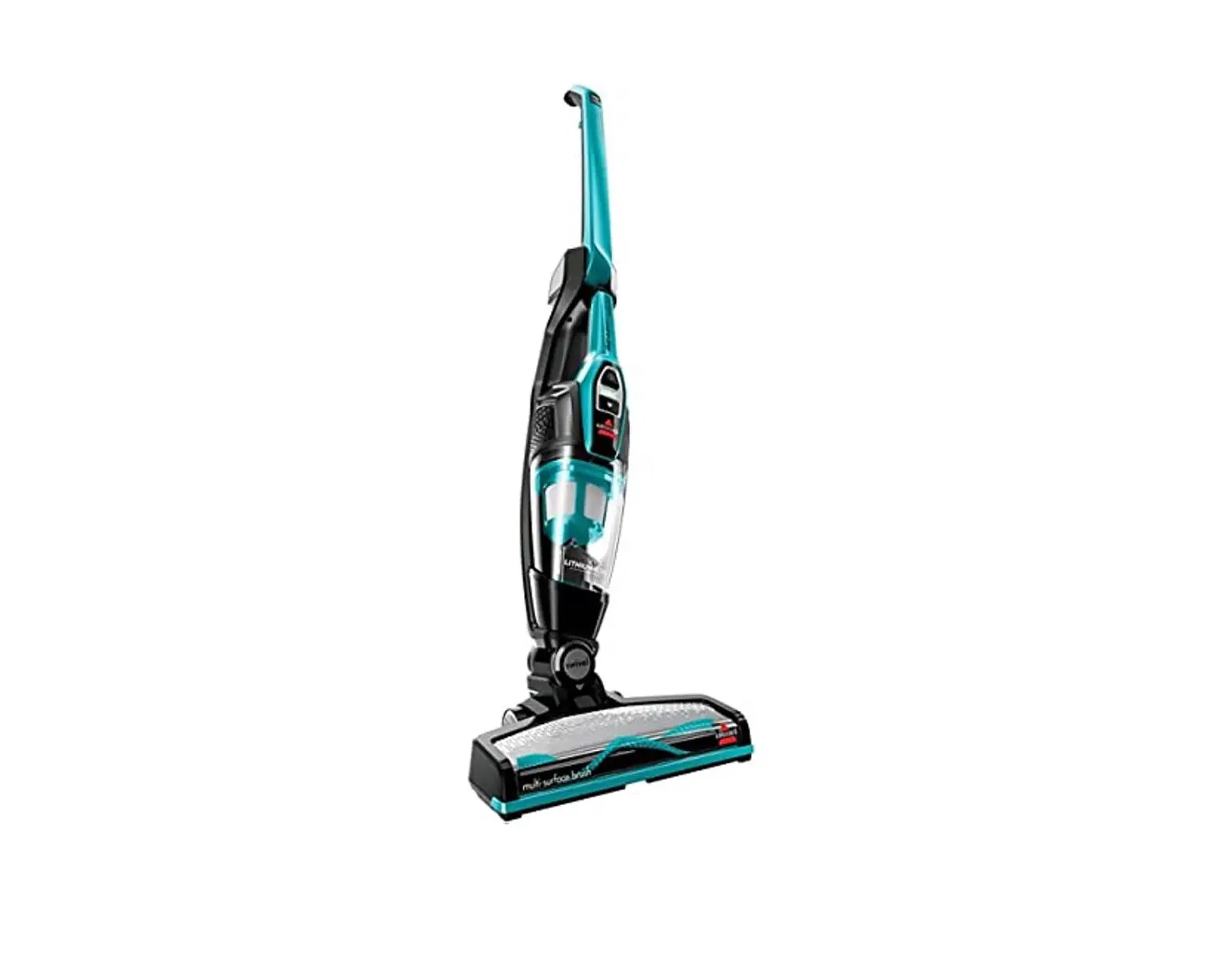
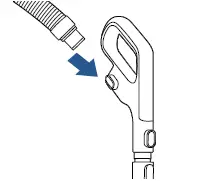
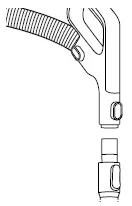
- Detach hose from stick handle by pinching both blue release latches and pulling hose out
- Detach handle from extension wand by pressing the release latch and pulling them apart
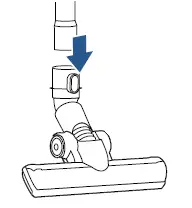
- Do the same to detach foot
- With all pieces detached, inspect for clogs
- If clog is found, run a broomstick handle through piece with clog to clear it
- Also, inspect hose section by section for holes or cracks
- If hole or crack is found, replace hose
- Reattach pieces by inserting them into their corresponding parts until they click into place
- If still no suction, check pre-motor filter
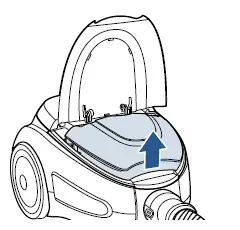
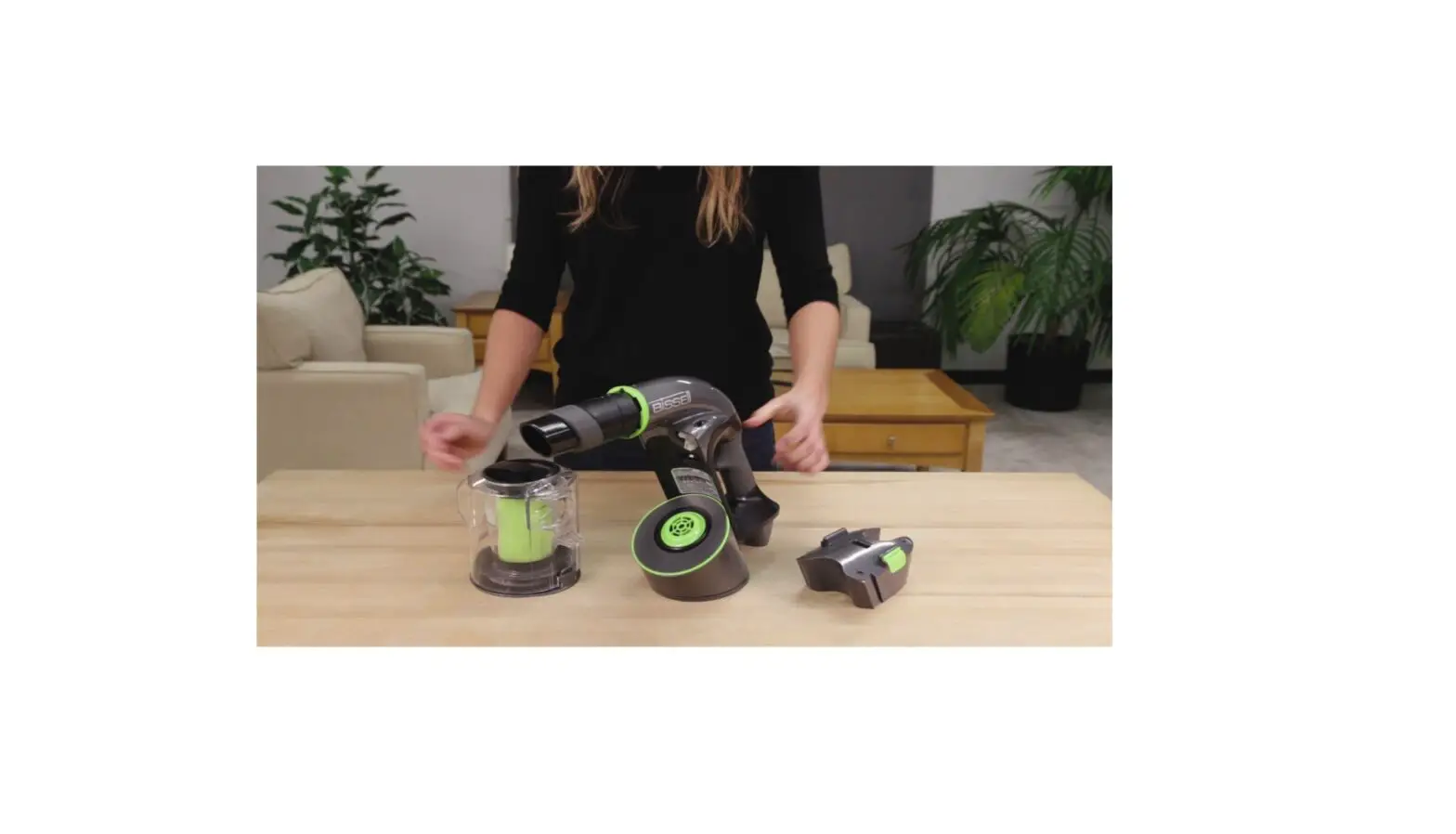
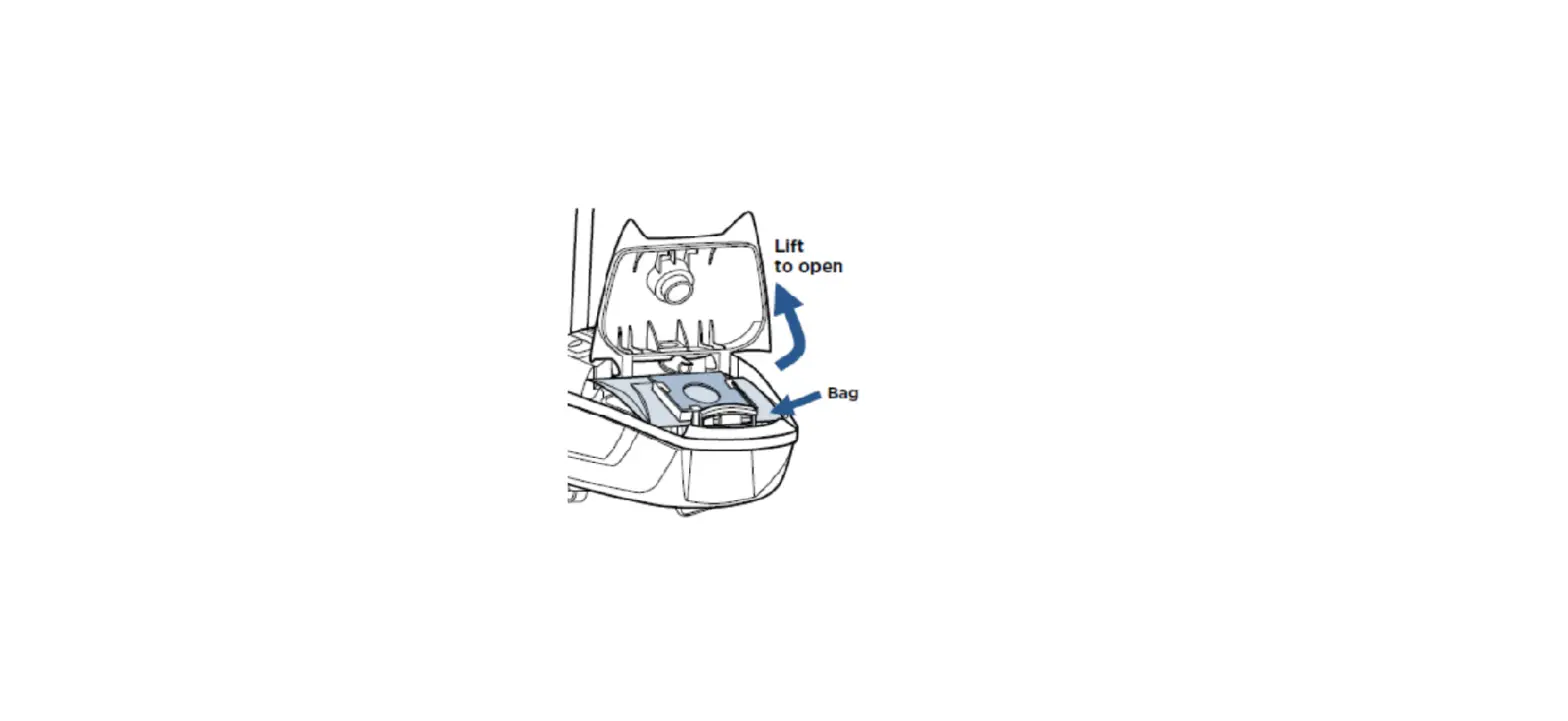
- Pull up on tab at front of vacuum to open dirt cup compartment
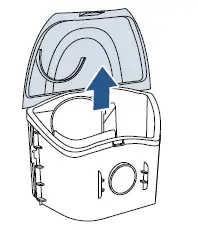
- To remove dirt cup, grasp firmly and lift it out

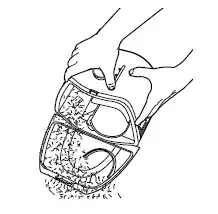
- Lift the clear open tab on dirt cup and empty


- Snap lid back on and turn dirt tank over with filter facing up
- Lift up on black tabs to detach white pleated filter

- Turn filter over to inspect black foam filter
- Remove foam filter

- Only the black foam filter can be washed and must be allowed to completely dry before reassembly
- Tap white filter on side of trash to clean or brush off
- Reattach filter so the black tab is towards lid of dirt cup
- Reinsert dirt cup, close dirt cup compartment lid
- Dirt cup compartment lid will not shut if dirt cup is not properly in place
- Check post-motor filter
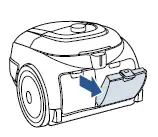
- Open the filter door tab on back of machine by pressing down on the tab to release the door

- Pull door out to remove
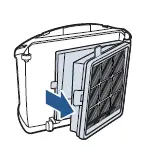
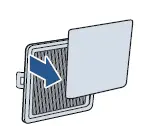
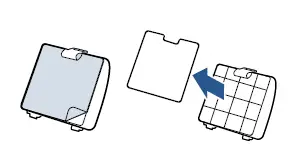
- Pull filter away from door

- Rinse filter and let dry completely before reassembly
- Reinsert filter and filter door and close
- If the machine still has no or low suction, please visit an visit a BISSELL Authorized Service Center or Contact Us
- If still no suction, check pre-motor filter