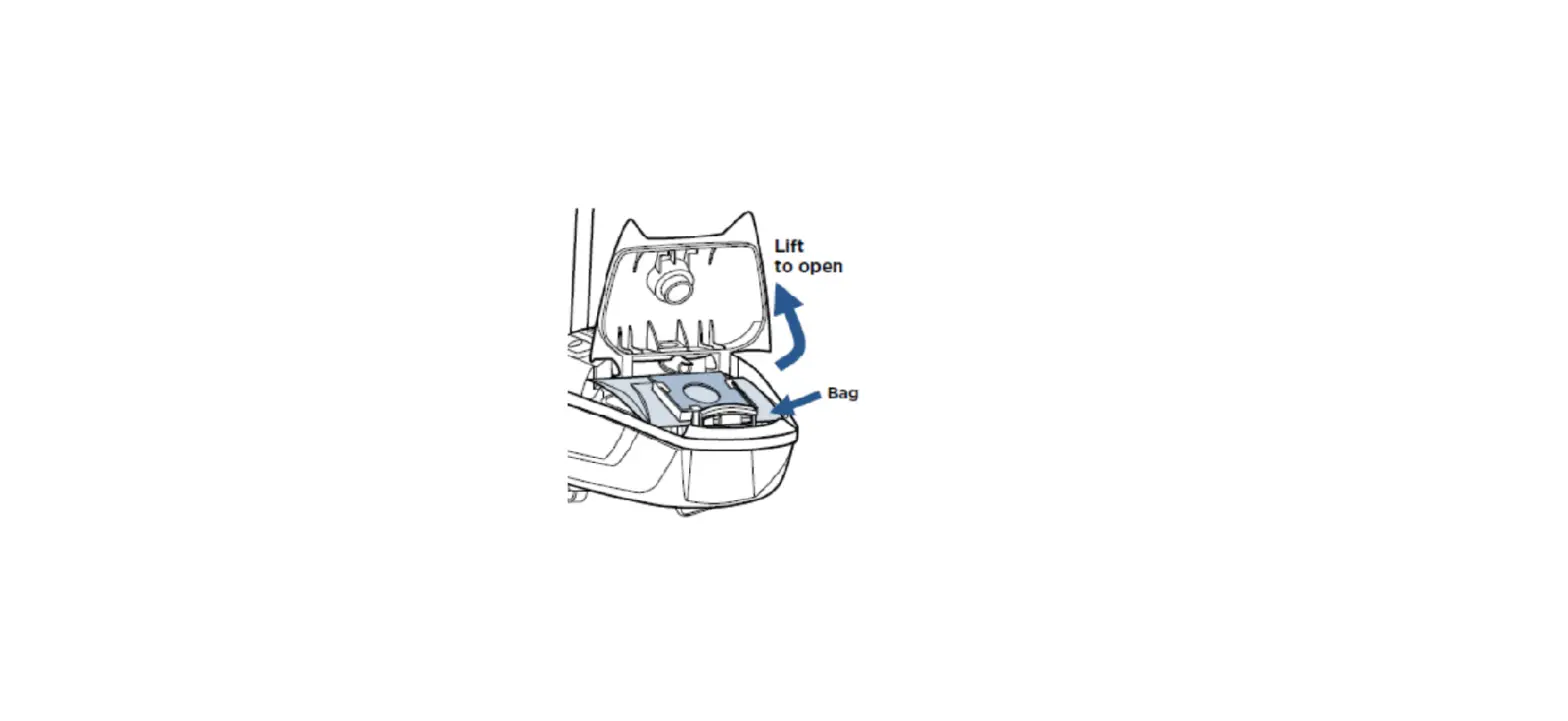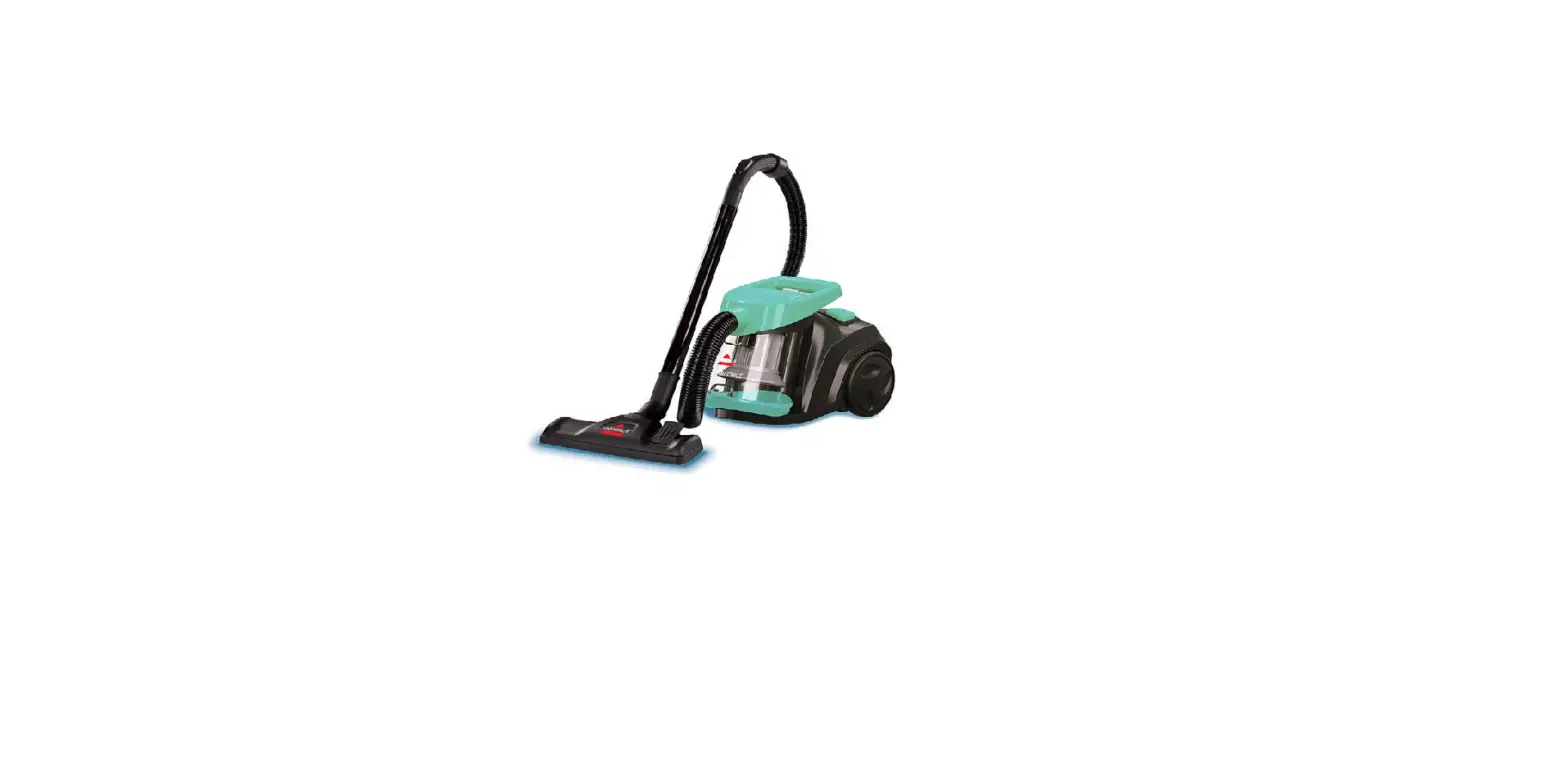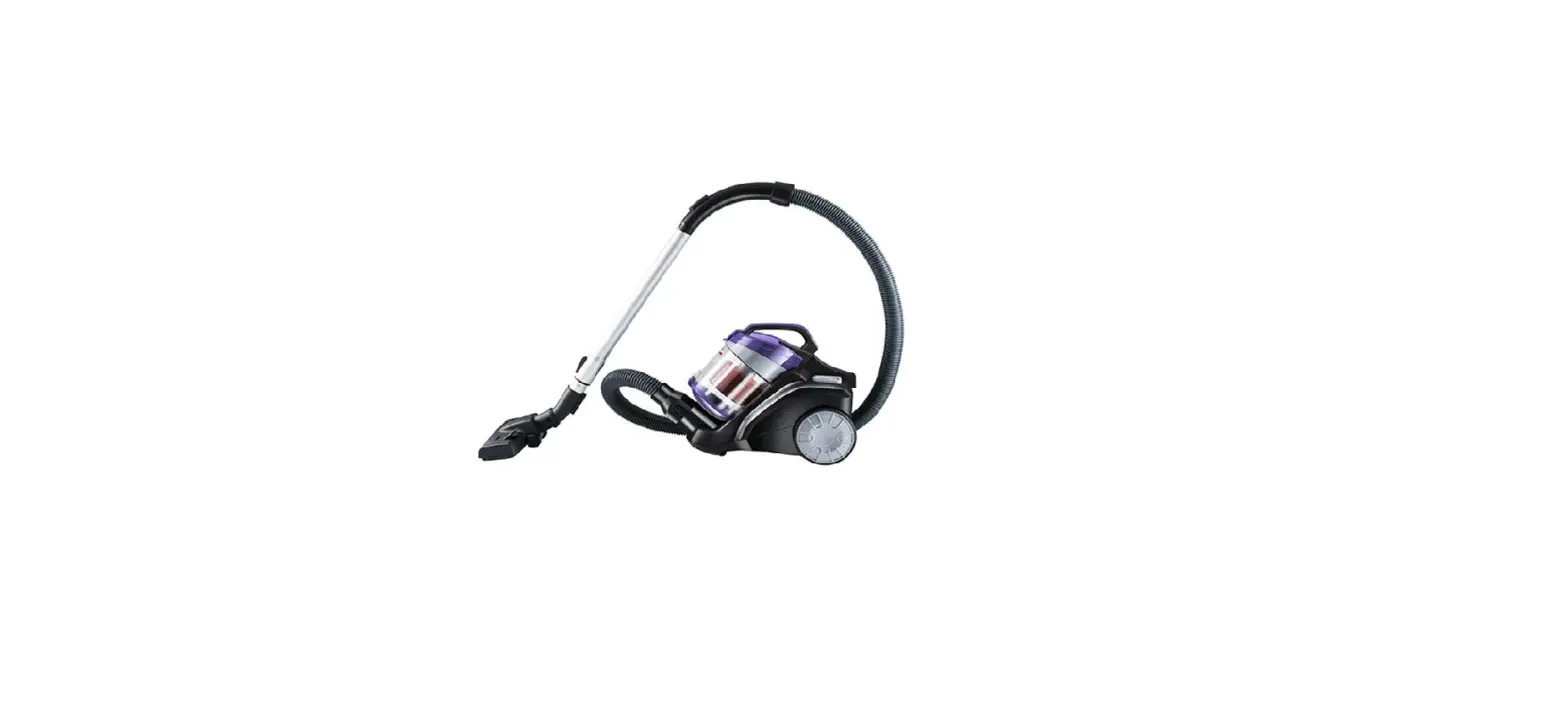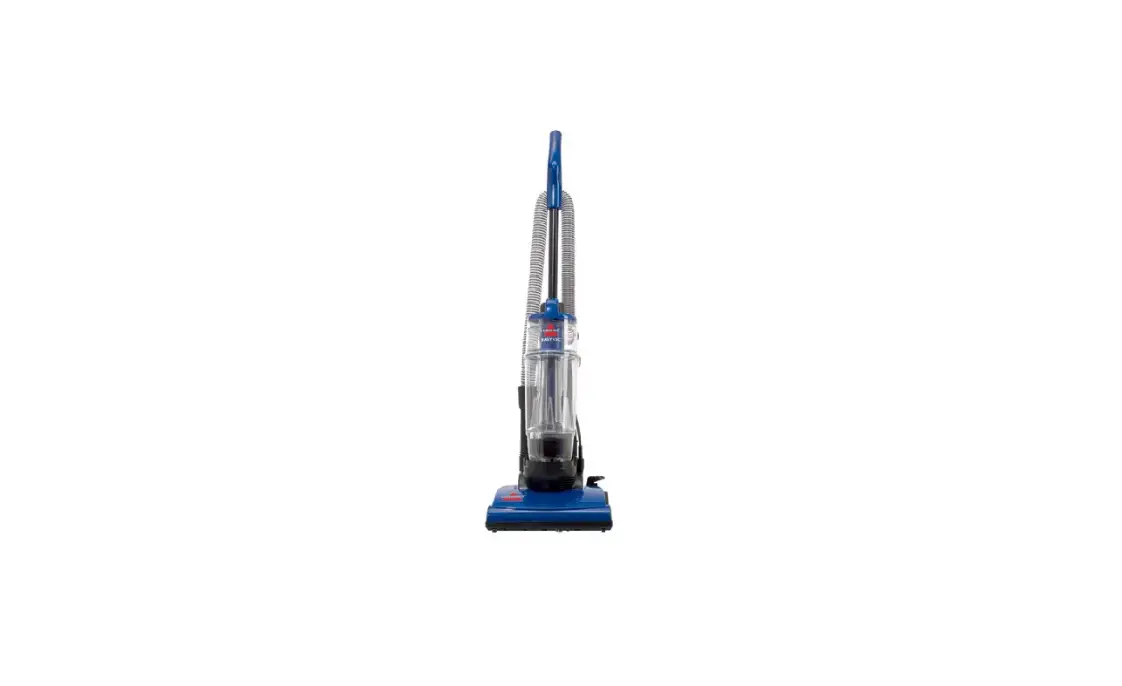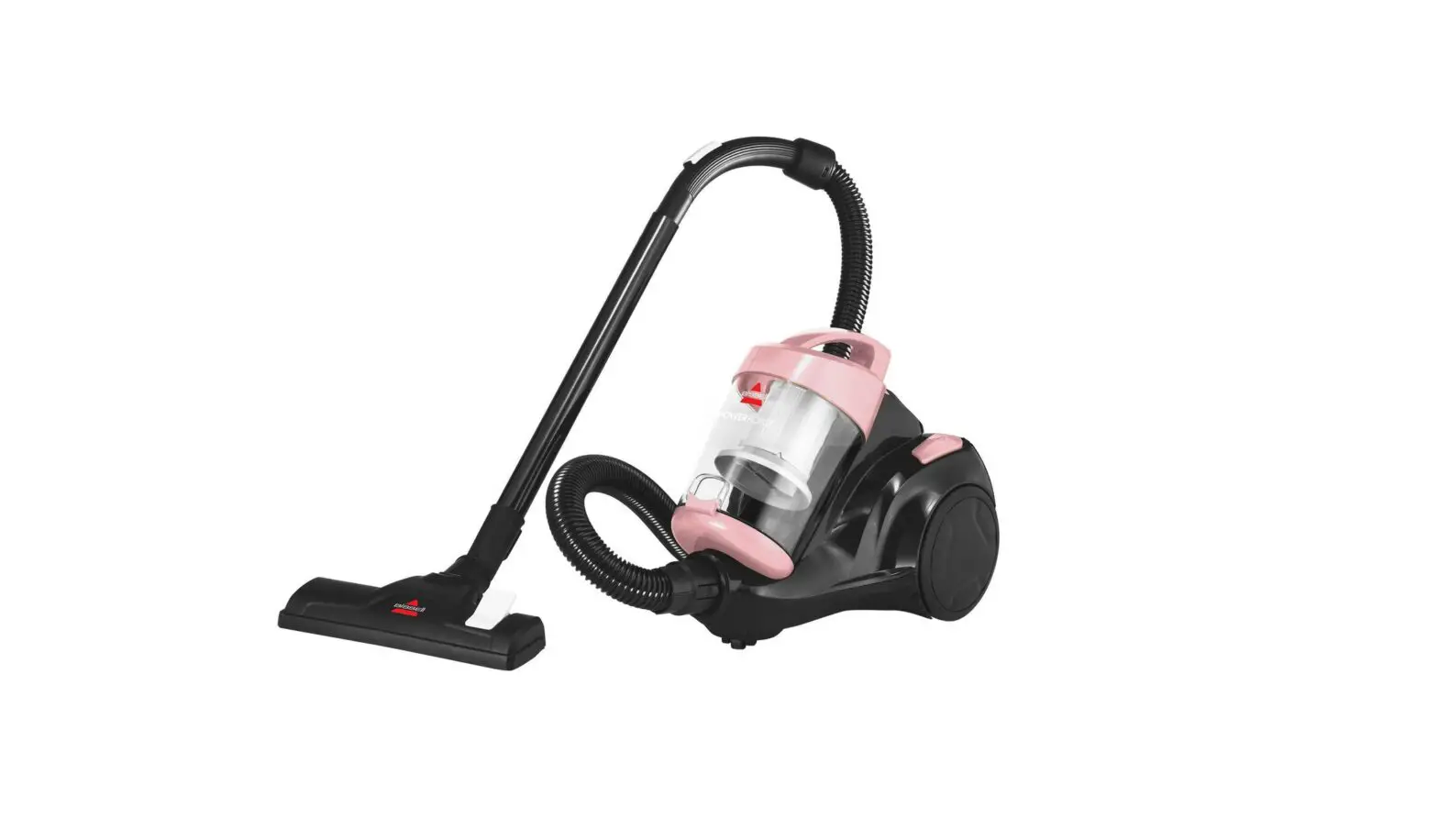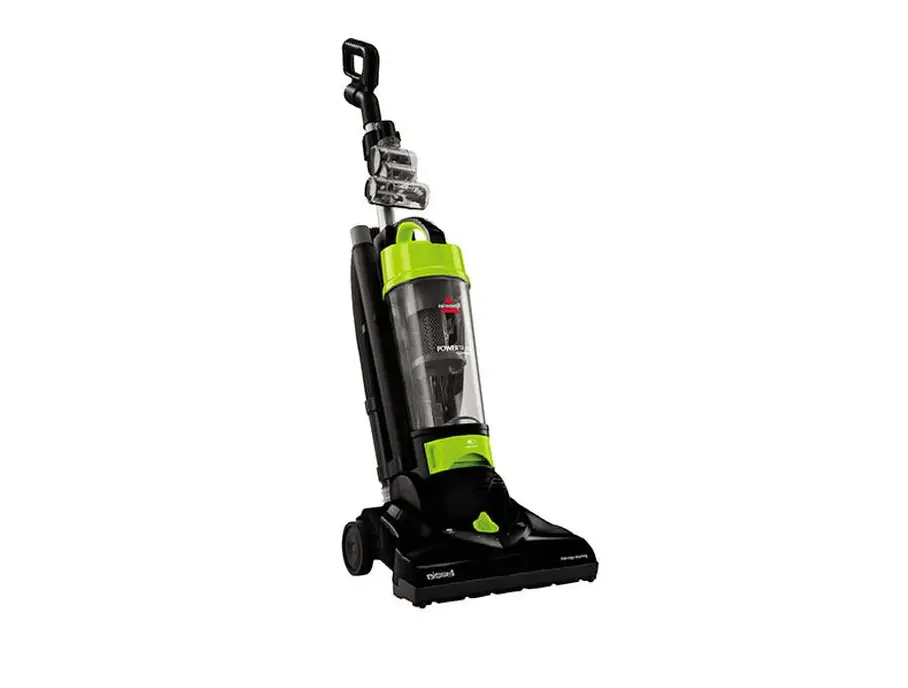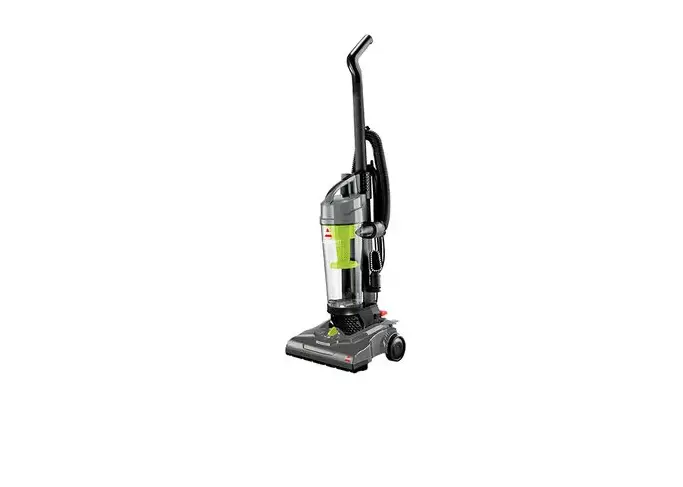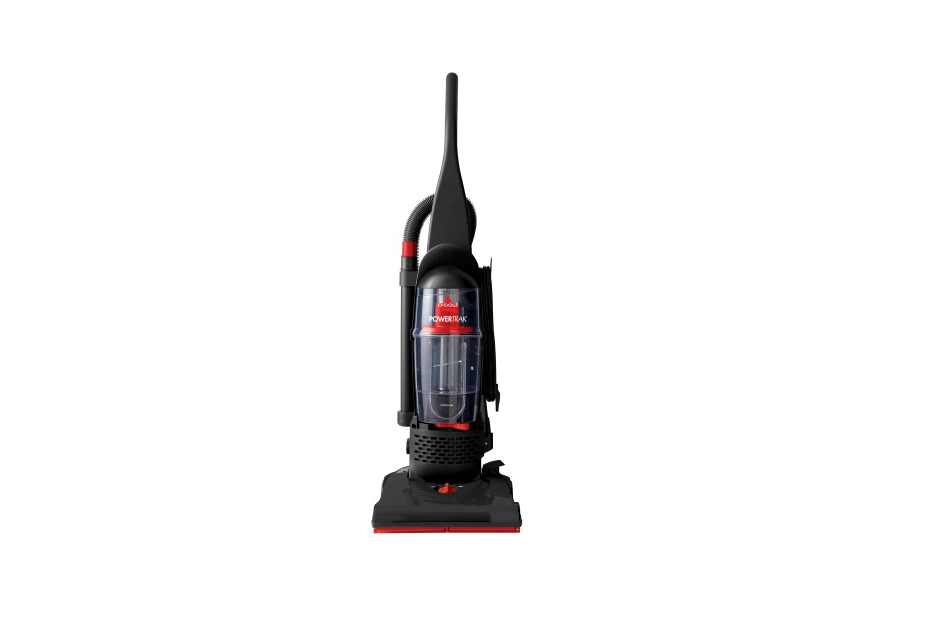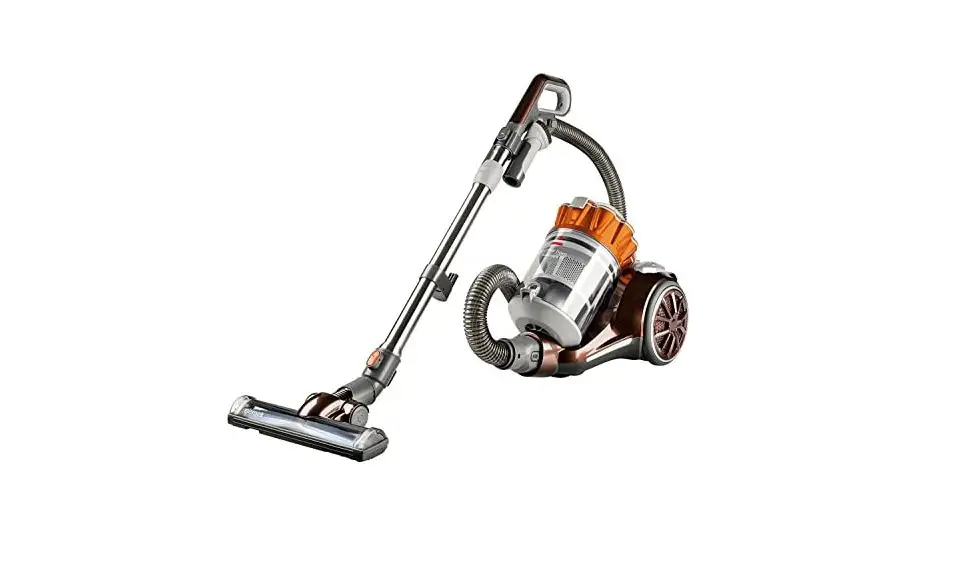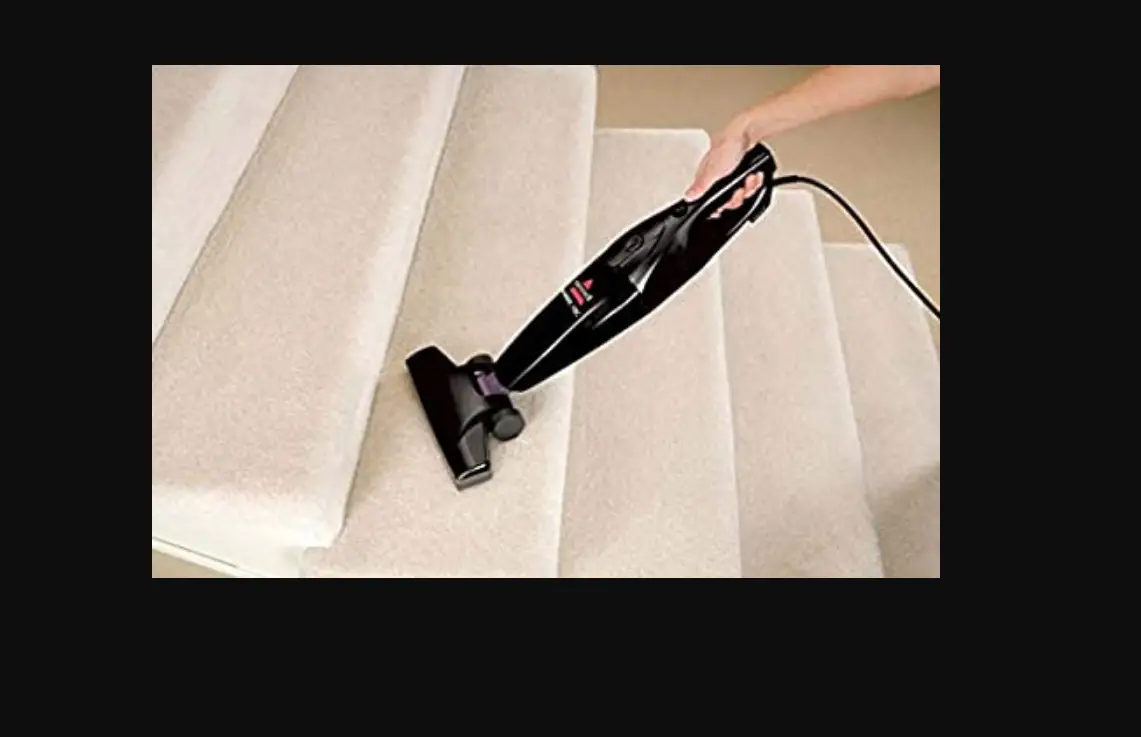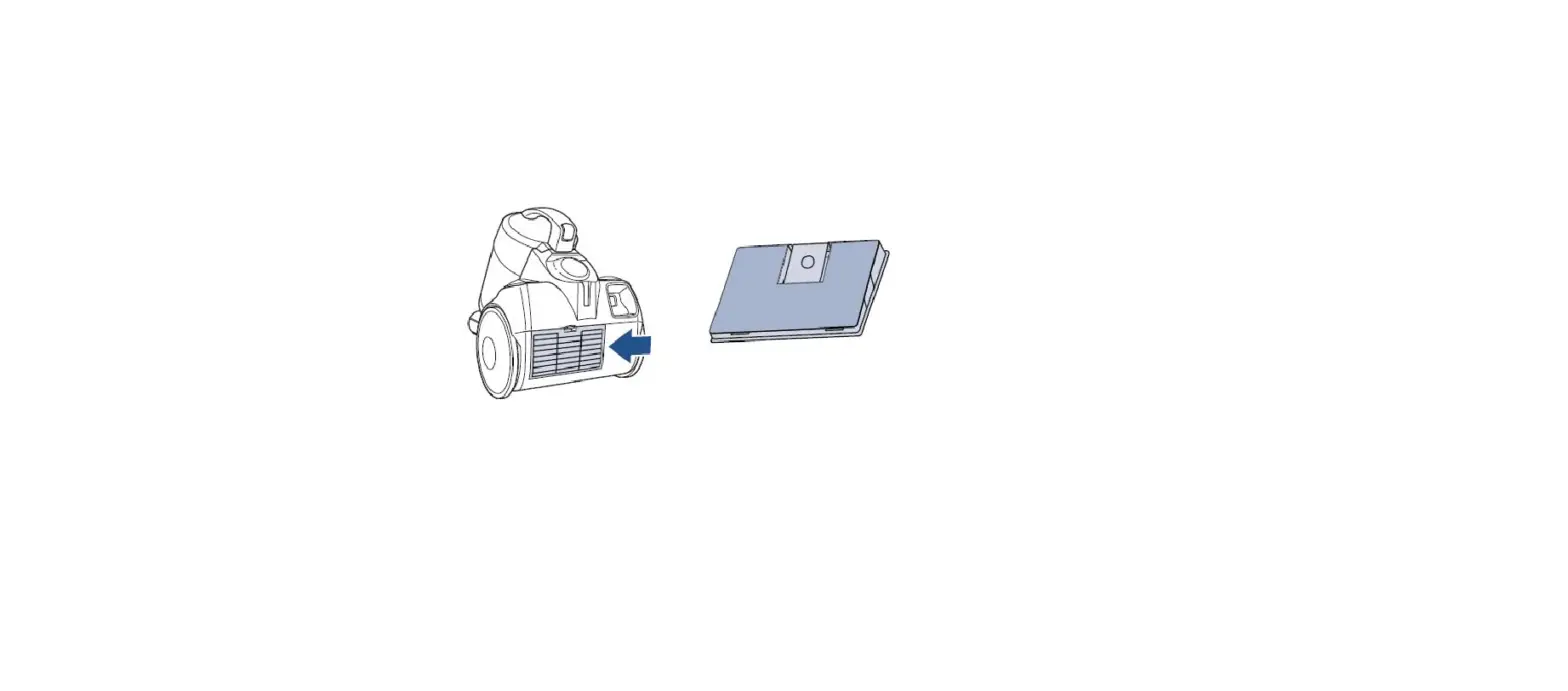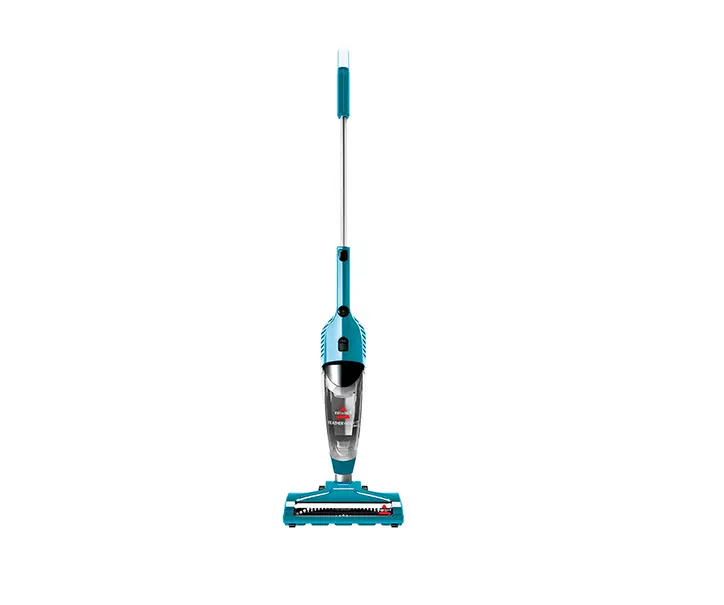
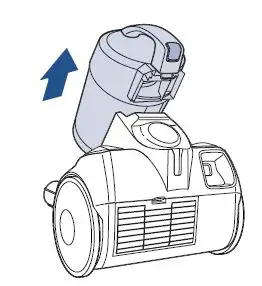
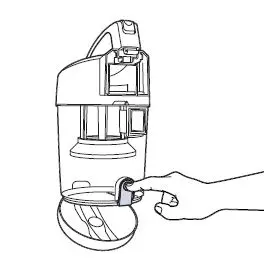
- Remove dirt tank by pressing release button on handle, then press release button on tank bottom over a trash bin to empty
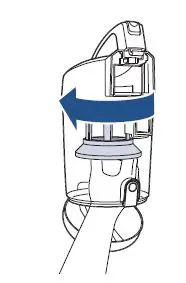
- Remove the filters inside the tank by twisting the bottom of the grey filter counter-clockwise
- Make sure the filters are clean. Both filters are washable but may be tapped out for immediate reuse. Make sure they are completely dry before replacing
- The Pre-motor needs to be installed with the mesh filter screen around the pleated paper filter. A triangle notch connects the two. With screen over the pleated filter, twist clockwise back into dirt tank lid
- Behind where the dirt tank sits is a small foam filter which can also be washed. Turn vac on and put your hand over this foam filter. There should be strong suction here
- If there is no suction, visit a BISSELL Authorized Service Center or Contact Us
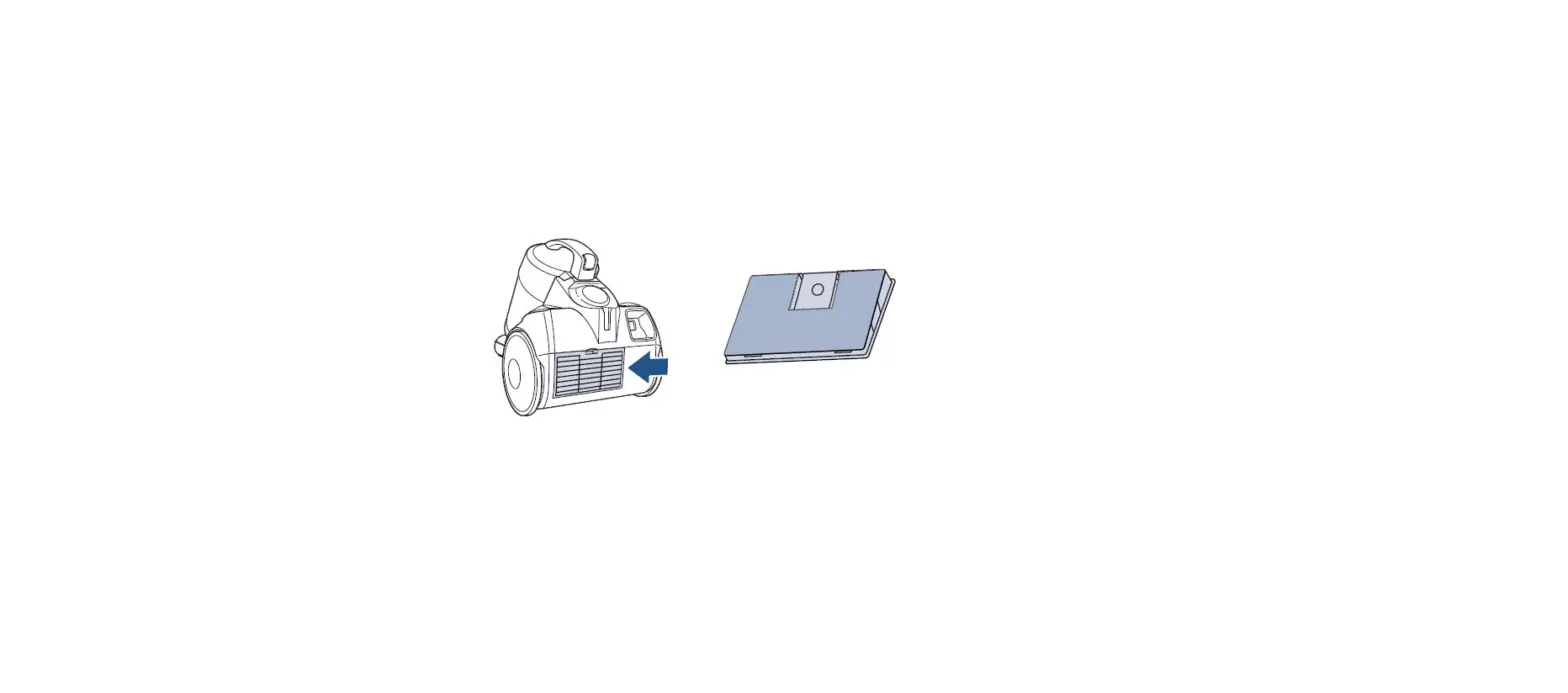
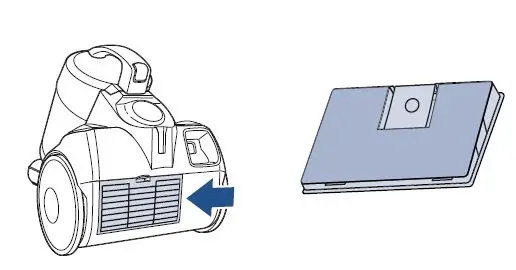
- On the back of the vacuum remove the black screen and wash the foam post motor filter located in it
- Remove hose by pressing both buttons on the hose where it connects to the front of the vacuum. The hose needs to be replaced if there are cracks or holes
- Remove the extension wand and foot. Run a broomstick through hose and wand to remove any clogs
- Push the suction control valve forward on the hose handle. Turn on and test for suction at the hose handle. If no suction the hose may have a clog
- The bend in the handle may be accessed by using a flathead screwdriver and pressing in the 4 tabs that connect the hose to the plastic handle
- If the canister continues not to have suction, visit a BISSELL Authorized Service Center or Contact Us