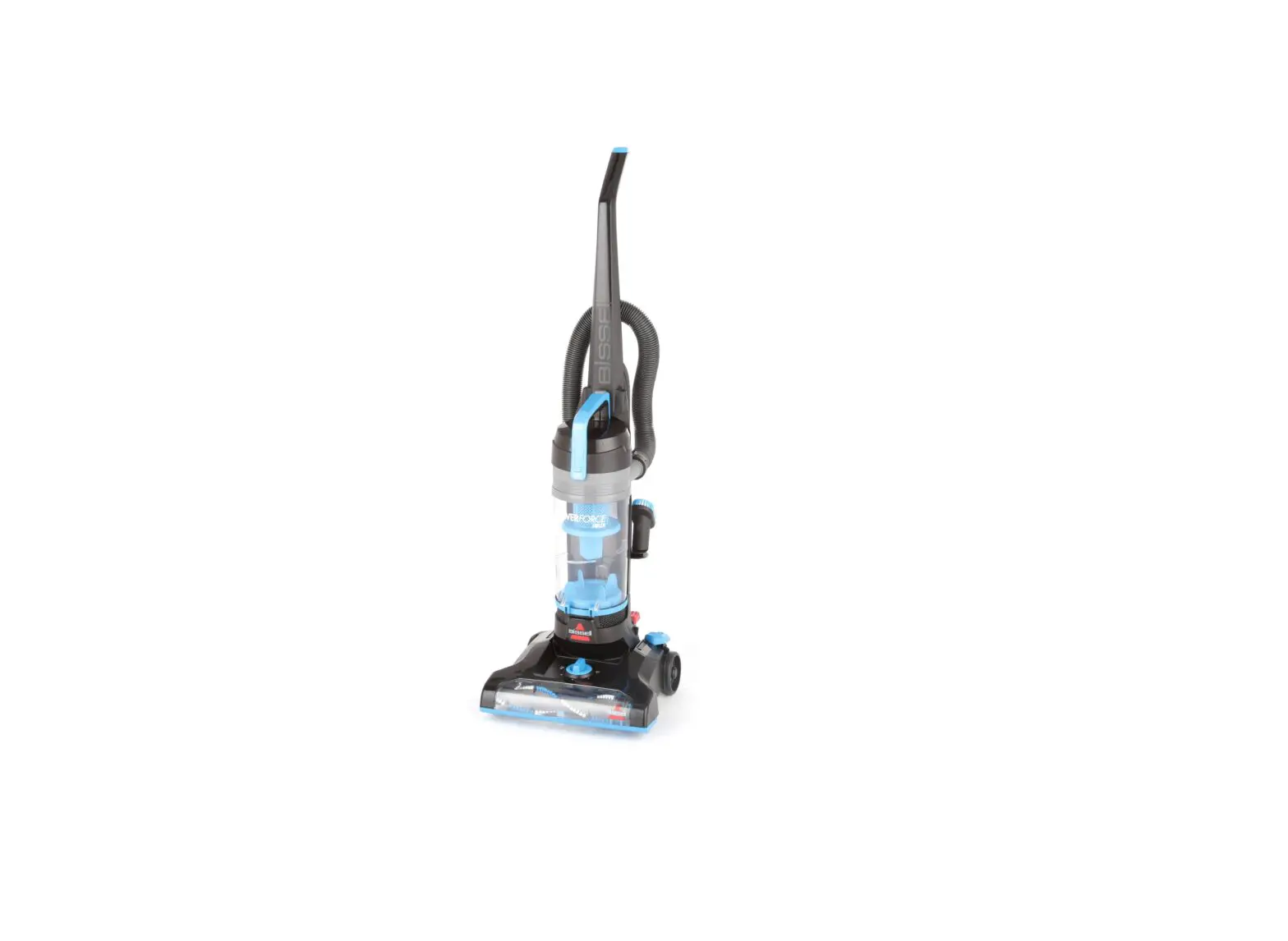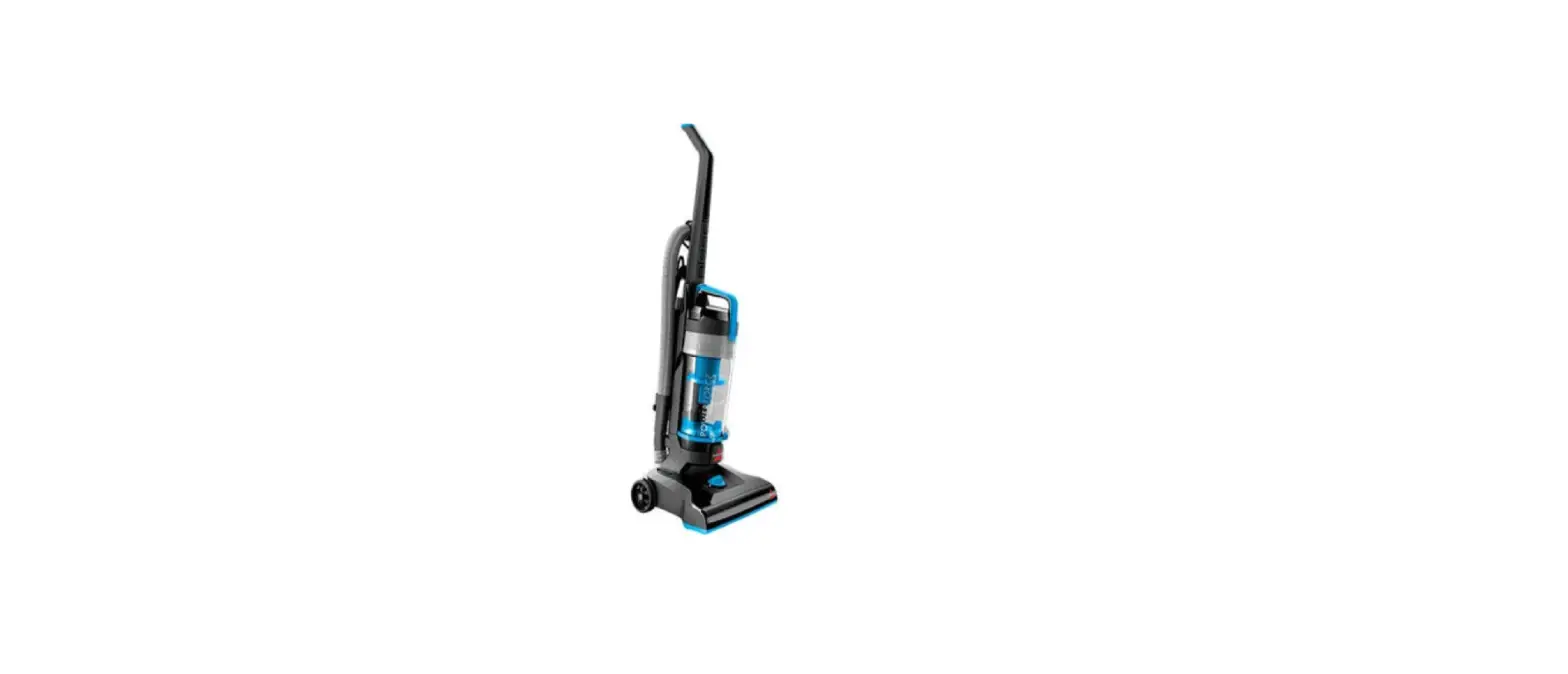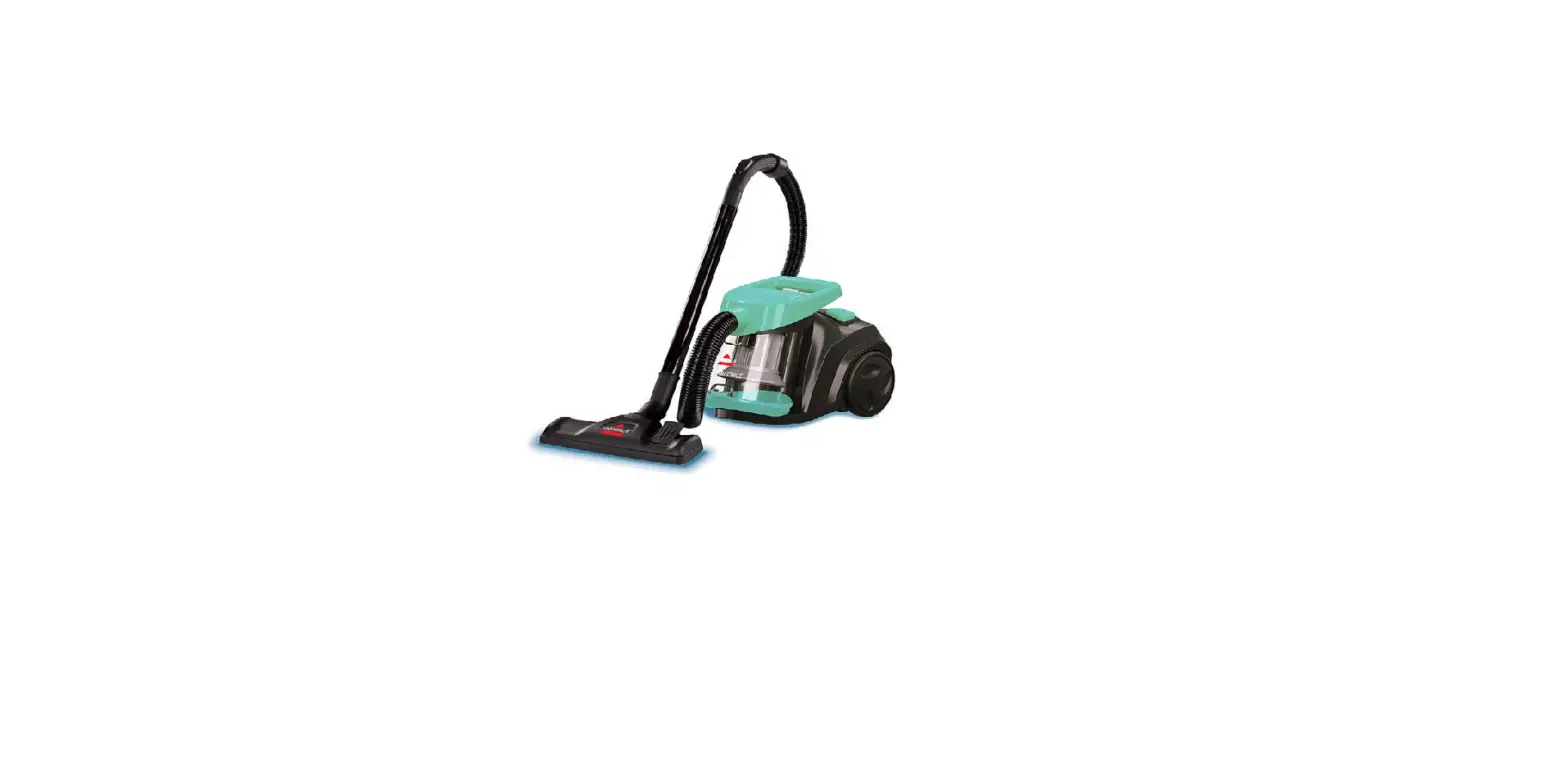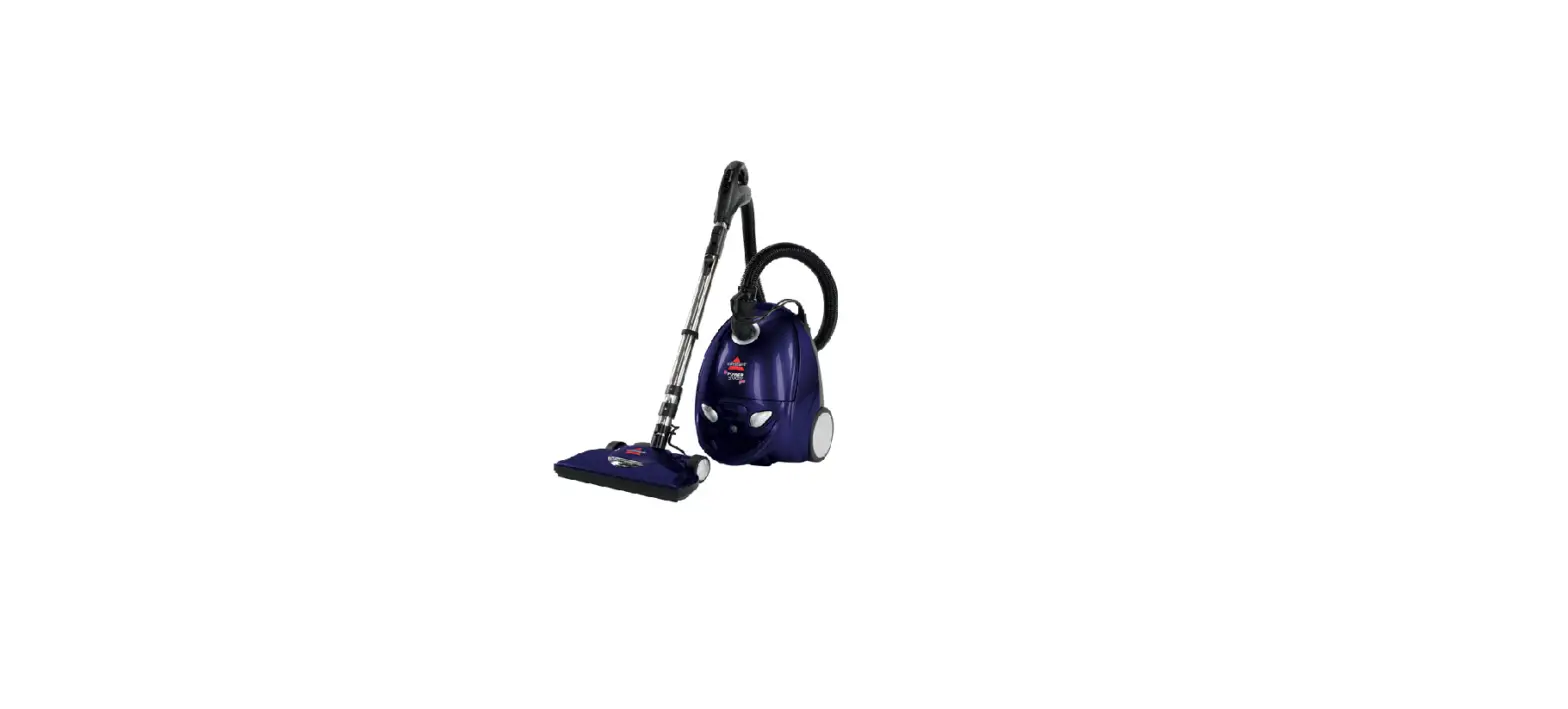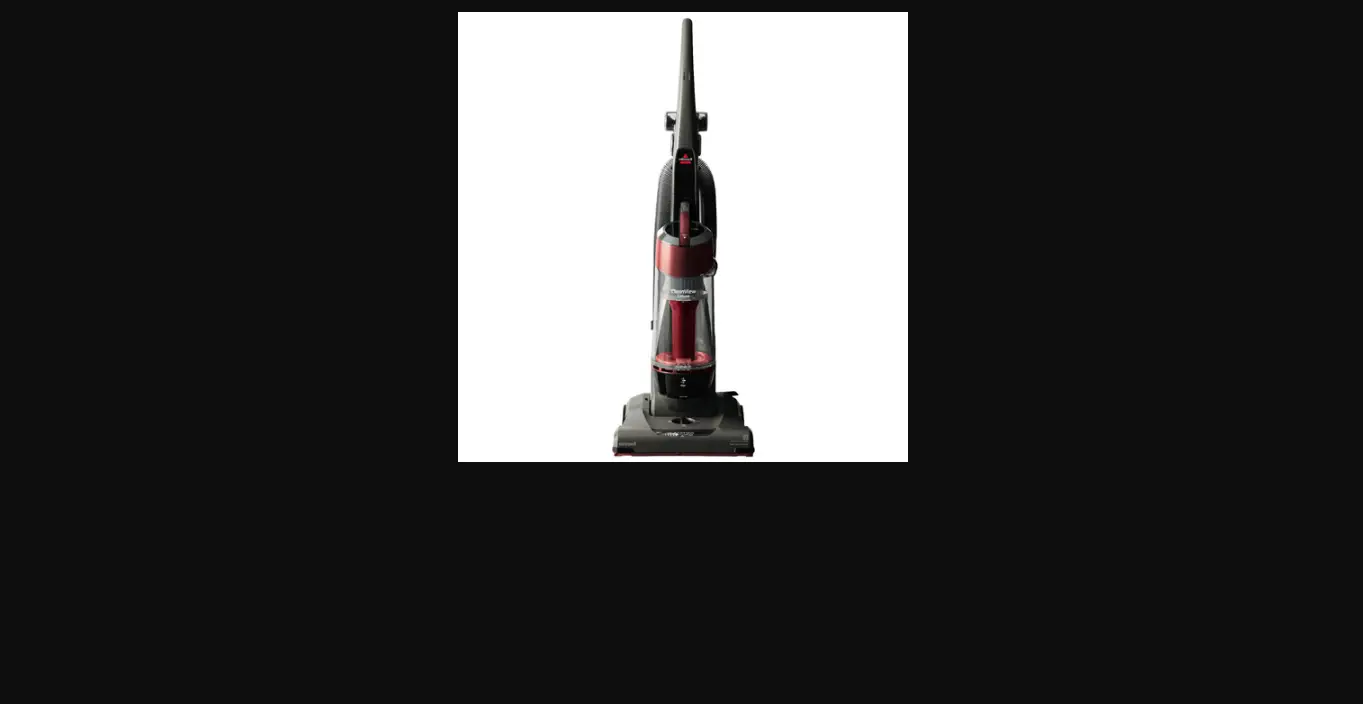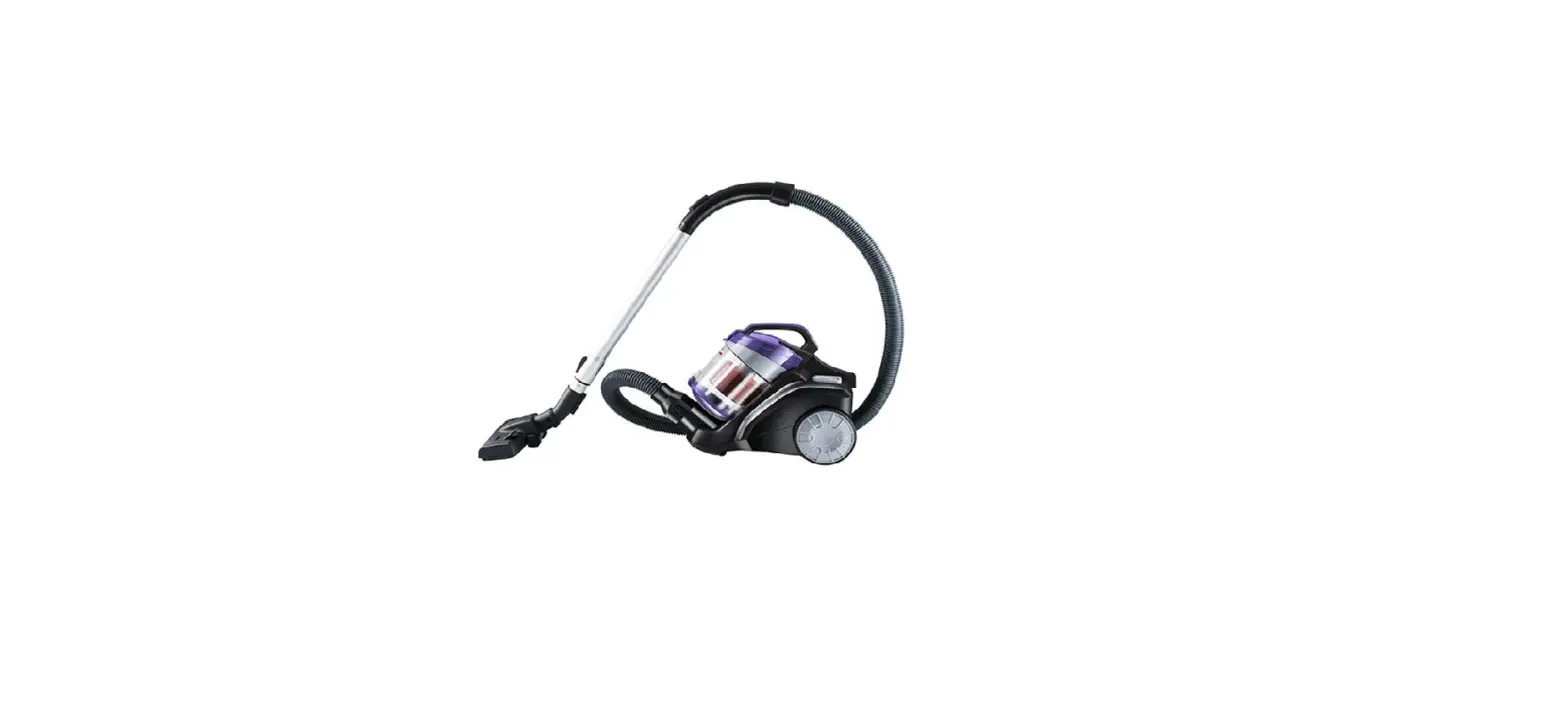
- Unplug the machine
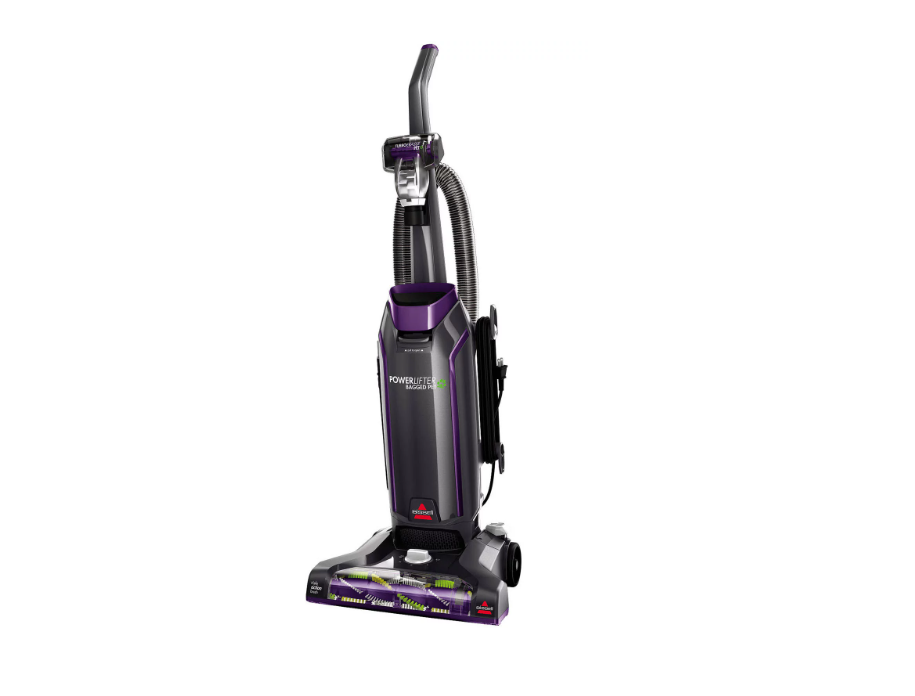
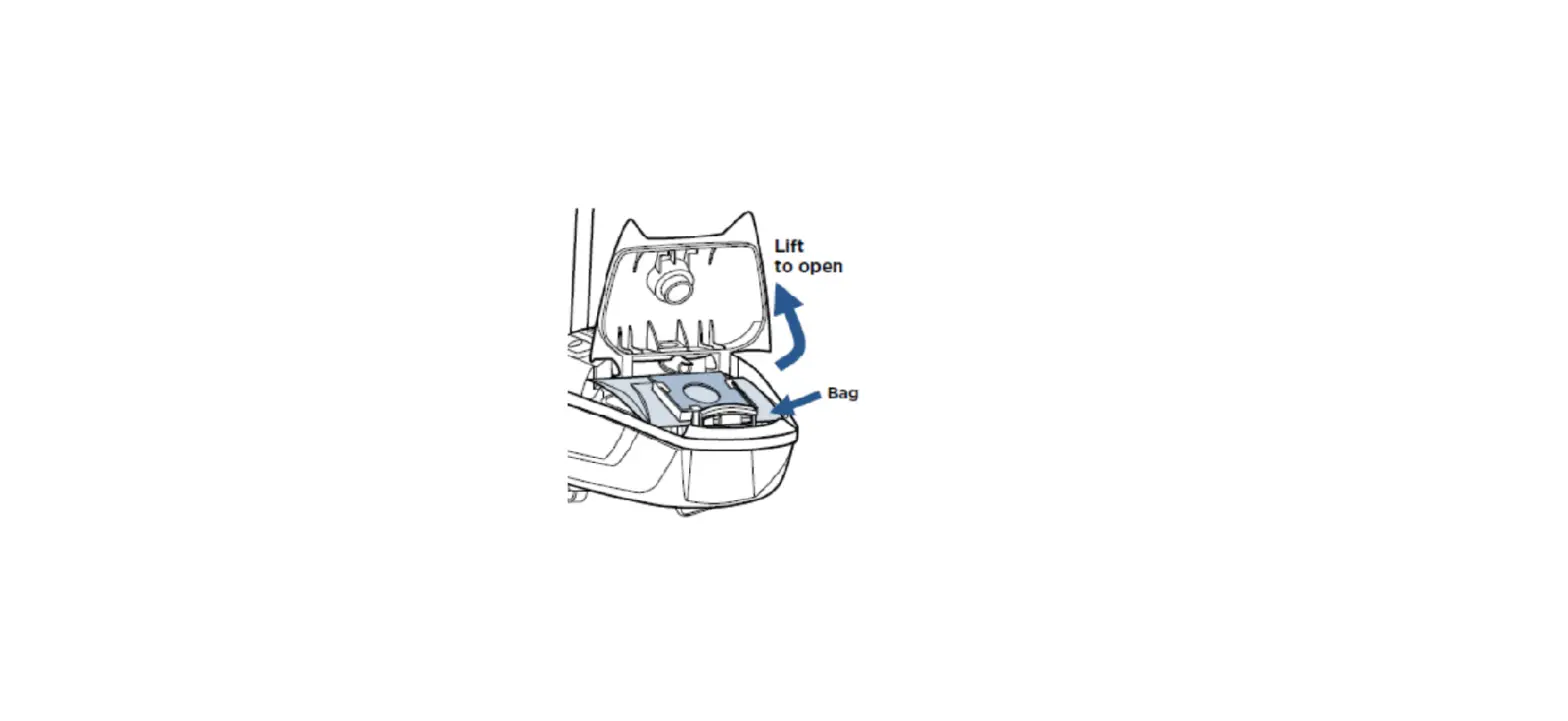
- Remove the Bag Door and remove the vacuum bag
- If bag is full, install a new bag
- Slide out the Pre-Motor Filter and clean with warm water
- Let air dry completely (24-48 hrs.) before placing back in machine
- Remove the Post Motor filter on the side and tap it against a waste bin to remove any debris
- Twist the hose lock to the right to unlock the upholstery hose from the back of the vacuum and pull the handle end up from the lower hose
- Push a broomstick through the handle end of the upholstery hose to remove any obstructions
- Remove screw on left of lower hose and pull hose down to straighten
- Push a broom handle through the lower hose to remove any clogs
- Remove the Brush Access Plate by unscrewing the 4 screws on bottom
- There are 2 screws in front and 2 screws behind the brush
- Remove the Brush Access Plate to access the brush and belt
- To remove the belt, lift the brush up and out of the machine
- Inspect the brush and belt and replace if either are damaged
- The brush should spin freely by hand
- To test the brush, stand brush up on one end and turn the bristles
- Brush should turn, if it doesn’t it should be replaced
- Inspect the belt, if damaged it should be replaced
- The brush should spin freely by hand
- To replace the belt, hook the belt over the metal motor pulley and over the brush between the belt guards
- Replace the brush back into the machine, making sure the ends fit into their corresponding shaped slots
- The left will be circular, the right rectangular
- Spin the brush several times by hand to center the belt
- If the vacuum continues not to have suction, visit a BISSELL Authorized Service Center or Contact Us