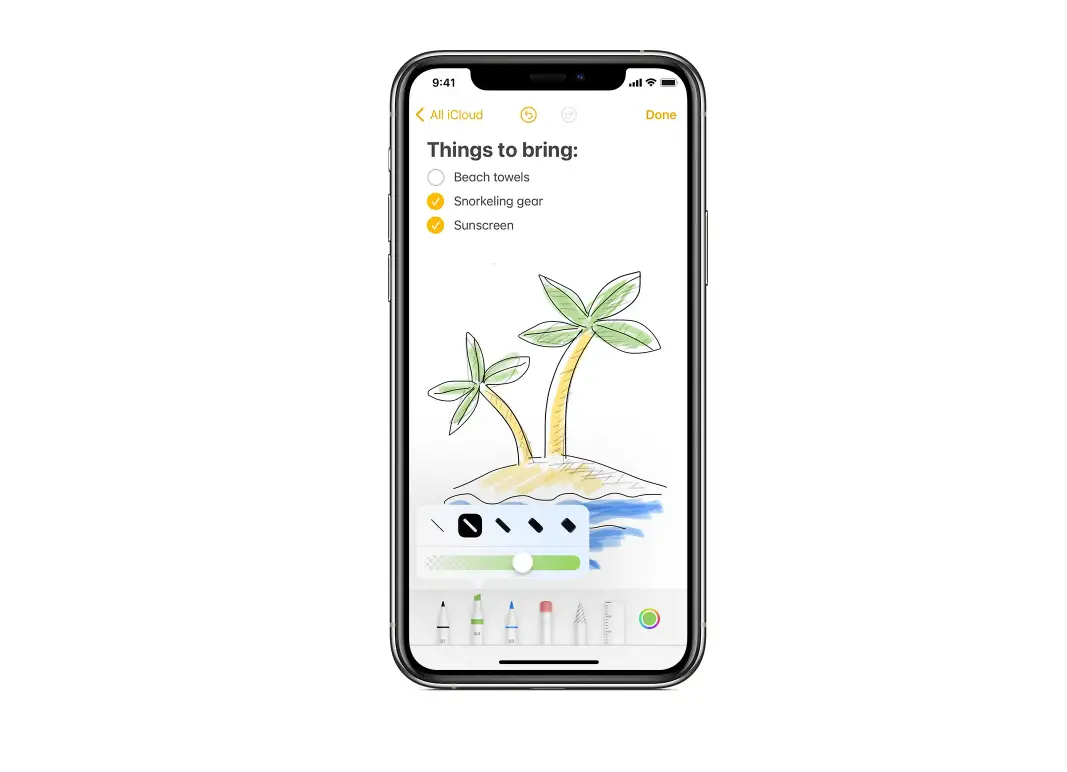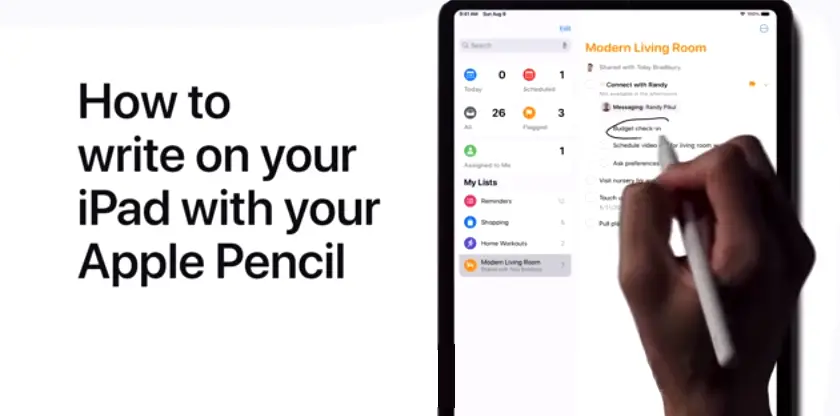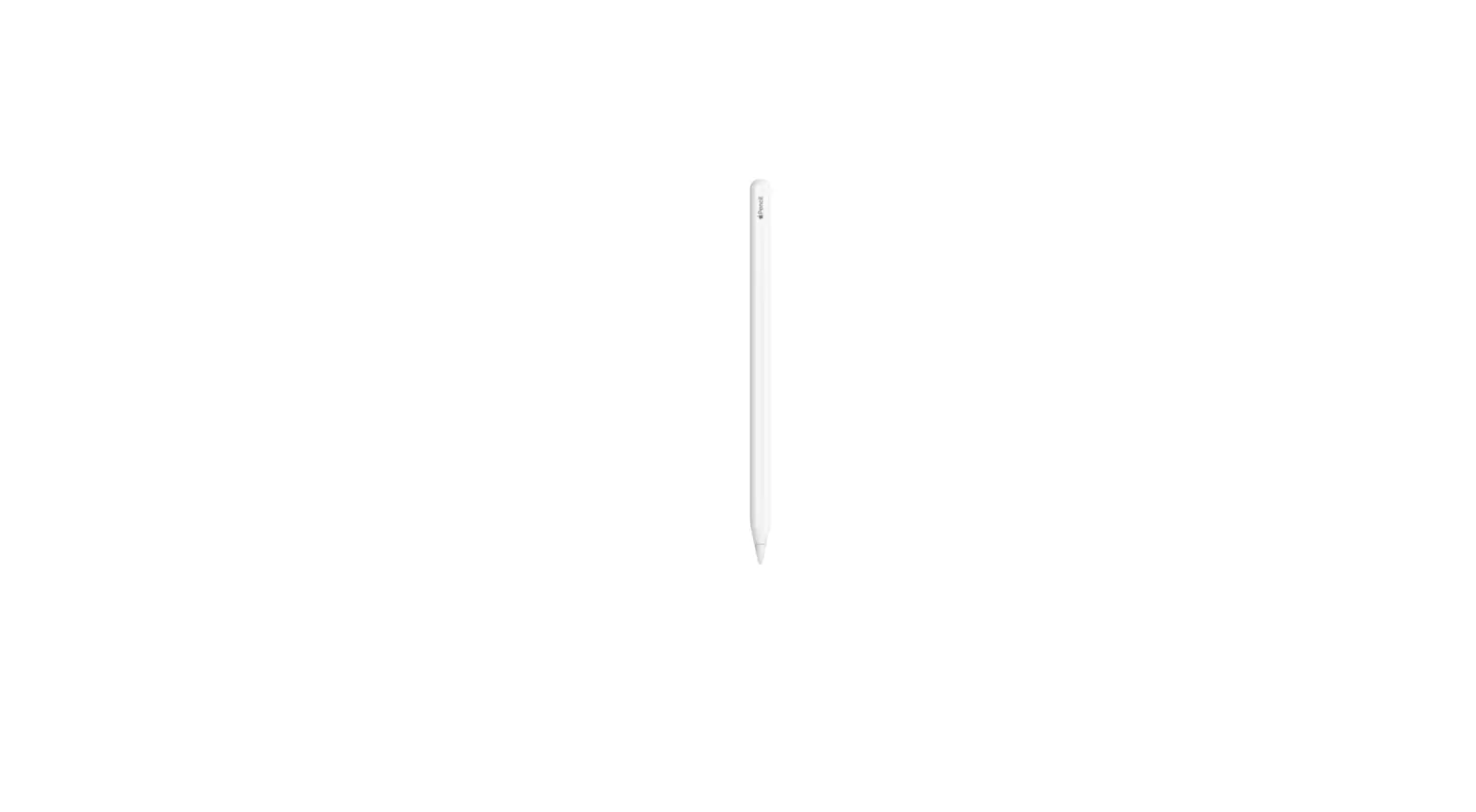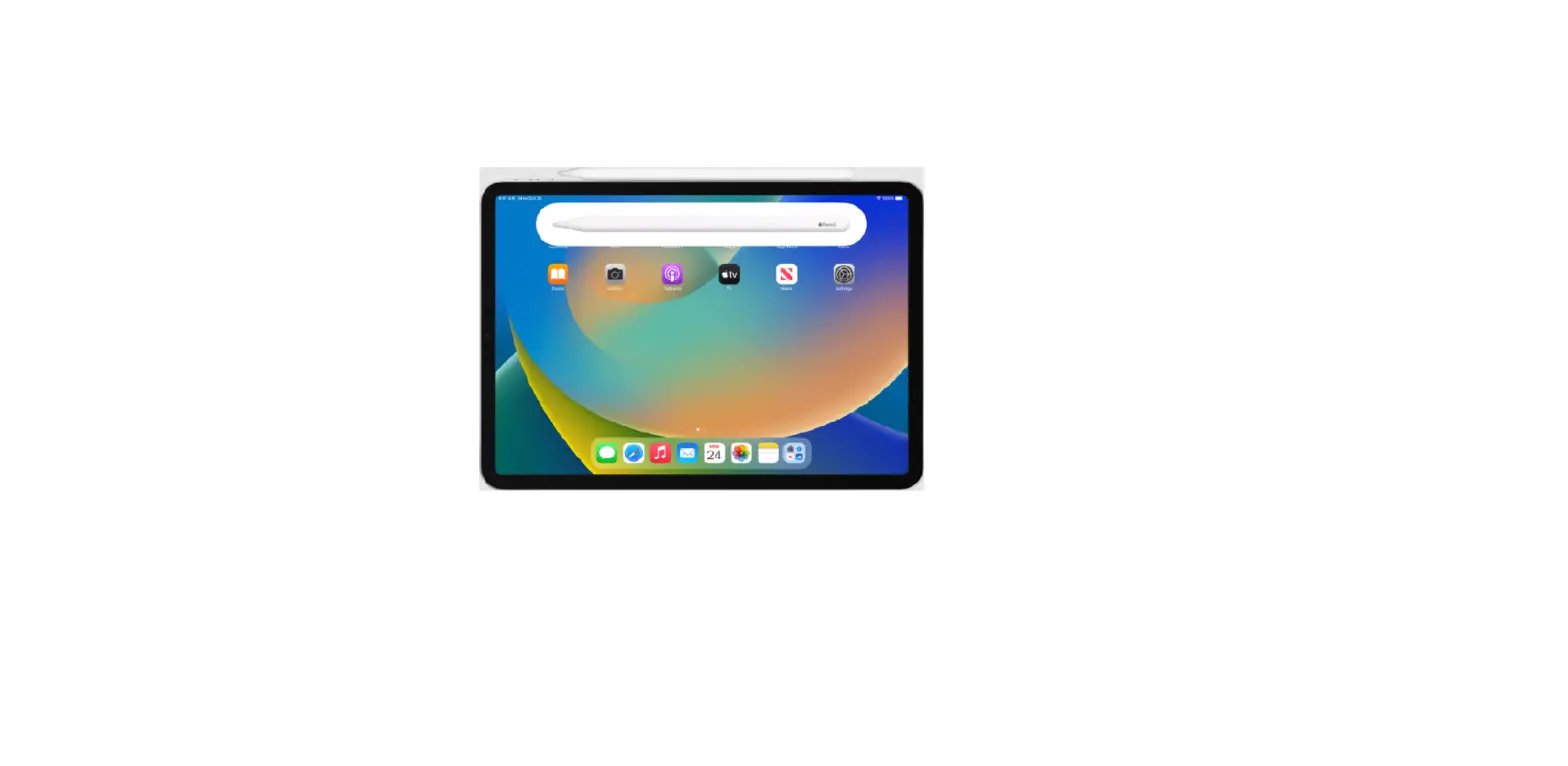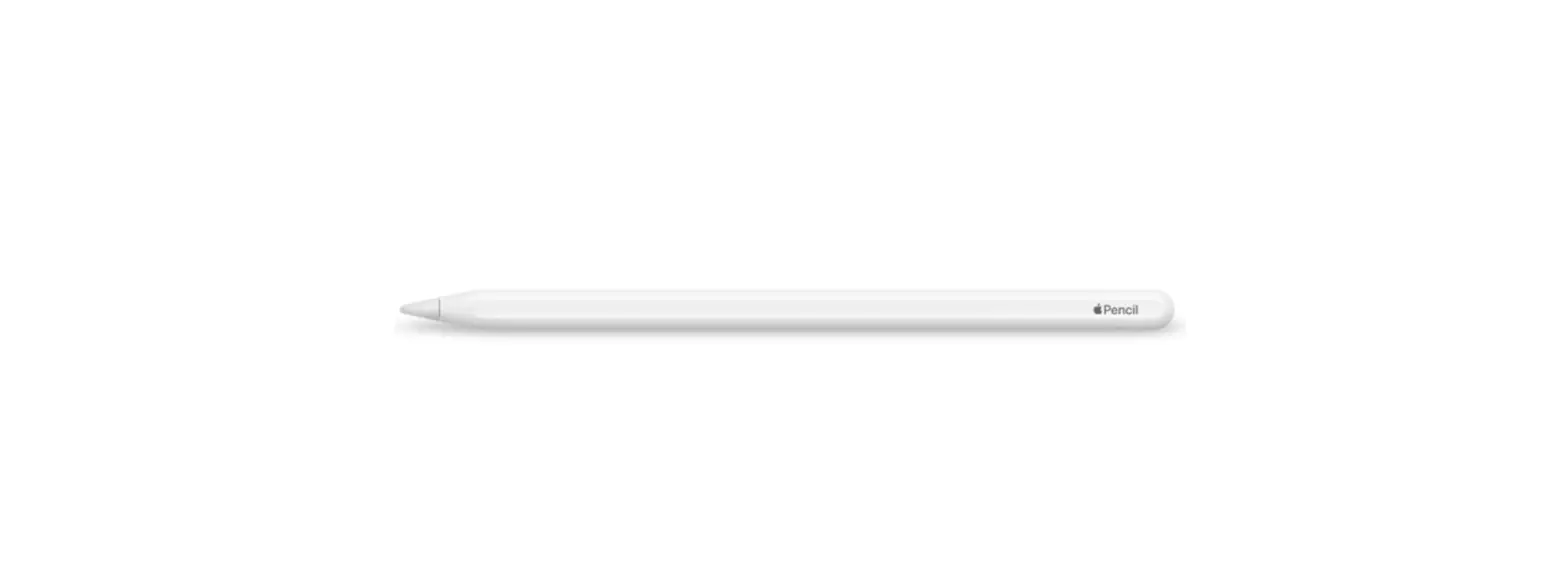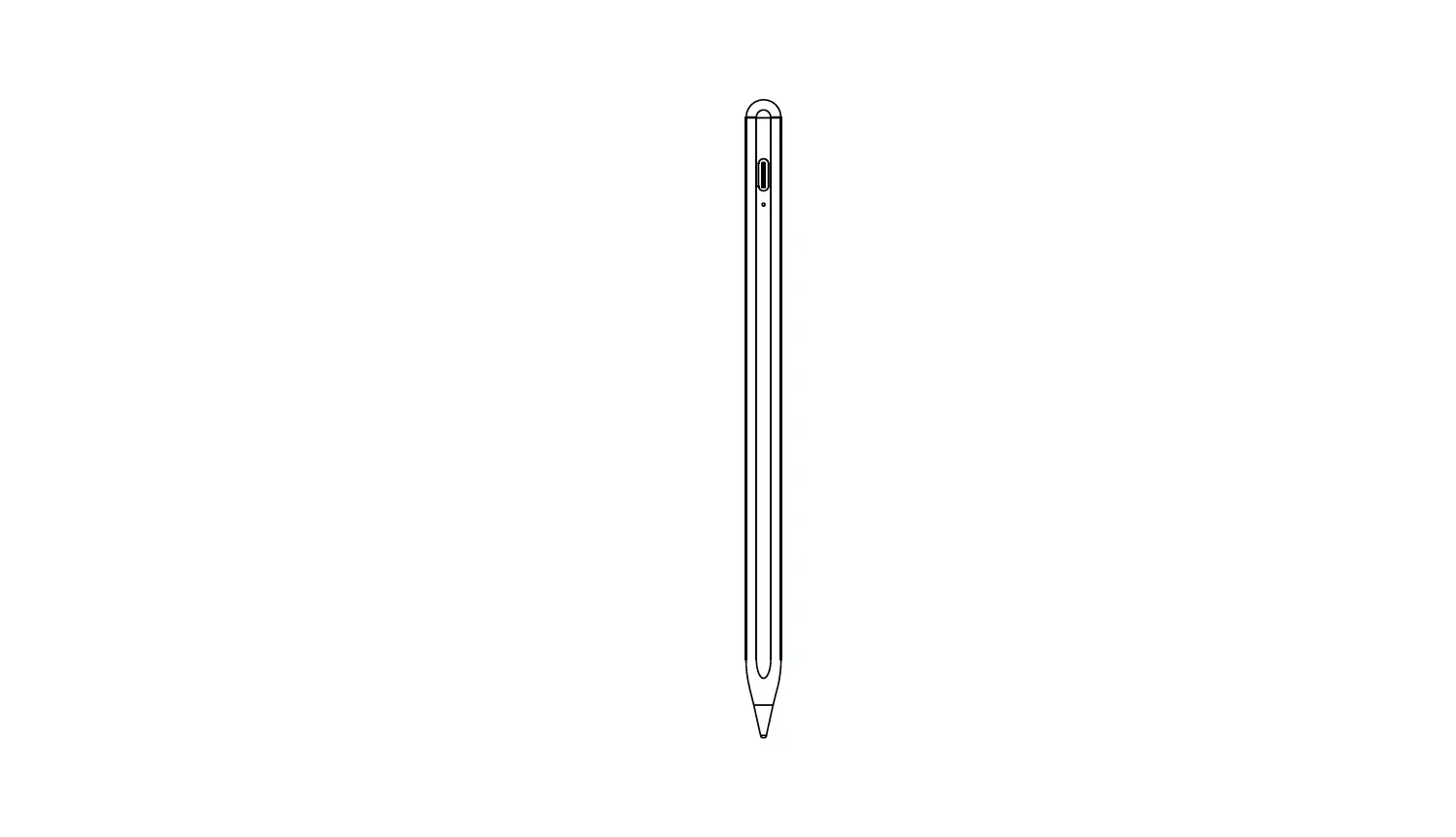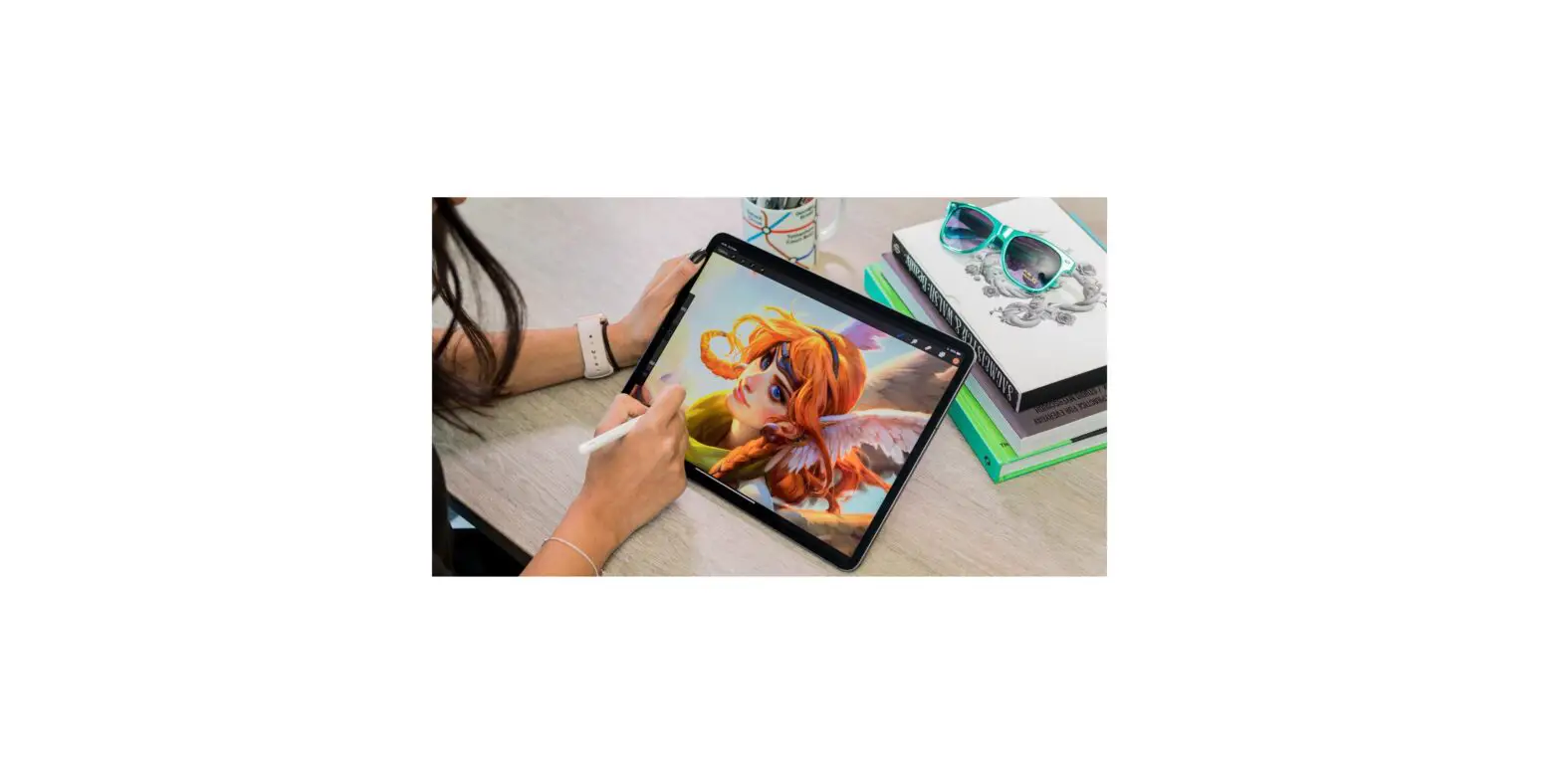
When you’re working in a supported app, such as Notes, double-tap the lower section of Apple Pencil (2nd generation) to quickly switch back to the tool you used last.
For example, you can switch from the marker back to the eraser.
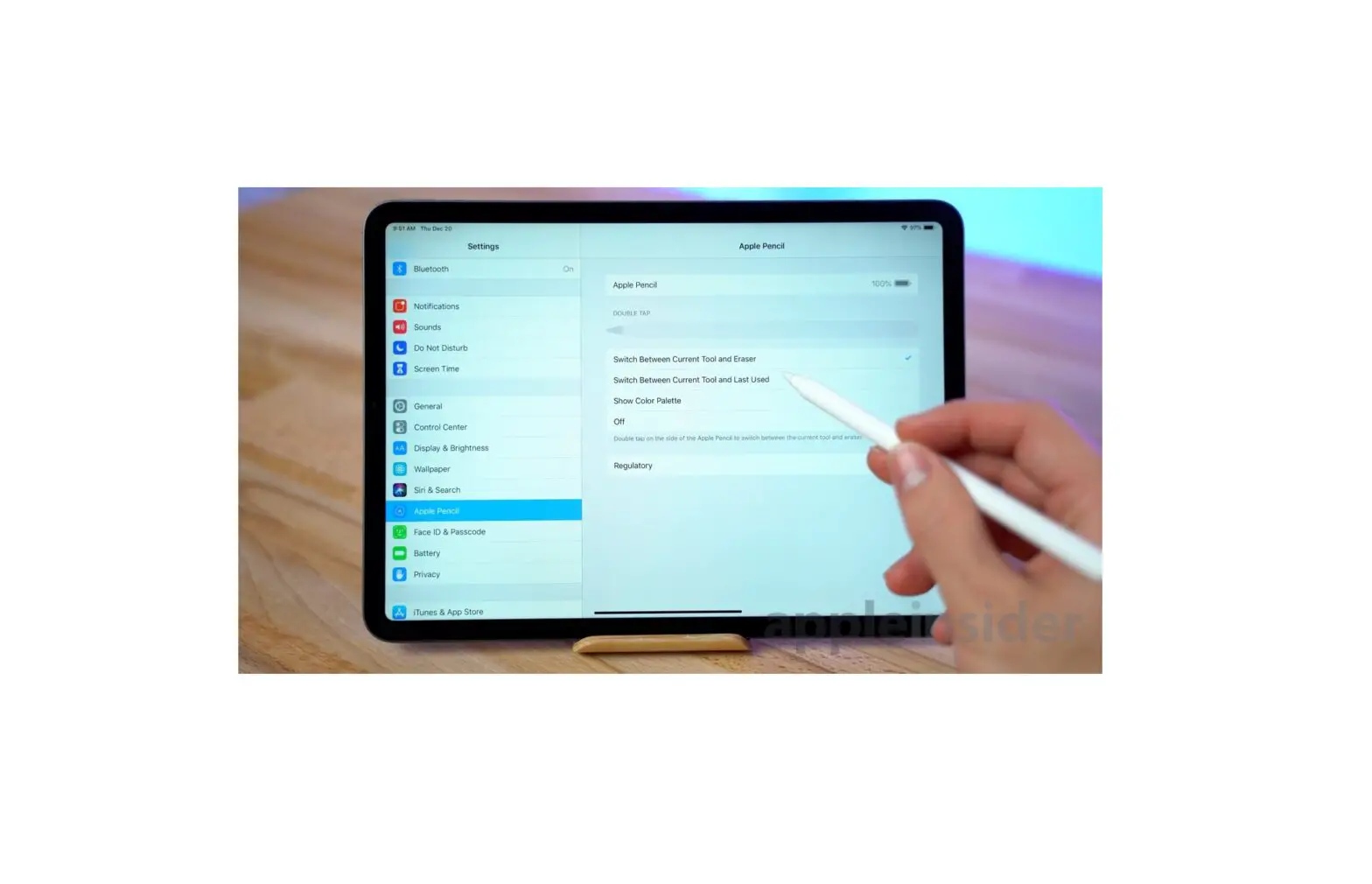
To change your settings for double tap, go to Settings  > Apple Pencil.