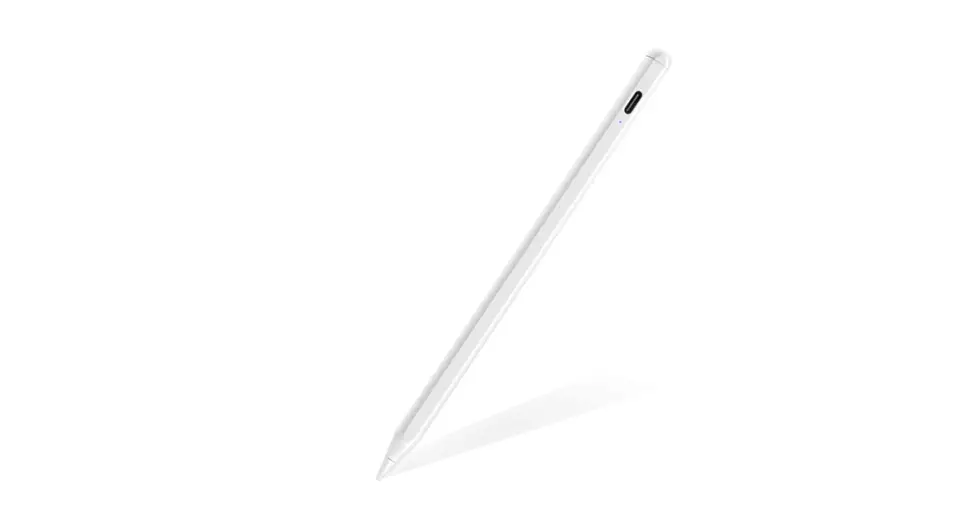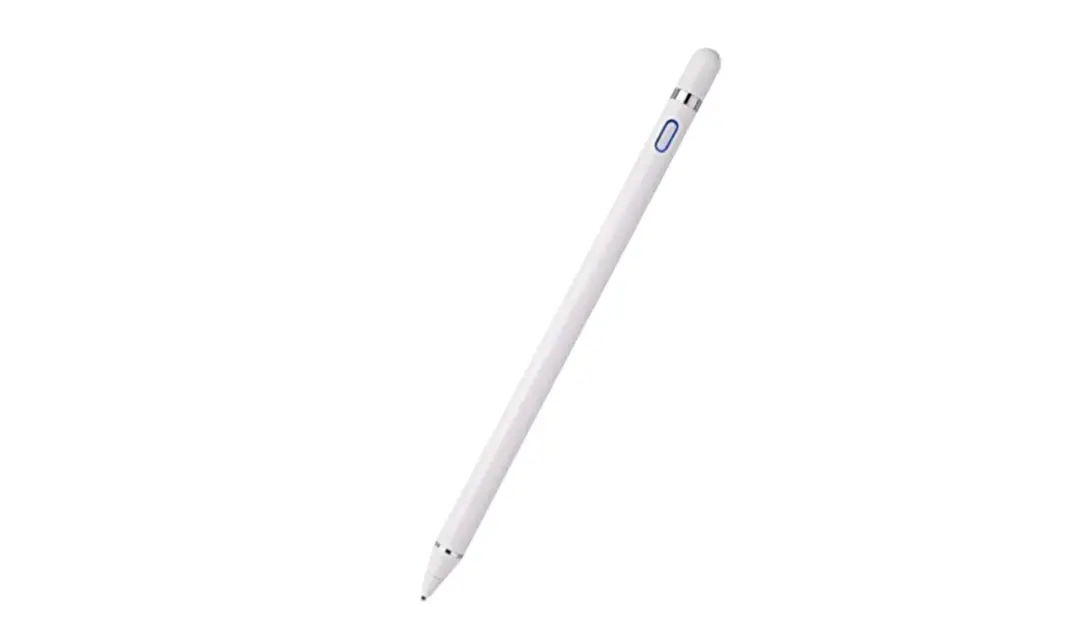

ALOCIAM B09GG7W1RJ Stylus Pen for iPad Touch Screens

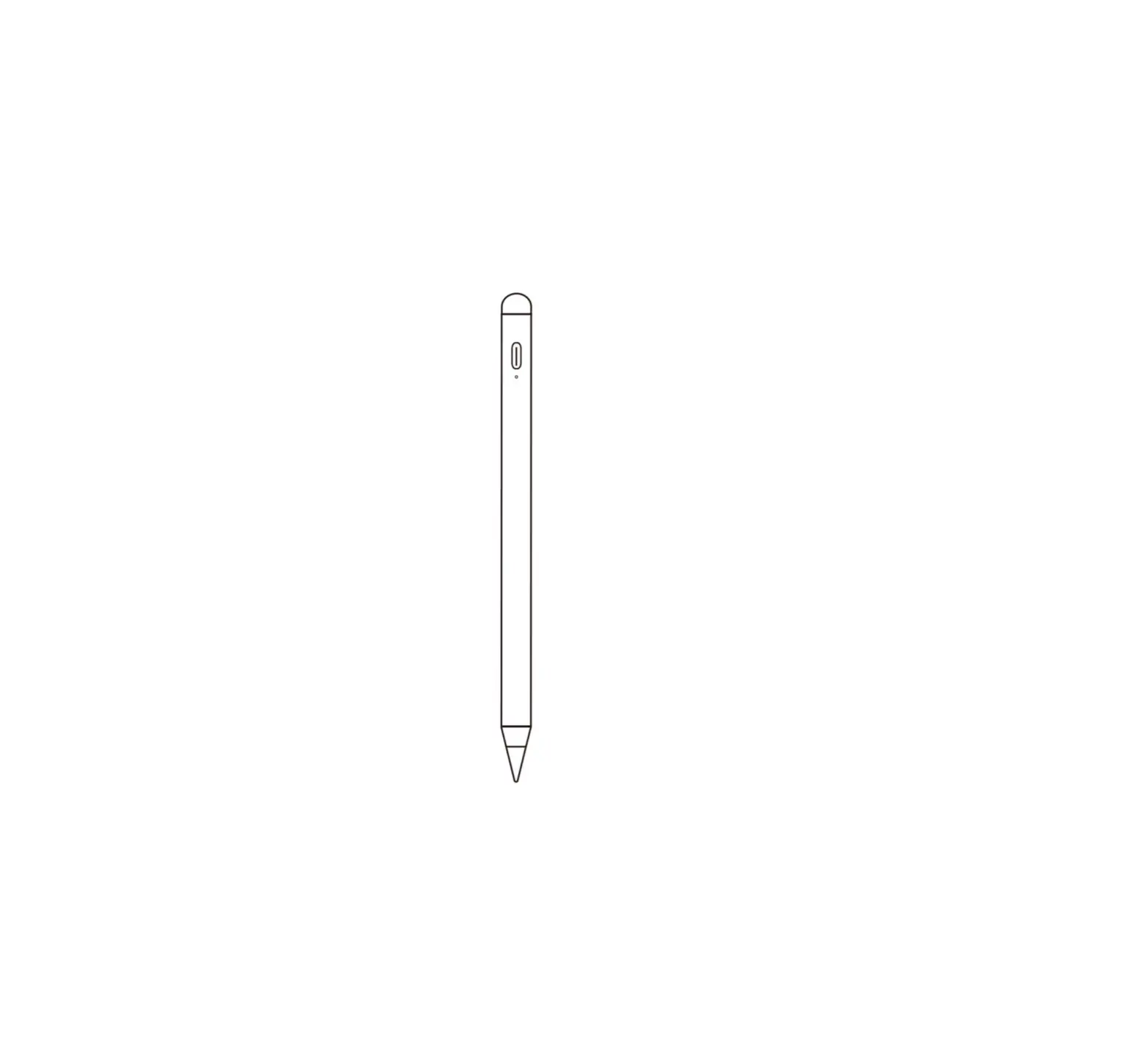
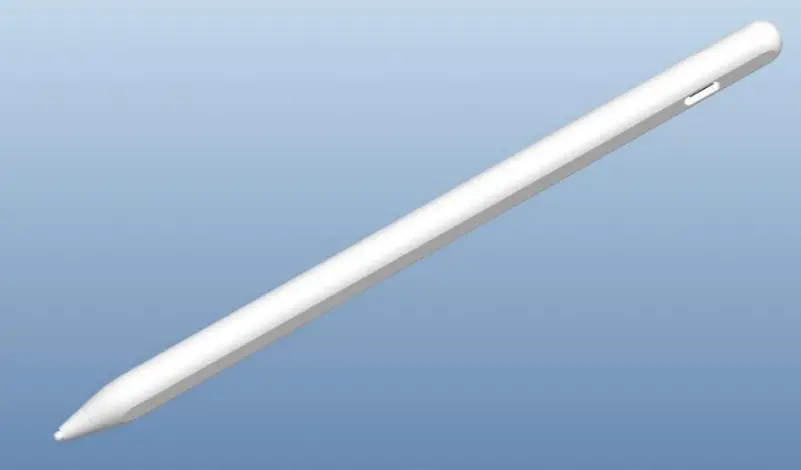
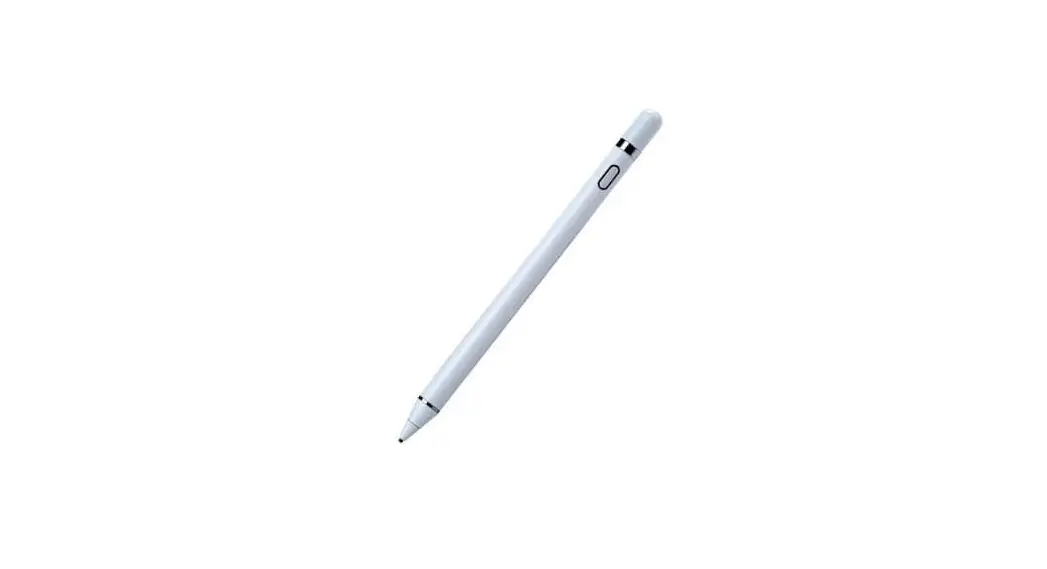
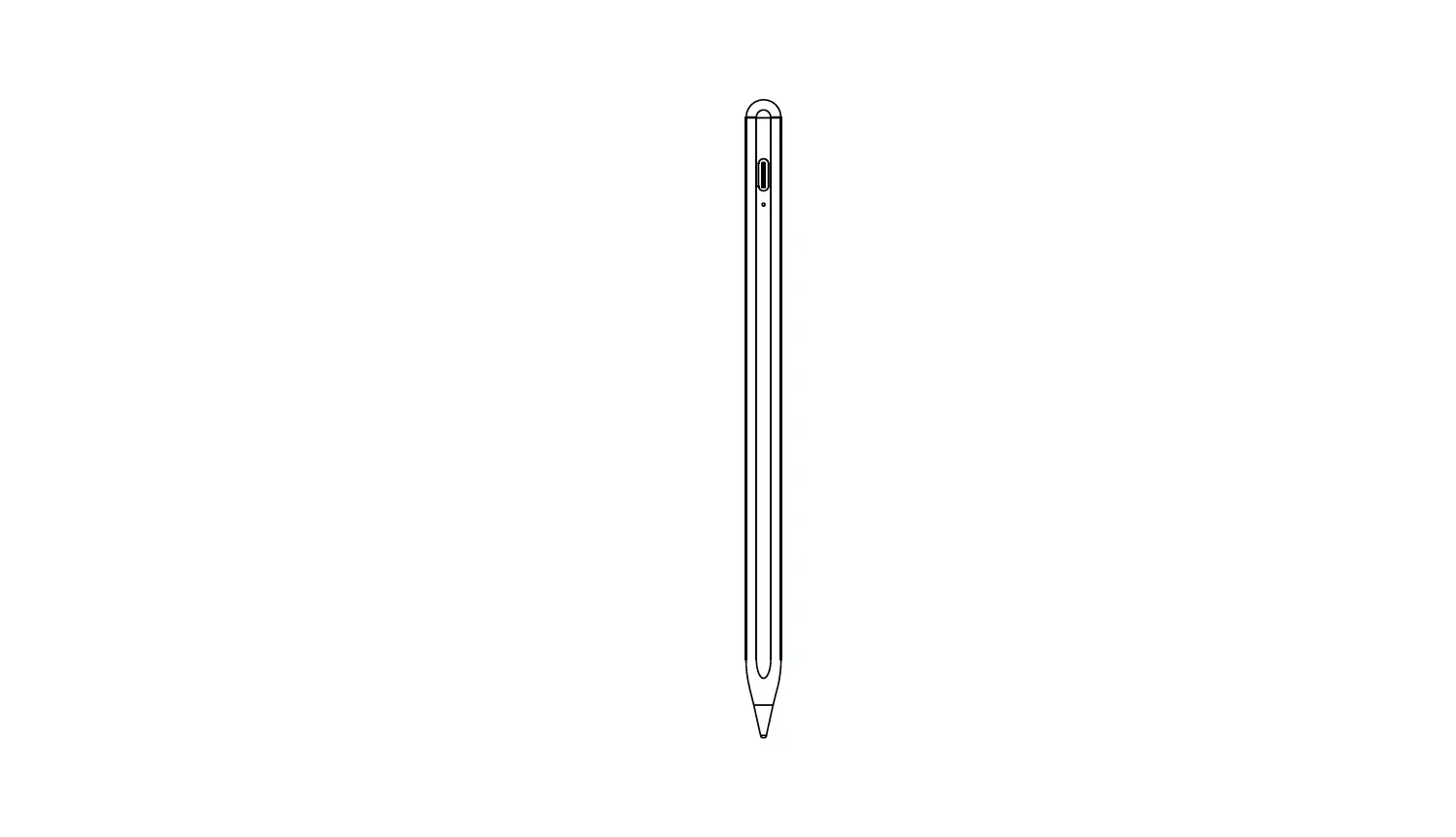
Product Structure
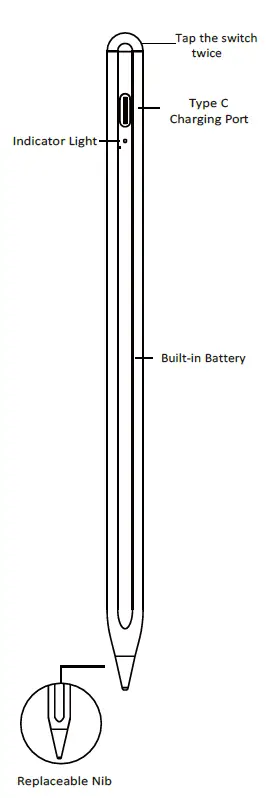
Remarks: the product appearance may be different from the drawing. Please refer to physical product.
User Manual
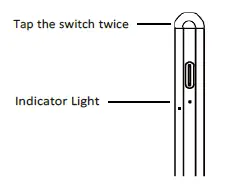
- Tap the switch twice and the indicator light immediately turns on. Tap the switch twice again and the light turns off. In case of no operation for 5 minutes, the stylus will be automatically powered off.

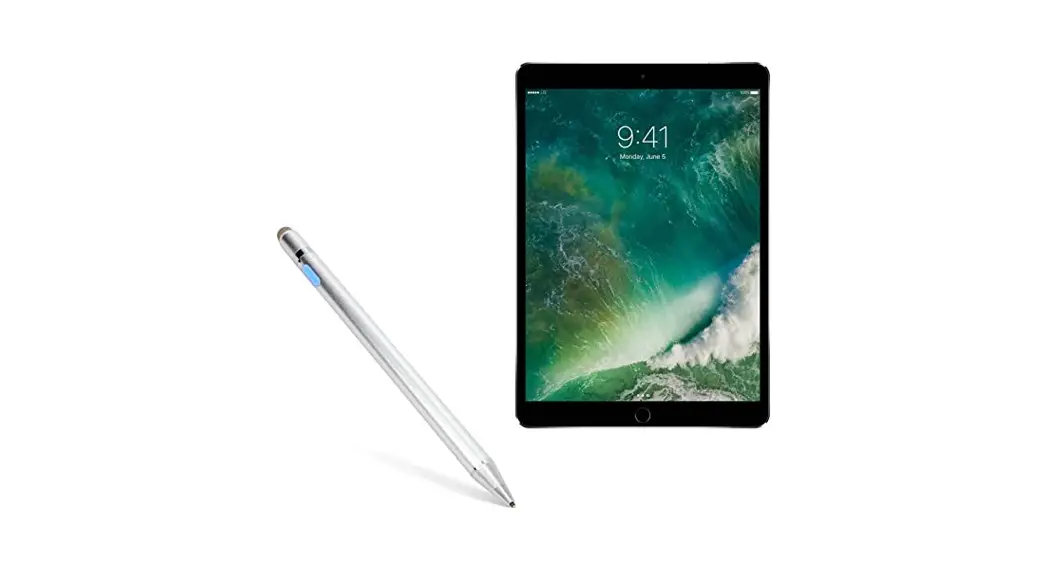
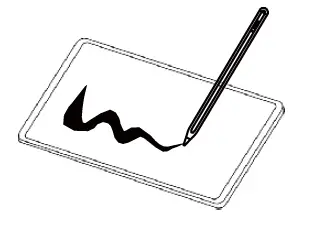
- Now you can use the stylus instead of a finger to click, swipe and do other operations on iPad. In some application software, you can use the stylus to write or draw. This stylus is not compatible with models other than those specified in technical parameters.

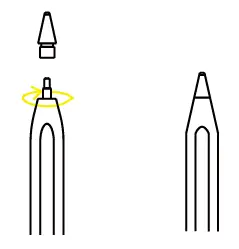
- The pen nib is replaceable so that there is no need to worry about normal wear.(The pen nib can easily be twisted off and replaced with a new one. )

Charging the Stylus
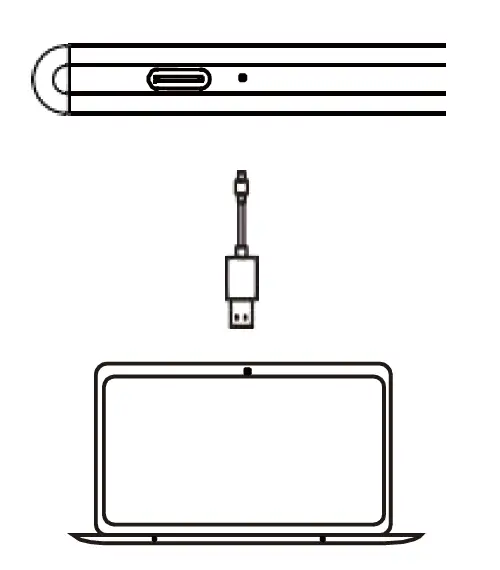
- Please use Type C cable (which is currently being used by most of Android phones and tablets on the market) to charge the stylus. Connect one end to stylus via Type C port and connect the other end to computer via USB port.

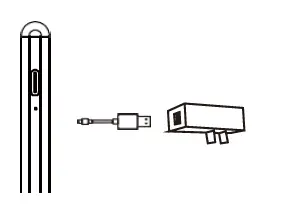
- Connect one end of charging cable to stylus via Type C port and connect the other end to 5V/ 0.1A DC adapter via USB port.

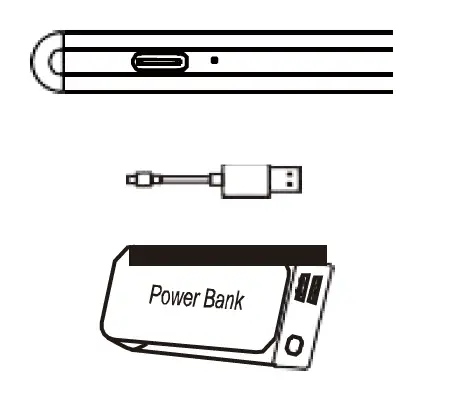
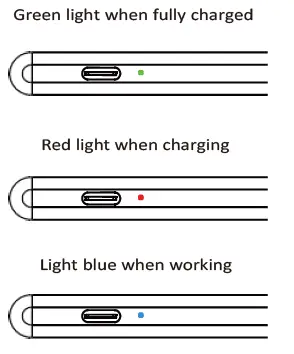
- Connect one end of charging cable to stylus via Type C port and connect the other end to 5V portable power source via USB port. In charging status, the Red indicator light turns on. It takes 80 minutes to fully charge the stylus.

Charging indication
| Applicable Models | |
| Name/Dimensions | Version |
| lpad 6/9.7-inch(2018) | Version 12.1.4 above and above |
| lpad 7/10.2-inch(2019) | Version 13.1 above and above |
| lpad 8/10.2-inch(2020) | Version 14.0 above and above |
| lpad mini 5/7.9-inch(2019) | Version 12.2 above and above |
| lpad Air 3 /10.5-inch(2019) | Version 12.2 above and above |
| lpad Air 4/10.9-inch(2020) | Version 14.0 above and above |
| lpad pro/11-inch(2018) | Version 12.2 above and above |
| lpad pro 3/12.9-inch(2018) | Version 12.2 above and above |
| lpad pro/11-inch(2020) | Version 13.4 above and above |
| lpad pro 4/12.9-inch(2020) | Version 13.4 above and above |
| lpad pro 3/11-inch(2021) | Version 14.0 above and above |
| lpad pro/12.9-inch(2021) | Version 14.0 above and above |
| Applicable Models | |
| Name/Dimensions | Model |
| lpad 6/9.7-inch(2018) | A1893/A1954 |
| lpad 7/10.2-inch(2019) | A2197/A2198/A2200 |
| lpad 8/10.2-inch(2020) | A2270/A2428/A2429/A2430 |
| lpad mini 5/7.9-inch(2019) | A2133/A2124/A2126/A2125 |
| lpad Air 3 /10.5-inch(2019) | A2152/A2123/A2153/A2154 |
| lpad Air 4/10.9-inch(2020) | A2316/A2324/A2325/A2072 |
| lpad pro/11-inch(2018) | A1980/A2013/A1934/A1979 |
| lpad pro 3/12.9-inch(2018) | A1876/A2014/A1895/A1983 |
| lpad pro/11-inch(2020) | A2228/A2231/A2068/A2030 |
| lpad pro 4/12.9-inch(2020) | A2229/A2233/A2069/A2232 |
| lpad pro 3/11-inch(2021) | A2377/A2459/A2301/A2460 |
| lpad pro/12.9-inch(2021) | A2378/A2461/A2379/A2462 |
Technical Parameters
| Product Name | Active Capacitive Stylus for iPad Only |
| Key Functions | Drawing, writing, note-taking, tapping |
| Materials | Pen body in aluminum alloy and nib in POM |
| Dimensions | Φ9.0mm pen body andΦ1.5mm nib |
| Working Hours | 9 hours |
| Colors | Multiple colors available |
| Battery Model | 68430 |
| Standard Accessories | USB cable |
| Applications | iPad and other capacitive touch screens |
| Packaging | Charging cable, user manual |
Connect to iPad via Bluetooth for More Functions
- Connect the stylus to iPad via Bluetooth, swipe from left edge of the screen to right, click “edit” to add a widget to view battery level of the stylus. Many more widgets can be added.
- Double tap the touch button and the backstage pops up on iPad. Tap the button again to exit.
- Tap the touch button three times to lock the screen.