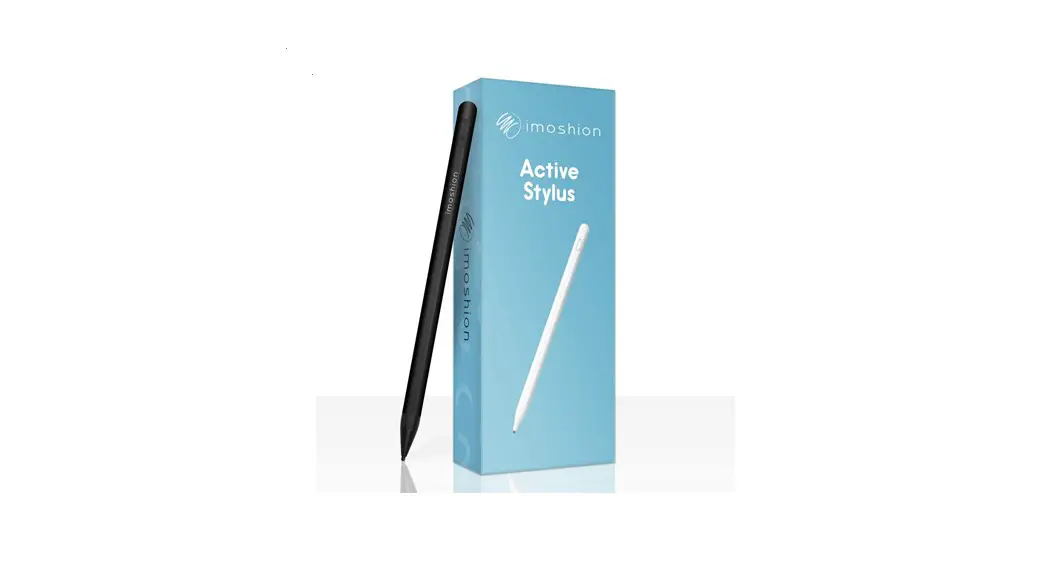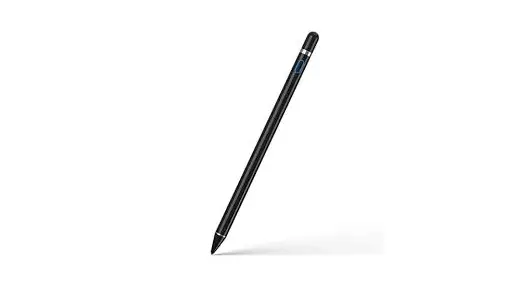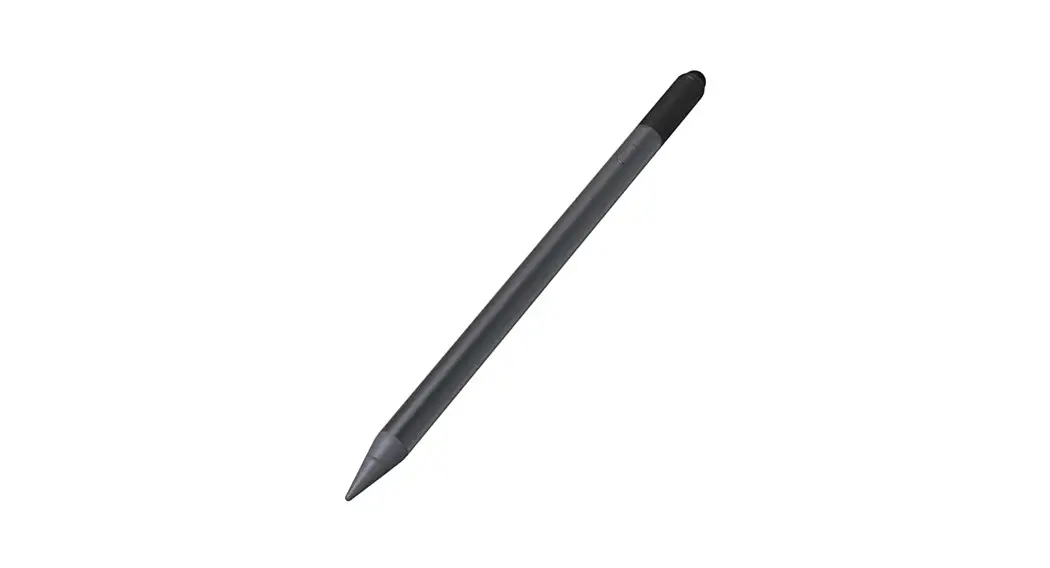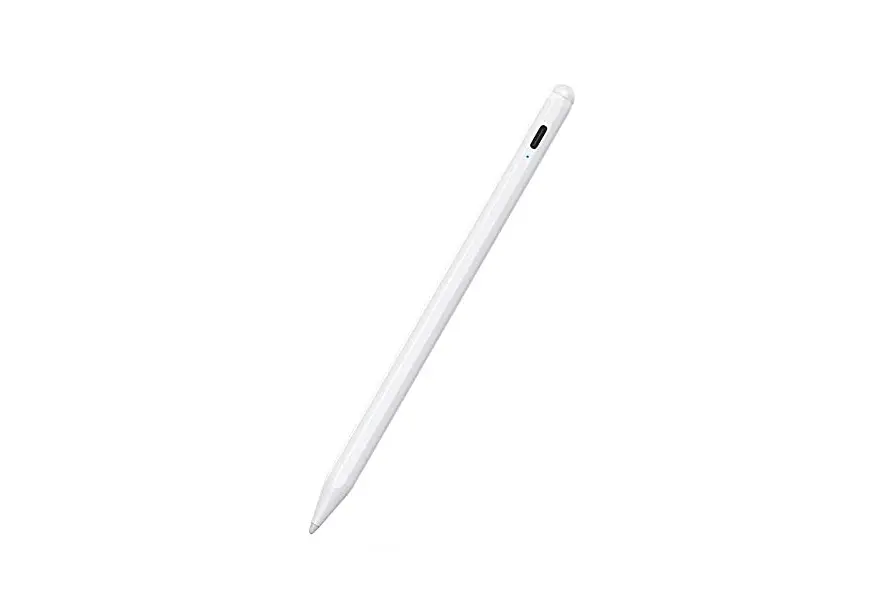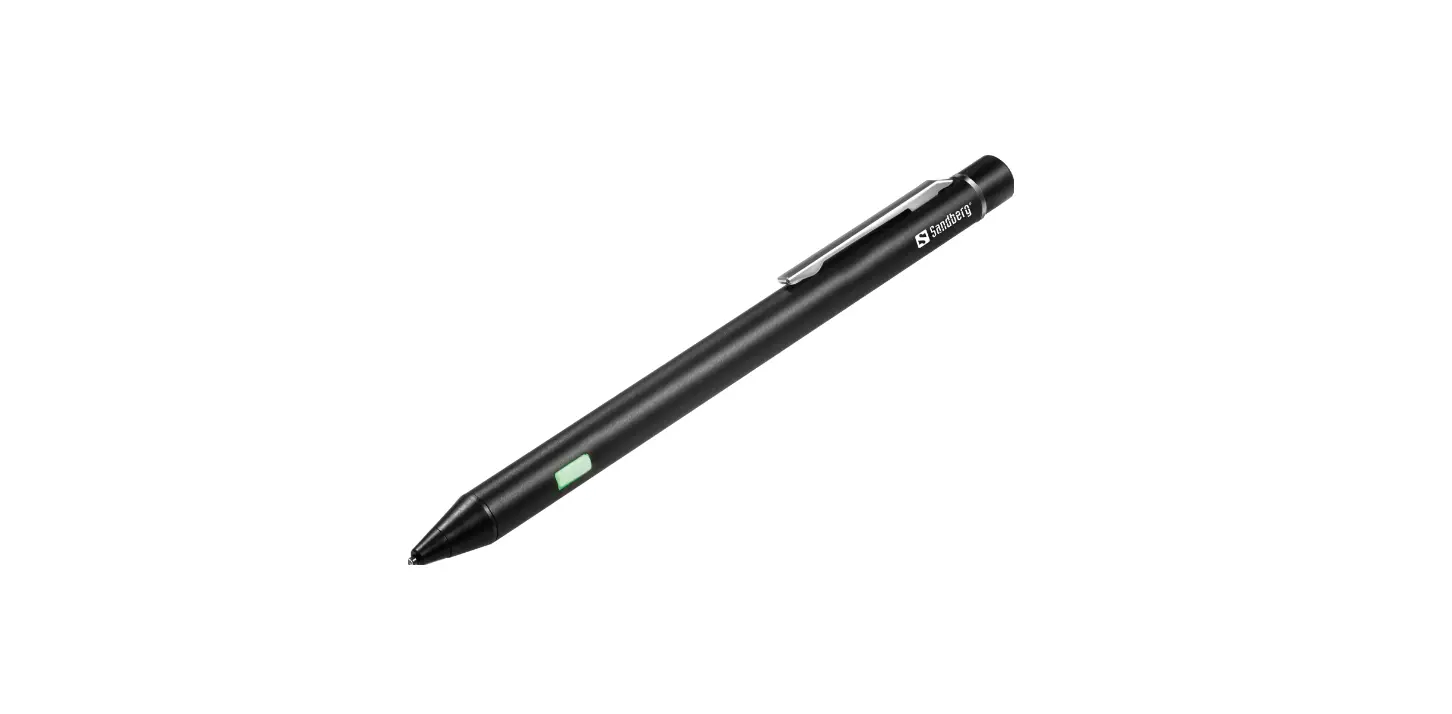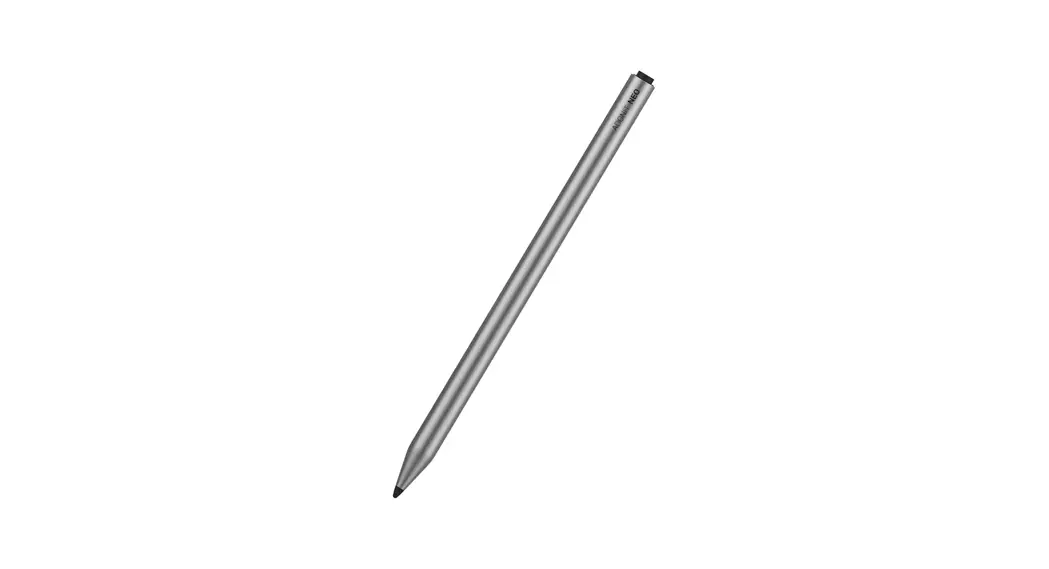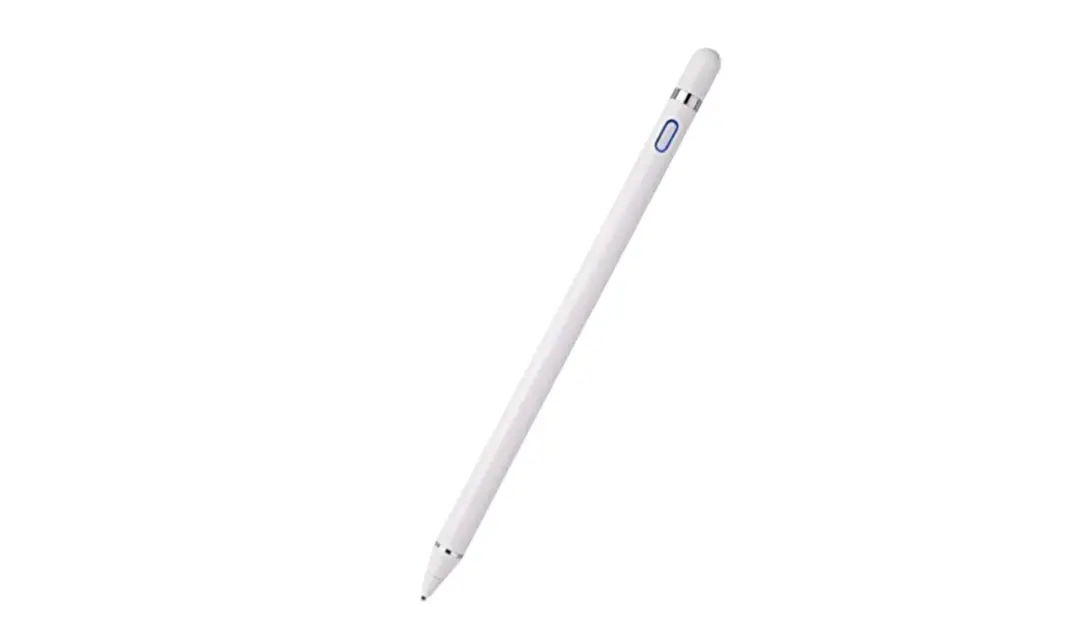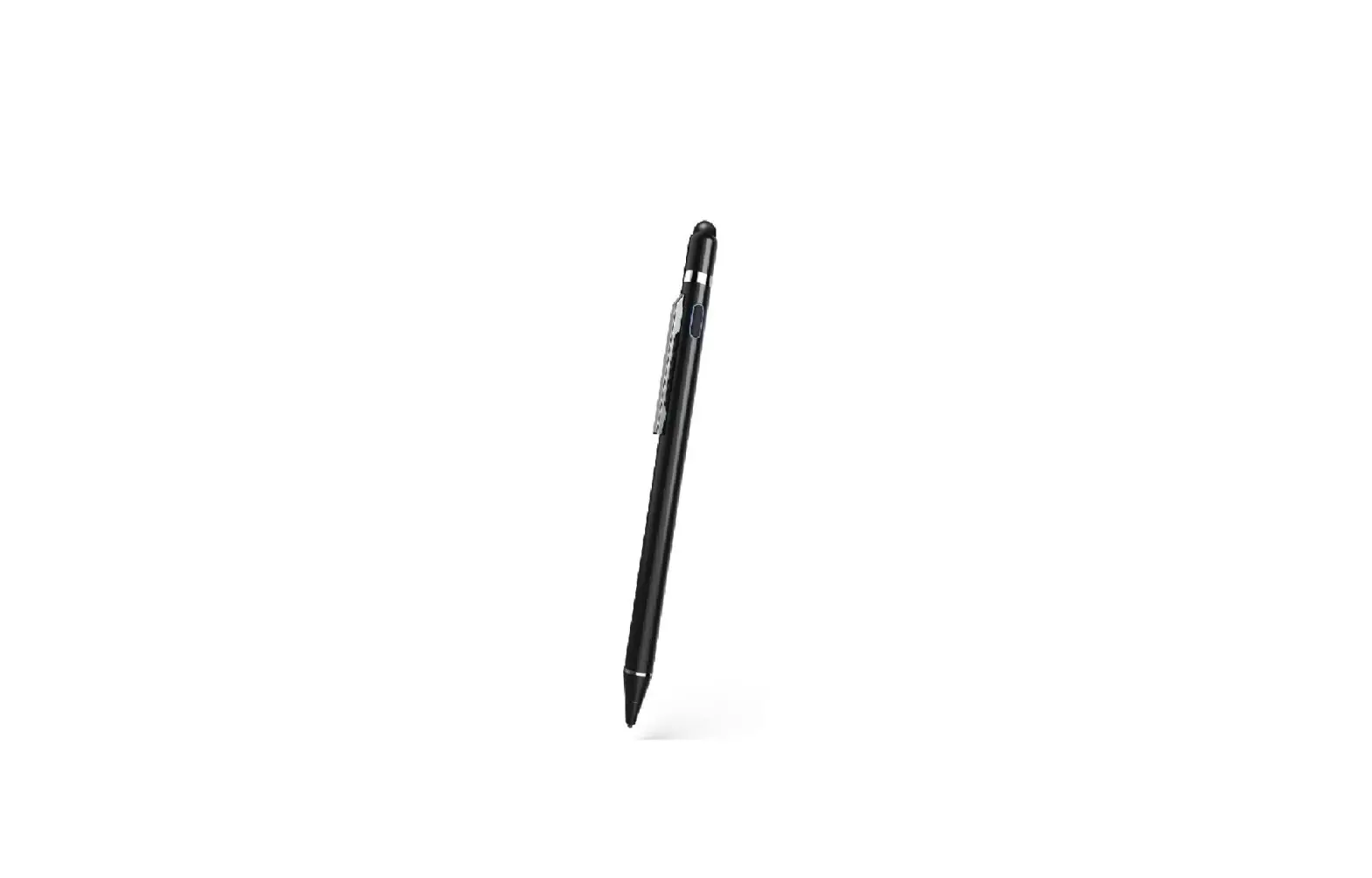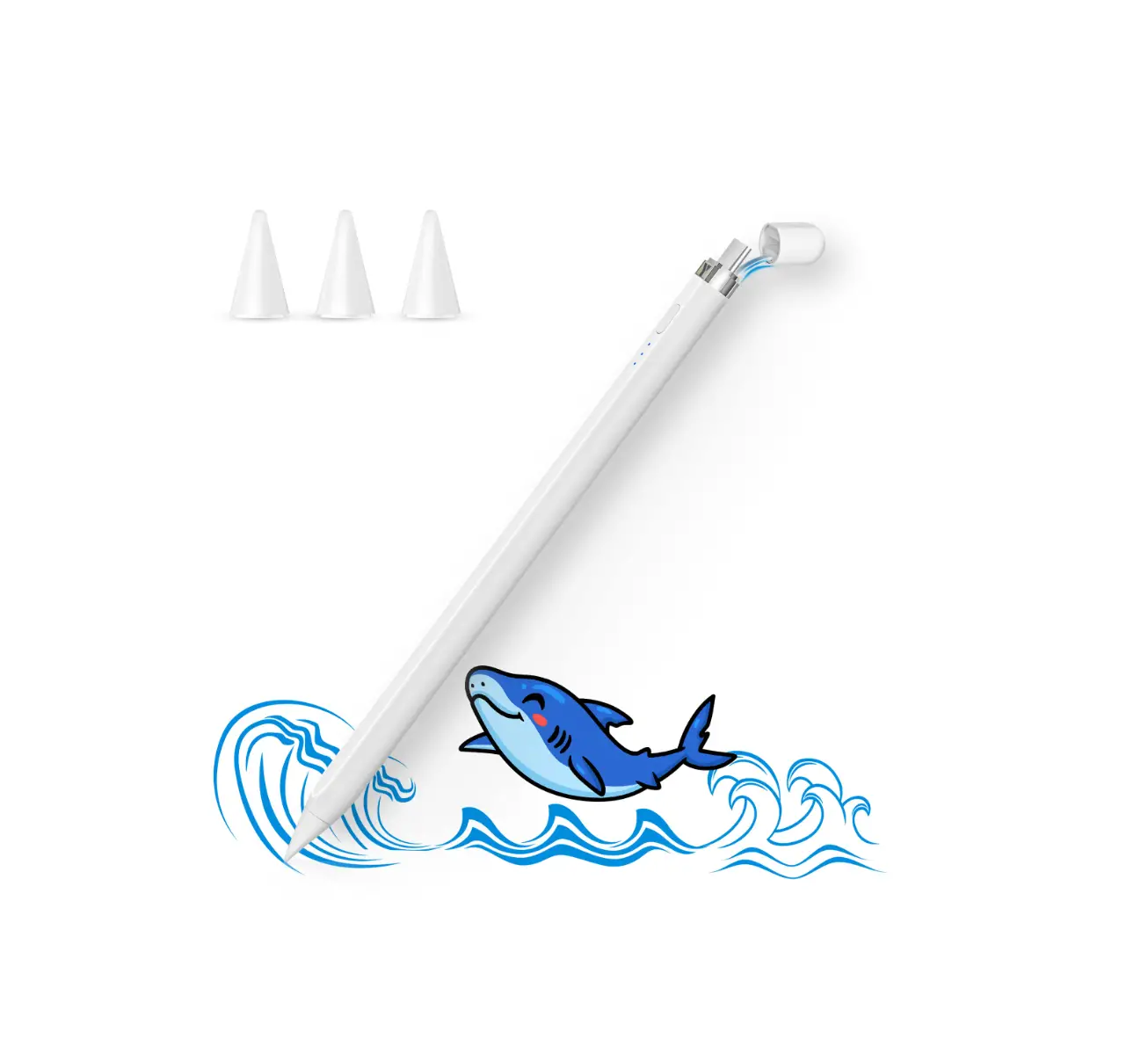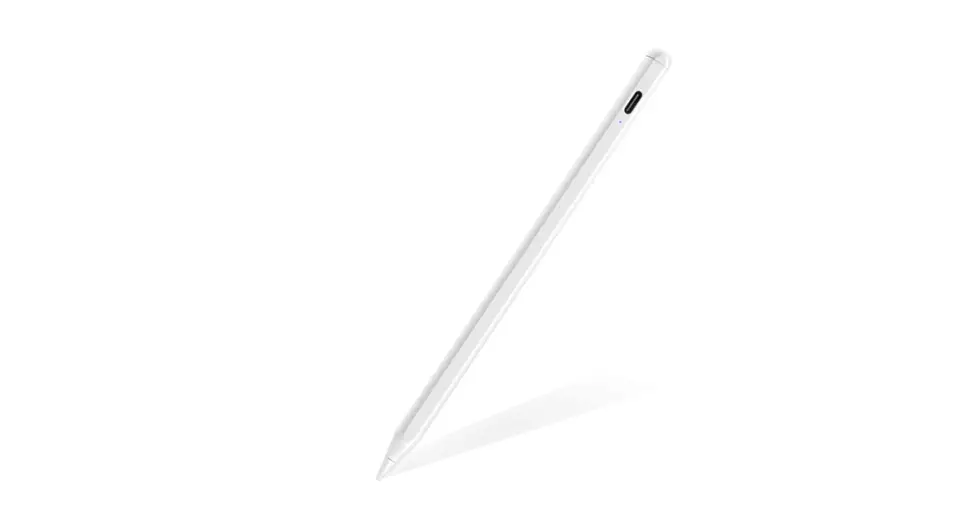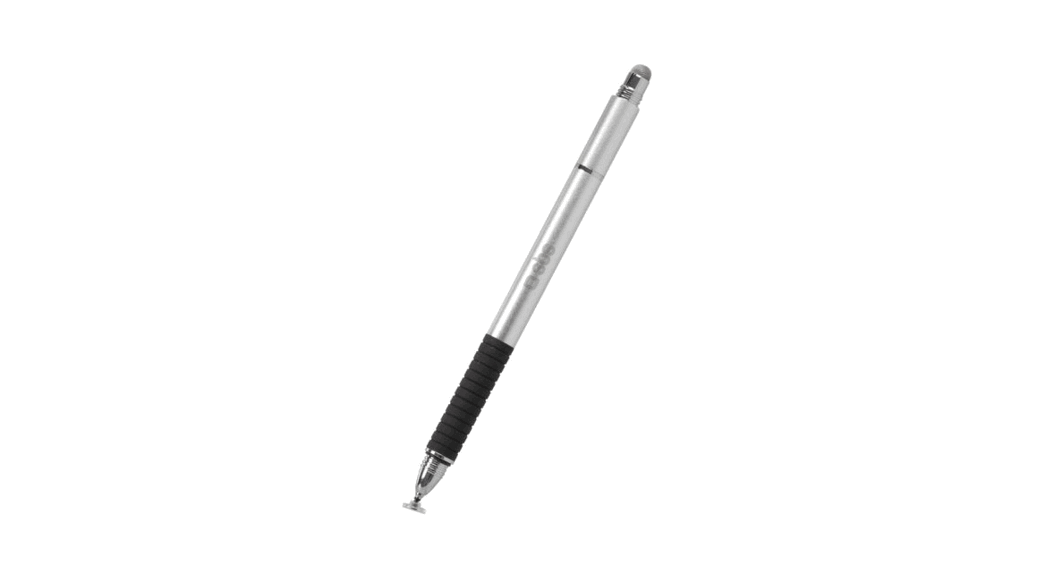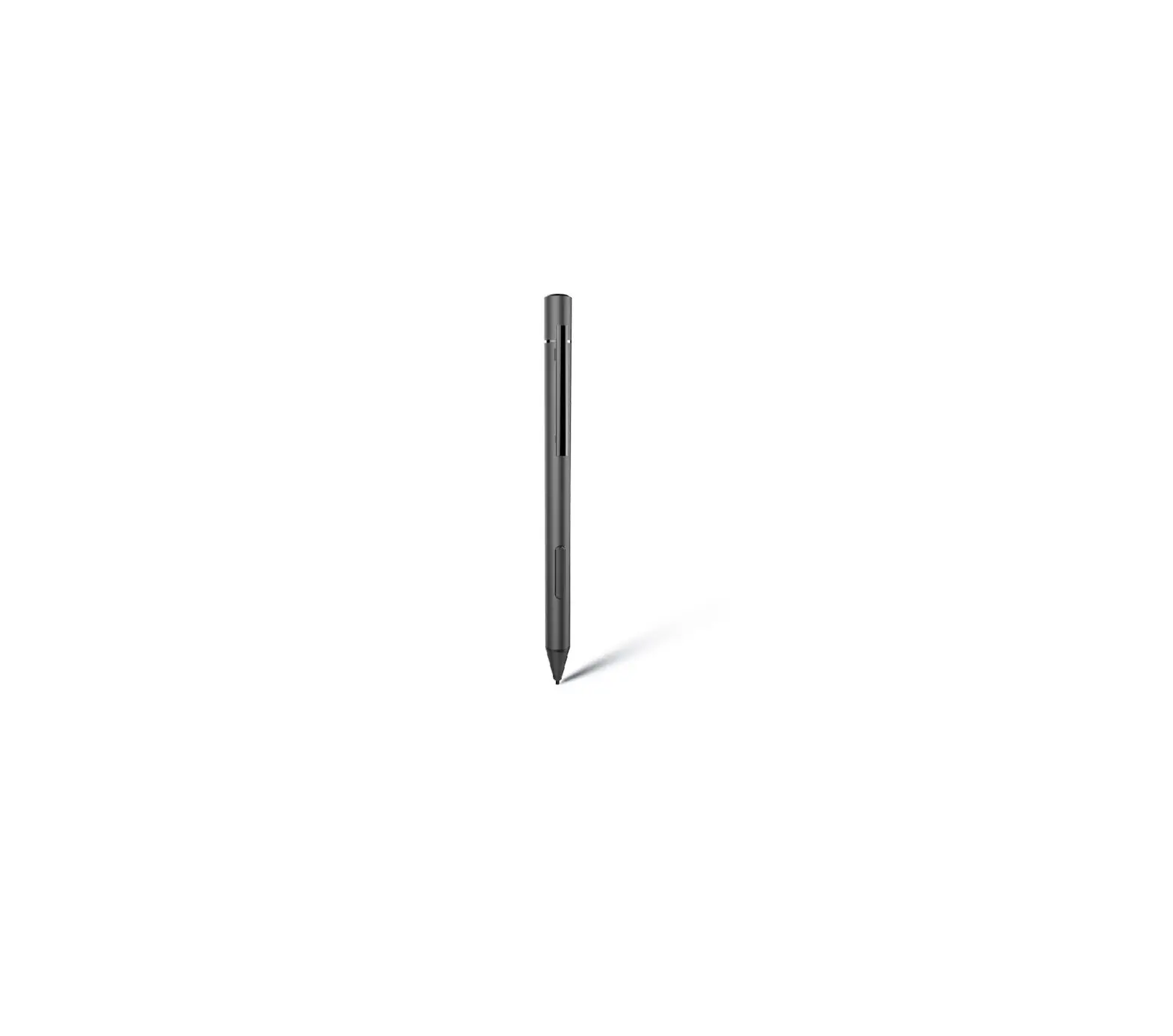

imoshion B08W5FPCKN Active Stylus Pen

How to work
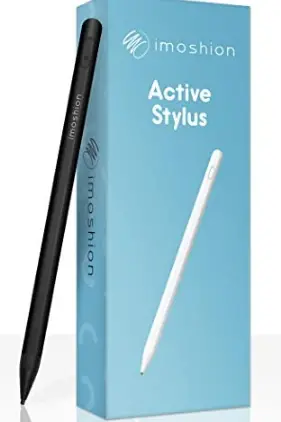
- Click the button, turn ON
- Click the button, turn OFF

How to charge
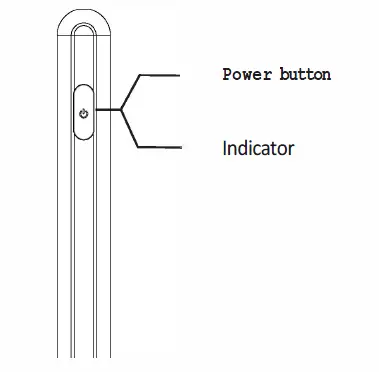
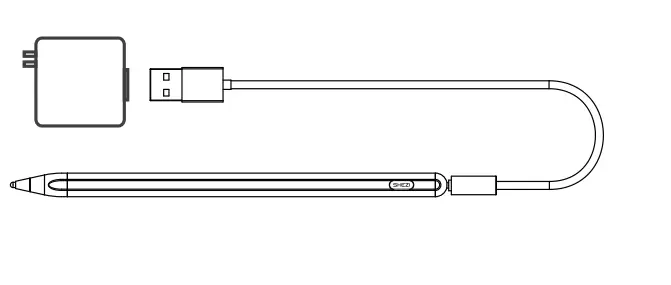
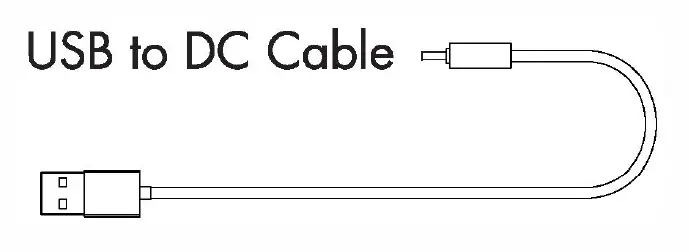
- Connect the USB to the DC cable with the USB adaptor

Wide compatibility
The pencil works with all the capacitive screen devices and works on iOS, Android and Windows operating systems.
Magnetic
- For iPad Pro l l-inch
- For iPad Pro 12.9-inch {3rd Generation)
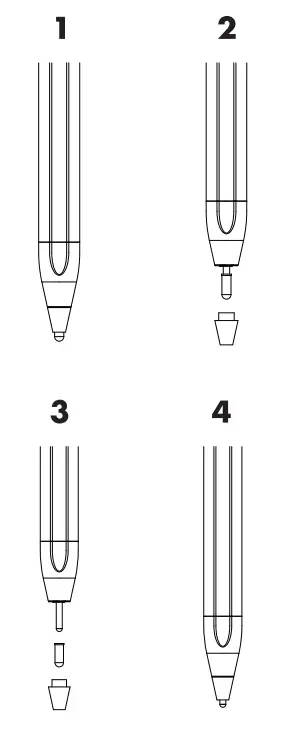
How to replace the fine point tip
- Remove the POM tips as illustrated below ( 1-2-3-4)

Note:
The POM fine point tip does not work to its full potential when working on a screen protector. Suggestion:
Use a metal tip instead.
Accessories details
- Active Stylus Pen ………. x 1
- USB Cable ……………… x 1
- Fine Point Tip (POM) ….. x 2

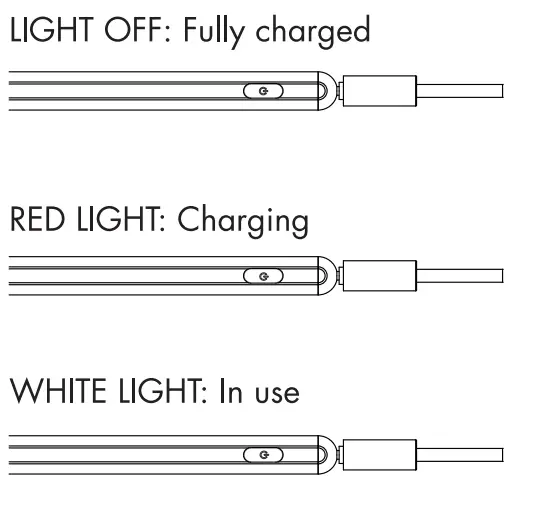
Charge indicator
- LIGHT OFF: Fully charged
- RED LIGHT: Charging
- WHITE LIGHT: In use

Specifications
- Dimensions: 165mm X 89mm
- Battery: Li-polymer 140mAh
- Charging Port: USB to DC Cable
- Charging time: 2 Hours
- Operating time: 10 Hours Fine point tip size –
- POM: 1.9mm
- Metal: 1 .5mm
- Slee p mode: If not in use for 30 minutes, the stylus will power off.