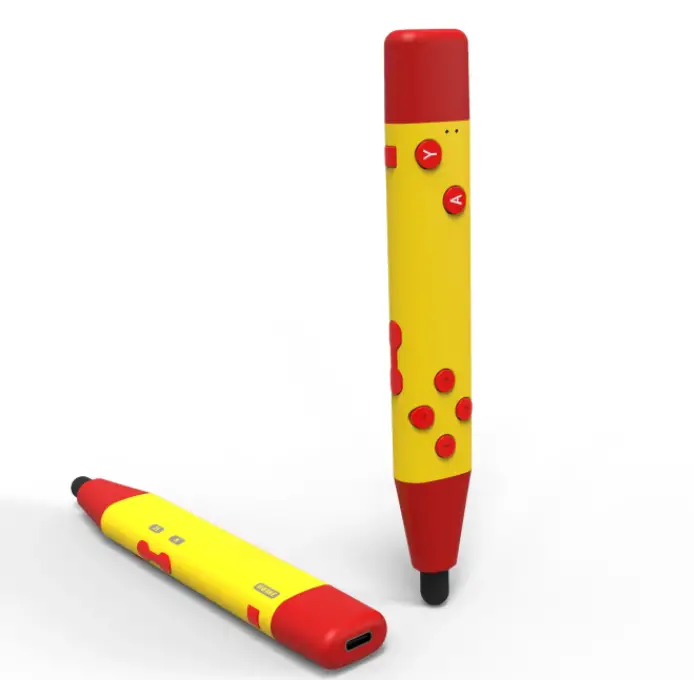

FO216 Stylus Controller Pen
OVERVIEW
 Pair with your Nintendo Switch console
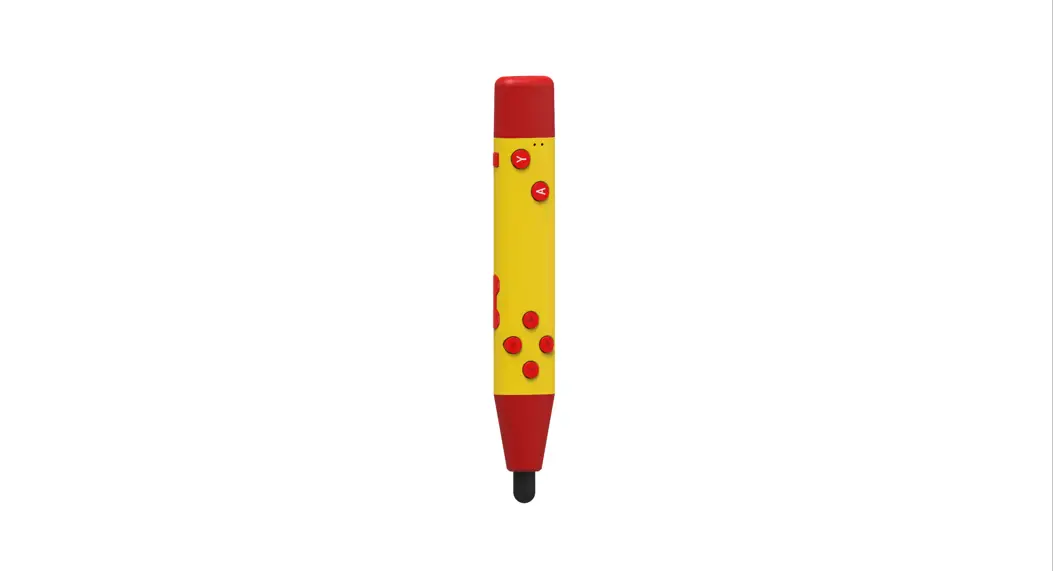
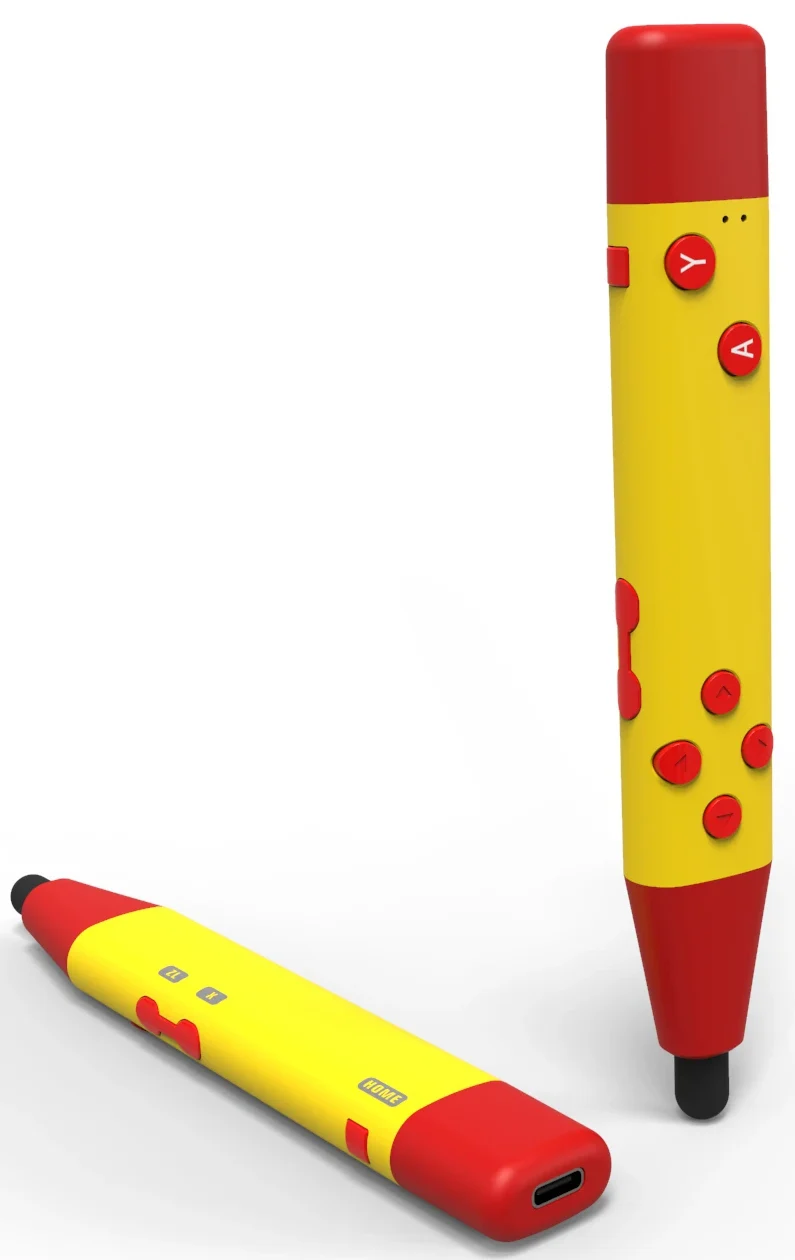
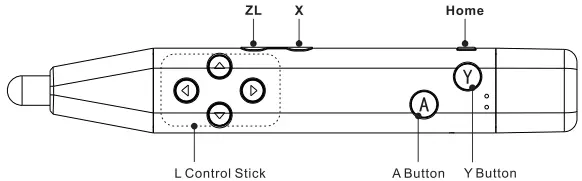
Stap 1: Turn on your Switch console, Go to Setting–Controller and Sensors–Change Grip/Order;- Step 2: Hold down the “Y” and “Home” buttons until the Red light starts flashing; A few seconds later the controller will be paired with the console.
- Raconnact: Press the “Home” button to reconnect.
- Disconnect: Hold down the “Home” button for about 5 seconds to disconnect.
- Charging/ Low battery indicator: LED light flashes
 Pair with your Nintendo Switch console