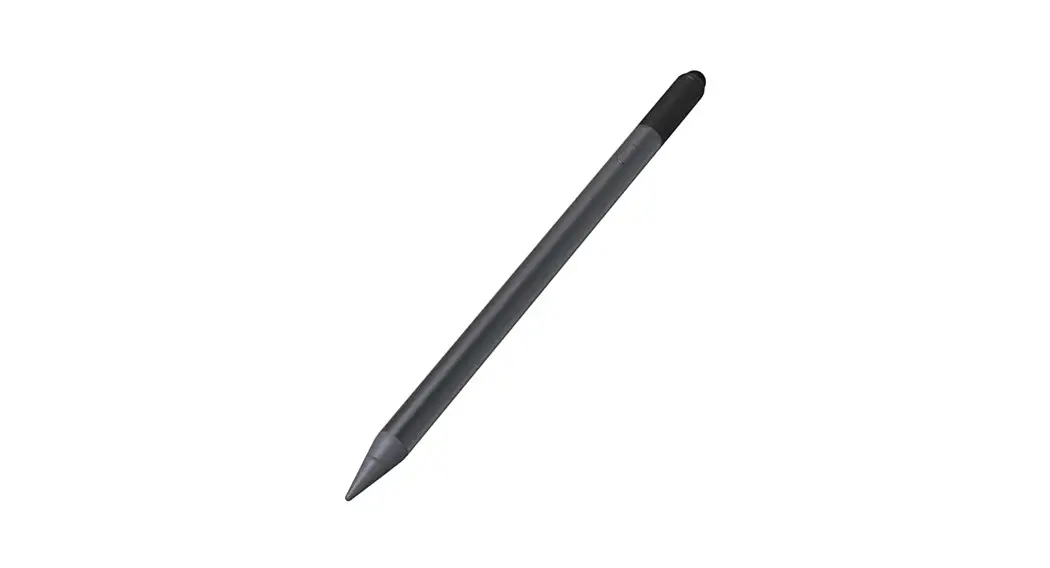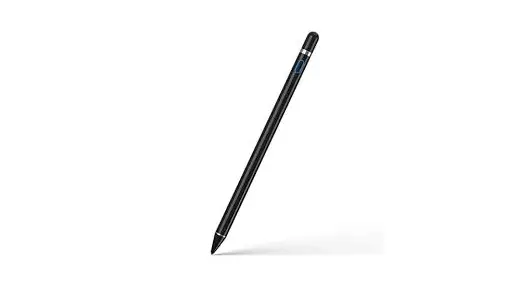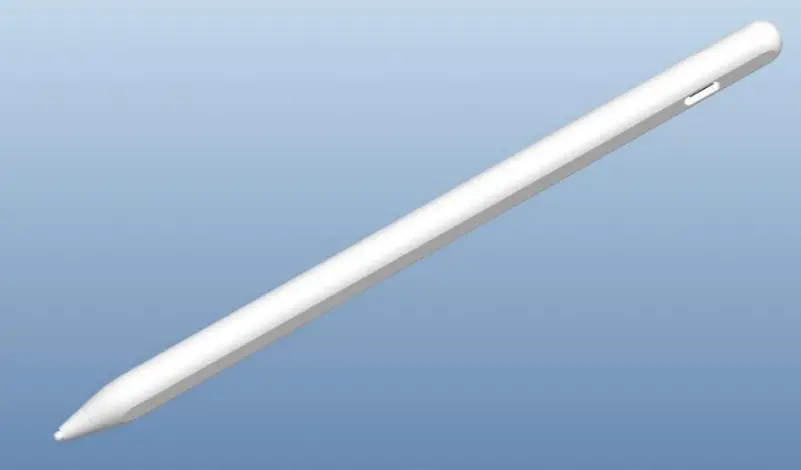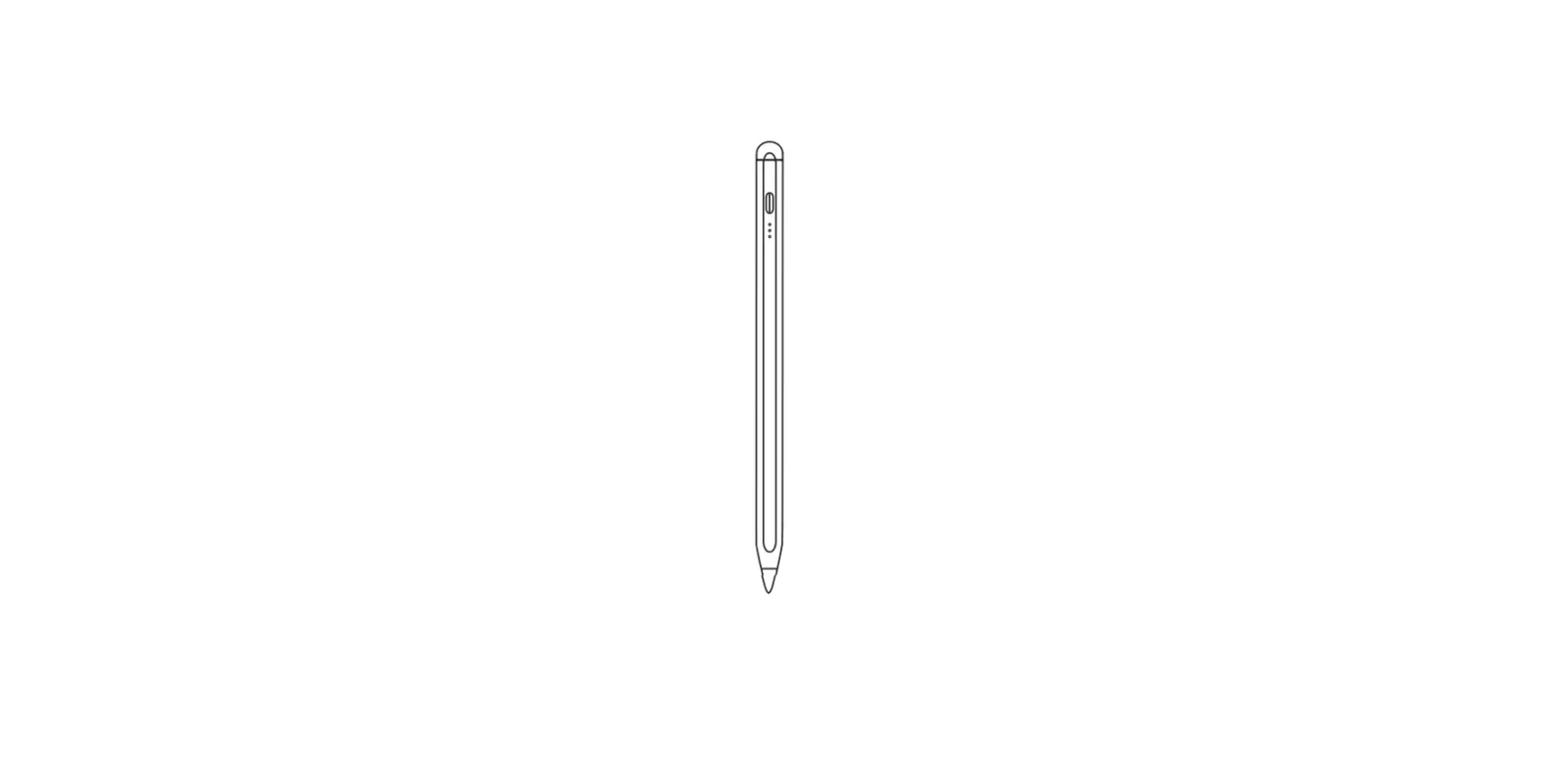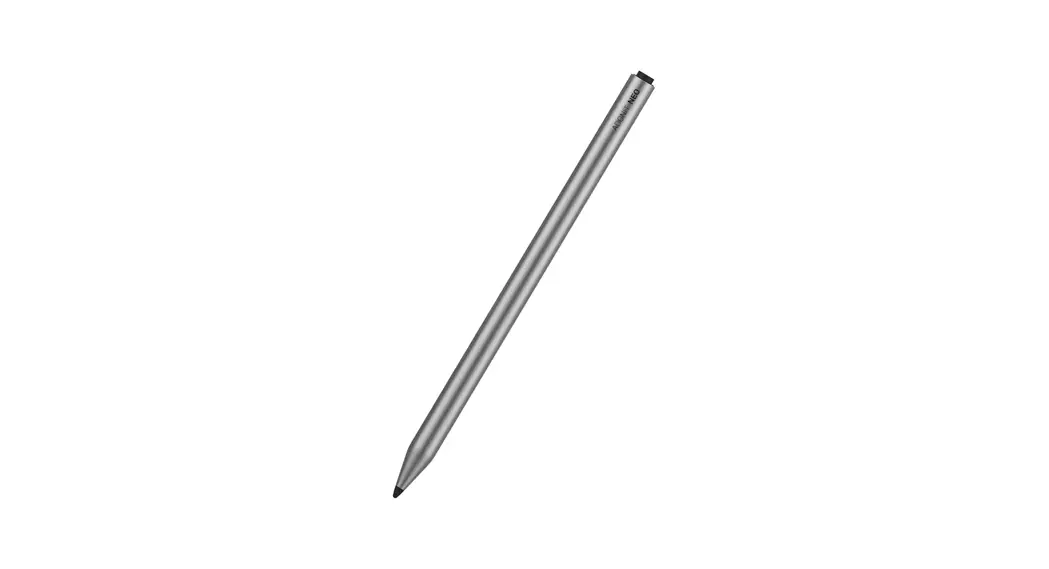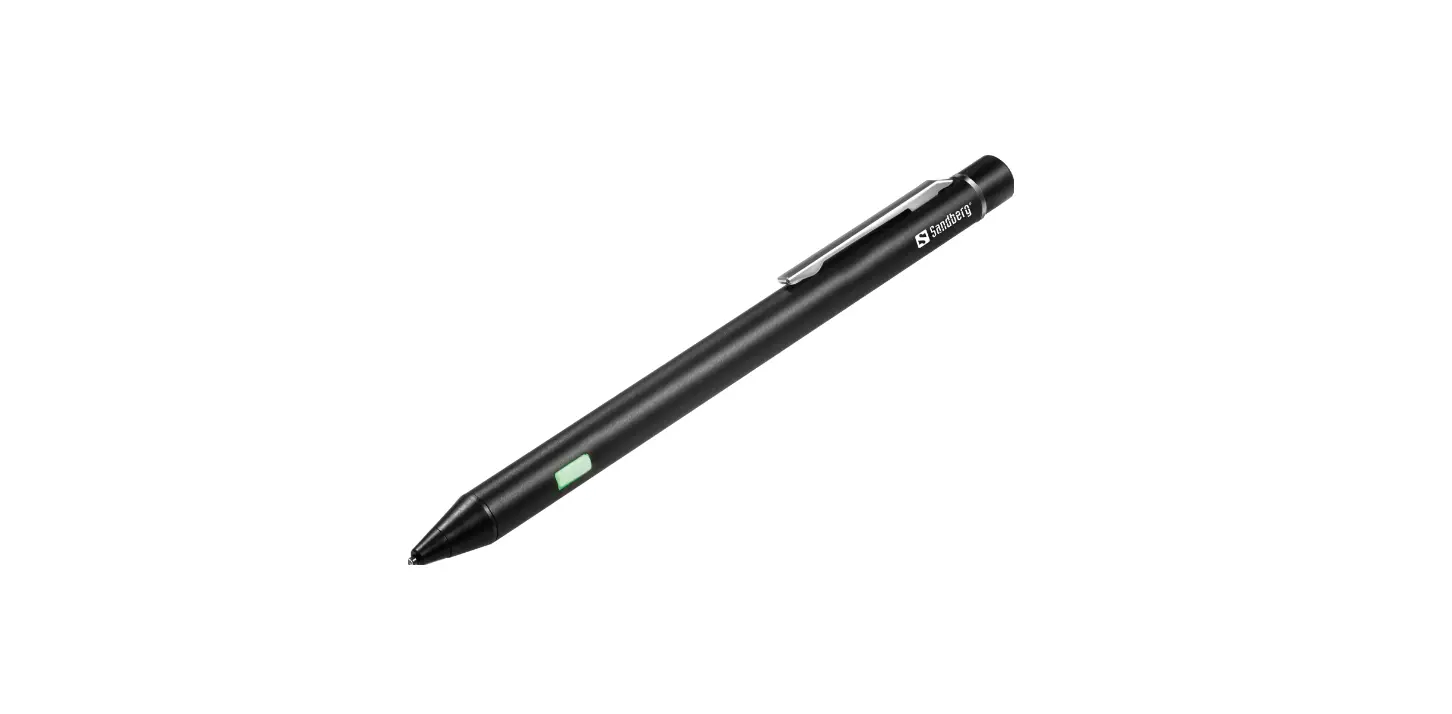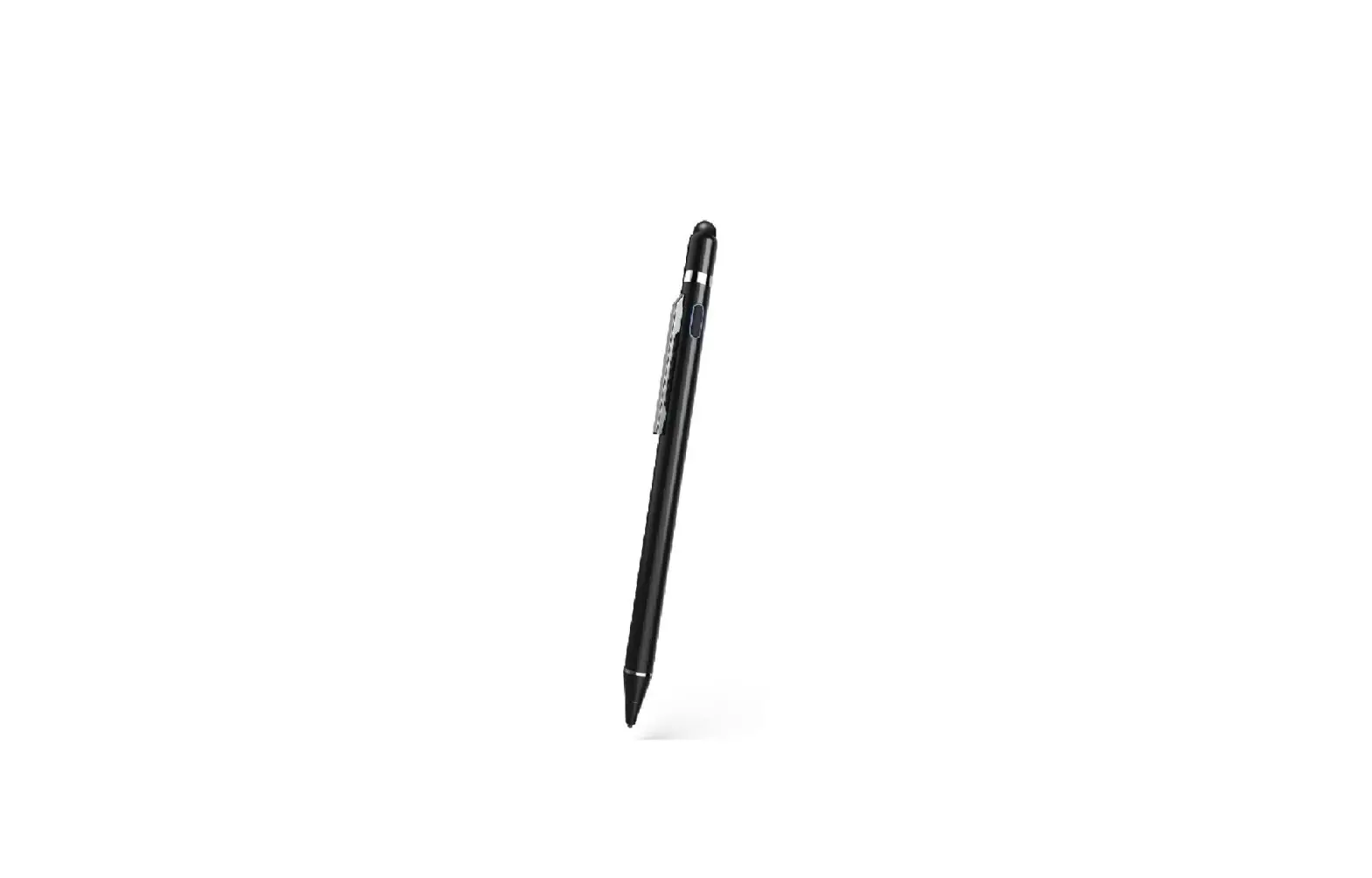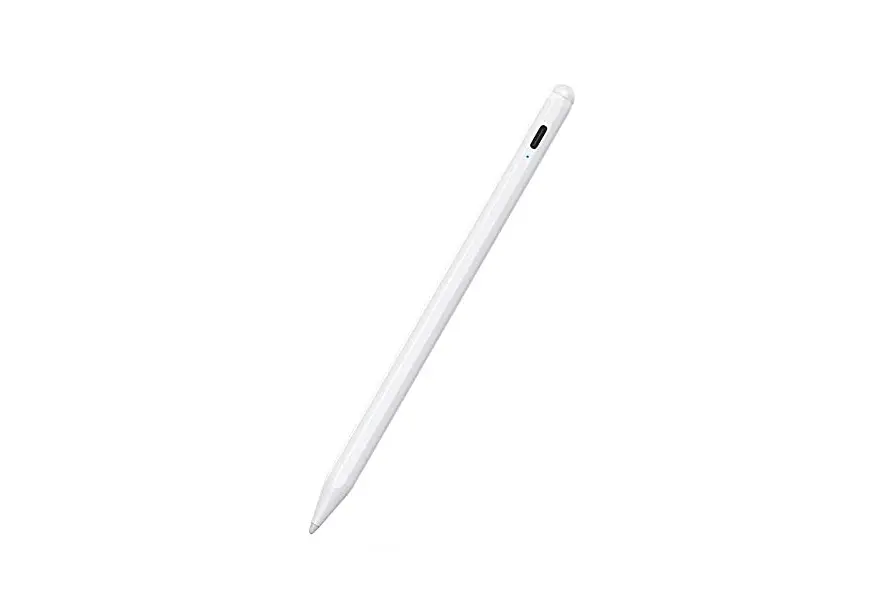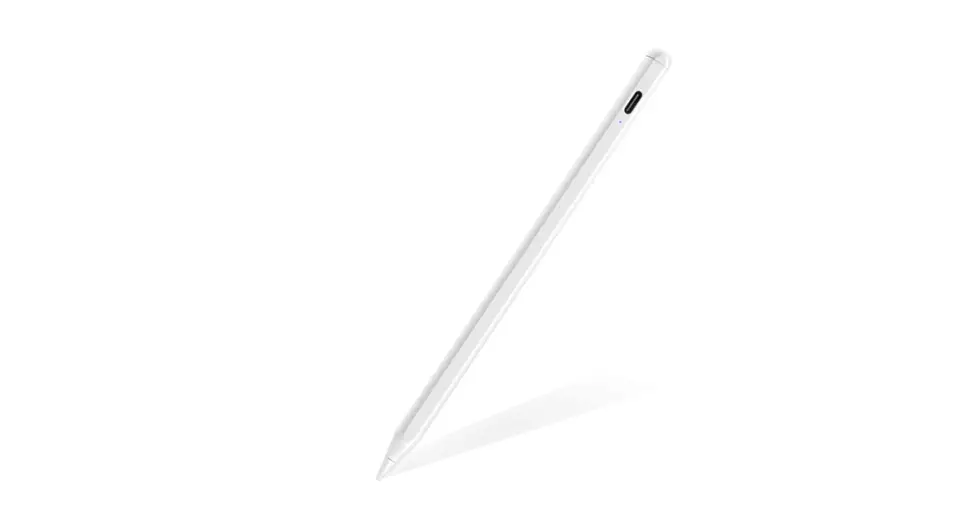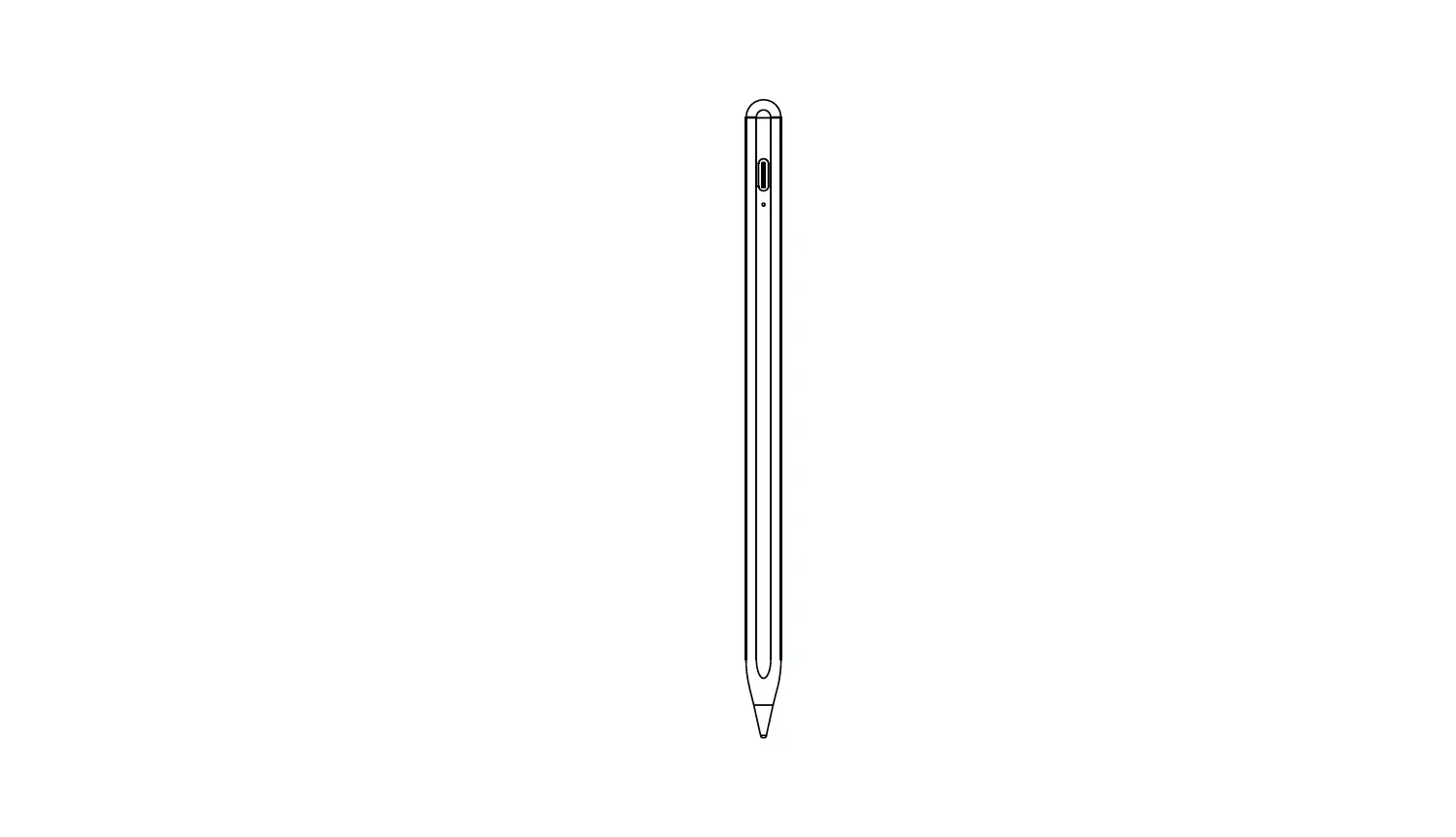

Active Stylus
Pro Pen
USER’S MANUAL
How to work
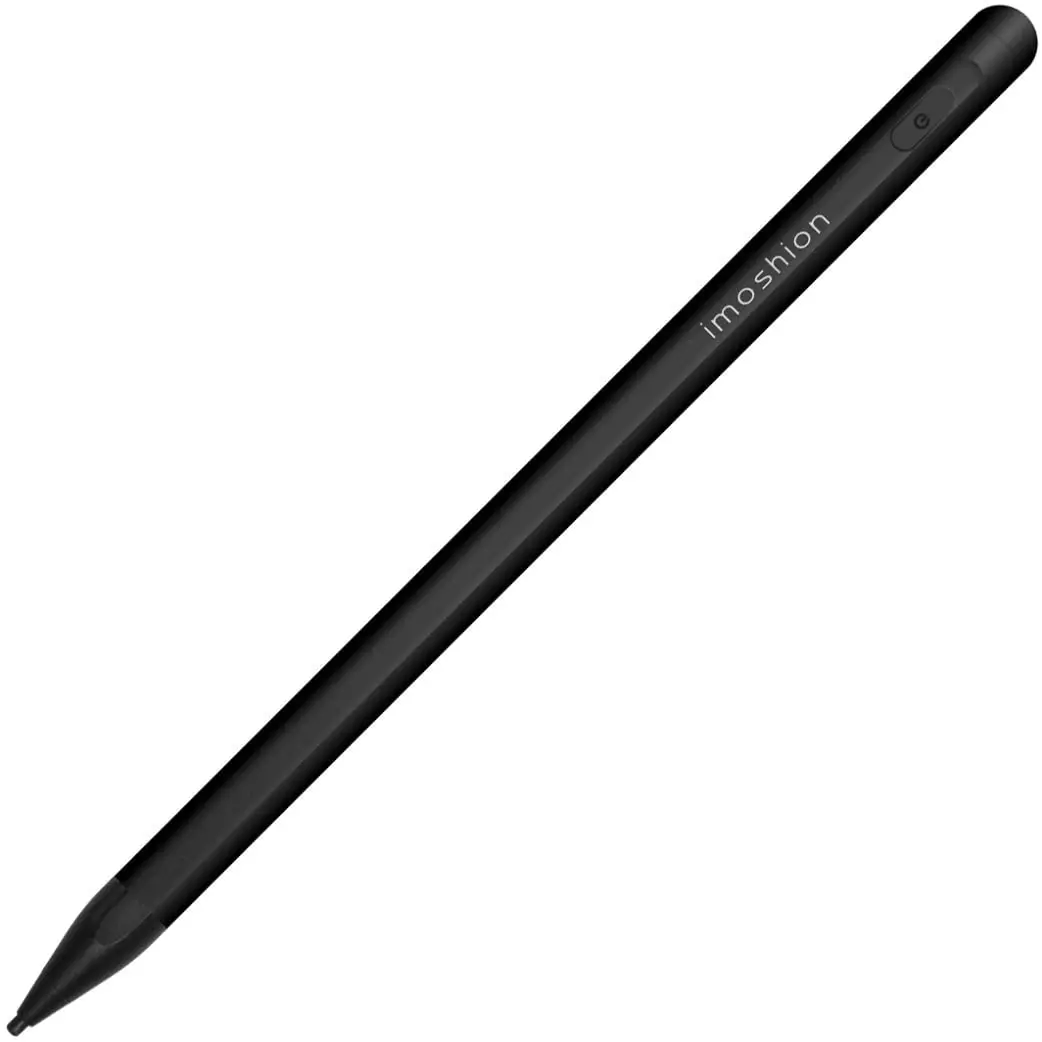
Click the button, turn ON
Click the button, turn OFF
How to charge
Connect the USB to the DC cable with the USB adaptor
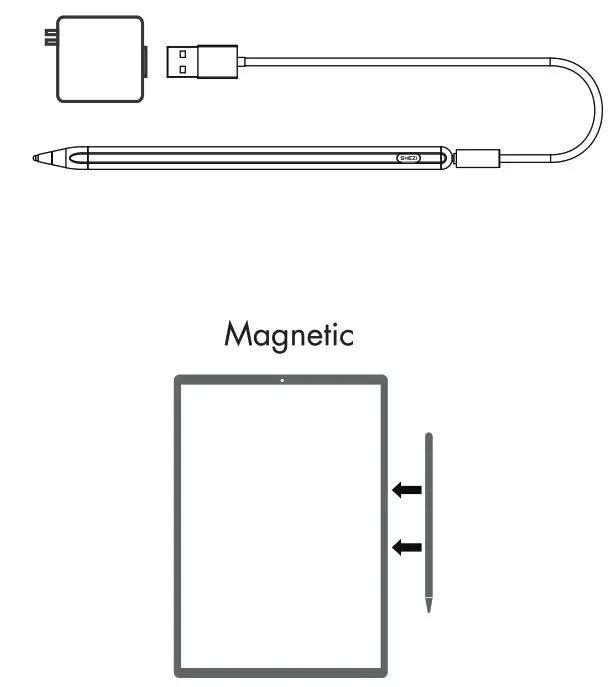
For iPad Pro 11-inch
For iPad Pro 12.9-inch (3rd Generation)
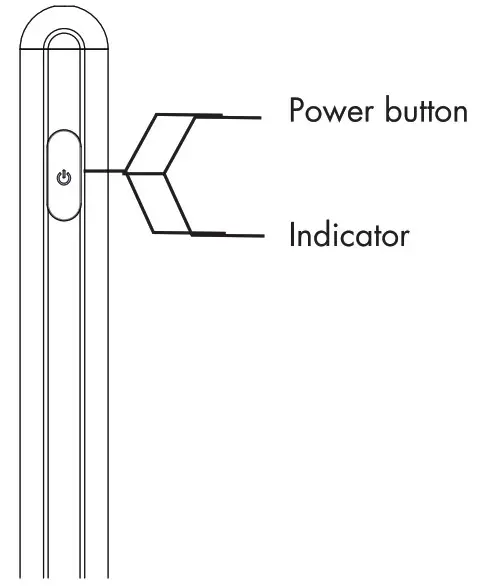
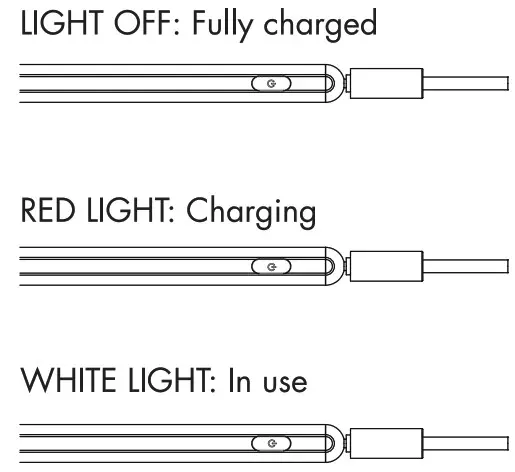
Charge indicator
LIGHT OFF: Fully charged
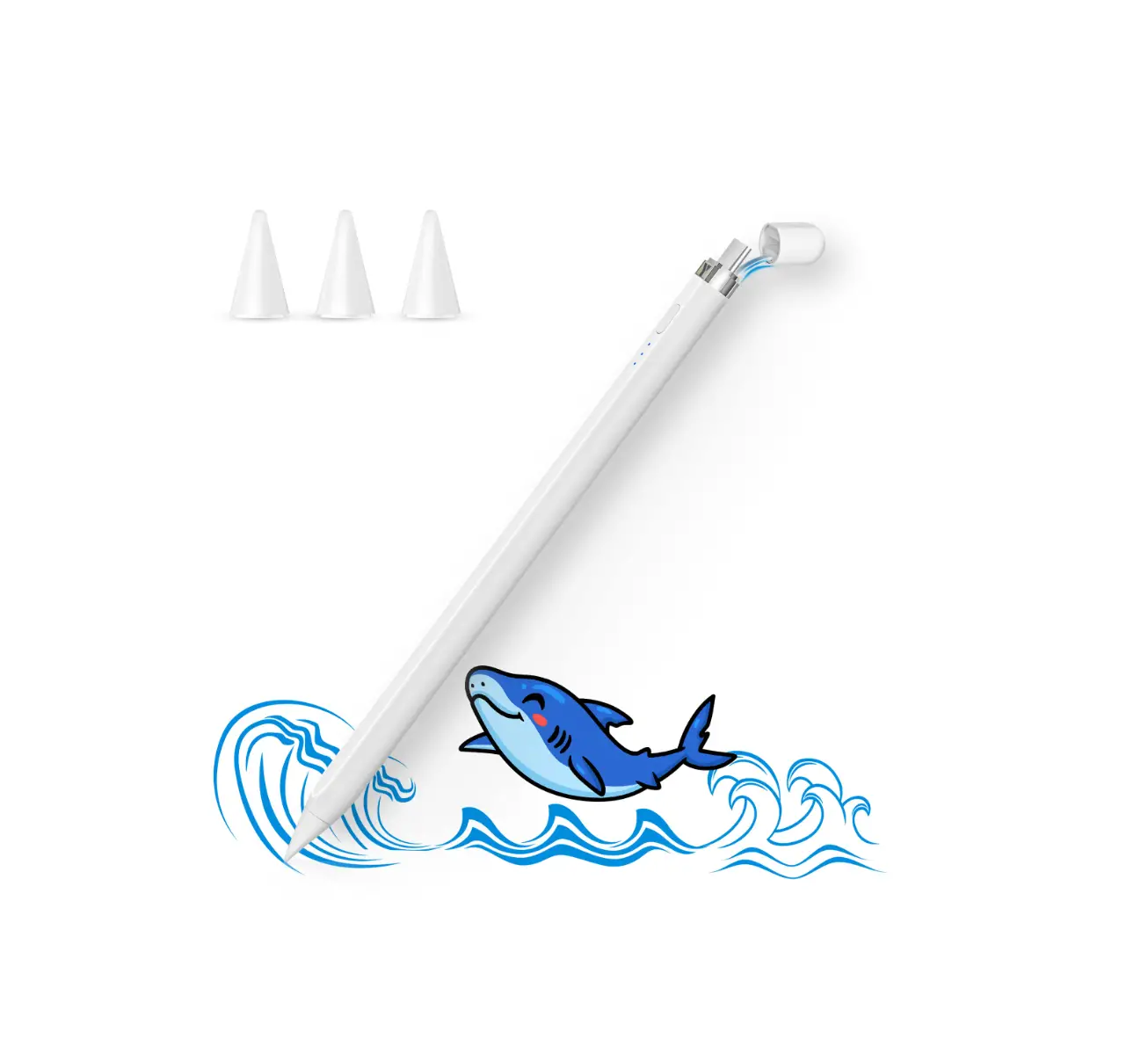
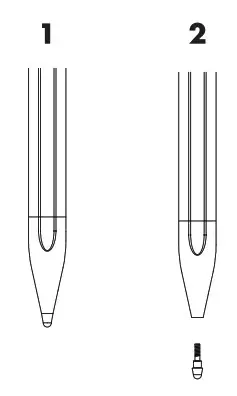
How to replace the fine point tip
Remove the POM tips as illustrated below (1-2-3-4)
Compatible devices
iPad Pro 11-inch
iPad Pro 12.9 inch (3rd Gen.)
iPad Pro 11 inch (2nd Gen.)
iPad Pro 12.9 inch (4th Gen.)
iPad Air (3rd Gen}
iPad (7th Gen.)
iPad Mini (5th Gen.)
Note:
Only compatible with iPad models released in 2018 or later.
Accessories details
Active Stylus Pen………. x 1
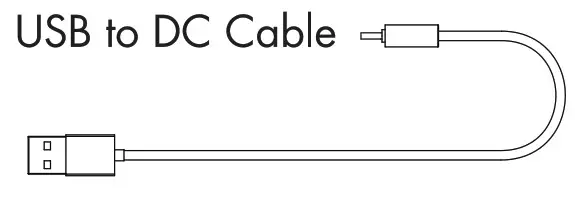
USB Cable……………..x 1
Instructional manual……x 2
Specifications
- Dimensions: 165mm X 89mm
- Battery: Li-polymer 140mAh
- Charging Port: USB to DC Cable
- Charging time: 2 Hours
- Operating time: > 15 Hours
- Fine point tip size – POM: 1.7mm
- Sleep mode: If not in use for 120 minutes, the stylus will power off.