
Operating Instructions
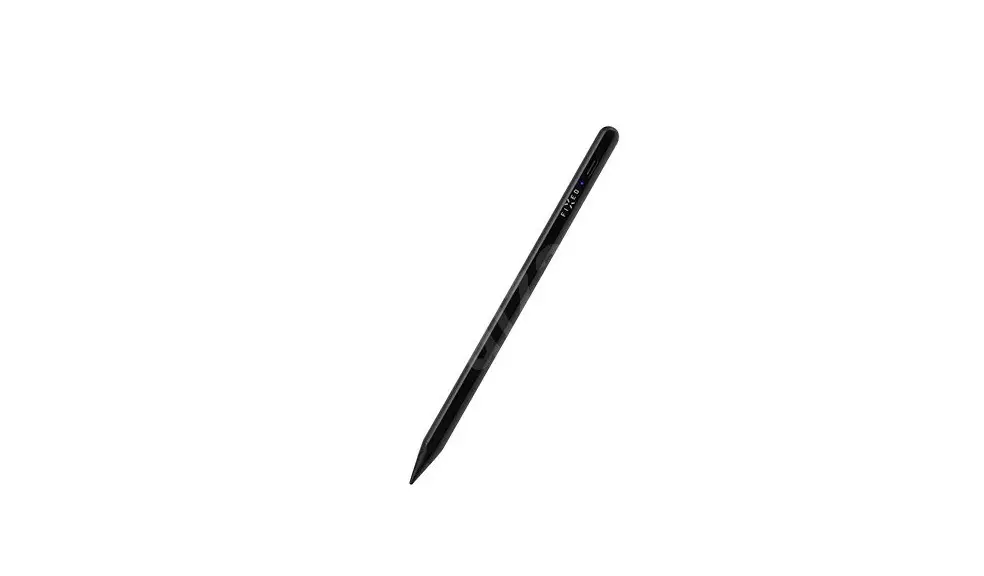
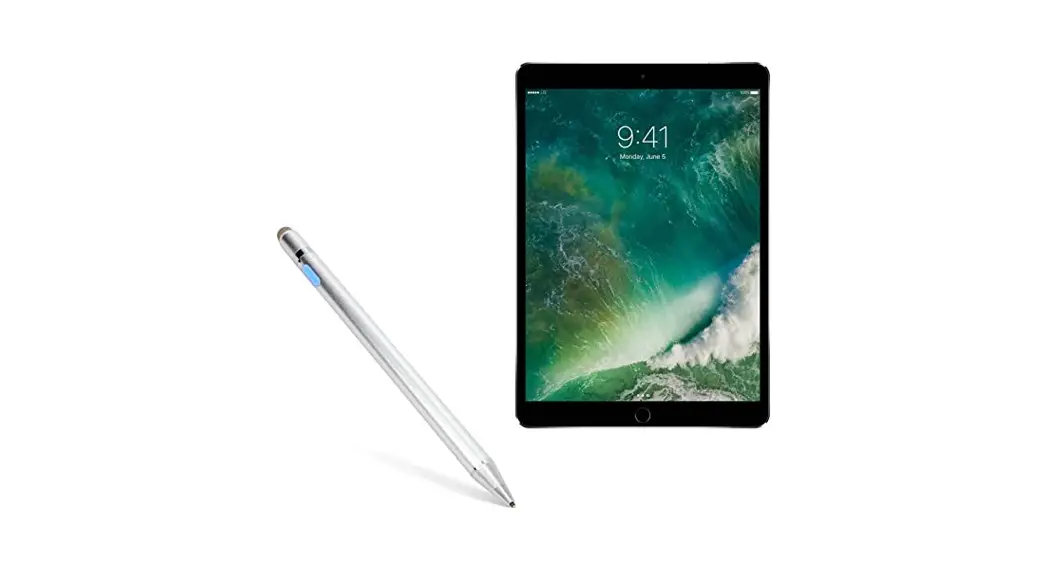
3S-2061 3sixT Smart Stylus for iPad
WARNING
- Read all instructions and warnings before using this product. Improper use of this product may result in product damage, excessive heat, toxic fumes, fire or explosion, for which damages you (“Purchaser”) and not 3sixT (“Manufacturer”) are responsible.
- Do not store the accessory in a high-temperature environment, including heat caused by intense sunlight or other forms of heat (heaters etc.).
- Do not place the device in fire or other extremely hot environments.
- Do not disassemble or modify this accessory in any manner.
- Do not attempt to power this device using any other method than as instructed explicitly in this user guide.
- This accessory is intended for adults and not minors. Failure not to follow these warnings is the sole responsibility of the purchaser, who agrees to indemnify the Manufacturer (”3sixT”) for any unintended use/misuse by a minor.
- All products must pass through a thorough quality inspection at the time of manufacture. However, if you find that your device is excessively hot, is found to be deformed outside its regular appearance or is emitting smoke, immediately stop using the device and contact 3sixT.
© 2021 3sixT. All rights reserved.
23/136 Keys Road, Cheltenham VIC 3192 Australia.
MADE IN CHINA
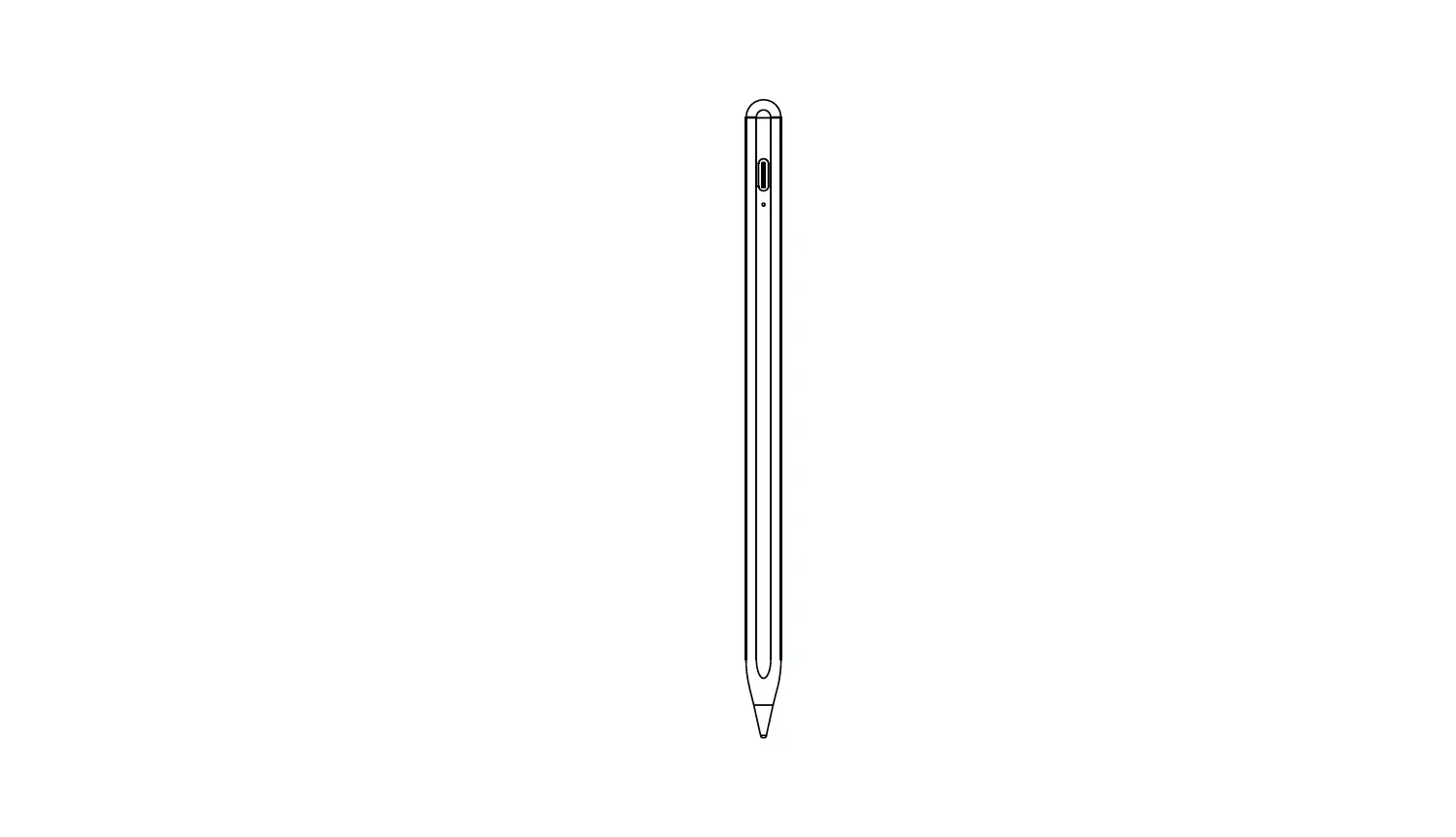
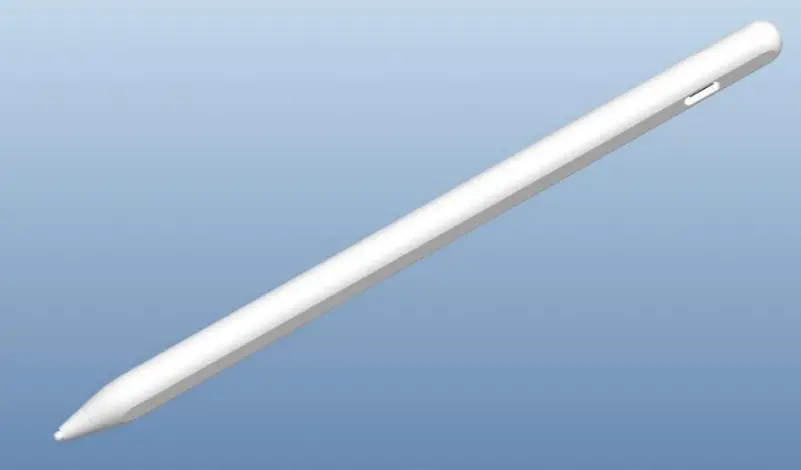
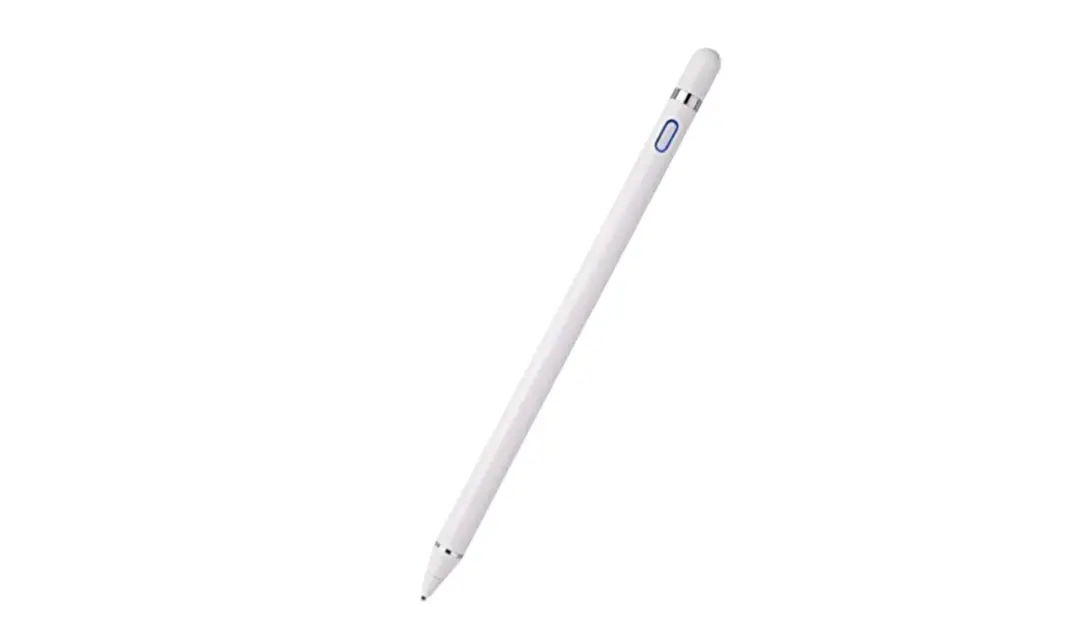
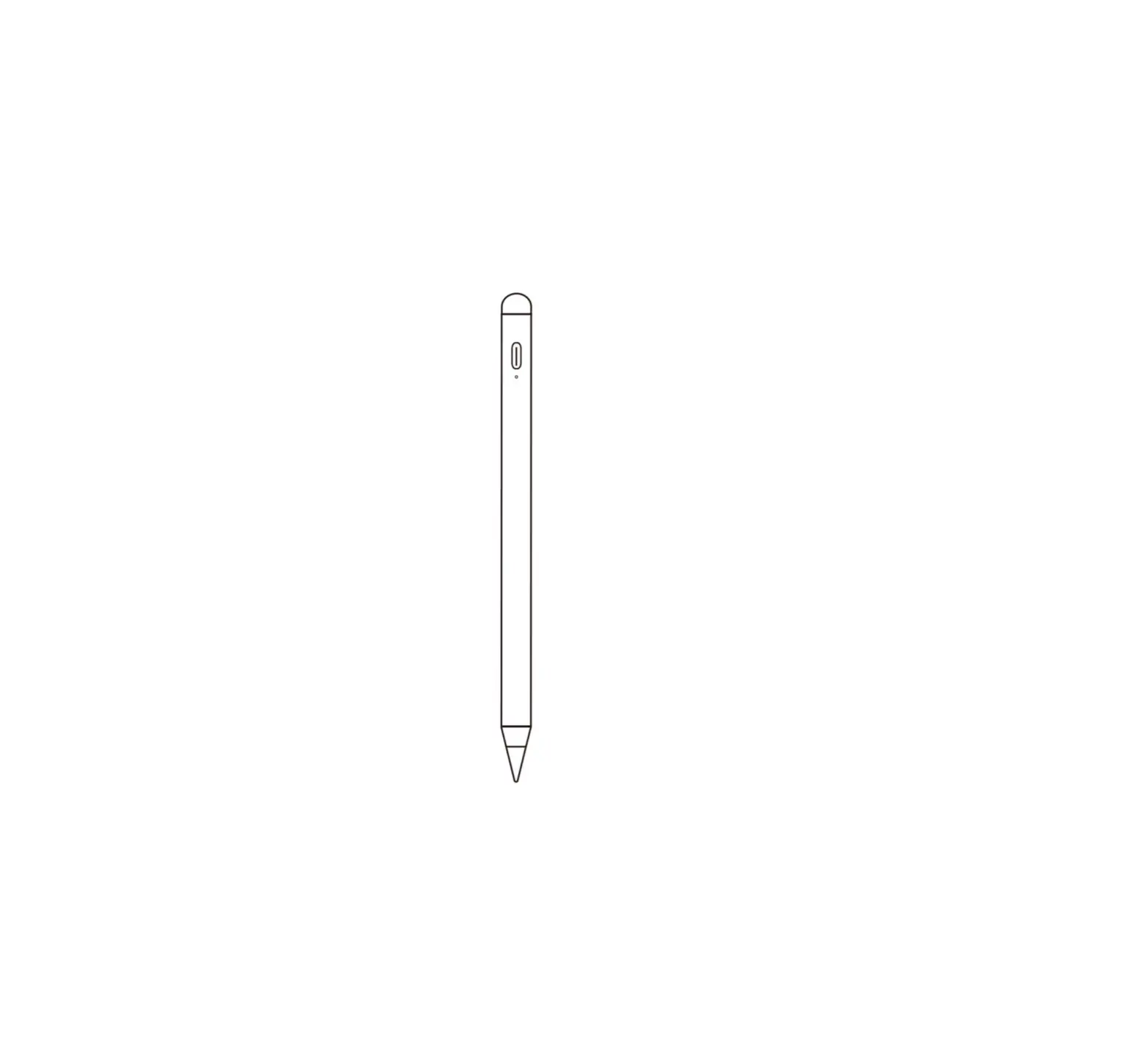
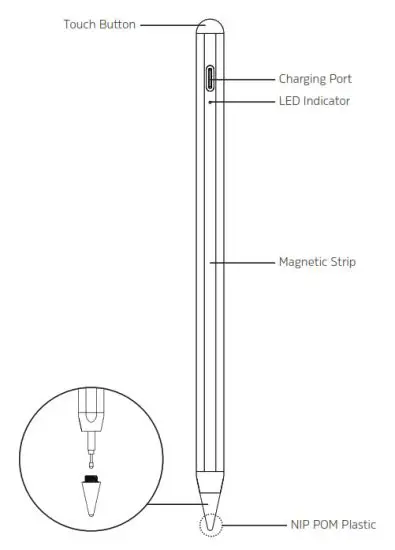
NAME PARTS
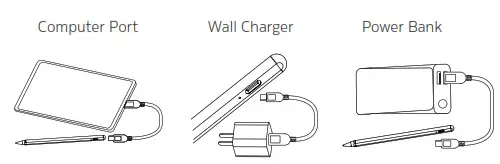
CHARGING YOUR STYLUS
OPERATION
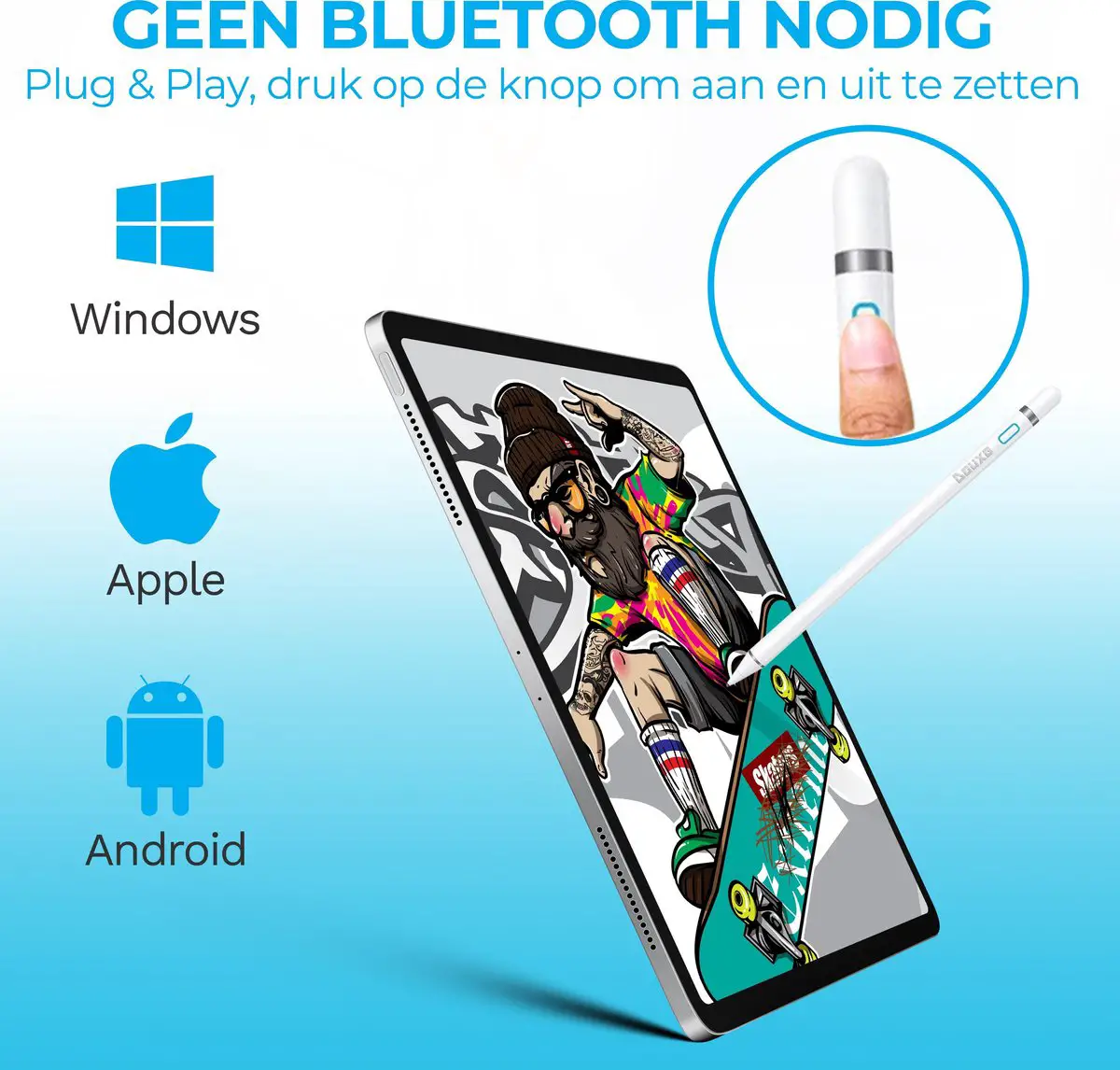
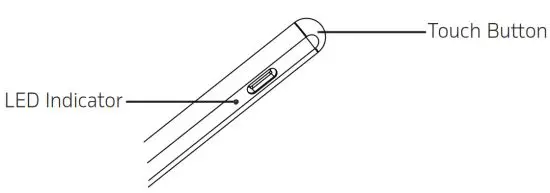
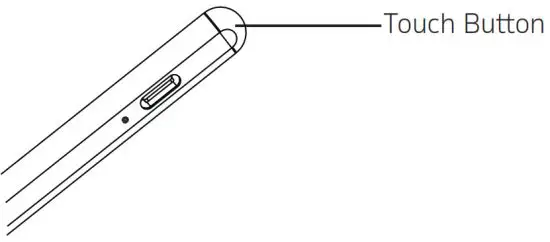
- Press the Touch Button, blue light turns on, now the stylus is in working mode

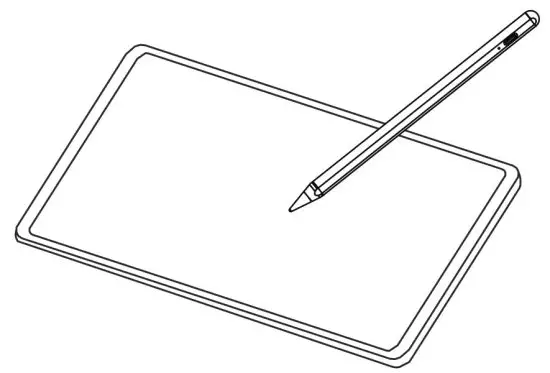
- The stylus is ready to use for clicking, dragging, sketching, drawing, note-taking, etc. on iPad applications

- Press the button again, the stylus will shutdown. Stylus will shutdown automatically if it is idle for 5 minutes

STYLUS COMPATIBILITY*
| Description | Screen Size | Model No# | iOS Version |
iPad Mini Gen 5(2019) | 7.9″ | A2126 / A2124 /A2133 | 12.2 & above |
iPad Gen 6 (2018) | 9.7″ | A1954 / A1893 | 12.1.4 & above |
iPad Gen 7 (2019) | 10.2″ | A2200 / A2198 /A2232 | 12.2 & above |
iPad Gen 8 (2020) | 10.2″ | A2428 / A2429 /A2270 / A2430 | 14.1 & above |
| iPad Air Gen 3(2019) | 10.5″ | A2153 / A2123 /A2154 / A2152 | 12.2 & above |
iPad Air Gen 4(2020) | 10.9″ | A2316 / A2324 /A2325 / A2072 | 14.1 & above |
| iPad Pro 11 Gen 1(2018) | 11″ | A2013 / A1934 /A1980 / A1979 | 12.2 & above |
iPad Pro 11 Gen 2(2020) | 11″ | A2068 / A2230 /A2228 / A2231 | 13.1 & above |
| iPad Pro 12.9 Gen3 (2018) | 12.9″ | A2014 / A1895 /A1876 / A1983 | 12.2 & above |
iPad Pro 12.9 Gen 4(2020) | 12.9″ | A2069 / A2232 /A2233 / A2229 | 13.1 & above |
*subject to change/update without notice
SPECIFICATION
| Item/Model No#: | 3S-2061 |
| Input: | 5V/2A |
| Charging Type: | USB-C |
| Length | 16.7cm |
| Diameter: | 0.9cm |
| Weight: | 16.8g |
| Battery: | 140mAh Li-Po |
| Working Time: | Approx. 9 hours |
| Charge Time: | Approx. 1 hour |
| Standby Time: | Approx. 1 Year |

www.3sixtgear.com
or visit www.3sixtgear.com/support
 3sixT Gear American Express Apple Pay Google Pay Mastercard PayPal Shop Pay Visa Zip