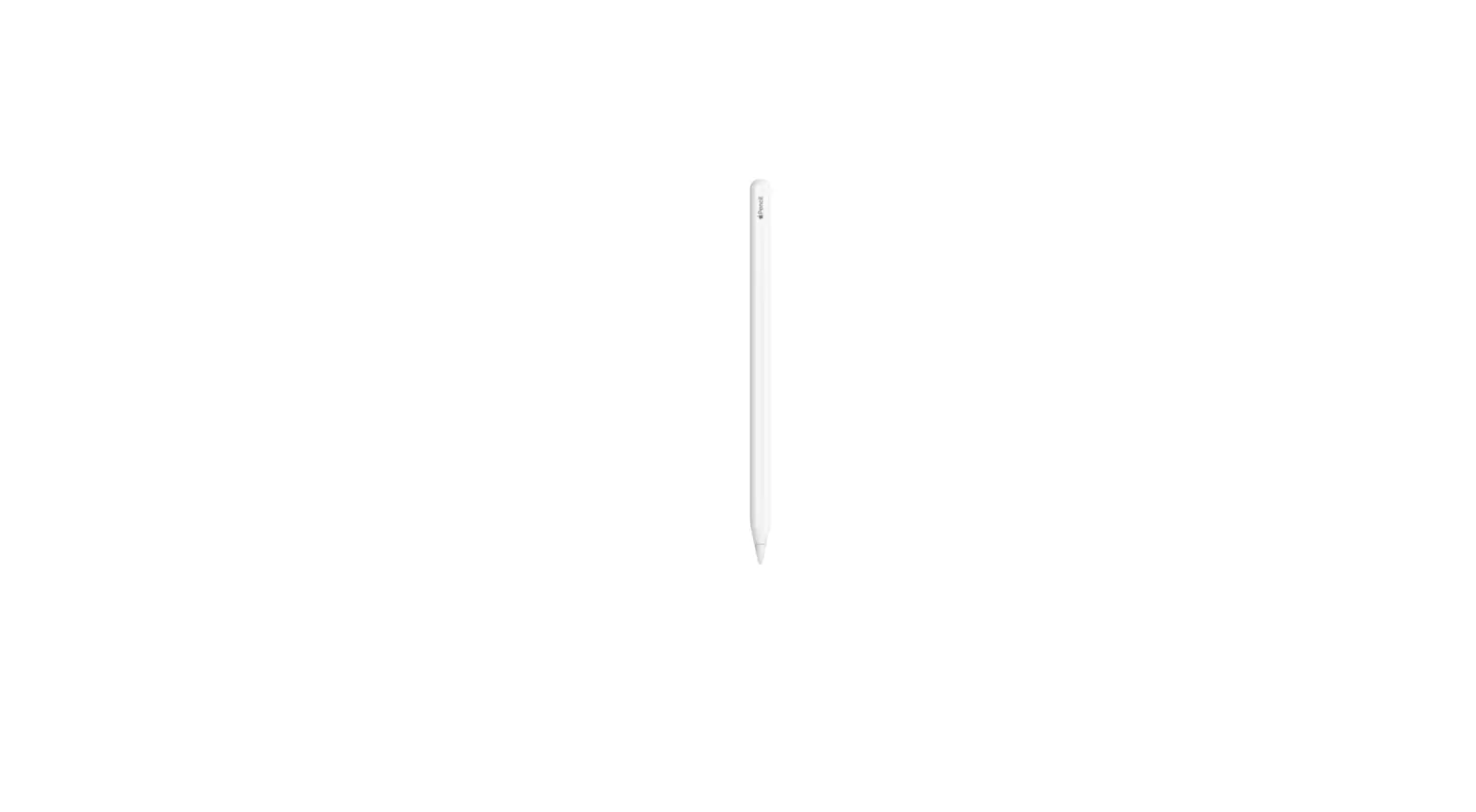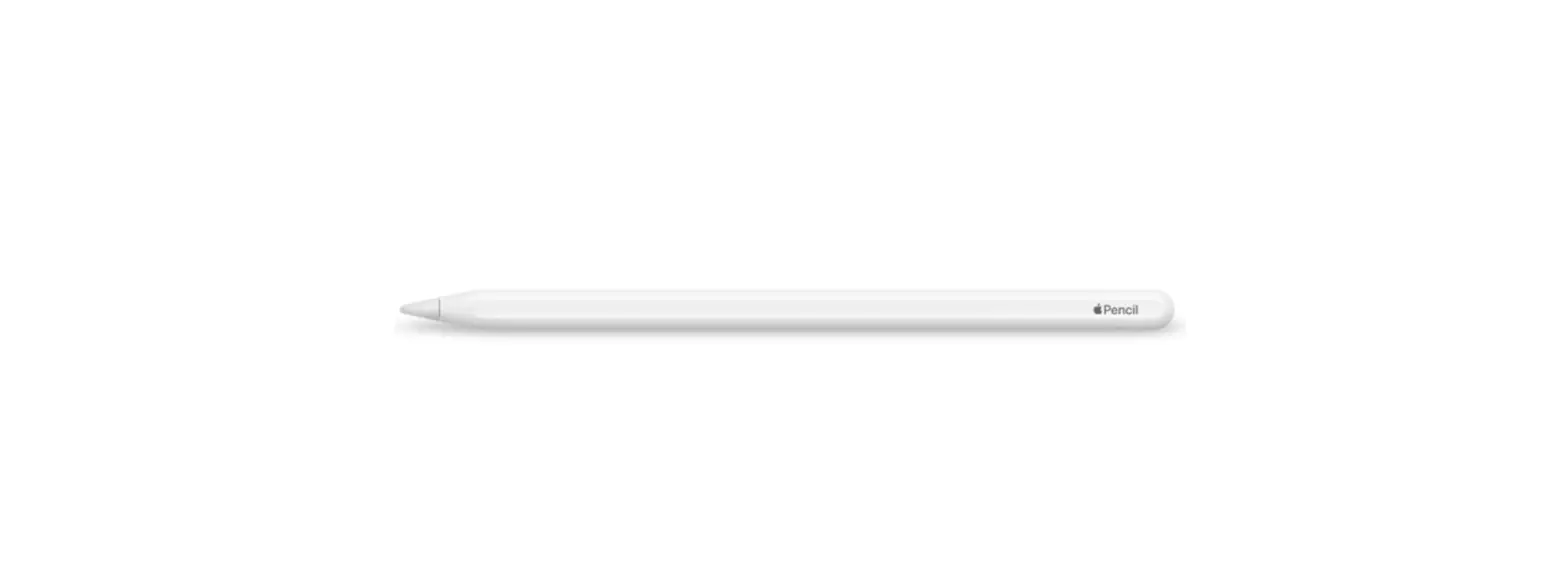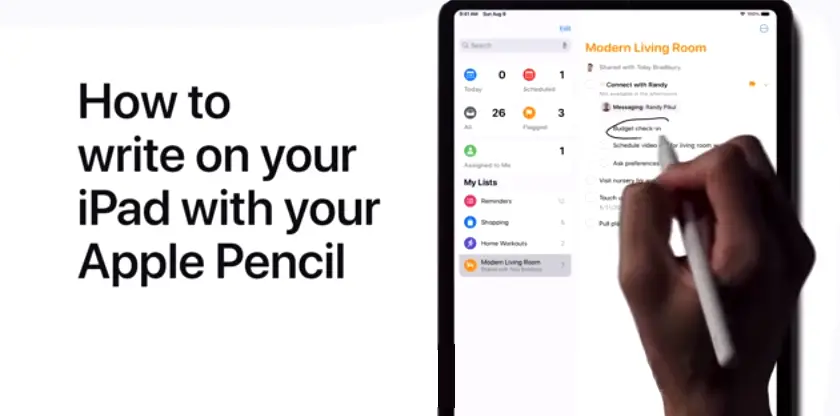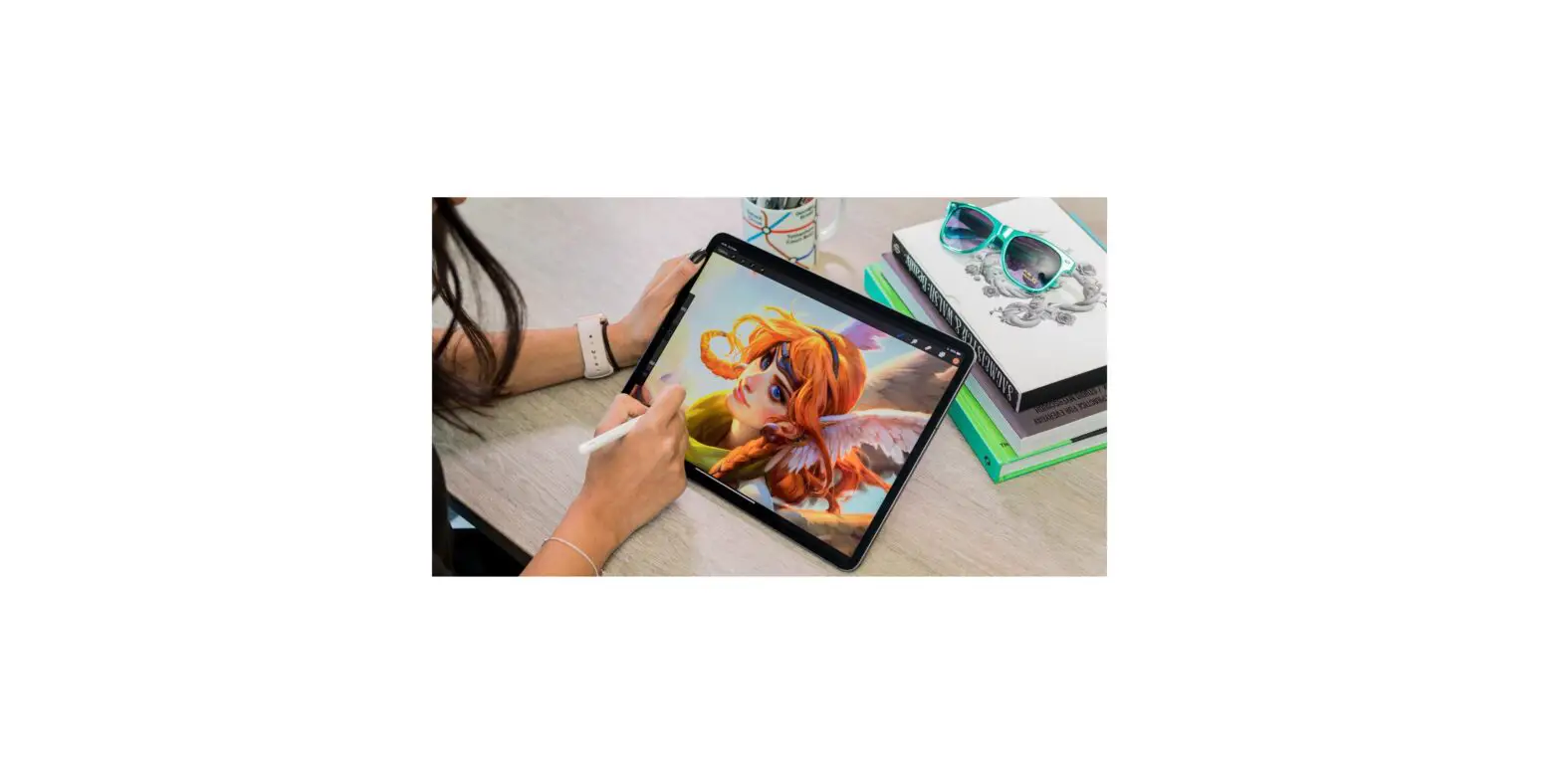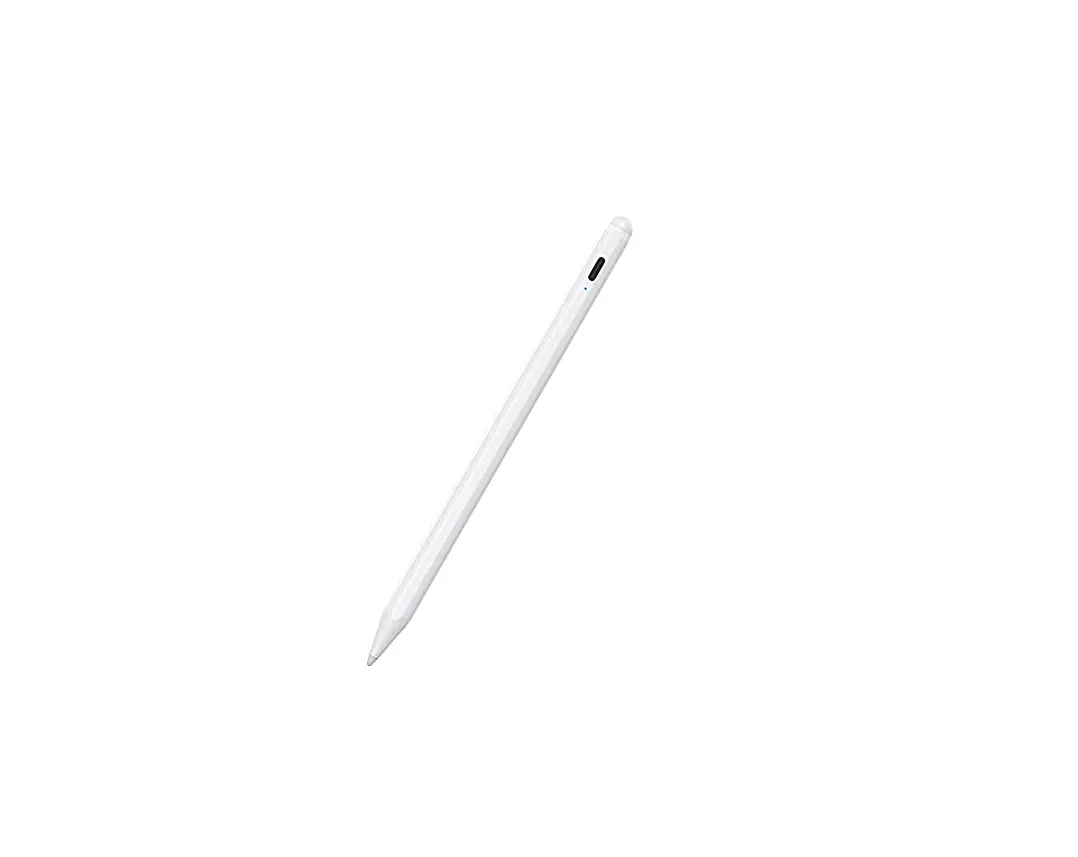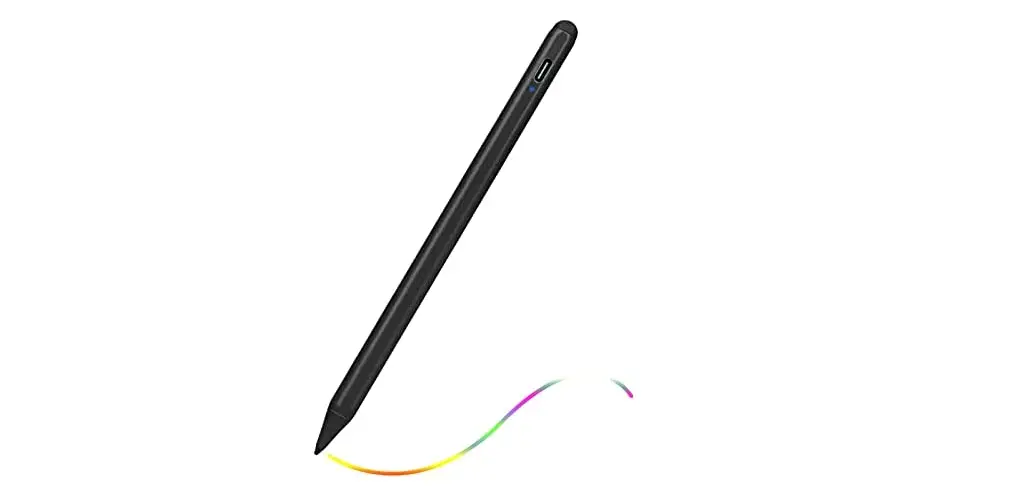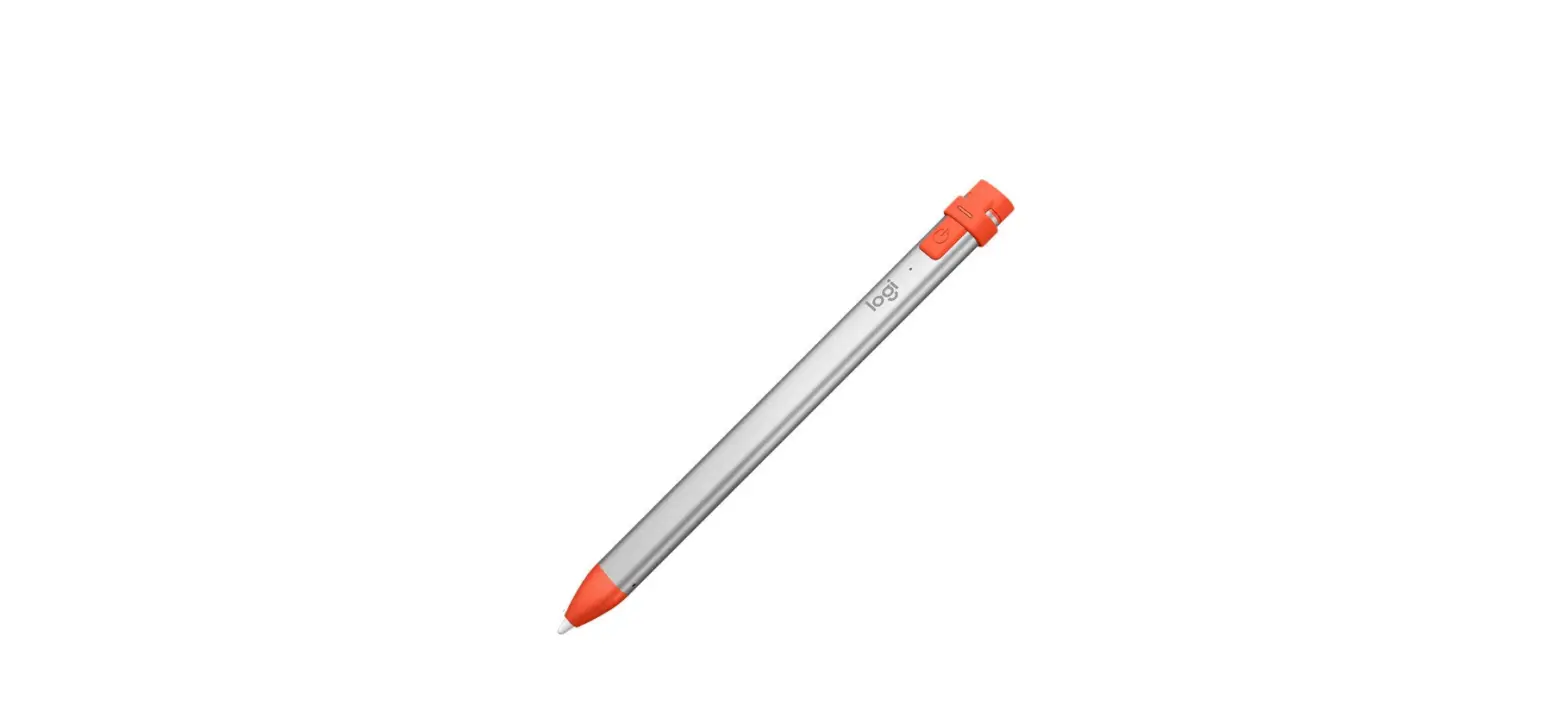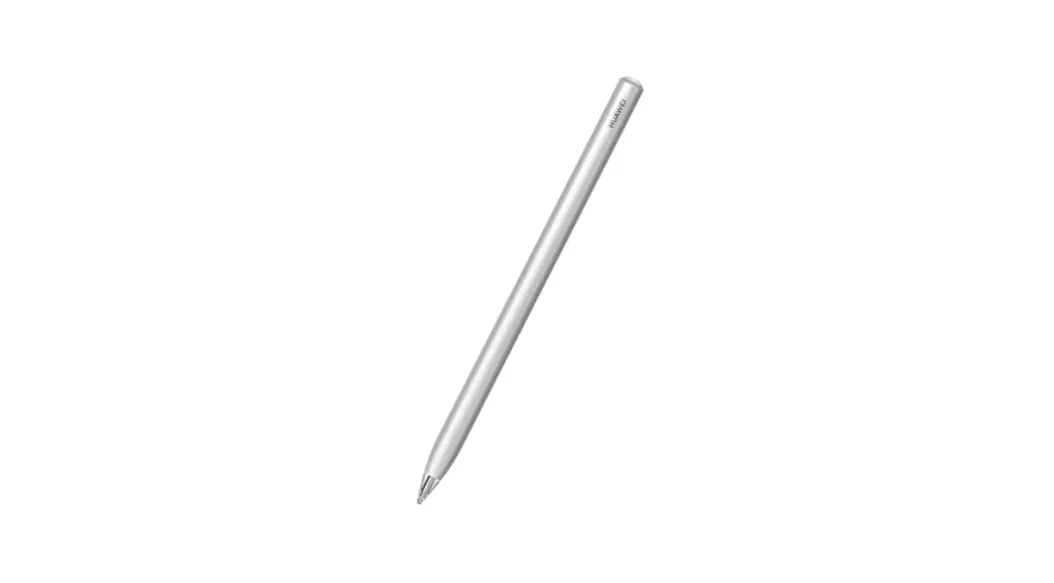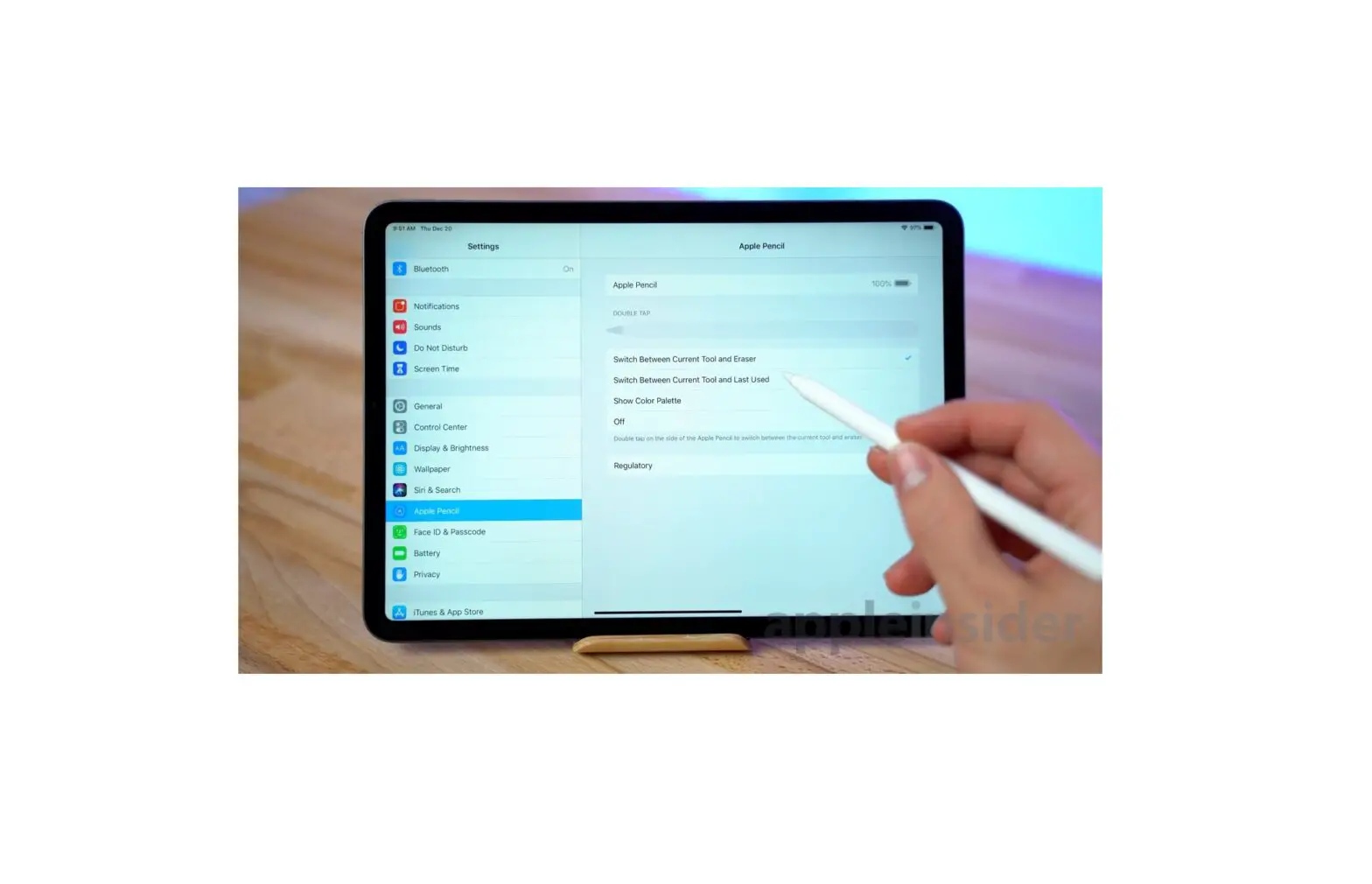
If you have difficulty using the gestures for Apple Pencil (2nd generation) on supported iPad models, you can adjust the settings.
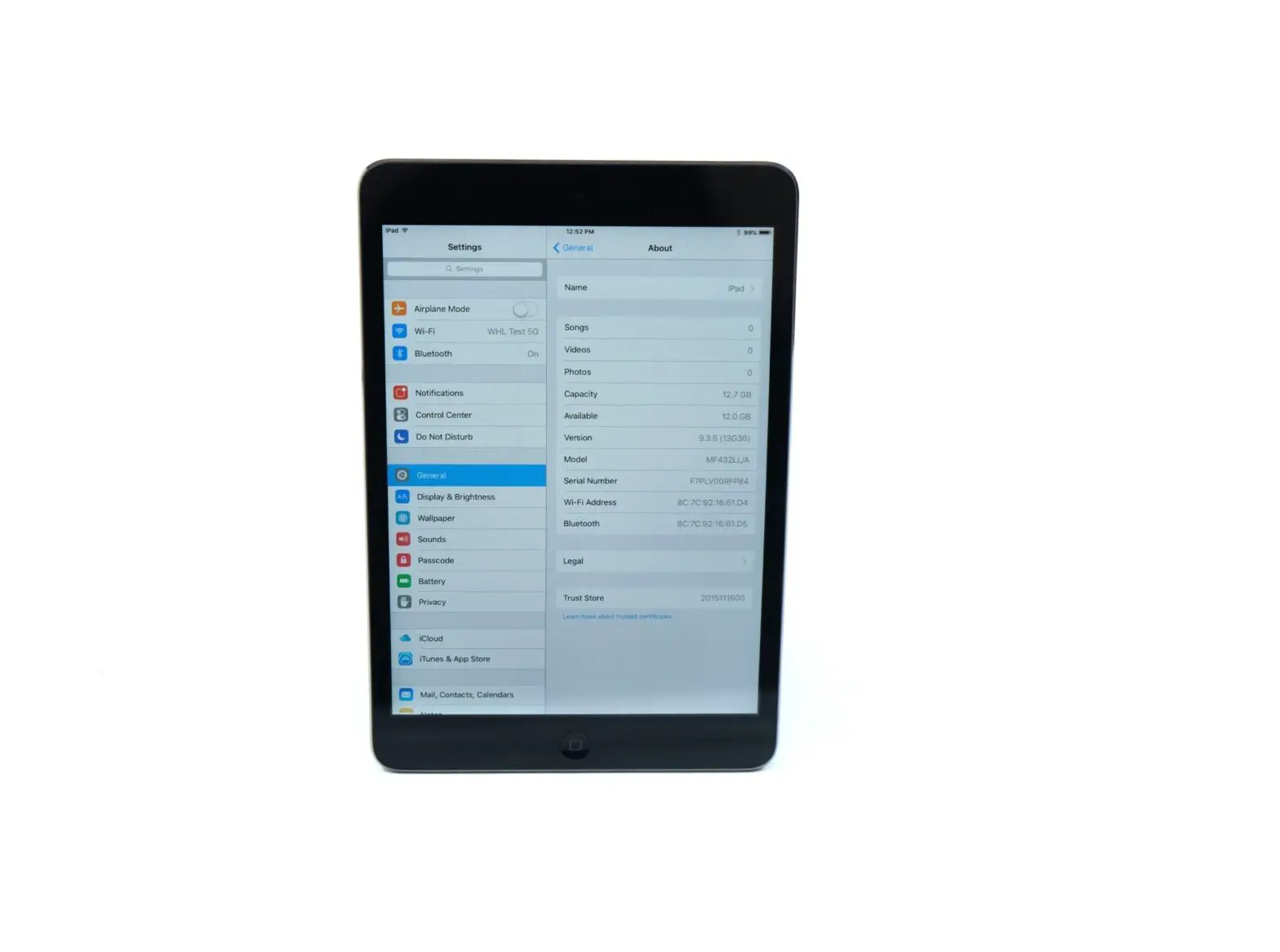
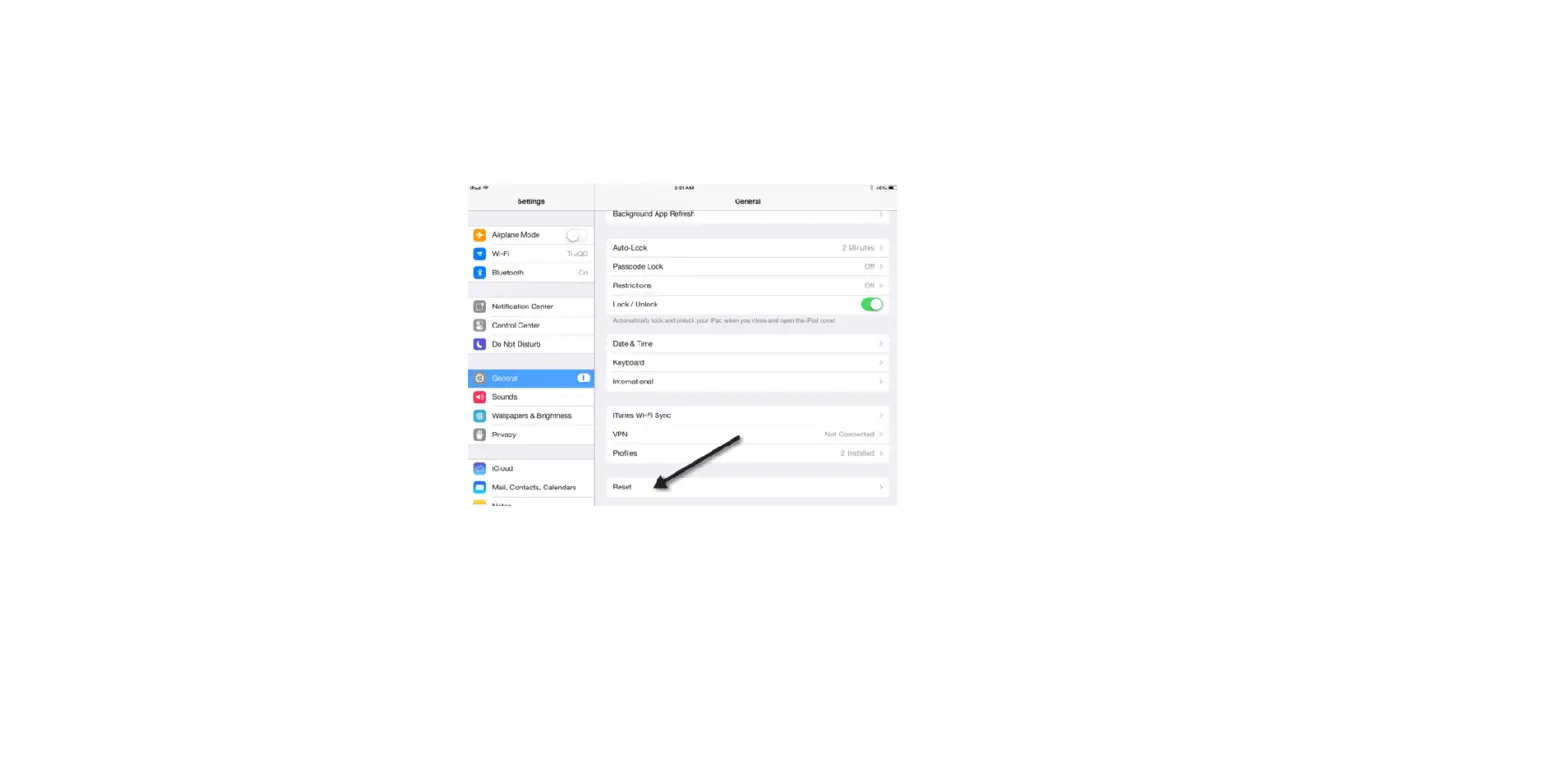
- Go to Settings
 > Accessibility > Apple Pencil.
 - Do any of the following:
- Turn off Double Tap Gesture.
- Change the duration of the double tap gesture to Slow or Slowest.
 > Accessibility > Apple Pencil.