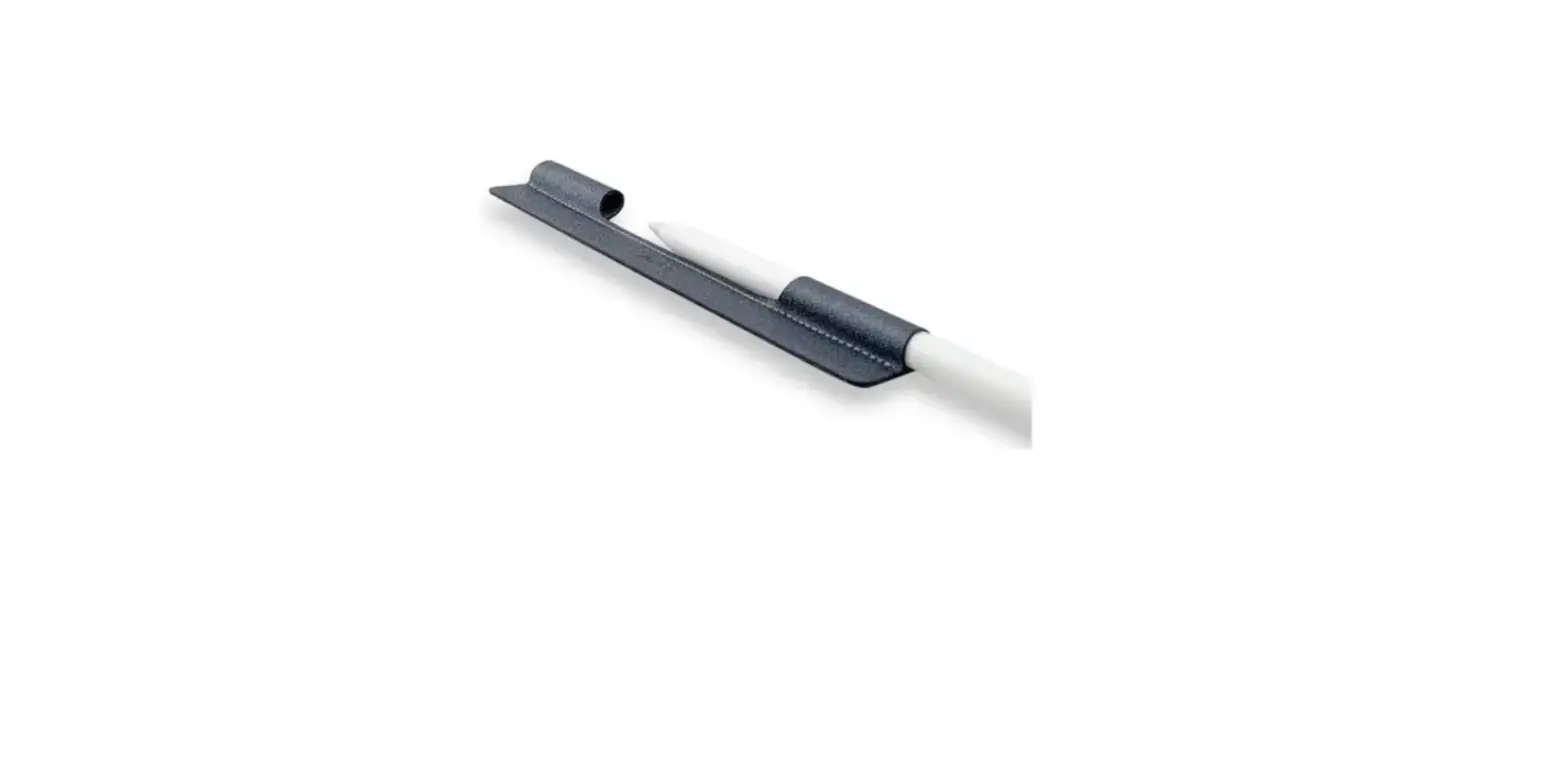

Kogan NBAPCLMGWSA Apple Compatible Pencil with Magnetic Attach and Charging
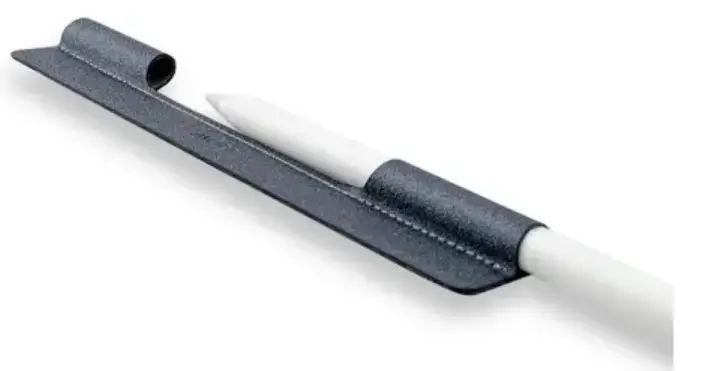
OVERVIEW
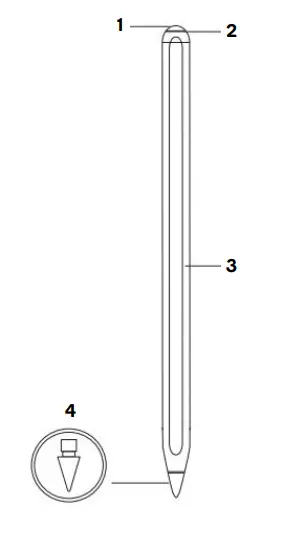
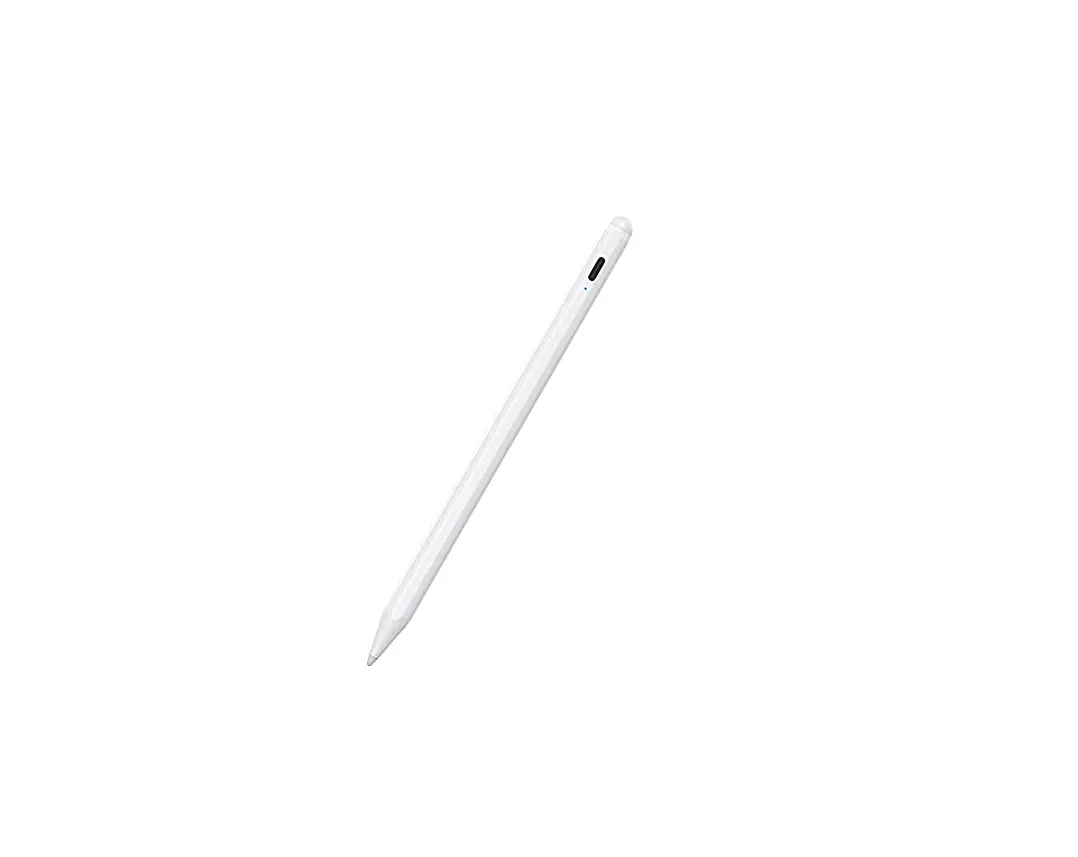
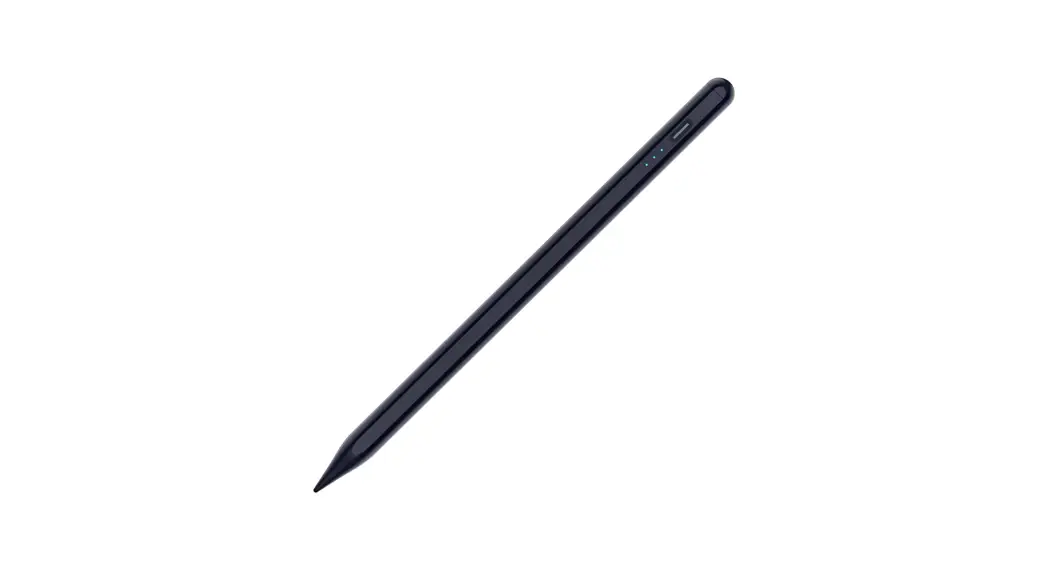
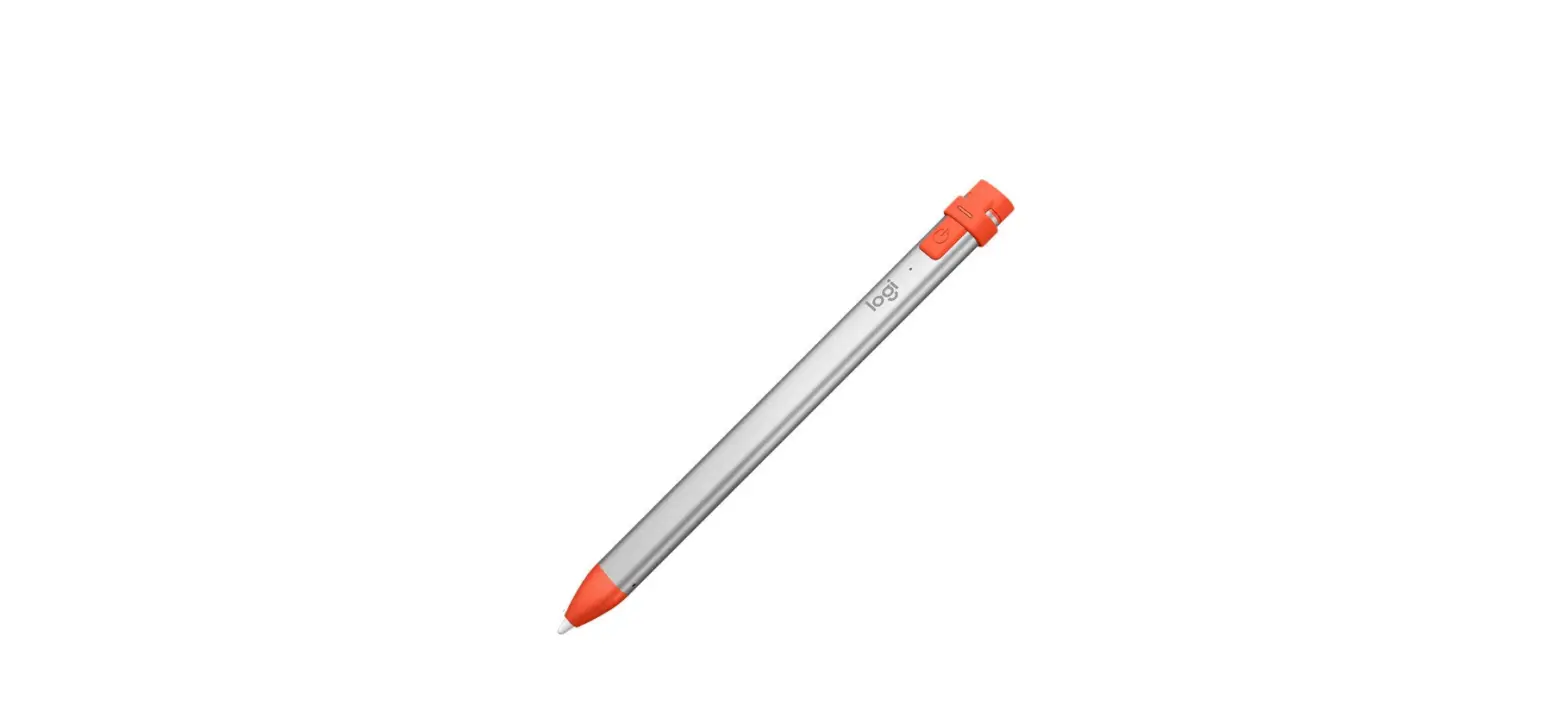
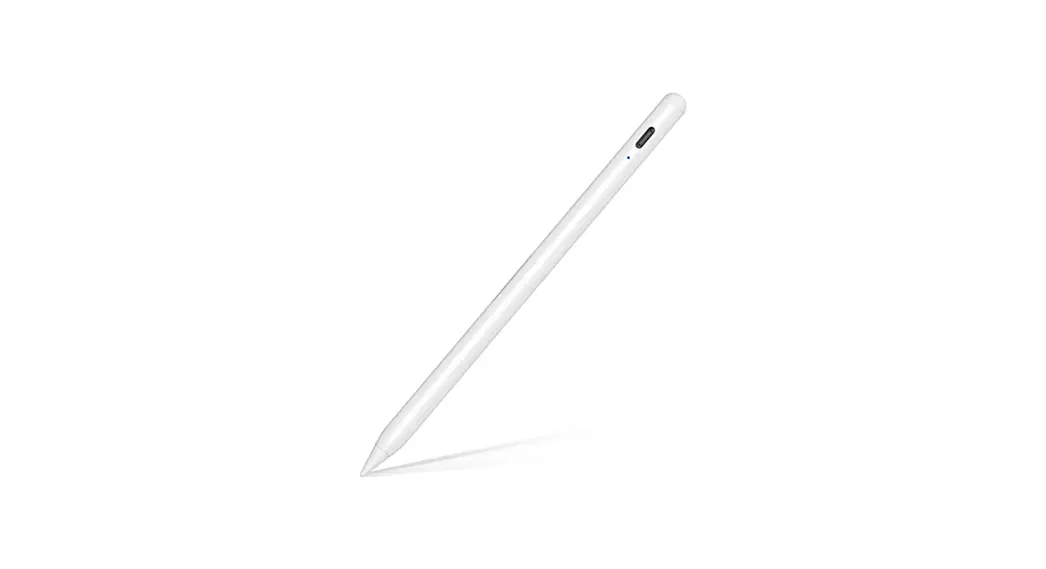
- Button
- Indicator
- Magnetic surface
- Detachable nib
OPERATION
Powering On
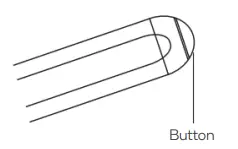
Press and hold the button on the top of the pencil until the indicator illuminates. The pencil is now ready for use. Press and hold the button on the top of the pencil until the indicator turns off.
Connecting the Pen to the iPad
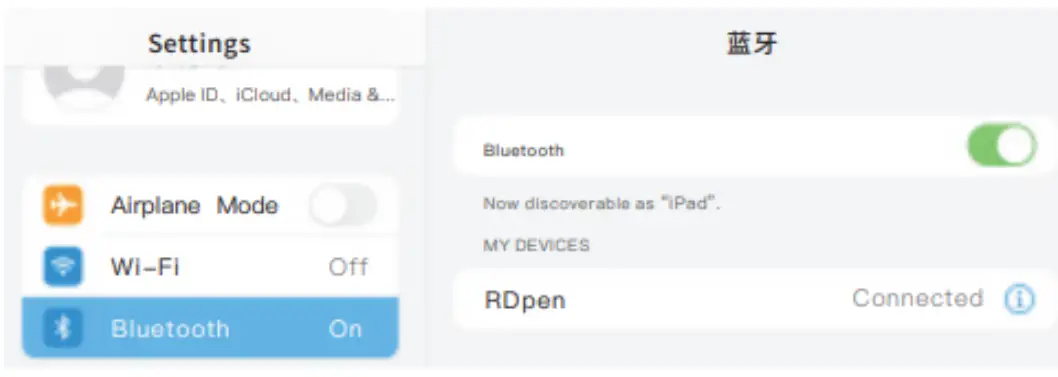
- On your iPad, open the Settings menu and tap “Bluetooth” to ensure Bluetooth is enabled.
- Find the device named “RDpen” and tap to connect the pencil.

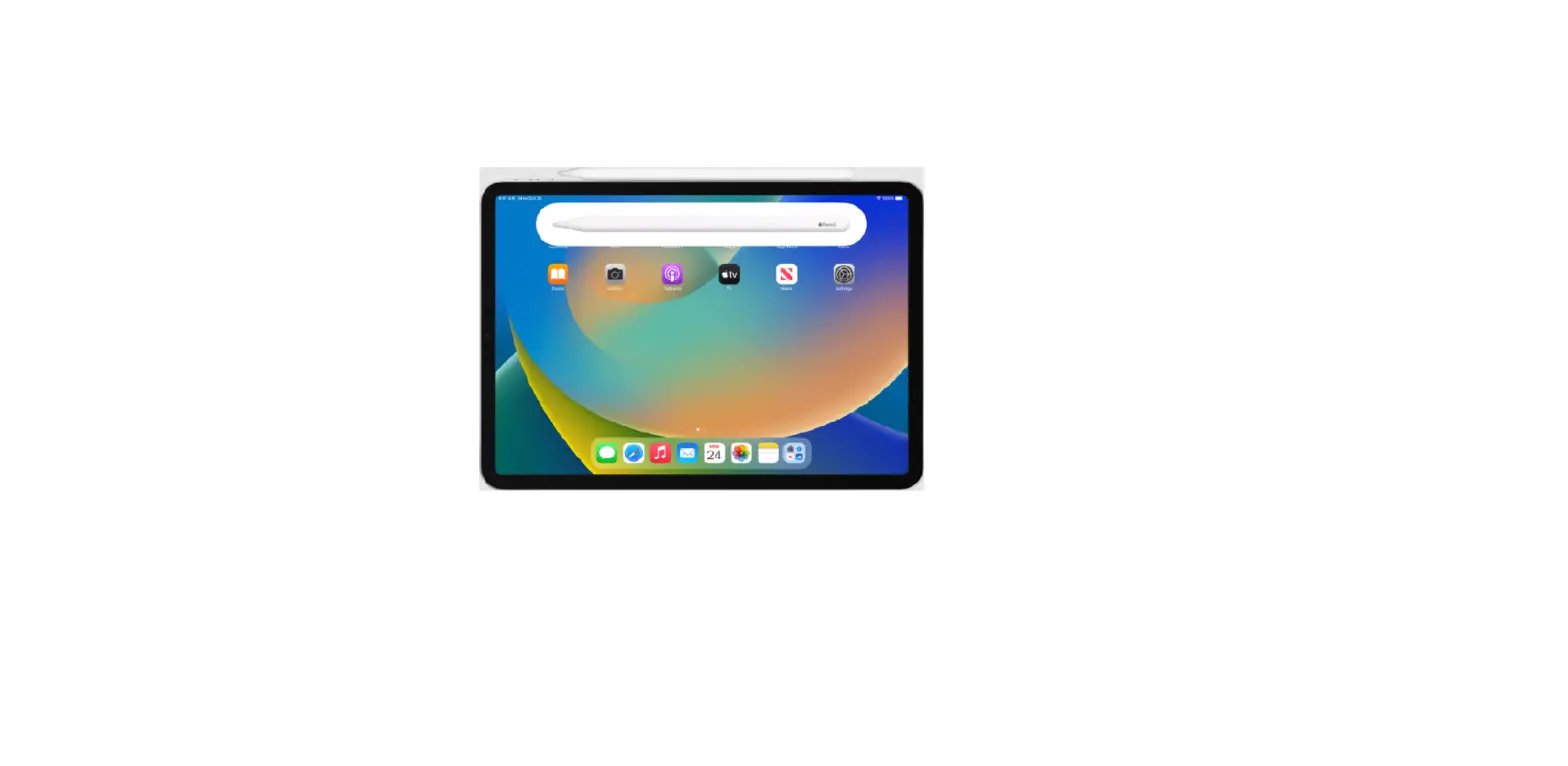
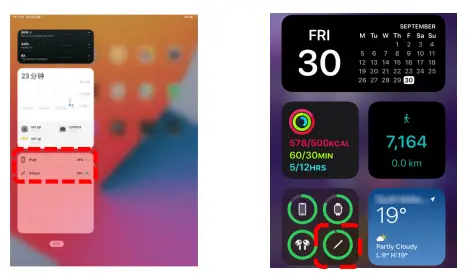
- Long press the screen to add a battery widget to display the remaining power of the pen in real time.

Charging
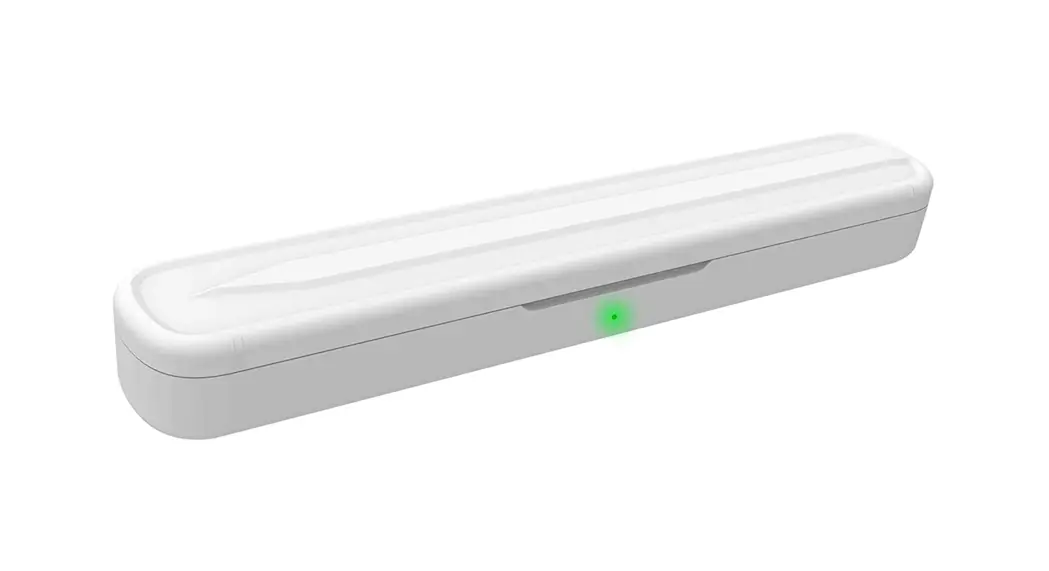
The pen can be charged by attaching the magnetic surface to the side of the iPad under the volume button. The battery level can be monitored using the battery widget.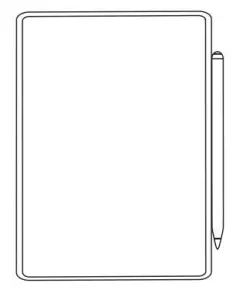
Note: Adsorption charging is only available on iPad mini (Series 6) iPad Pro, Pad Air (Series 4) & iPad Air (Series 5).
Indicator Light
|
Operating | Solid light green | Battery level 100%-70% |
| Solid light blue | Battery level 70%-20% | |
| Solid light red | The battery is less than 20% | |
|
Recharge | Flashing green | Battery level 100%-70% |
| Blue light flashing | Battery level 70%-20% | |
| Flashing red | The battery is less than 20% |
Replacing the Nib
To remove the nib, rotate the nib in a counter-clockwise direction. To replace the nib, rotate the nib in a clockwise direction until it is firmly in place.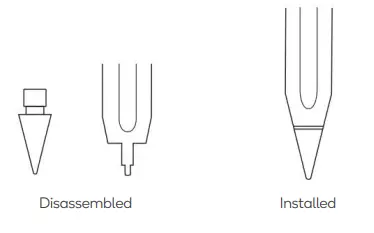
SPECIFICATIONS
- Material ABS
Input 5V-0.2A
Tilt pressure feeling Yes
Bluetooth Yes
Pen head Replaceable nib- Applicable models
- iPad Mini (Series 6)
- A2567/A2568/A2569
- iPad Air (Series 4)
- A2316/A2324/A2325/A2072
- iPad Air (Series 5)
- A2588/A2589/A2591
- iPad Pro 11”
- A1980/A2013/A1934/A1979
- iPad Pro 11” (Series 2)
- A2228/A2068/A2230/A2231
- iPad Pro 11” (Series 3)
- A2377/A2301/A2459/A2460
- iPad Pro12.9” (Series 3)
- A1983/A2014/A1895/A1876
- iPad Pro 12.9” (Series 4)
- A2229/A2069/A2232/A2233
- iPad Pro 12.9” (Series 5)
- A2378/A2379/A2461/A2462
Need more information?
- We hope that this user guide has given you the assistance needed for a simple set-up. For the most up-to-date guide for your product, as well as any additional assistance you may require, head online to help.kogan.com