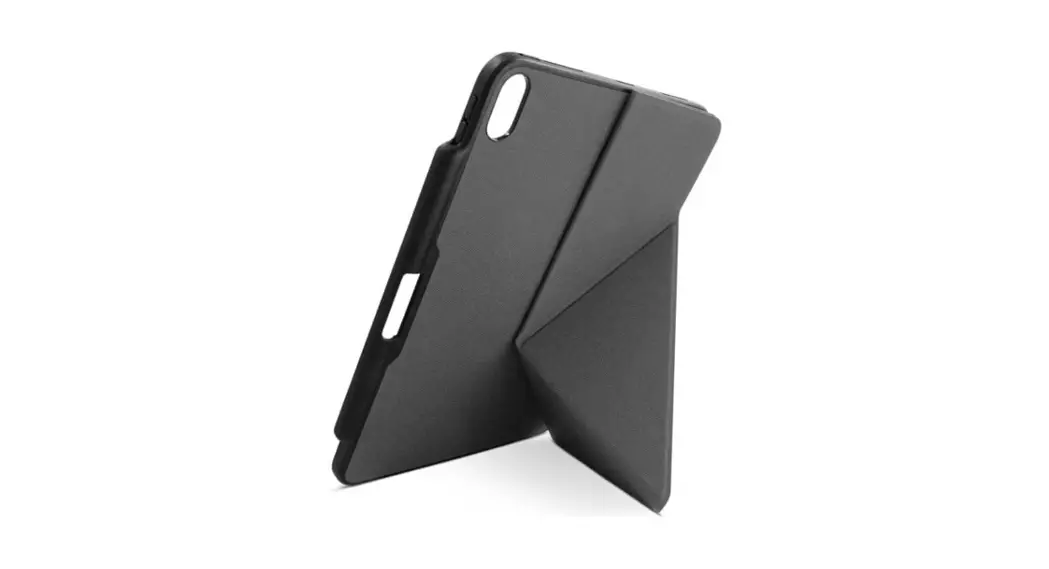
 PRO FLIP CASE
WITH CHARGING DOCK FOR Apple Pencil
USER MANUAL
Thank you for purchasing our protection case Epico Pro Flip Case. We believe you will be satisfied with our product.
Product description
Material: PU leather, microfiber, TPU
Content of the package
lx protection cover Epico Pro Flip Case lx user manual
User manual
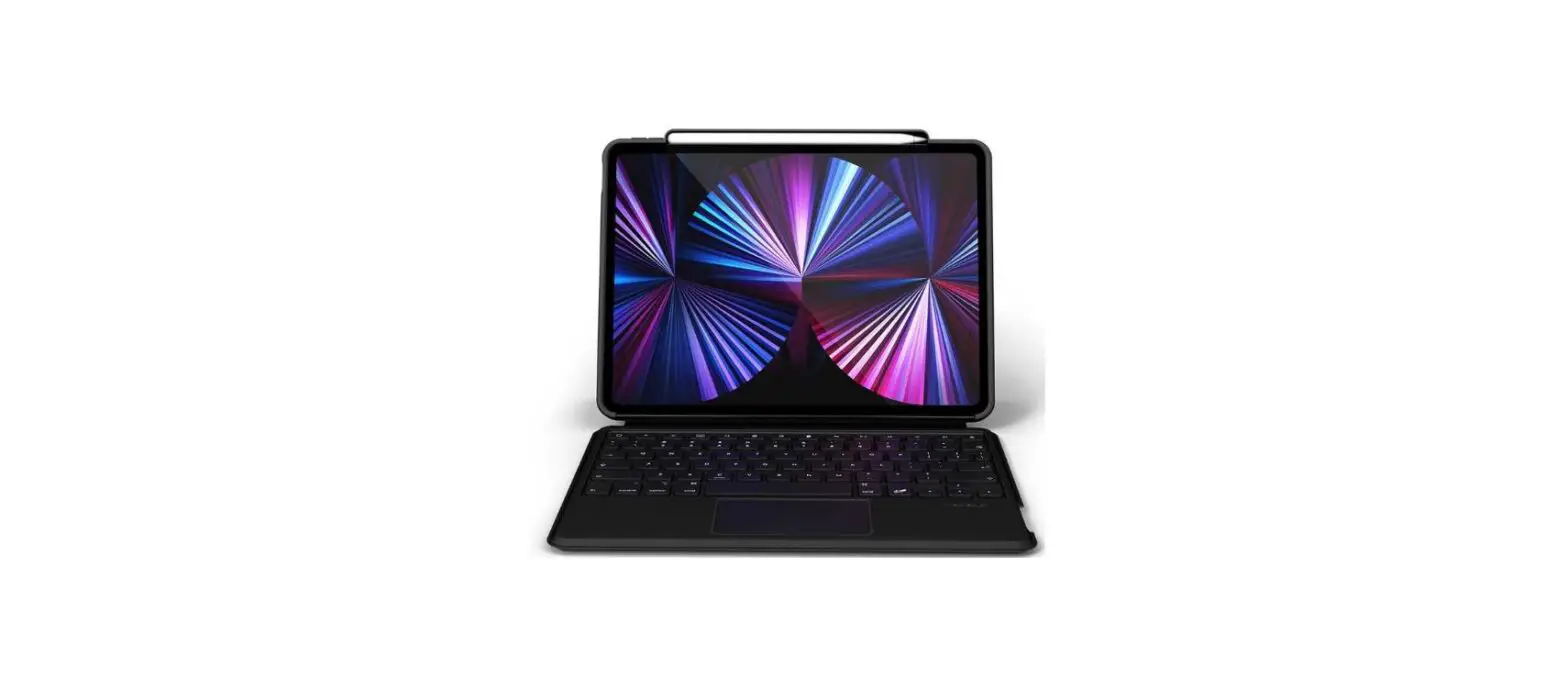
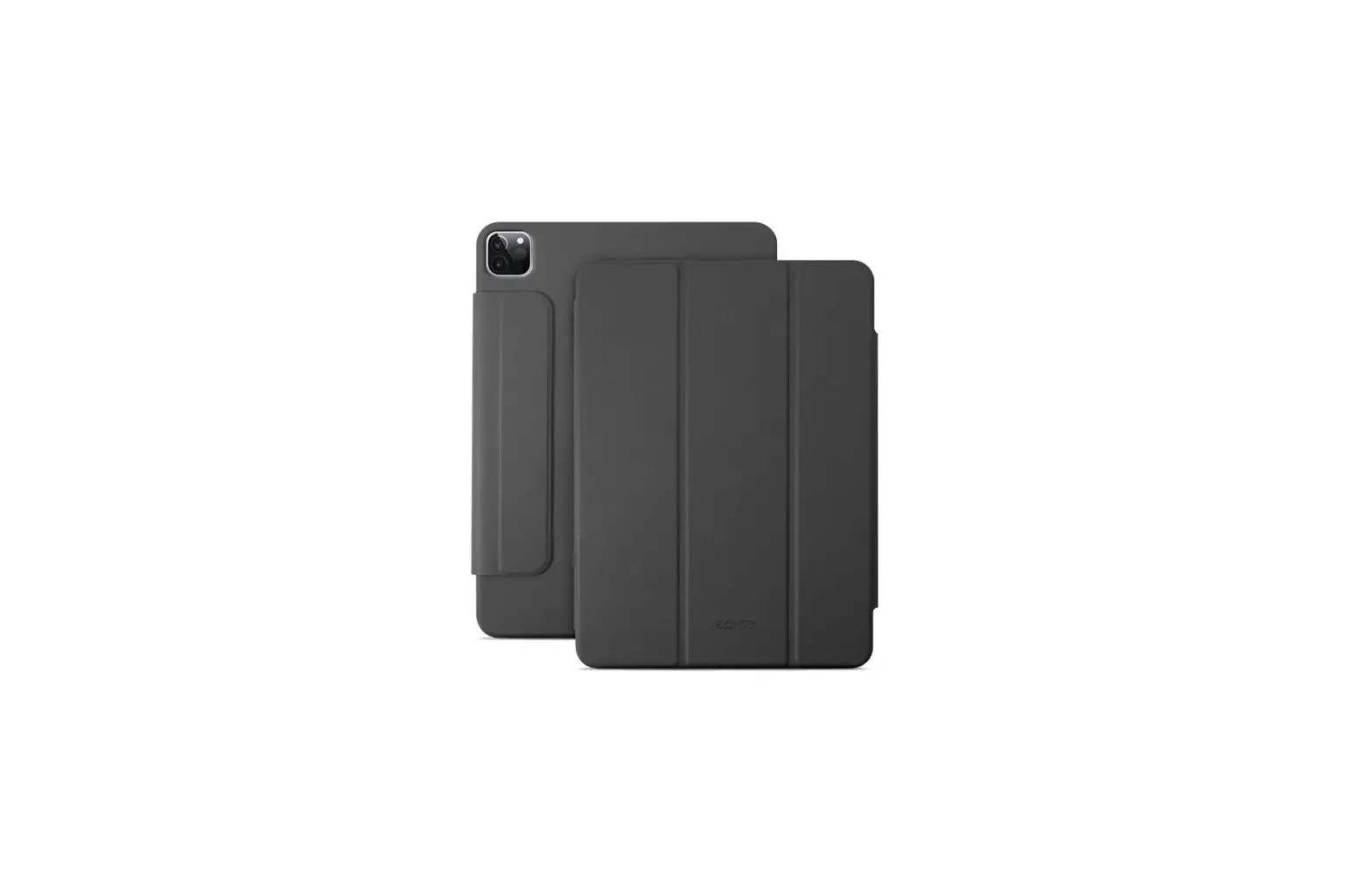
- Place your iPad in the protection case, making sure the camera faces the cut-out section.
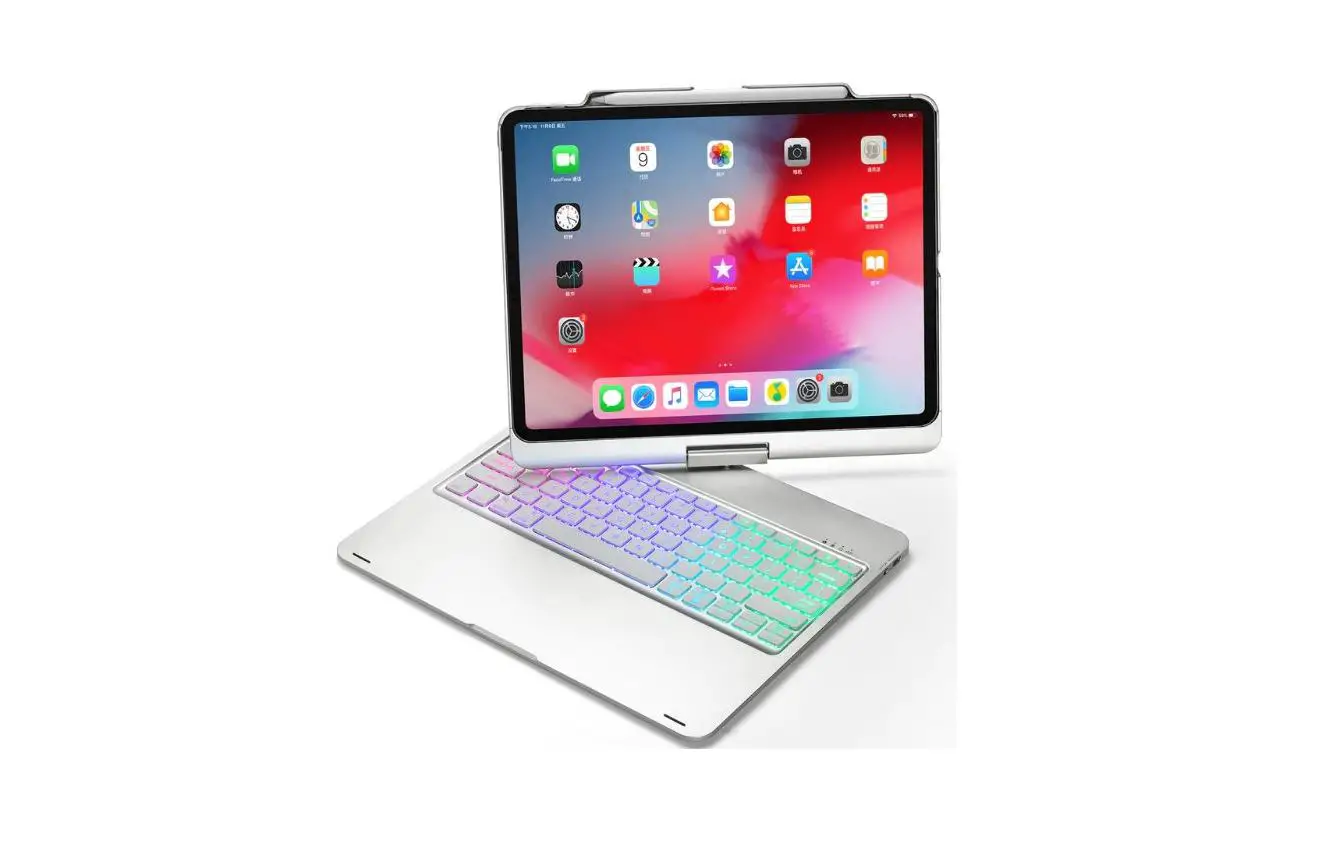
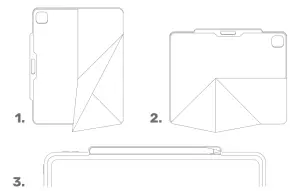
- The case can be also used as a vertical or horizontal stand — see Pictures 1 and 2.
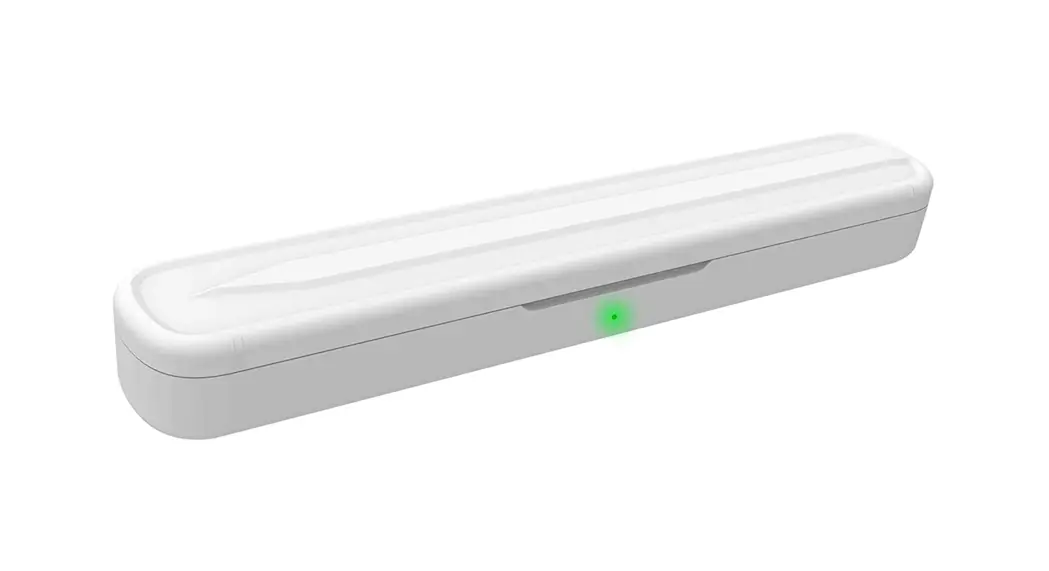
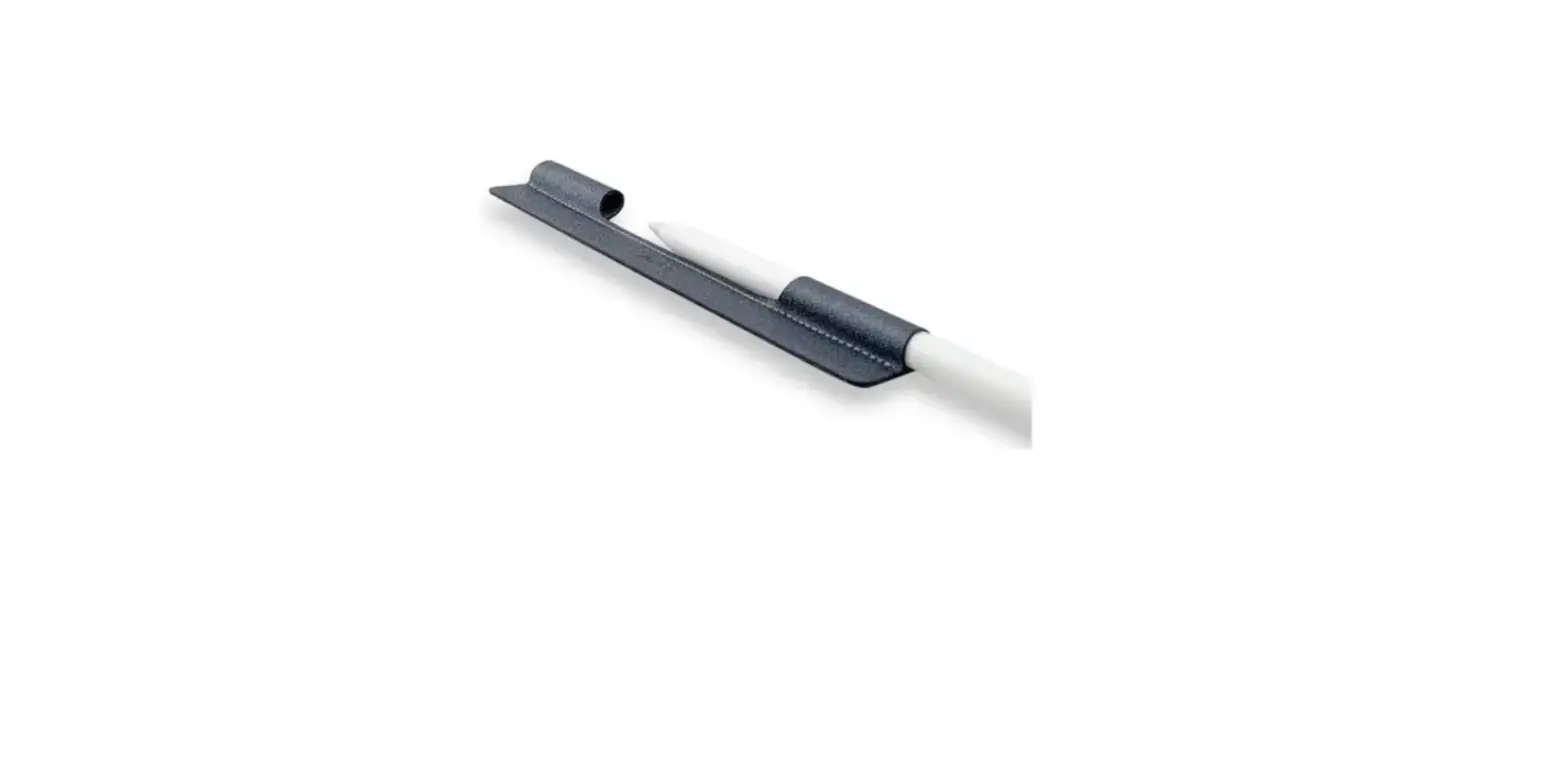
- The case supports Apple Pencil charging. T charge the pencil, place it in the case (see Picture 3), making sure the pencil is magnetically attached to the tablet side.
Safety instructions
Thoroughly study the below-stated safety instructions, thus preventing possible damages of your device or an injury.
- Do not use the protective case if it is damaged. It could scratch or damage your device.
- Use the case exclusively for the designated purposes. The manufacturer is not responsible for its incorrect use.
- Keep the product out of reach of children.
Exclusion of liability
This protective case has been designed for being used only with suitable devices. Prior to using the case, make sure it is compatible with your given device. The manufacturer should not be responsible for any damages of any device caused by incorrect use of this product.
“Apple” and “Apple Pencil” are trademarks of Apple Inc.