HOLLYLAND 6970758748742-01 C1 Pro 4 Slot Charging Case User Manual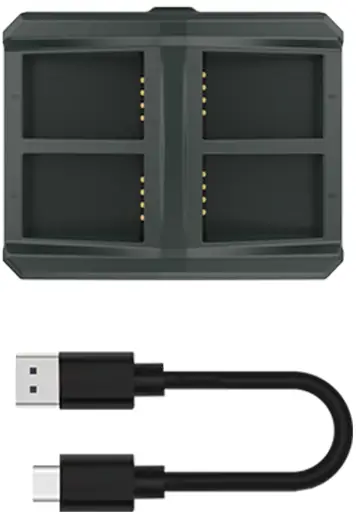
Packing List
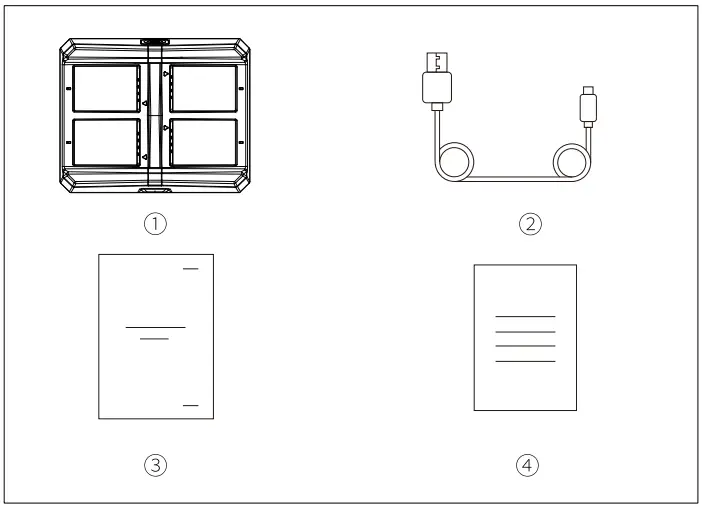
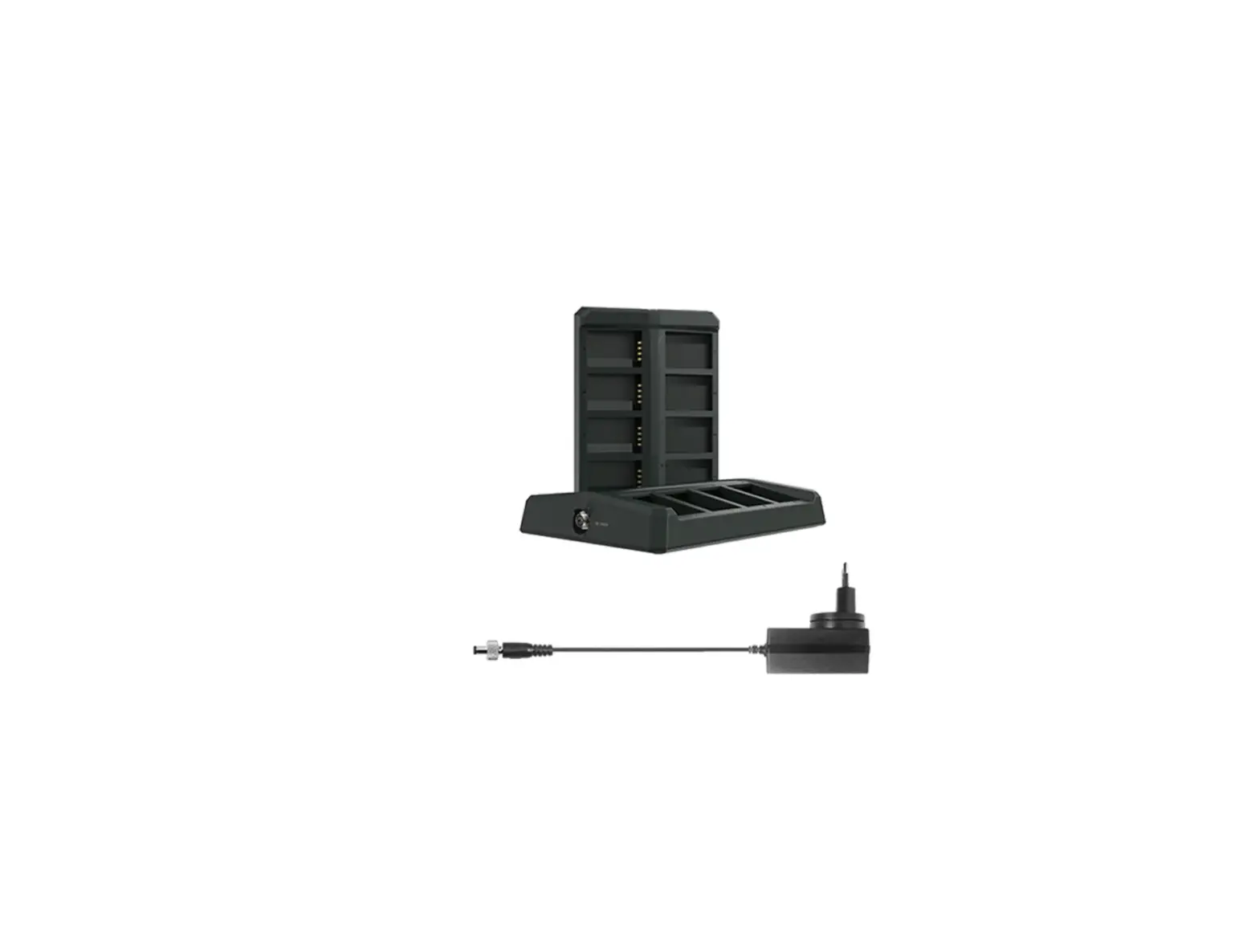
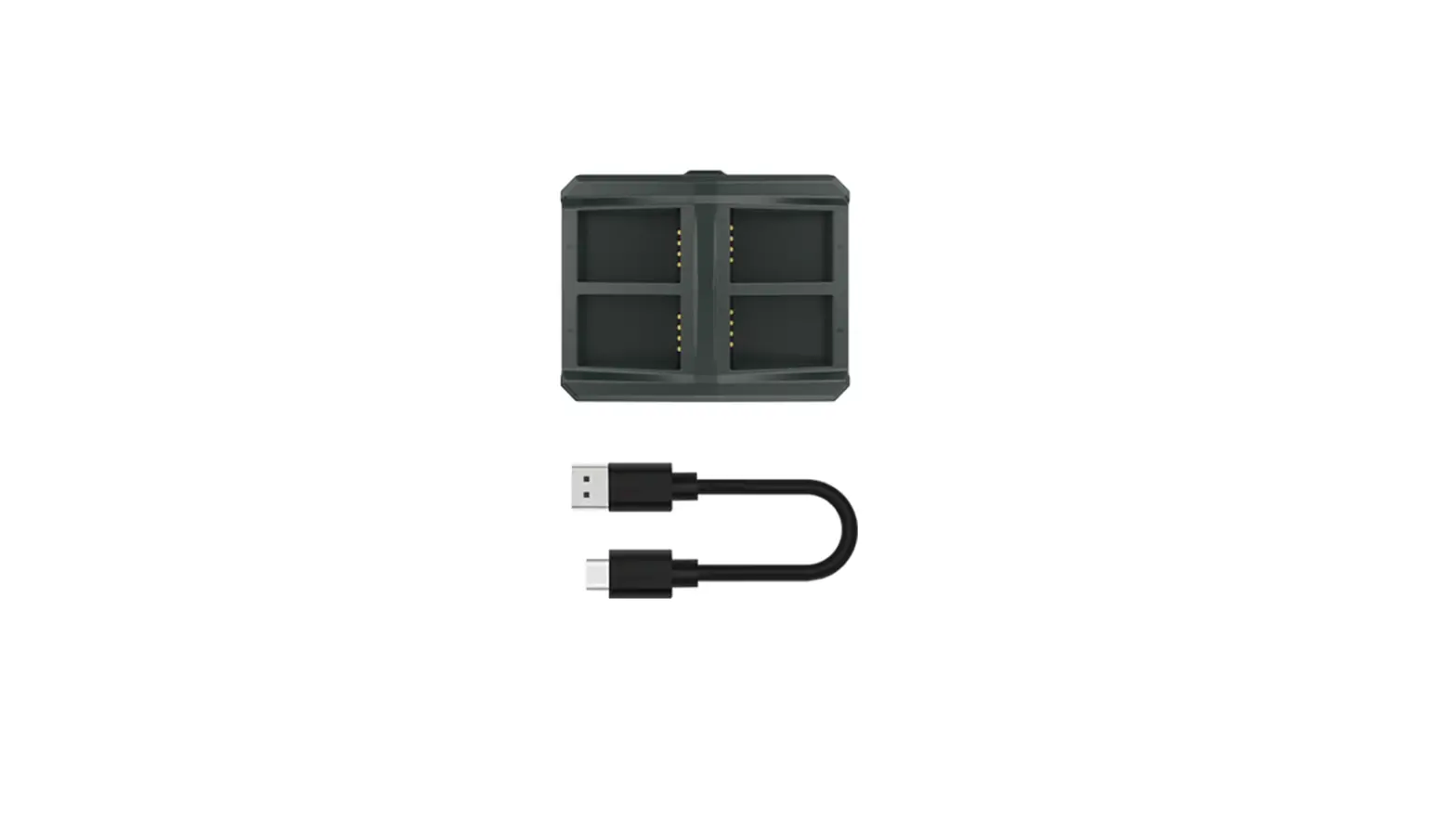
- Charging Case xl
- USB-A to USB-C Cable xi
- User Manual xl
- Warranty Card xl
Note: The quantity of the items depends on the product configuration.
Product Interface
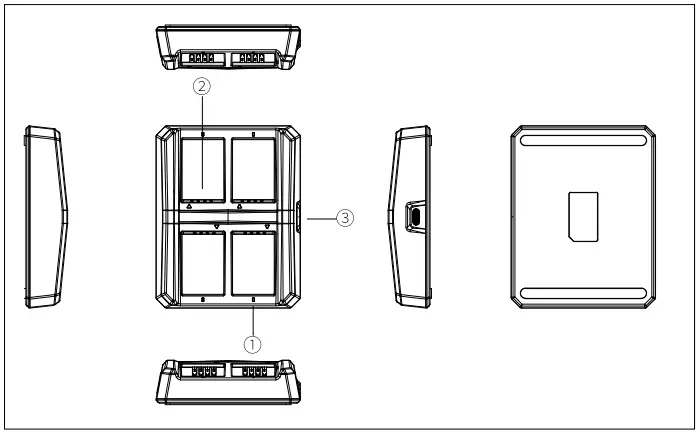
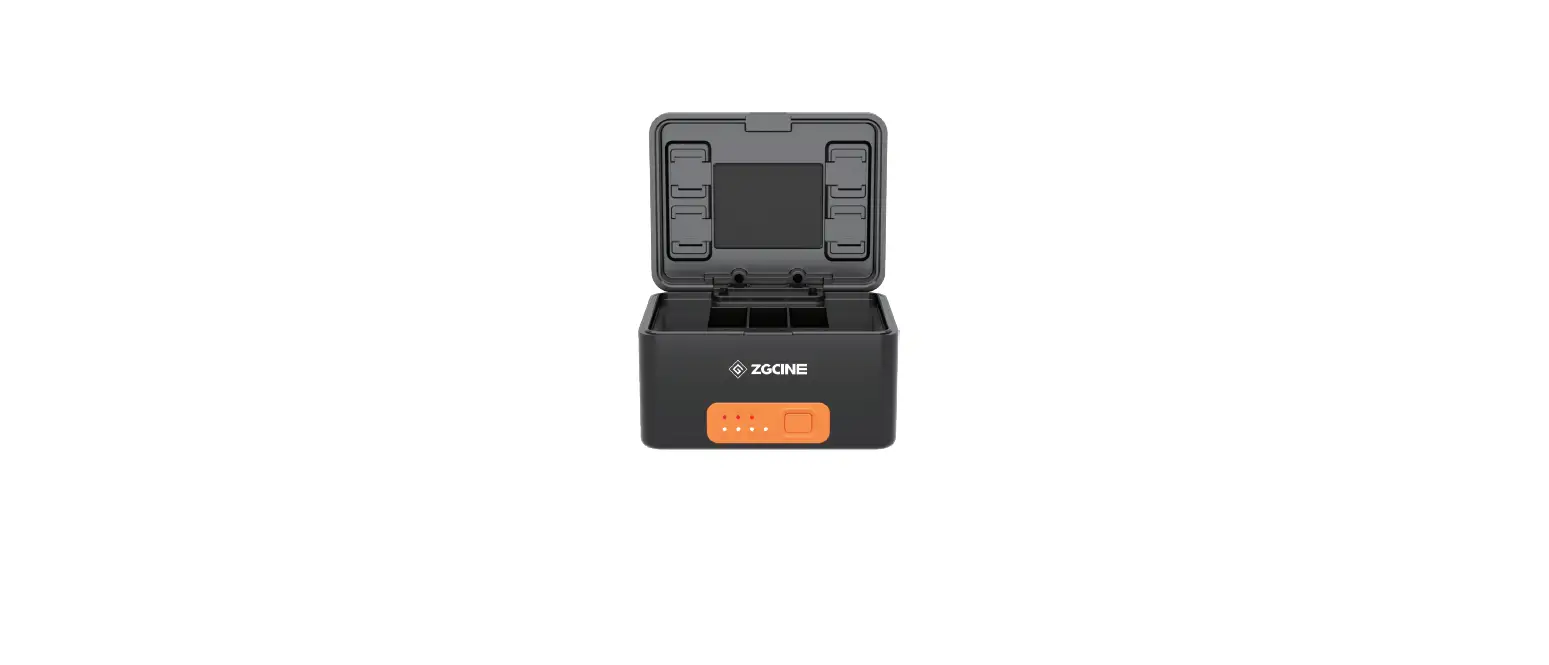
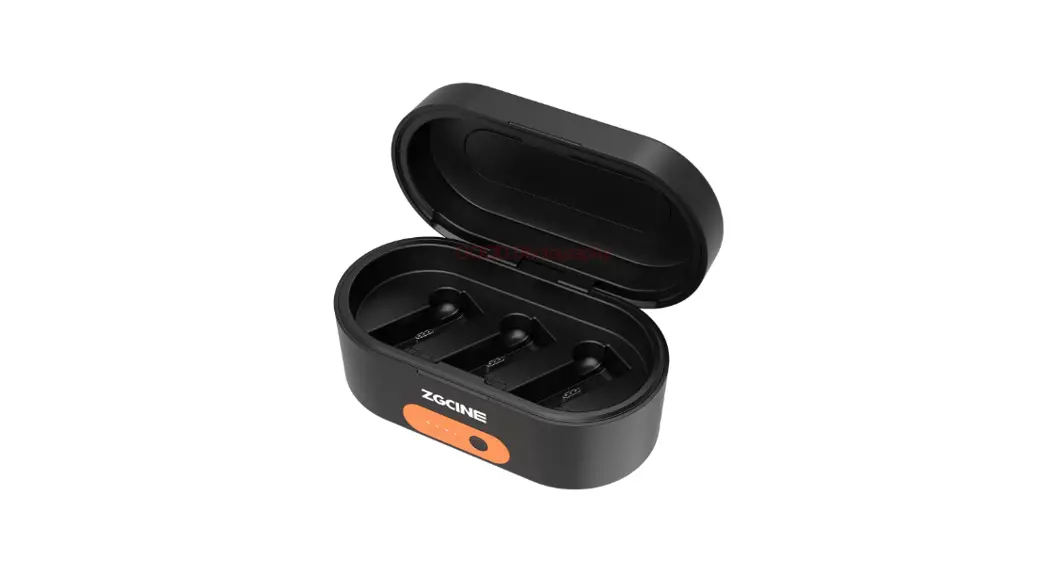
Charging Case:
- Charging Indicator (Orange: Charging/Green: Fully Charged)
- Charging Contact
- USB-C Charging Interface
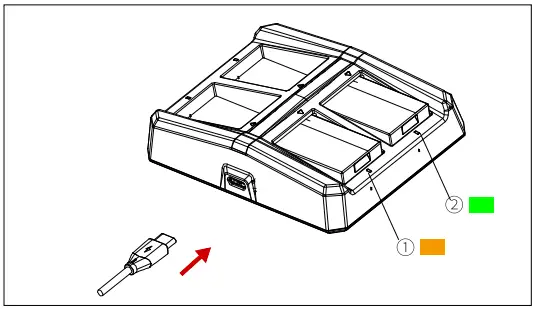
Charging Indicator:
- Indicator Light Stays Orange: Charging (for Each Battery Slot)
- Indicator Light Stays Green: Fully Charged (for Each Battery Slot)
Parameters
| Interface | USB-C interface Charging contact |
| Dimensions | 89.68×110.85×27.00mm (3.53″x4.36″x1.06″) |
| Weight | About 140g (4.94oz) |
| Voltage Range | 4.5V-12V (Typical: 5V/2A) |
| Charging Current for Each Slot | About 420mA |
| Charging Time | About 2.5 hours |
| Fast Charging | Fast charging protocols are not supported, but fast chargers can be used for a 5V power supply. |
| Compatible Model | Headset batteries for Solidcom series intercom systems |
Safety Precautions
Do not place the product near or inside heating devices (including but not limited to microwave ovens, induction cookers, electric ovens, electric heaters, pressure cookers, water heaters, and gas stoves) to prevent the battery from overheating and exploding.
Do not use non-original charging cases, cables, and batteries with the product. The use of non-original spare parts may cause electric shock, fire, explosion, or other dangers.
Support
If you encounter any problems in using the product or need any help, please contact Hollyland Support Team via the following ways:
 Hollyland User Group
 HollylandTech
 HollylandTech
 HollylandTech
 [email protected]
 www.hollyland-tech.com
Statement
All copyrights belong to Shenzhen Hollyland Technology Co., Ltd.
Trademark Statement
Without the written approval of Shenzhen Hollyland Technology Co., Ltd., no organization or individual may copy or reproduce part or all of any written or illustrative content and disseminate it in any form.
Note:
Due to product version upgrades or other reasons, this User Manual will be updated from time to time. Unless otherwise agreed, this document is provided as a guide for use only. All representations, information, and recommendations in this document do not constitute warranties of any kind, express, or implied.
FCC Requirement
Any changes or modifications not expressly approved by the party responsible for compliance could void the user’s authority to operate the device. This device complies with Part 15 of the FCC Rules. Operations are subject to the following two conditions:
- This device may not cause harmful interference.
- This device must accept any interference received, including interference that may cause undesired operations.
FCC Radiation Exposure Statement:
The device has been tested and complies with FCC SAR limits.
Note:
This device has been tested and found to comply with the limits for a Class B digital device, pursuant to Part 15 of the FCC Rules. These limits are designed to provide reasonable protection against harmful interference in a residential installation. This device generates, uses, and can radiate radio frequency energy, and if it is not installed and used in accordance with the instructions, it may cause harmful interference to radio communications. However, there is no guarantee that interference will not occur in a particular installation. If this device does cause harmful interference to radio or television reception, which can be determined by turning the device off and on, the user is encouraged to try to correct the interference by one or more of the following measures:
- Reorient or relocate the receiving antenna.
- Increase the distance between the device and the receiver.
- Connect the device to an outlet on a circuit different from that to which the receiver is connected.
- Consult the dealer or an experienced radio/TV technician for help.
 Hollyland - Wireless Video Transmitter, Intercom, Microphone