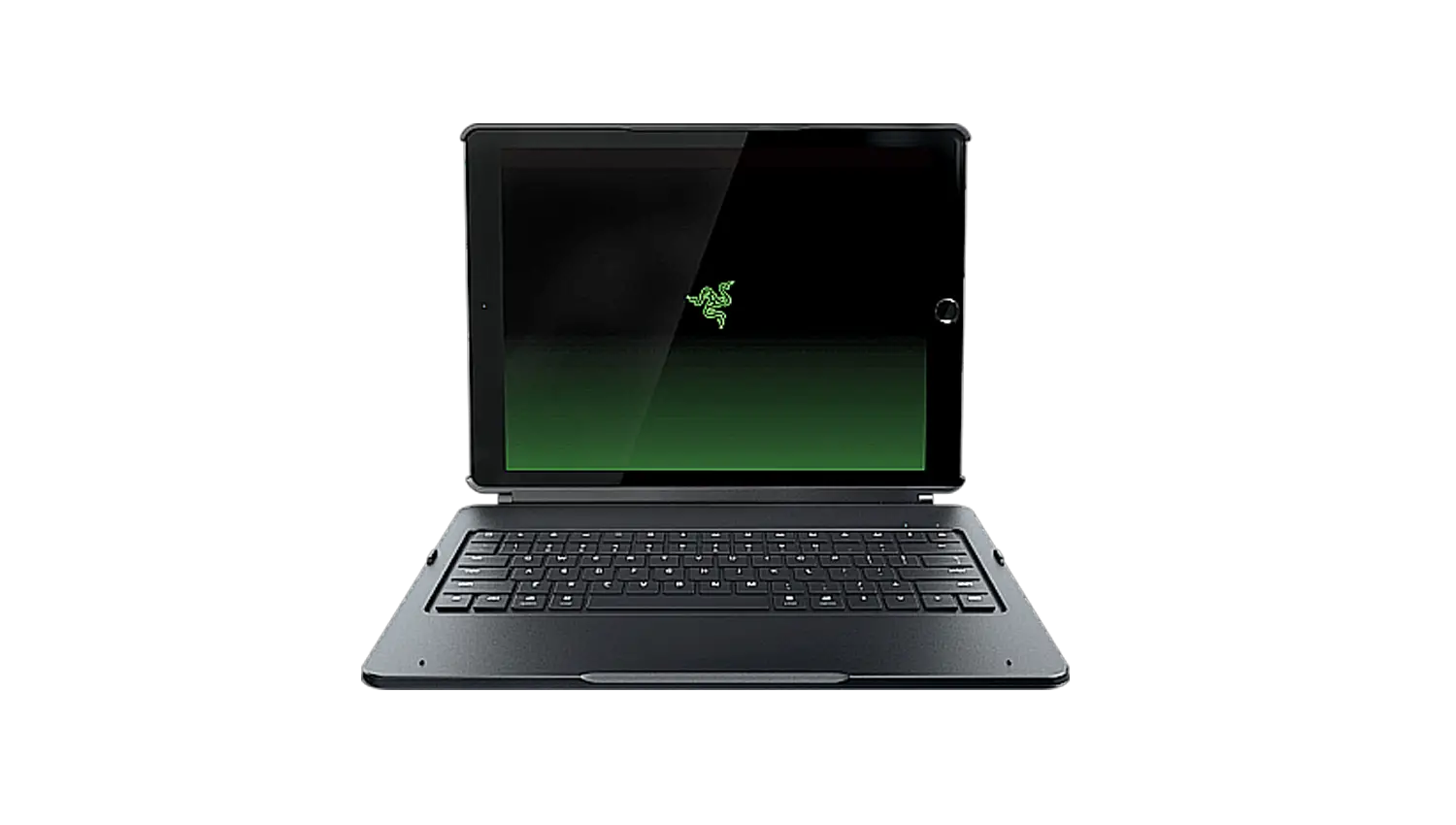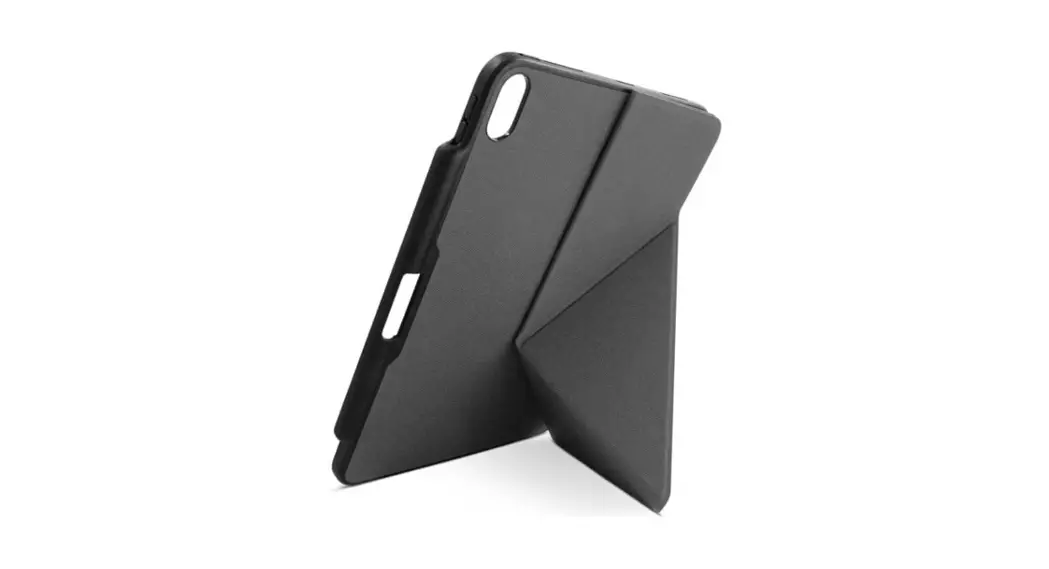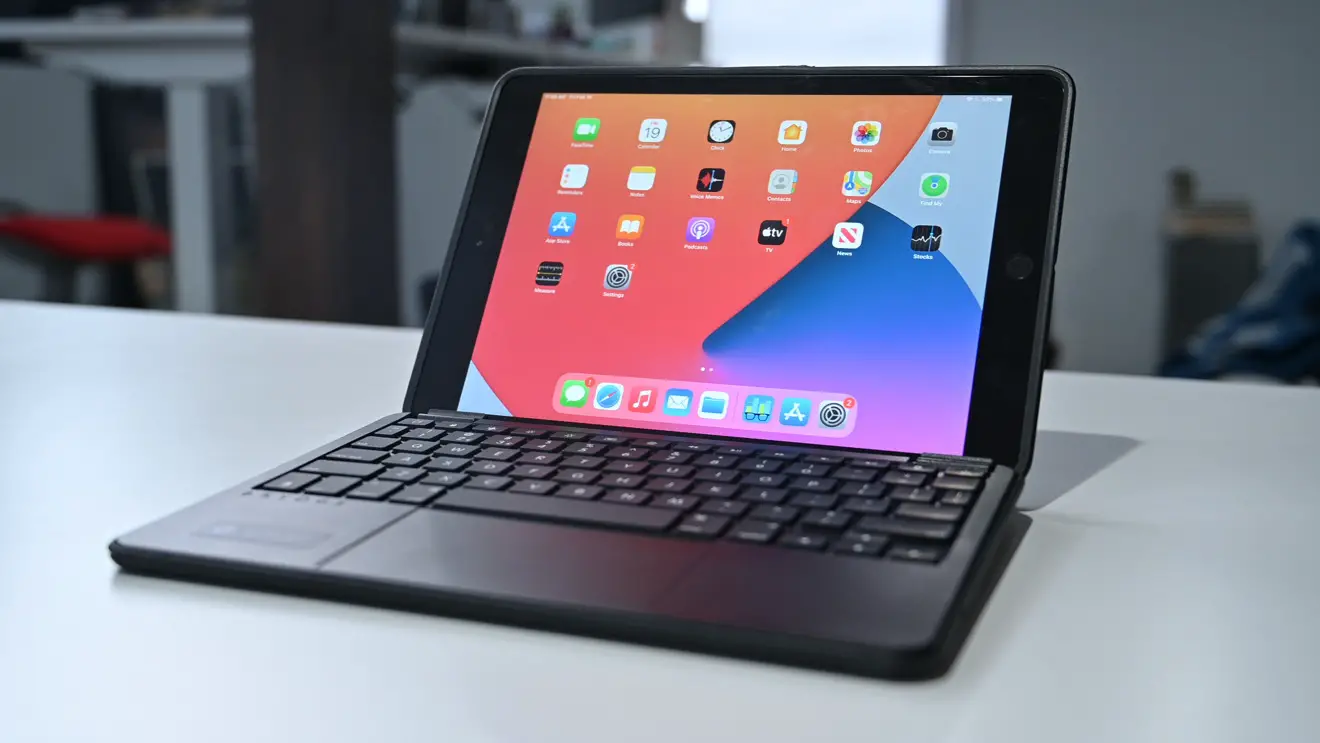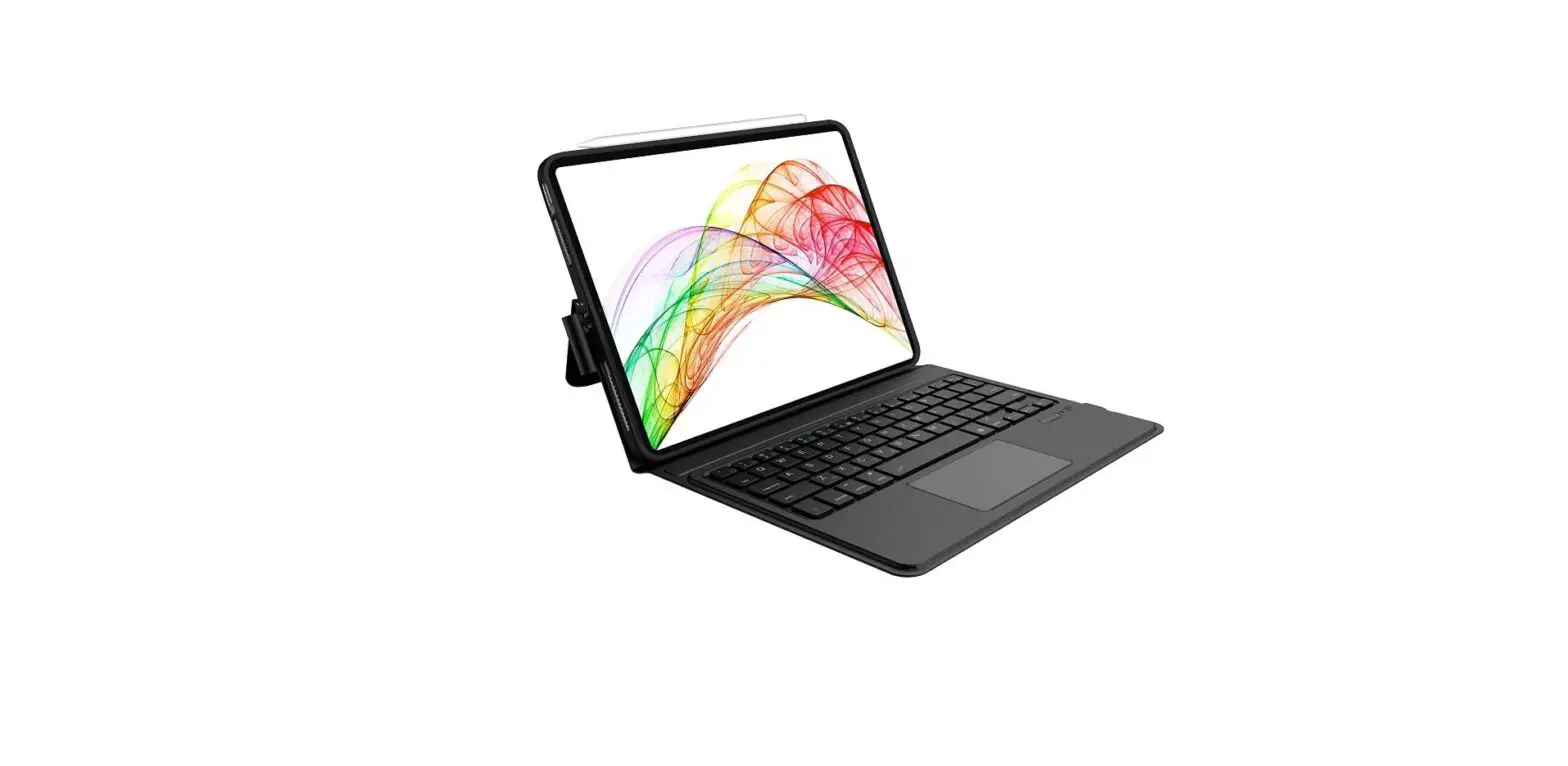

HOTKEY FUNCTION
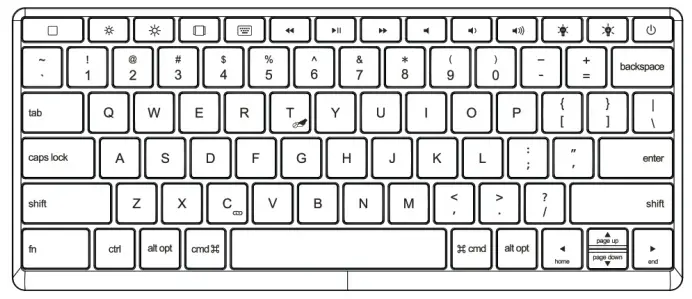
 | Home button |  | The following piece |
| Reduce iPad brightness | Mute | ||
| Increase Wad brightness | Decrease the volume | ||
| Switching applications | Increase the volume | ||
| The virtual keyboard | Reduce keyboard brightness | ||
| Previous song | Increase keyboard brightness | ||
| Play/Pause | Power on/off |
INSTRUCTIONS FOR SOME FUNCTION KEYS
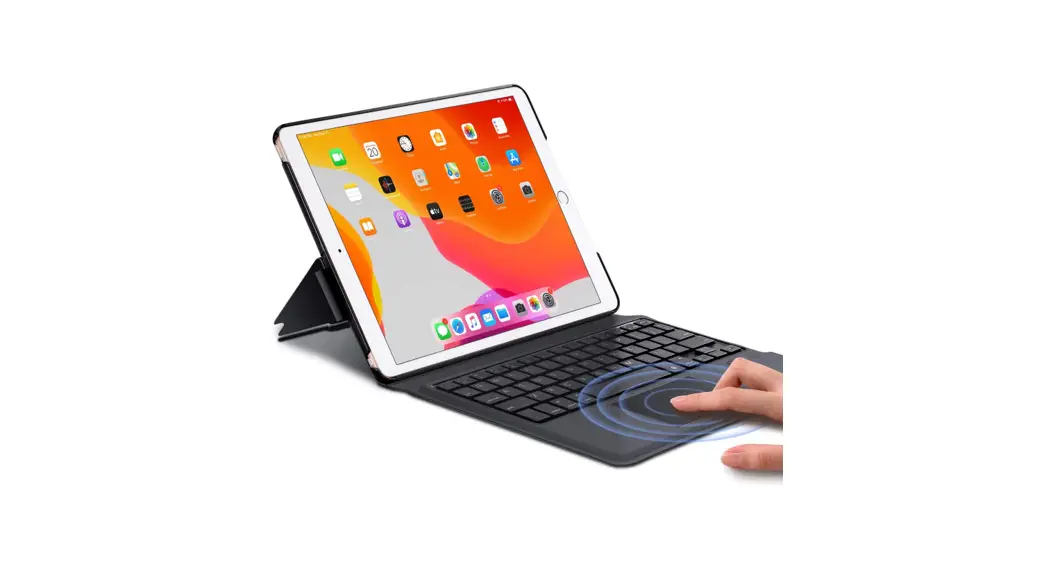
01 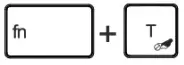 Turn the trackpad on/off
02 Fn+PgUp=Position the cursor at the beginning of the text line Fn+PgUp=Position the cursor at the end of the text line.
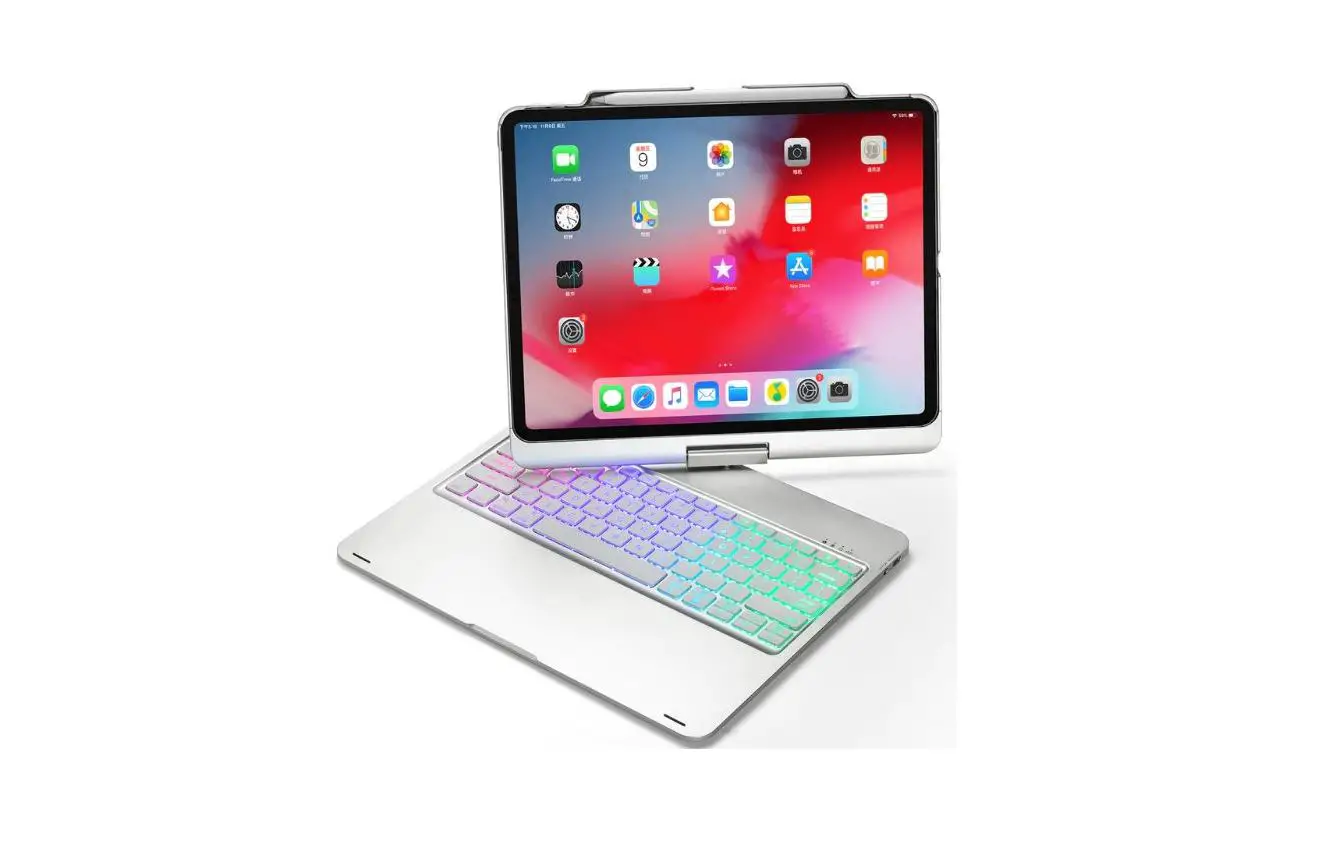
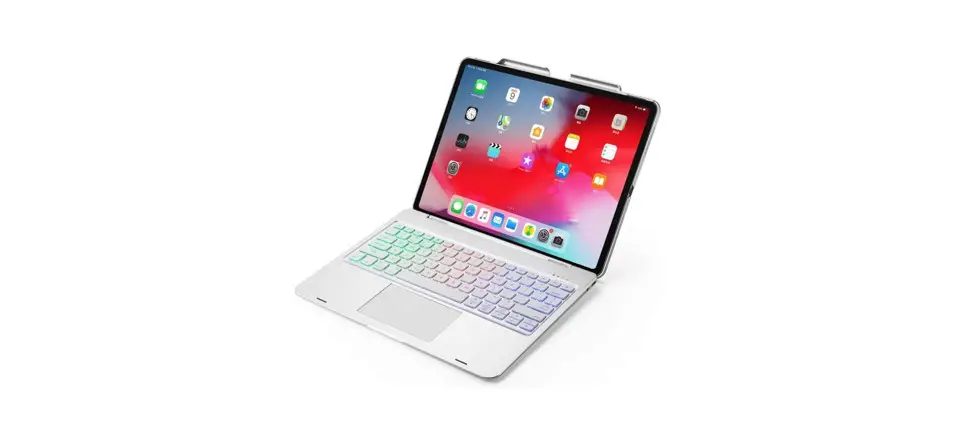
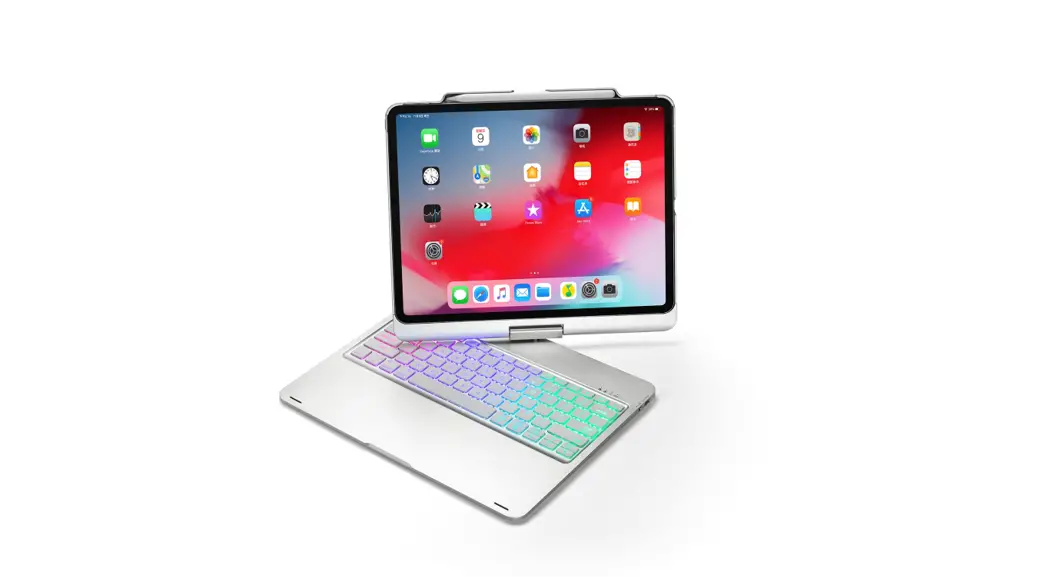
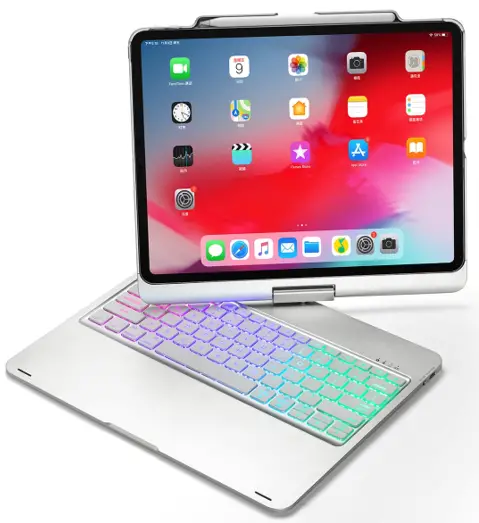
FLOATING 3605°SWIVEL TRACKPAD SMART CASE FOR IPAD PRO 12.9″ (3-5 GEN)
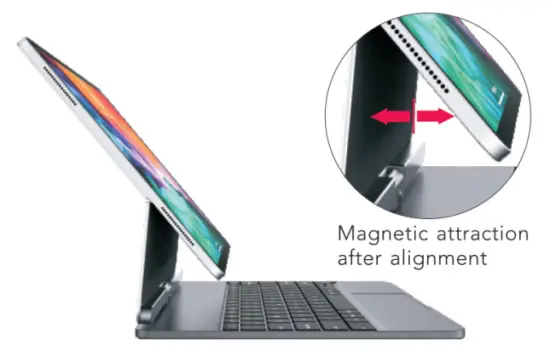
Easy installation
Wireless connection
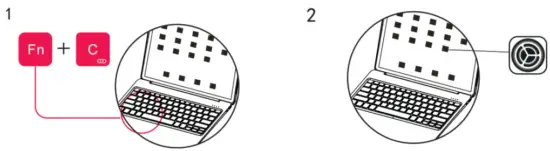 | |
Turn on the keyboard power, then press  II+. on the keyboard, and the keyboard will be in a waiting search state for three minutes. II+. on the keyboard, and the keyboard will be in a waiting search state for three minutes. | Go to iPad Settings |
 | |
| Turn on Bluetooth and stay in the “ON” open search mode | Search wireless signal name “dojo 2 keyboard” under other devices and connect. After successfully matched, the wireless signal indicator is always on |
Note: The Bluetooth will connect automatically in later usage
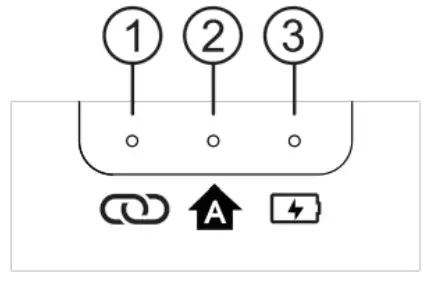
LIGHT INDICATOR INSTRUCTIONS
- Bluetooth label: flashing when pairing status occurs
- Capital sign: always on when capital, and off when lowercase
- Power indicator: the power flashes when charging, and the power is displayed when starting up
- Display power status when power on Press the ON/OFF key for 1 second
Red Indicator flashes once: power <50%
Red Indicator flashes twice: power >50%
Red Indicator flashes 3 times: power >75%
CHARGING AND MAINTENANCE
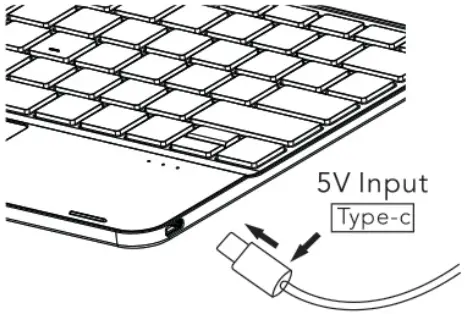
Maintenance: it is stored at room temperature and charged under normal voltage. If it is not needed for a long time, it is necessary to timely charge the keyboard (charge it once every 2 months or so).
POWER ON AND OFF
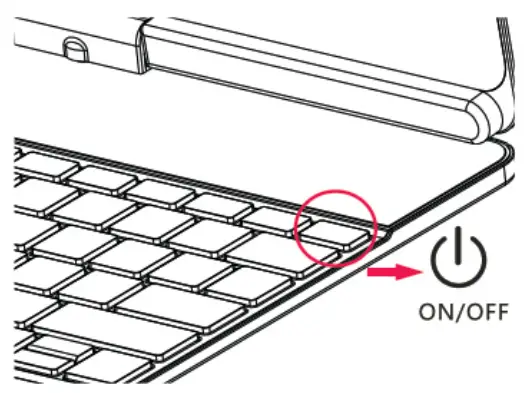
ON/OFF Key
- Power on: press and hold the key for two seconds
- Power off: press and hold the key for two seconds