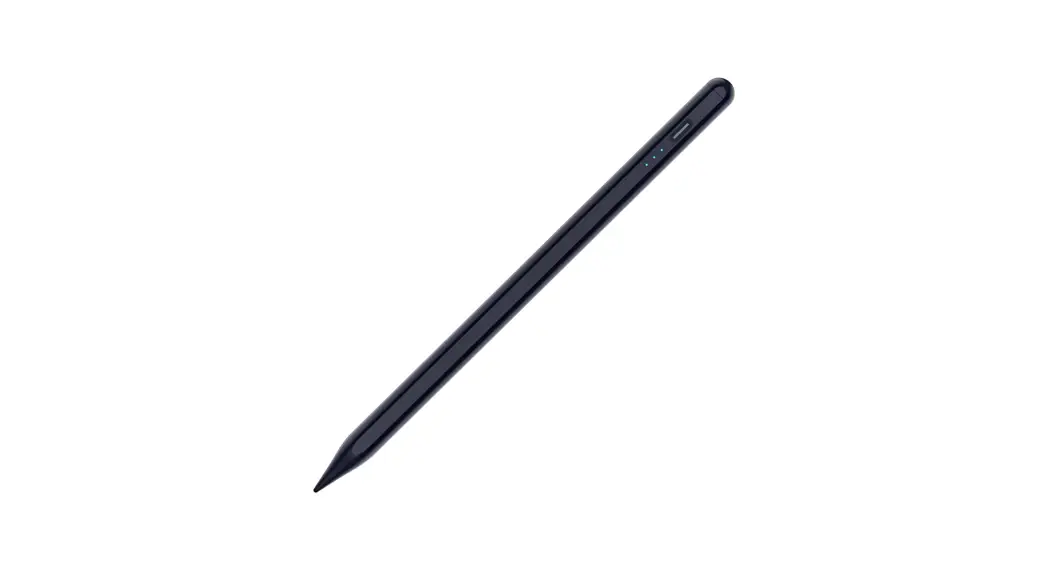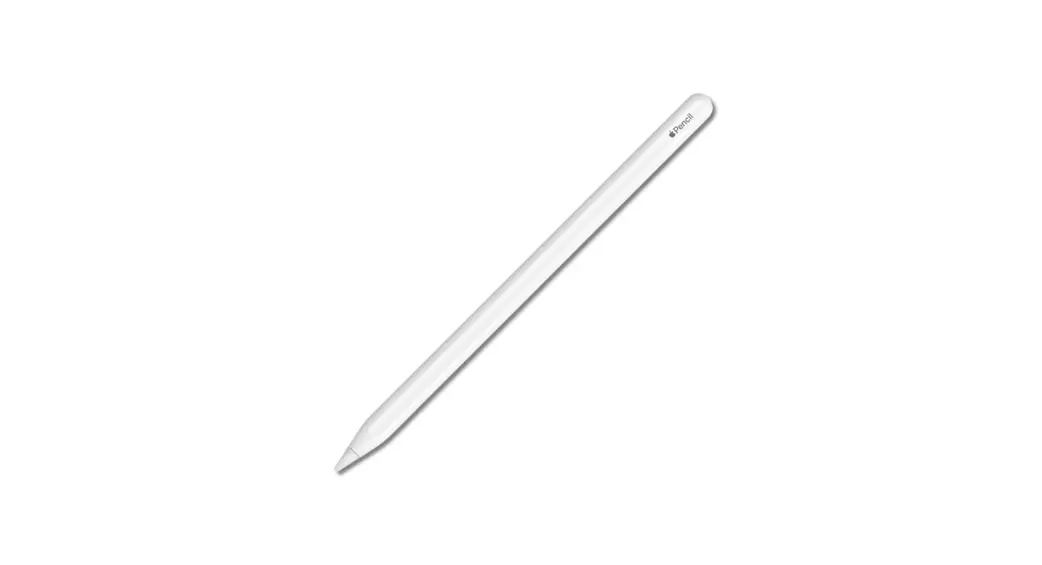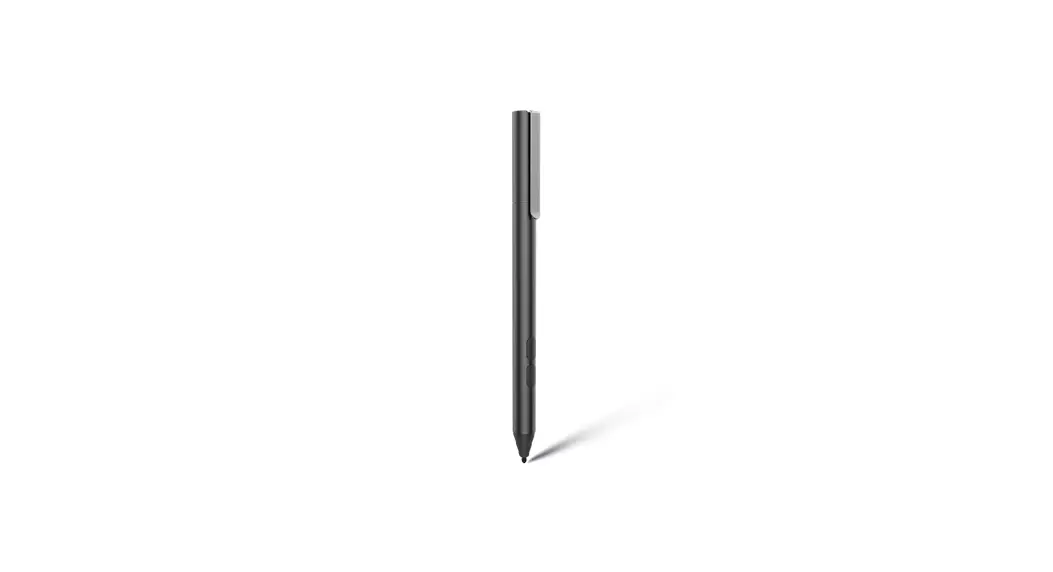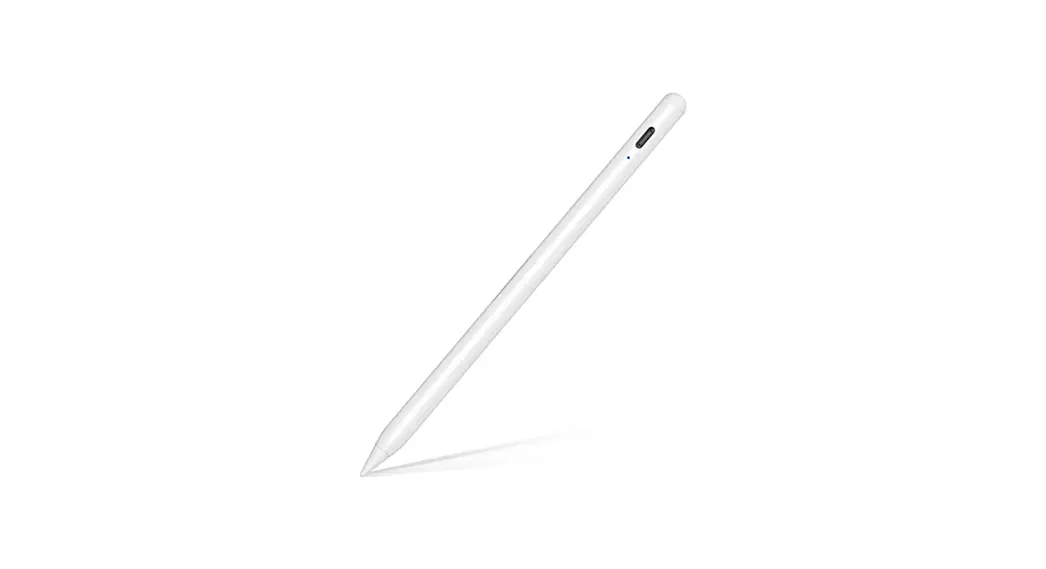
 Dual mode charging Magnetic iPad charging stylus pen
User manual

Please carefully read this user manual before using and keep it well for future reference.
Specification
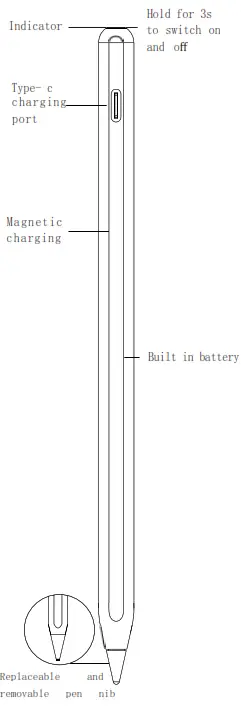
Note: The appearance is subject to the physical object
User guide
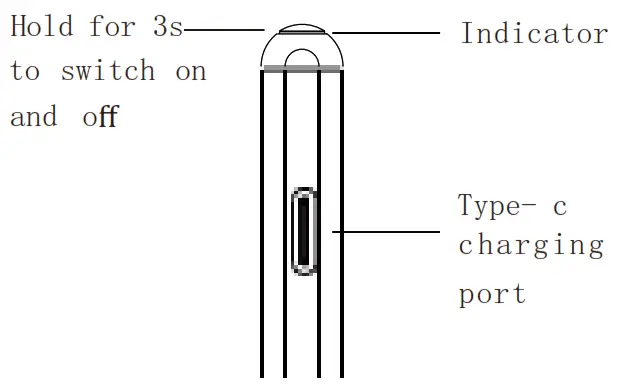
- Press and hold the key switch on the top of the pen for 3s,the indicator light will light up quickly, when you operate again, the indicator light will go out.
When the machine is on, it will shut down intelligently for 5 minutes.
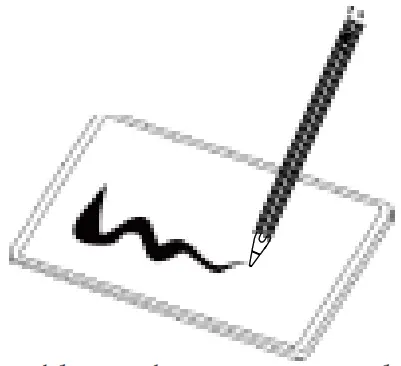
- Now you can tap, swipe and do other operations on your iPad tablet with the stylus instead of your fi ngers. You can also use the pen to write, draw and other functions in specific applications.It is not compatible with models other than those listed in the product specifi cations.

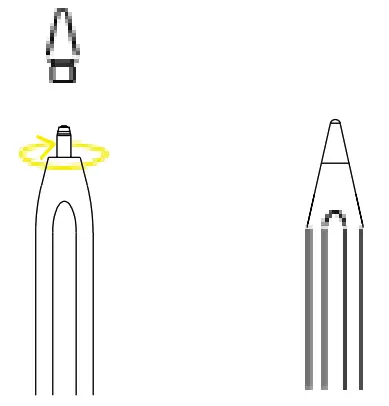
- Removable and easy to replace pen head design, no need to worry about the abrasive wear.(tighen the top of the pen nib clockwise to complete the installation.)

Bluetooth Shortcut Function
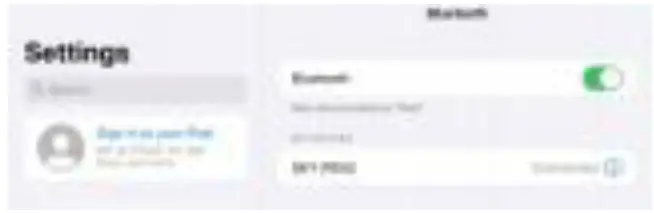
- iPad Open the Bluetooth panel, search the Bluetooth name: SKY- PEN2, and click Pairing.

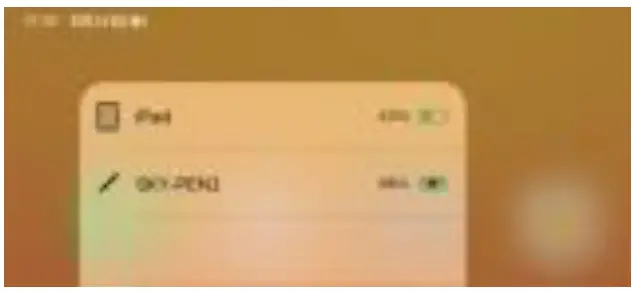
- Product link Bluetooth. On the left of the main interface, slide to the widget. Real time power display.

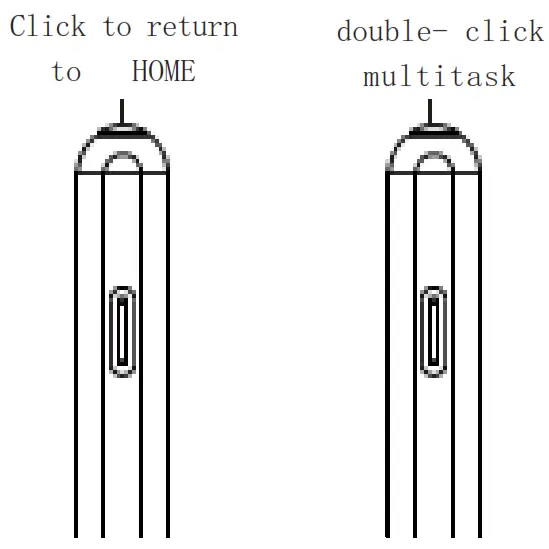
- Click to return to HOME, and double- click multitask.

Charging mode
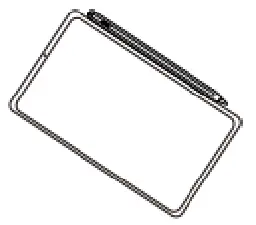
- Magnetic adsorption charging. After connecting Bluetooth, it can be adsorbed on the iPad for wireless charging. When fully charged, the green light will go on for 30 seconds and then go off automatically. The charging is completed ( Only supported models for adsorption iPad charging: iPad Pro series, iPad mini 6, iPad air 4/5)

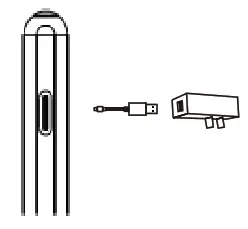
- Type- c charging wire can be used for charging. Connect one end of the adapter wire to the Type-C interface of the stylus, and plug the other end into a 5V/0.1A DC current adapter for charging.
Indicator
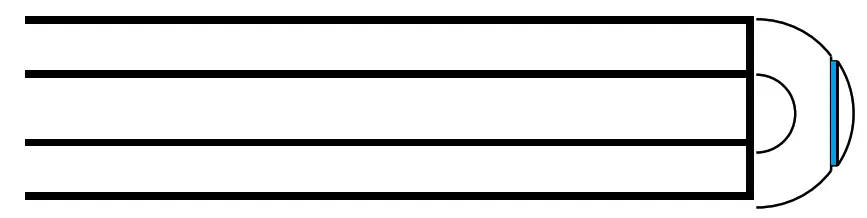
Blue light on during operation
Red light fl ashing during charging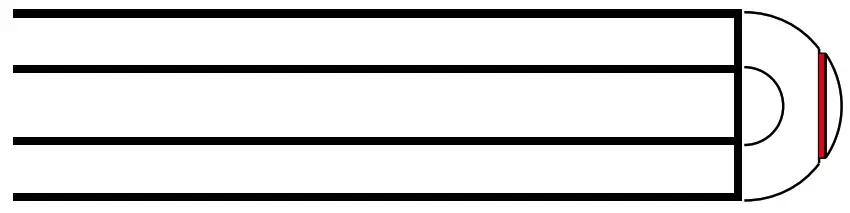 Green light will turn on for 30S then turn off automatically
Product Specification
| Name | Magnetic iPad charging stylus pen |
| Function | Drawing, Writing, Note, Tap |
| Material | Plastic Pen body (POM plastic pen head) |
| Size | Pen head Ø1.5mm* pen body Ø9.0mm |
| Working Time | 11 hours |
| Colors | Multi-colors |
| Battery | 65430 |
| Charging way | Magnetic charging, Type- c charging port |
| Use Scenarios | iPad and other capacitive screen equipment |
| Package | Package, Instruction |
Applicable model
| Name/ Size | Model |
| iPad mini 6/8. 3-inch(2021) | A2 567/A2568/A2569 |
| iPad mini 5/7. 9-inch (2019) | A2133 /A2124/A2126/A2125 |
| iPad Pro 6/12. 9-inch(2022) | A2436 /A2437/ A2764/ A2766 |
| iPad Pro 5/12. 9-inch (2021) | A2378 /A2461/A2379/ A2462 |
| iPad Pro 4/12. 9-inch (2020) | A2229 /A2233/A2069/A2232 |
| iPad Pro 4/11-inch(2022) | A2759 /A2435/A2761/A2762 |
| iPad Pro 3/12. 9-inch (2018) | A1876 /A2014/A1895/A1983 |
| iPad Pro 3/11-inch(2021) | A2377 /A2459/A2301/ A2460 |
| iPad Pro 2/11-inch(2020) | A2228 /A2231/A2068/A2030 |
| iPad Pro 1/11-inch(2018) | A1980/A2013/A1934/A1979 |
| iPad Air 5/10. 9-inch (2022) | A2 588/A2589/A2591 |
| iPad Air 4/10.9-inch(2020) | A2316 /A2324/ A2325/A2072 |
| iPad Air 3 /10.5-inch(2019) | A2152 /A2123/A2153/A2154 |
| iPad 10/10. 9-inch (2021) | A2 696/A2757/A777 |
| iPad 9/10.2-inch(2021) | A2602/A2603/A2604/A2605 |
| iPad 8/10.2-inch(2020) | A2270 /A2428/ A2429/ A2430 |
| iPad 7/10.2-inch(2019) | A2197/A2198/A2200 |
| iPad 6/9. 7-inch (2018) | Al 893/A1954 |
Note: Early iPad versions, iPhone, Android and Microsoft devices are not supported. Please confi rm the above iPad models before purchasing.
Common faults and troubleshooting methods
| Faults | Troubleshooting methods |
| Broken wire elimination | 1.Check whether the nib is equipped in place, can be tightened and tested again |
| 2.Replace the spare nib and test again | |
| 3.Whether the tempered film is severely damaged or it too thick | |
| 4.Tablet device reboot | |
| can’t write | 1.Check if it is on or not |
| 2.Does the tablet device support the stylus | |
| 3.Does APP support stylus | |
| 4.Check if the original pen is connected, if it’ s connected please Disconnect and use again | |
| unable to power up | 1. Check if the product is powered |
| 2.Is the power on according to the operation | |
| Note: still can not use please contact customer service for replacement processing | |
This device complies with part 15 of the FCC Rules. Operation is subject to the following two conditions:
- this device may not cause harmful interference, and
- this device must accept any interference received, including interference that may cause undesired operation.
Any changes or modifications not expressly approved by the party responsible for compliance could void the user’s authority to operate the equipment.
NOTE: This equipment has been tested and found to comply with the limits for a Class B digital device, pursuant to Part 15 of the FCC Rules. These limits are designed to provide reasonable protection against harmful interference in a residential installation. This equipment generates, uses and can radiate radio frequency energy and, if not installed and used in accordance with the instructions, may cause harmful interference to radio communications.
However, there is no guarantee that interference will not occur in a particular installation.
If this equipment does cause harmful interference to radio or television reception, which can be determined by turning the equipment off and on, the user is encouraged to try to correct the interference by one or more of the following measures:
- Reorient or relocate the receiving antenna.
- Increase the separation between the equipment and receiver.
- Connect the equipment into an outlet on a circuit different from that to which the receiver is connected.
- Consult the dealer or an experienced radio/TV technician for help.
The device has been evaluated to meet general RF exposure requirement. The device can be used in portable exposure condition without restriction