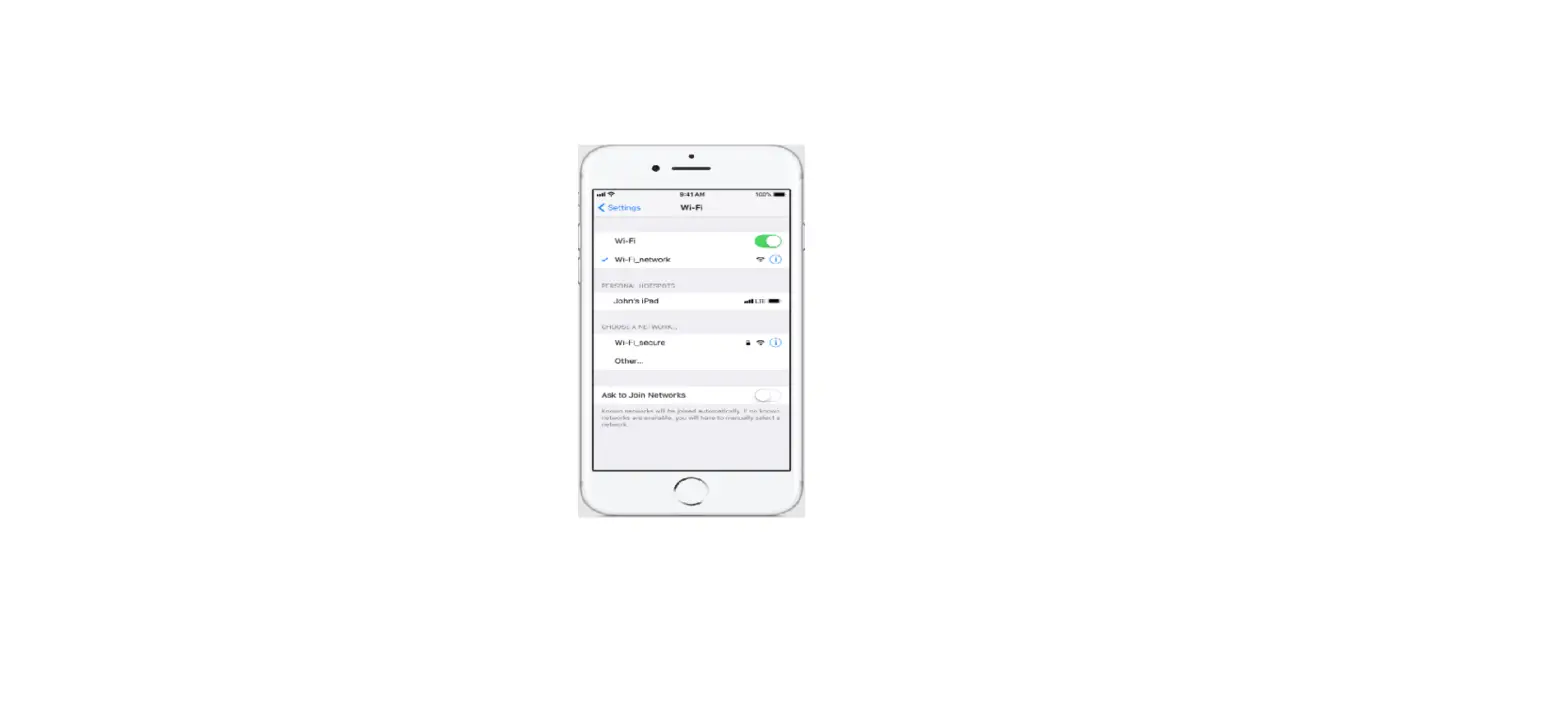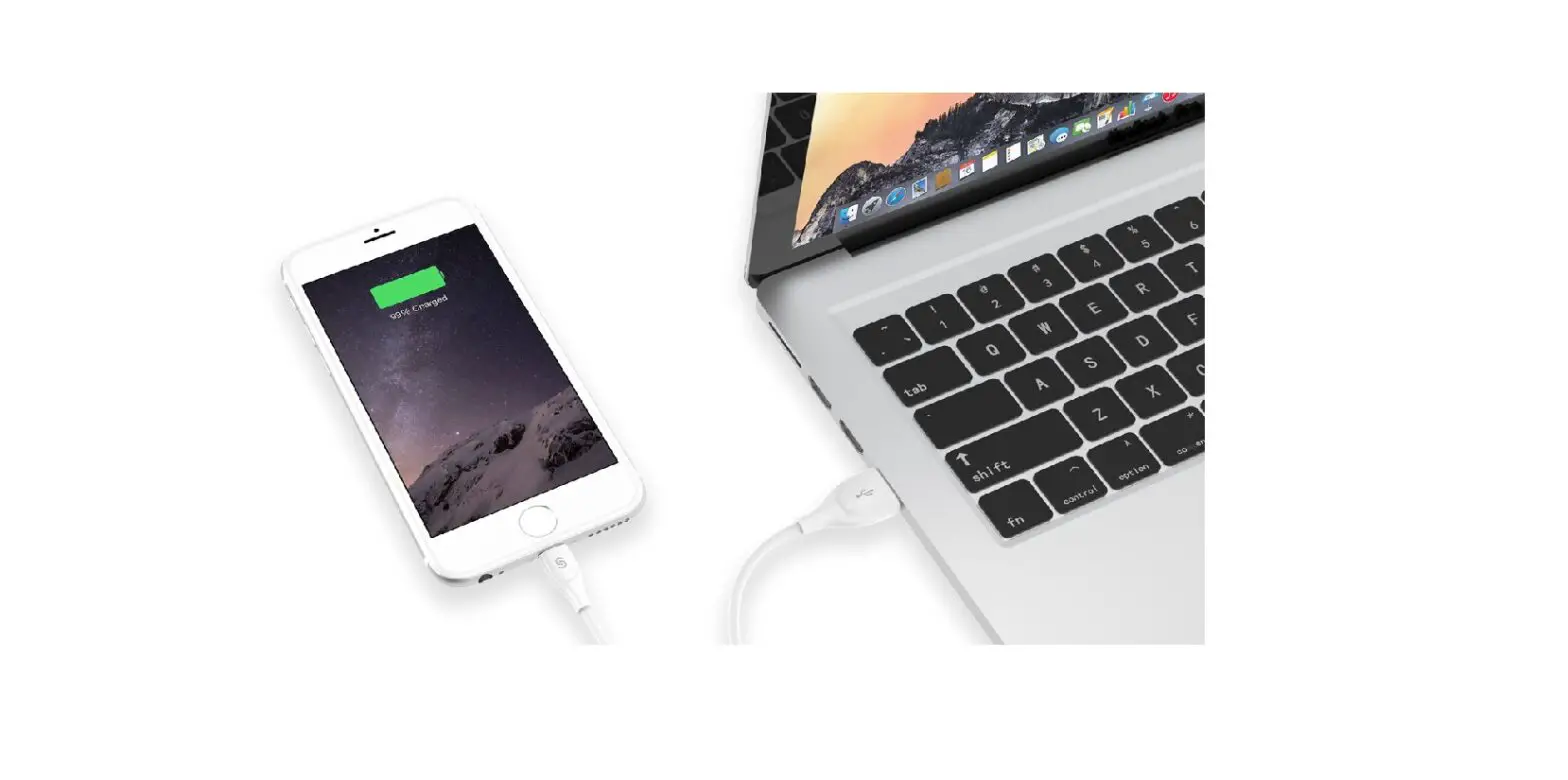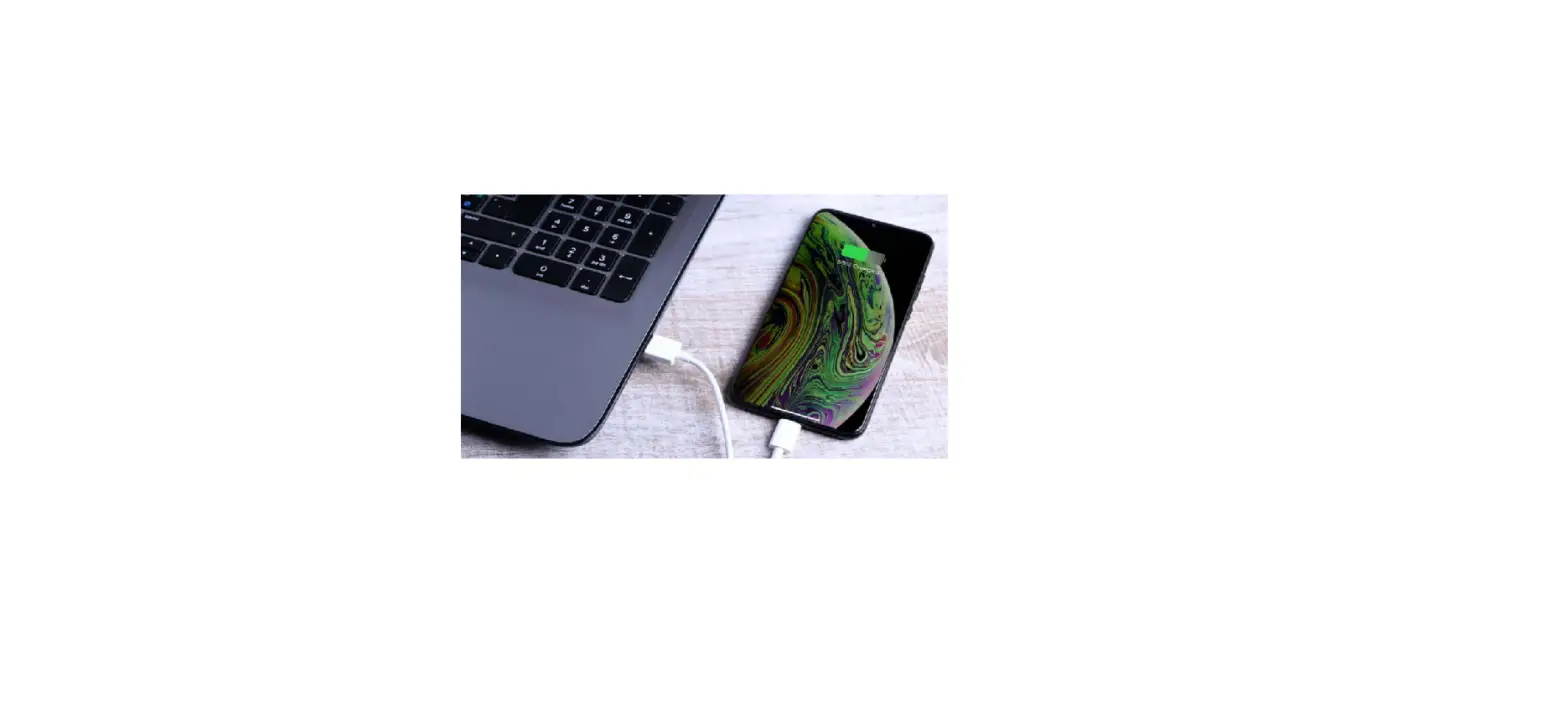
If an iPad (Wi-Fi + Cellular) or another iPhone is sharing a Personal Hotspot, you can use its cellular internet connection.
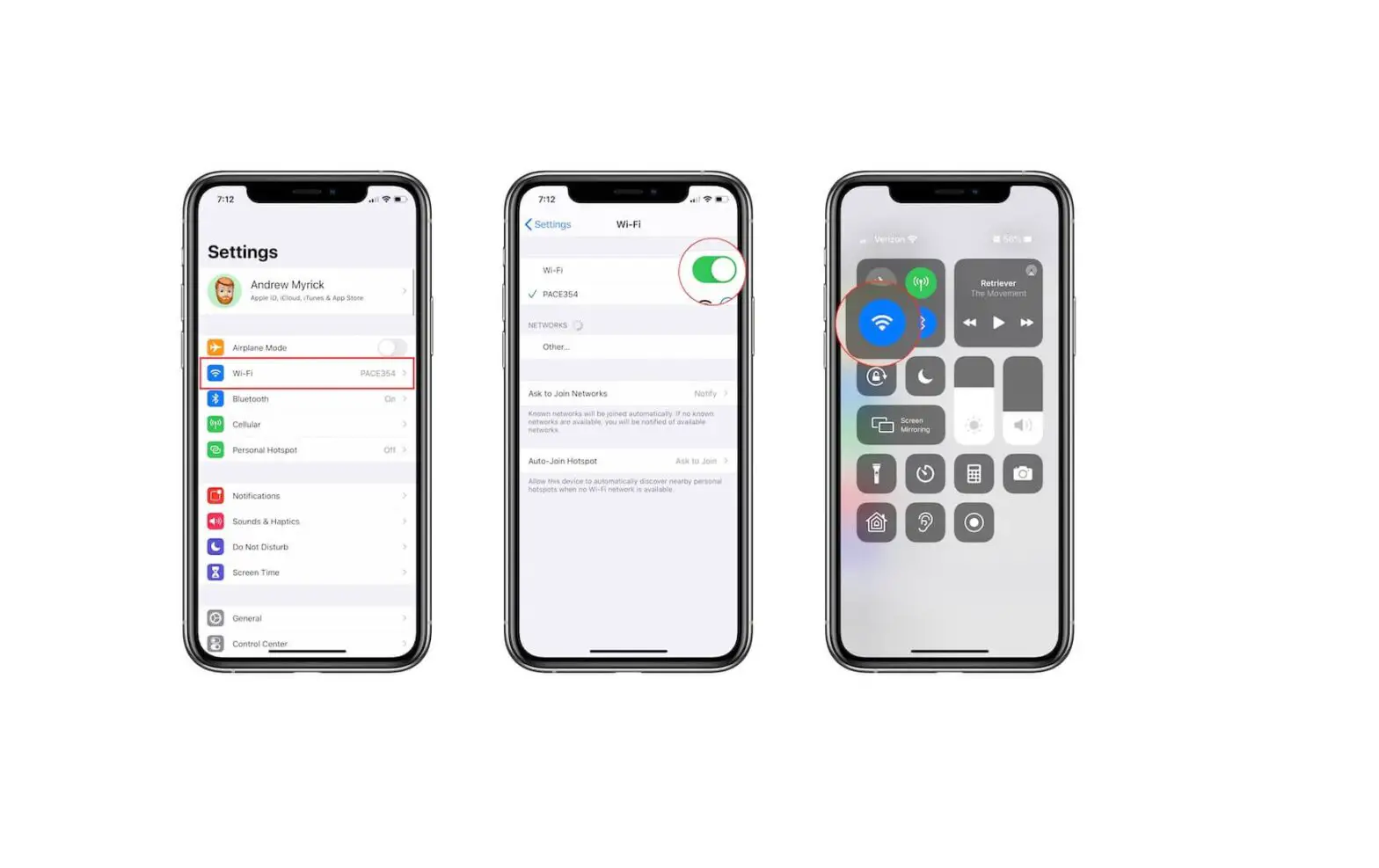
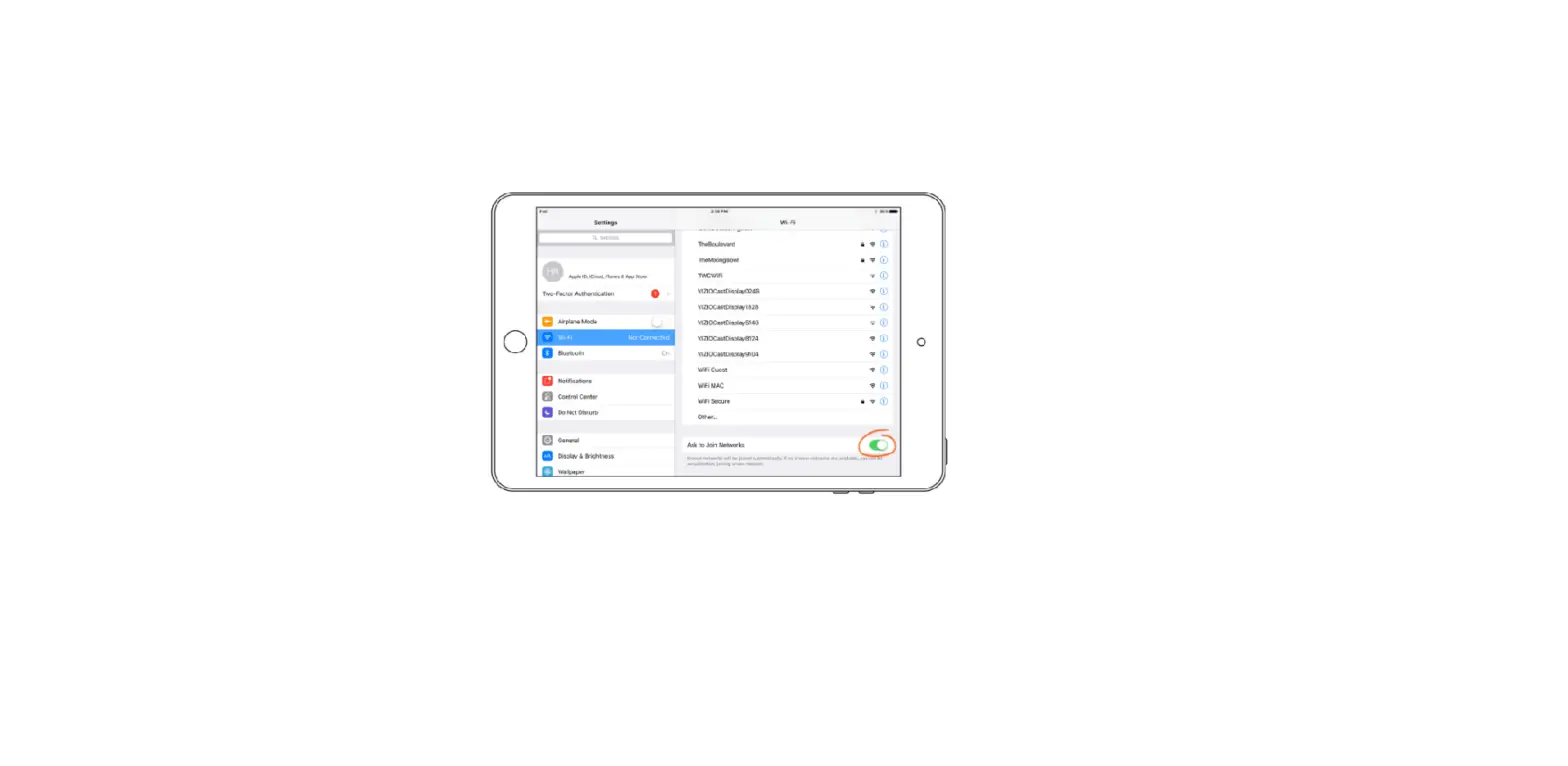
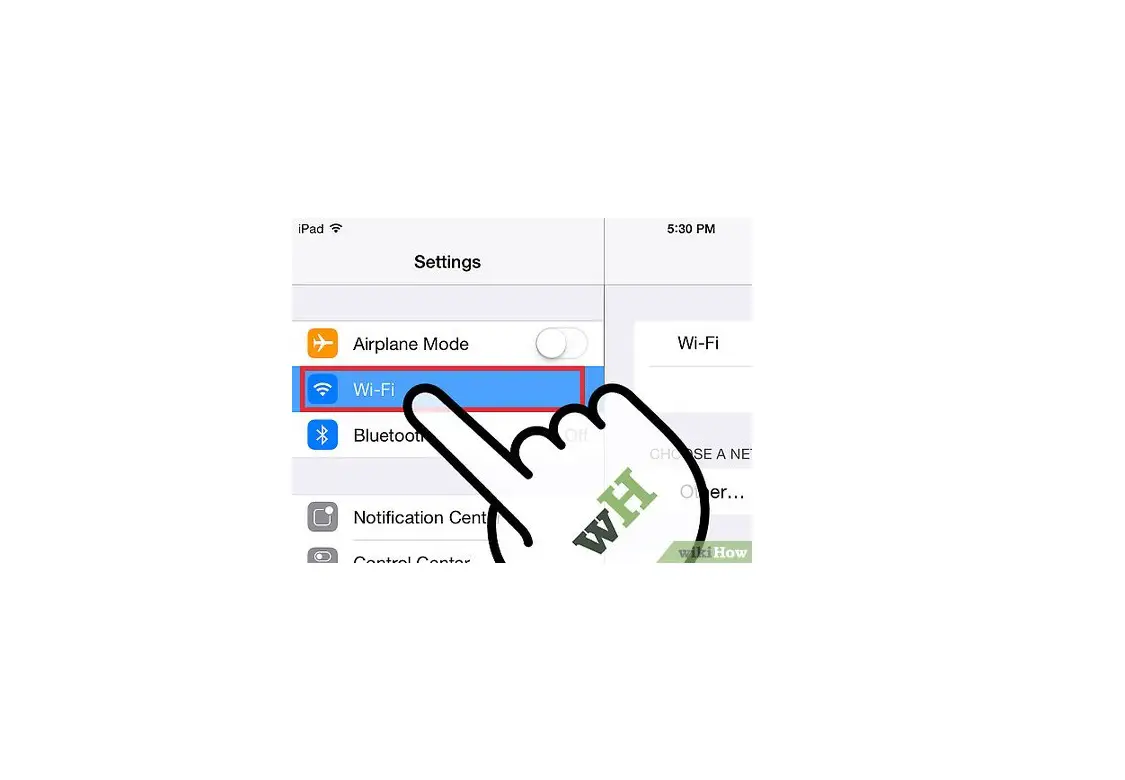
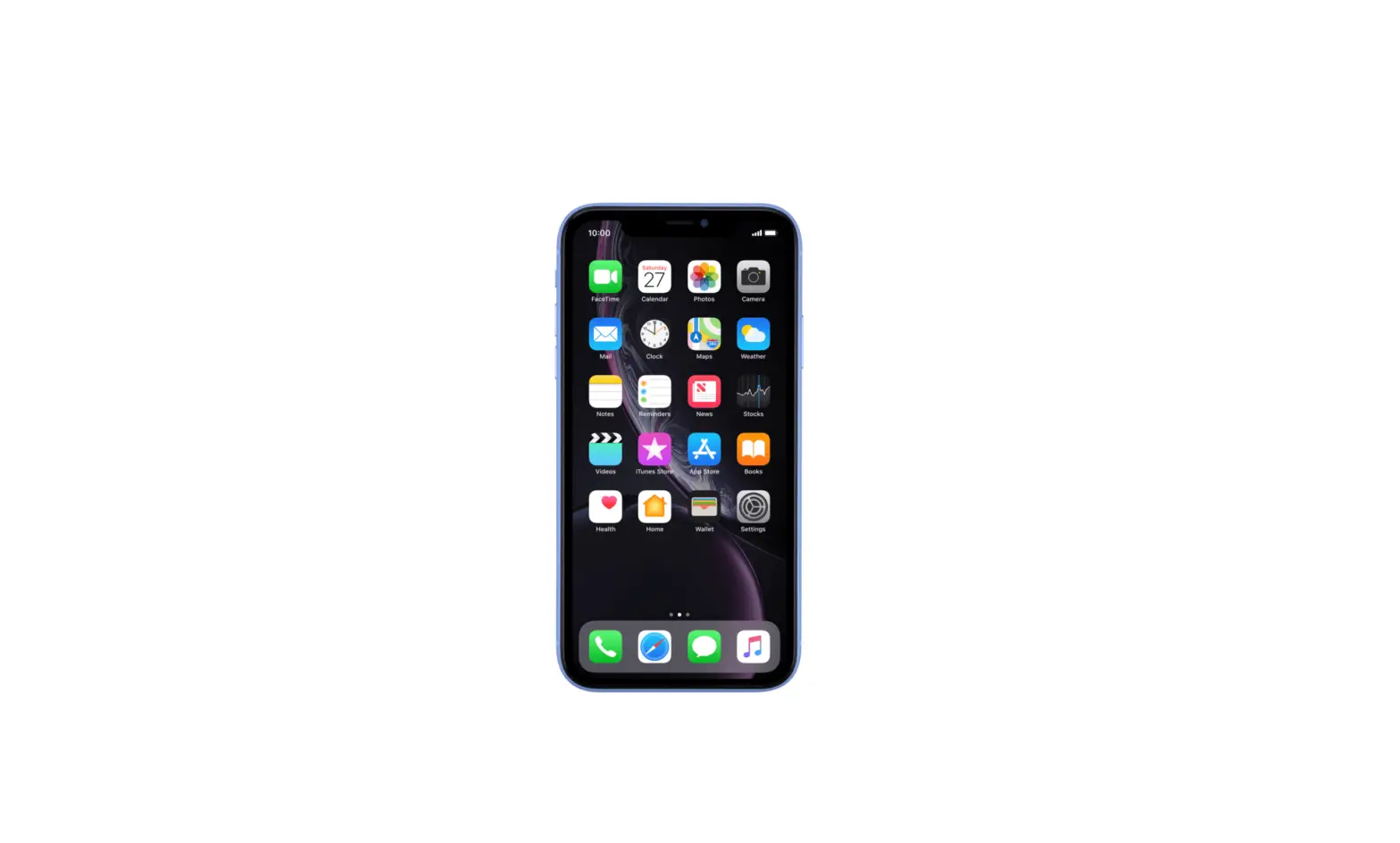
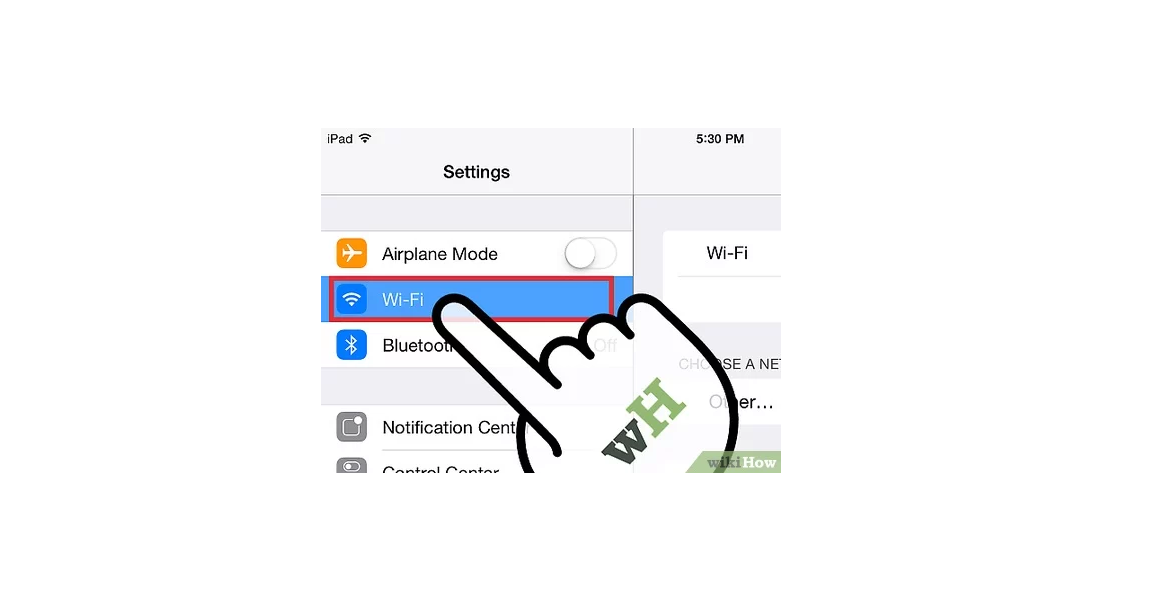
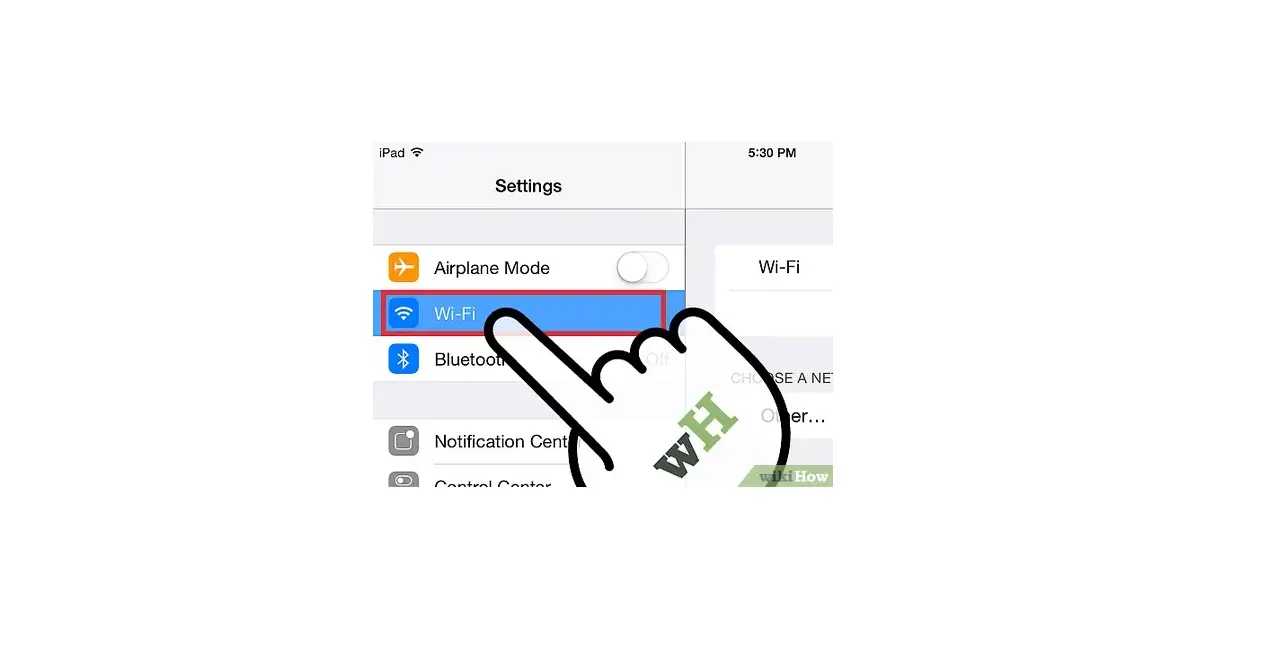
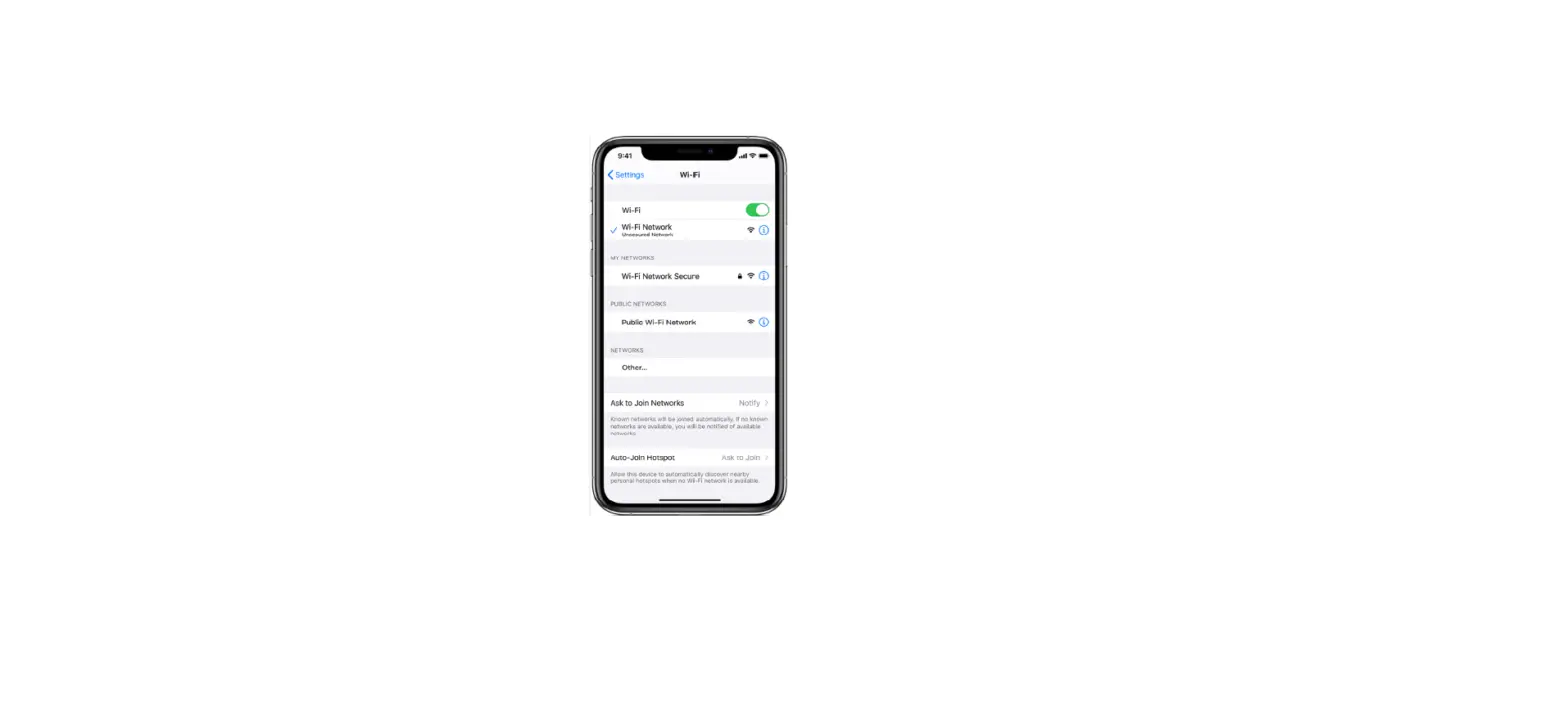
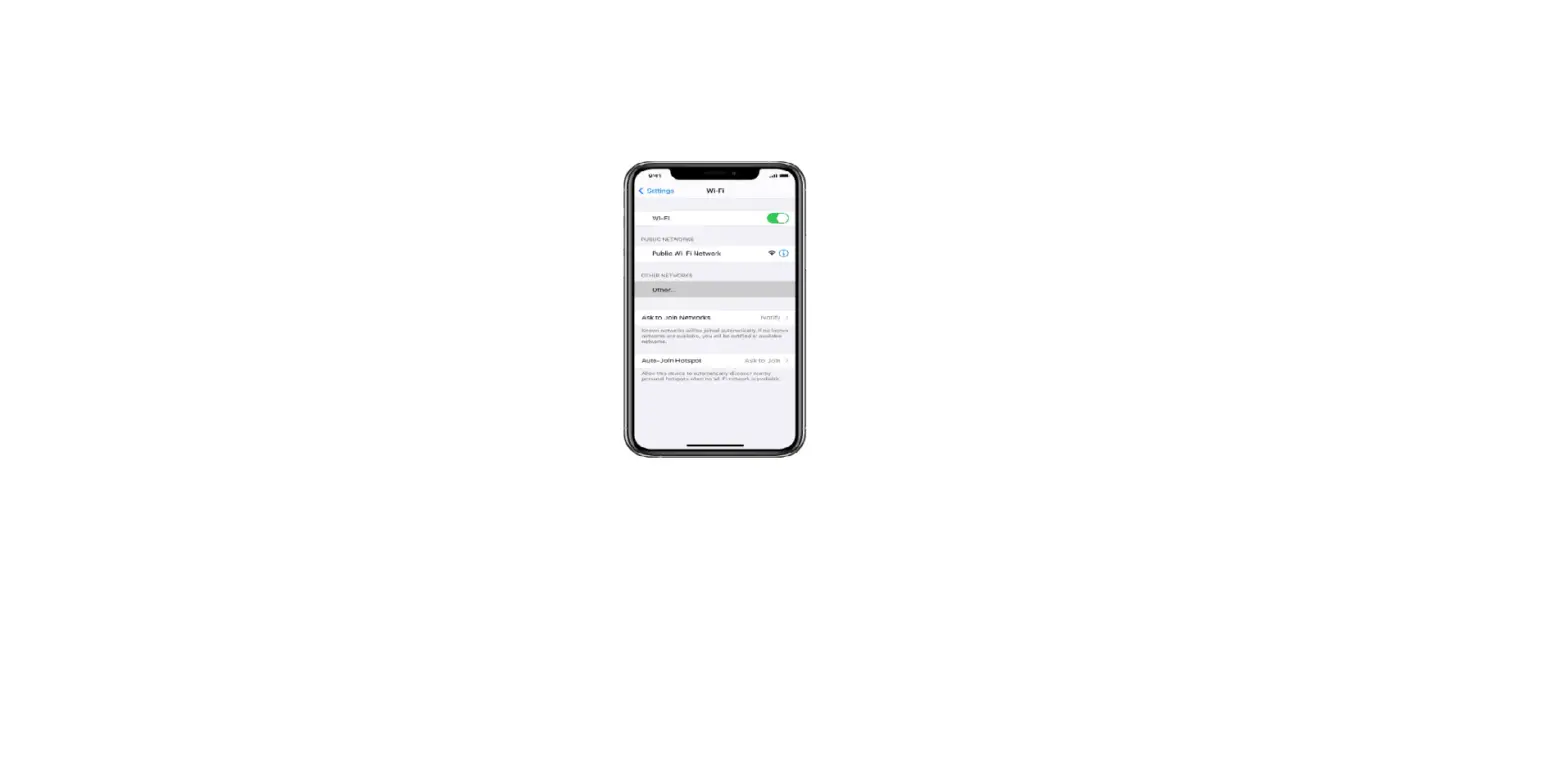
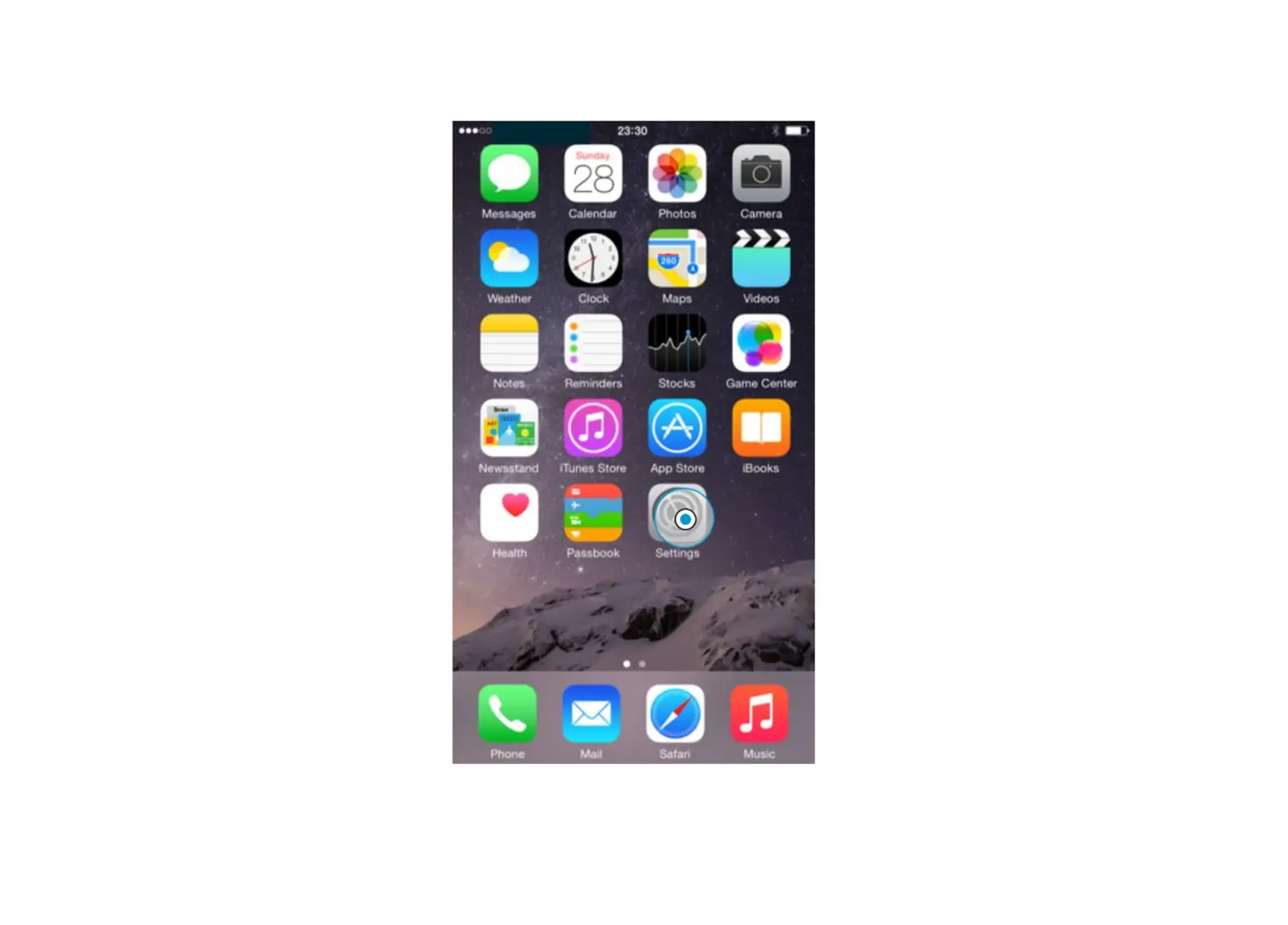
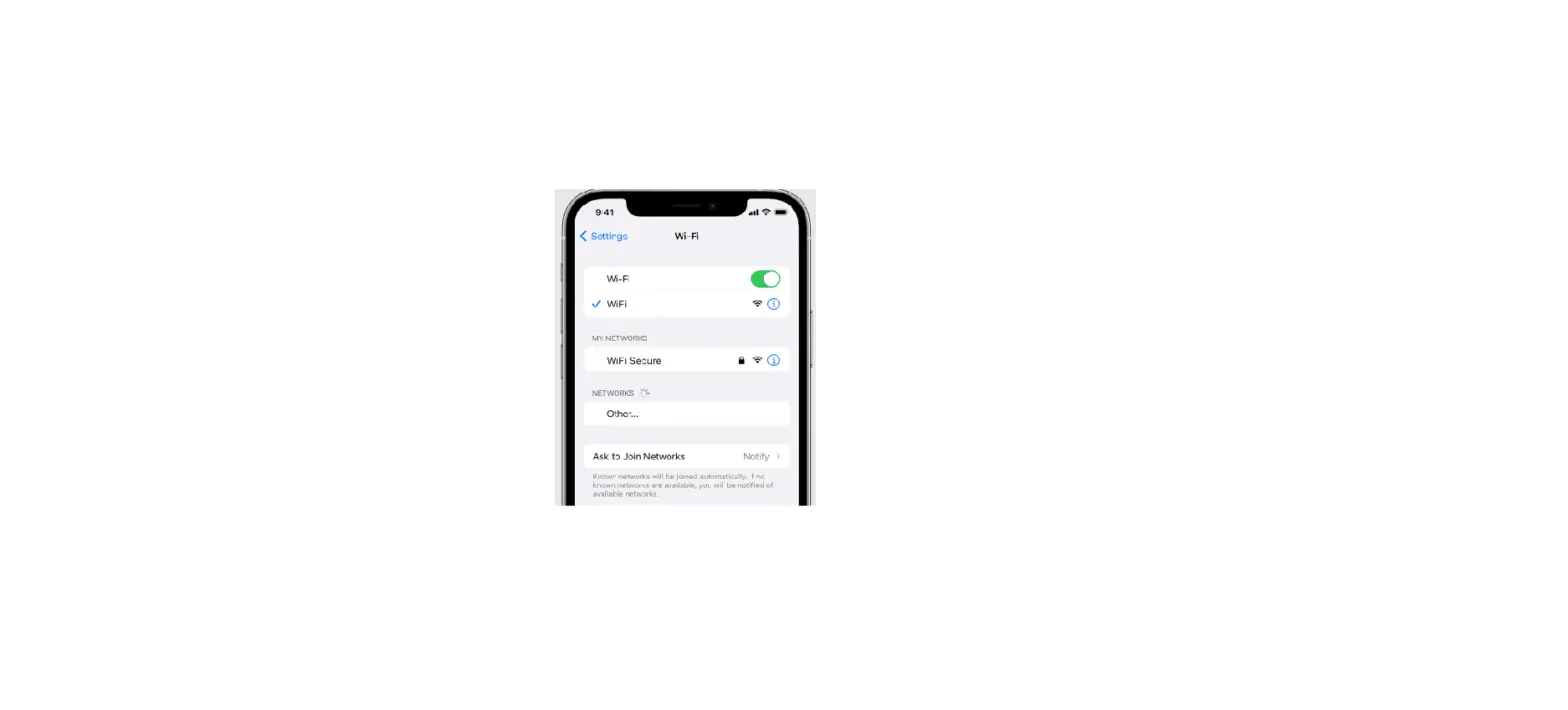
Go to Settings  > Wi-Fi, then choose the name of the device sharing the Personal Hotspot.
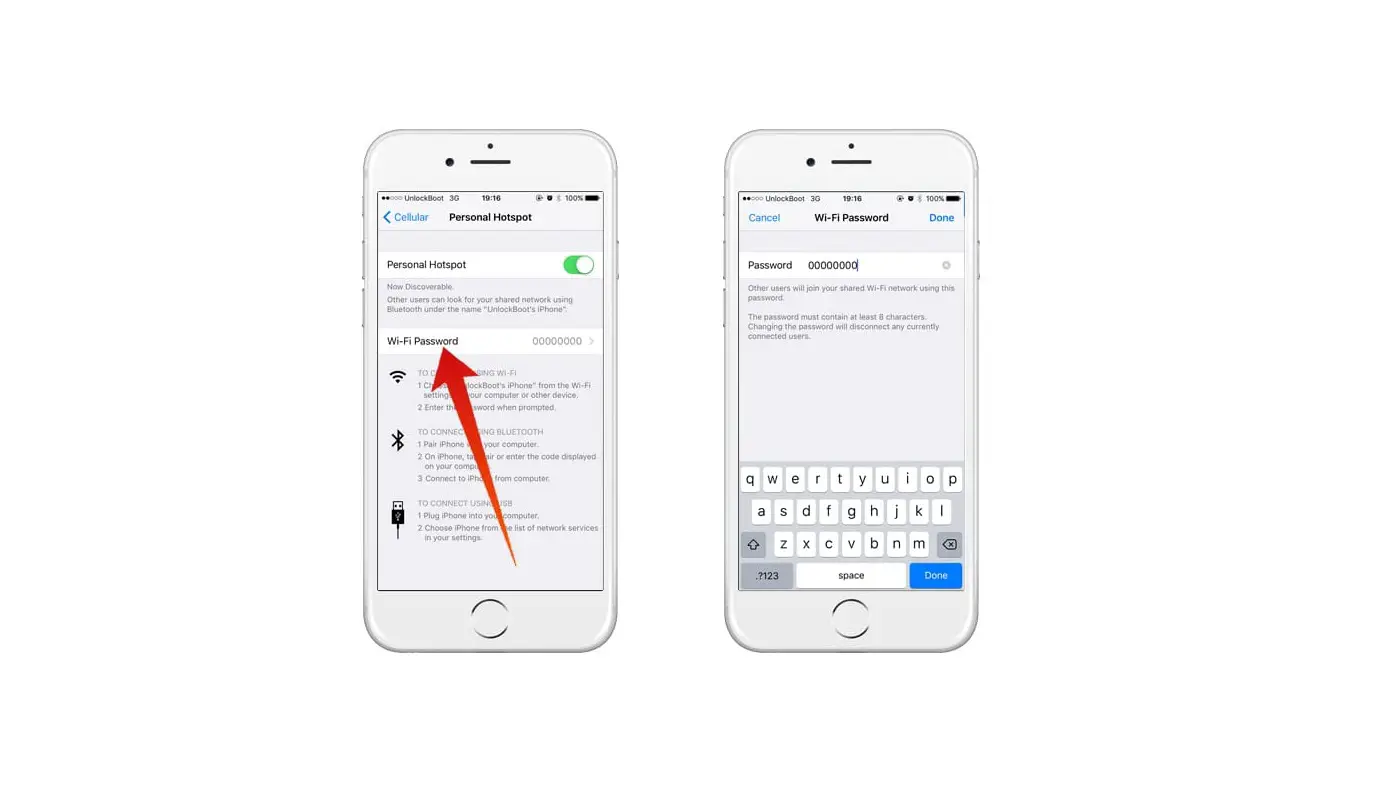
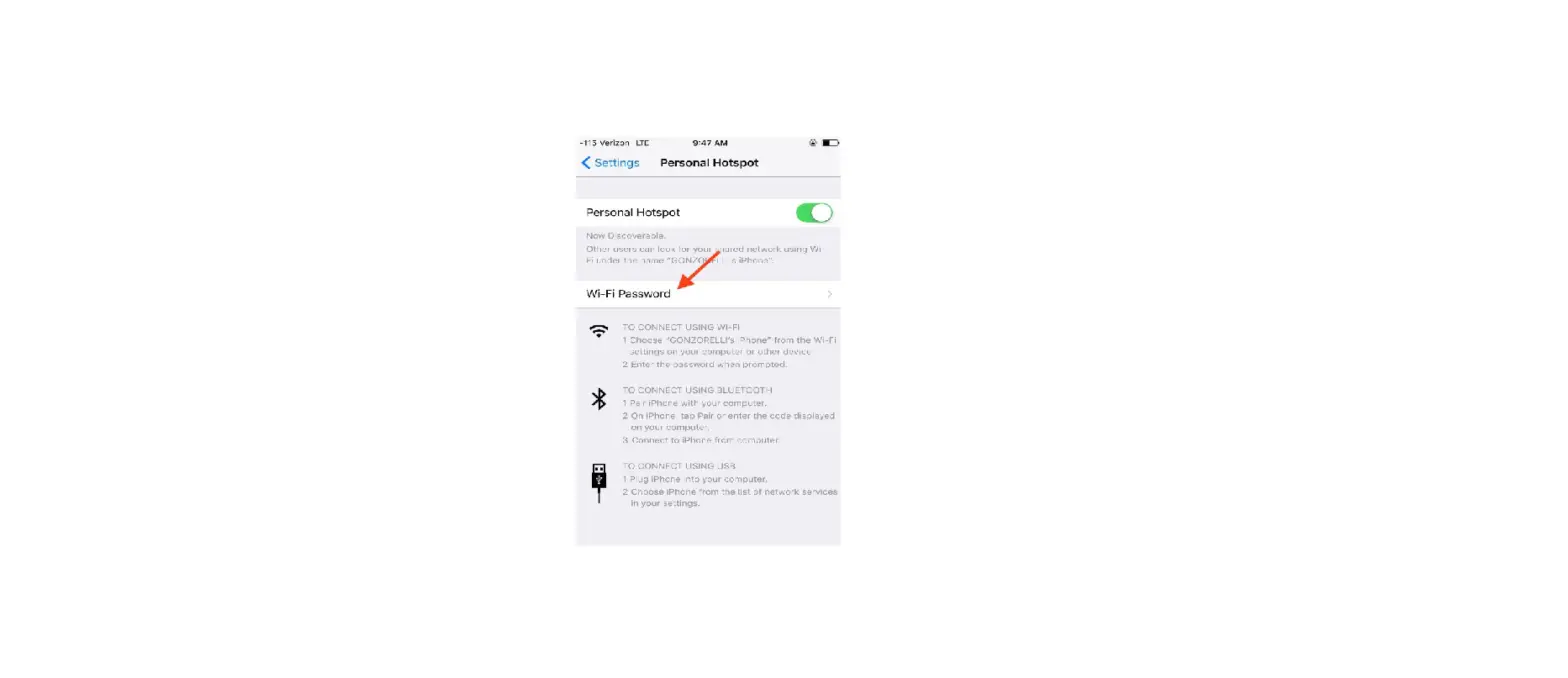
If asked for a password on your iPhone, enter the password shown in Settings > Cellular > Personal Hotspot on the device sharing the Personal Hotspot.